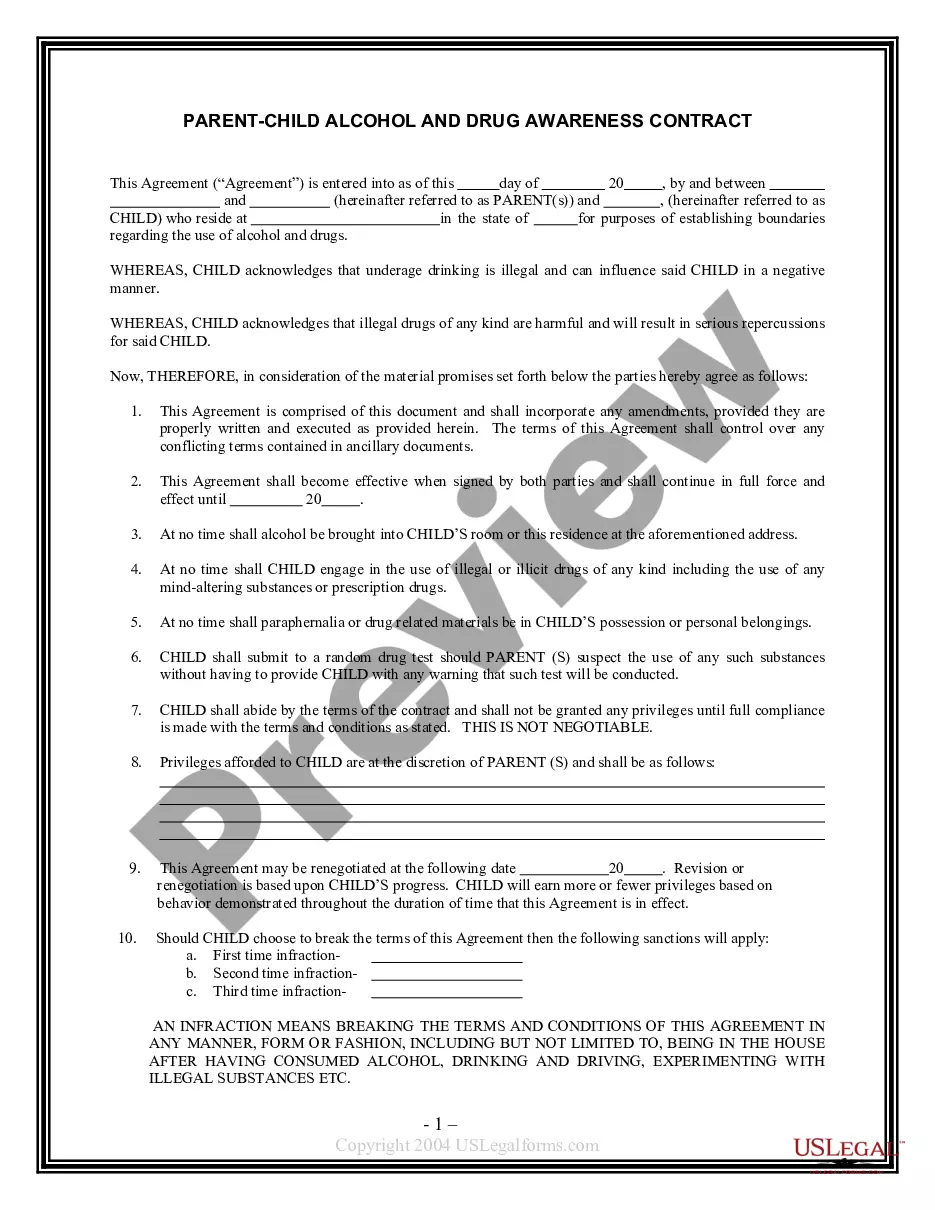
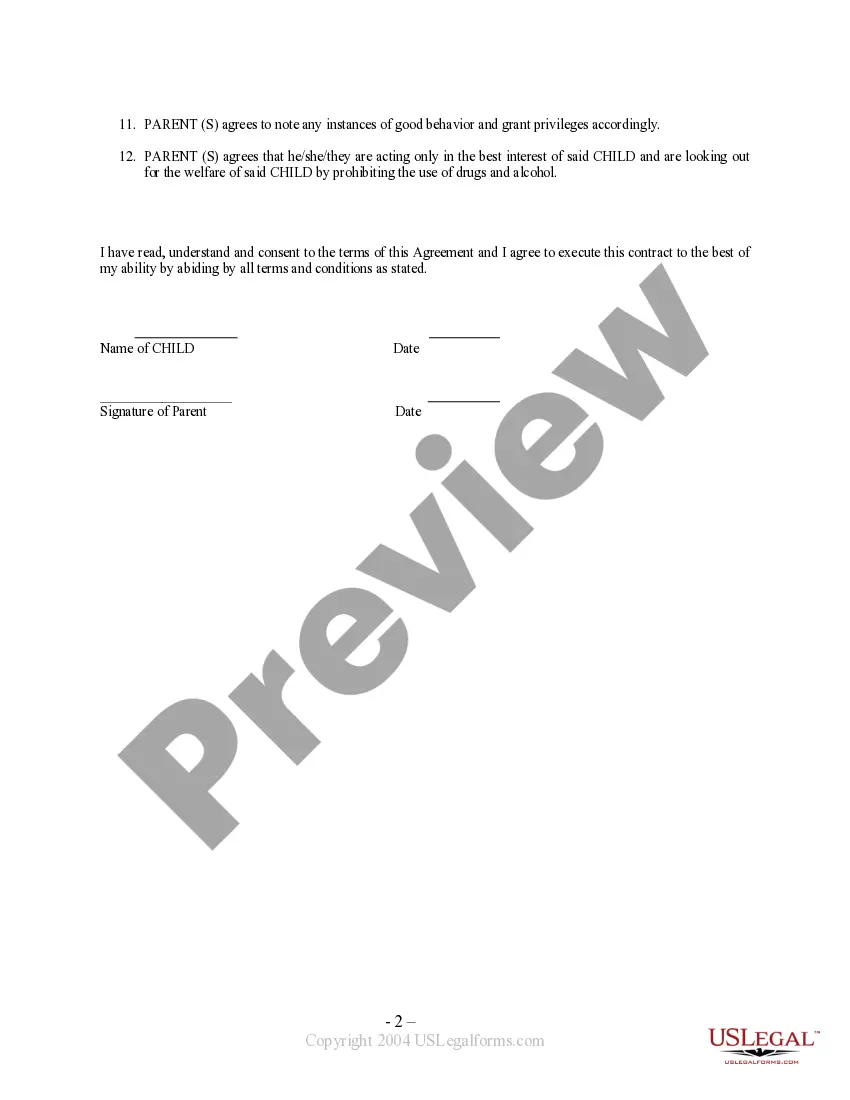
This is a contract between parent(s) and child regarding the use of drugs and alcohol and the repercussions for failing to abide by the terms as indicated. Child is also afforded certain privileges for good behavior as agreed upon by the parents.
Contra Costa California Parent - Child Contract For Alcohol And Drug Awareness
State:
Multi-State
Category:
County:
Contra Costa
Control #:
US-PC02
Format:
Word;
Rich Text
110 downloads
Description
Free preview
Get your form ready online
Our built-in tools help you complete, sign, share, and store your documents in one place.
Built-in online Word editor
Make edits, fill in missing information, and update formatting in US Legal Forms—just like you would in MS Word.
Export easily
Download a copy, print it, send it by email, or mail it via USPS—whatever works best for your next step.
E-sign your document
Sign and collect signatures with our SignNow integration. Send to multiple recipients, set reminders, and more. Go Premium to unlock E-Sign.
Notarize online 24/7
If this form requires notarization, complete it online through a secure video call—no need to meet a notary in person or wait for an appointment.
Store your document securely
We protect your documents and personal data by following strict security and privacy standards.

Make edits, fill in missing information, and update formatting in US Legal Forms—just like you would in MS Word.

Download a copy, print it, send it by email, or mail it via USPS—whatever works best for your next step.

Sign and collect signatures with our SignNow integration. Send to multiple recipients, set reminders, and more. Go Premium to unlock E-Sign.

If this form requires notarization, complete it online through a secure video call—no need to meet a notary in person or wait for an appointment.

We protect your documents and personal data by following strict security and privacy standards.
Looking for another form?
How to fill out Parent - Child Contract For Alcohol And Drug Awareness?
Drafting legal paperwork can be taxing. Furthermore, should you choose to consult a lawyer to create a business contract, documents for ownership transfer, a pre-nuptial agreement, separation paperwork, or the Contra Costa Parent - Child Agreement For Alcohol And Drug Awareness, it could result in significant costs.
So, what is the most effective way to conserve both time and money while creating legitimate documents that fully adhere to your state and local regulations? US Legal Forms is an outstanding choice, whether you're seeking templates for personal or professional use.
Do not be concerned if the document does not meet your needs - search for the appropriate one in the header.
- US Legal Forms boasts the largest online collection of state-specific legal forms, offering users access to current and professionally verified documents for any situation, all conveniently gathered in one location.
- Therefore, if you're in search of the latest version of the Contra Costa Parent - Child Contract For Alcohol And Drug Awareness, you can swiftly locate it on our site.
- Acquiring the documents requires minimal time.
- Users with an existing account should ensure their subscription is active, Log In, and select the template using the Download button.
- If you haven't subscribed yet, here’s how you can access the Contra Costa Parent - Child Contract For Alcohol And Drug Awareness.
- Browse through the page to confirm there's a template for your region.
- Review the form description and utilize the Preview option, if it's available, to confirm it's the template you require.