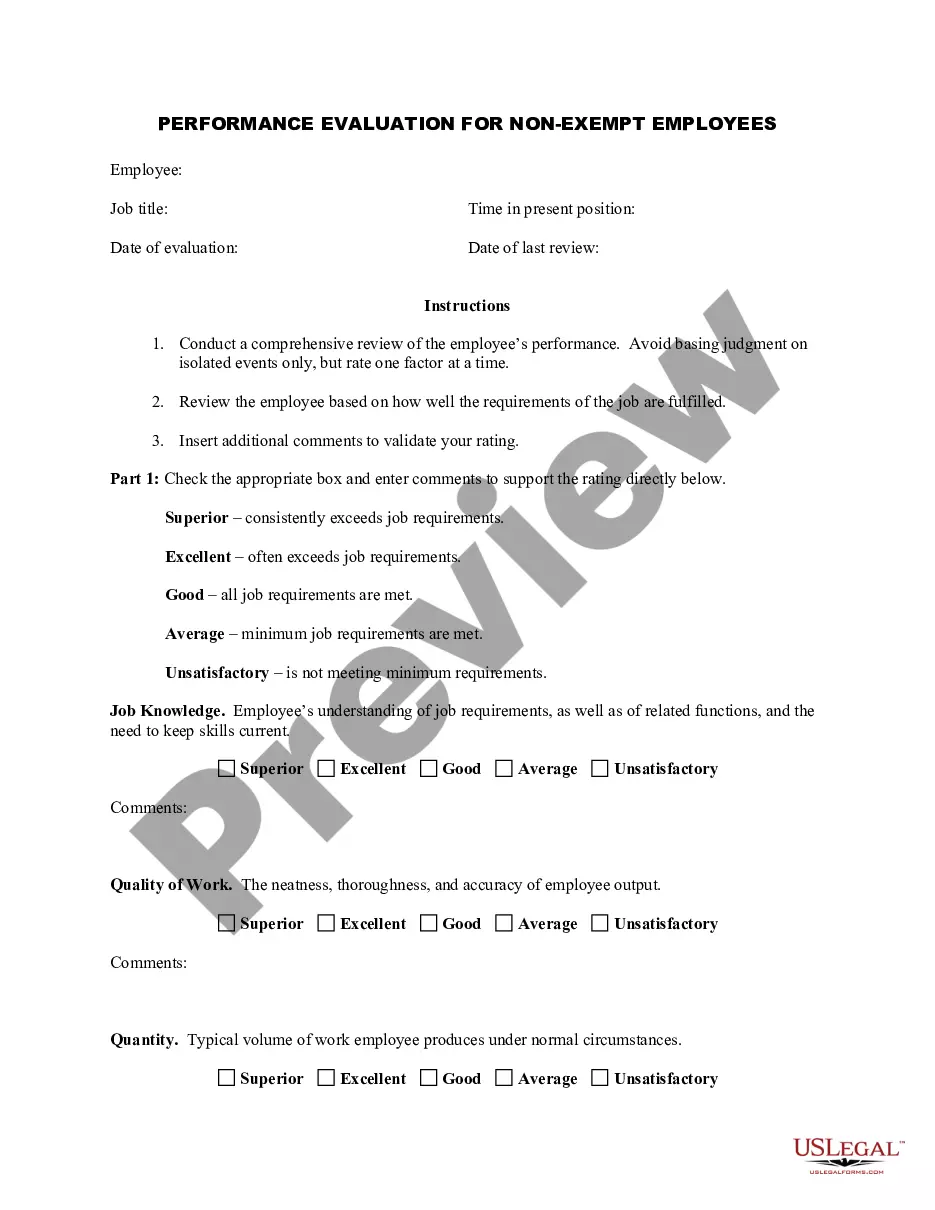
Queens New York Employee Evaluation Form for SEO Expert
Description
Get your form ready online
Our built-in tools help you complete, sign, share, and store your documents in one place.
Make edits, fill in missing information, and update formatting in US Legal Forms—just like you would in MS Word.
Download a copy, print it, send it by email, or mail it via USPS—whatever works best for your next step.
Sign and collect signatures with our SignNow integration. Send to multiple recipients, set reminders, and more. Go Premium to unlock E-Sign.
If this form requires notarization, complete it online through a secure video call—no need to meet a notary in person or wait for an appointment.
We protect your documents and personal data by following strict security and privacy standards.

Make edits, fill in missing information, and update formatting in US Legal Forms—just like you would in MS Word.

Download a copy, print it, send it by email, or mail it via USPS—whatever works best for your next step.

Sign and collect signatures with our SignNow integration. Send to multiple recipients, set reminders, and more. Go Premium to unlock E-Sign.

If this form requires notarization, complete it online through a secure video call—no need to meet a notary in person or wait for an appointment.

We protect your documents and personal data by following strict security and privacy standards.
Looking for another form?


How to fill out Employee Evaluation Form For SEO Expert?
How long does it generally require for you to draft a legal document.
Considering that each state has its own laws and regulations for various aspects of life, locating a Queens Employee Evaluation Form for SEO Expert that meets all local requirements can be daunting, and obtaining it from a qualified attorney is frequently expensive.
Many online platforms provide the most common state-specific documents for download, but utilizing the US Legal Forms repository is the most advantageous.
Select the subscription plan that fits you best. Create an account on the site or Log In to continue to payment methods. Make a payment through PayPal or with your credit card. Change the file format if necessary. Click Download to save the Queens Employee Evaluation Form for SEO Expert. Print the document or use any preferred online editor to fill it out digitally. Regardless of how many times you need to utilize the purchased document, you can access all the files you’ve ever saved in your account by opening the My documents tab. Give it a try!
- US Legal Forms is the largest online directory of templates, organized by states and areas of application.
- In addition to the Queens Employee Evaluation Form for SEO Expert, you can find any specialized form to manage your business or personal matters, in accordance with your local regulations.
- Professionals review all samples for their relevance, so you can be assured of preparing your paperwork correctly.
- Using the service is quite simple.
- If you already have an account on the site and your subscription is active, you only need to Log In, select the required form, and download it.
- You can keep the document in your account at any time in the future.
- If you are new to the site, there will be a few additional steps to take before you get your Queens Employee Evaluation Form for SEO Expert.
- Review the content of the page you’re currently on.
- Read the description of the template or Preview it (if available).
- Search for another form using the related option in the header.
- Click Buy Now once you are confident in the chosen document.
Form popularity
FAQ
Writing Your Year-End Review Begin with a strong, positive opening statement.List the details of what you have accomplished.Answer the unstated question "So what?" for each of your achievements.If you have not met a goal but must write about it, include it in the middle rather than at the end of your list of goals.
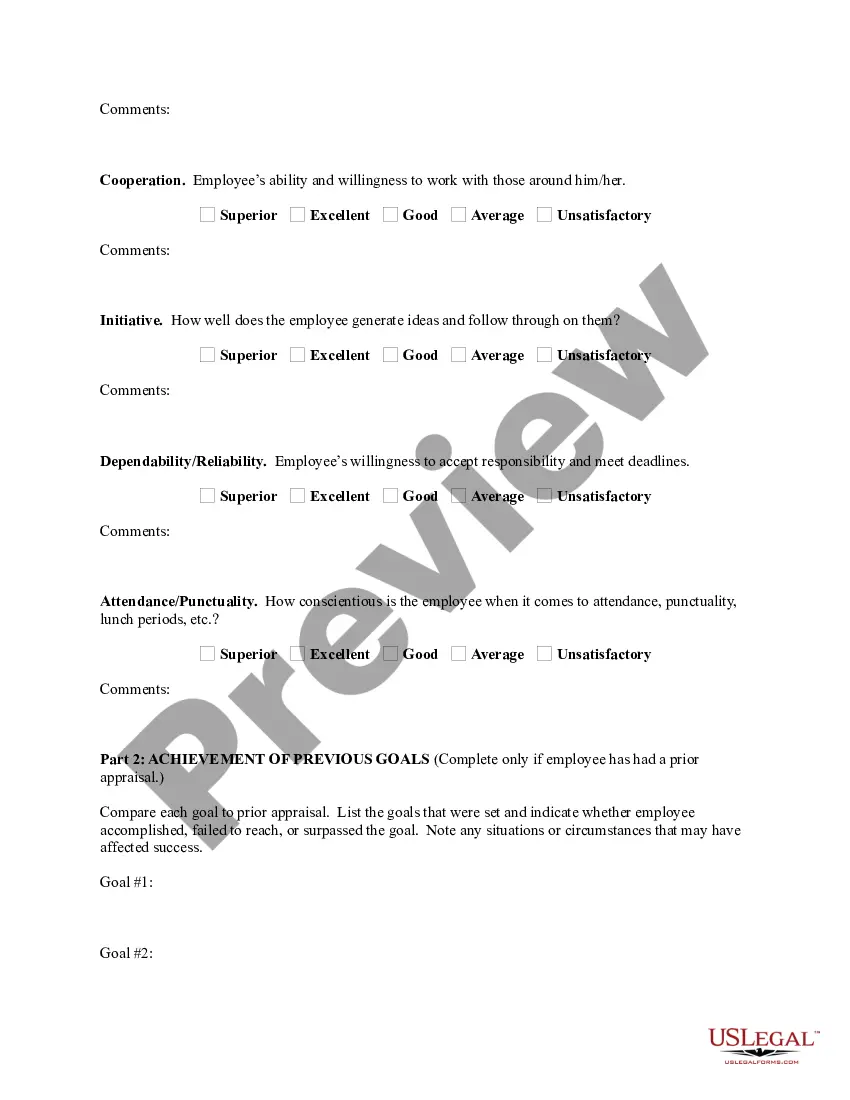
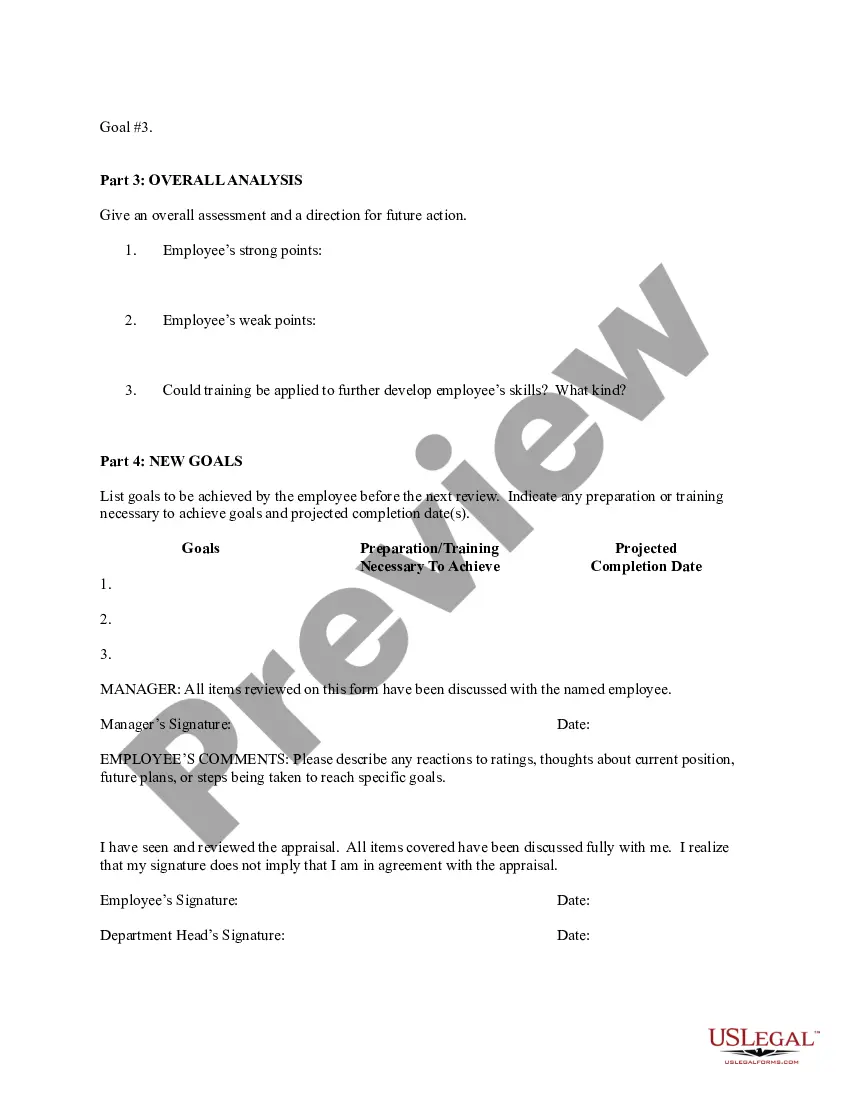
Employee Evaluation Form Template includes fields for employee information (employee name, job title/department, reviewer name/title, review period, today's date), ratings by customizable skill area with comments (work quality, productivity, communication, collaboration, initiative, punctuality), an auto-calculated
How to write an employee evaluation Gather employee information. Gather required information related to the employee to get the full picture of their value to the company.List employee responsibilities.Use objective language.Use action verbs.Compare performance ratings.Ask open-ended questions.Use a point system.
How to write an effective performance evaluation comment Review past and present performance. If you only do formal reviews once a year, it's easy to provide feedback only for things that are fresh in your mind.Be honest and clear.Provide concrete examples.Choose your words carefully.End on a positive note.
Here are a few examples: I always go out of my way to help co-workers. I make sure everyone on my team feels comfortable when exchanging ideas. I look for ways to keep my team on track and make sure important milestones are met. I brainstorm ways to motivate others and freely give praise when performance goals are met.
How to give useful performance feedback Keep up-to-date information about each employee's position.Make regular notes of employee performance.Solicit information from other managers.Get to the point.Note opportunities for improvement.Use clear, actionable language.Solicit a dialogue.Ask the right questions.
How to write an employee evaluation Review the employee's job description. Get a current copy of each person's job description and review the requirements.Highlight areas of improvement.Compare strengths and weaknesses.Recommend actionable goals.Provide constructive feedback.Welcome employee input.
When you fill the form: Be honest and critical. Analyze your failures and mention the reasons for it.Keep the words minimal.Identify weaknesses.Mention your achievements.Link achievements to the job description and the organization's goals.Set the goals for the next review period.Resolve conflicts and grievances.
What Should Be Included In An Employee Evaluation Form? Name of the employee. Employee ID. Employee position or designation. Name of reviewer. Review date. Reviewer title. A proper, clear rating system. A separate section for written comments.
A. You are spoken highly of by your peers because of your ability to build good relationships. b. "Your communication skills are great, and you can make others understand your point clearly."