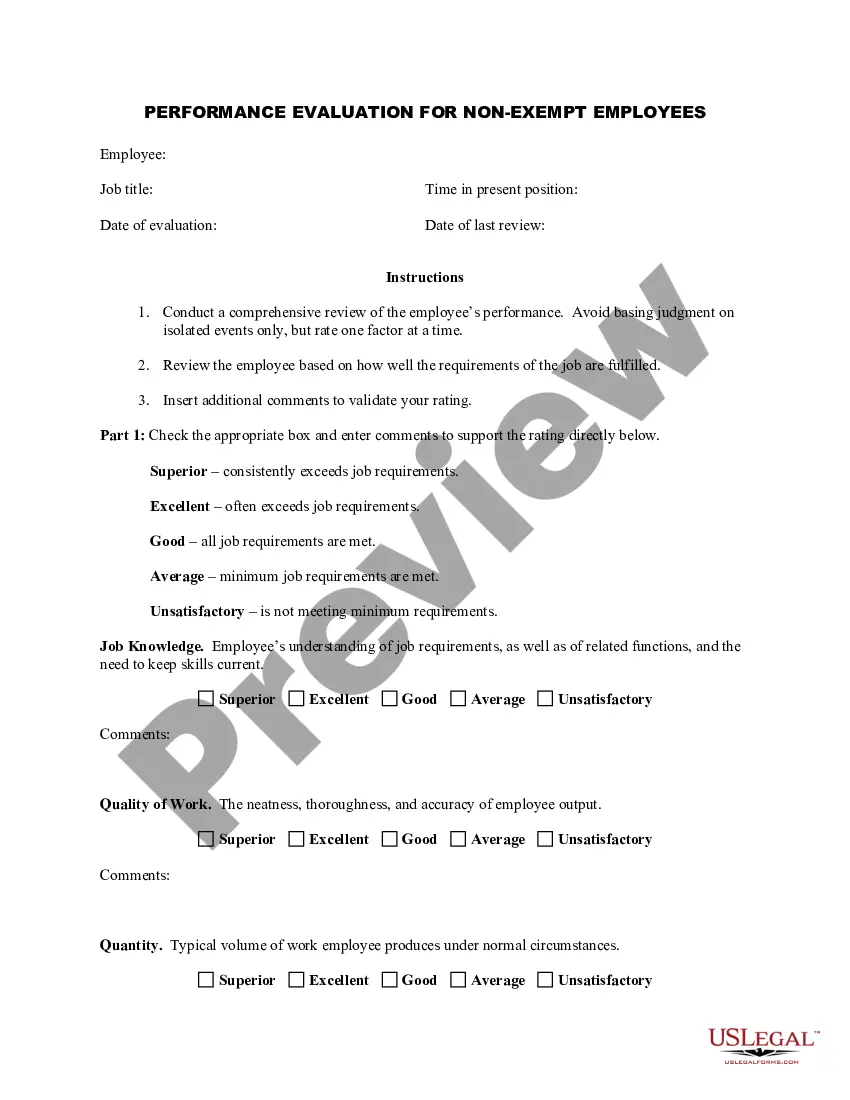
Palm Beach Florida Employee Evaluation Form for Dentist
Description
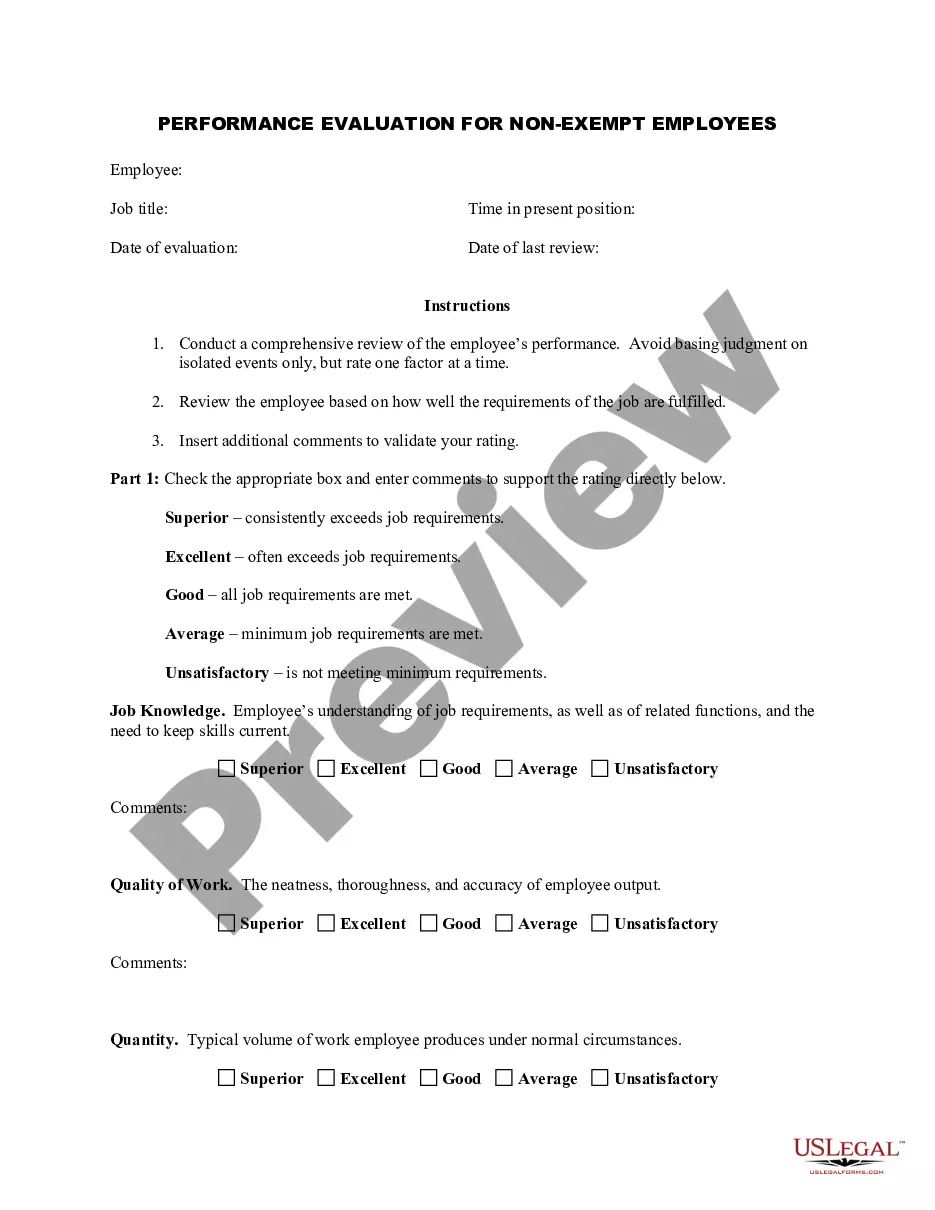
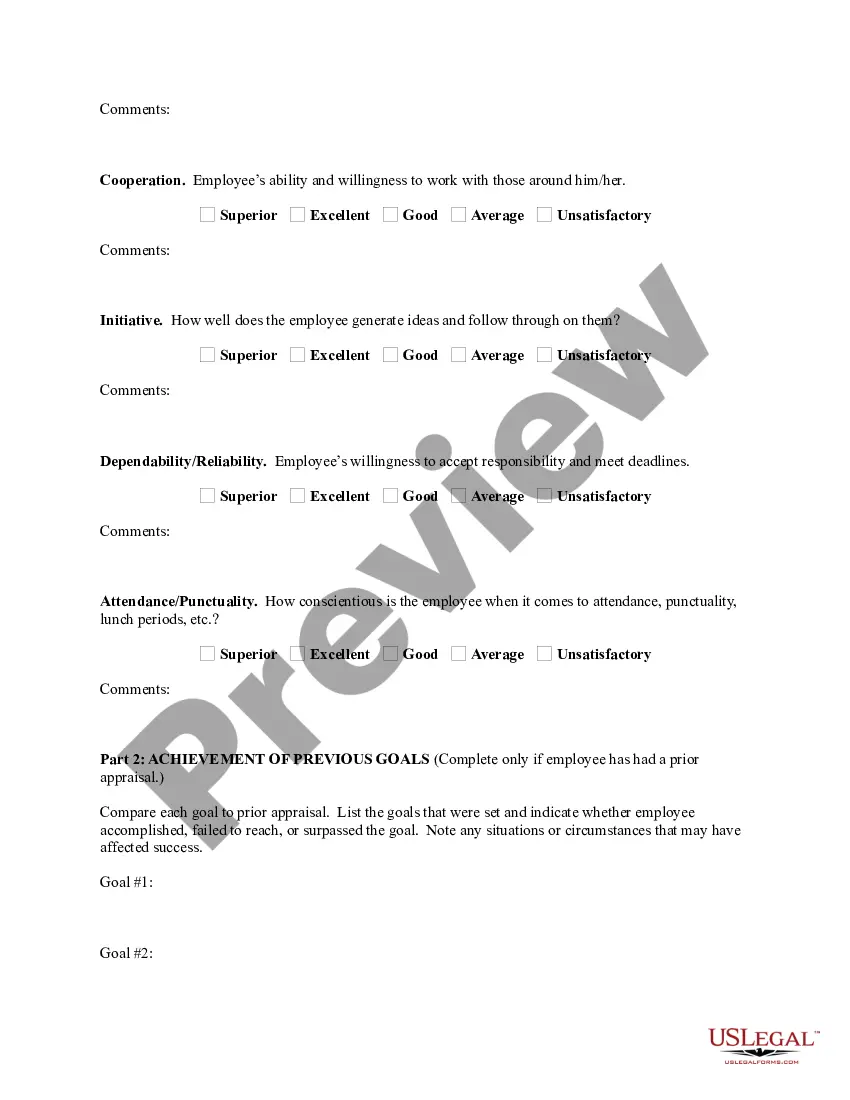
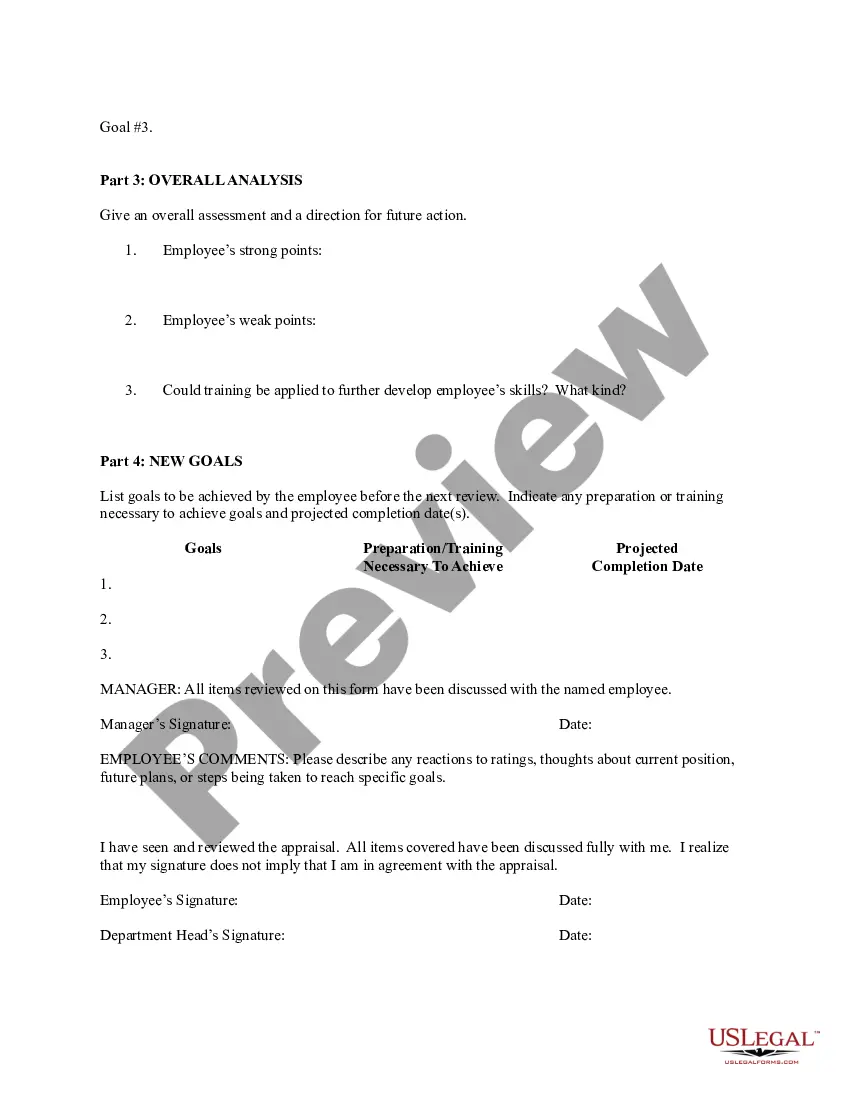
Get your form ready online
Our built-in tools help you complete, sign, share, and store your documents in one place.
Make edits, fill in missing information, and update formatting in US Legal Forms—just like you would in MS Word.
Download a copy, print it, send it by email, or mail it via USPS—whatever works best for your next step.
Sign and collect signatures with our SignNow integration. Send to multiple recipients, set reminders, and more. Go Premium to unlock E-Sign.
If this form requires notarization, complete it online through a secure video call—no need to meet a notary in person or wait for an appointment.
We protect your documents and personal data by following strict security and privacy standards.

Make edits, fill in missing information, and update formatting in US Legal Forms—just like you would in MS Word.

Download a copy, print it, send it by email, or mail it via USPS—whatever works best for your next step.

Sign and collect signatures with our SignNow integration. Send to multiple recipients, set reminders, and more. Go Premium to unlock E-Sign.

If this form requires notarization, complete it online through a secure video call—no need to meet a notary in person or wait for an appointment.

We protect your documents and personal data by following strict security and privacy standards.
Looking for another form?

How to fill out Employee Evaluation Form For Dentist?
Drafting legal documents can be challenging.
Furthermore, if you opt to hire an attorney to prepare a business agreement, forms for ownership transfer, prenuptial agreement, divorce documentation, or the Palm Beach Employee Evaluation Form for Dentist, it could cost you a significant amount.
Browse the webpage and confirm there's a sample available for your area. Review the form description and utilize the Preview option, if accessible, to ensure it’s the document you need. If the form doesn’t meet your standards, search for the appropriate one in the header. Click Buy Now when you discover the desired sample and select the most fitting subscription. Log In or register for an account to process your payment. Complete the transaction using a credit card or PayPal. Select the file format for your Palm Beach Employee Evaluation Form for Dentist and download it. Once done, you can print it and fill it out on paper or upload the template to an online editor for quicker and more convenient completion. US Legal Forms permits you to utilize all documents you’ve purchased numerous times - find your templates in the My documents tab in your account. Give it a go now!
- What is the most practical approach to conserve time and finances while generating legitimate forms fully compliant with your state and local regulations.
- US Legal Forms is a superb answer, whether you're looking for templates for personal or commercial purposes.
- US Legal Forms boasts the largest online repository of state-specific legal documents, offering users the most current and professionally verified forms for any application all consolidated in one location.
- Therefore, if you need the latest version of the Palm Beach Employee Evaluation Form for Dentist, you can effortlessly find it on our platform.
- Acquiring the documents requires minimal time.
- Users who already possess an account should verify the validity of their subscription, Log In, and select the template by clicking the Download button.
- For those who haven't subscribed yet, here’s how to obtain the Palm Beach Employee Evaluation Form for Dentist.
Form popularity
FAQ
How to write overall performance review comments? Offer them a SWOT analysis of their performance:Review previous performance:List out areas that need improvement:Make sure you give constructive feedback:Be transparent:Choose the right words:Set SMART goals for them:Provide examples:
What Should Be Included In An Employee Evaluation Form? Name of the employee. Employee ID. Employee position or designation. Name of reviewer. Review date. Reviewer title. A proper, clear rating system. A separate section for written comments.
How to write an employee evaluation Review the employee's job description. Get a current copy of each person's job description and review the requirements.Highlight areas of improvement.Compare strengths and weaknesses.Recommend actionable goals.Provide constructive feedback.Welcome employee input.
Here are a few to consider: You deliver instructions and explain expectations with clarity and purpose. You listen well in meetings with colleagues. You frequently interrupt colleagues when they offer opinions or suggestions. You express your opinions clearly, carefully, and objectively.
How to write an employee evaluation Gather employee information. Gather required information related to the employee to get the full picture of their value to the company.List employee responsibilities.Use objective language.Use action verbs.Compare performance ratings.Ask open-ended questions.Use a point system.
How to write an effective performance evaluation comment Review past and present performance. If you only do formal reviews once a year, it's easy to provide feedback only for things that are fresh in your mind.Be honest and clear.Provide concrete examples.Choose your words carefully.End on a positive note.
Positive Performance Review Comments Examples Your coworkers speak highly of you and your willingness to share your knowledge and help, even when you've got tight deadlines to work to. You're appreciated around the office for brightening everyones' day and making people smile.
However, if you want to create your own form from scratch here are some things you must include: Confirm employee name and job title. Provide an explanation of what the self-appraisal is for and how the information will be used. Ask if the employee is clear about their tasks and what is expected of them.
A. You are spoken highly of by your peers because of your ability to build good relationships. b. "Your communication skills are great, and you can make others understand your point clearly."
When you fill the form: Be honest and critical. Analyze your failures and mention the reasons for it.Keep the words minimal.Identify weaknesses.Mention your achievements.Link achievements to the job description and the organization's goals.Set the goals for the next review period.Resolve conflicts and grievances.