Harris Texas Employee Evaluation Form for Dentist
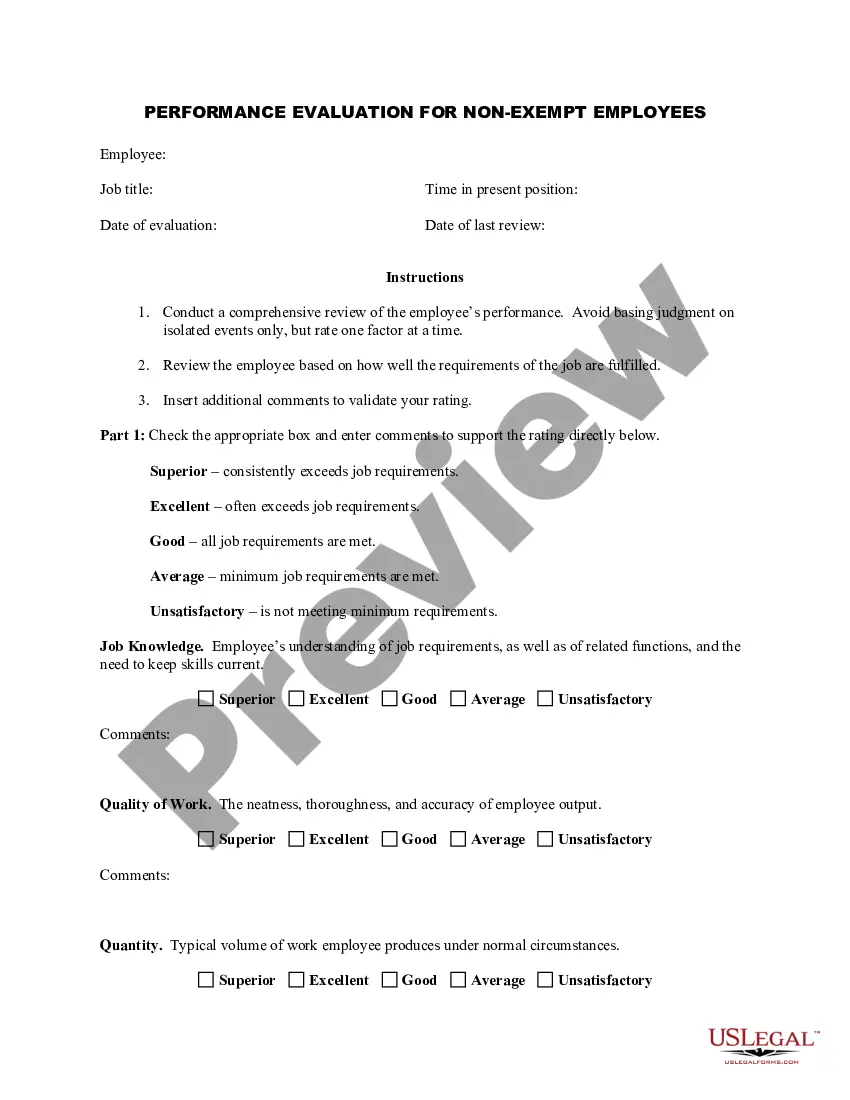
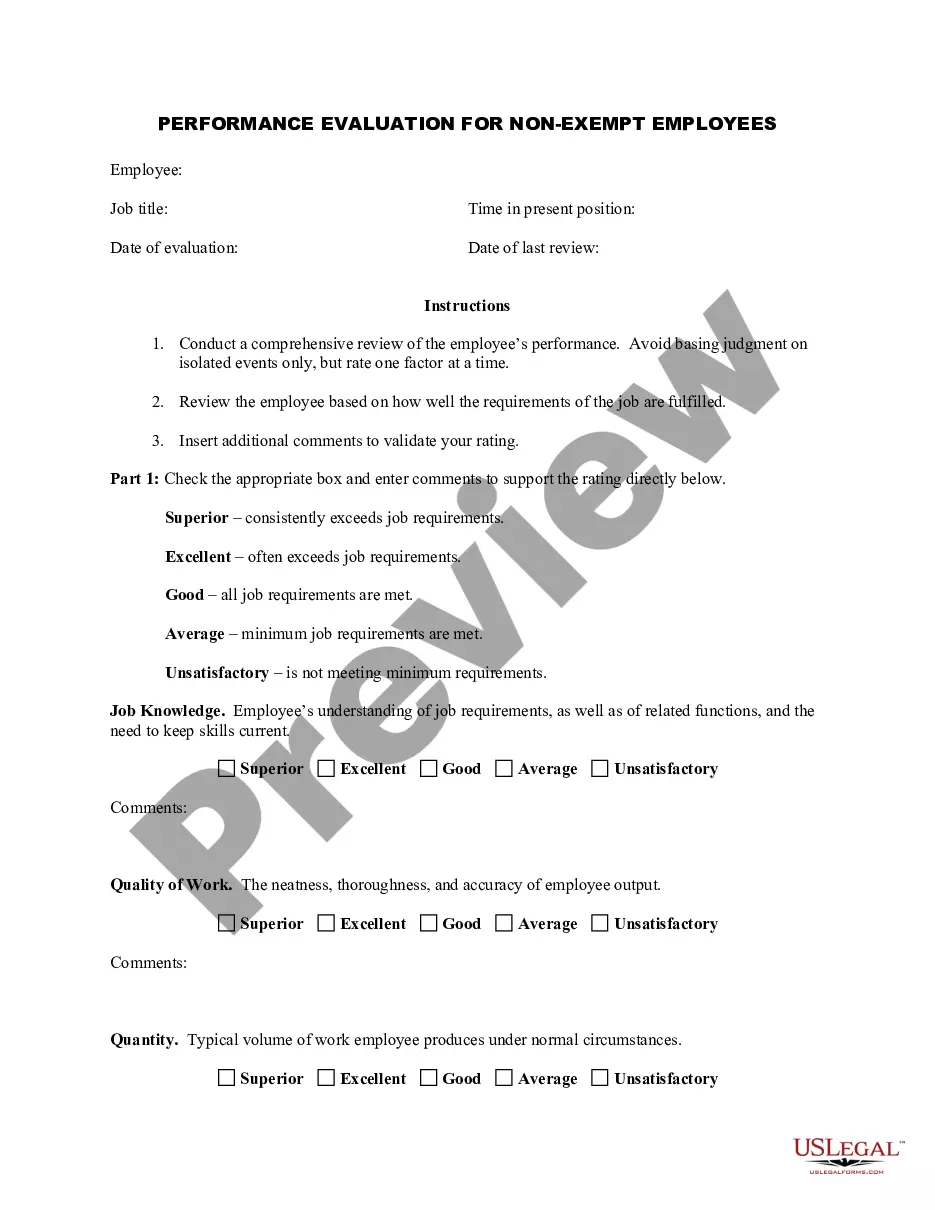
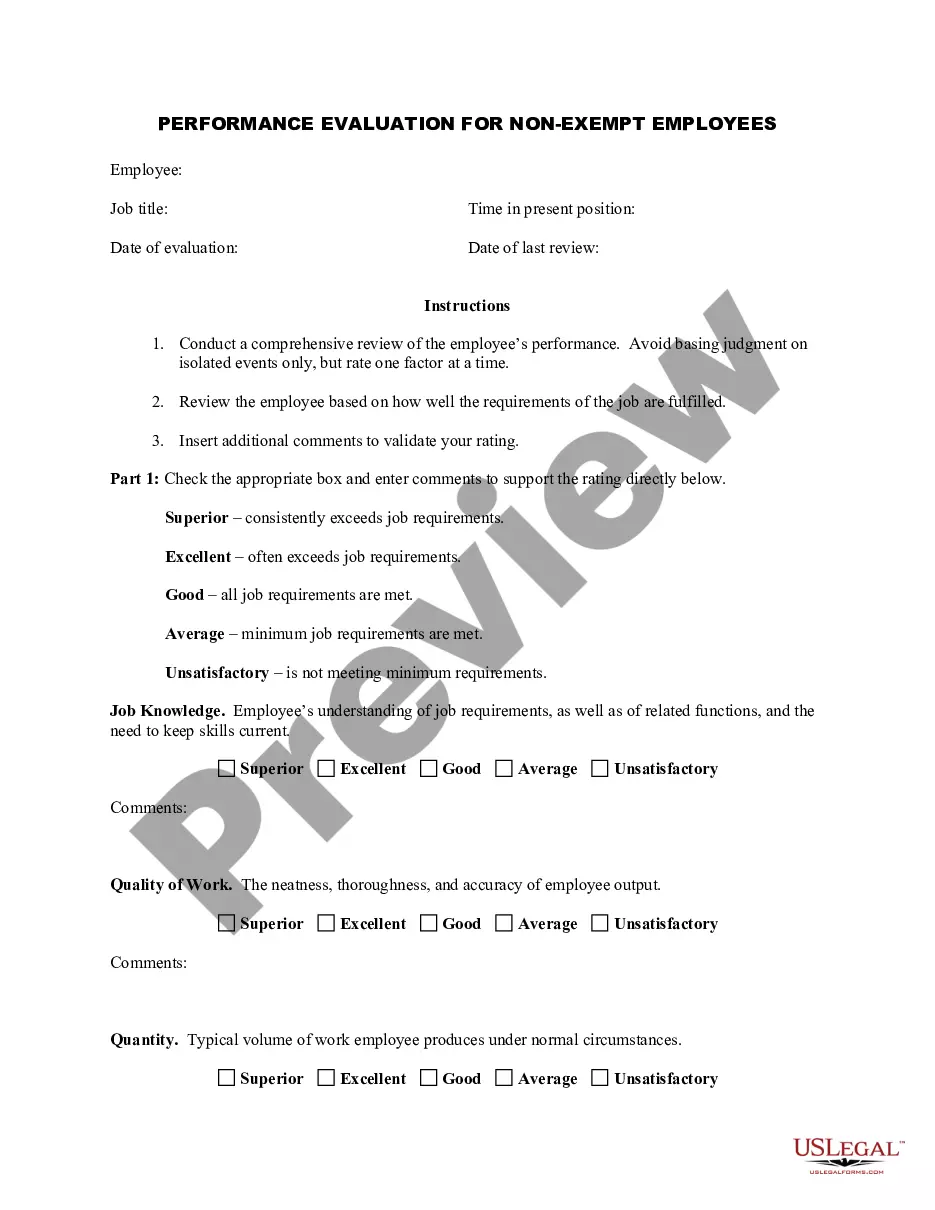
Description
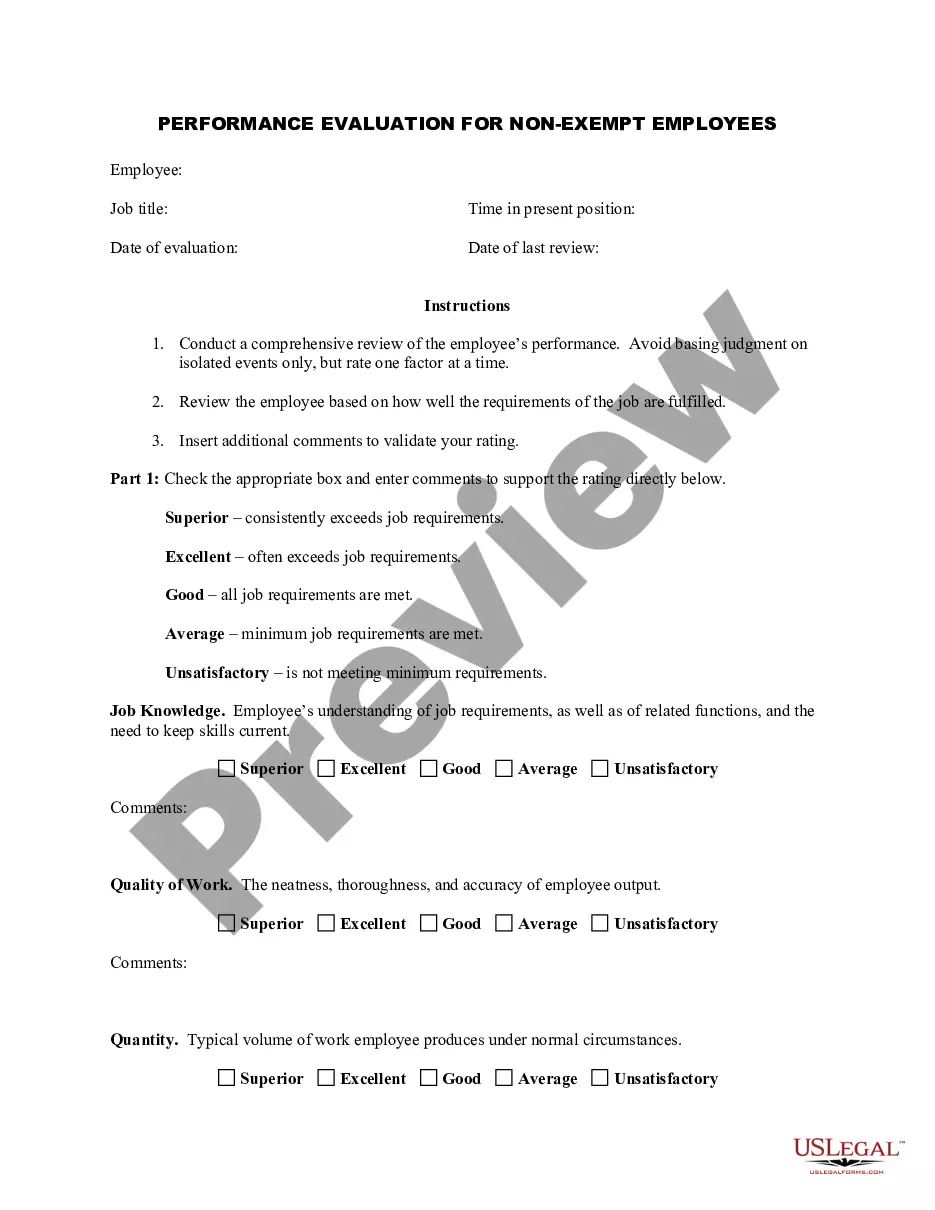
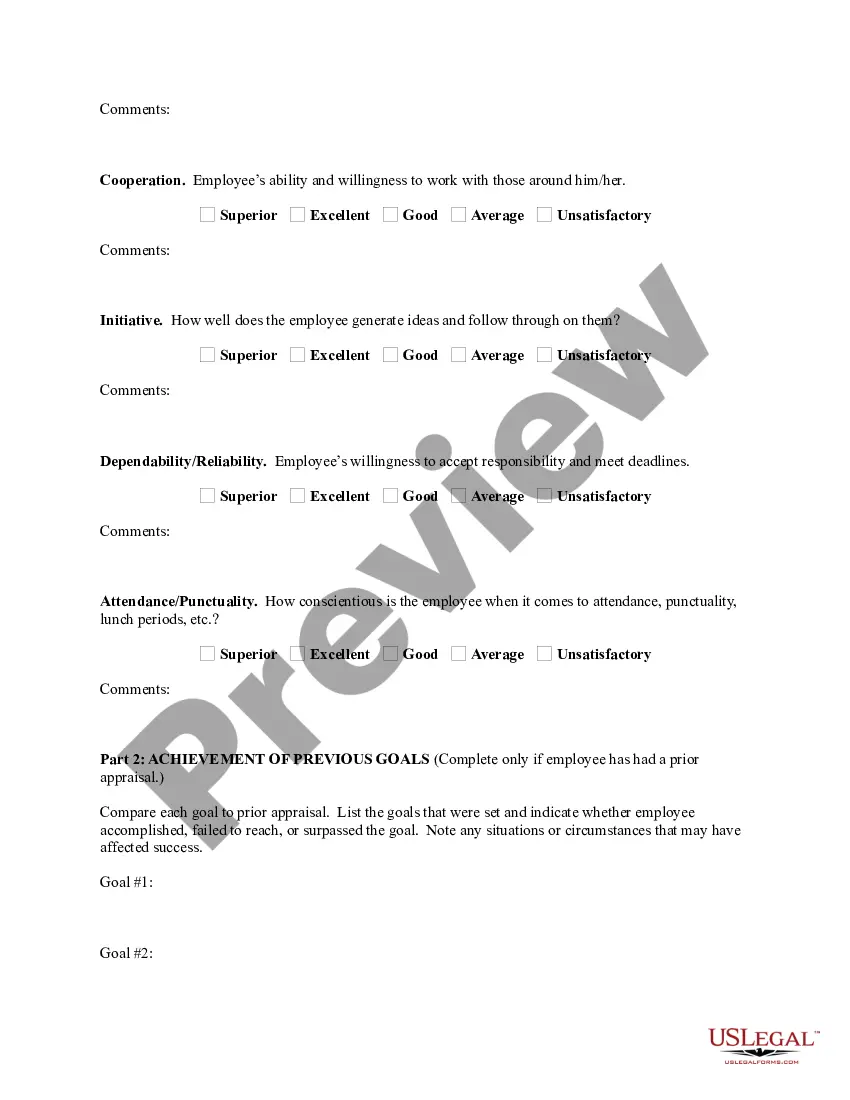
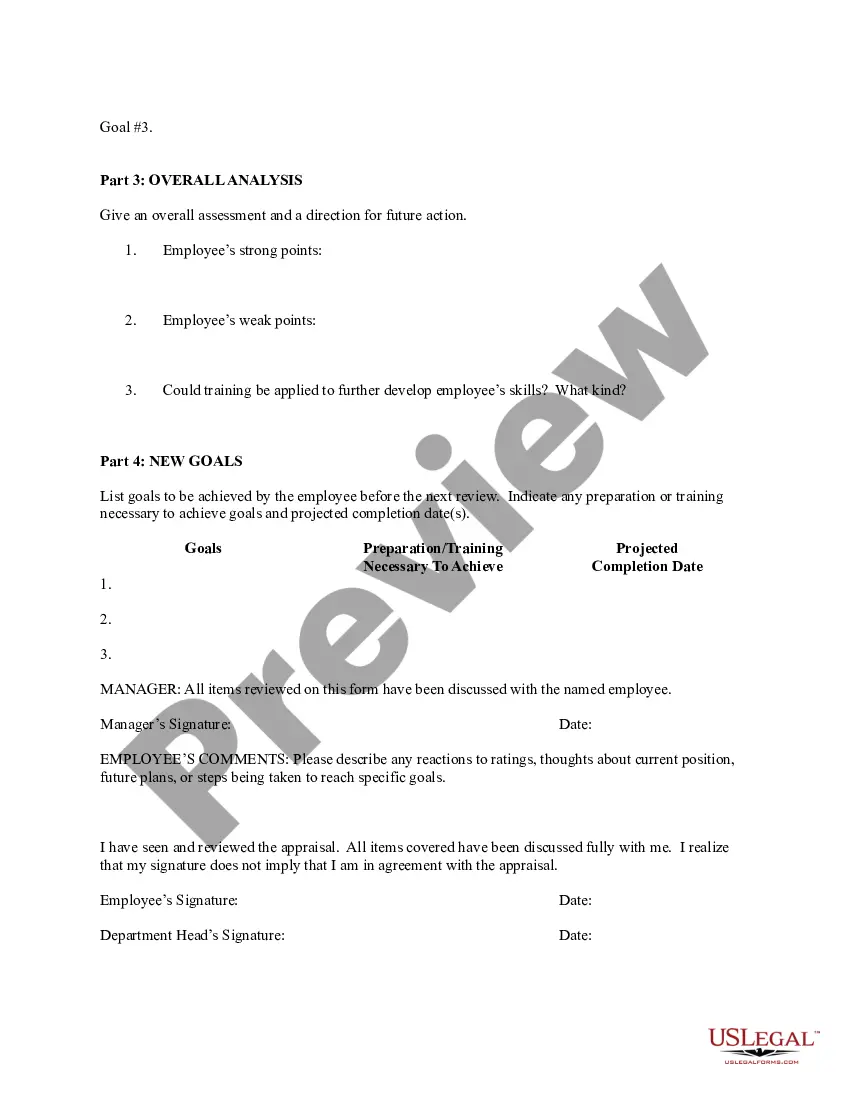
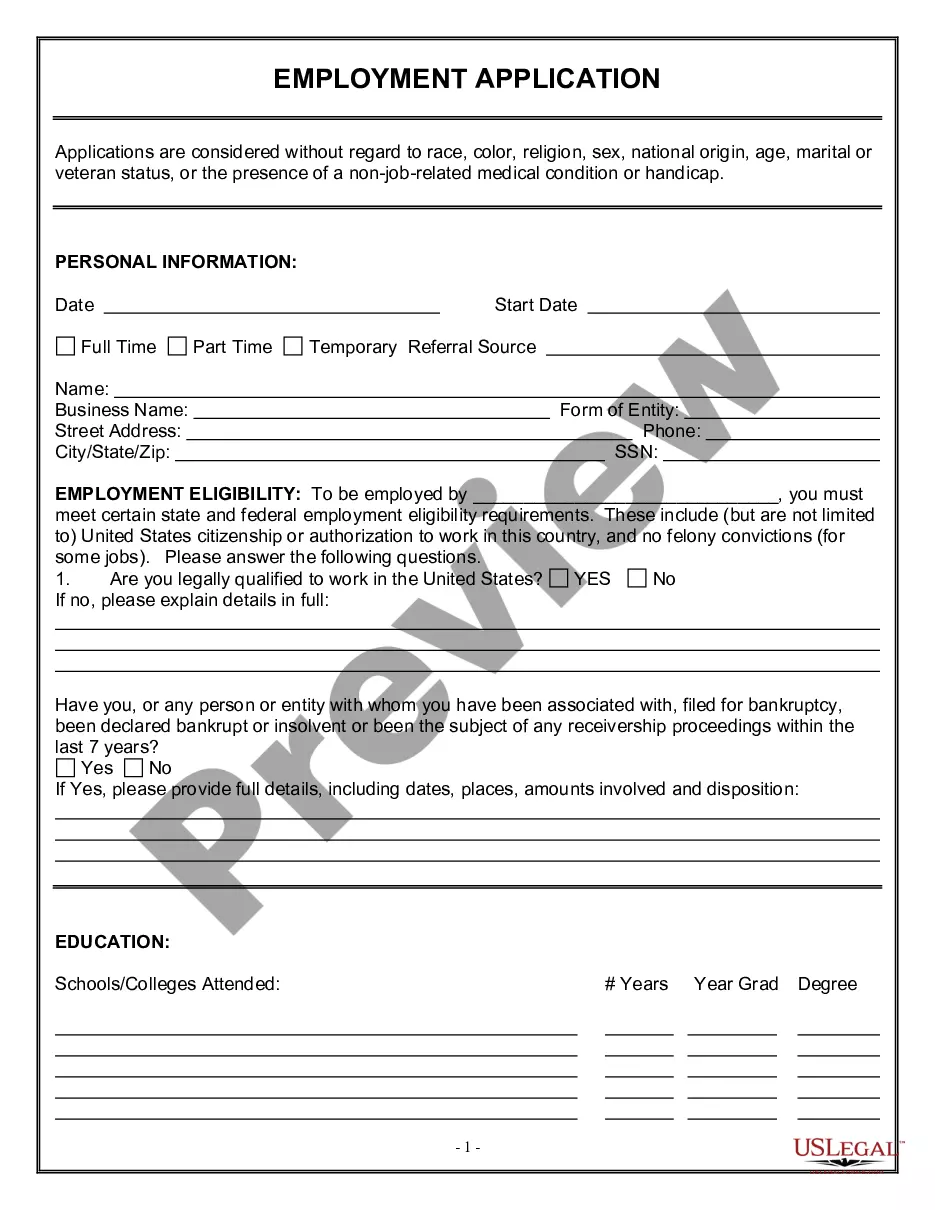
Get your form ready online
Our built-in tools help you complete, sign, share, and store your documents in one place.
Make edits, fill in missing information, and update formatting in US Legal Forms—just like you would in MS Word.
Download a copy, print it, send it by email, or mail it via USPS—whatever works best for your next step.
Sign and collect signatures with our SignNow integration. Send to multiple recipients, set reminders, and more. Go Premium to unlock E-Sign.
If this form requires notarization, complete it online through a secure video call—no need to meet a notary in person or wait for an appointment.
We protect your documents and personal data by following strict security and privacy standards.

Make edits, fill in missing information, and update formatting in US Legal Forms—just like you would in MS Word.

Download a copy, print it, send it by email, or mail it via USPS—whatever works best for your next step.

Sign and collect signatures with our SignNow integration. Send to multiple recipients, set reminders, and more. Go Premium to unlock E-Sign.

If this form requires notarization, complete it online through a secure video call—no need to meet a notary in person or wait for an appointment.

We protect your documents and personal data by following strict security and privacy standards.
Looking for another form?
How to fill out Employee Evaluation Form For Dentist?
Laws and statutes in every field differ across the nation.
If you're not a lawyer, it's simple to become confused by a multitude of standards when drafting legal documents.
To prevent costly legal fees when completing the Harris Employee Evaluation Form for Dentist, you require a validated template appropriate for your area.
Complete and sign the document by hand after printing it, or do everything electronically. This is the simplest and most cost-effective method to obtain current templates for any legal situations. Discover them with a few clicks and organize your paperwork with US Legal Forms!
- Review the page content to ensure you've located the correct sample.
- Use the Preview feature or view the form description if it exists.
- Search for an alternative document if there are discrepancies with your criteria.
- Press the Buy Now button to acquire the document once you identify the suitable one.
- Select one of the subscription options and Log In or create an account.
- Decide how you want to pay for your subscription (via credit card or PayPal).
- Choose the format you wish to save the document in and click Download.
Form popularity
FAQ
Here are the three steps of managing employee performance in a way that inspires and motivates workers to contribute their best efforts to your company. Focus on the overall business objectives by aligning goals.Regularly talk to your staff about work performance.Measure and adapt.
However, if you want to create your own form from scratch here are some things you must include: Confirm employee name and job title. Provide an explanation of what the self-appraisal is for and how the information will be used. Ask if the employee is clear about their tasks and what is expected of them.
How to create an appraisal form A rating rubric. Think of the key objectives of an employee's role and separate them into different categories.The employee's achievements.What the employee can improve on.Improvements since the last review.The employee's professional goals.6. Comments from the employee.
What to Include in an Employee Evaluation Form? Employee and reviewer information. The form must have basic information about both parties involved.Review period.An easy-to-understand rating system.Evaluation points.Goals.Extra space for comments.Signatures.Scorecard.
If you're ready to get more reviews, we have five tips to encourage patients to tell the world what a great dentist you are! Make it Part of Your Dental Software.Create a Google Review Link.Put Your Review Link on Your Business Card.Use an Email Template.Verbally Ask for a Review.
Here is a list of steps to follow when developing and implementing an employee self-evaluation: Choose a format. Include relevant questions. Distribute regularly.... Choose a format. Employee self-evaluations are generally structured in two formats:Include relevant questions.Distribute regularly.Review answers with employees.
Here are a few examples: I always go out of my way to help co-workers. I make sure everyone on my team feels comfortable when exchanging ideas. I look for ways to keep my team on track and make sure important milestones are met. I brainstorm ways to motivate others and freely give praise when performance goals are met.
How to create an appraisal form A rating rubric. Think of the key objectives of an employee's role and separate them into different categories.The employee's achievements.What the employee can improve on.Improvements since the last review.The employee's professional goals.6. Comments from the employee.
How to use Google Forms Step 1: Set up a new form or quiz. Go to forms.google.com.Step 2: Edit and format a form or quiz. You can add, edit, or format text, images, or videos in a form.Step 3: Send your form for people to fill out. When you are ready, you can send your form to others and collect their responses.