Philadelphia Pennsylvania Telecommuting Policy
Description
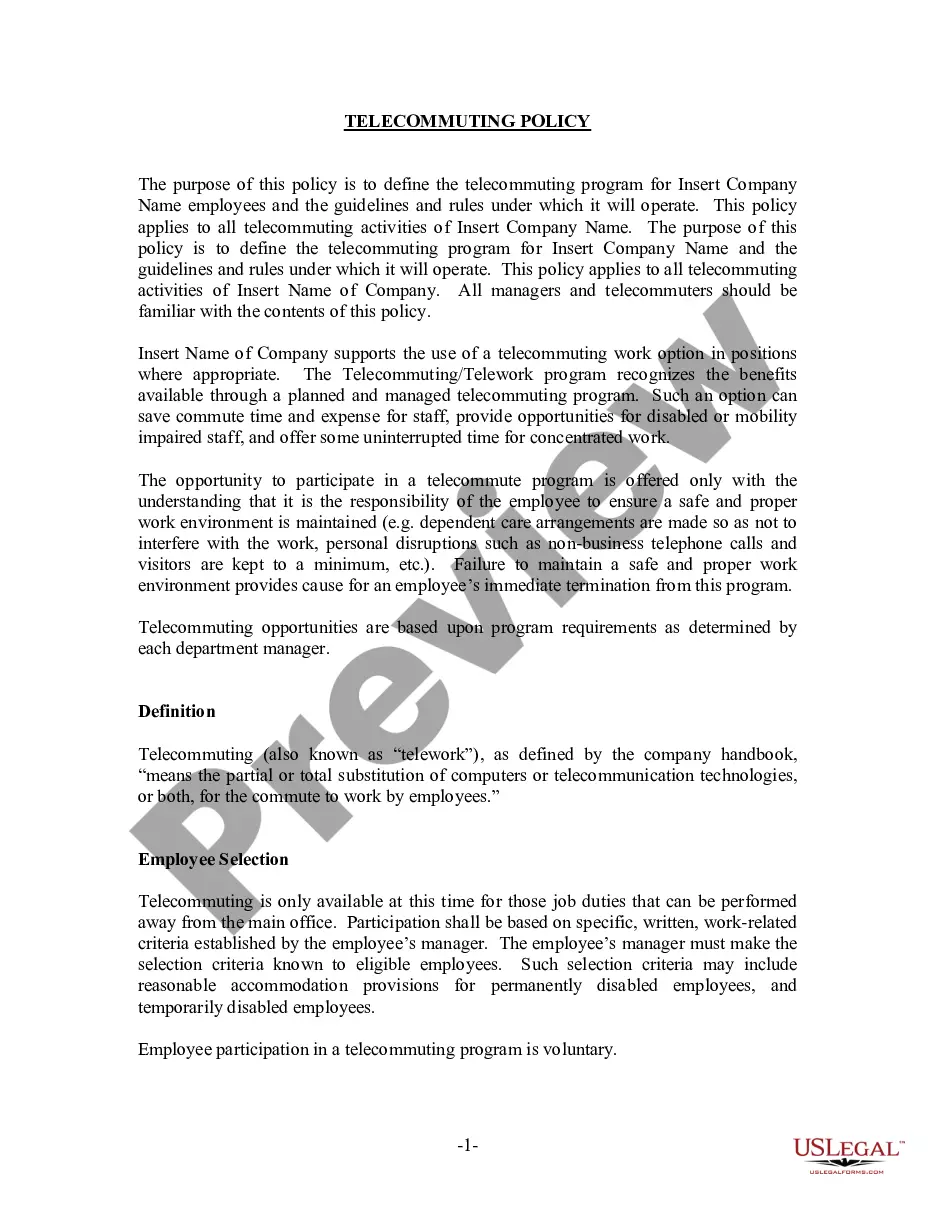
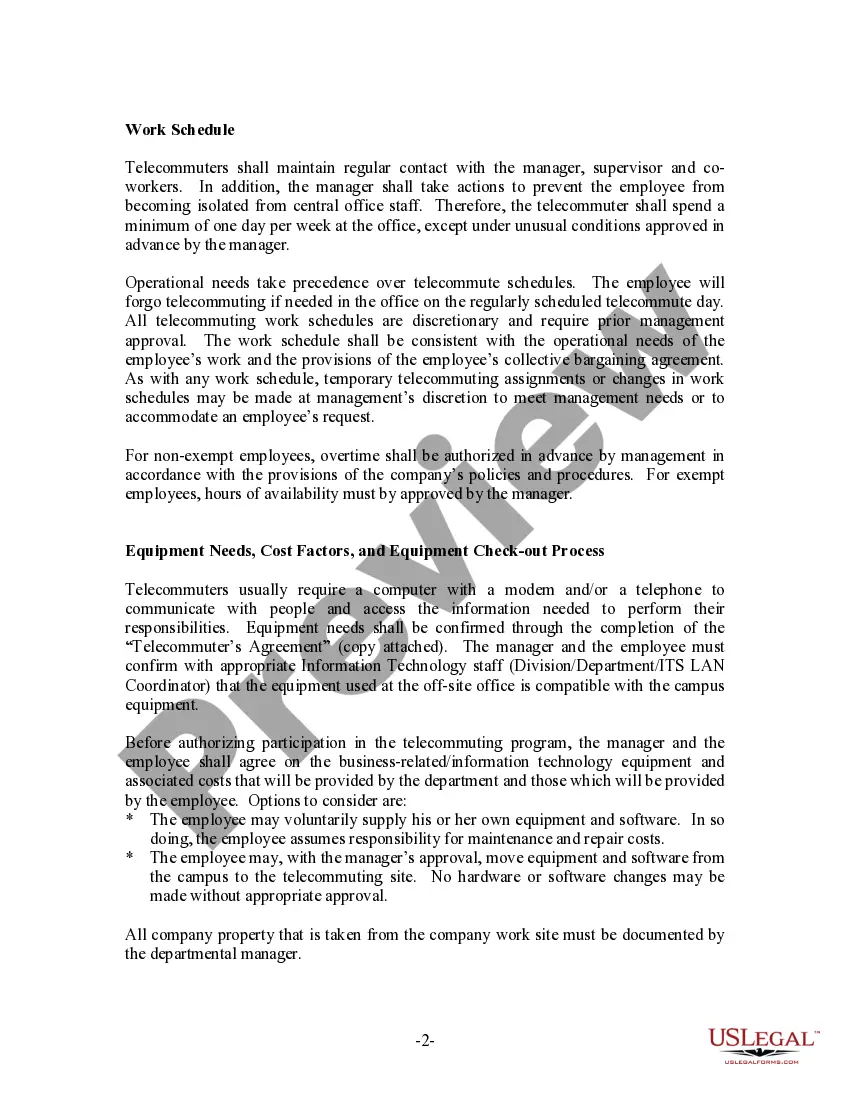
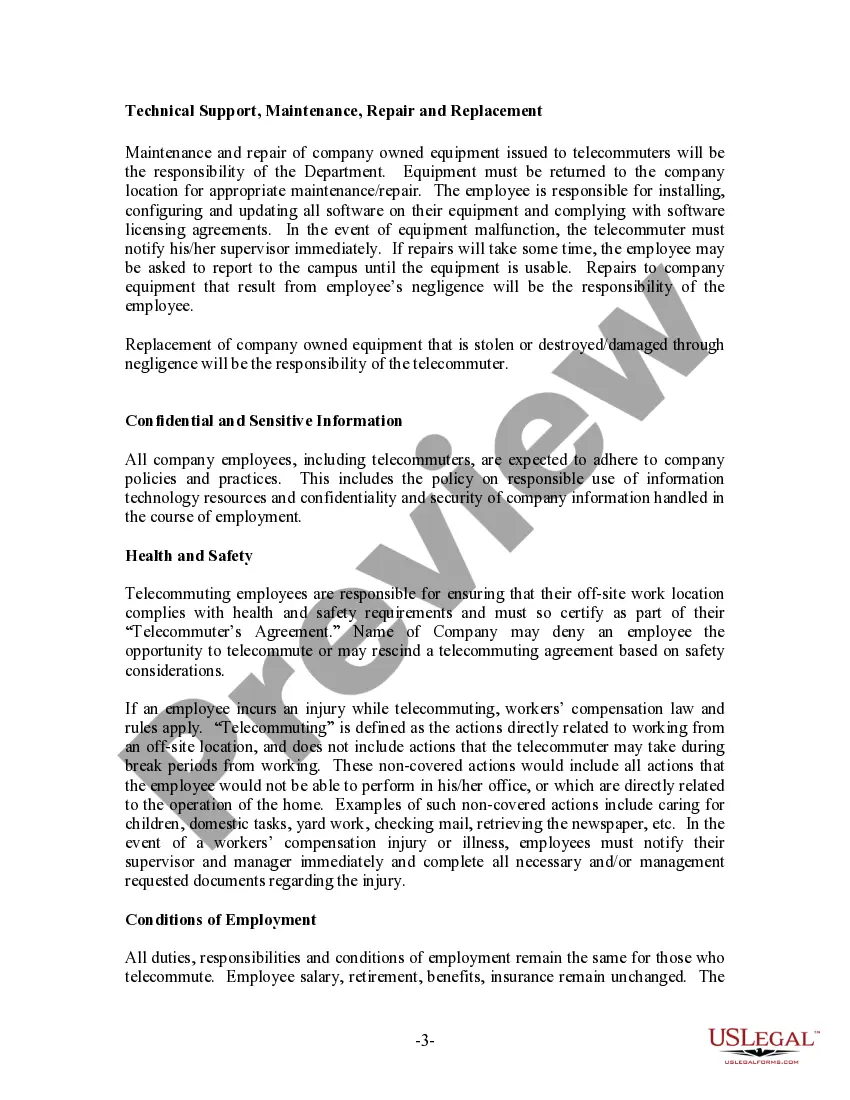
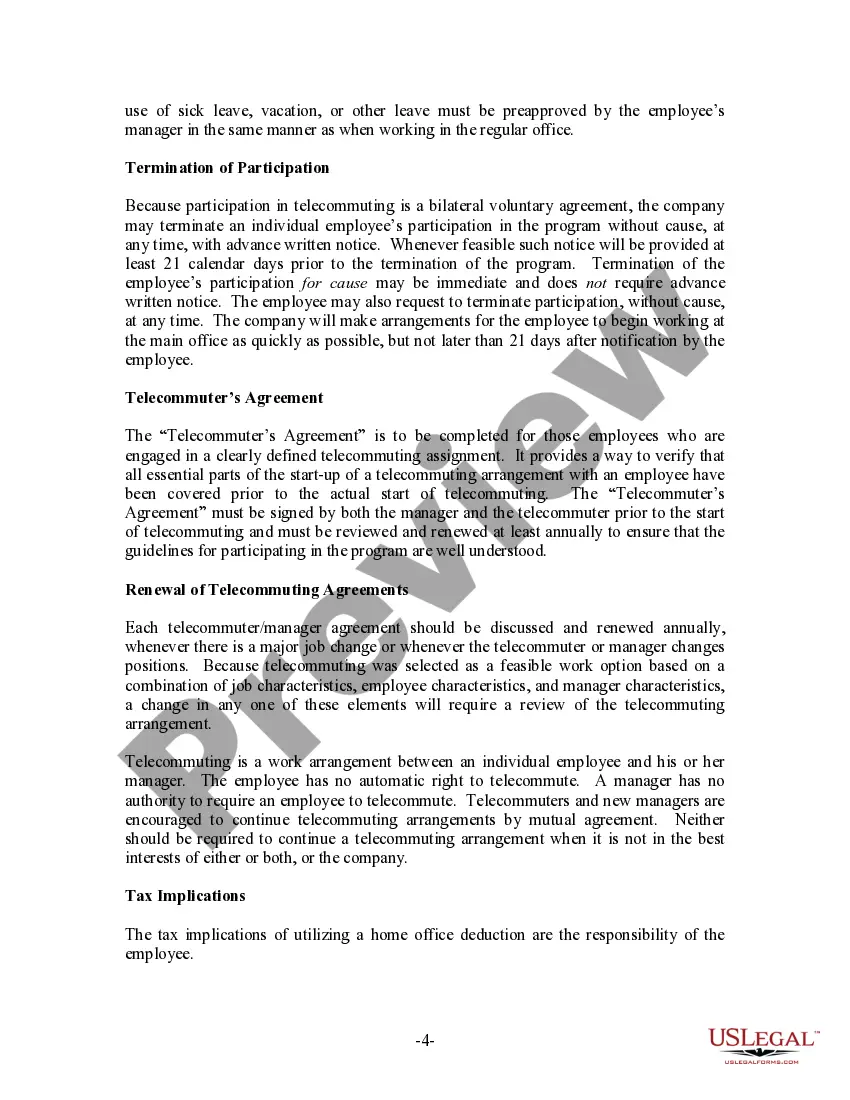
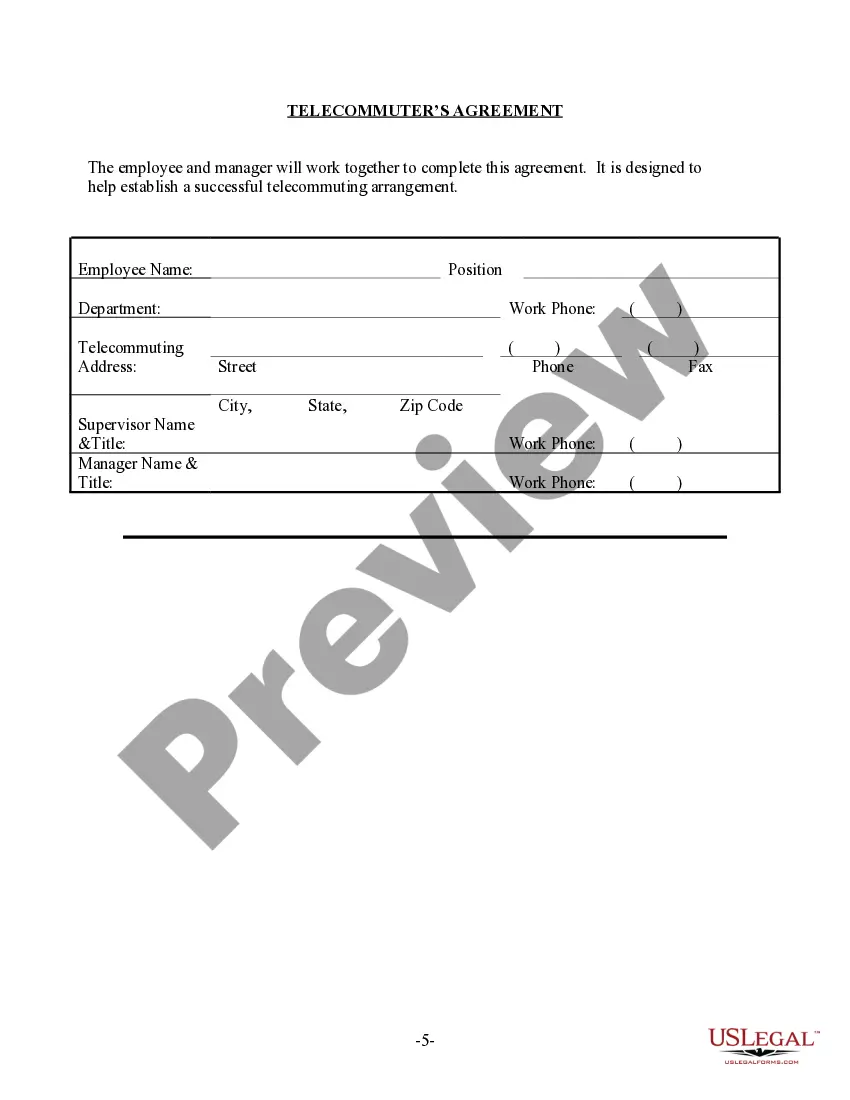
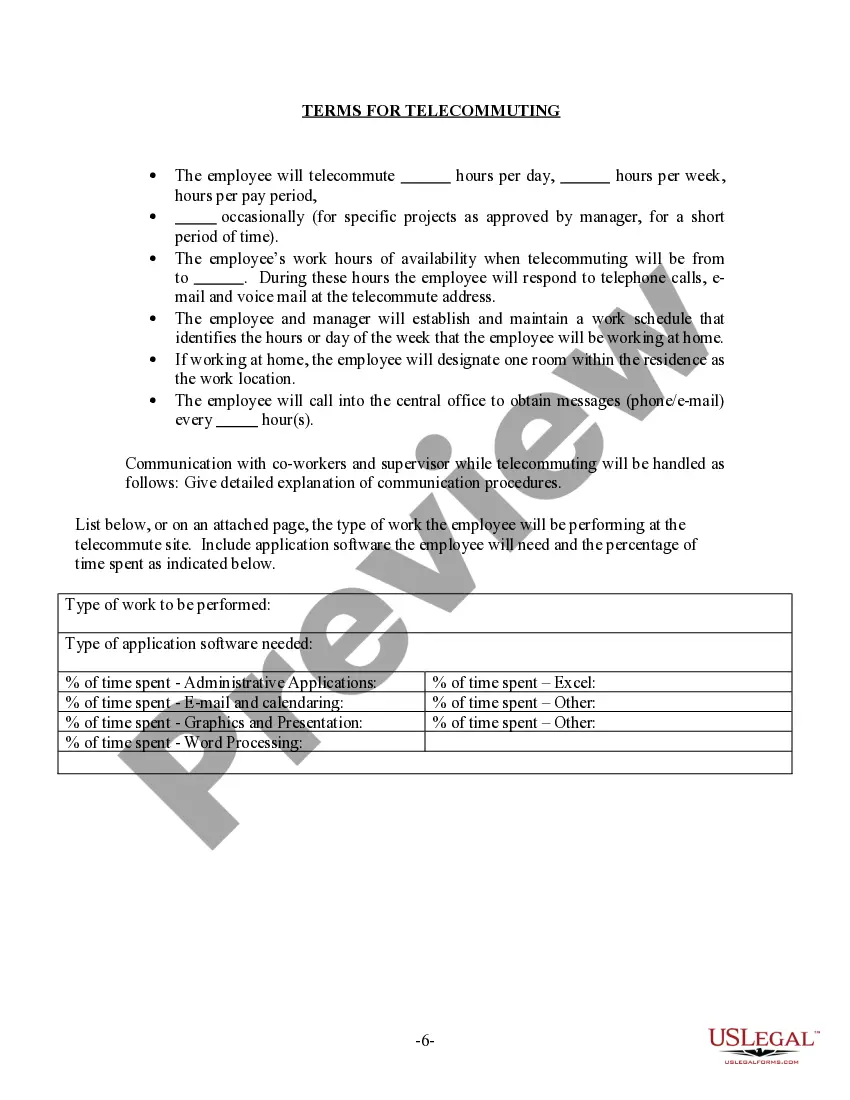
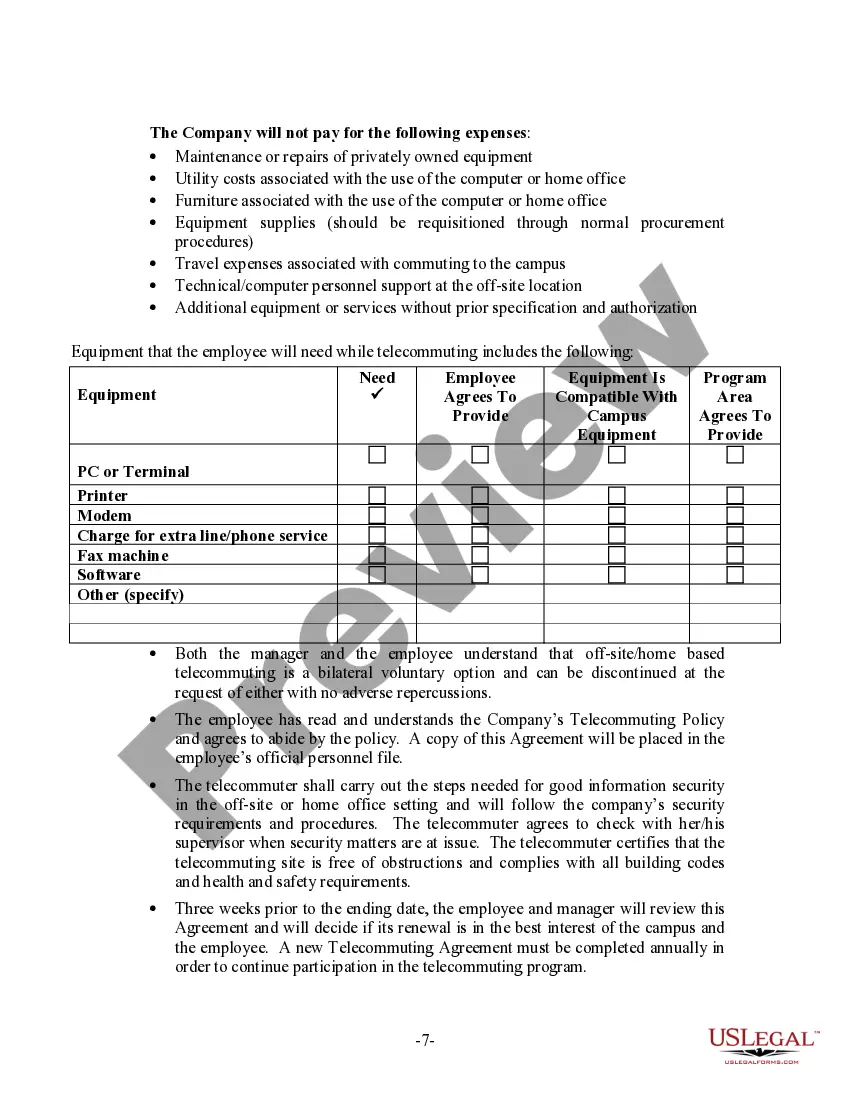


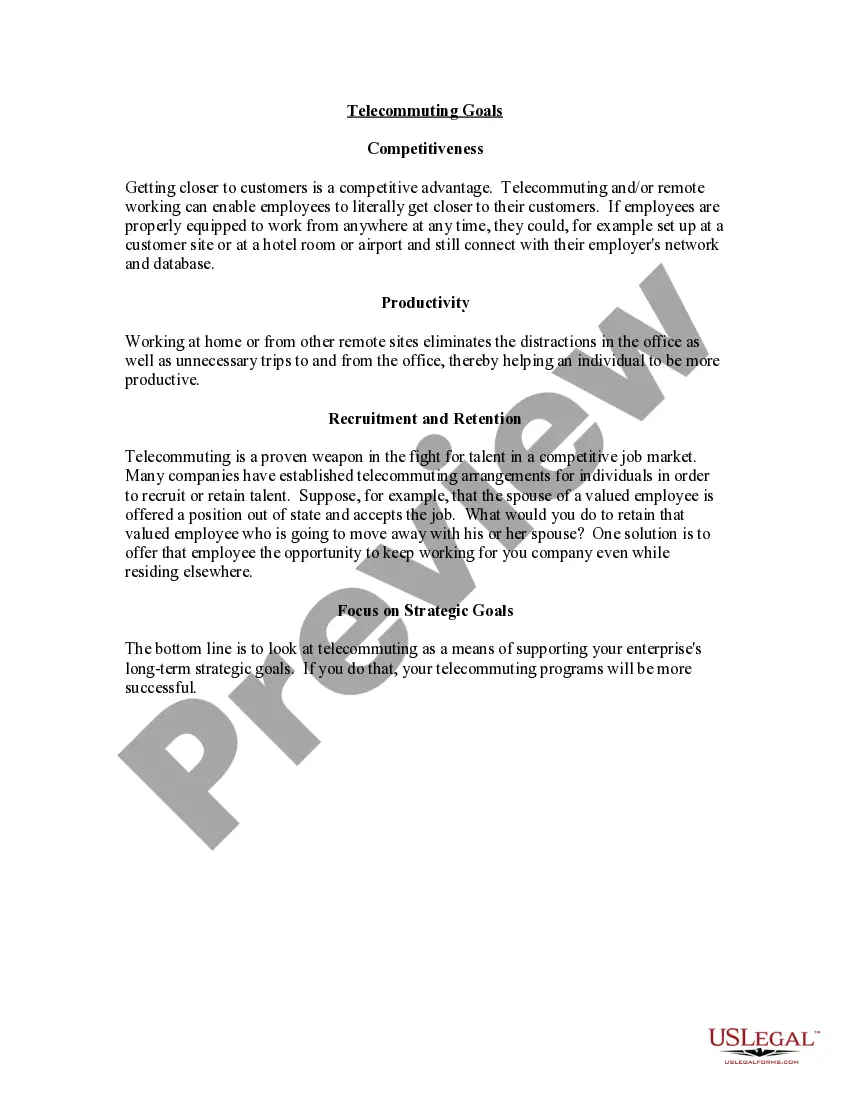
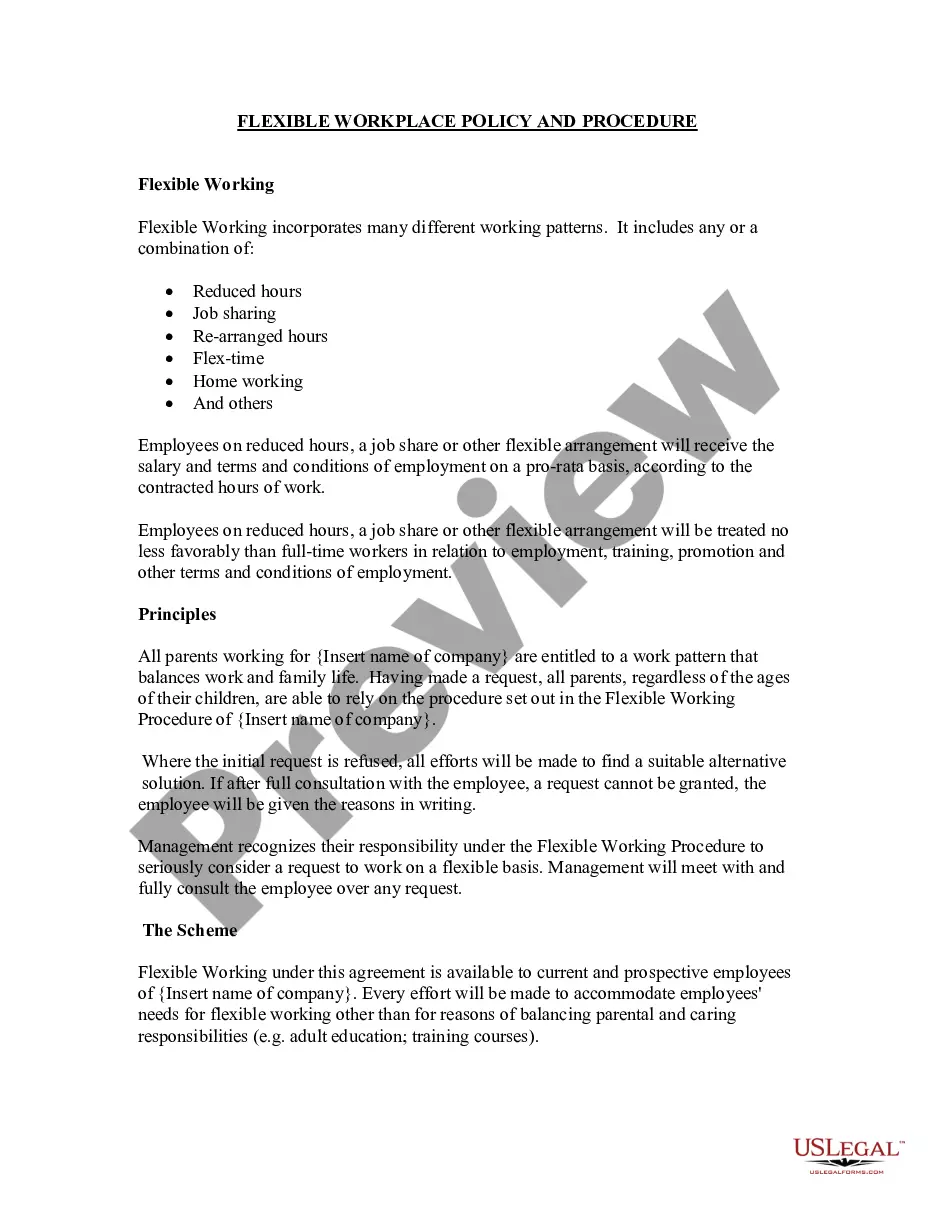





How to fill out Telecommuting Policy?
Drafting papers, such as the Philadelphia Telecommuting Agreement, to manage your legal matters is a challenging and time-intensive undertaking.
Numerous situations necessitate an attorney’s involvement, which also adds to the expense of this responsibility.
Nevertheless, you can handle your legal concerns independently.
The onboarding process for new users is equally uncomplicated! Here’s what you need to complete before acquiring the Philadelphia Telecommuting Agreement: Ensure that your document complies with your state/county, as the rules for drafting legal documents may vary from one state to another.
- US Legal Forms is at your service.
- Our platform features over 85,000 legal documents designed for various scenarios and life circumstances.
- We guarantee that each document adheres to the laws of each state, alleviating your worries about possible legal complications regarding compliance.
- If you're already familiar with our offerings and possess a subscription with US, you understand how simple it is to obtain the Philadelphia Telecommuting Agreement template.
- Feel free to Log In to your account, retrieve the template, and tailor it to your specifications.
- Have you misplaced your document? No need to panic; you can find it in the My documents section of your account on either desktop or mobile.
Form popularity
FAQ
There are rules that will trigger the income tax for non-residents after they work in-state for more than a minimum amount of time or earn a minimum amount of money doing so. And if you worked remotely from a state for more than 183 days last year, you may even be characterized as a resident for tax purposes.
How to convert your work culture to introduce a remote working policy Creating a remote work culture. Intelligent collaboration. Creating a culture of online collaboration, not loneliness. Don't lose the human touch.
A person who lives and works remotely in Washington, for example, can perform work for a company that is based in California without having to pay California state taxes. However, remote workers who travel to other states and work from there may have to file a nonresident state tax return.
Per the Philadelphia Department of Revenue, A non-resident employee who works from home for his or her convenience is not exempt from the Wage Tax even with his or her employer's authorization. This is known as the Convenience of the Employer Rule.
These include: Secure web-based timekeeping. Secure web-based document management. Web-based phone application. Video Conferencing application. Secure web-based HR. Tech support.
In This Article General Remote Work Proposal Tips. Describe Your Work Plan. List Any Extenuating Circumstances. Show How the Company Will Benefit. Outline Your Availability. Describe Your Home Office Setup. Be Clear About What You'll Need From the Employer. Include Additional Assurances and Strategies.
5 Steps to Create a Remote Work Policy Step 1: Decide Who Can Work Remotely. Step 2: Discuss Privacy Issues and Equipment Provided. Step 3: Set the Tone for Communication. Step 4: Discuss Performance Metrics. Step 5: Consider Legal Compliance.
The remote work policy outlines what's expected when working remotely. It should go into detail about all aspects of remote work. This includes expectations of working hours, legal rights, and cybersecurity requirements. Although this might sound challenging, with the right guidance, it won't be!
A person who lives and works remotely in Washington, for example, can perform work for a company that is based in California without having to pay California state taxes. However, remote workers who travel to other states and work from there may have to file a nonresident state tax return.
Generally speaking, when you pay a remote employee, you pay the local taxes in the state where the employee works. If your employee works in the same state your company is registered in, you'll withhold state income taxes and pay state unemployment insurance (SUI) tax in this state.