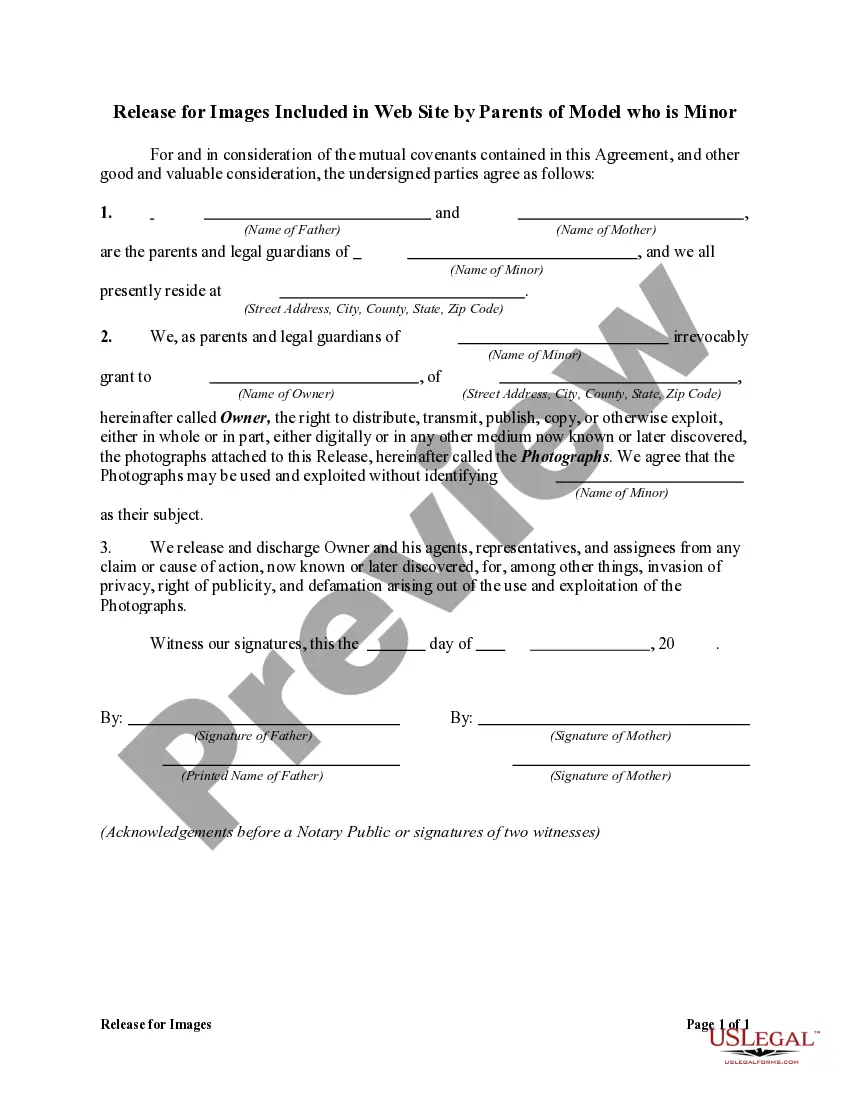
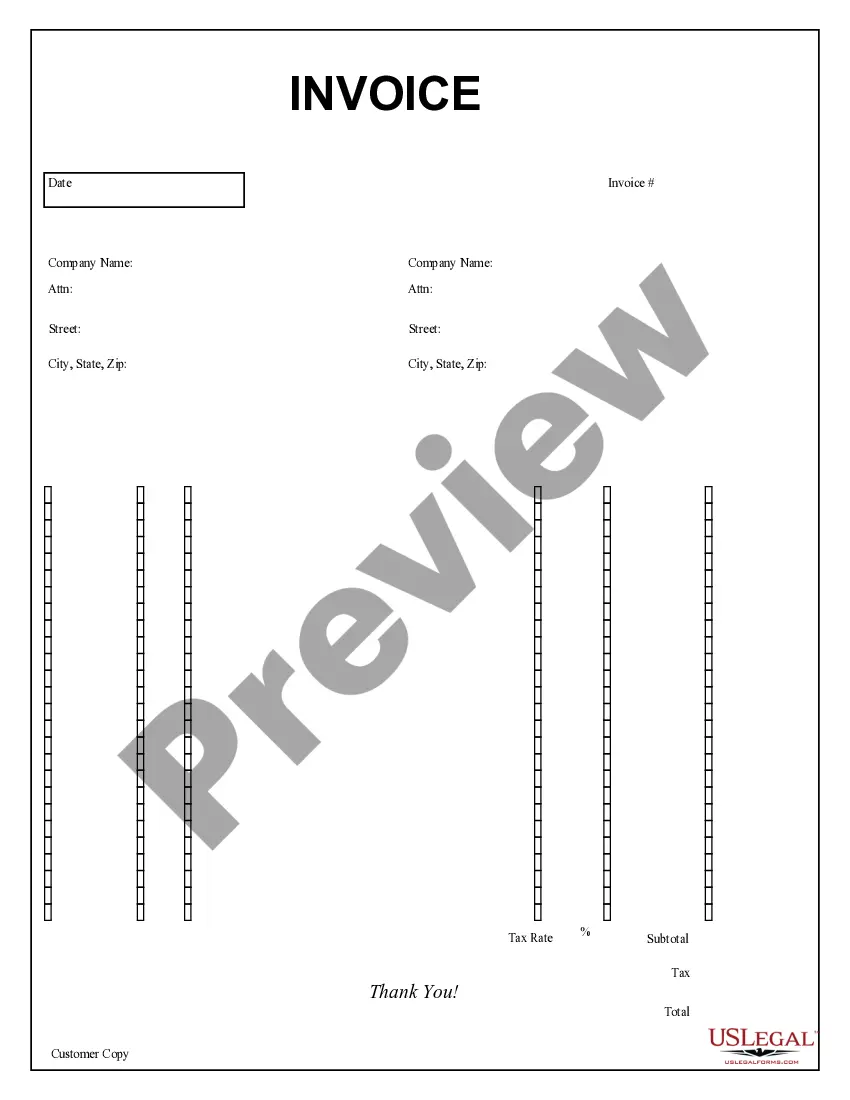
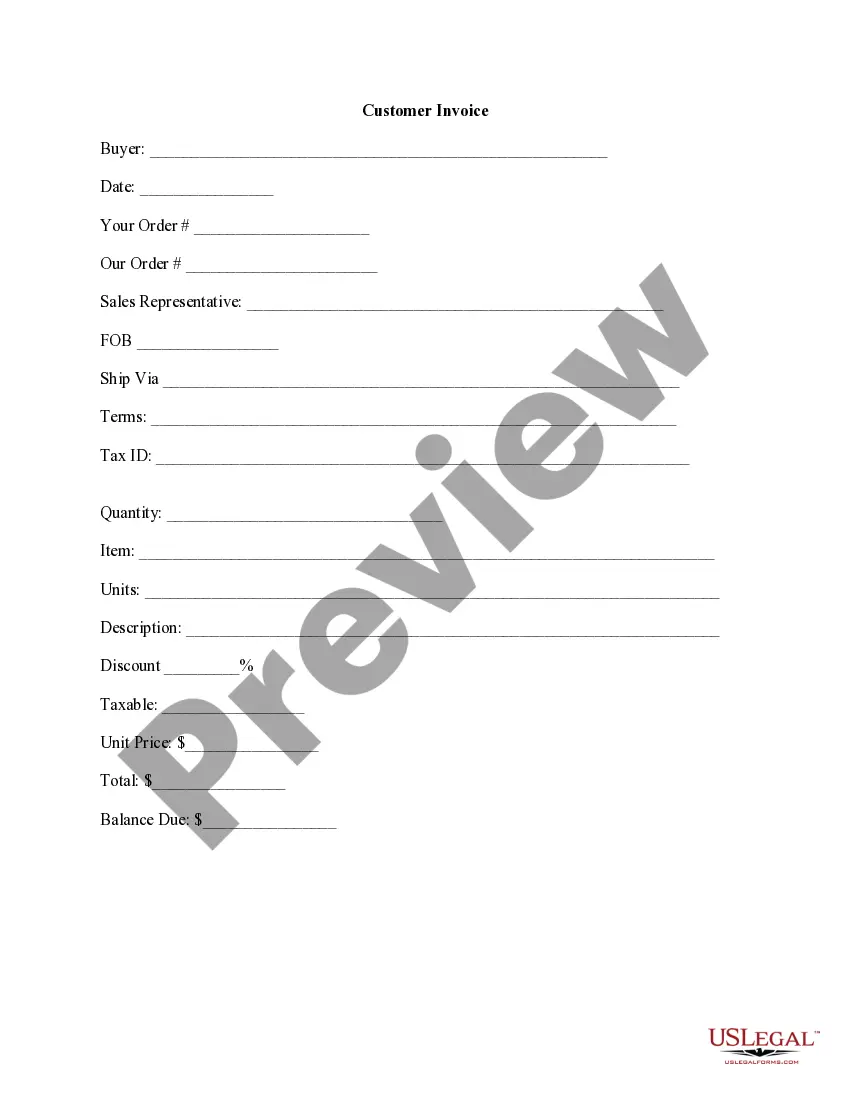
Los Angeles California Purchase Invoice
Description









How to fill out Purchase Invoice?
A paperwork process always accompanies any lawful action you undertake.
Starting a company, applying for or accepting an employment offer, transferring real estate, and many other life situations require you to organize official documentation that differs from state to state.
That's the reason why having everything gathered in one location is extremely advantageous.
US Legal Forms is the largest online collection of current federal and state-specific legal documents.
Utilize it as needed: print it out or fill it out electronically, sign it, and submit where required. This is the simplest and most reliable method to acquire legal documents. All the examples offered by our library are professionally crafted and confirmed for compliance with local laws and regulations. Prepare your documentation and handle your legal matters effectively with US Legal Forms!
- Here, you can conveniently locate and obtain a document for any personal or business purpose used in your county, including the Los Angeles Purchase Invoice.
- Finding templates on the platform is very easy.
- If you already possess a subscription to our library, Log In to your account, search for the template using the search bar, and click Download to save it on your device.
- Afterward, the Los Angeles Purchase Invoice will be accessible for further use in the My documents section of your account.
- If you are utilizing US Legal Forms for the first time, follow this simple guide to acquire the Los Angeles Purchase Invoice.
- Ensure you have accessed the accurate page with your local form.
- Utilize the Preview mode (if available) and scroll through the template.
- Review the description (if available) to confirm the form meets your requirements.
- Search for an alternative document using the search bar if the example does not suit you.
- Click Buy Now upon finding the necessary template.
- Select the appropriate subscription plan, then either Log In or sign up for an account.
- Choose the preferred payment method (with a credit card or PayPal) to continue.
- Select file format and save the Los Angeles Purchase Invoice on your device.
Form popularity
FAQ
Here are the three most common ways to send an invoice: Mail. If your client doesn't use email or online invoicing, take a printout of your invoice and send it in the mail.Email. This is the most popular and quickest way to send an invoice.Invoicing software.
Supplier Portal - How to submit an invoice - YouTube YouTube Start of suggested clip End of suggested clip To submit an invoice within the supplier portal navigate to the supplier portal and click createMoreTo submit an invoice within the supplier portal navigate to the supplier portal and click create invoice from the task. List. Select the identifying purchase order. And enter the invoice number date.
If you are doing work as a private individual, you can issue a private invoice for it. The value of the goods or services being provided is not important. The invoice can also be addressed to another individual, as well as to a company.
Here are the steps in the purchase order process: PO Received (Binding Contract) Receipt of Goods or Services. Invoicing. 3-Way Matching.
An invoice is a way to bill your customers for their purchases. You can request payment when the customer receives the goods or services, or allow them to pay their bill at a later date.
Steps involved in accounts payable invoice processing Step 1: Verifying the details of the invoice on receipt. Suppliers or vendors usually send an invoice on the completion of their services.Step 2: Recording the invoice in the system.Step 3: Invoice approval.Step 4: Payment of the invoice.
How to make an invoice: Here's what it should include A professional header.Your contact information.The client's contact information.Invoice number.Date prepared.Due date.Payment options.Payment terms.
way match is the process of comparing the purchase order; the goods receipt note and the supplier's invoice before approving a supplier's invoice for payment. A 3way match helps in determining whether the invoice should be paid partly or in its entirety.
The key difference is that a purchase order is sent by buyers to vendors with the intention to track and control the purchasing process. On the other hand, an invoice is an official payment request sent by vendors to buyers once their order is fulfilled.
Thus, the "three-way match" concept refers to matching three documents - the invoice, the purchase order, and the receiving report - to ensure that a payment should be made. The procedure is used to ensure that only authorized purchases are reimbursed, thereby preventing losses due to fraud and carelessness.