Bronx New York General Journal
Description

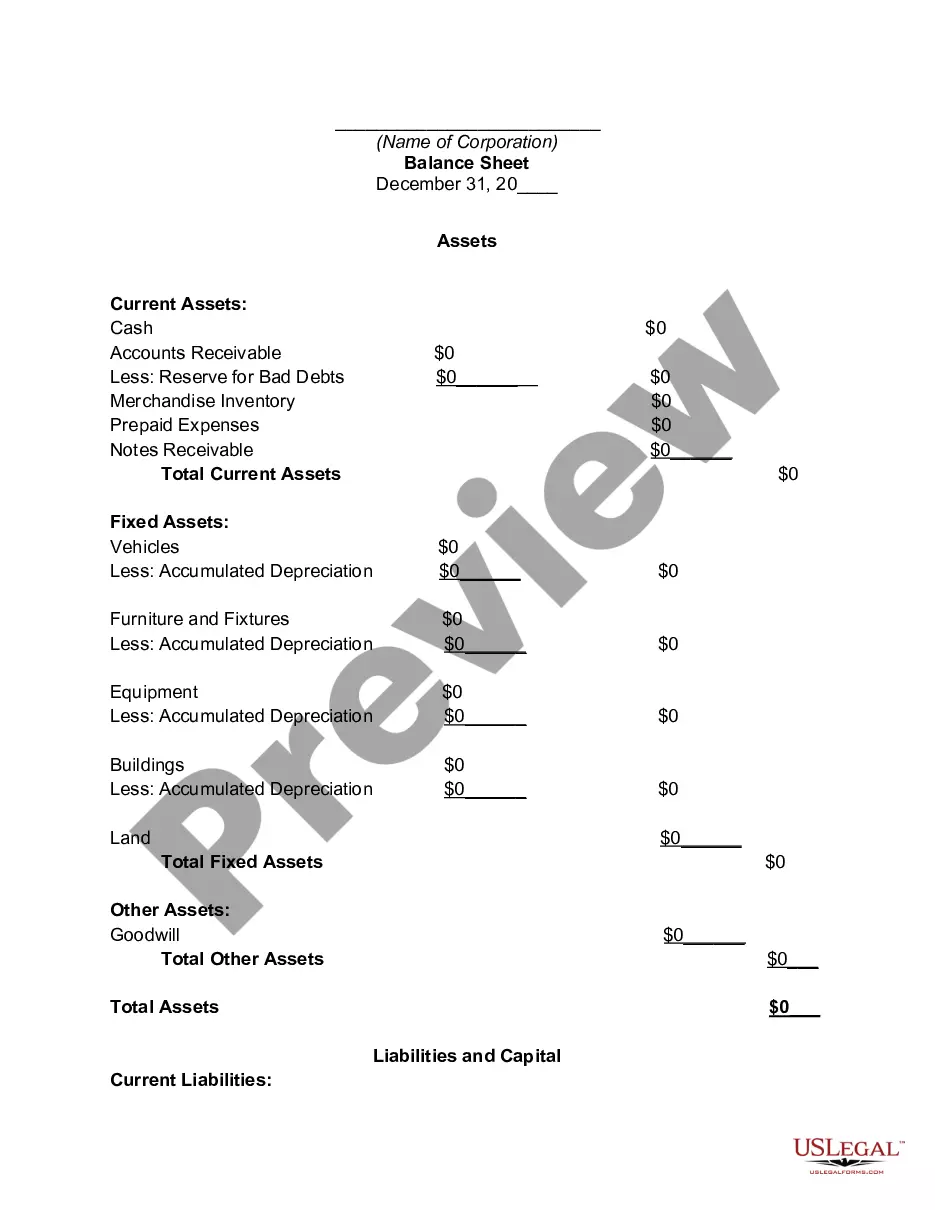
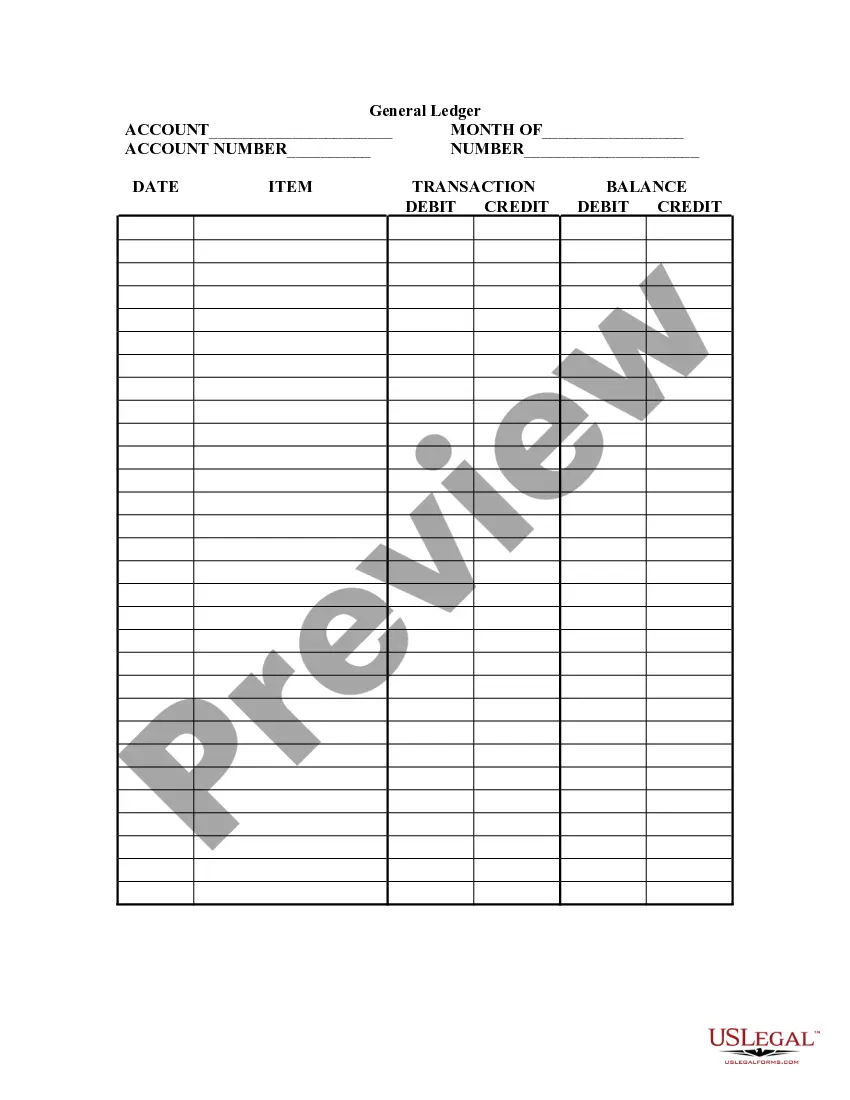






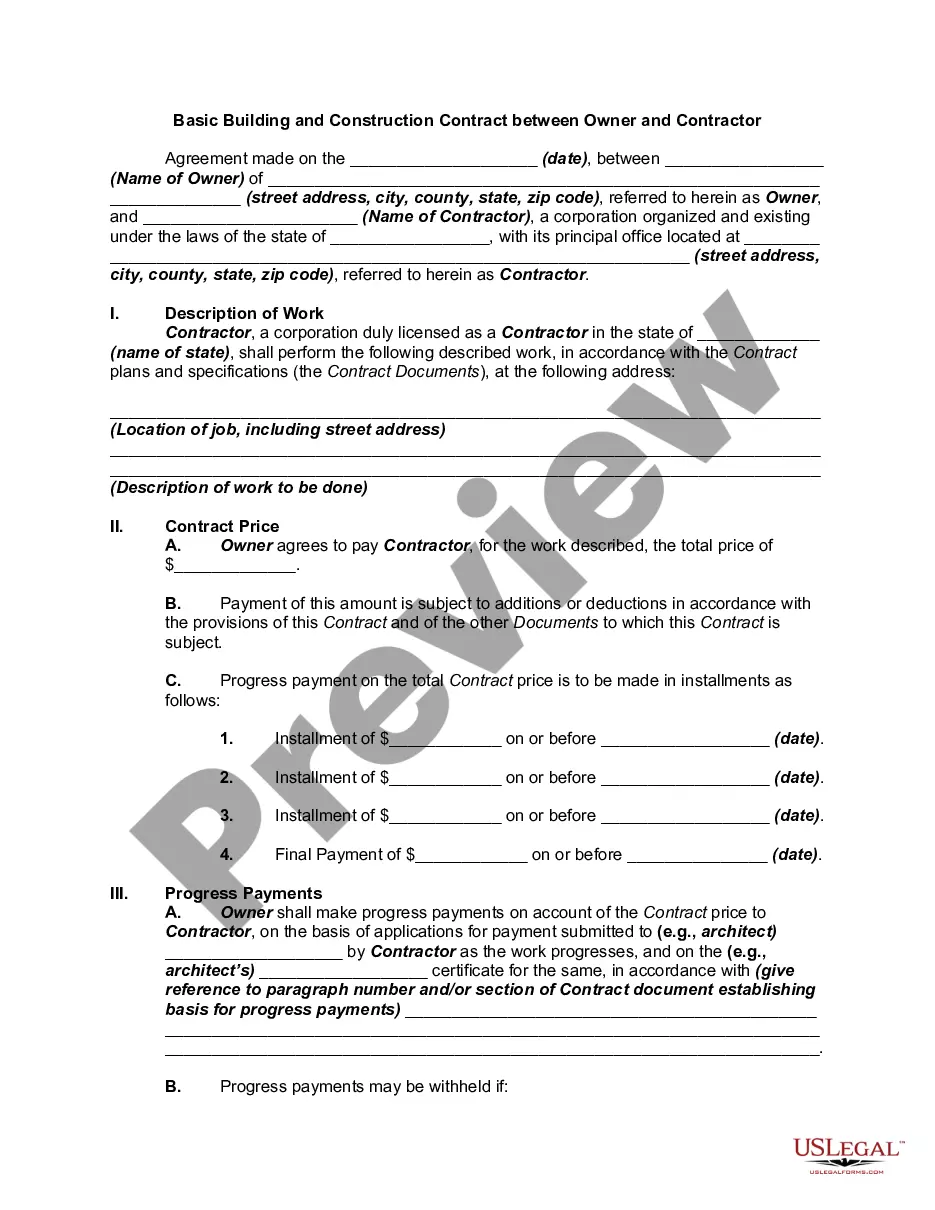



How to fill out General Journal?
If you require a reliable legal document provider to secure the Bronx General Journal, consider US Legal Forms. Whether you aim to start your LLC venture or manage your asset distribution, we have you covered. You don't need to possess extensive legal knowledge to locate and download the suitable template.
Simply choose to search or browse the Bronx General Journal, either by keyword or by the state/county for which the document is intended. After locating the necessary template, you can Log In and download it or save it in the My documents section.
Don't have an account? It's simple to get started! Just find the Bronx General Journal template and review the form's preview and brief introductory details (if available). If you're assured about the template's wording, proceed to click Buy now. Create an account and select a subscription plan. The template will be instantly ready for download once the payment is processed. Now you can complete the form.
Handling your legal affairs doesn’t need to be expensive or time-consuming. US Legal Forms is here to demonstrate that. Our extensive collection of legal forms makes this experience more affordable and less costly.
Establish your first company, organize your advance care planning, draft a real estate contract, or complete the Bronx General Journal - all from the leisure of your sofa. Join US Legal Forms today!
- You can explore over 85,000 forms organized by state/county and circumstance.
- The user-friendly interface, range of educational resources, and dedicated assistance simplify the process of finding and completing various documents.
- US Legal Forms is a trusted service supplying legal documents to millions of clients since 1997.
Form popularity
FAQ
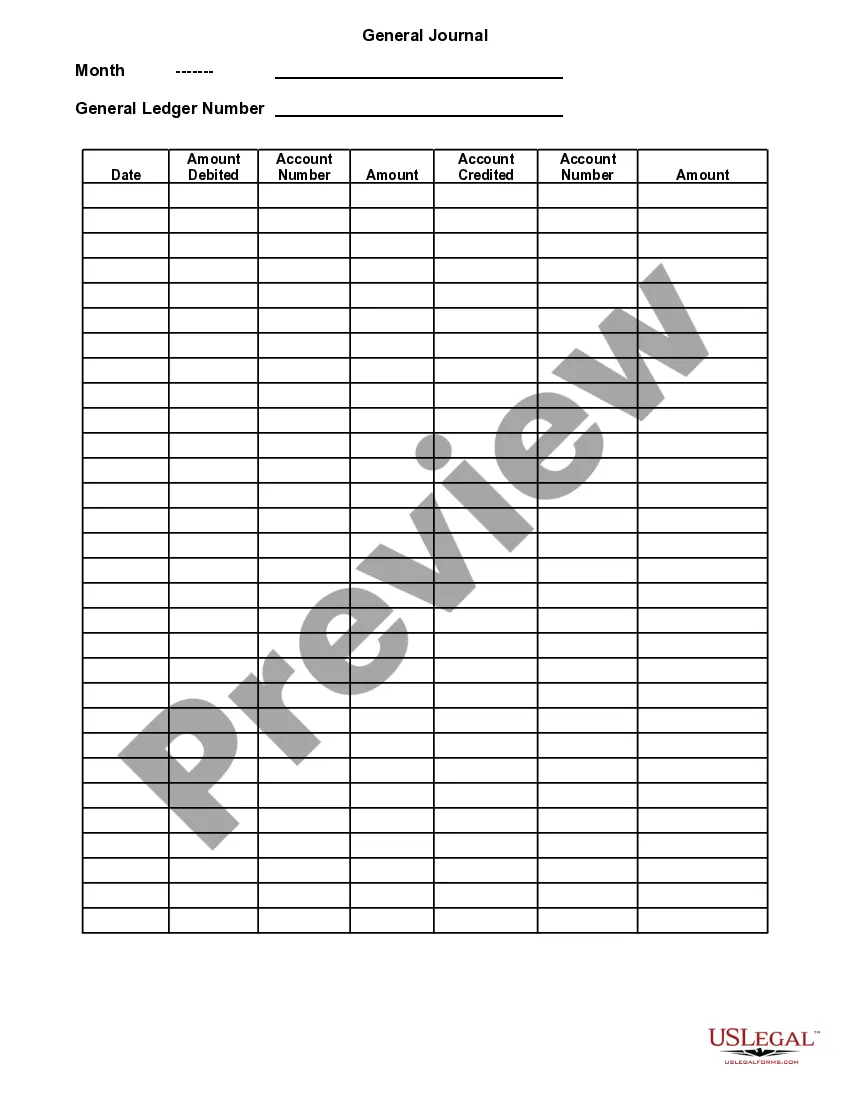
A general journal entry is a record of financial transactions. These entries are made in the order that the transactions occurred. General journals typically contain information about things like cash receipts and payments. In addition, they can also contain inventory balances, purchases and sales.
An example of a journal entry includes the purchase of machinery by the country where the machinery account will be debited, and the cash account will be credited.
To create a journal entry Ledger Account. Choose the ledger account you want to use for the first line of the journal. Details. If required, enter details for the journal row. Include on tax return. Mark this option if you want to include the amount from this journal entry line on your tax return.
How to prepare a Journal Entry: Examples & More - YouTube YouTube Start of suggested clip End of suggested clip You need to date the transaction in the period you want it to show up in the financial. StatementsMoreYou need to date the transaction in the period you want it to show up in the financial. Statements for example. If you're recording depreciation for the first quarter of 2021.
Start with the present moment (?What's going on??) Or start with a feeling (?I'm so mad I could bust!?) Or start with a story (?Today the weirdest thing happened?.?) Once you've started, don't go back to edit or rewrite. And don't think too much. Let it flow.
A general journal entry is a record of financial transactions. These entries are made in the order that the transactions occurred. General journals typically contain information about things like cash receipts and payments. In addition, they can also contain inventory balances, purchases and sales.
The five steps of posting from the journal to ledger include typing the account name and number, specifying the details of the journal entry, entering the debits and credits for the transaction, calculating the running debit and credit balances, and correcting any errors.
A general journal entry is a record of financial transactions. These entries are made in the order that the transactions occurred. General journals typically contain information about things like cash receipts and payments. In addition, they can also contain inventory balances, purchases and sales.
Each journal entry includes the date, the amount of the debit and credit, the titles of the accounts being debited and credited (with the title of the credited account being indented), and also a short narration of why the journal entry is being recorded.
Recording Transactions in the General Journal The year is recorded at the top and the month is entered on the first line of page 1.The date of the first transaction is entered in the second column, on the first line.The name of the account to be debited is entered in the description column on the first line.