Salt Lake Utah Expense Report
Description
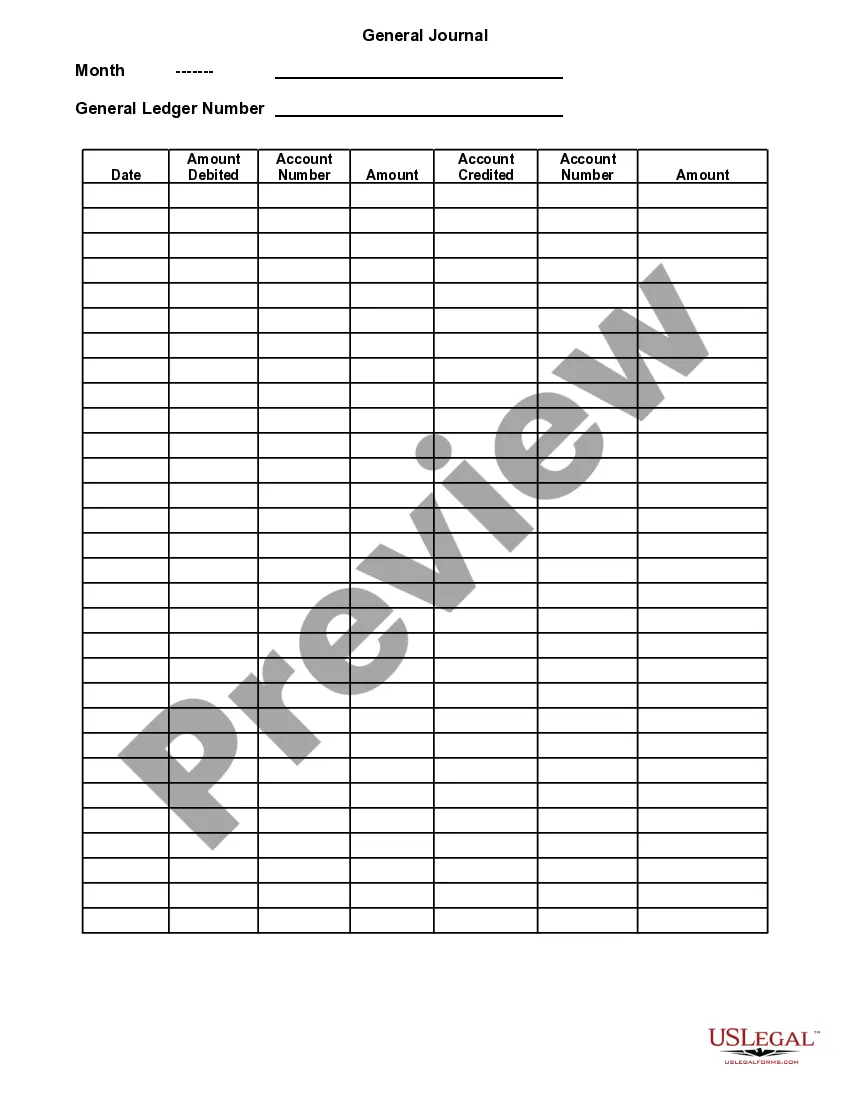
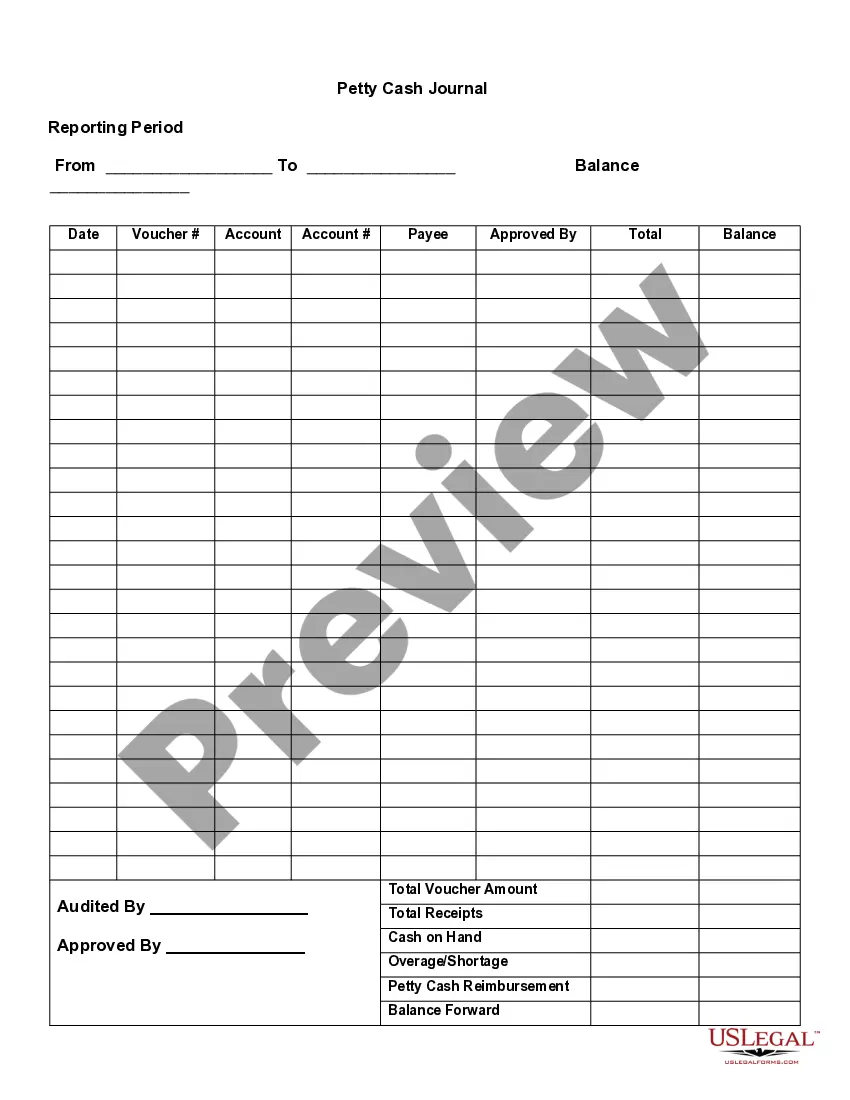
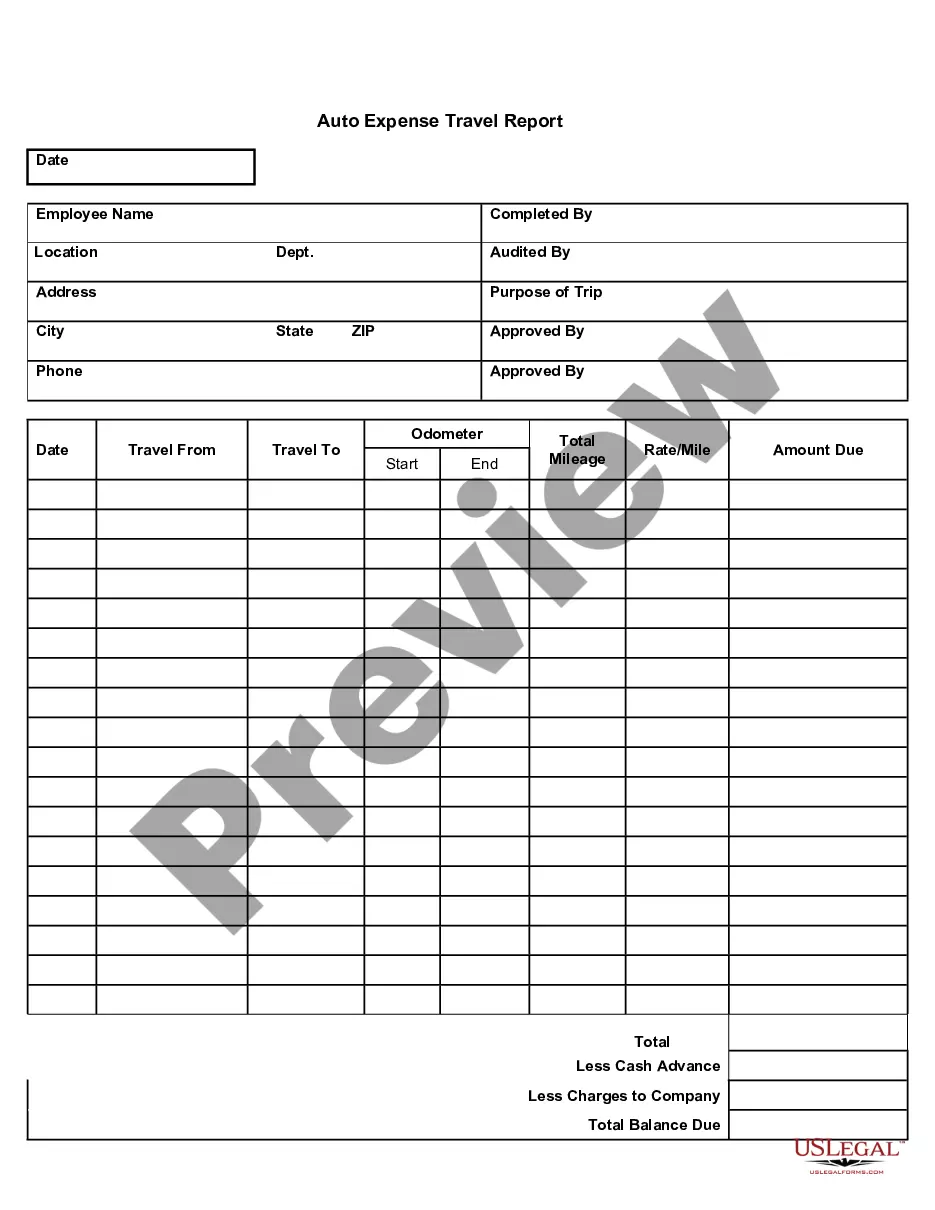
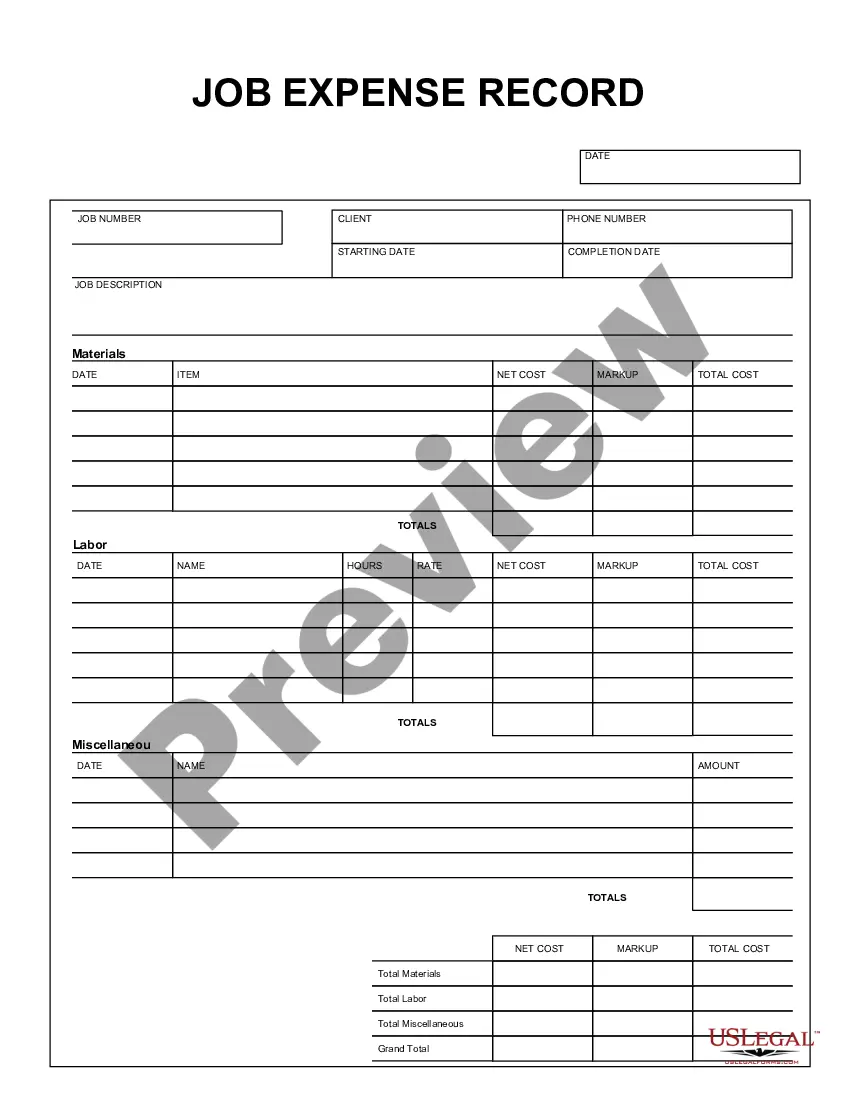





How to fill out Expense Report?
If you seek a dependable legal document provider to acquire the Salt Lake Expense Report, your search ends here at US Legal Forms. Whether you're looking to initiate your LLC enterprise or manage your asset distribution, we have you covered. There's no need for legal expertise to find and download the required template.
You can simply enter a search term to look for or explore the Salt Lake Expense Report, either by a keyword or by the state/county for which the form is designed. After finding the required template, you can Log In and download it or save it in the My documents section.
Don’t have an account? It’s easy to begin! Just find the Salt Lake Expense Report template and check the form's preview and description (if available). If you're assured about the template’s phrasing, proceed to click Buy now. Set up an account and choose a subscription plan. The template will be instantly accessible for download once the payment is completed. You can now complete the document.
Addressing your legal issues doesn't have to be costly or time-intensive. US Legal Forms is here to demonstrate that. Our vast array of legal documents makes this process more economical and accessible.
Launch your first business, organize your advance care preparations, draft a real estate contract, or complete the Salt Lake Expense Report - all from the comfort of your own home. Register for US Legal Forms today!
- You can browse from over 85,000 forms organized by state/county and case.
- The user-friendly interface, diverse supporting resources, and dedicated assistance make it easy to find and complete various documents.
- US Legal Forms has been a trusted service delivering legal forms to millions since 1997.
Form popularity
FAQ
You can retrieve your Expense Report by searching My Expense Reports in the search bar of Workday > select In Progress for the Expense Report Status > find the Expense Report you're looking for and click Change Expense Report.
Expense policies outline how a company will reimburse its employees for money spent in carrying out duties for their employer. The policy will contain details of expenses that are reimbursable, and will often also include expenses that are not considered reimbursable.
Choose option Create Expense Report OR from the home page, select the Expenses worklet, then click option Create Expense Report.
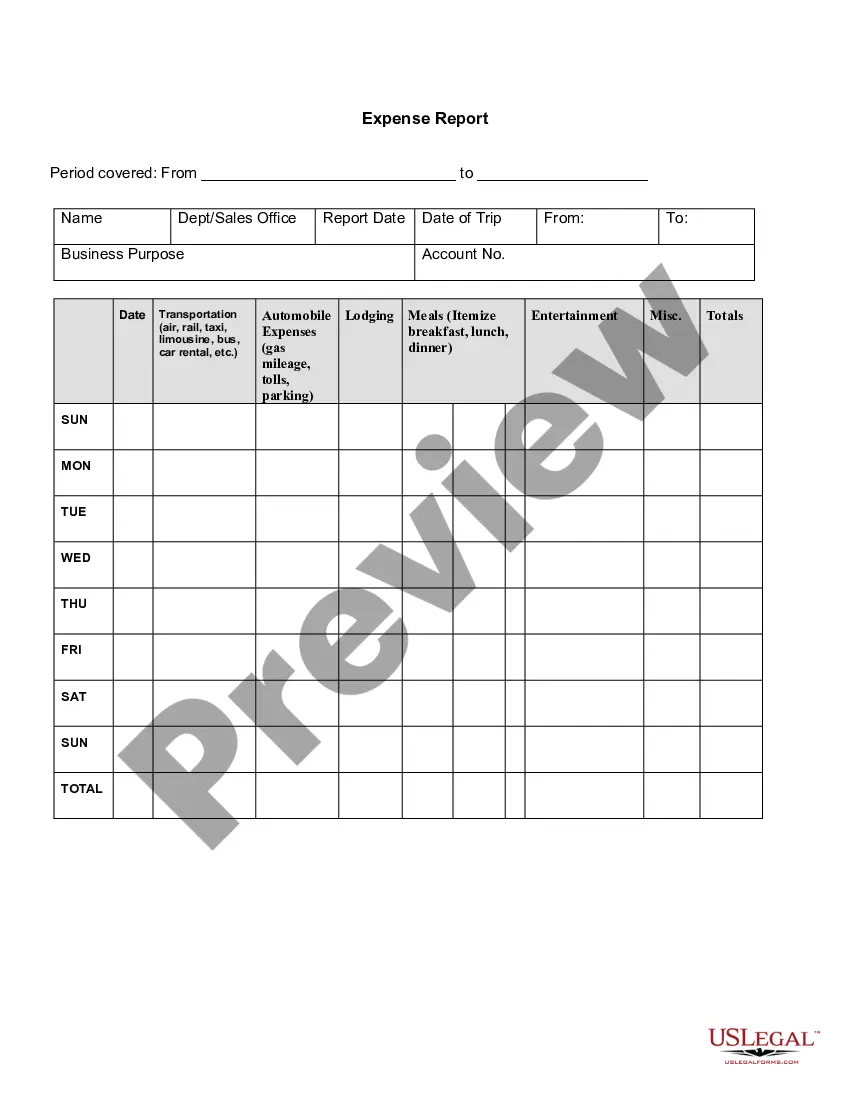
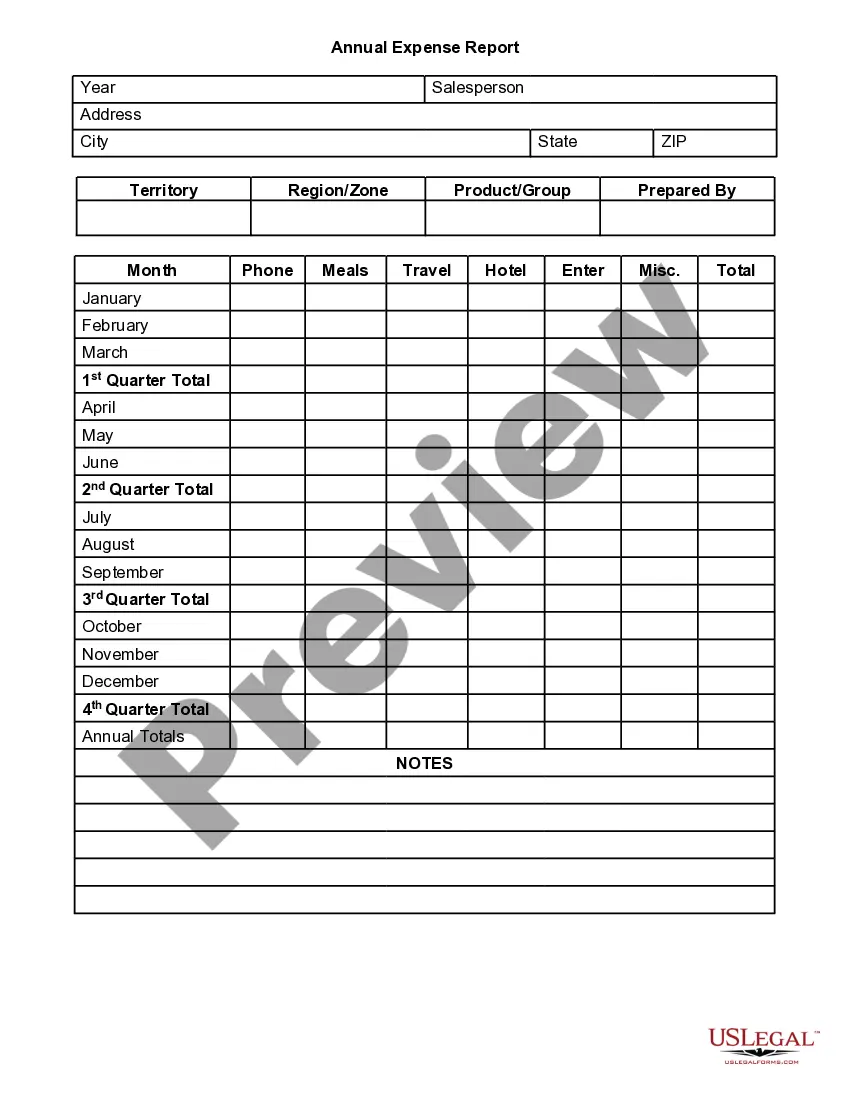
Information Included in an Expense Report The nature of the expense (such as airline tickets, meals, or parking fees) The amount of the expense (matches the amount of the related receipt) The account to which the expense should be charged. A subtotal for each type of expense.
Submitting an Expense Report Log Into Workday. Click on the Expenses Application. Choose "Create Expense Report" Enter Expense Report Information.Select Credit Card Transactions.Fill In Expense Report Line Information.Attache a Receipt.Select the Next Transaction From the Left Column.Submit Expense Report.
This article shows you how to Create a New Expense Report. Step 1: Add receipts and expenses to your Certify Wallet. Step 2: Select New Expense Report. Step 3: Select one of the options provided.Step 4: On the next page, complete all of the bold fields.Step 6: On the My Expense Report page, review the expense report.
An expense report typically has the following information that you'll need to provide: Name, department, and contact information.List of itemized expense names.Date of purchase for each item.Receipts.Total amount spent.Purpose of the expense.Actual cost of item (subtraction of discounts)Repayment amount sought.
Expense reports track and organize work expenses. These reports help employees get reimbursed for business expenses that they paid for with their own money. And it can help organizations with itemizing business expenses on their tax return.
In short, the steps to create an expense sheet are: Choose a template or expense-tracking software. Edit the columns and categories (such as rent or mileage) as needed. Add itemized expenses with costs. Add up the total. Attach or save your corresponding receipts. Print or email the report.
The process for building an expense report is fairly straightforward: Determine what expenses you want to include in your report. List the expenses that meet your criteria, including the details listed above. Total the expenses included in your report. Add notes about expenses incurred or total paid.