Broward Florida HIPAA Business Associates Agreement
Description
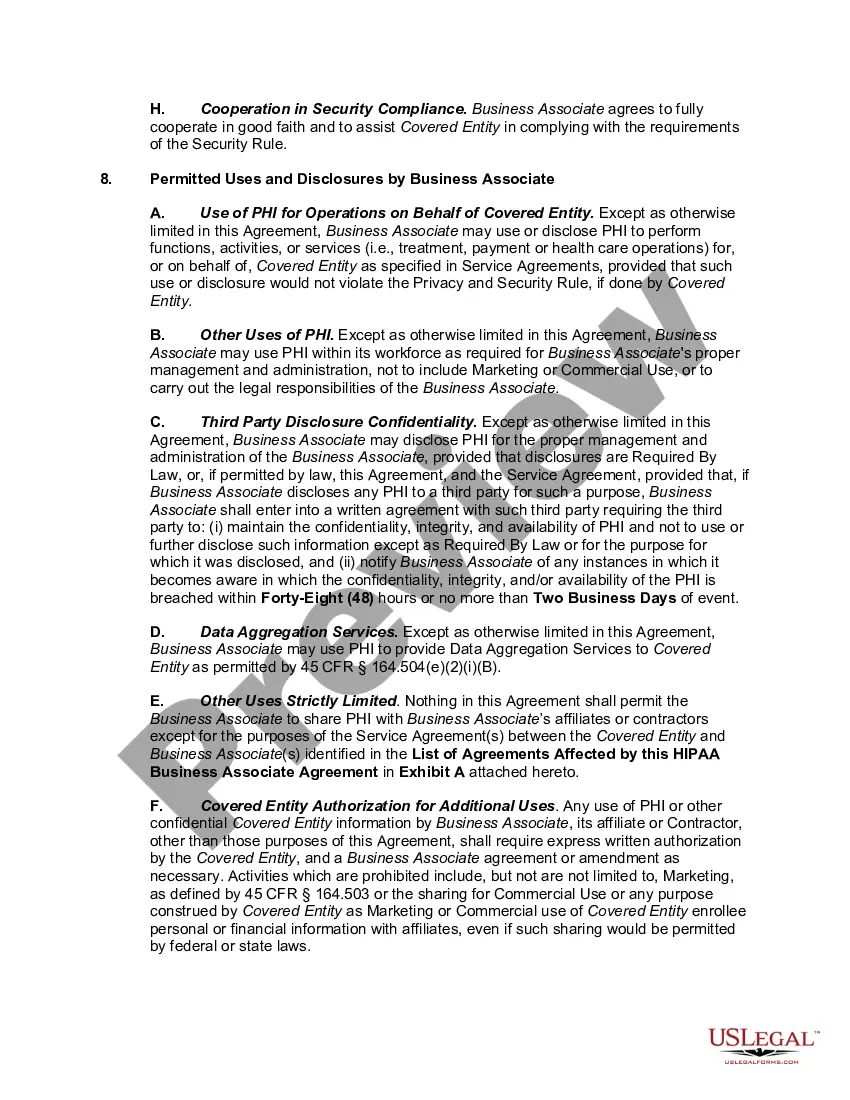
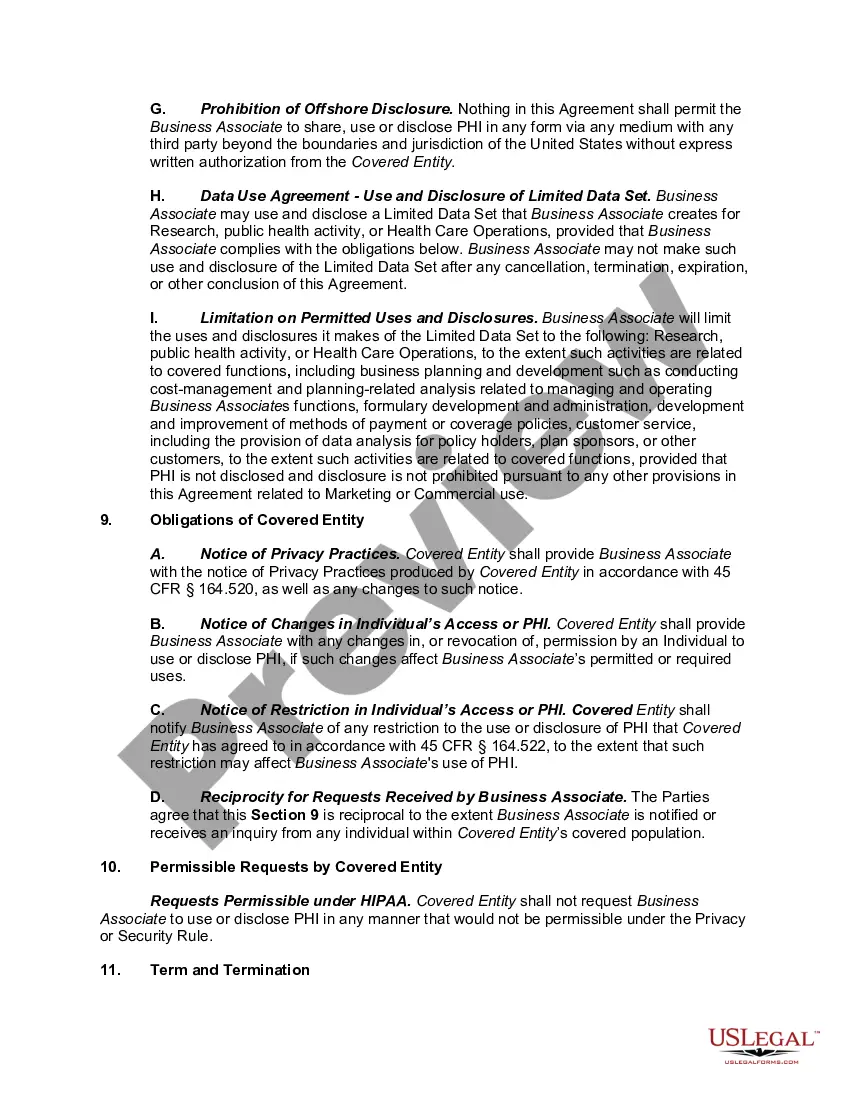

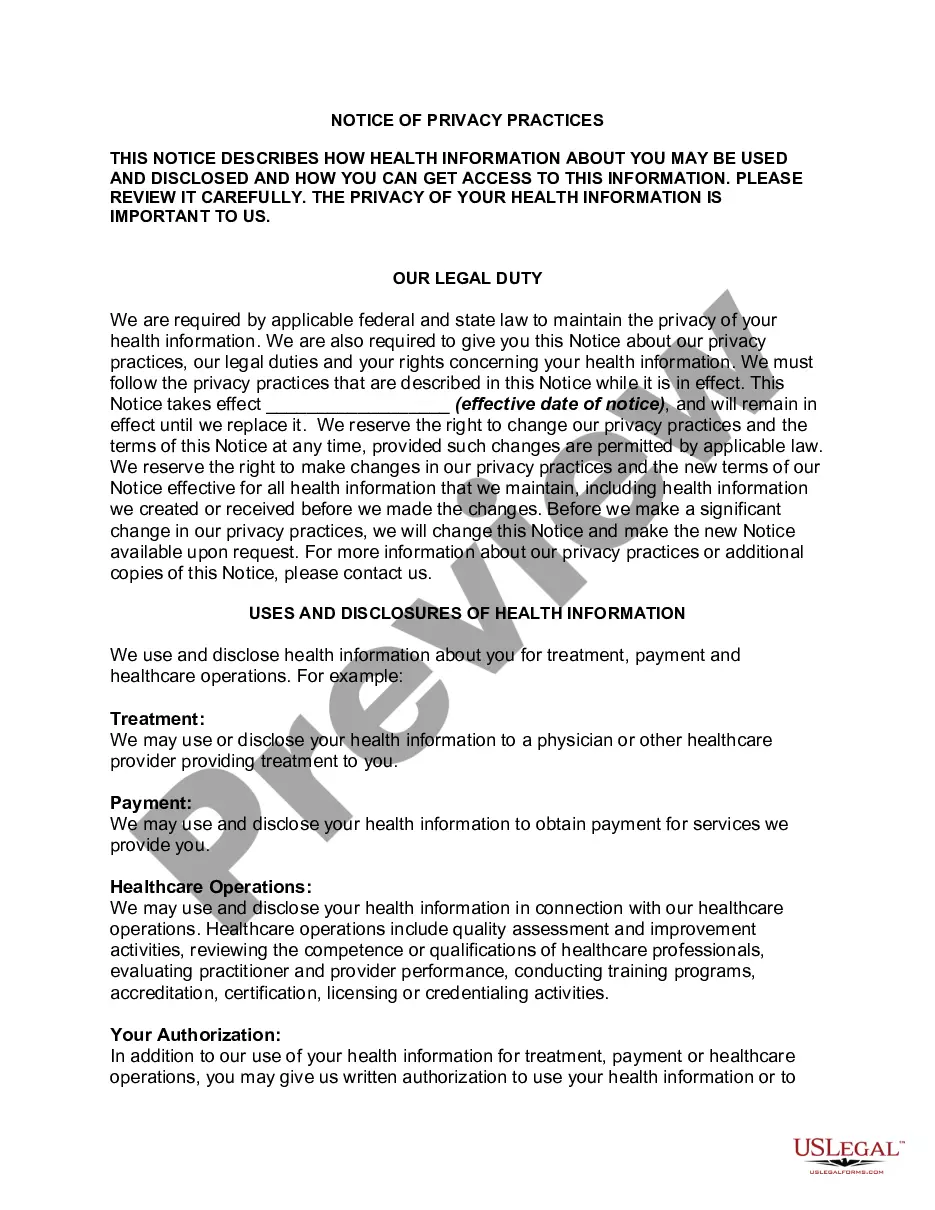
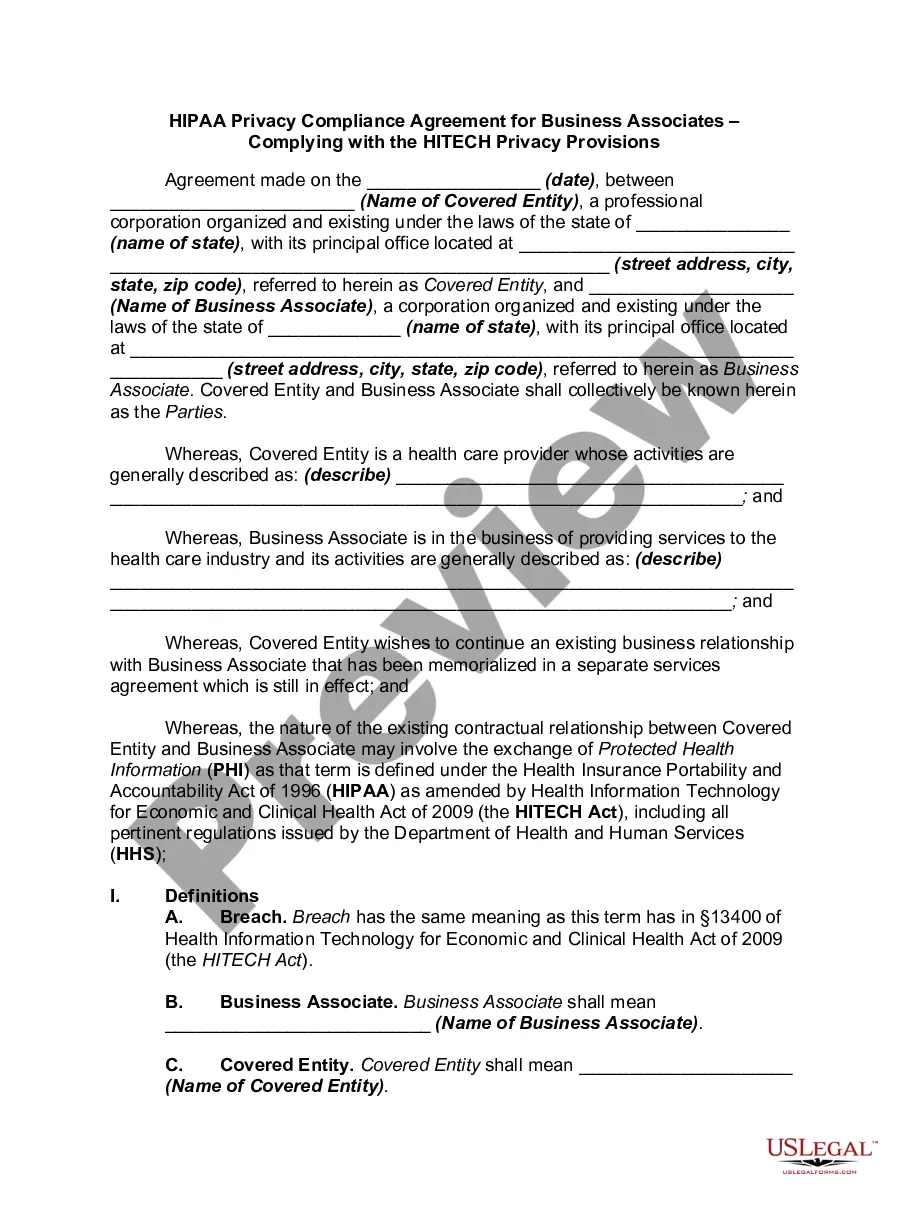
Get your form ready online
Our built-in tools help you complete, sign, share, and store your documents in one place.
Make edits, fill in missing information, and update formatting in US Legal Forms—just like you would in MS Word.
Download a copy, print it, send it by email, or mail it via USPS—whatever works best for your next step.
Sign and collect signatures with our SignNow integration. Send to multiple recipients, set reminders, and more. Go Premium to unlock E-Sign.
If this form requires notarization, complete it online through a secure video call—no need to meet a notary in person or wait for an appointment.
We protect your documents and personal data by following strict security and privacy standards.

Make edits, fill in missing information, and update formatting in US Legal Forms—just like you would in MS Word.

Download a copy, print it, send it by email, or mail it via USPS—whatever works best for your next step.

Sign and collect signatures with our SignNow integration. Send to multiple recipients, set reminders, and more. Go Premium to unlock E-Sign.

If this form requires notarization, complete it online through a secure video call—no need to meet a notary in person or wait for an appointment.

We protect your documents and personal data by following strict security and privacy standards.
Looking for another form?
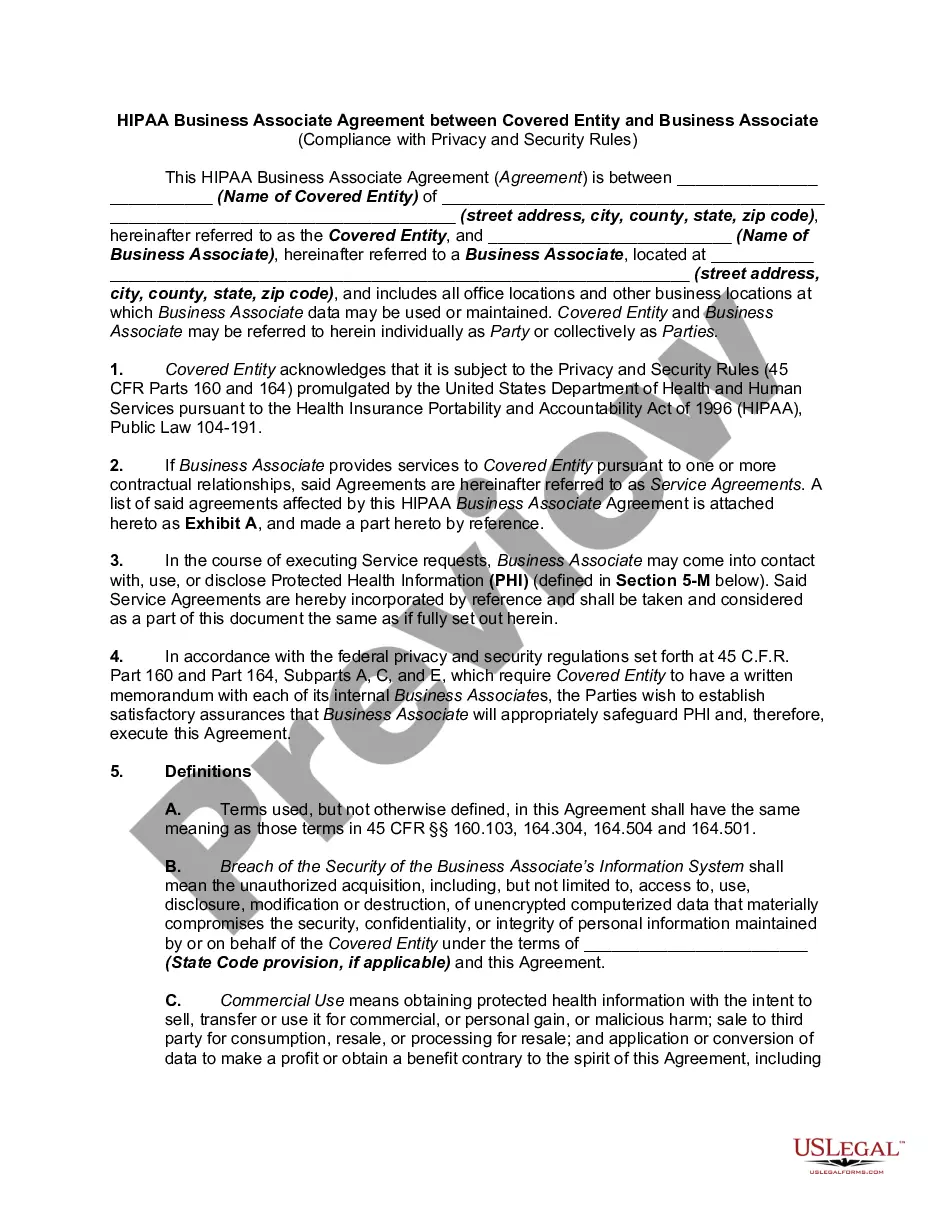
How to fill out HIPAA Business Associates Agreement?
A document procedure consistently accompanies any legal action you undertake.
Launching a business, applying for or accepting an employment offer, conveying property, and many other life scenarios require you to prepare formal documentation that varies across the nation.
That’s why having everything organized in a single location is so beneficial.
US Legal Forms is the largest online repository of current federal and state-specific legal documents. Here, you can easily find and download a form for any personal or business purpose used in your area, including the Broward HIPAA Business Associates Agreement.
Utilize it as needed: print it or fill it out electronically, sign it, and file it where required. This is the easiest and most dependable method to acquire legal documentation. All the samples in our library are expertly crafted and verified for compliance with local laws and regulations. Prepare your paperwork and manage your legal matters effectively with US Legal Forms!
- Finding documents on the platform is remarkably straightforward.
- If you already have an account with our library, Log In to your profile, search for the form using the search field, and click Download to save it on your device.
- After that, the Broward HIPAA Business Associates Agreement will be available for future use in the My documents section of your account.
- If you are using US Legal Forms for the first time, adhere to this simple guide to obtain the Broward HIPAA Business Associates Agreement.
- Ensure you have accessed the correct page with your local form.
- Utilize the Preview mode (if available) and examine the sample.
- Review the description (if provided) to confirm the form meets your requirements.
- Search for another document via the search tab if the sample does not suit you.
- Click Buy Now once you find the necessary template.
- Choose the appropriate subscription plan, then Log In or create an account.
- Select the preferred payment option (by credit card or PayPal) to continue.
- Choose the file format and download the Broward HIPAA Business Associates Agreement onto your device.
Form popularity
FAQ
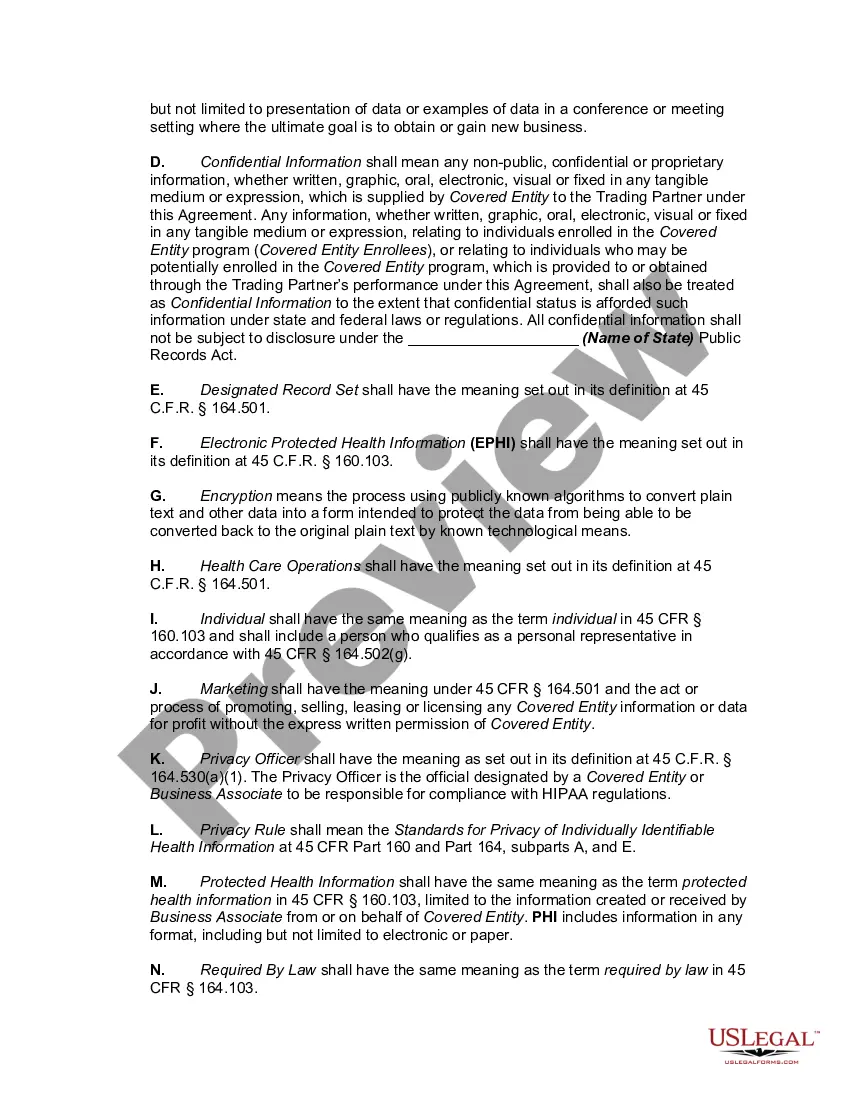
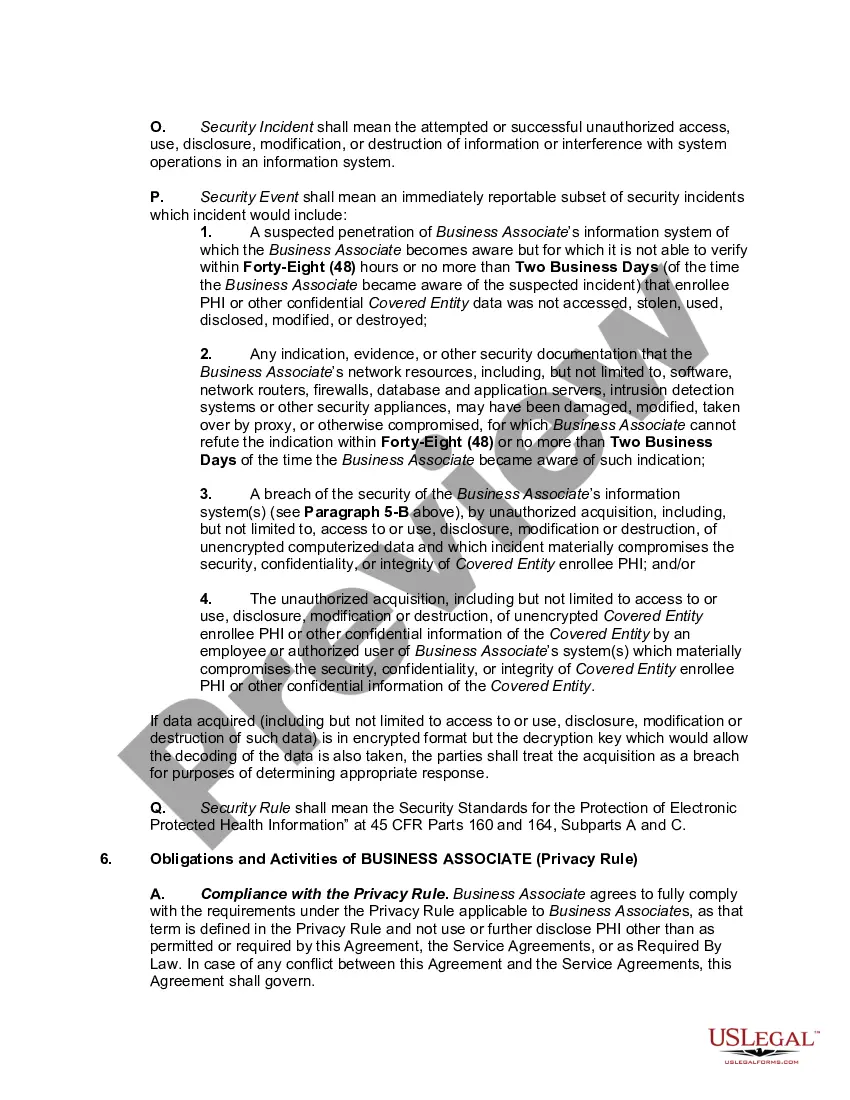
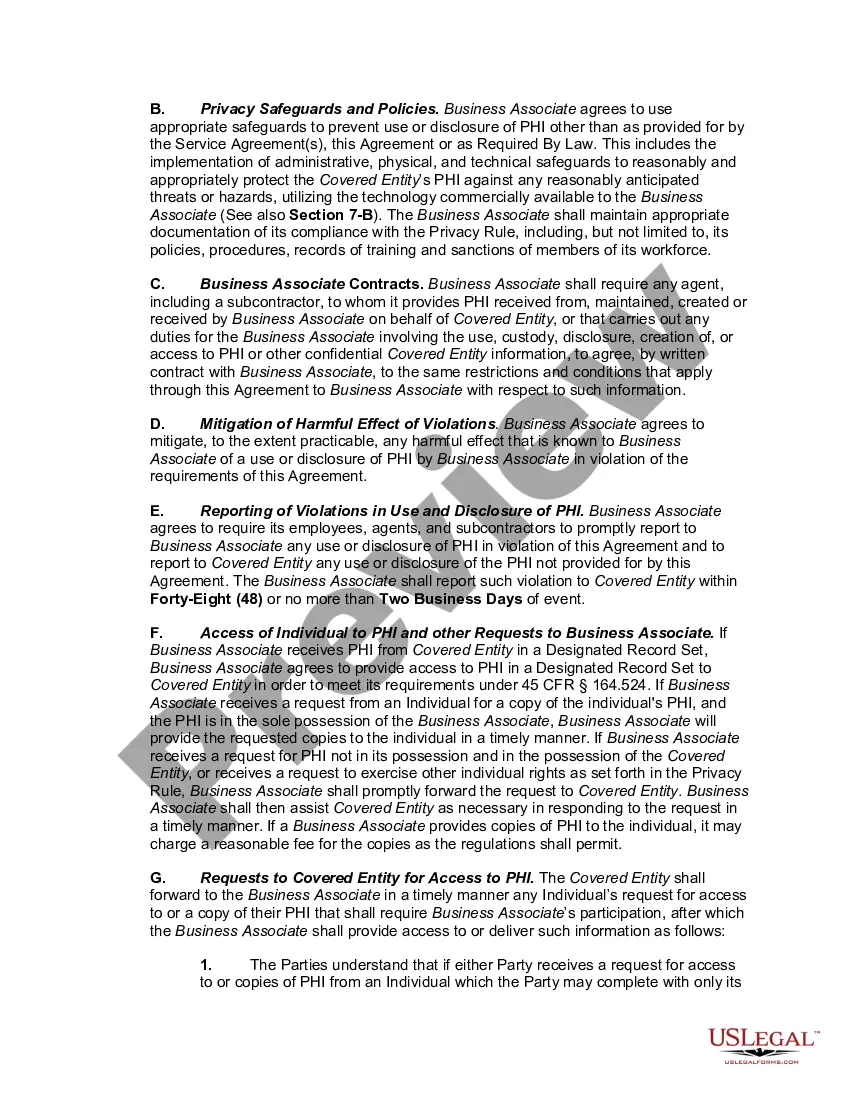
Filling out a Business Associate Agreement involves specifying the roles and responsibilities of both parties regarding the handling of protected health information. It's vital to outline the purpose of the agreement, the types of information that will be shared, and measures for ensuring data security. Using templates from platforms like uslegalforms can simplify this process, especially for creating a Broward Florida HIPAA Business Associates Agreement that addresses compliance needs.
Business associates must comply with HIPAA security standards as soon as they create, receive, maintain, or transmit PHI for covered entities. This includes adhering to safeguards that protect the privacy and integrity of health information. In Broward, Florida, having a comprehensive HIPAA Business Associates Agreement in place helps define these expectations and promotes full compliance with security standards.
The purpose of a business associate agreement is to outline your BA's responsibility to keep your patients' PHI private and secure. The BAA sets forth the expectations and requirements of both parties both you and the vendor, and of course, as a contract, it is a legally binding document.
At its most basic, BAA's must contain these provisions: Determine what PHI the Business Associate will access. Require that the Business Associate will use appropriate safeguards to secure PHI. Provide that the BA will not disclose protected health information save when permitted by the agreement.
The HIPAA Rules apply to covered entities and business associates.
If you hire a BA and share your PHI with them without first establishing a BAA, you'll face serious consequences. The Department for Health and Human Services Office for Civil Rights (HHS/OCR) can impose hefty fines and corrective action plans if you fail to have a BAA in place with your BAs.
Direct employees don't have to sign a BAA. That's because people who work for you are part of your organization and aren't considered as business associates. That said, they still fall under HIPAA laws. As your agents, you're responsible to train them in privacy and security.
Business associate functions and activities include: claims processing or administration; data analysis, processing or administration; utilization review; quality assurance; billing; benefit management; practice management; and repricing.
The HIPAA Privacy Rule requires all Covered Entities to have a signed Business Associate Agreement (BAA) with any Business Associate (BA) they hire that may come in contact with PHI. The HIPAA Omnibus Rule changed how BAs and Business Associate Subcontractors (BAS) can be held liable for potential HIPAA violations.
With this PHI access, all business associates are required to sign what's called a business associate agreement (BAA). The BAA is a legal contract that describes how the business associate adheres to HIPAA along with the responsibilities and risks they take on.