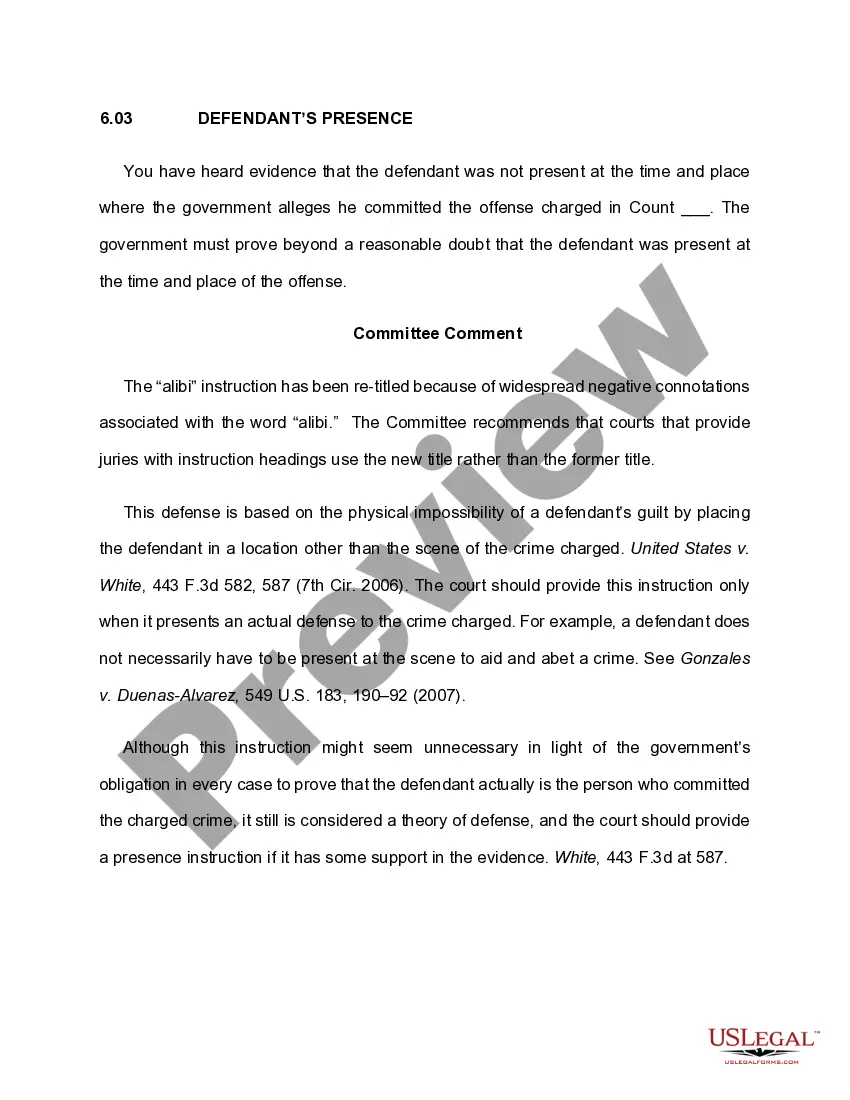
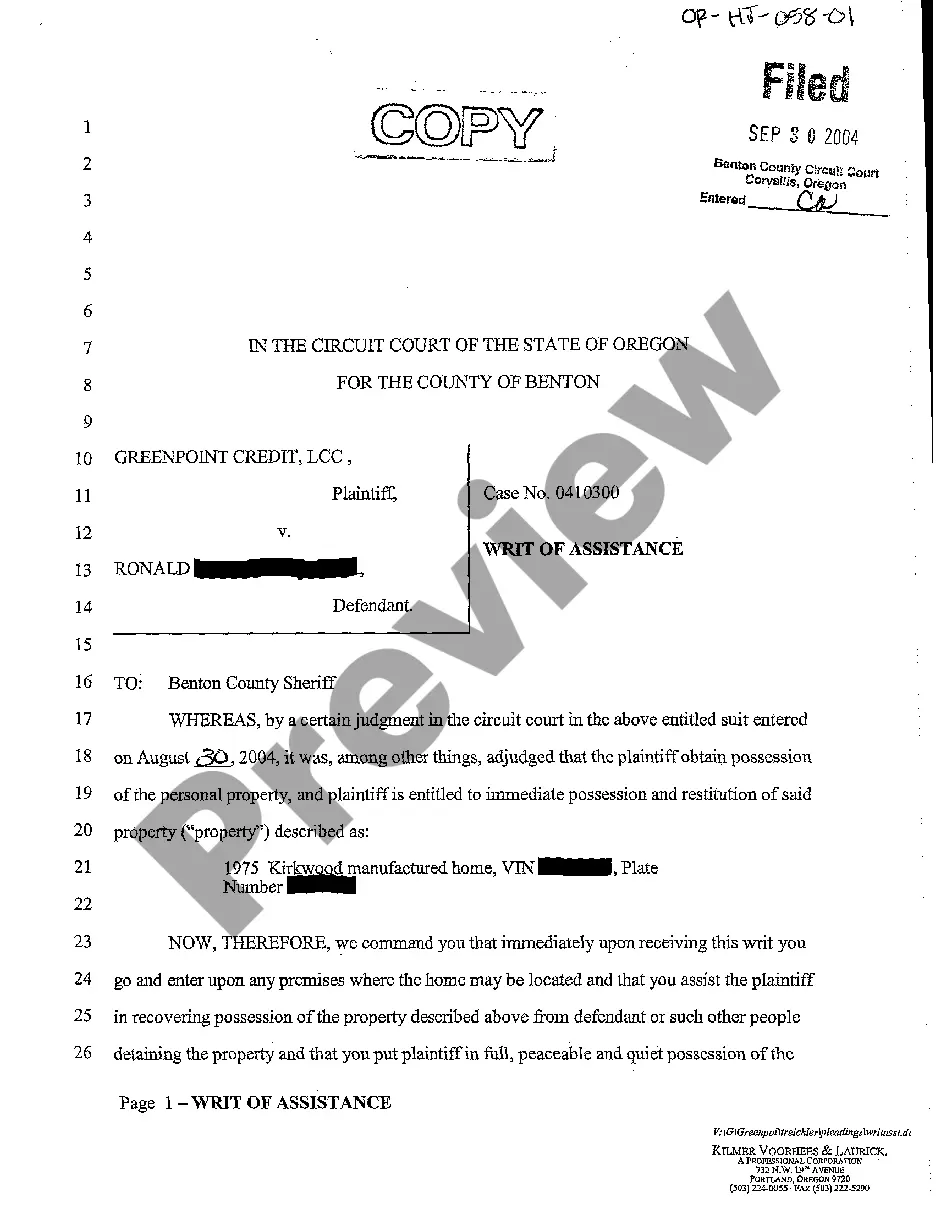
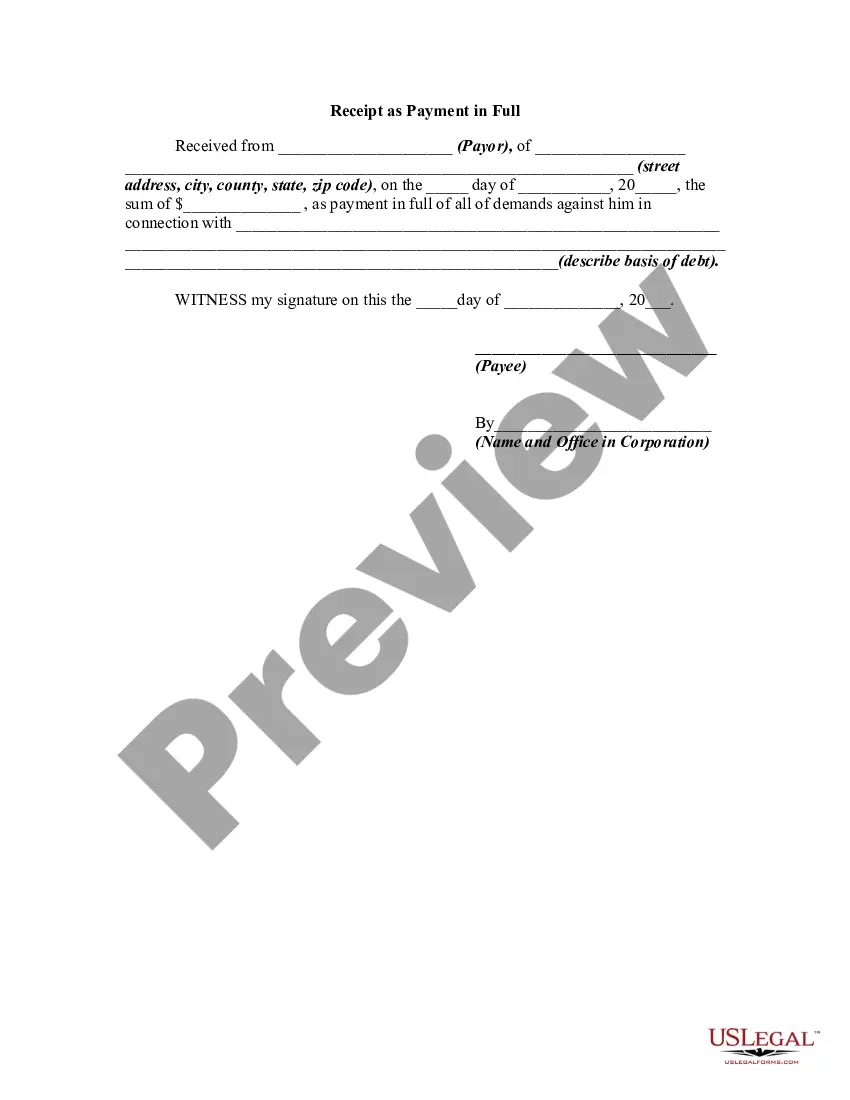
Wake North Carolina Receipt as Payment in Full
Description
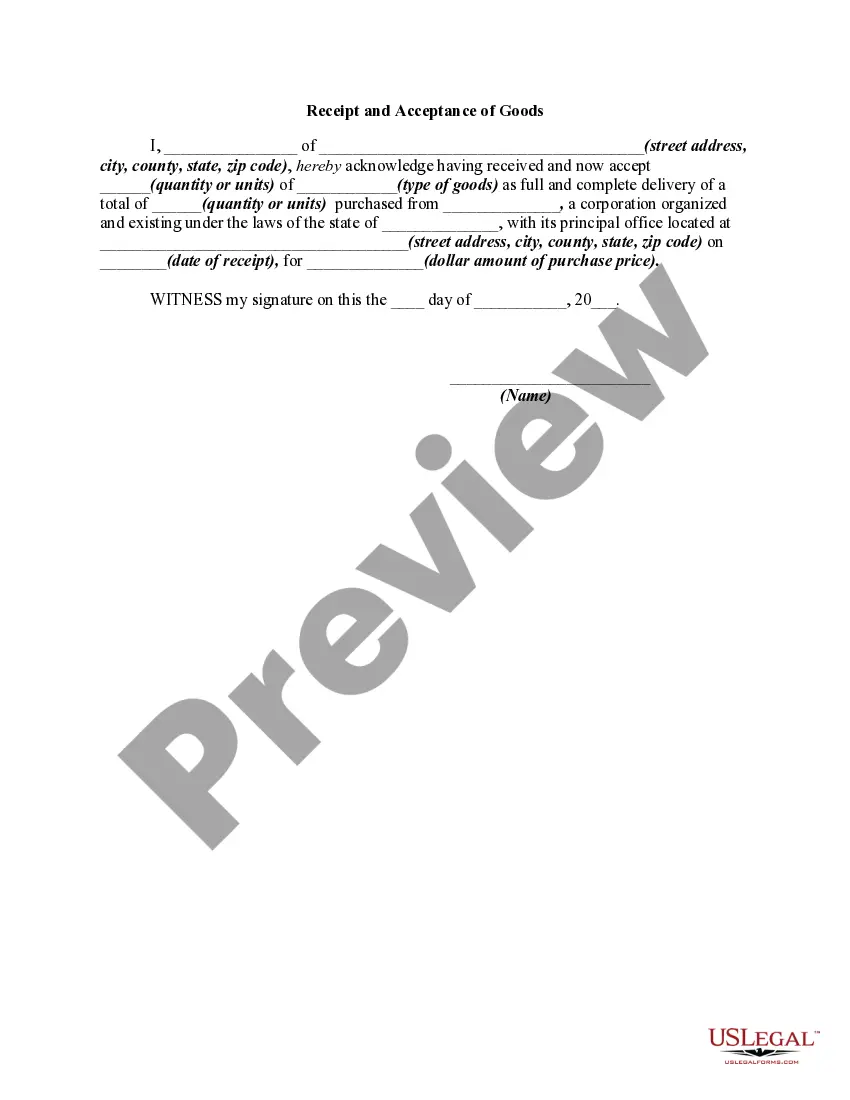
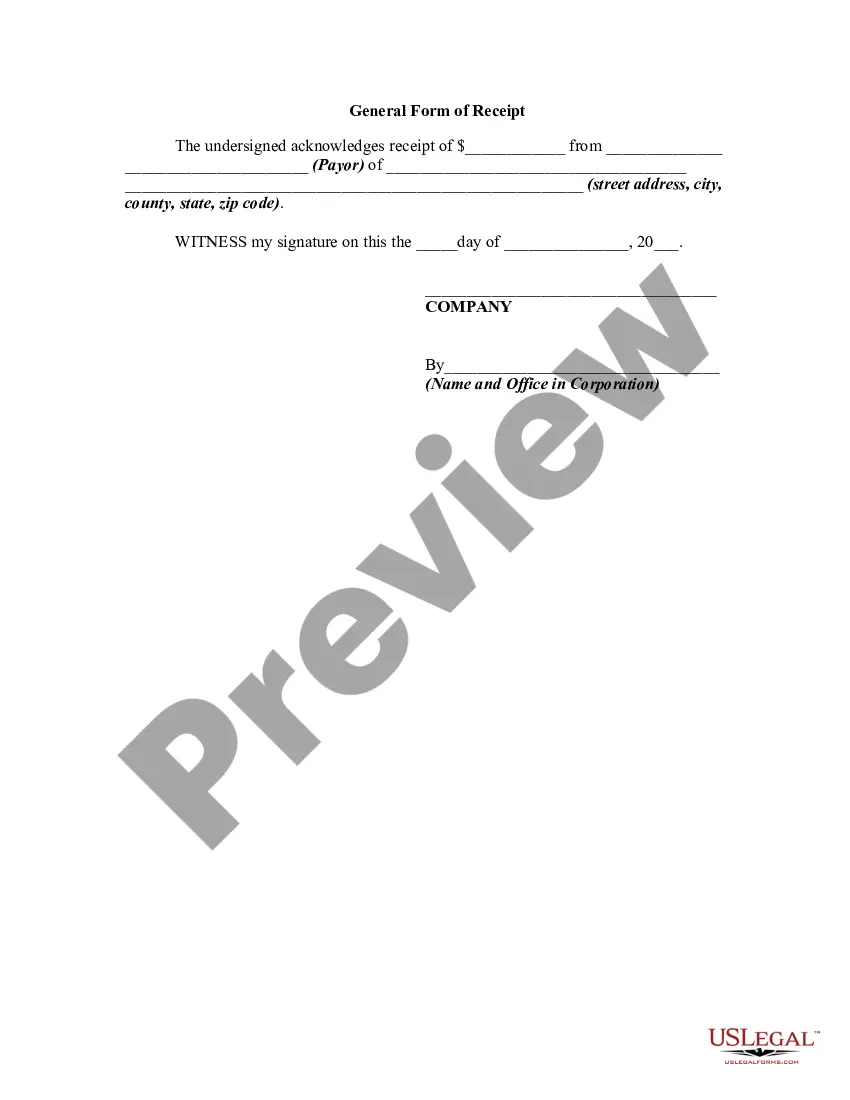
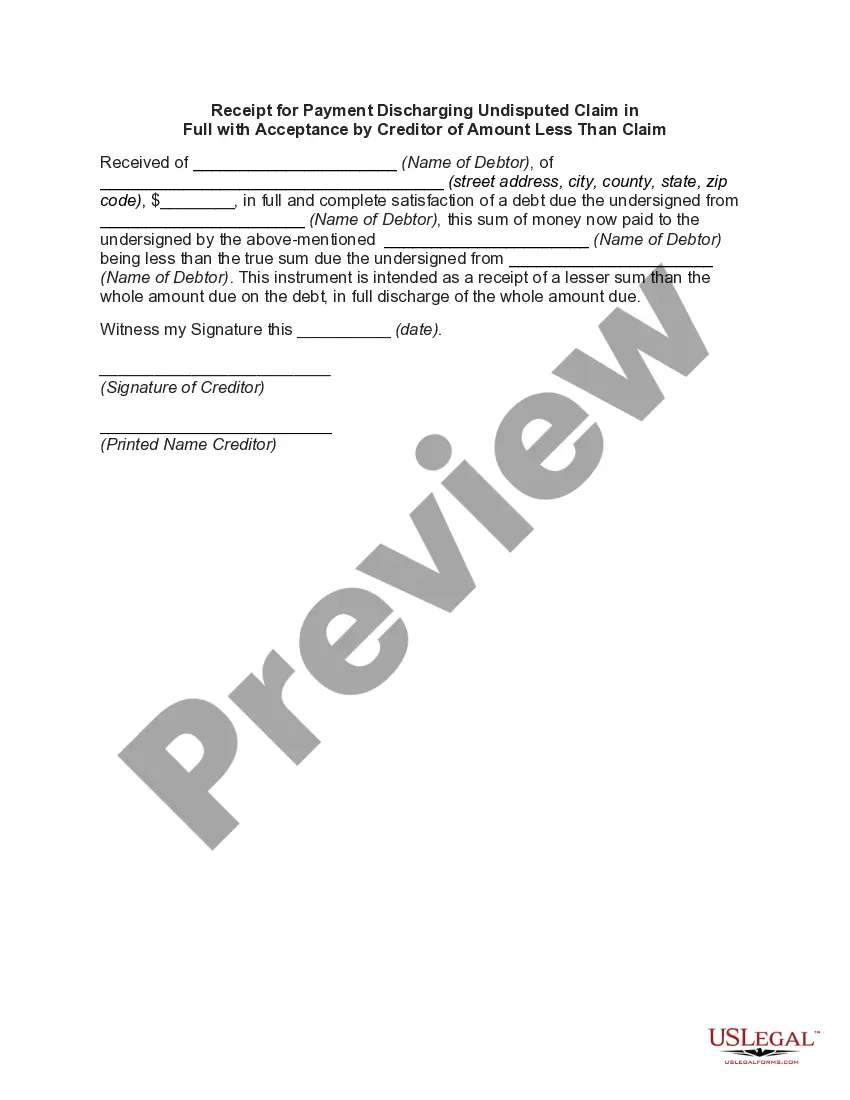
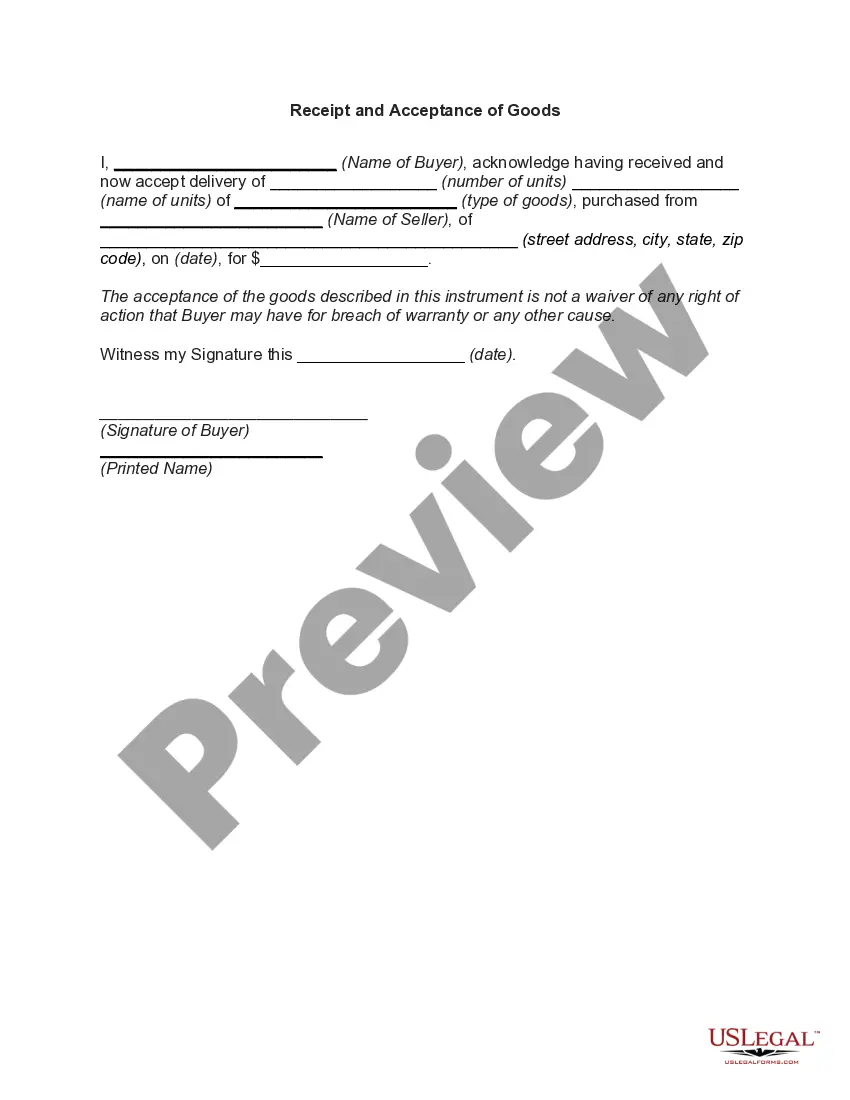
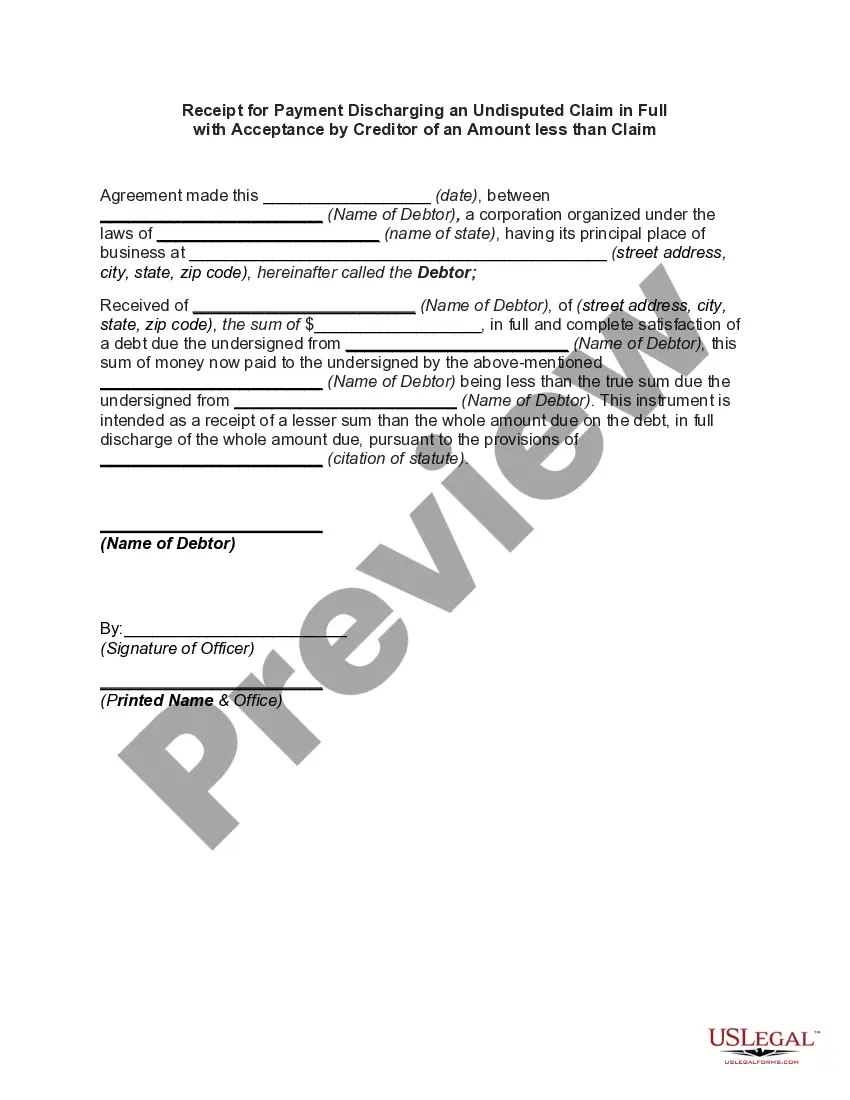
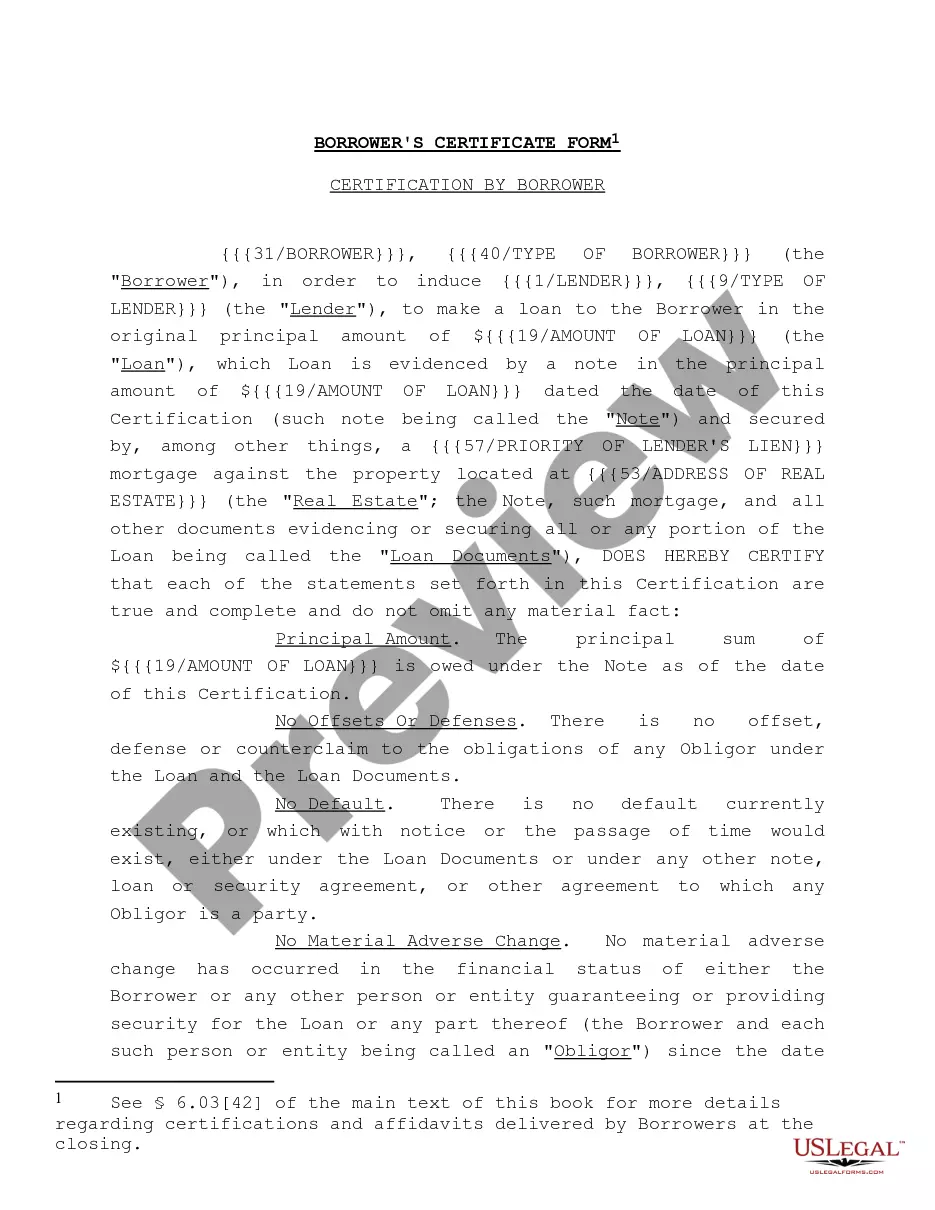
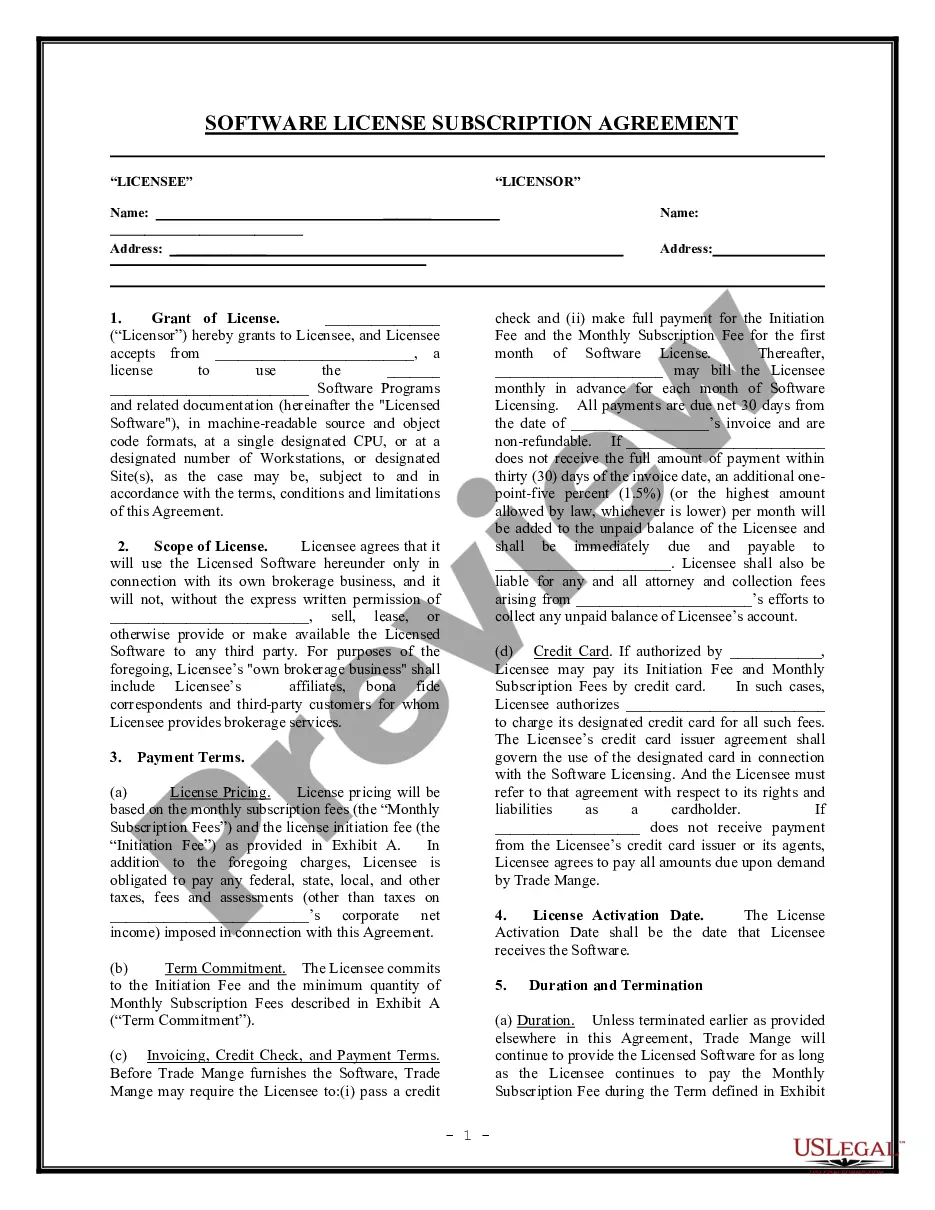
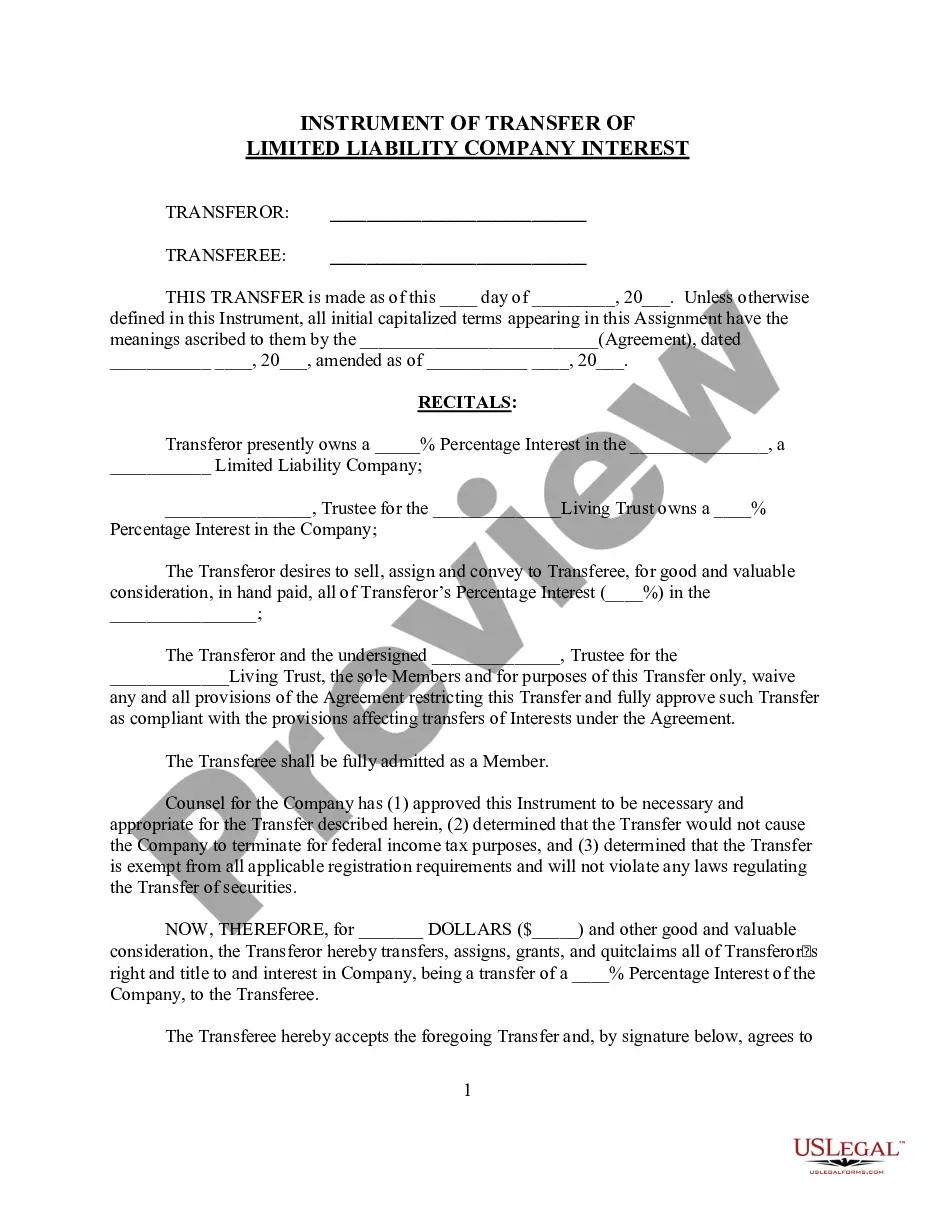
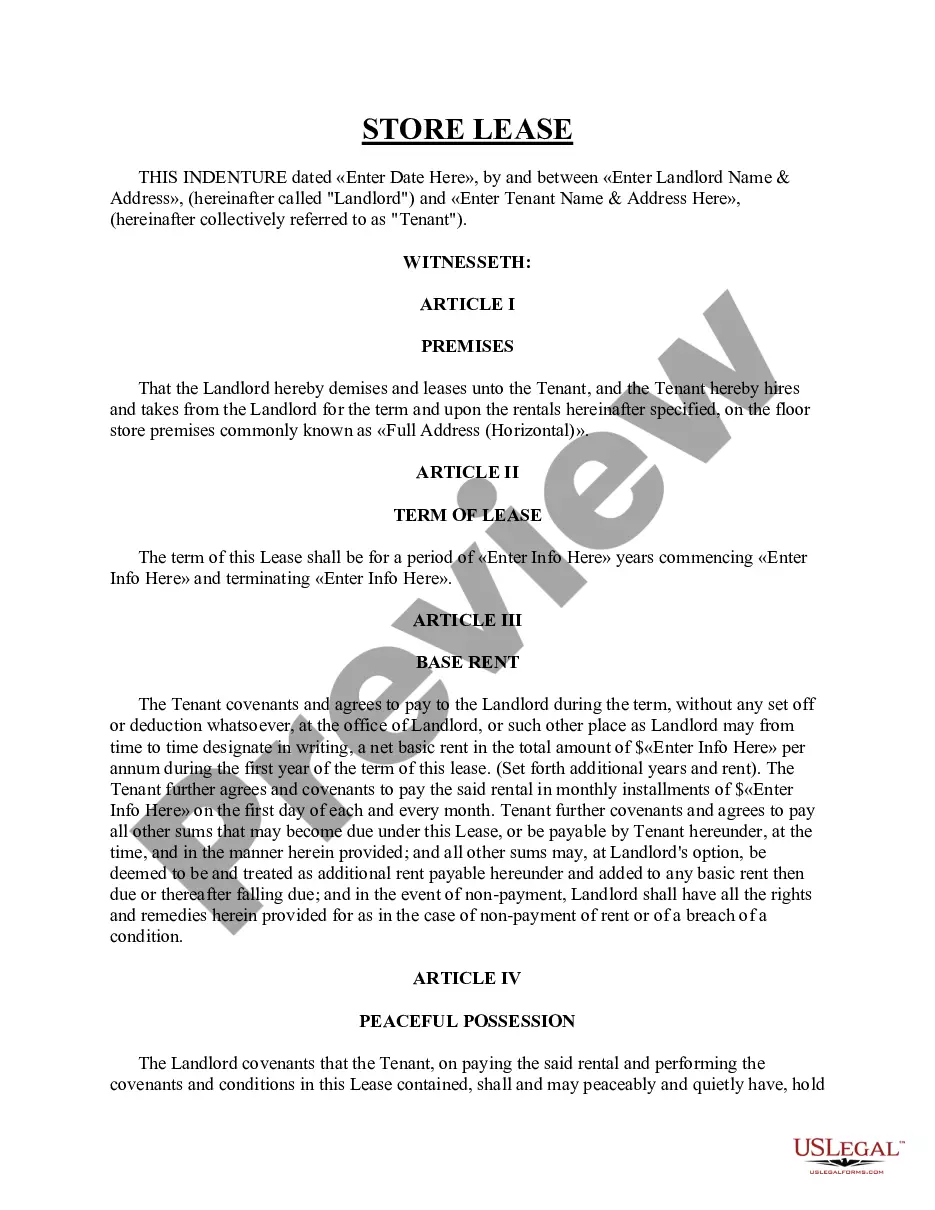


How to fill out Receipt As Payment In Full?
A document procedure consistently accompanies any legal action you undertake.
Establishing a business, applying for or accepting a job proposal, transferring ownership, and numerous other life situations necessitate you to prepare official paperwork that varies across the nation.
That is the reason why having everything consolidated in one location is so beneficial.
US Legal Forms is the largest online repository of current federal and state-specific legal documents.
This is the most straightforward and reliable method to secure legal paperwork. All the samples offered by our library are expertly crafted and validated for alignment with local laws and regulations. Prepare your documentation and manage your legal matters effectively with the US Legal Forms!
- Here, you can effortlessly locate and obtain a document for any personal or business endeavor utilized in your jurisdiction, including the Wake Receipt as Payment in Full.
- Finding templates on the site is remarkably straightforward.
- If you already possess a subscription to our library, Log In to your account, find the sample using the search feature, and click Download to store it on your device.
- Subsequently, the Wake Receipt as Payment in Full will be accessible for further use in the My documents section of your profile.
- If you are utilizing US Legal Forms for the first time, follow this simple guide to acquire the Wake Receipt as Payment in Full.
- Ensure you have accessed the correct page with your local form.
- Utilize the Preview mode (if available) and peruse the template.
- Review the description (if any) to confirm the template meets your requirements.
- Search for an additional document via the search feature if the sample does not suit you.
- Click Buy Now once you identify the necessary template.
Form popularity
FAQ
Wake Forest's preferred payment method for tuition & fees is through DEAC. However, Student Financial Services also accepts payment by check, Flywire (international payments) or cash paid to the Cashier. Students also have the opportunity to participate in a monthly payment plan.
Under the View column, select Expense Reports. Select Draft for Expense Report Status. Select a date range (it is always a good idea to go back to the beginning of the fiscal year). Select OK Page 3 2022 Click on the Twinkie, and hover your mouse over the Expense Report action, select Edit.
Annual Prices The annual list price to attend Wake Forest University on a full time basis for 2020/2021 is $77,278 for all students regardless of their residency. This fee is comprised of $56,722 for tuition, $15,520 room and board, $1,500 for books and supplies and $1,038 for other fees.
Attach all original receipts and submit to Accounts Payable, Box J. Goods and Services: Purchase Order Send the invoice to Accounts Payable, Box J. Accounts Payable will process the invoice for payment and scan the invoice into Workday. The scanned invoice becomes the official invoice of record.
Furthermore, Wake Forest likely has a very competitive financial aid program and a low cost of attendance. If you're a lower income student, don't be worried by the sticker price - Wake Forest will likely make a great financial aid offer to you to attend. In some cases, your cost of attending could be extremely low.
How do I do it? In Concur, click the Expense tab. The Report Library View displays Active Expense Reports. Click the Expense Report with the status of Not Submitted that you want to delete. Click the Delete icon next to the Report Name. The Confirm Delete window appears. Click the Delete button.
To access your dedicated User Support Desk phone number, please log into your SAP Concur system, click on Help, then click on Contact Support....To edit a submitted expense report: Open the submitted expense report that you need to edit. Recall the expense report.Make edits as needed. Submit the expense report again.
From the Workday home screen, choose Expenses, then Create Spend Authorization. Enter Dates, Description, Business Purpose, and Justification (required) then scroll down2026 Fill in the expense2026 2026 click Cash Advance Requested...
WORKDAY PROCESSING. SF08282019. ap@simmons.edu. Expenditures by employees are reported and tracked in Workday using the Expense Report functionality. This guide shows users how to create, track, and edit personal and credit card expenditures and includes the use of Spend Authorizations.
How do I cancel or delete an Expense Report? From the Expense Report in progress, you can cancel it by selecting Actions > Expense Reports > Cancel.