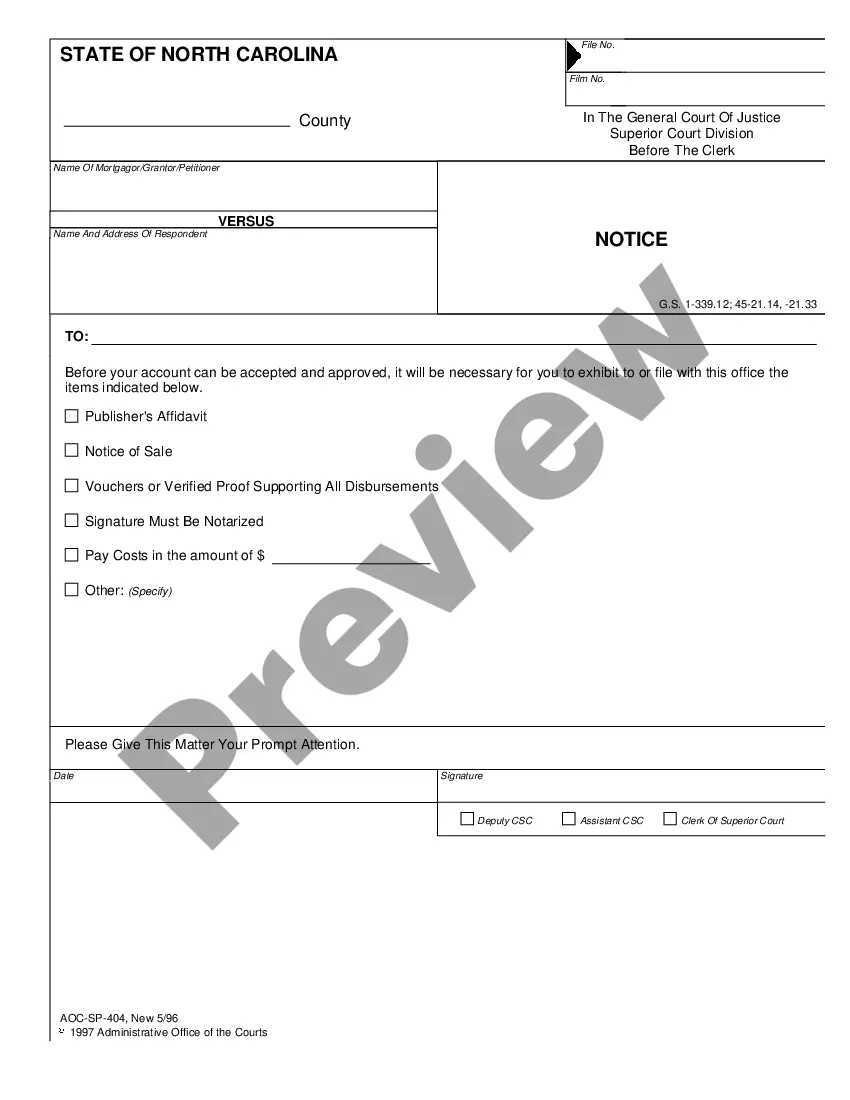
Carolina Administration of the Courts (AOC), which complies with all applicable laws and statutes. USLF amends and updates the forms as is required by North Carolina statutes and law.
Raleigh North Carolina Notice
State:
North Carolina
Category:
City:
Raleigh
Control #:
NC-SP-404
Format:
PDF
Instant download
This website is not affiliated with any governmental entity
Public form
Description
This is a Notice, for special proceedings form: This is an official form from the North
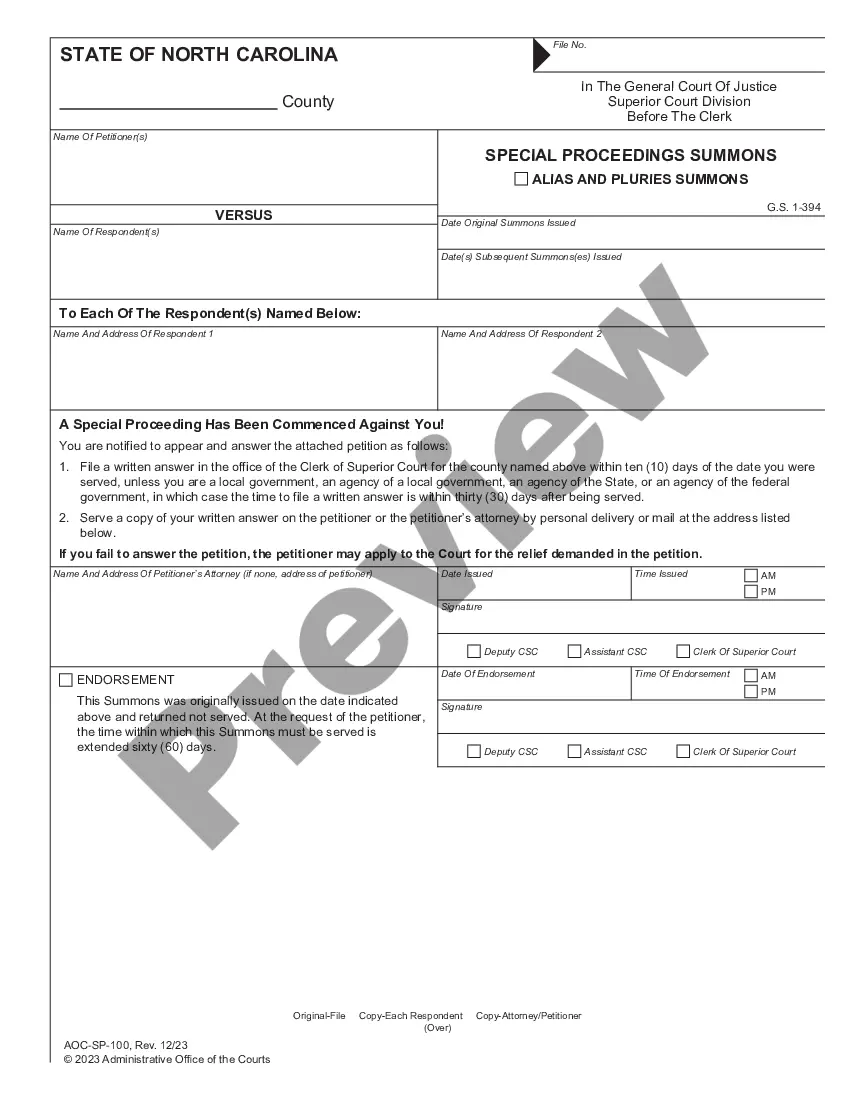
Get your form ready online
Our built-in tools help you complete, sign, share, and store your documents in one place.
Built-in online Word editor
Make edits, fill in missing information, and update formatting in US Legal Forms—just like you would in MS Word.
Export easily
Download a copy, print it, send it by email, or mail it via USPS—whatever works best for your next step.
E-sign your document
Sign and collect signatures with our SignNow integration. Send to multiple recipients, set reminders, and more. Go Premium to unlock E-Sign.
Notarize online 24/7
If this form requires notarization, complete it online through a secure video call—no need to meet a notary in person or wait for an appointment.
Store your document securely
We protect your documents and personal data by following strict security and privacy standards.

Make edits, fill in missing information, and update formatting in US Legal Forms—just like you would in MS Word.

Download a copy, print it, send it by email, or mail it via USPS—whatever works best for your next step.

Sign and collect signatures with our SignNow integration. Send to multiple recipients, set reminders, and more. Go Premium to unlock E-Sign.

If this form requires notarization, complete it online through a secure video call—no need to meet a notary in person or wait for an appointment.

We protect your documents and personal data by following strict security and privacy standards.
Looking for another form?

How to fill out North Carolina Notice?
If you are seeking a legitimate document, it’s challenging to locate a superior site than the US Legal Forms portal – likely the most extensive collections available online.
Here, you can discover a vast array of form examples for commercial and personal uses categorized by types and locations, or through keywords.
With our sophisticated search feature, locating the latest Raleigh North Carolina Notice is as simple as 1-2-3.
Complete the transaction. Use your credit card or PayPal account to finalize the registration process.
Obtain the document. Select the format and download it to your device.
- Furthermore, the accuracy of every entry is verified by a team of qualified attorneys who routinely examine the templates on our site and update them in accordance with the most current state and county regulations.
- If you are already familiar with our platform and possess an account, all you need to do to acquire the Raleigh North Carolina Notice is to Log In to your profile and hit the Download button.
- If you are utilizing US Legal Forms for the first time, please adhere to the instructions outlined below.
- Ensure you’ve selected the template you need. Review its description and use the Preview feature to examine its contents. If it does not meet your requirements, use the Search bar at the top of the screen to find the correct document.
- Confirm your choice. Click on the Buy now button. Then, choose your desirable subscription plan and provide details to create an account.
Form popularity
FAQ
Login to ITD Portal Visit Income Tax Department (ITD) website Visit ITD Portal and log in using your PAN number, and your password.
Taxpayers may pay their tax by using a credit/debit card (Visa/MasterCard) or bank draft via our online payment system , or by contacting an agent at 1-877-252-3252. Taxpayers may also pay their tax with a personal check, money order or cashier's check.
Notices are sent out when the department determines taxpayers owe taxes to the State that have not been paid for a number of reasons.
You may contact the Department toll-free 1-877-252-3252 if you have additional questions about your notice.
This notice is sent if a taxpayer's tax debt (tax due, penalties, and interest) is final and collectible, but has not been paid in full.
You can obtain your account balance by calling the Department at 1-877-252-3052. What to do if you receive a Notice of Collection? 1) You may pay in full via our website: and choose pay bill or notice option. This will take you through the steps of paying through our online system.