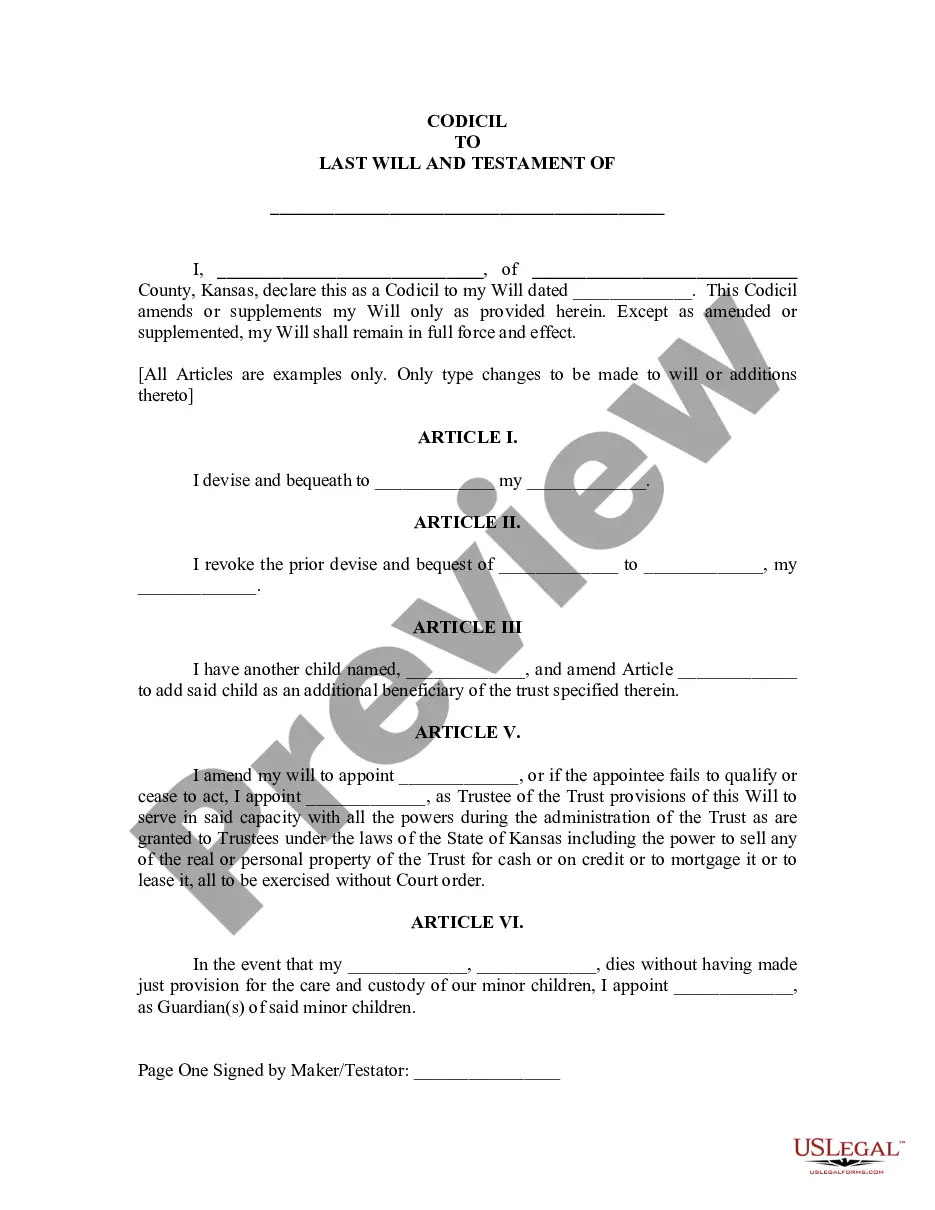
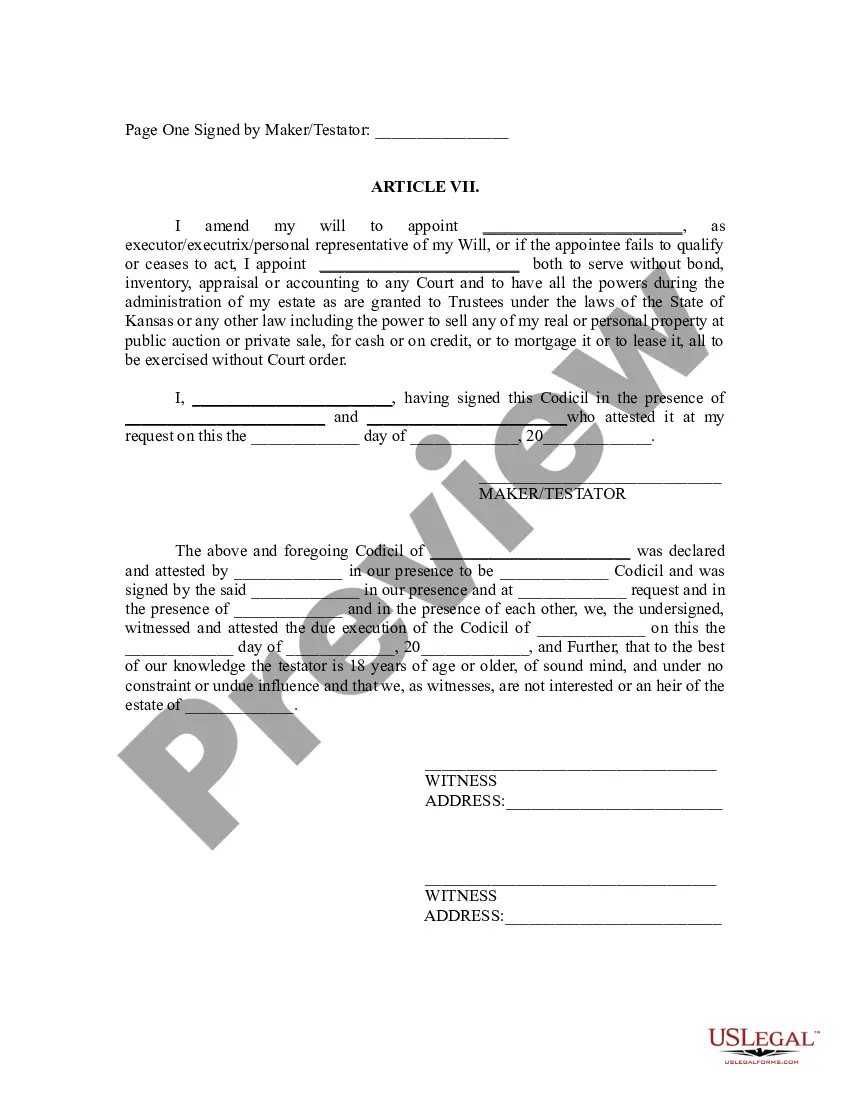
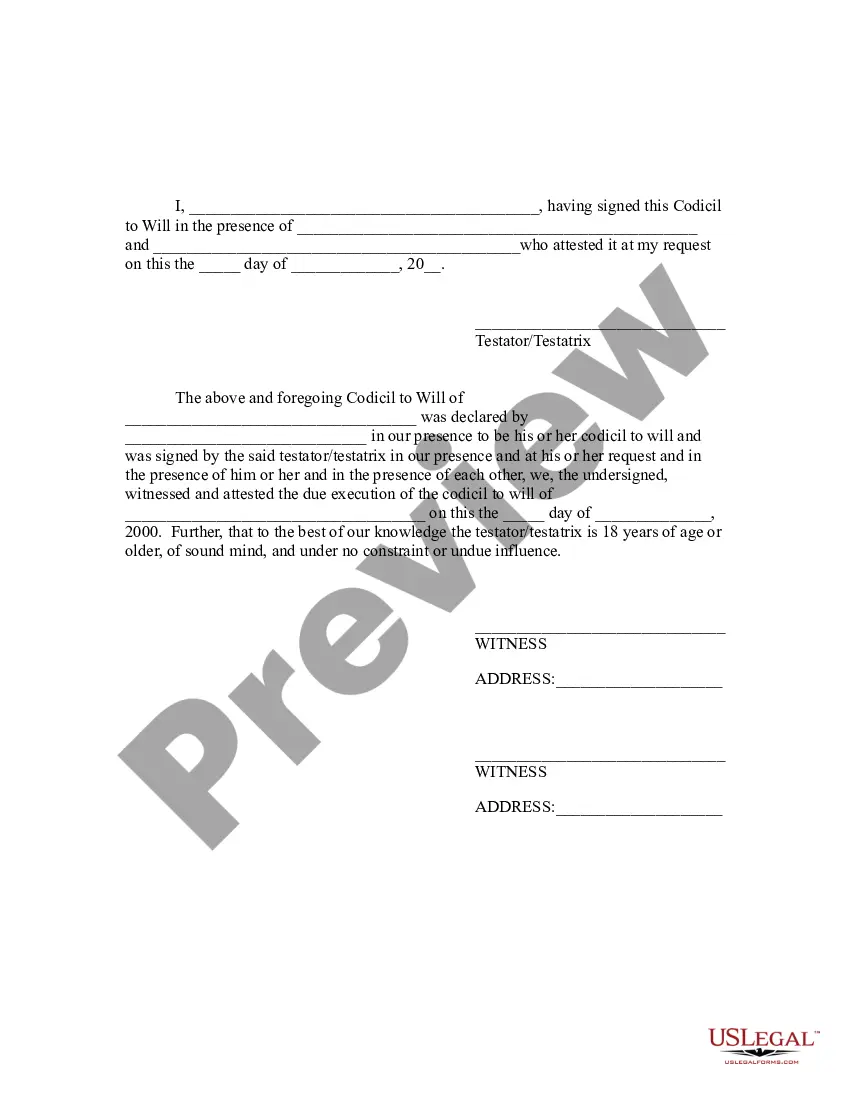
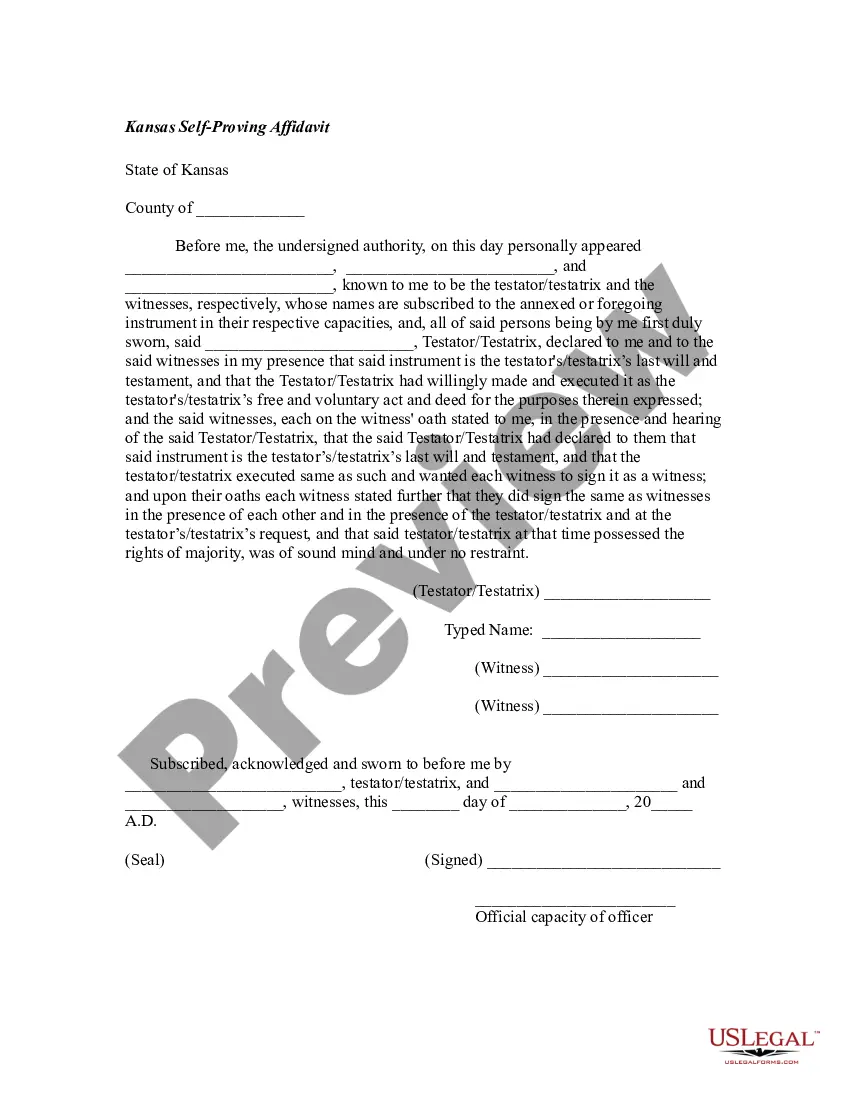
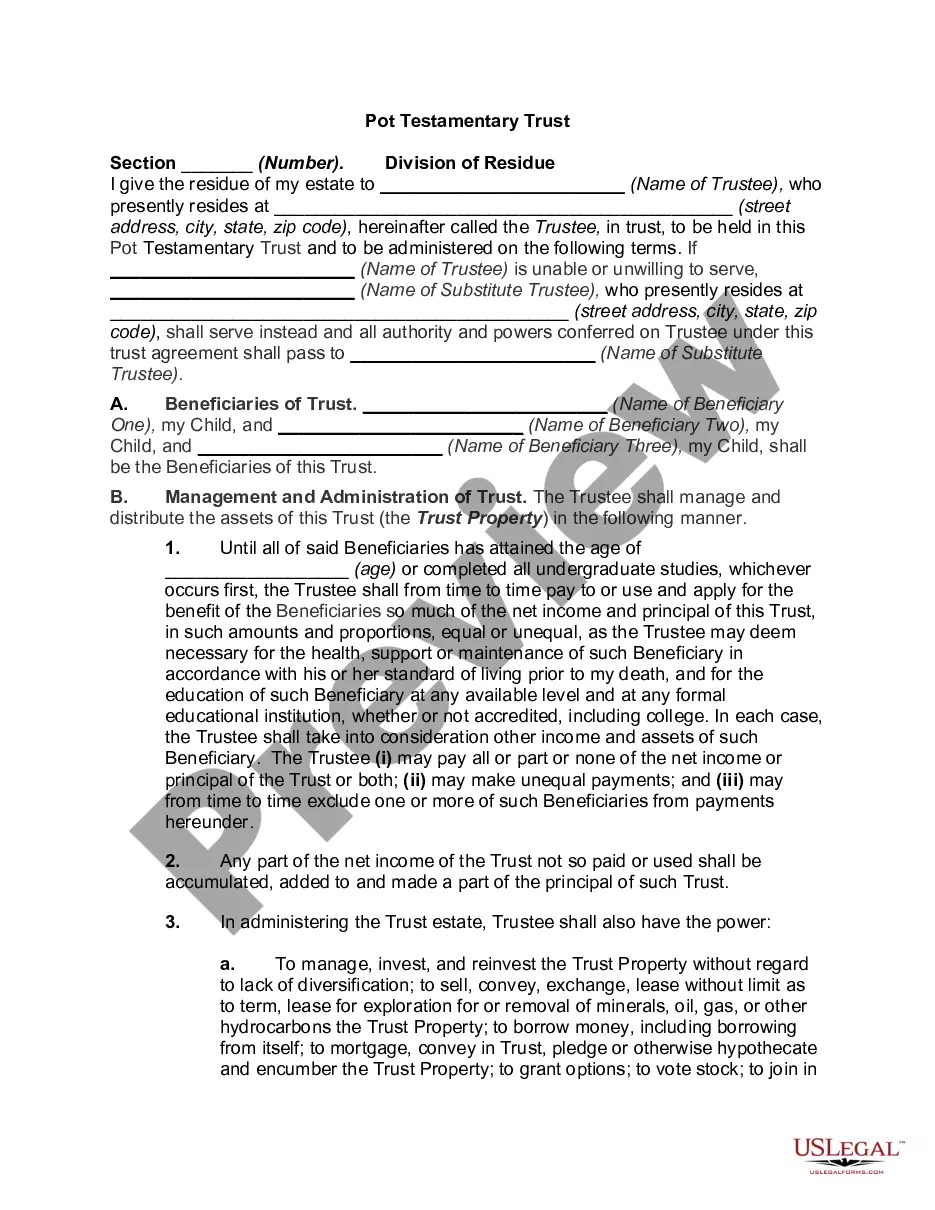
This form is for a person to change their will by codicil rather than making an entirely new will. It contains a provision that the former will remains valid except as amended by the codicil. It also contains the state required execution format and attestation clause. You will need to add the articles as desired. Sample provisions are included.
Wichita Kansas Codicil to Will Form for Amending Your Will - Will Changes or Amendments
State:
Kansas
Category:
City:
Wichita
Control #:
KS-WIL-01444
Format:
Word;
Rich Text
57 downloads
Description
Free preview
Get your form ready online
Our built-in tools help you complete, sign, share, and store your documents in one place.
Built-in online Word editor
Make edits, fill in missing information, and update formatting in US Legal Forms—just like you would in MS Word.
Export easily
Download a copy, print it, send it by email, or mail it via USPS—whatever works best for your next step.
E-sign your document
Sign and collect signatures with our SignNow integration. Send to multiple recipients, set reminders, and more. Go Premium to unlock E-Sign.
Notarize online 24/7
If this form requires notarization, complete it online through a secure video call—no need to meet a notary in person or wait for an appointment.
Store your document securely
We protect your documents and personal data by following strict security and privacy standards.

Make edits, fill in missing information, and update formatting in US Legal Forms—just like you would in MS Word.

Download a copy, print it, send it by email, or mail it via USPS—whatever works best for your next step.

Sign and collect signatures with our SignNow integration. Send to multiple recipients, set reminders, and more. Go Premium to unlock E-Sign.

If this form requires notarization, complete it online through a secure video call—no need to meet a notary in person or wait for an appointment.

We protect your documents and personal data by following strict security and privacy standards.
Looking for another form?


How to fill out Kansas Codicil To Will Form For Amending Your Will - Will Changes Or Amendments?
No matter the social or occupational standing, completing law-related documents is a regrettable requirement in our modern society.
Frequently, it’s nearly impossible for someone without a legal background to compose these kinds of documents from scratch, primarily due to the intricate language and legal nuances they involve.
This is where US Legal Forms proves to be beneficial.
Confirm that the form you selected is suitable for your jurisdiction since the regulations of one state or locality may not apply to another.
Examine the document and review a brief summary (if available) of scenarios the paper can be applicable to.
- Our platform provides an extensive collection with over 85,000 ready-to-use state-specific forms applicable to nearly any legal circumstance.
- US Legal Forms is also a fantastic resource for associates or legal advisors who aim to enhance their efficiency by using our DIY forms.
- Whether you are seeking the Wichita Kansas Codicil to Will Form for Revising Your Will - Will Alterations or Amendments, or any other document valid in your state or locality, US Legal Forms makes everything accessible.
- Here’s how you can swiftly obtain the Wichita Kansas Codicil to Will Form for Revising Your Will - Will Alterations or Amendments using our reliable platform.
- If you are already a member, you can directly Log In to your account to acquire the required form.
- But if you’re new to our collection, ensure to follow these steps before downloading the Wichita Kansas Codicil to Will Form for Revising Your Will - Will Alterations or Amendments.
Form popularity
FAQ
You can have a lawyer write your codicil for you, or you can make one yourself. However, in most cases it makes more sense just to make a new will. Revoking the old will and making a new one will reduce the possibility of any confusion that could come from having an add-on to your will.
The only way you can change a will is by making an official alteration called a codicil. You must sign a codicil and get it witnessed in the same way as witnessing a will. There's no limit on how many codicils you can add to a will.
For a codicil to be valid it must comply with the same legal formalities that are in place for making a will. This means that it should be signed by the will-maker and witnessed by at least two people. The codicil should then be attached to the original will to form the complete last will and testament.
In case of a codicil, necessary reference to the clause in the earlier will must be provided for easy interpretation. It is not mandatory to register the will, however, it is advisable to do so. If the earlier will was registered, it is necessary to register the new will/codicil.
Making changes to your will The only way you can change a will is by making an official alteration called a codicil. You must sign a codicil and get it witnessed in the same way as witnessing a will. There's no limit on how many codicils you can add to a will.
Technically, yes, you can make handwritten changes to your Will.
For example, the codicil can be handwritten, even though the will was done by a notary. However, if your change is holographic or made in the presence of witnesses, it must be validated (?probated?) by the court or a notary after you die, which involves costs and delays.
Fortunately, Florida law allows people to make changes to their wills with additional legal documents called codicils.
Just like your will, your codicil does need to be witnessed to be a valid document. Witnessing laws vary from state to state, but most require two witnesses when signing. Your witnesses should be disinterested, meaning they're not mentioned in your will and won't inherit anything from your estate.