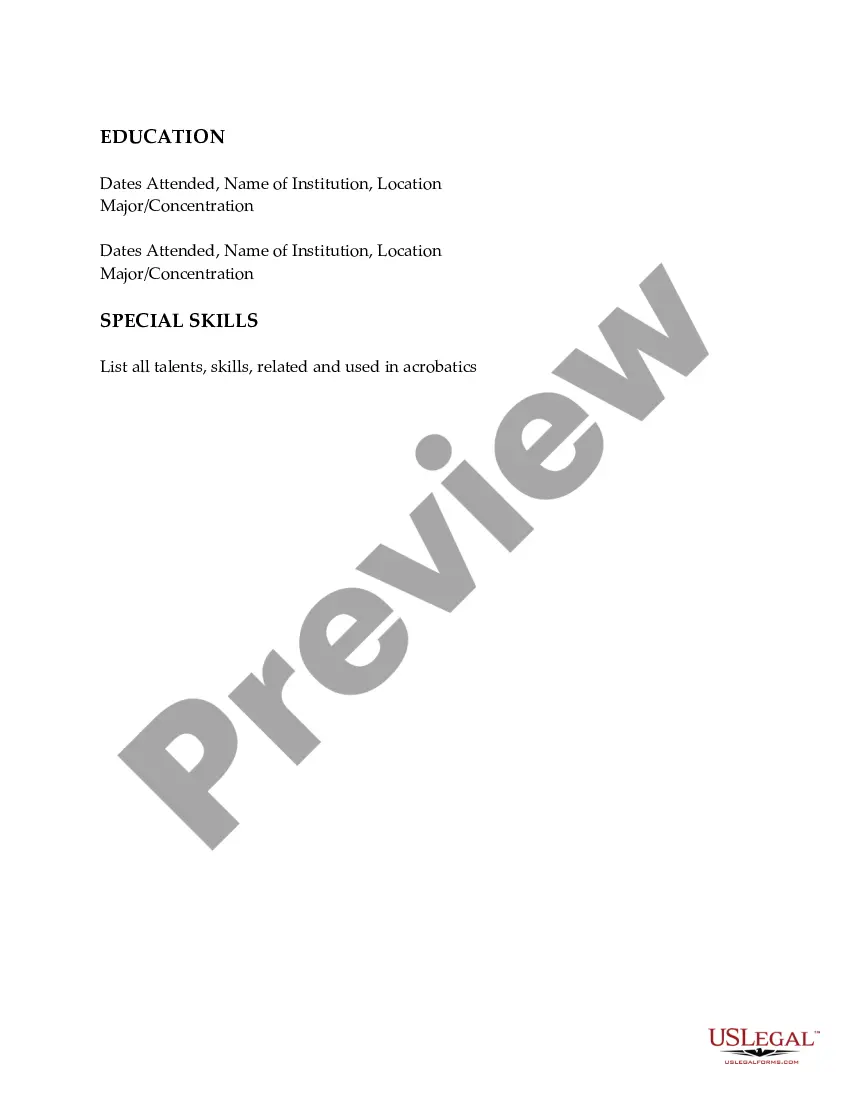
Wyoming Resume for Acrobats
Description
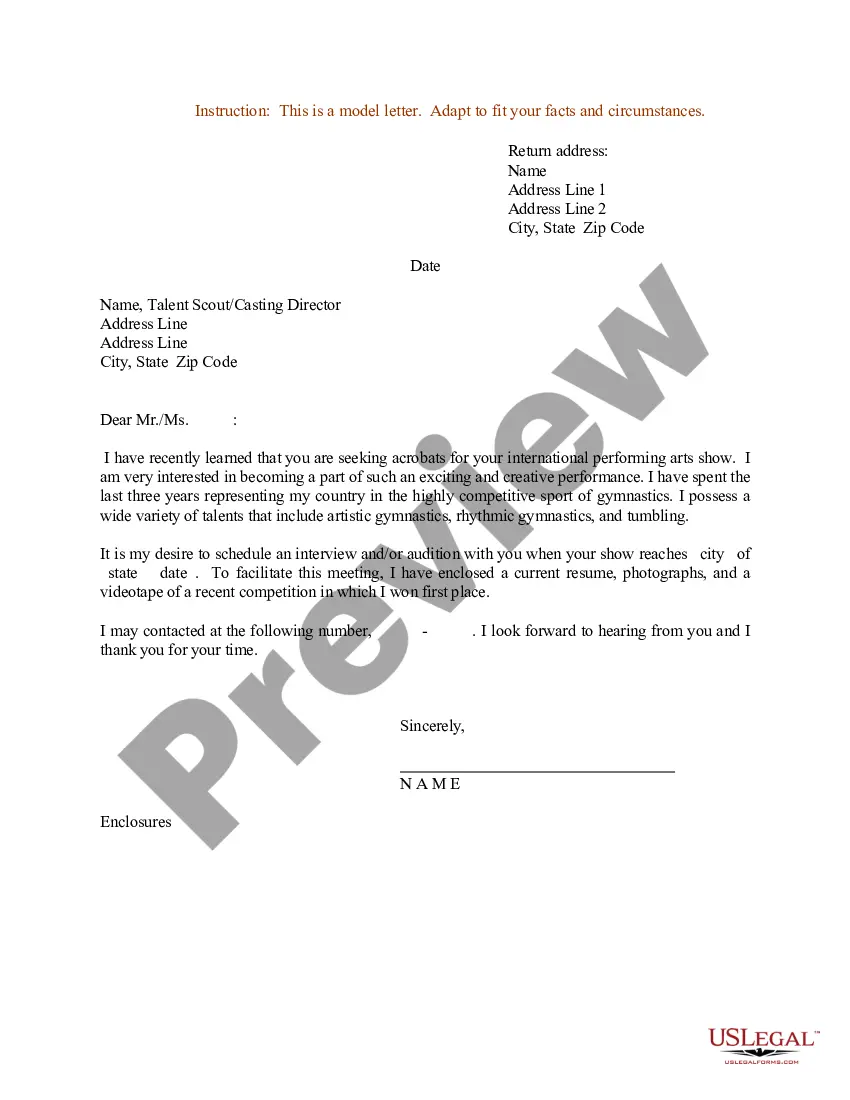
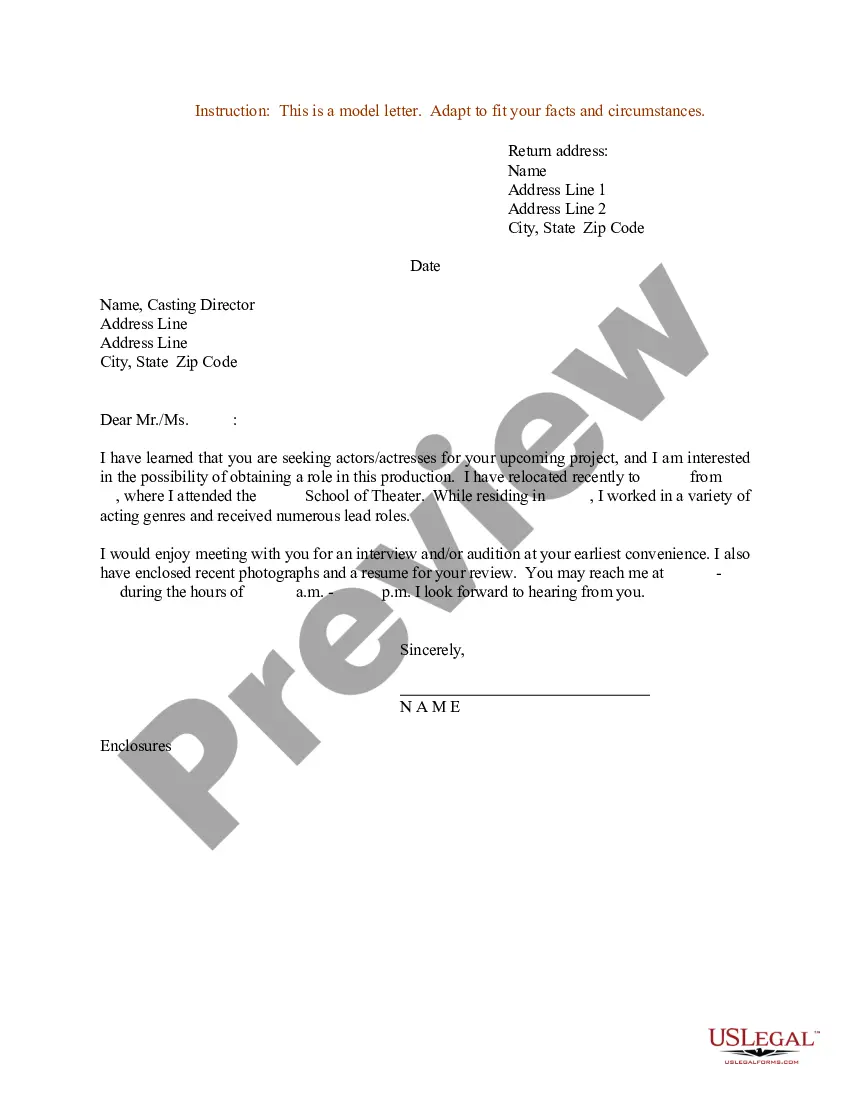
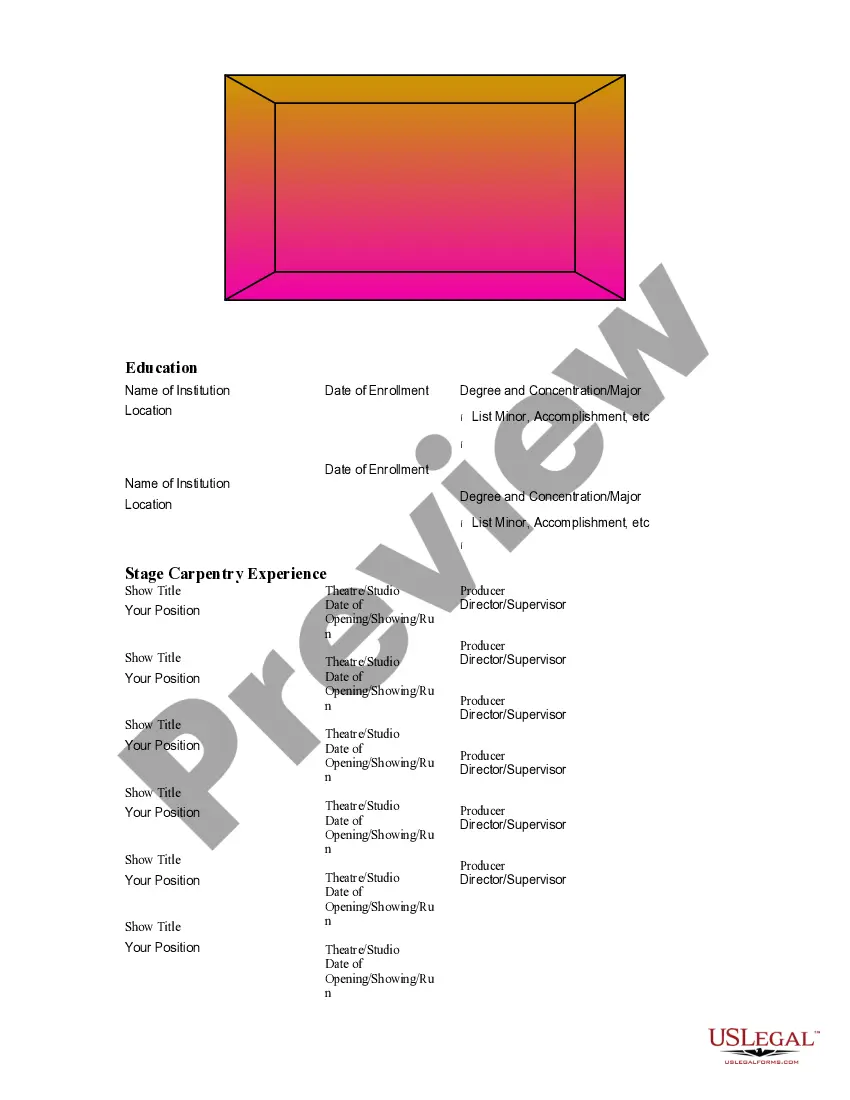
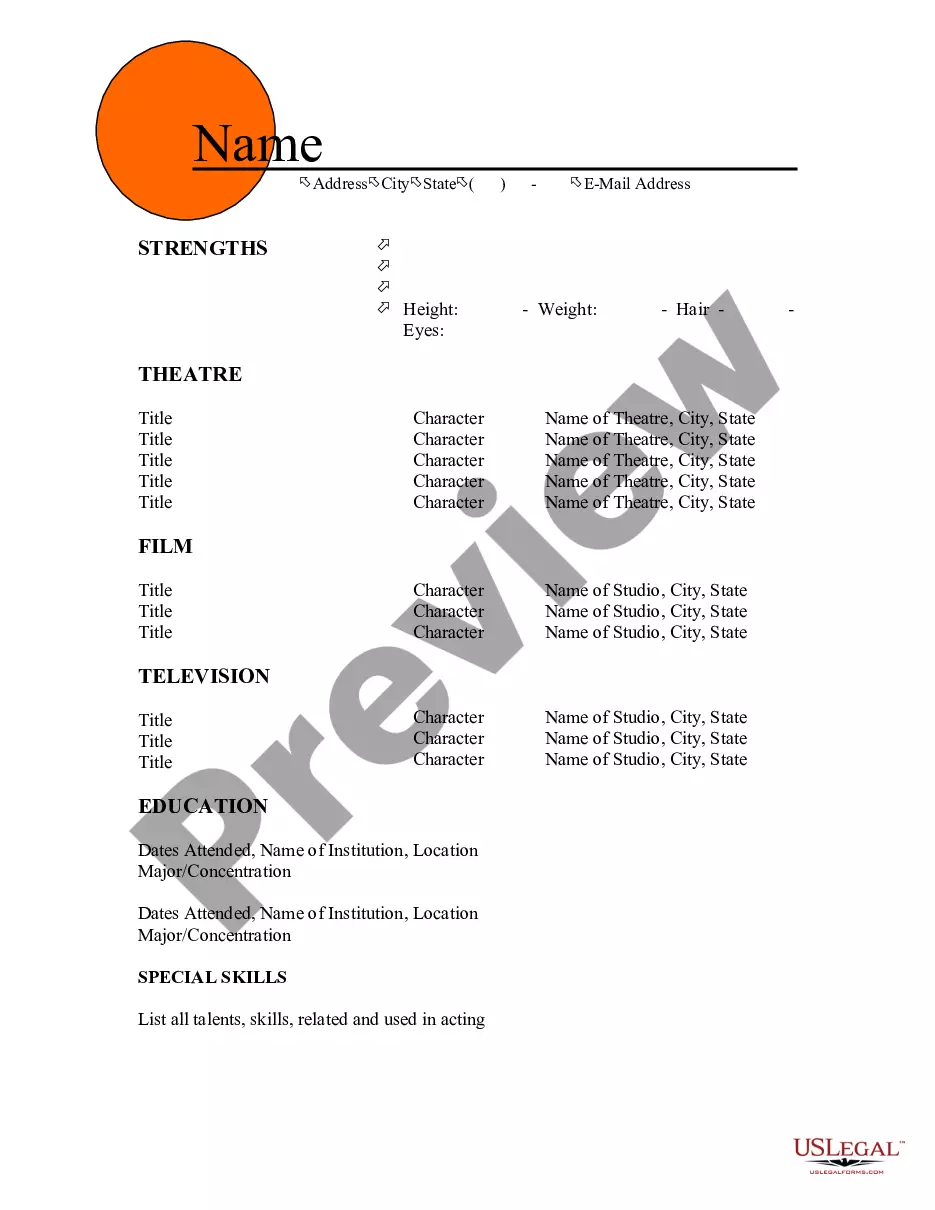
Get your form ready online
Our built-in tools help you complete, sign, share, and store your documents in one place.
Make edits, fill in missing information, and update formatting in US Legal Forms—just like you would in MS Word.
Download a copy, print it, send it by email, or mail it via USPS—whatever works best for your next step.
Sign and collect signatures with our SignNow integration. Send to multiple recipients, set reminders, and more. Go Premium to unlock E-Sign.
If this form requires notarization, complete it online through a secure video call—no need to meet a notary in person or wait for an appointment.
We protect your documents and personal data by following strict security and privacy standards.

Make edits, fill in missing information, and update formatting in US Legal Forms—just like you would in MS Word.

Download a copy, print it, send it by email, or mail it via USPS—whatever works best for your next step.

Sign and collect signatures with our SignNow integration. Send to multiple recipients, set reminders, and more. Go Premium to unlock E-Sign.

If this form requires notarization, complete it online through a secure video call—no need to meet a notary in person or wait for an appointment.

We protect your documents and personal data by following strict security and privacy standards.
Looking for another form?



How to fill out Resume For Acrobats?
If you wish to complete, download, or print legal document templates, utilize US Legal Forms, the largest selection of legal forms available online.
Employ the site’s straightforward and user-friendly search to locate the documents you require.
Various templates for business and personal objectives are organized by categories and states, or keywords.
Step 4. Once you have located the form you need, click the Purchase now button. Choose the pricing plan you prefer and provide your details to register for an account.
Step 5. Process the payment. You can use your credit card or PayPal account to complete the transaction.
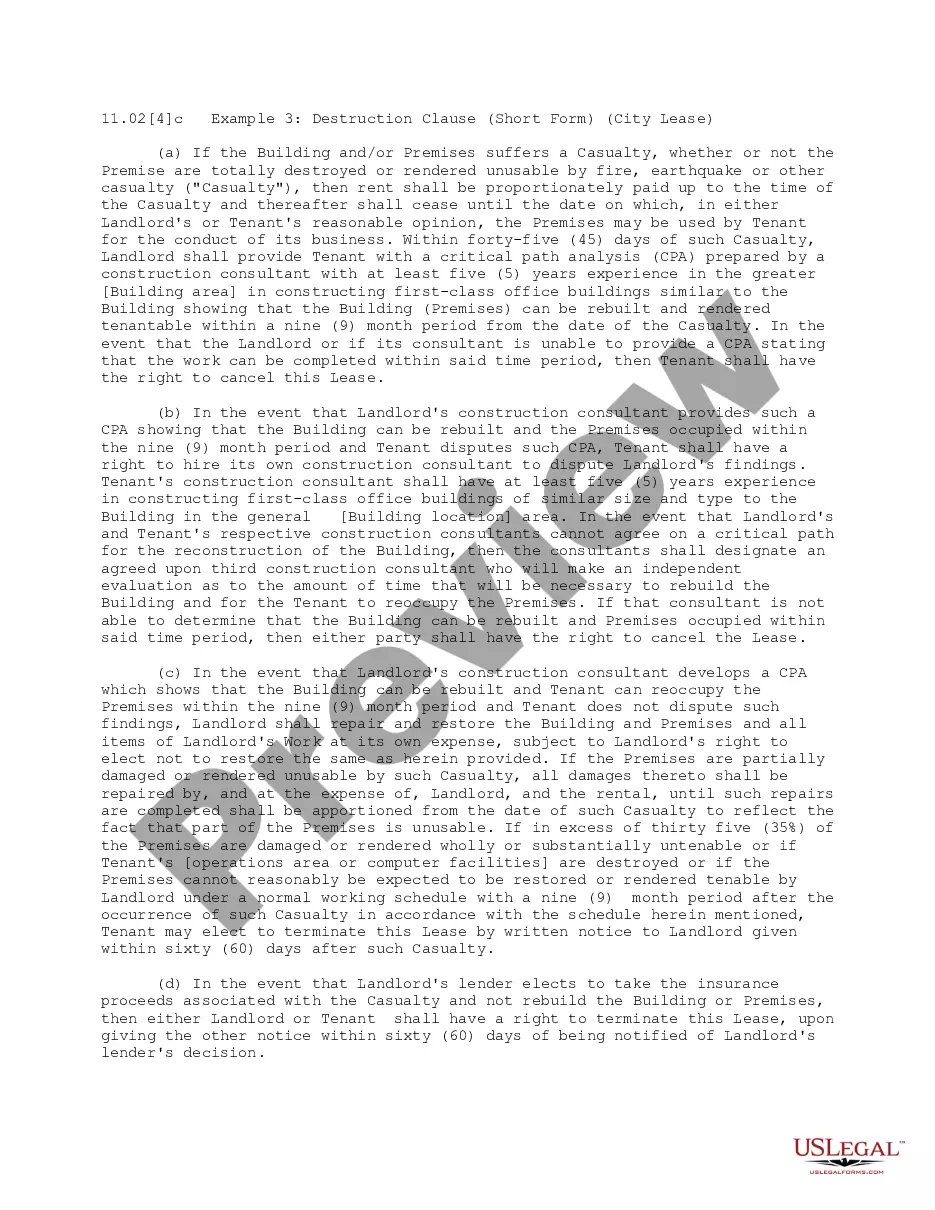
- Utilize US Legal Forms to find the Wyoming Resume for Acrobats within just a few clicks.
- If you are already a US Legal Forms user, Log In to your account and click the Download button to acquire the Wyoming Resume for Acrobats.
- You can also access forms you previously downloaded in the My documents tab of your account.
- If you are using US Legal Forms for the first time, follow the instructions below.
- Step 1. Ensure you have selected the form for the correct city/state.
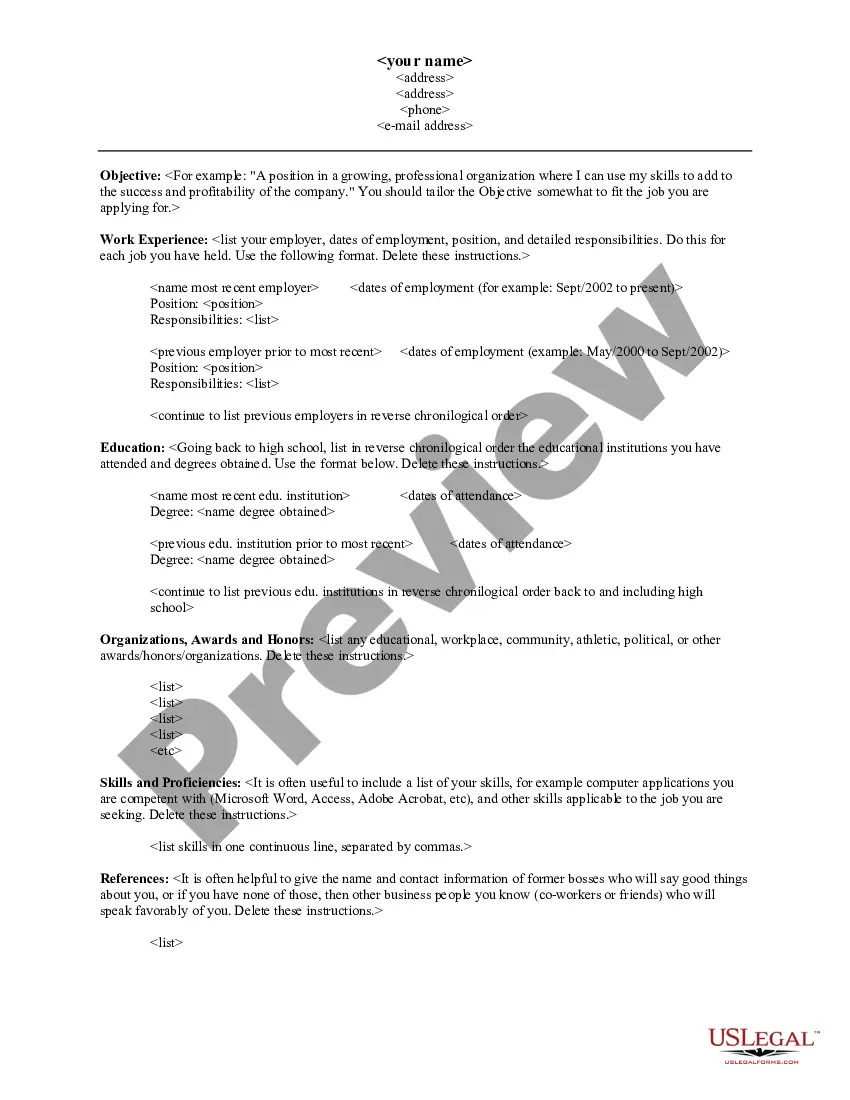
- Step 2. Use the Preview option to review the form’s content. Don’t forget to read through the summary.
- Step 3. If you are not satisfied with the form, utilize the Search field at the top of the screen to find other versions of the legal form template.
Form popularity
FAQ
Creating an effective activity resume is essential for acrobats looking to showcase their skills and experiences. Begin by listing your performances, training, and relevant activities, ensuring to include the dates and locations. Next, highlight specific skills, such as flexibility, strength, and coordination, that make you stand out in the field. For a polished presentation, consider using the Wyoming Resume for Acrobats template available on US Legal Forms, which can simplify the process and help you create a professional-looking resume.
A good resume summary, in a sentence or two, highlights some of your biggest achievements to date, mentions your profession and includes 1-2 of your top skills. For your resume summary to really stand out, though, it should also be tailored to the company's needs.
Listing your skills before your experience section will color the way your whole resume is reviewed and help tell your career story. If you work in a technical field where hard skills are paramount, you might also want to put your skills section at the top.
The skills section of your resume includes your abilities that are related to the jobs you are applying for. In this section, you should list skills that are relevant to the position or career field that you are interested in, such as computer skills, software skills, and/or language skills.
7 Skills to Leave Off Your ResumeA Language You Only Studied in High School.Basic Computer Skills Like Email and Microsoft Word.Social Media (If You Haven't Used It as Part of Your Job)Soft Skills.Exaggerations or Flat-Out Lies.Outdated Tech.Irrelevant or Joke Skills.
A summary begins with an introductory sentence that states the text's title, author and main point of the text as you see it. A summary is written in your own words. A summary contains only the ideas of the original text. Do not insert any of your own opinions, interpretations, deductions or comments into a summary.
A summary statement can help transition your resume from your current education and experience to the type of position you are seeking. Your summary statement should be three to five lines describing your strengths, the position/industry you are seeking, and what you will bring to the job.
Yes, a skills section is necessary on a resume. While your skills section will look different depending on your industry and relevant skill set, a skills section is always an essential part of a resume. Your skills section should provide employers with an overview of your most important professional abilities.
The summary statement typically sits right below the job seeker's contact information and right above the body of the resume. A resume summary statement is often referred to by other names, including: Career summary. Personal statement.
Summarizing means cutting it down to its bare essentials. You can use both techniques to clarify and simplify complex information or ideas. To paraphrase text: Read and make notes. Find different terms.