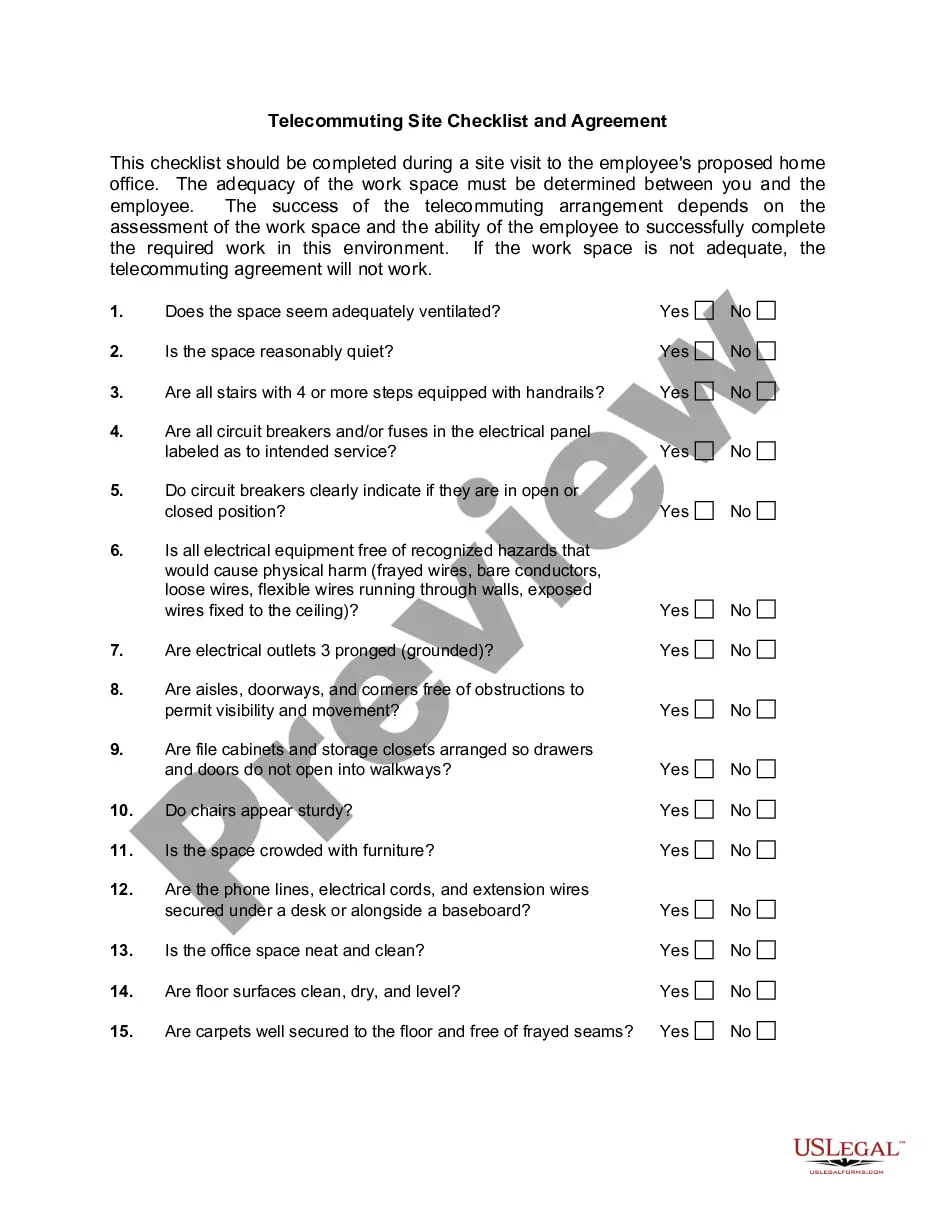
West Virginia Telecommuting Agreement
Description




Get your form ready online
Our built-in tools help you complete, sign, share, and store your documents in one place.
Make edits, fill in missing information, and update formatting in US Legal Forms—just like you would in MS Word.
Download a copy, print it, send it by email, or mail it via USPS—whatever works best for your next step.
Sign and collect signatures with our SignNow integration. Send to multiple recipients, set reminders, and more. Go Premium to unlock E-Sign.
If this form requires notarization, complete it online through a secure video call—no need to meet a notary in person or wait for an appointment.
We protect your documents and personal data by following strict security and privacy standards.

Make edits, fill in missing information, and update formatting in US Legal Forms—just like you would in MS Word.

Download a copy, print it, send it by email, or mail it via USPS—whatever works best for your next step.

Sign and collect signatures with our SignNow integration. Send to multiple recipients, set reminders, and more. Go Premium to unlock E-Sign.

If this form requires notarization, complete it online through a secure video call—no need to meet a notary in person or wait for an appointment.

We protect your documents and personal data by following strict security and privacy standards.
Looking for another form?

How to fill out Telecommuting Agreement?
Have you been within a place where you require documents for possibly company or personal functions virtually every time? There are tons of lawful record web templates accessible on the Internet, but getting ones you can rely on isn`t effortless. US Legal Forms offers a large number of develop web templates, like the West Virginia Telecommuting Agreement, which are composed to meet state and federal specifications.
Should you be previously familiar with US Legal Forms site and get a merchant account, basically log in. After that, you can down load the West Virginia Telecommuting Agreement design.
Should you not provide an accounts and wish to begin to use US Legal Forms, abide by these steps:
- Get the develop you want and make sure it is to the proper area/area.
- Make use of the Review switch to check the shape.
- See the description to ensure that you have chosen the proper develop.
- When the develop isn`t what you are searching for, take advantage of the Lookup industry to find the develop that fits your needs and specifications.
- Once you obtain the proper develop, click Buy now.
- Opt for the costs program you desire, fill in the required details to make your bank account, and buy an order with your PayPal or Visa or Mastercard.
- Decide on a hassle-free data file format and down load your version.
Locate all the record web templates you may have bought in the My Forms food selection. You can get a more version of West Virginia Telecommuting Agreement any time, if needed. Just select the needed develop to down load or produce the record design.
Use US Legal Forms, probably the most considerable collection of lawful varieties, in order to save time as well as steer clear of blunders. The assistance offers appropriately made lawful record web templates which can be used for an array of functions. Create a merchant account on US Legal Forms and begin producing your way of life easier.
Form popularity
FAQ
West Virginia is a right-to-work state. Therefore, no employee can be required to join a union as a condition of employment.
What is the difference between remote work and telework? The difference between telework and remote work is the employee's duty station. For remote workers, the remote work location is their official duty station (e.g., their home).
Remote work is defined as a flexible work arrangement in which an employee, under a written remote work agreement, is scheduled to perform work at an alternative worksite and is not expected to perform work at an agency worksite on a regular and recurring basis.
Though often away from the office, a teleworker is different from a remote employee because there occasionally some in-person office attendance required ? though this is not always the case. Another key difference is that a teleworker is often geographically closer to the main office location than a remote worker.
A remote work agreement is a contract between a remote worker and their employer or organization to define their responsibilities and commitments. This agreement may be drawn up at the start of an employment arrangement where the employee works remotely under the company's remote work policy.
Remote work is often used interchangeably with WFH. While working from home can be part of remote working, the two terms don't actually mean the same thing. The key distinction here is that remote work can be performed from anywhere.