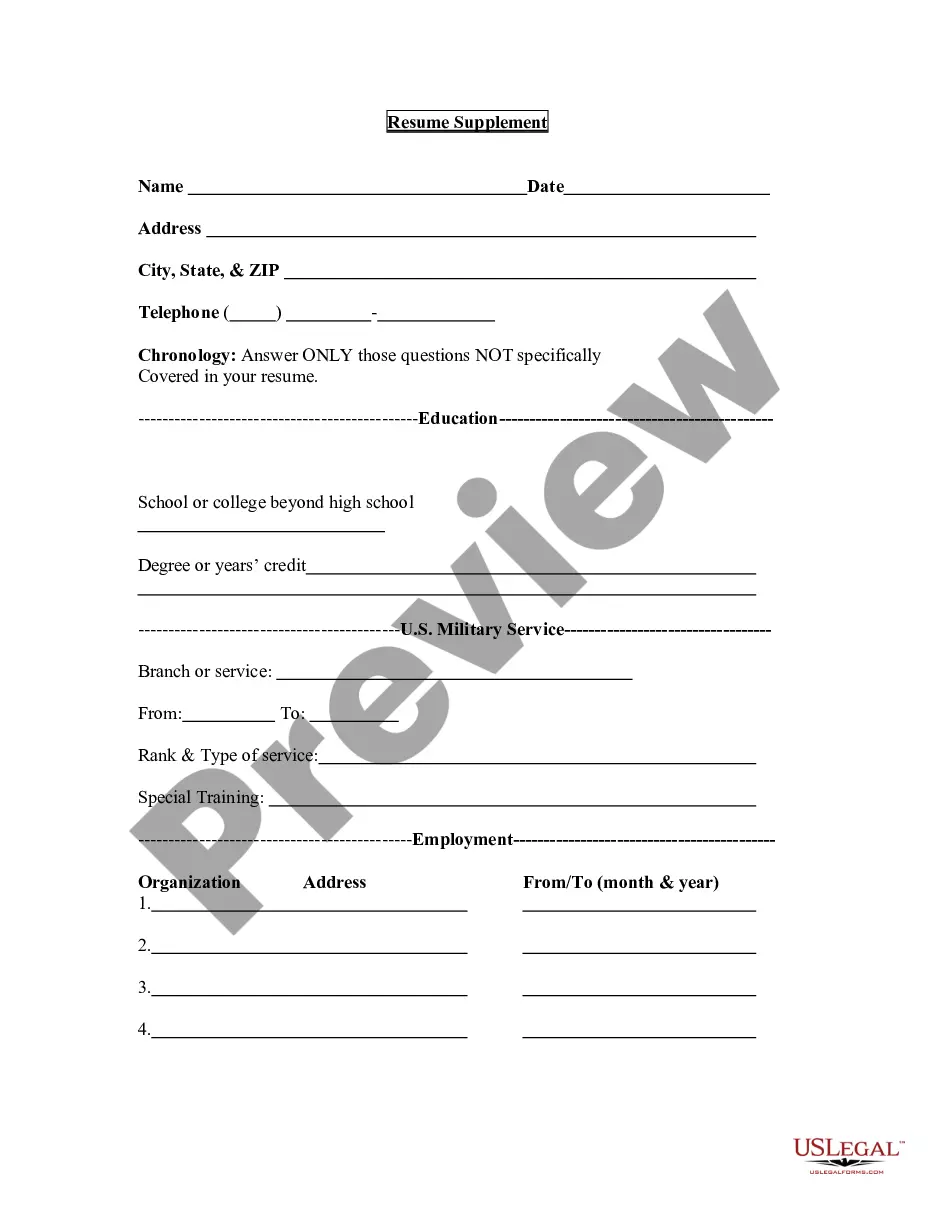
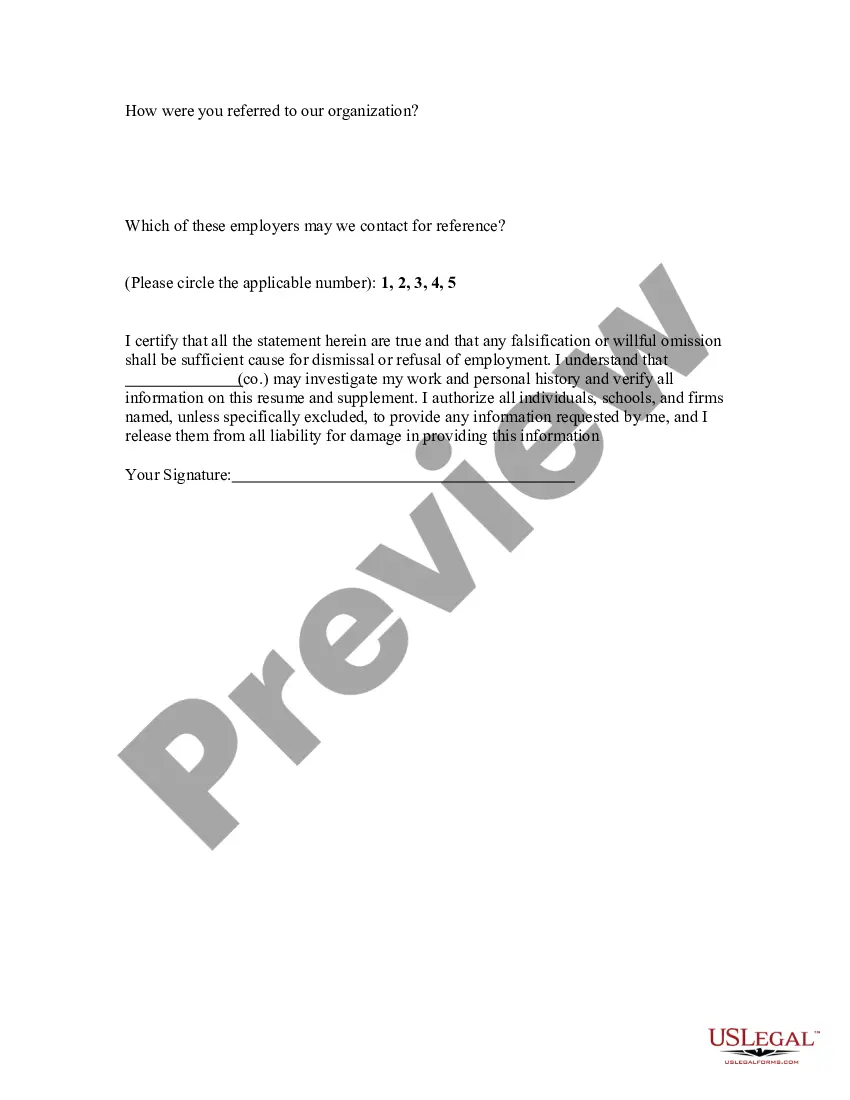
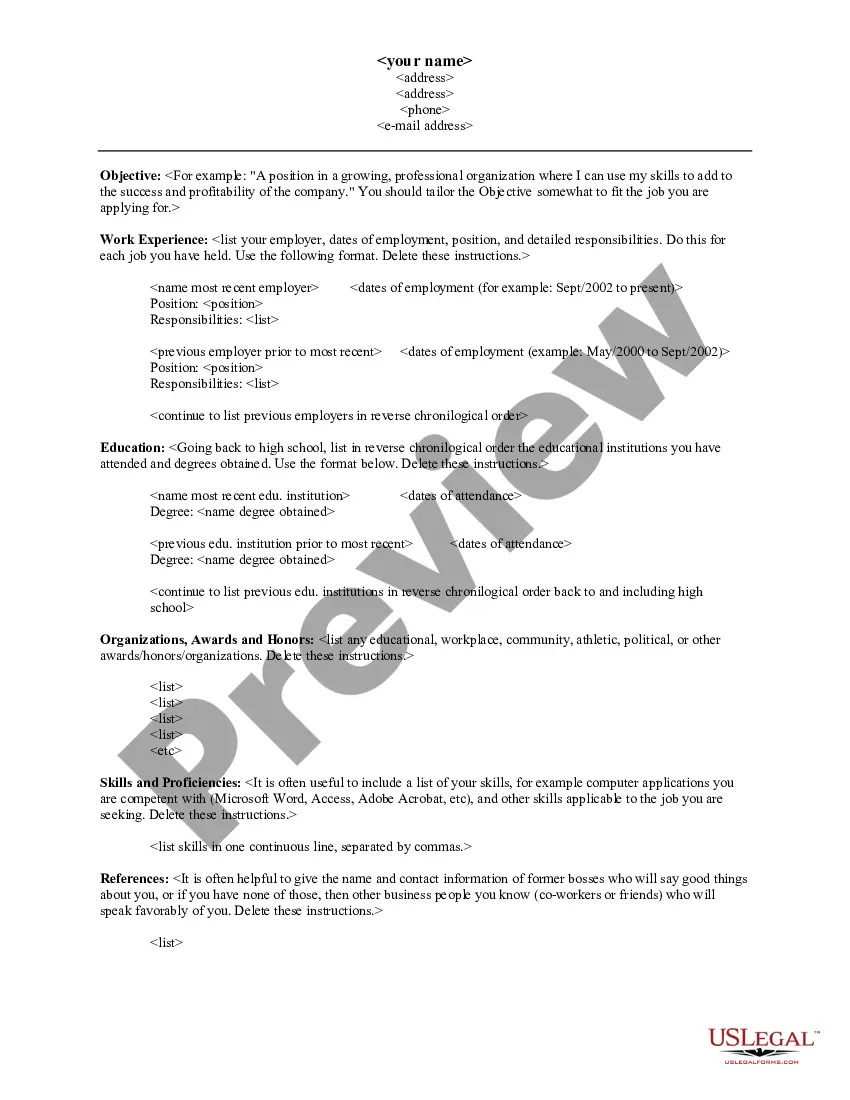
West Virginia Resume Supplement
Description

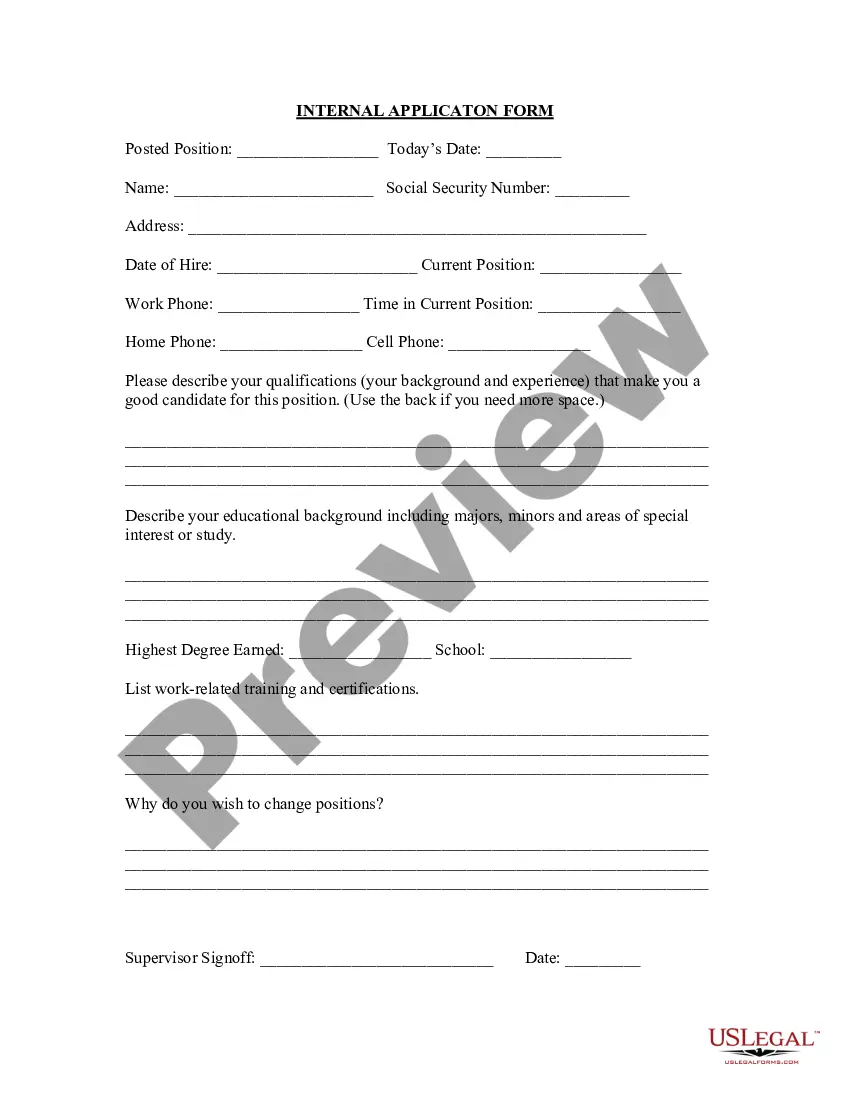

Get your form ready online
Our built-in tools help you complete, sign, share, and store your documents in one place.
Make edits, fill in missing information, and update formatting in US Legal Forms—just like you would in MS Word.
Download a copy, print it, send it by email, or mail it via USPS—whatever works best for your next step.
Sign and collect signatures with our SignNow integration. Send to multiple recipients, set reminders, and more. Go Premium to unlock E-Sign.
If this form requires notarization, complete it online through a secure video call—no need to meet a notary in person or wait for an appointment.
We protect your documents and personal data by following strict security and privacy standards.

Make edits, fill in missing information, and update formatting in US Legal Forms—just like you would in MS Word.

Download a copy, print it, send it by email, or mail it via USPS—whatever works best for your next step.

Sign and collect signatures with our SignNow integration. Send to multiple recipients, set reminders, and more. Go Premium to unlock E-Sign.

If this form requires notarization, complete it online through a secure video call—no need to meet a notary in person or wait for an appointment.

We protect your documents and personal data by following strict security and privacy standards.
Looking for another form?






How to fill out Resume Supplement?
Have you ever been in a scenario where you require documents for either business or personal matters nearly every day? There is a multitude of legal document templates accessible online, but locating ones you can trust isn't straightforward. US Legal Forms provides thousands of template forms, such as the West Virginia Resume Supplement, which can be tailored to conform to federal and state regulations.
If you are already familiar with the US Legal Forms website and possess an account, just Log In. After that, you can download the West Virginia Resume Supplement template.
If you do not have an account and wish to begin using US Legal Forms, follow these instructions.
View all the document templates you have purchased in the My documents menu. You can retrieve another copy of the West Virginia Resume Supplement any time if needed. Simply select the required form to download or print the document template.
Utilize US Legal Forms, one of the most extensive collections of legal forms, to save time and avoid mistakes. The service provides professionally crafted legal document templates that can be used for a variety of purposes. Create an account on US Legal Forms and start simplifying your daily life.
- Obtain the form you need and ensure it is suitable for your specific city/state.
- Utilize the Preview button to review the document.
- Check the outline to confirm that you have selected the right form.
- If the form isn’t what you seek, use the Search field to find the form that fits your needs and preferences.
- Once you locate the suitable form, click on Purchase now.
- Choose the pricing plan you desire, complete the necessary information to create your account, and pay for the order using your PayPal or Visa or Mastercard.
- Select a convenient file format and download your copy.
Form popularity
FAQ
If you are eligible to receive unemployment, you can look up your weekly benefit amount in the West Virginia UC Benefit Rate Table. The maximum weekly benefit amount is currently $424; the minimum amount is currently $24. You may receive benefits for a maximum of 26 weeks.
As each week of being out of work is certified by the Claimant, payments are issued on a week by week basis. Generally speaking, once a Claimant certifies his/her week, it takes roughly 3 or 4 days for the payment to appear on the debit card or in the Claimant's bank account.
The minimum weekly benefit rate is $24.00 and maximum benefit rate is $424.00.
You may file your weekly claim certification either by going through our online web service by clicking or by calling 1-800-379-1032.
PUA provides up to 39 weeks of benefits to qualifying individuals who are otherwise able to work and available for work within the meaning of applicable state law, except that they are unemployed, partially unemployed, or unable or unavailable to work due to COVID-19 related reasons, as defined in the CARES Act.
If you are eligible to receive unemployment, you can look up your weekly benefit amount in the West Virginia UC Benefit Rate Table. The maximum weekly benefit amount is currently $424; the minimum amount is currently $24. You may receive benefits for a maximum of 26 weeks.
It may take two to four business days after your benefit week is processed to complete the transfer of funds to your bank account (excludes weekends and holidays).
West Virginians who have exhausted their regular unemployment benefits and are eligible for Pandemic Emergency Unemployment Compensation (PEUC) can receive additional unemployment benefits for up to 24 weeks through March 14, 2021.
Click to view the last six weeks of your benefit payment history.