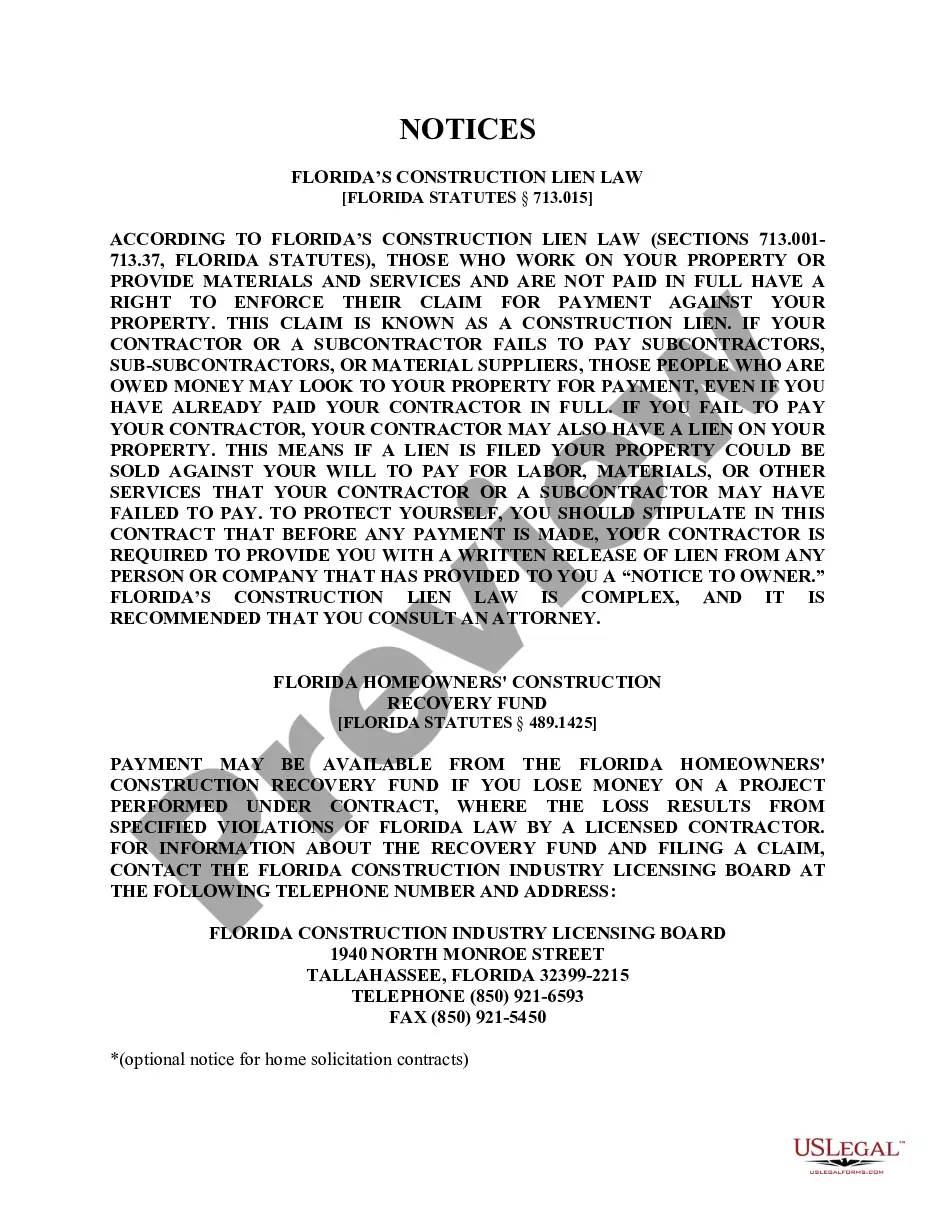
West Virginia Amendment to Living Trust

Understanding this form
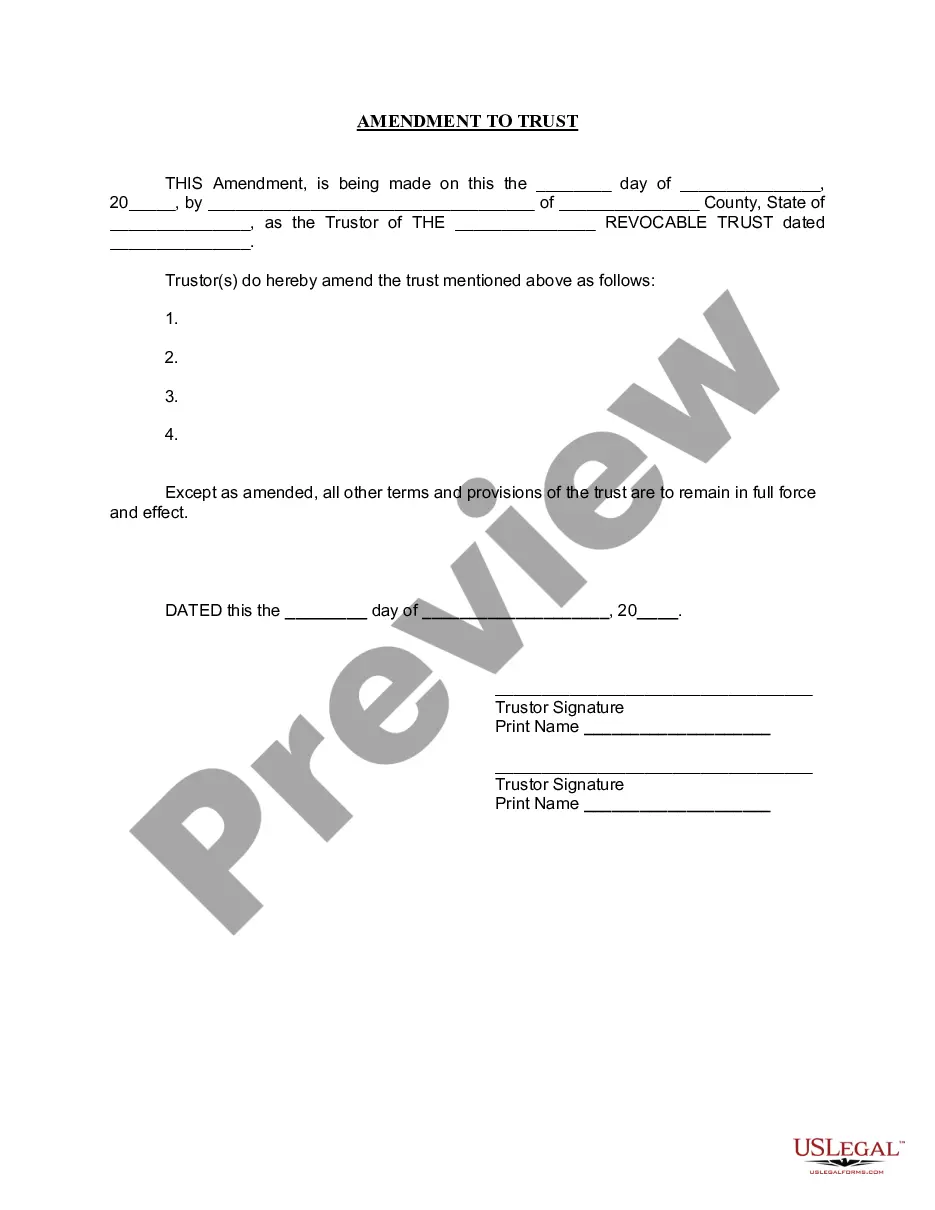
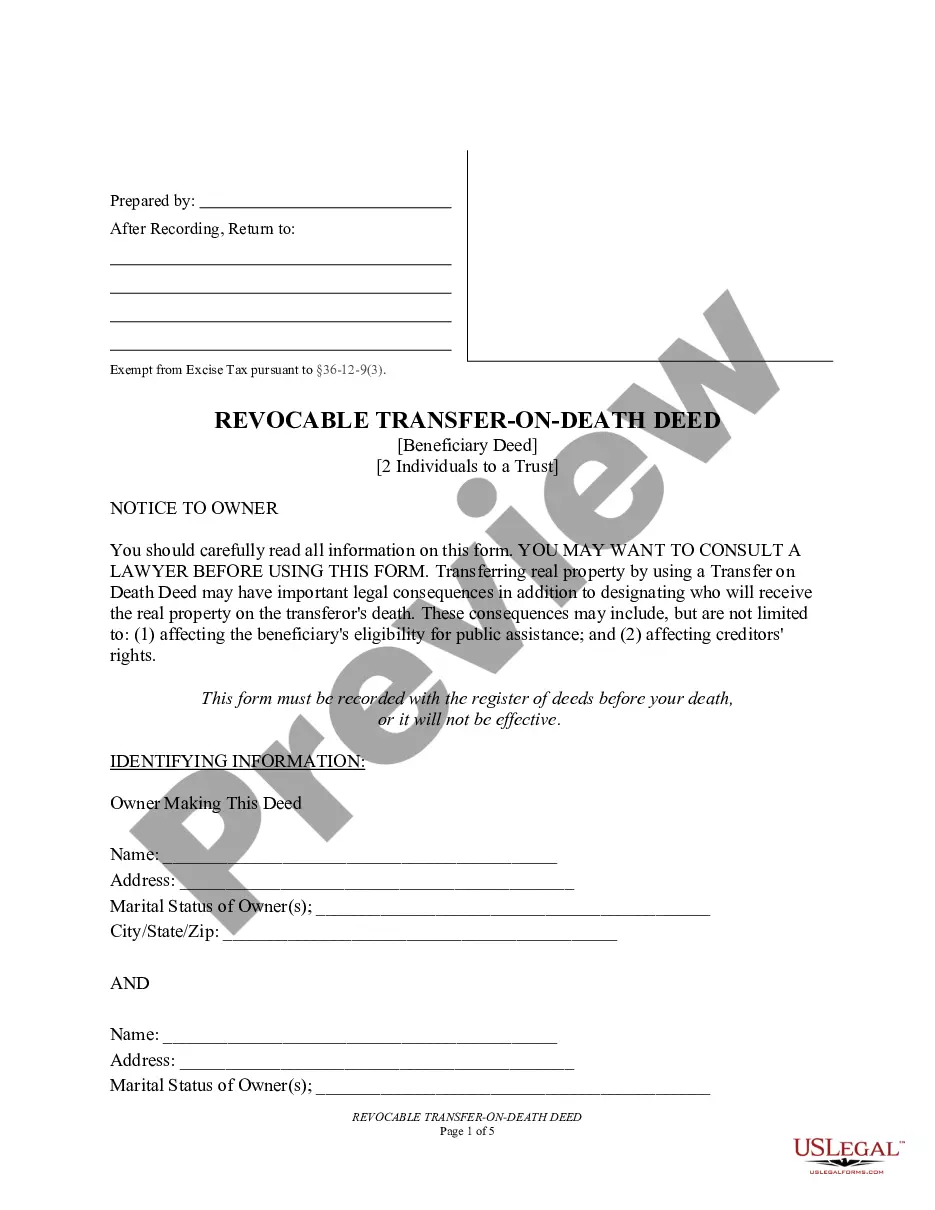
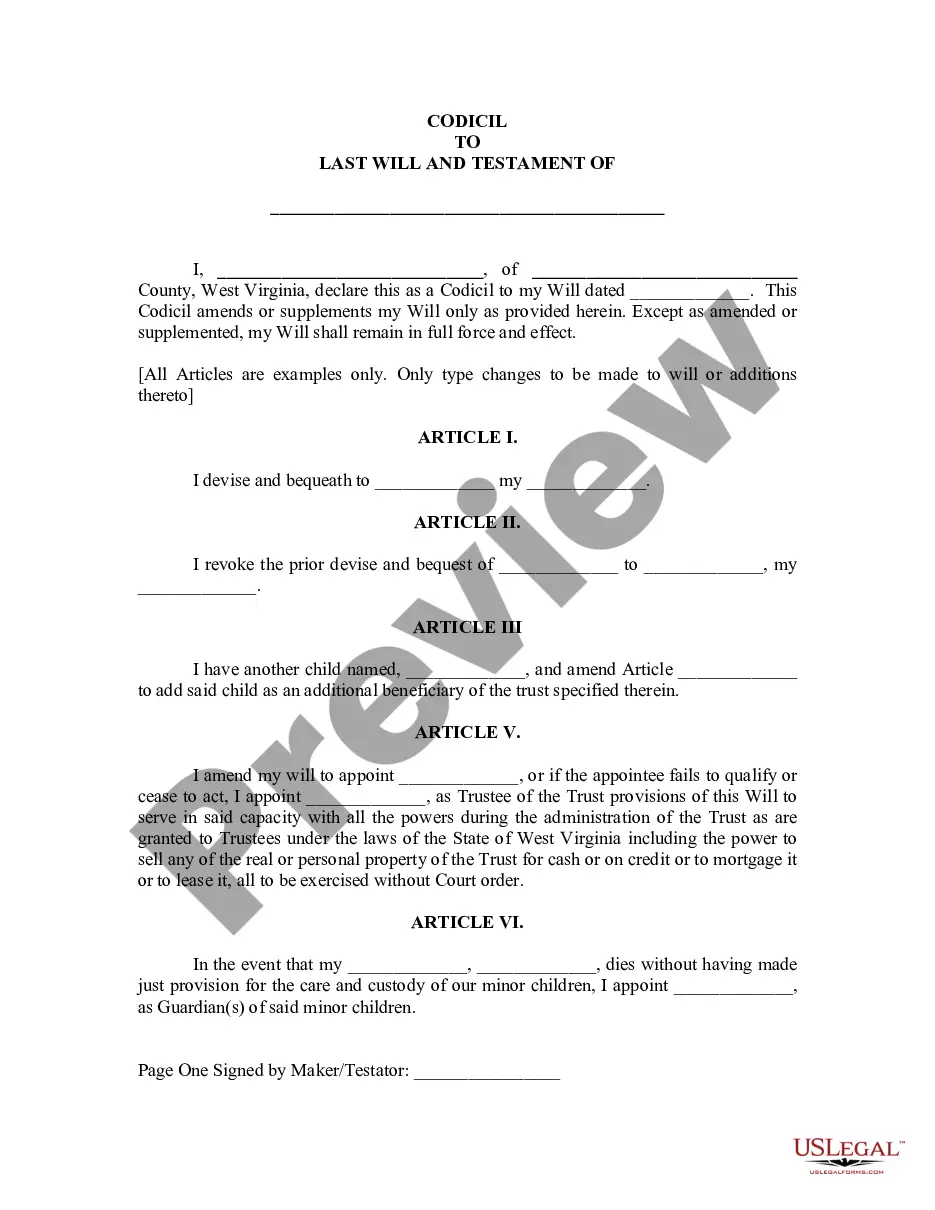
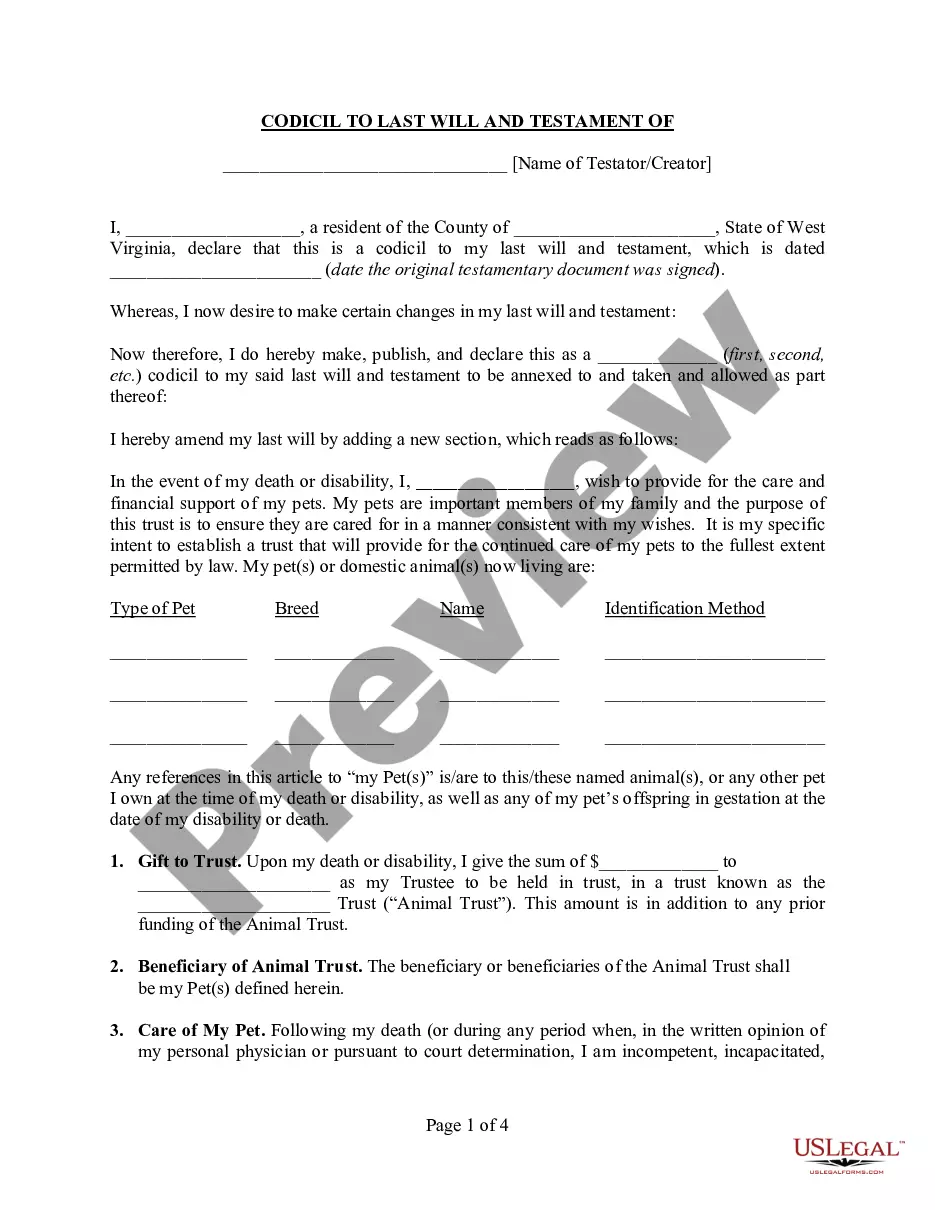
The Amendment to Living Trust is a legal document used to modify an existing living trust. It allows the Trustor to change specific provisions of the trust without needing to create an entirely new trust document. This form is particularly useful for individuals looking to update asset allocations or beneficiary designations while maintaining the original terms and legal framework of the trust.
Key components of this form
- Date of the amendment
- Trustor's name and county of residence
- Name of the revocable trust being amended
- Specific changes or amendments to the trust
- Signature(s) of the Trustor(s)
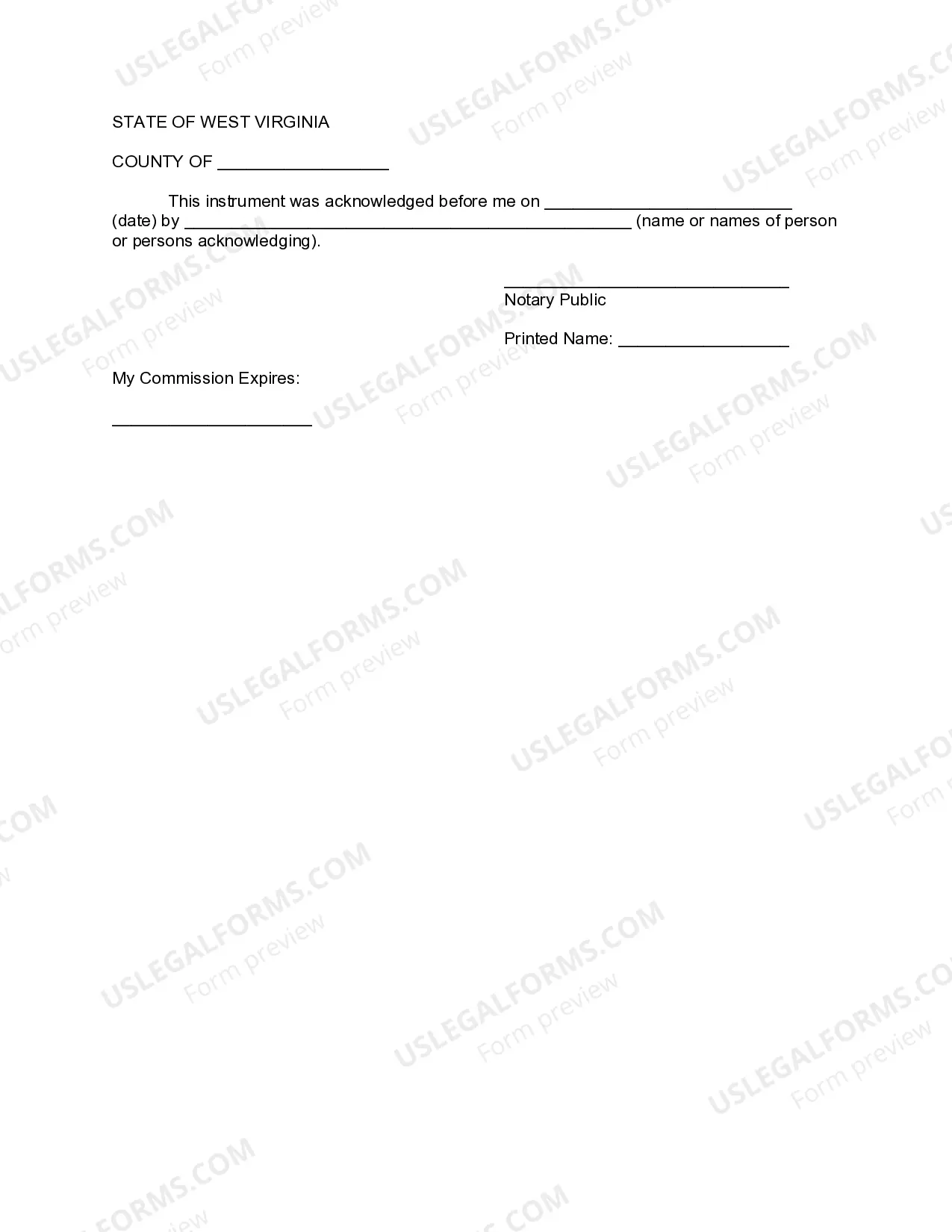
- Notary acknowledgment section
Common use cases
You should use the Amendment to Living Trust form when you need to make changes to the terms of your existing living trust. This could include altering beneficiaries, updating asset lists, or changing trustee appointments, especially as your personal circumstances or preferences evolve over time.
Who can use this document
- Individuals who have established a living trust
- Trustors wishing to amend their trust without starting over
- Family members coordinating estate planning
- Individuals seeking to adjust their trust provisions for personal or financial reasons
Steps to complete this form
- Identify the date of the amendment at the top of the form.
- Enter the name of the Trustor and the county and state of residence.
- Provide the name and date of the original living trust being amended.
- Clearly specify the amendments to the trust in the designated area.
- Ensure that all Trustors sign the form in the appropriate places.
- Complete the notary section by having it notarized on the specified date.
Does this document require notarization?
This document requires notarization to meet legal standards. US Legal Forms provides secure online notarization powered by Notarize, allowing you to complete the process through a verified video call, available 24/7.
Get your form ready online
Our built-in tools help you complete, sign, share, and store your documents in one place.
Make edits, fill in missing information, and update formatting in US Legal Forms—just like you would in MS Word.
Download a copy, print it, send it by email, or mail it via USPS—whatever works best for your next step.
Sign and collect signatures with our SignNow integration. Send to multiple recipients, set reminders, and more. Go Premium to unlock E-Sign.
If this form requires notarization, complete it online through a secure video call—no need to meet a notary in person or wait for an appointment.
We protect your documents and personal data by following strict security and privacy standards.

Make edits, fill in missing information, and update formatting in US Legal Forms—just like you would in MS Word.

Download a copy, print it, send it by email, or mail it via USPS—whatever works best for your next step.

Sign and collect signatures with our SignNow integration. Send to multiple recipients, set reminders, and more. Go Premium to unlock E-Sign.

If this form requires notarization, complete it online through a secure video call—no need to meet a notary in person or wait for an appointment.

We protect your documents and personal data by following strict security and privacy standards.
Avoid these common issues
- Failing to clearly specify the amendments being made.
- Not signing the form in the presence of a notary public.
- Omitting important details, such as the trust date or names.
- Using outdated terminology that may not align with current state laws.
Why use this form online
- Convenience of accessible templates from anywhere.
- Editable fields allow for easy customization specific to your needs.
- Reliable legal resources backed by licensed attorneys.
Main things to remember
- The Amendment to Living Trust allows modifications to an existing living trust.
- Correct and complete information is crucial to avoid invalidating the amendment.
- Notarization is required for legal validity.
Looking for another form?

Form popularity
FAQ
The trust deed lists the trustees. Therefore, to change an individual trustee, you need to amend the trust deed. Most trust deeds permit a change of trustee by way of a trustee resolution and entry into a deed of variation.A change of trustee will usually require the consent of the appointor of the trust.
Locate the original trust. The grantor must locate the original trust documents and identify the specific provisions that require amendment. Prepare an amendment form. Get the amendment form notarized. Attach amendment form to original trust.
An amendment to a trust is not required to be notarized or witnessed unless the terms of the original trust require it.
When you create a DIY living trust, there are no attorneys involved in the process. You will need to choose a trustee who will be in charge of managing the trust assets and distributing them. You generally name yourself as the initial trustee.
Locate the original trust. The grantor must locate the original trust documents and identify the specific provisions that require amendment. Prepare an amendment form. Get the amendment form notarized. Attach amendment form to original trust.
So, going back to the question, the Trustor(s) or creator(s) of the document are the ones who have the power to make changes or even revoke it during their lifetime, and the Trustee(s) sign onto any changes made. But, when a person passes away, their revocable living trust then becomes irrevocable at their death.
You can change your living trust, usually without incurring lawyer bills.Because you and your spouse made the trust together, you should both sign the amendment, and when you sign it, get your signatures notarized, just like the original. Another way to go is to create a "restatement" of your trust.