West Virginia Correction Statement and Agreement
What is this form?
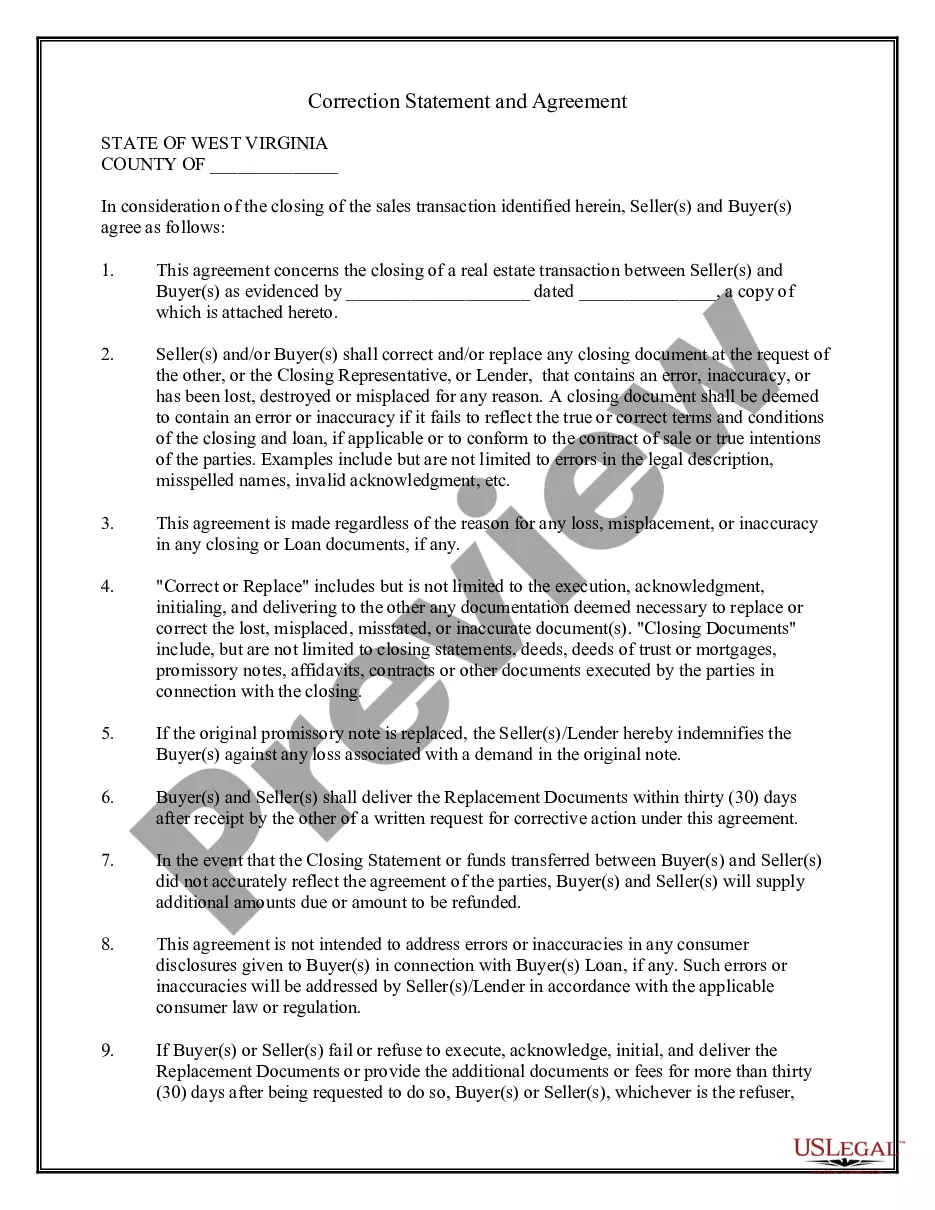
The Correction Statement and Agreement form is a legal document used in real estate transactions. It enables buyers and sellers to agree on making corrections to closing documents if errors occur or if any documents are lost or misplaced. This form is vital for ensuring that all parties are on the same page regarding the terms of the agreement, thereby preventing future disputes. Unlike other real estate forms, this specific document addresses the need for corrections and replacements, enhancing its importance in the closing process.
Form components explained
- Identification of the parties involved in the transaction (Seller(s) and Buyer(s)).
- Agreement to correct or replace any closing documents containing errors or that have been lost.
- Details regarding the timeframe for providing replacement documents (within 30 days).
- Indemnification clause protecting the buyer against losses associated with document replacement.
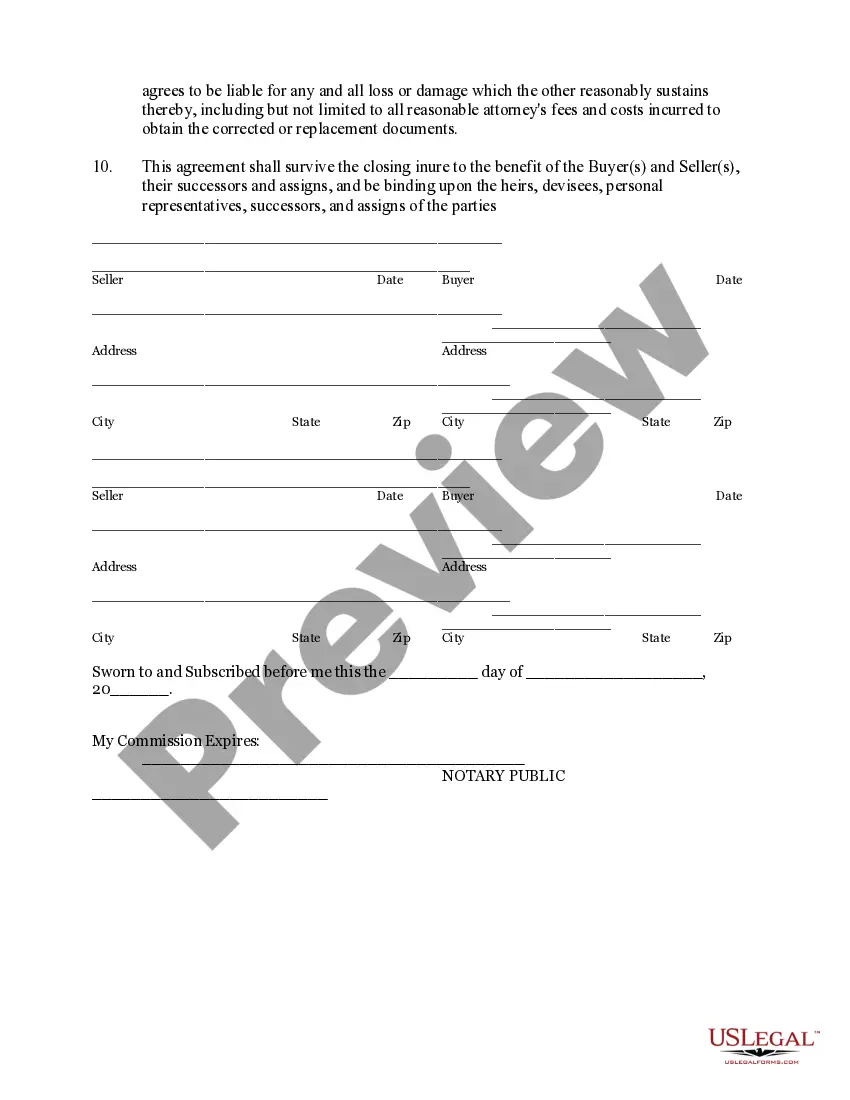
- Signature lines for all parties and a notary section for validation.
Common use cases
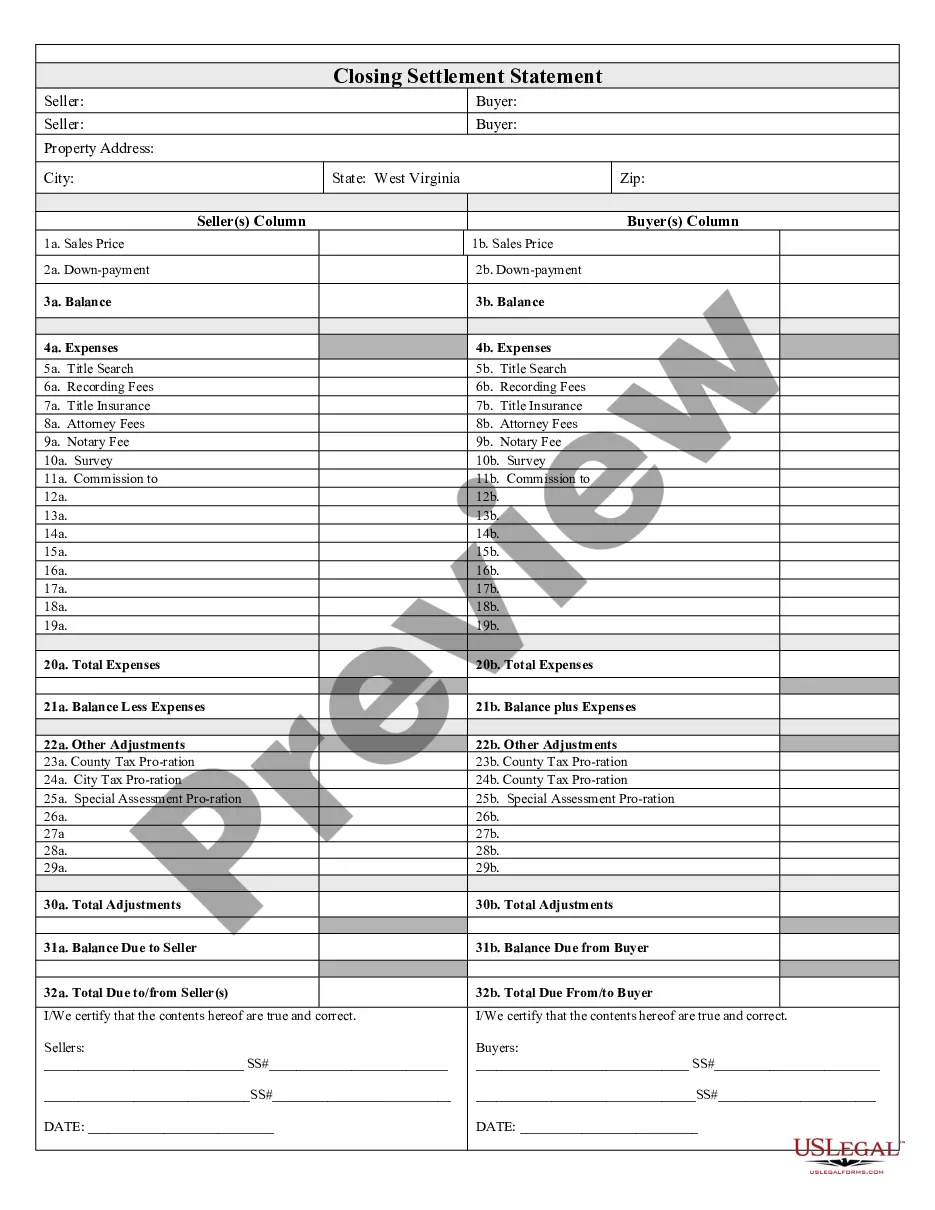
This form is used during the closing process of a real estate transaction when there are inaccuracies in your closing documents or when documents have been lost. It is essential for buyers and sellers who need to amend the terms of their agreements or replace key documents, ensuring that all legal documents accurately reflect the intended terms of their real estate deal.
Who needs this form
- Home sellers wanting to correct errors in their closing documents.
- Home buyers who need assurance against inaccuracies or missing documents.
- Real estate agents facilitating transactions and requiring a reliable method for document correction.
- Attorneys representing buyers and sellers in real estate transactions.
How to prepare this document
- Identify the parties involved by entering names and addresses of the Seller(s) and Buyer(s).
- Attach a copy of the original transaction document that this agreement references.
- Clearly document any errors that need to be corrected or specify the lost documents.
- Ensure all parties sign and date the form in the designated areas.
- Have the form notarized to validate the agreement.
Notarization guidance
This document requires notarization to meet legal standards. US Legal Forms provides secure online notarization powered by Notarize, allowing you to complete the process through a verified video call, available 24/7.
Get your form ready online
Our built-in tools help you complete, sign, share, and store your documents in one place.
Make edits, fill in missing information, and update formatting in US Legal Forms—just like you would in MS Word.
Download a copy, print it, send it by email, or mail it via USPS—whatever works best for your next step.
Sign and collect signatures with our SignNow integration. Send to multiple recipients, set reminders, and more. Go Premium to unlock E-Sign.
If this form requires notarization, complete it online through a secure video call—no need to meet a notary in person or wait for an appointment.
We protect your documents and personal data by following strict security and privacy standards.

Make edits, fill in missing information, and update formatting in US Legal Forms—just like you would in MS Word.

Download a copy, print it, send it by email, or mail it via USPS—whatever works best for your next step.

Sign and collect signatures with our SignNow integration. Send to multiple recipients, set reminders, and more. Go Premium to unlock E-Sign.

If this form requires notarization, complete it online through a secure video call—no need to meet a notary in person or wait for an appointment.

We protect your documents and personal data by following strict security and privacy standards.
Typical mistakes to avoid
- Failing to attach the original transaction document or missing it in the submission.
- Not obtaining signatures from all parties involved.
- Leaving out necessary details about the errors or lost documents.
- Ignoring the notary requirement, leading to potential invalidity of the agreement.
Advantages of online completion
- Convenient access to a legally compliant template that saves time.
- Editable format, allowing users to customize sections as needed.
- Reliability through templates drafted by licensed attorneys.
Summary of main points
- The Correction Statement and Agreement is essential for addressing errors or lost documents in real estate transactions.
- All parties must participate in the correction process to avoid disputes later on.
- This form specifically addresses issues specific to West Virginia real estate transactions.