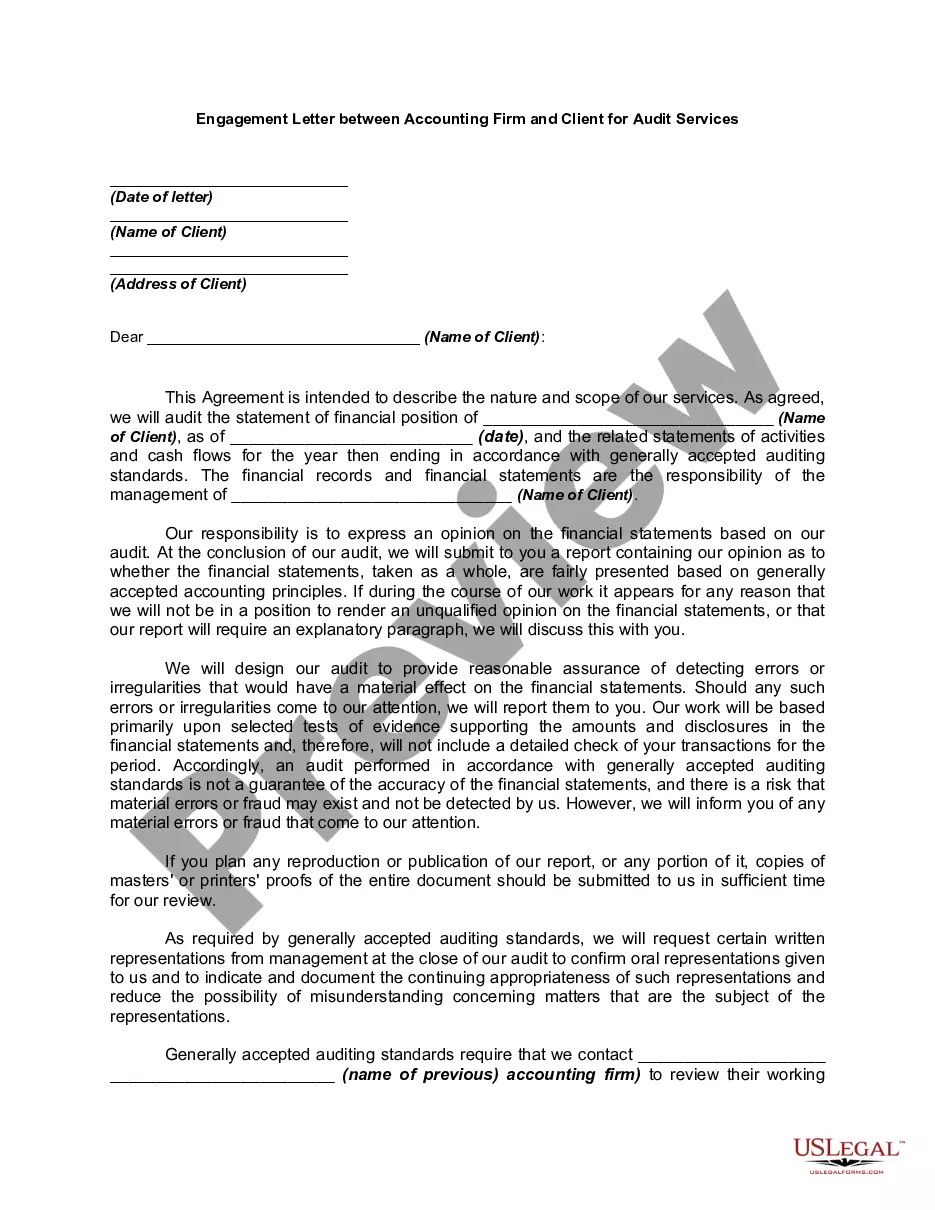
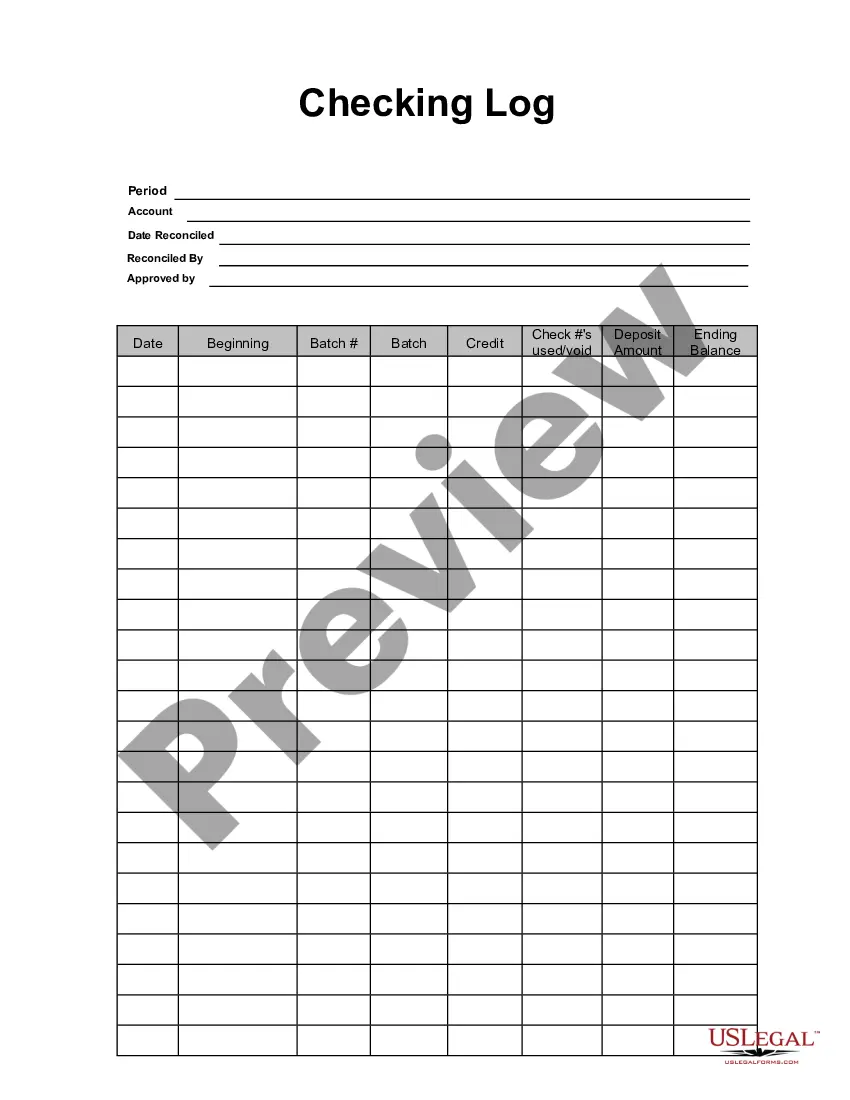
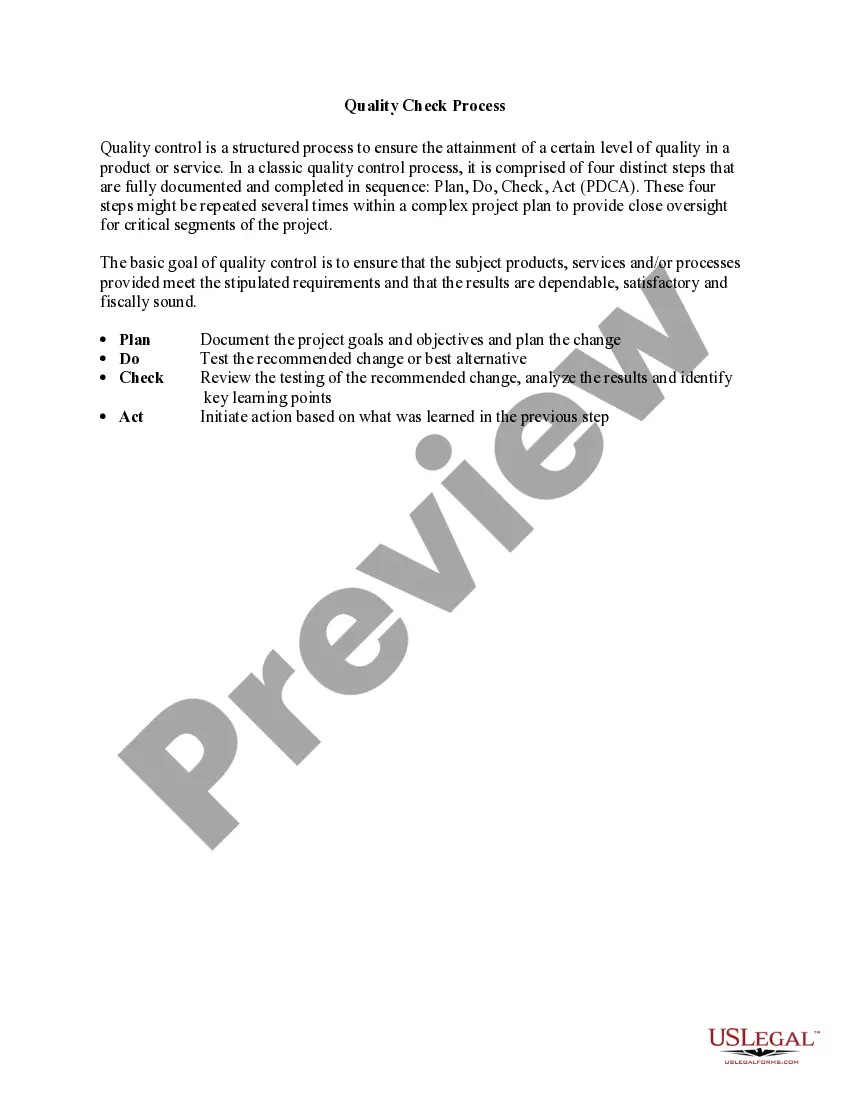
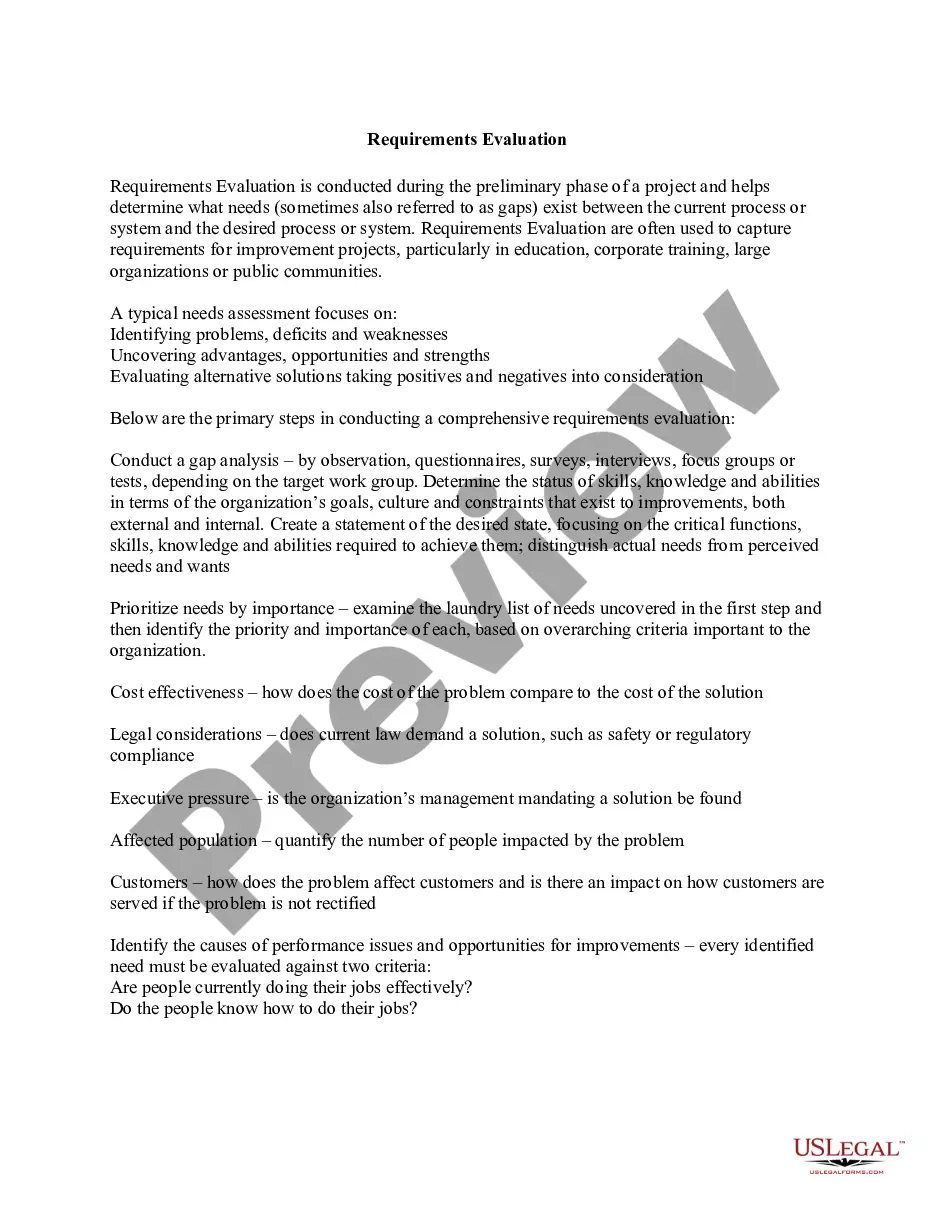
This form is a business type form that is formatted to allow you to complete the form using Adobe Acrobat or Word. The word files have been formatted to allow completion by entry into fields. Some of the forms under this category are rather simple while others are more complex. The formatting is worth the small cost.
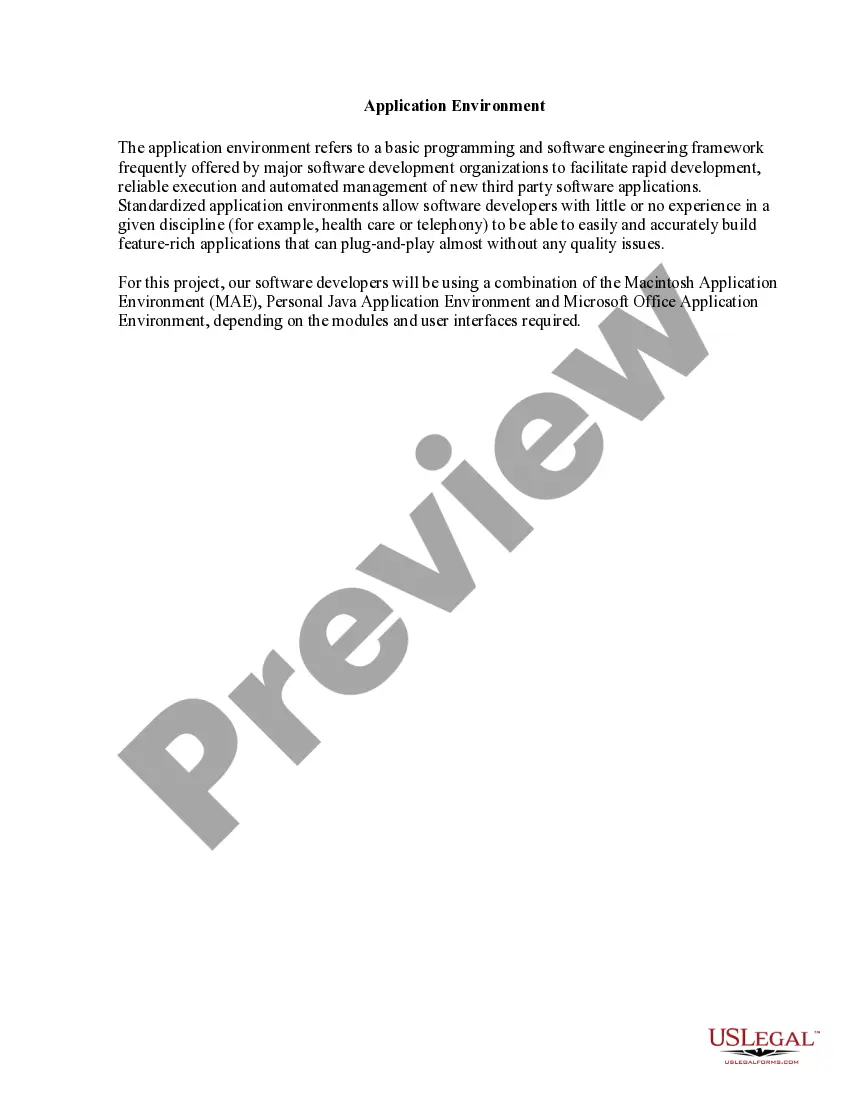
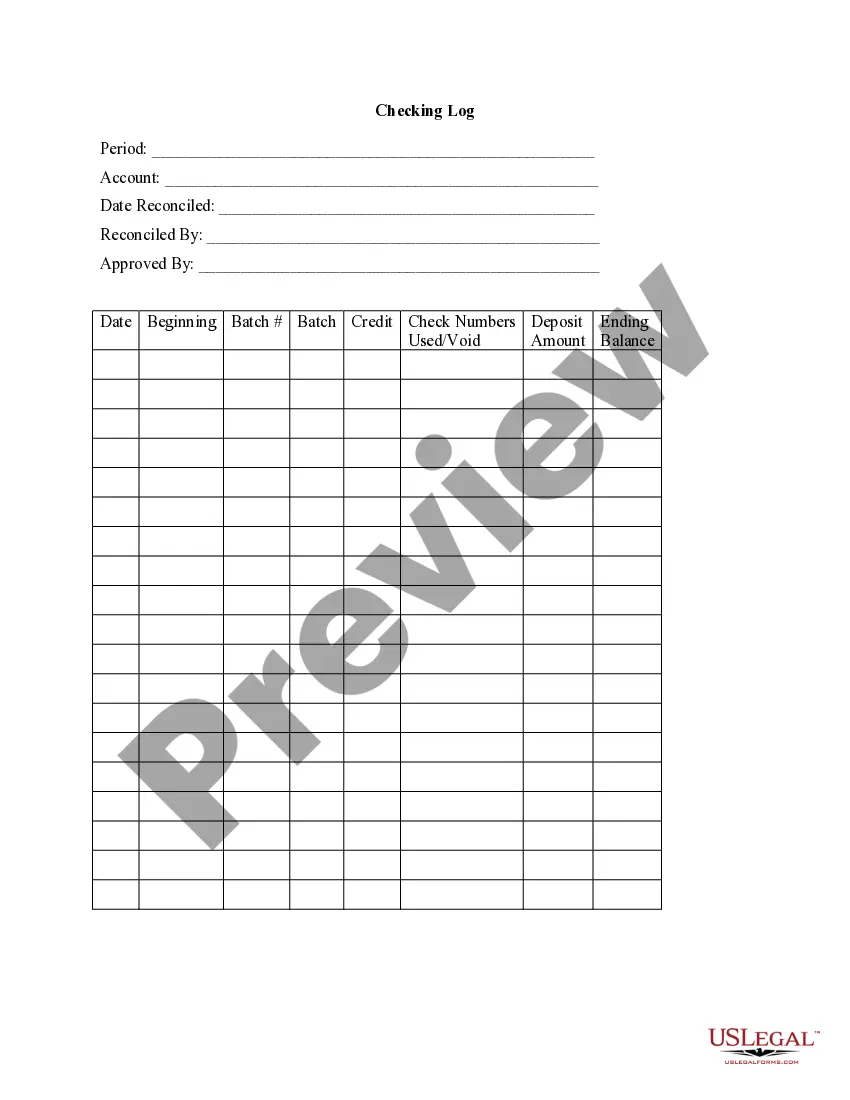
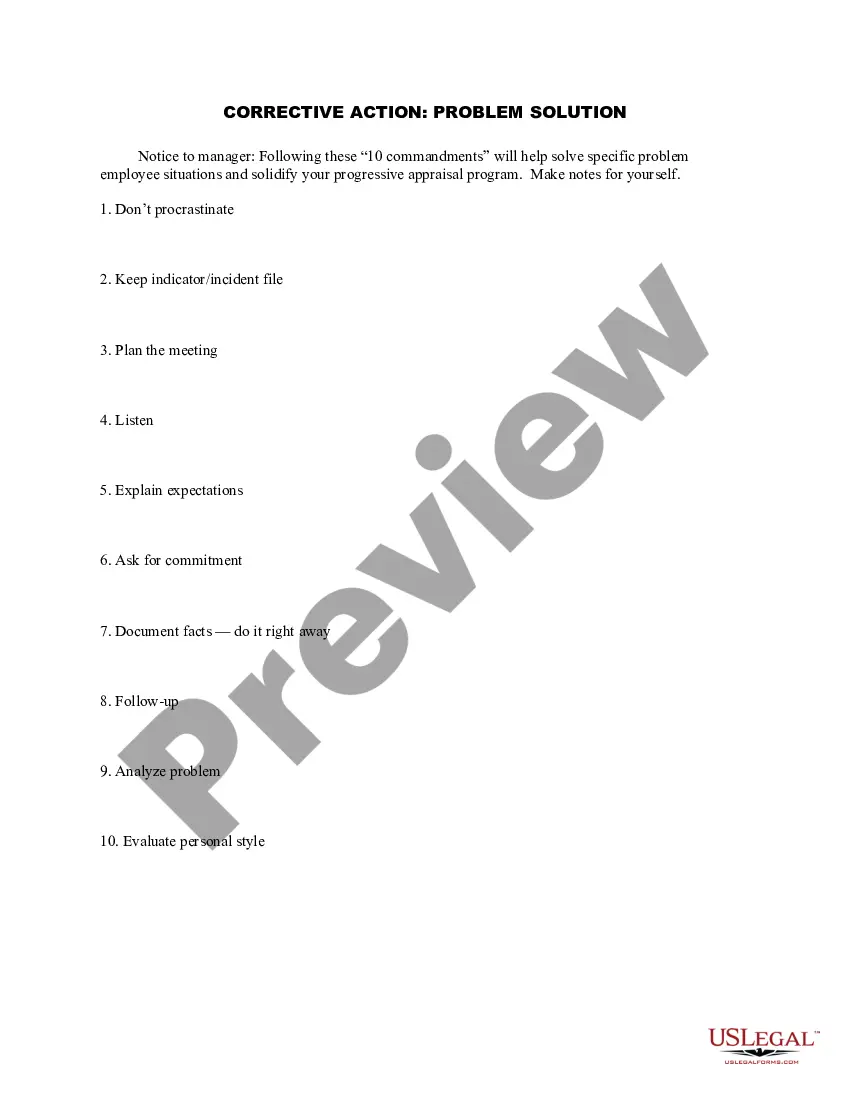
Wisconsin Checking Log
Category:
State:
Multi-State
Control #:
US-130-AZ
Format:
Word;
PDF;
Rich Text
Instant download
Description
Get your form ready online
Our built-in tools help you complete, sign, share, and store your documents in one place.
Built-in online Word editor
Make edits, fill in missing information, and update formatting in US Legal Forms—just like you would in MS Word.
Export easily
Download a copy, print it, send it by email, or mail it via USPS—whatever works best for your next step.
E-sign your document
Sign and collect signatures with our SignNow integration. Send to multiple recipients, set reminders, and more. Go Premium to unlock E-Sign.
Notarize online 24/7
If this form requires notarization, complete it online through a secure video call—no need to meet a notary in person or wait for an appointment.
Store your document securely
We protect your documents and personal data by following strict security and privacy standards.

Make edits, fill in missing information, and update formatting in US Legal Forms—just like you would in MS Word.

Download a copy, print it, send it by email, or mail it via USPS—whatever works best for your next step.

Sign and collect signatures with our SignNow integration. Send to multiple recipients, set reminders, and more. Go Premium to unlock E-Sign.

If this form requires notarization, complete it online through a secure video call—no need to meet a notary in person or wait for an appointment.

We protect your documents and personal data by following strict security and privacy standards.
Looking for another form?
How to fill out Checking Log?
Are you situated in a location where you require documentation for either organizational or individual purposes on almost a daily basis.
There are numerous legal document templates accessible online, but finding dependable versions is not simple.
US Legal Forms offers a wide array of form templates, such as the Wisconsin Checking Log, that are designed to comply with state and federal regulations.
Once you have the right form, click Purchase now.
Select the payment plan you prefer, fill in the necessary information to create your account, and complete the transaction using your PayPal or credit card.
- If you are already familiar with the US Legal Forms website and have an account, simply Log In.
- After that, you can download the Wisconsin Checking Log template.
- If you do not have an account and wish to start using US Legal Forms, follow these steps.
- Obtain the form you need and confirm that it is suitable for the correct city/region.
- Use the Review button to evaluate the form.
- Check the description to ensure you have selected the correct form.
- If the form does not meet your needs, utilize the Lookup field to find the form that fits your requirements.
Form popularity
FAQ
Whereas the four best background check sites are stated as:SearchPeopleFree Get Precise Background Report Within a Few Minutes.Instant Checkmate Friendly and Easy-to-Use Background Checker.TruthFinder Reveal Truth with Vast and Accurate Background Data.Whitepages Access Any US Person Detailed Background Report.
The Wisconsin Online Record Check System is designed for individuals or organizations to submit criminal background checks and retrieve results online.
Access to criminal history information can be obtained on the Wisconsin Online Record Check System at . Adult criminal history information is public record in the State of Wisconsin. Anyone may obtain this information provided they pay the fee established by the Wisconsin Legislature.
What causes a red flag on a background check? There are plenty of reasons a person may not pass a background check, including criminal history, education discrepancies, poor credit history, damaged driving record, false employment history, and a failed drug test.
How Far Back Does a Background Check Go in Wisconsin? The seven-year lookback period under the FCRA governs how far back an employment background check can go in Wisconsin. Certain types of negative information that is older than seven years will not be reported on a Wisconsin pre-employment background check.
Wisconsin Background Checks: What you need to know In addition, depending on the nature of the position, employers are requesting reports about an applicant's driving record, criminal record, and/or credit history. There are often legal limits on employers obtaining and using this type of information.
FREE ACCESS TO WISCONSIN OPEN RECORDS (CCAP)A partner website, WSCCA, provides public access to cases filed with the Wisconsin Supreme Court and Court of Appeals. Both WCCA and WSCCA contain information from only those portions of the case files that are open records and otherwise accessible by law to an individual.
Criminal background checks will reveal felony and misdemeanor criminal convictions, any pending criminal cases, and any history of incarceration as an adult. Arrests pending prosecution may also be reported.
How Far Back Does a Background Check Go in Wisconsin? The seven-year lookback period under the FCRA governs how far back an employment background check can go in Wisconsin. Certain types of negative information that is older than seven years will not be reported on a Wisconsin pre-employment background check.
Visit the Wisconsin Online Record Check System (WORCS) website to submit your request.