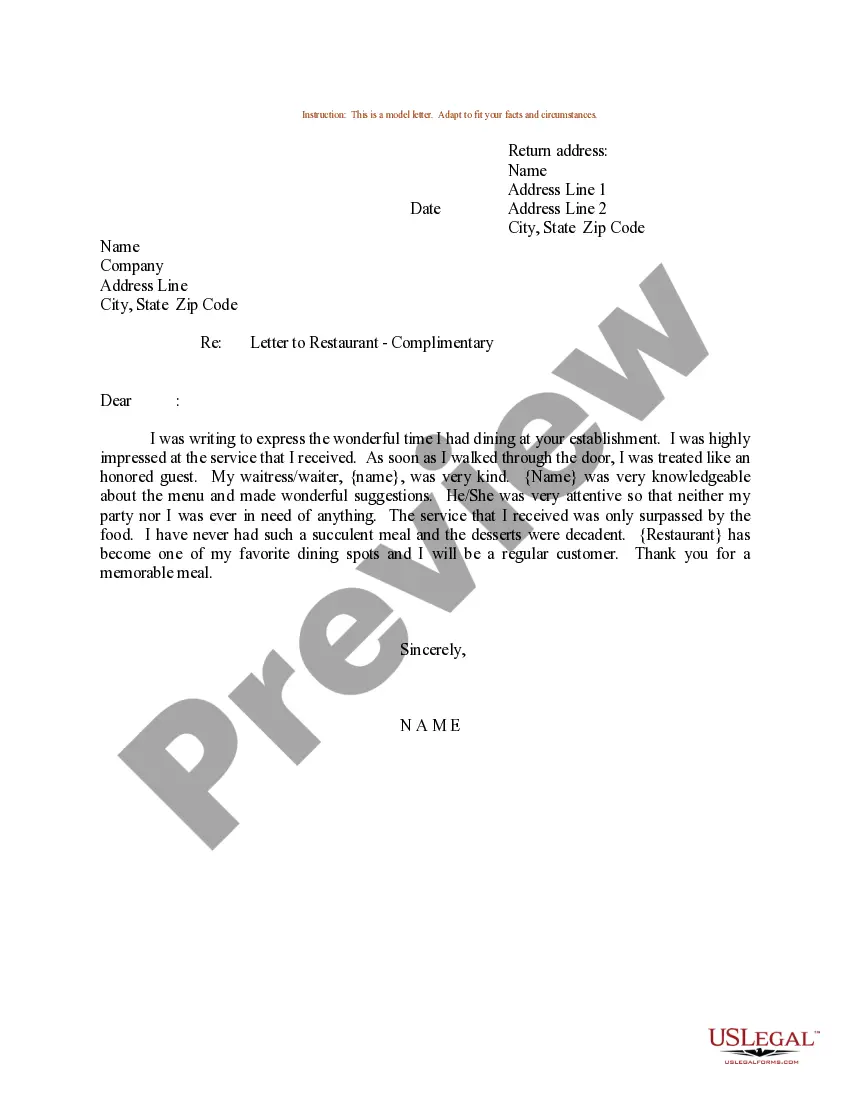
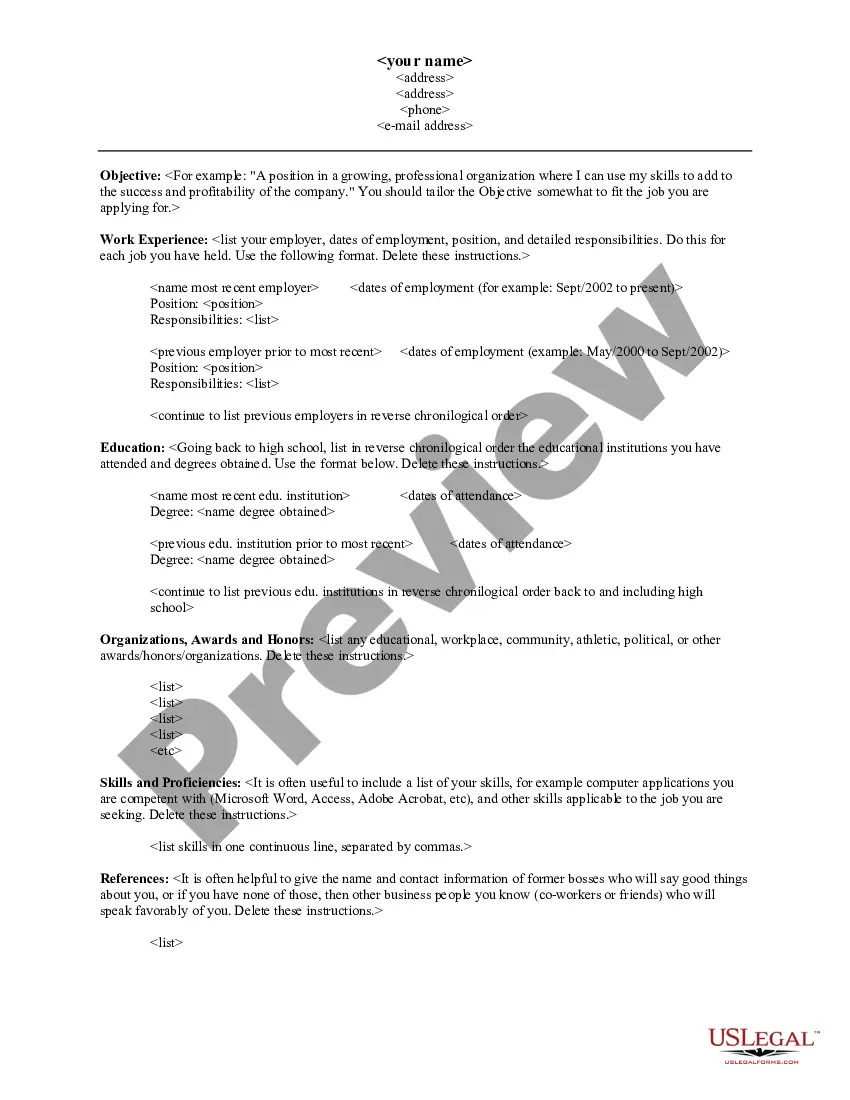
Wisconsin Sample Resume Form
Description
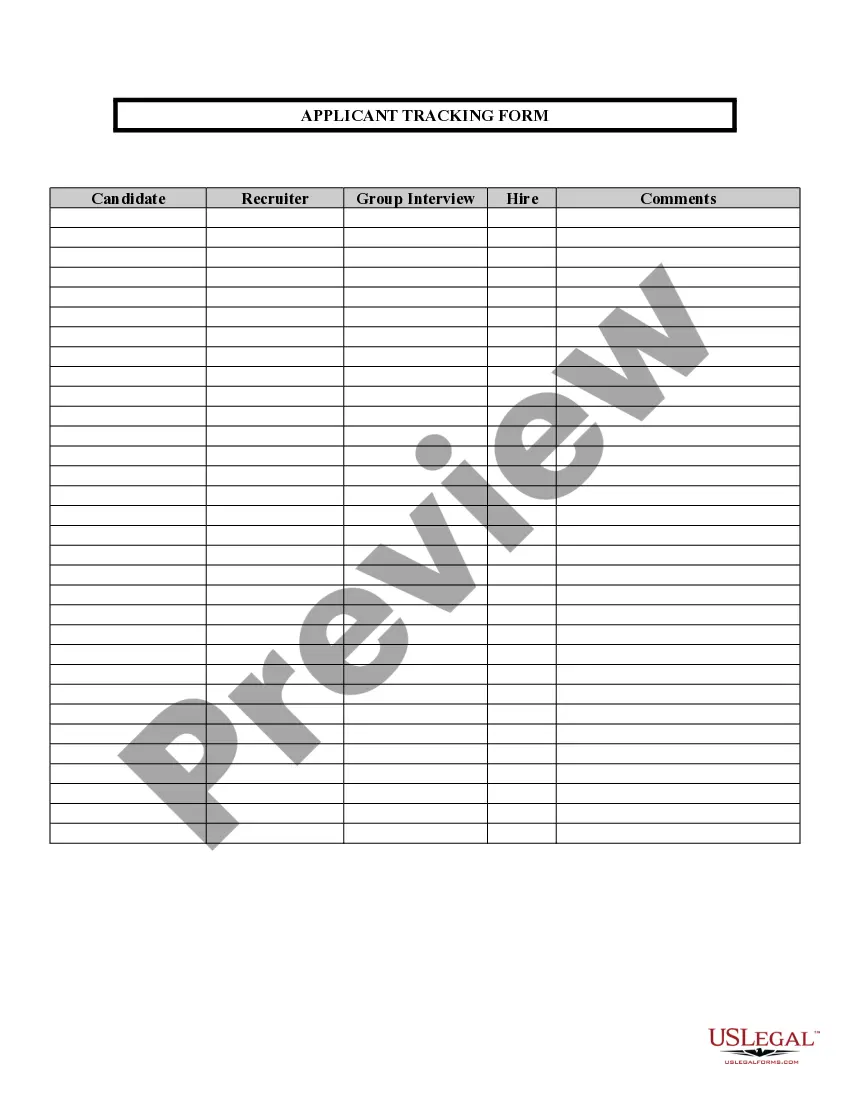
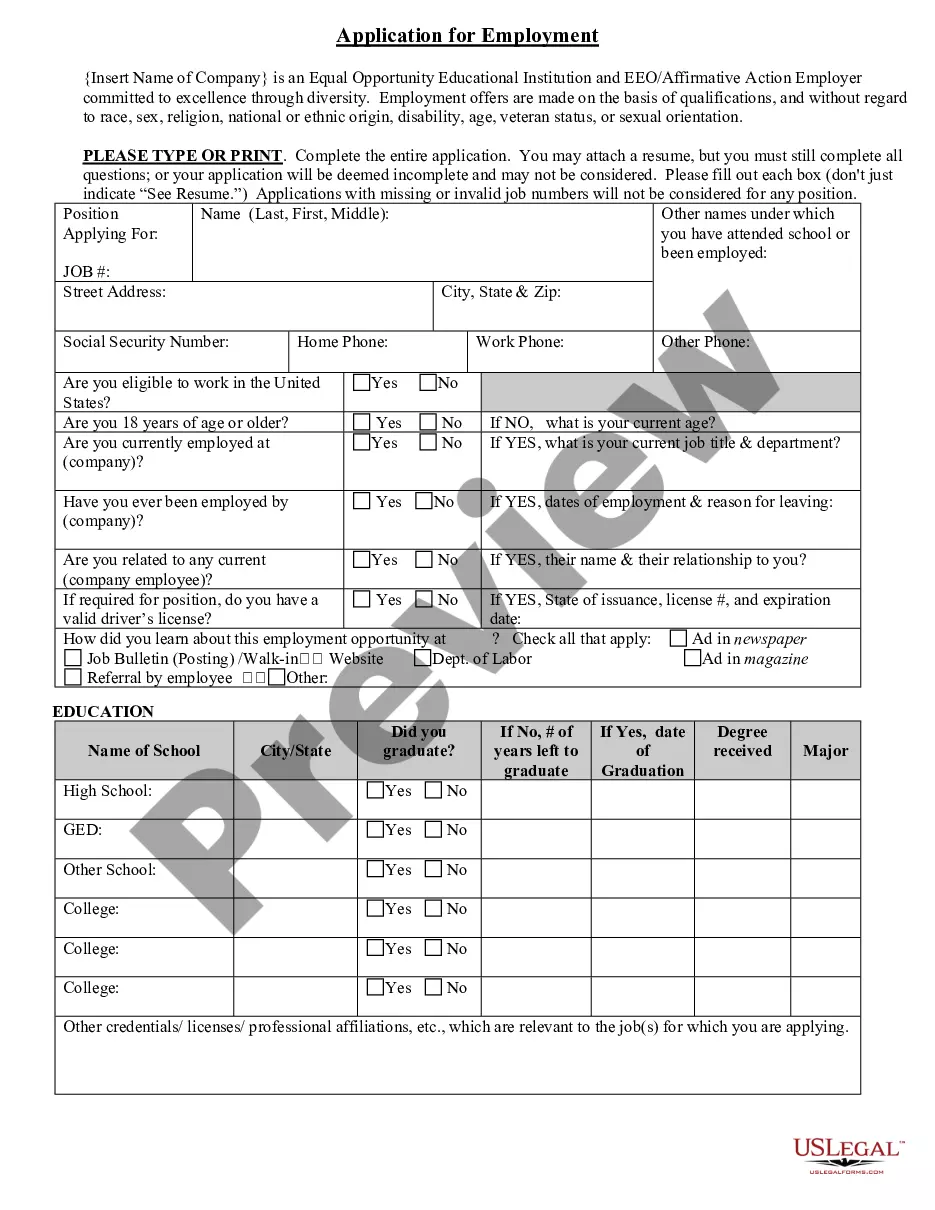
Get your form ready online
Our built-in tools help you complete, sign, share, and store your documents in one place.
Make edits, fill in missing information, and update formatting in US Legal Forms—just like you would in MS Word.
Download a copy, print it, send it by email, or mail it via USPS—whatever works best for your next step.
Sign and collect signatures with our SignNow integration. Send to multiple recipients, set reminders, and more. Go Premium to unlock E-Sign.
If this form requires notarization, complete it online through a secure video call—no need to meet a notary in person or wait for an appointment.
We protect your documents and personal data by following strict security and privacy standards.

Make edits, fill in missing information, and update formatting in US Legal Forms—just like you would in MS Word.

Download a copy, print it, send it by email, or mail it via USPS—whatever works best for your next step.

Sign and collect signatures with our SignNow integration. Send to multiple recipients, set reminders, and more. Go Premium to unlock E-Sign.

If this form requires notarization, complete it online through a secure video call—no need to meet a notary in person or wait for an appointment.

We protect your documents and personal data by following strict security and privacy standards.
Looking for another form?



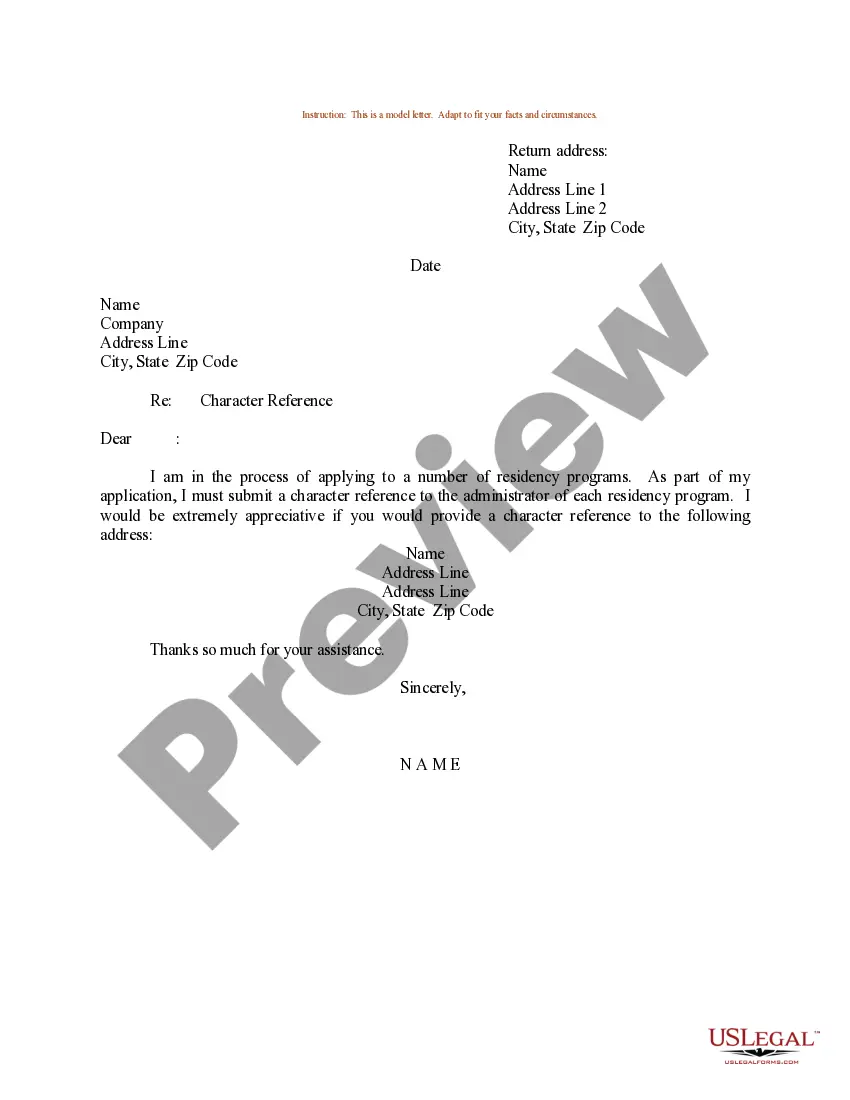




How to fill out Sample Resume Form?
You can allocate time online looking for the legal document template that meets the state and federal requirements you need.
US Legal Forms offers a vast collection of legal forms that have been reviewed by professionals.
You can download or print the Wisconsin Sample Resume Form from our service.
- If you possess a US Legal Forms account, you can sign in and then select the Obtain option.
- After that, you can complete, modify, print, or endorse the Wisconsin Sample Resume Form.
- Each legal document template you obtain is yours permanently.
- To acquire another copy of any purchased document, navigate to the My documents section and select the appropriate option.
- If you are using the US Legal Forms website for the first time, follow the straightforward guidelines below.
- First, make sure you have selected the correct document template for your area or locality.
Form popularity
FAQ
Resume format 1: Chronological resumes A chronological resume lists your work experience in reverse-chronological order, starting with your most recent position at the top. This is the most traditional resume format and for many years remained the most common.
How to format a resume?Set one-inch margins on all four sides.Pick a 11 or 12pt resume font and stick to it.Create a proper resume header format for your contact details.Divide your resume into legible resume sections: Contact Information, Resume Summary, Work Experience, Education, Skills.More items...
Pick the Right Resume Format & Layout.Mention Your Personal Details & Contact Information.Use a Resume Summary or Objective.List Your Work Experience & Achievements.Mention Your Top Soft & Hard Skills.(Optional) Include Additional Resume Sections - Languages, Hobbies, etc.Tailor Your Information For the Job Ad.More items...?
Chronological resume This is the most common type of resume format and is generally preferred by most hiring managers. A chronological resume leads with your work history, which should list your current and previous positions in reverse chronological order.
December 20xx, May 20xx Present. 2022 Coordinated events for local children on celebrating all cultures. 2022 Led workshops to help students learn more about their own culture.
What your resume should look like in 2021List accomplishments instead of duties.Include strong data, numbers, and performance indicators where appropriate.Tailor your resume to the job description.Keep your resume to one page.Avoid an irrelevant skills section.More items...?
The best resume format is, hands-down, the reverse-chronological format. Here's why: It's very easy to read and skim. Recruiters and hiring managers are familiar with this format, as most people use it.
For a successful 2021 job search, your resume needs a powerful introduction, solid metrics, a cutting-edge format, and yes, even a mention of your COVID-related skills. Most employers will look briefly at the top of your resume2026 then follow your career history to see the dates of your jobs.
The best resume format is, hands-down, the reverse-chronological format. Here's why: It's very easy to read and skim. Recruiters and hiring managers are familiar with this format, as most people use it.