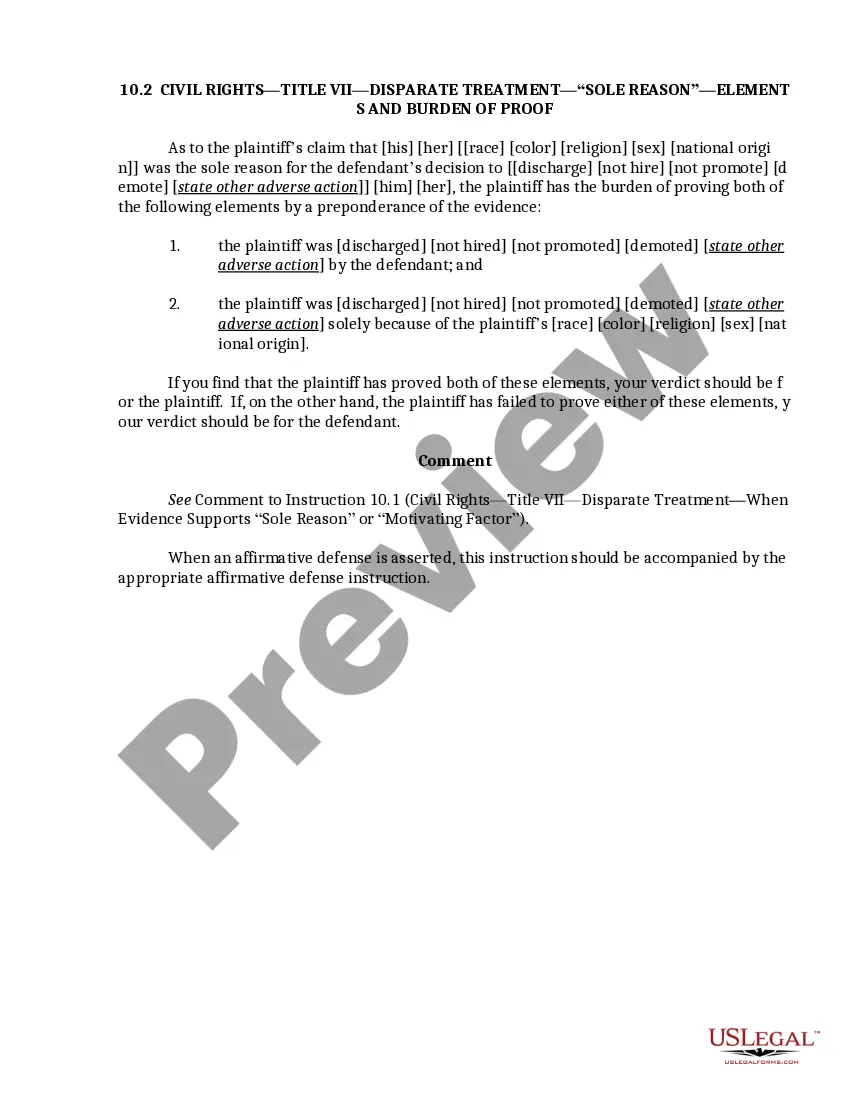
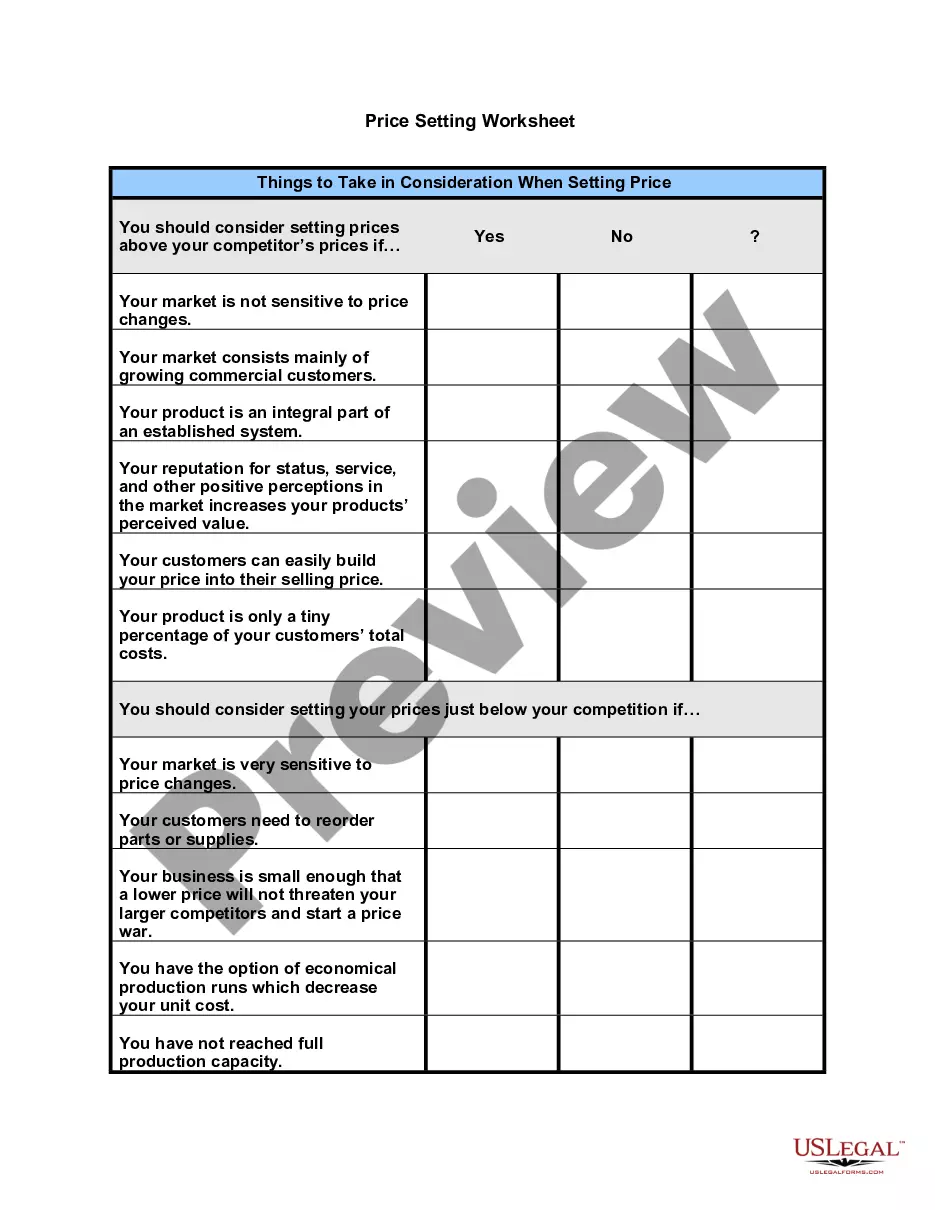
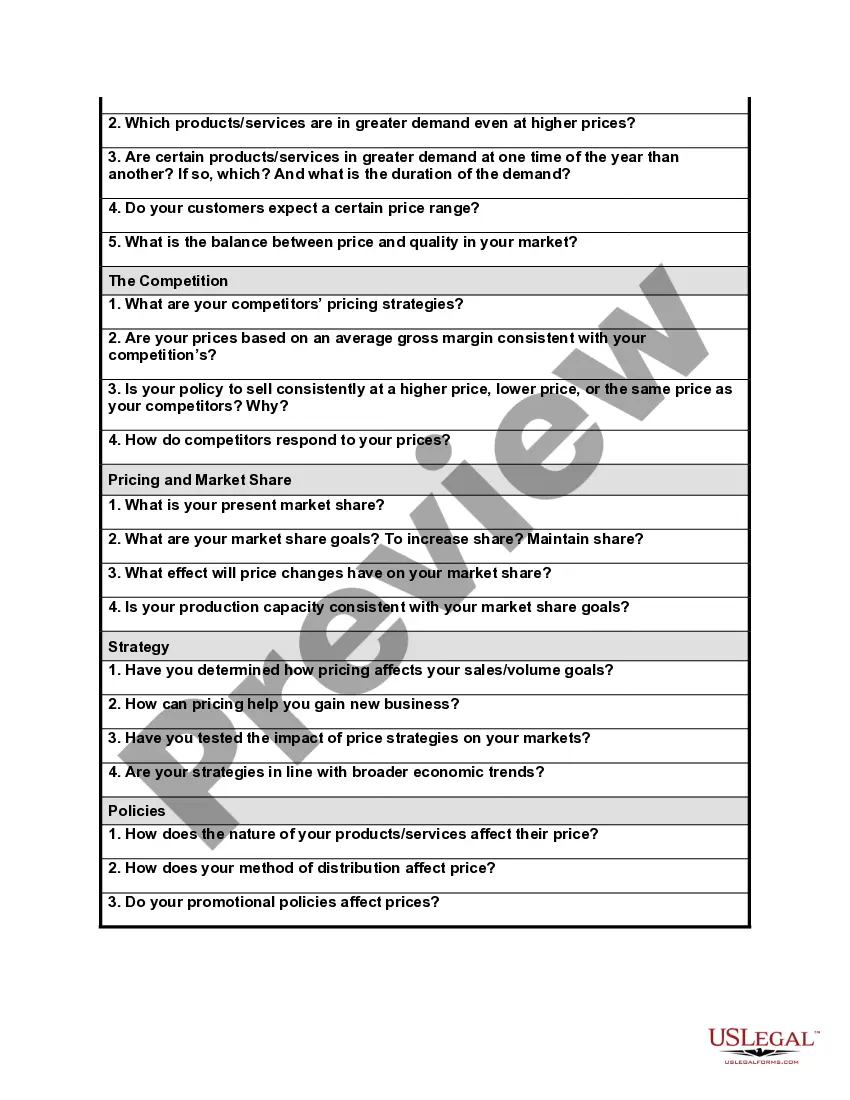
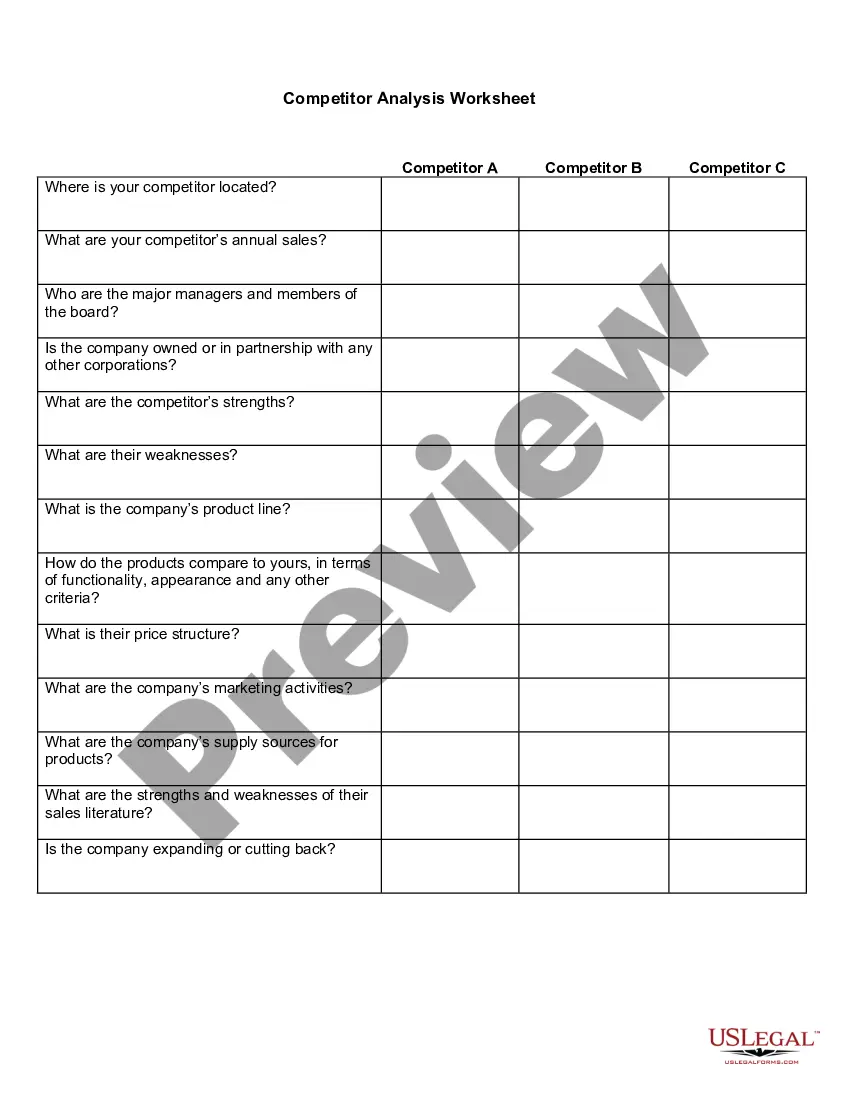
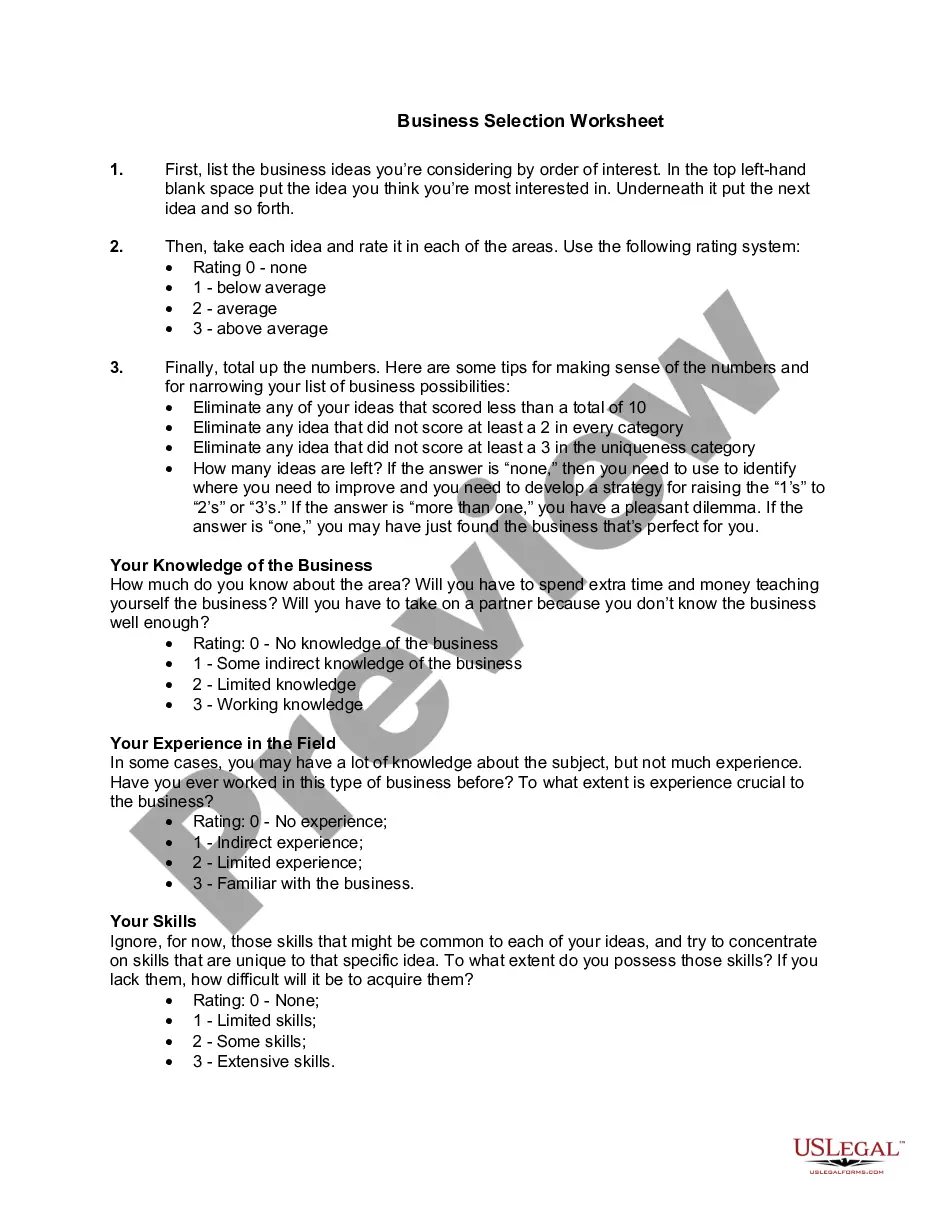
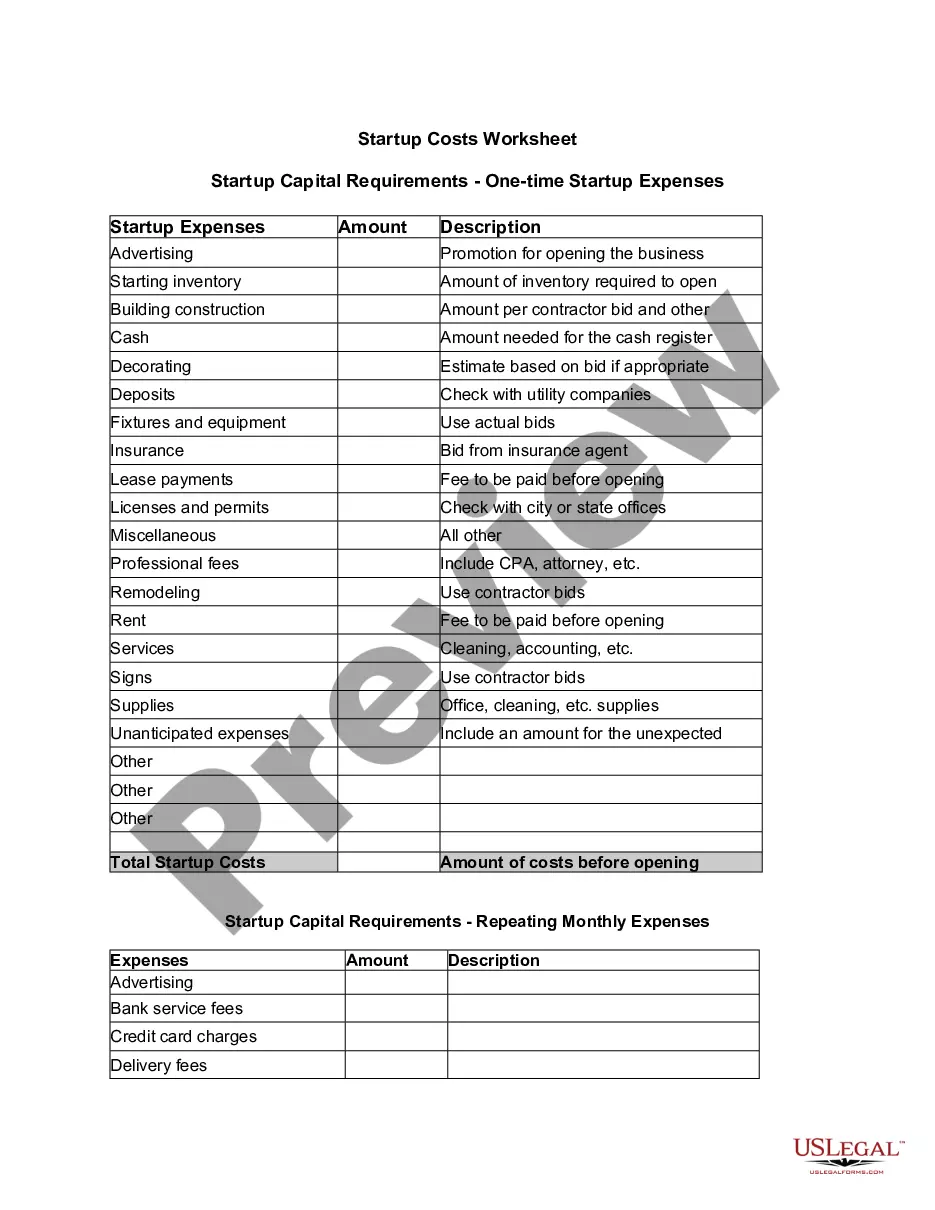
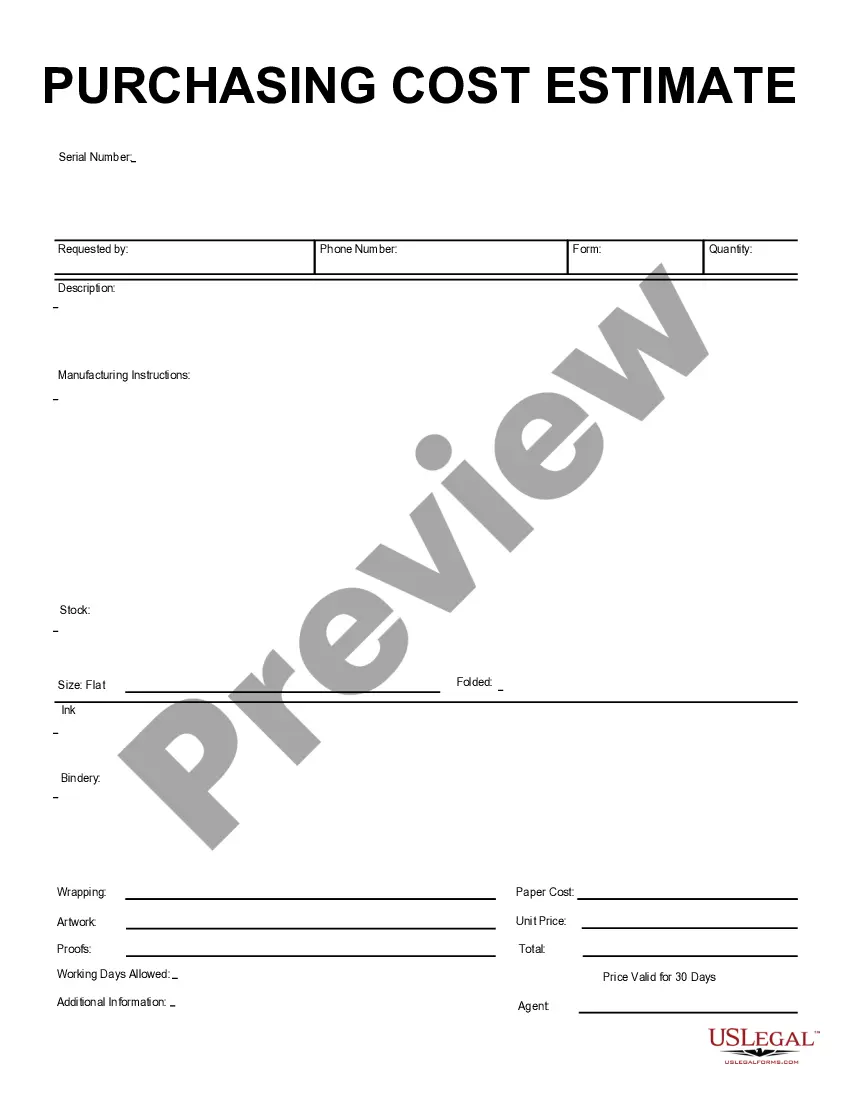
Wisconsin Price Setting Worksheet
Description
Get your form ready online
Our built-in tools help you complete, sign, share, and store your documents in one place.
Make edits, fill in missing information, and update formatting in US Legal Forms—just like you would in MS Word.
Download a copy, print it, send it by email, or mail it via USPS—whatever works best for your next step.
Sign and collect signatures with our SignNow integration. Send to multiple recipients, set reminders, and more. Go Premium to unlock E-Sign.
If this form requires notarization, complete it online through a secure video call—no need to meet a notary in person or wait for an appointment.
We protect your documents and personal data by following strict security and privacy standards.

Make edits, fill in missing information, and update formatting in US Legal Forms—just like you would in MS Word.

Download a copy, print it, send it by email, or mail it via USPS—whatever works best for your next step.

Sign and collect signatures with our SignNow integration. Send to multiple recipients, set reminders, and more. Go Premium to unlock E-Sign.

If this form requires notarization, complete it online through a secure video call—no need to meet a notary in person or wait for an appointment.

We protect your documents and personal data by following strict security and privacy standards.
Looking for another form?






How to fill out Price Setting Worksheet?
US Legal Forms - one of the largest collections of legal documents in the USA - offers a wide range of legal document templates that you can download or print.
By using the website, you can access thousands of forms for business and personal purposes, organized by categories, states, or keywords. You can acquire the latest versions of forms like the Wisconsin Price Setting Worksheet within moments.
If you currently hold a monthly subscription, Log In and obtain the Wisconsin Price Setting Worksheet from the US Legal Forms library. The Download button will appear on every form you view. You can access all previously downloaded forms from the My documents tab in your account.
Proceed with the transaction. Use your credit card or PayPal account to complete the purchase.
Choose the format and download the form to your device.
- Ensure you have selected the correct form for your city/state.
- Click the Preview button to review the form's content.
- Check the form outline to confirm you have chosen the right one.
- If the form does not meet your needs, use the Search field at the top of the screen to find one that does.
- If you are satisfied with the form, affirm your choice by clicking the Buy now button.
- Next, select the pricing plan you desire and provide your details to register for an account.
Form popularity
FAQ
All three schedules ask for different informationSchedule 1, Additional Income and Adjustments to Income. This schedule reports income from state tax refunds, businesses, rentals, partnerships, unemployment compensation, and more.Schedule 2, Additional Taxes.Schedule 3, Additional Credits and Payments.
Couples in which one or both spouses are age 65 or older also get bigger standard deductions than younger taxpayers. If only one spouse is 65 or older, the extra amount for 2021 is $1,350 $2,700 if both spouses are 65 or older ($1,400 and $2,800, respectively, for 2022). Be sure to take advantage of your age!
How to calculate Adjusted Gross Income (AGI)? The AGI calculation is relatively straightforward. Using the income tax calculator, simply add all forms of income together, and subtract any tax deductions from that amount. Depending on your tax situation, your AGI can even be zero or negative.
The standard deduction is higher For your 2021 tax return, the standard deduction is now $12,550 for single filers (an increase of $150) and $25,100 for married couples filing jointly (an increase of $300). For heads of households, the standard deduction is now $18,800 (an increase of $150).
Schedule 3 has the additional information added for 2019, Part II - Other Payments and Refundable Credits. If entries are made on Schedule 3 the form would be attached to the Form 1040 or Form 1040-SR. Line items 8-13 listed below.
For 2021, they get the normal standard deduction of $25,100 for a married couple filing jointly. They also both get an additional standard deduction of $1,350 for being over age 65. They get one more additional standard deduction because Susan is blind.
Standard Deduction$12,550 for single filers. $12,550 for married couples filing separately. $18,800 for heads of households. $25,100 for married couples filing jointly.
Initially, there were six new schedules, but the IRS has since consolidated these down to three: Schedule 1 for additional income and "above the line" deductions. Schedule 2 for additional taxes. Schedule 3 for additional credits and payments.
For a single individual who has a Wisconsin adjusted gross income of at least $7,500, the standard deduction is the amount obtained by subtracting from $5,200 12 percent of Wisconsin adjusted gross income in excess of $7,500 but not less than $0.
Schedule 1 is used to report types of income that aren't listed on the 1040, such as capital gains, alimony, unemployment payments, and gambling winnings. Schedule 1 also includes some common adjustments to income, like the student loan interest deduction and deductions for educator expenses.