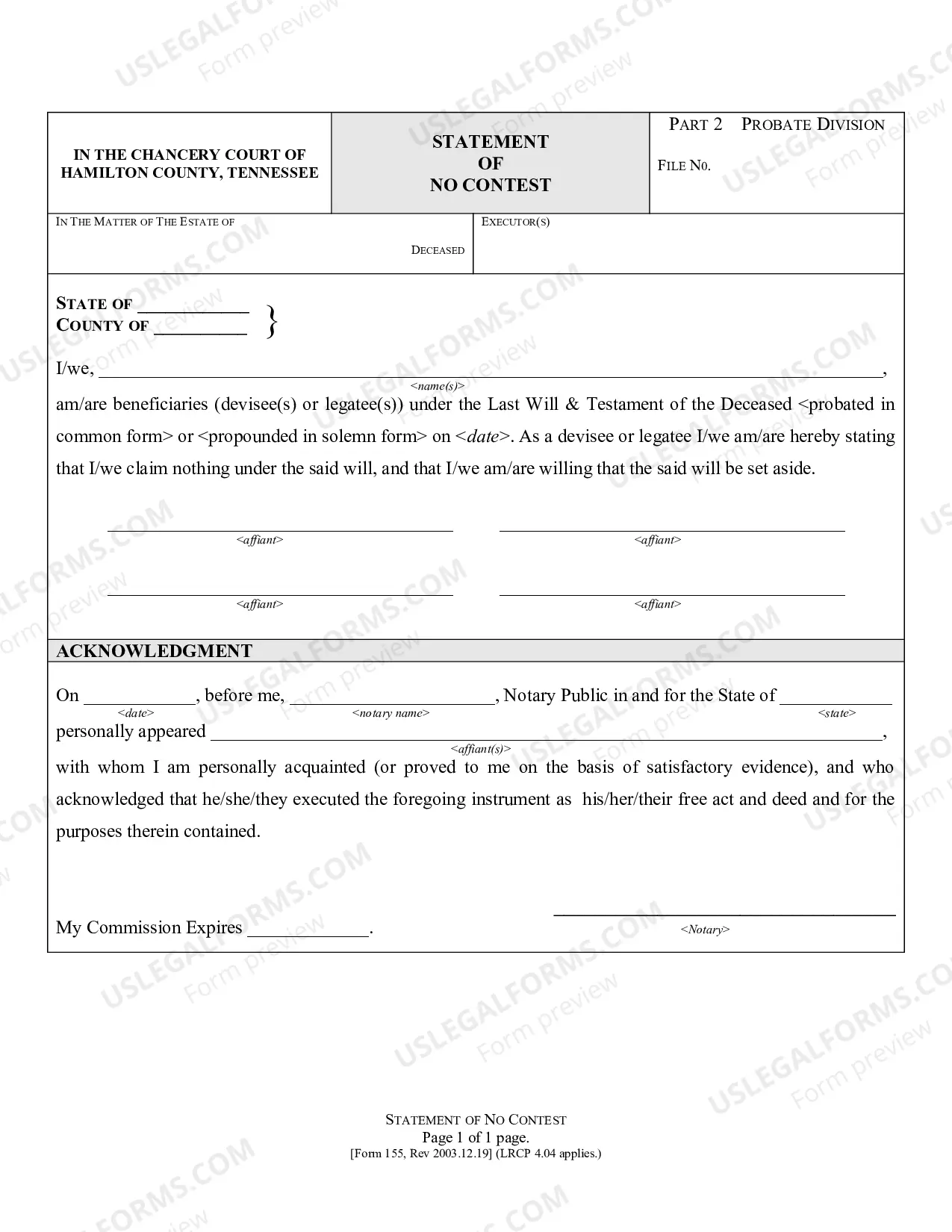
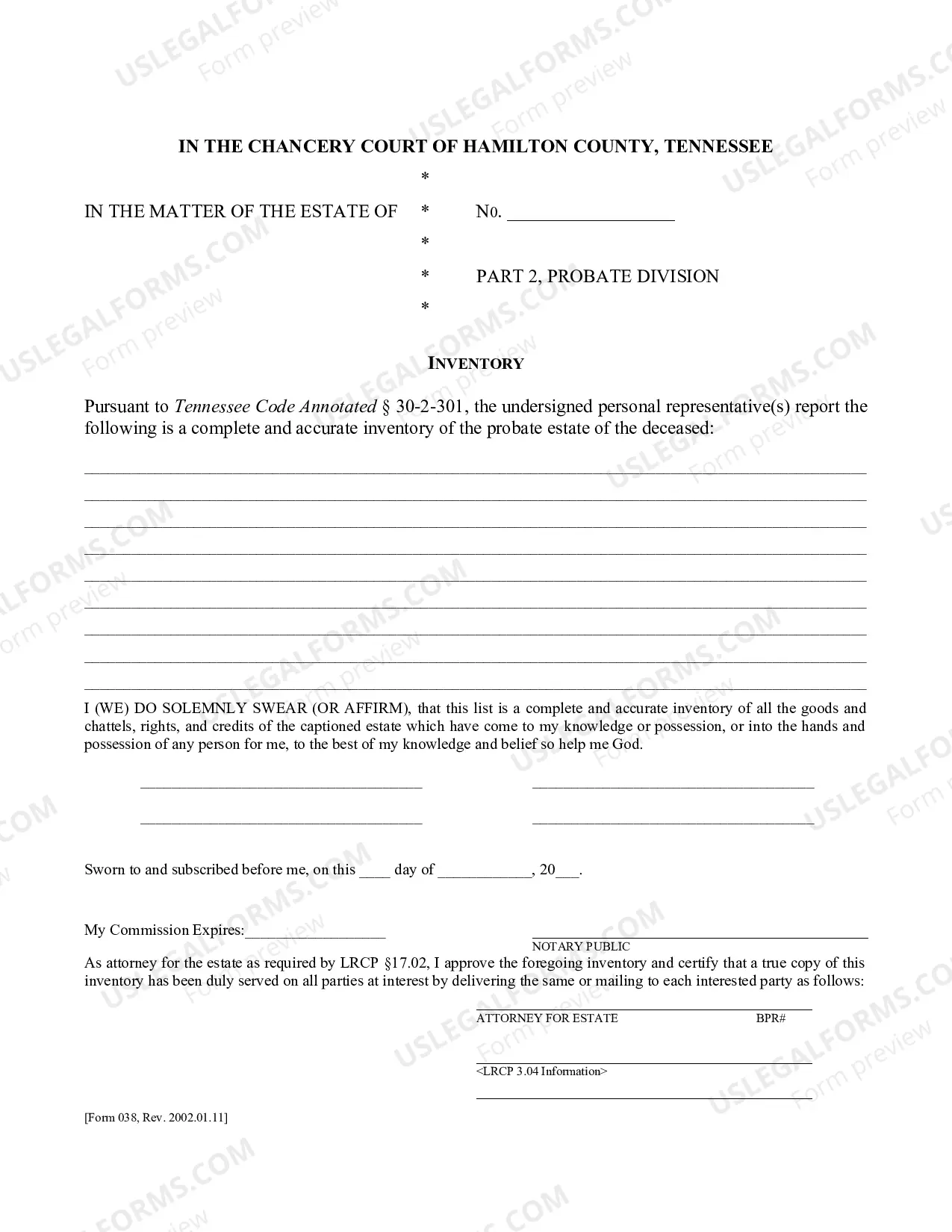
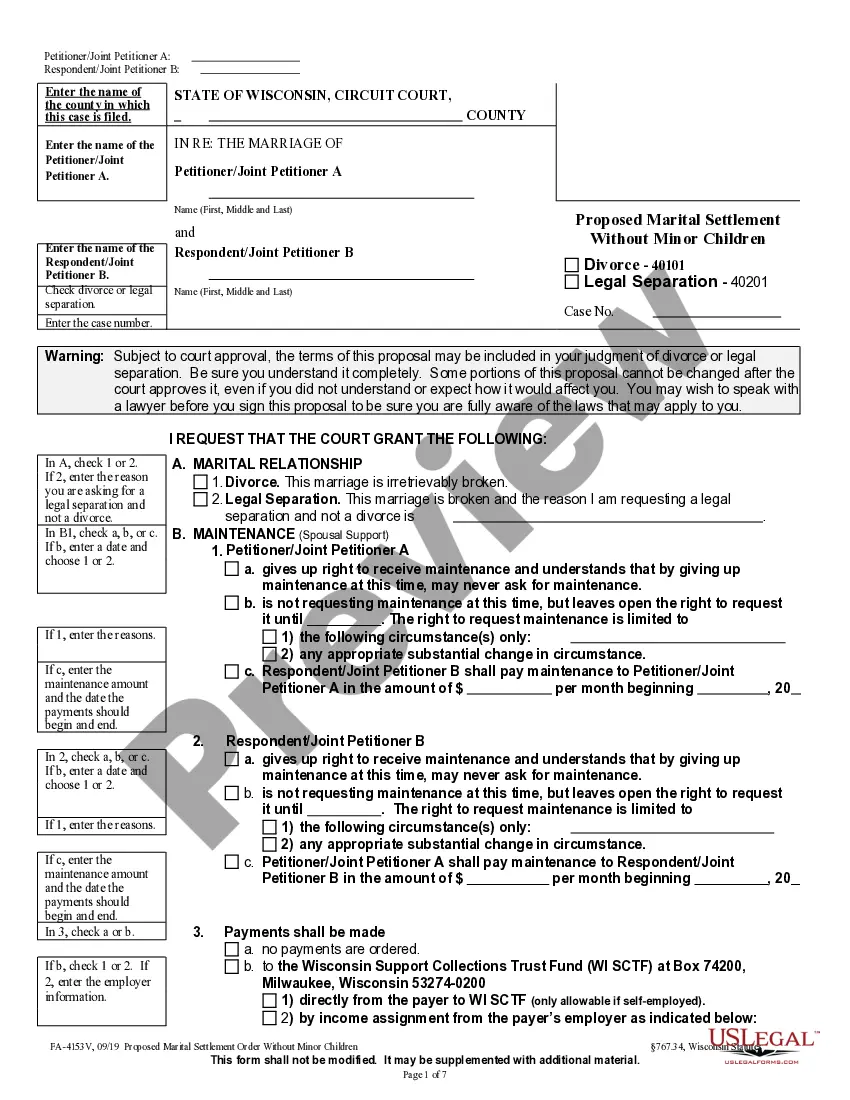
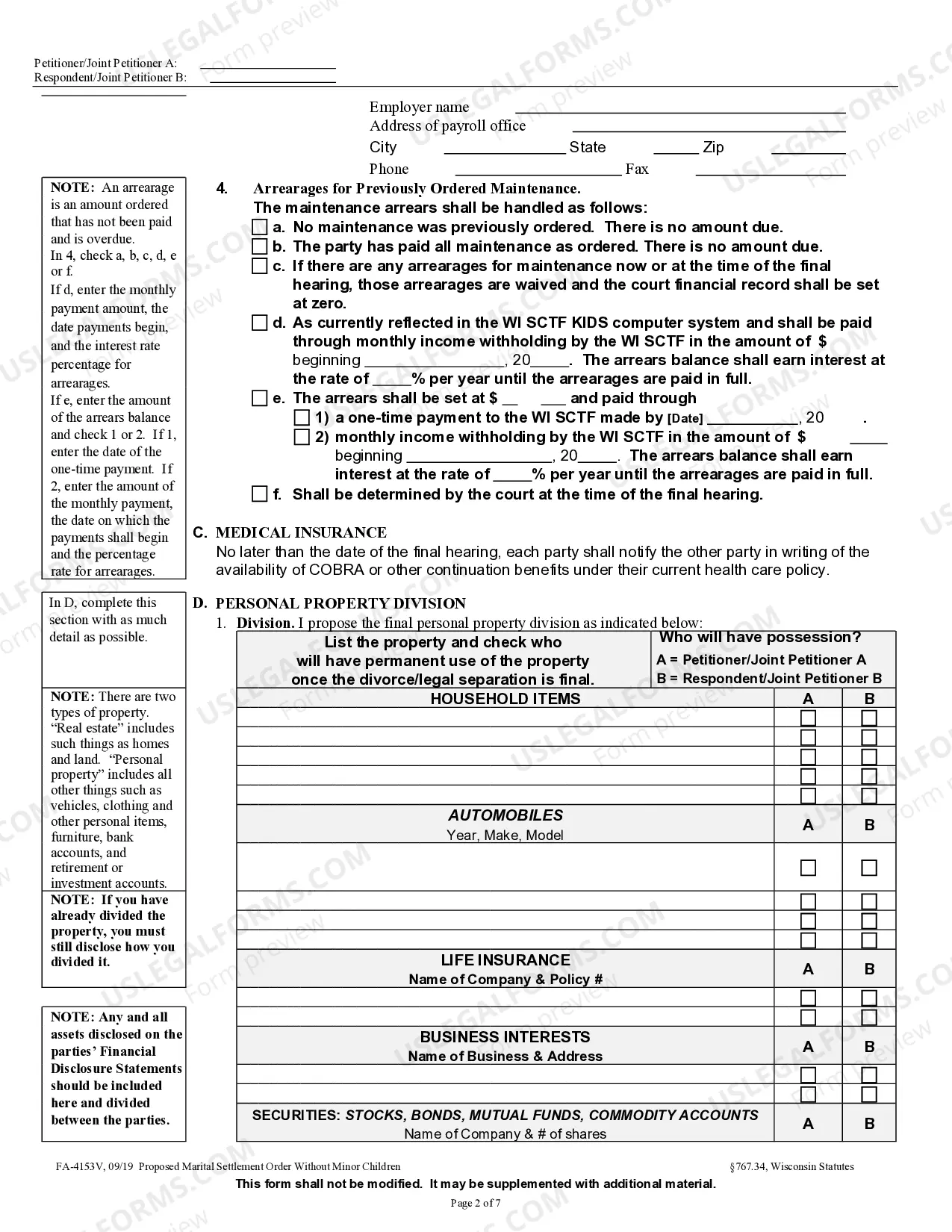
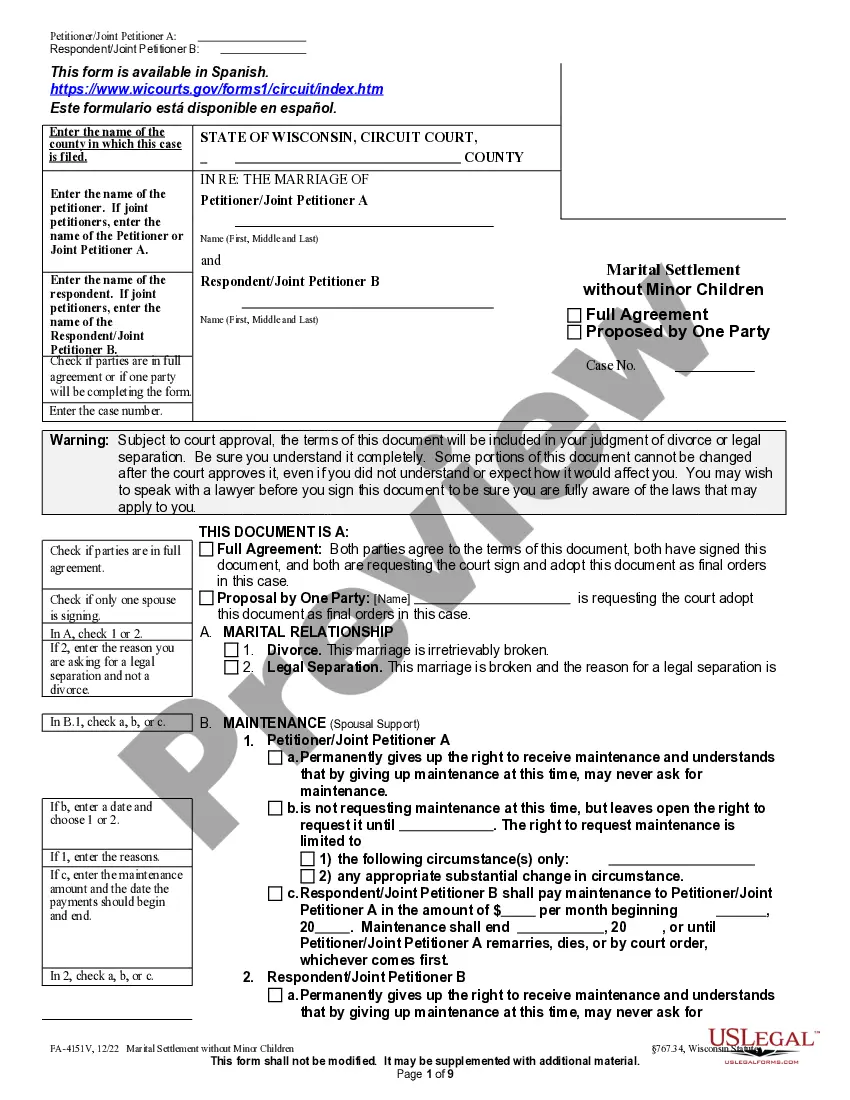
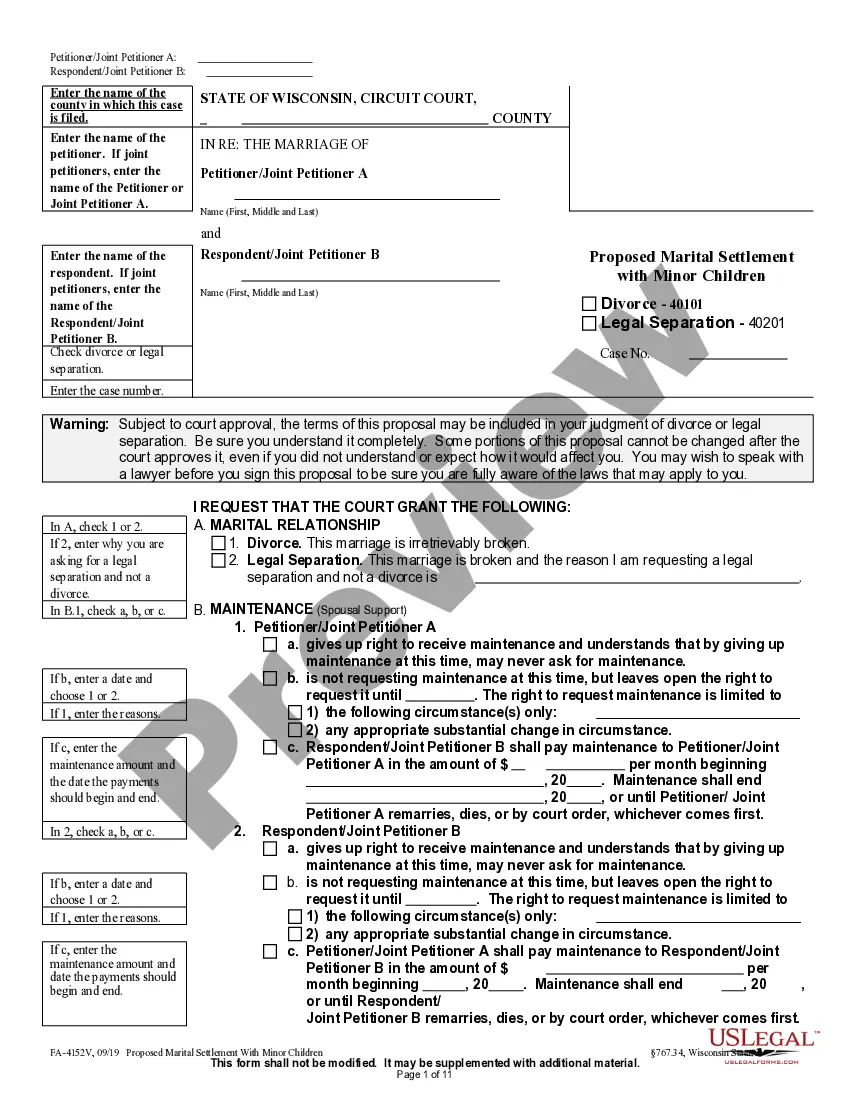
Wisconsin Proposed Marital Settlement Order
Description
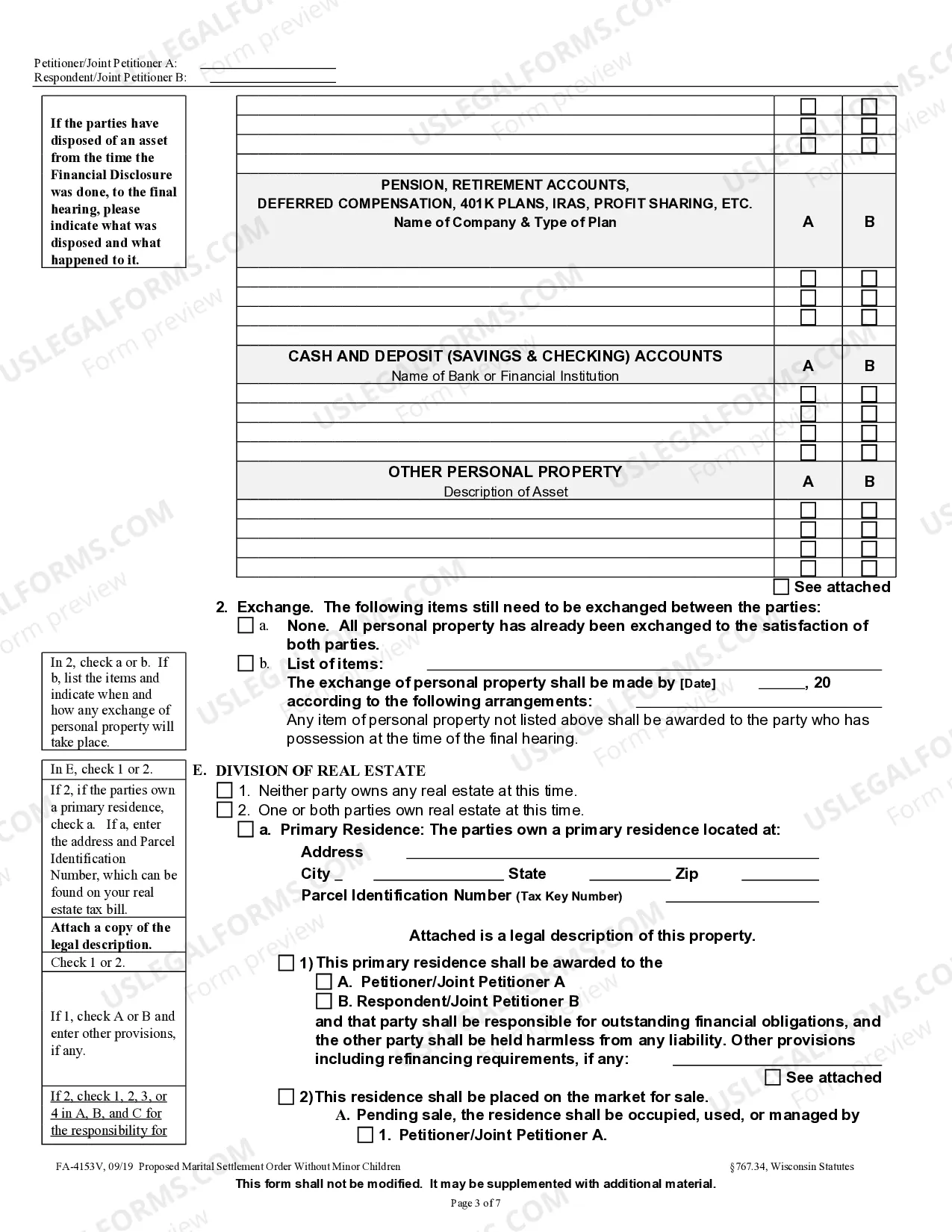
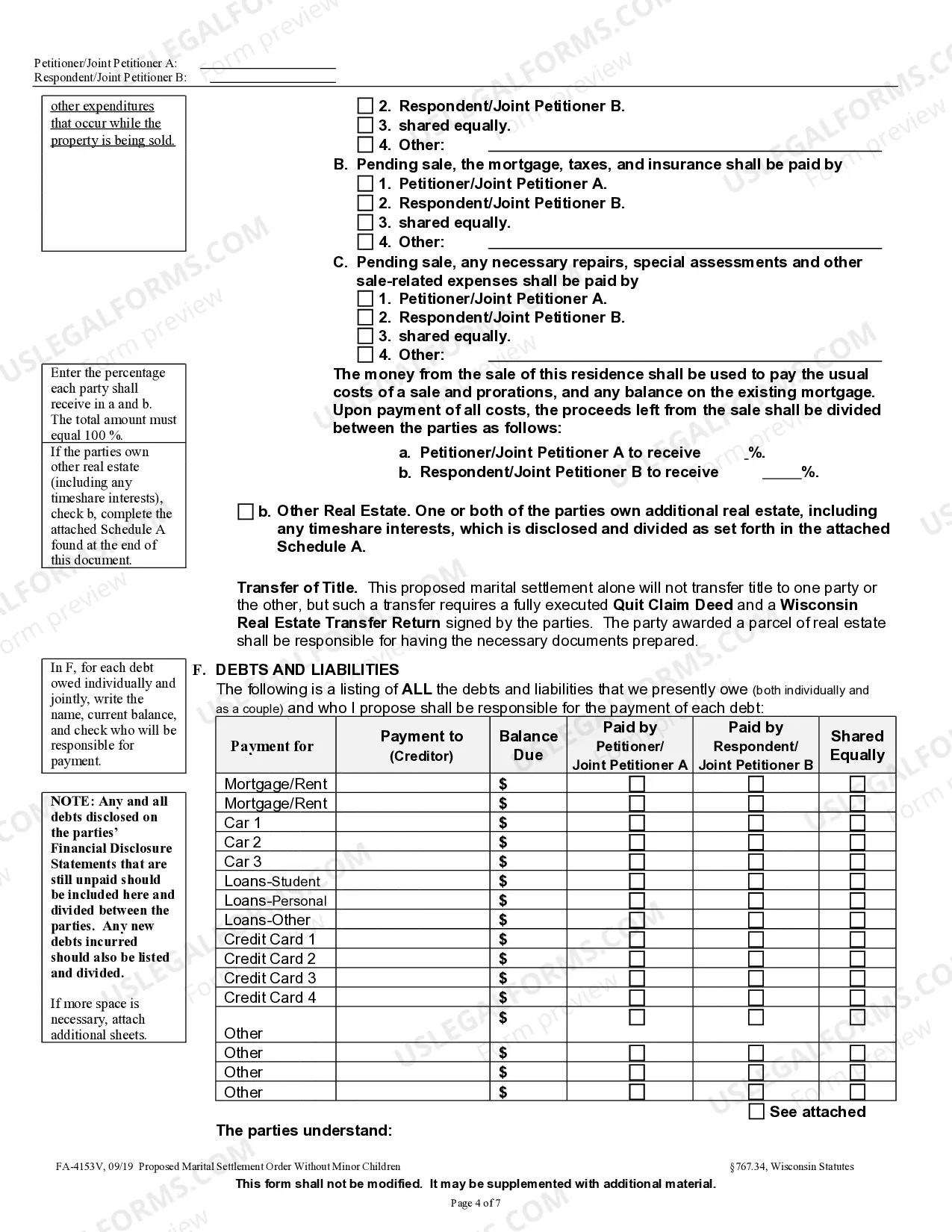
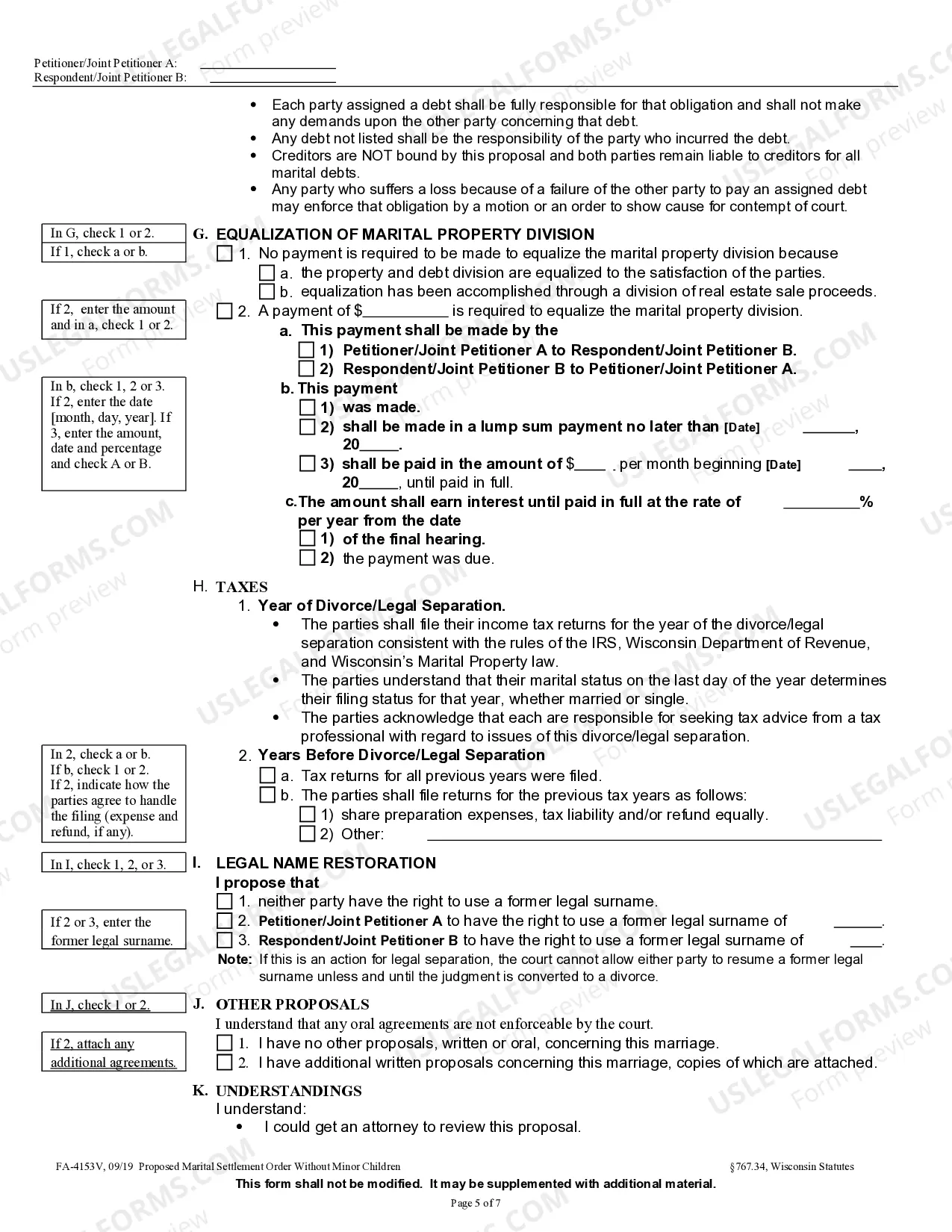
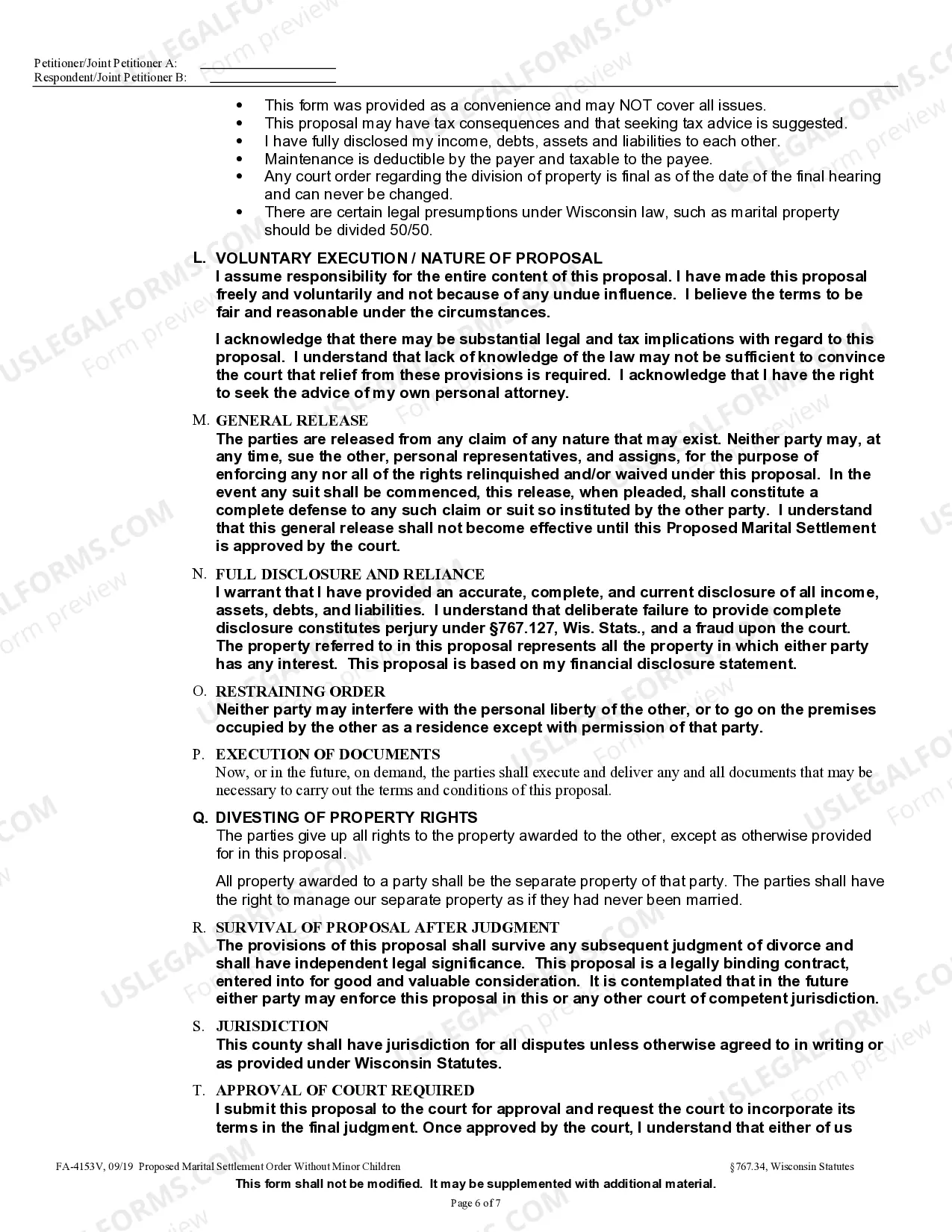
Get your form ready online
Our built-in tools help you complete, sign, share, and store your documents in one place.
Make edits, fill in missing information, and update formatting in US Legal Forms—just like you would in MS Word.
Download a copy, print it, send it by email, or mail it via USPS—whatever works best for your next step.
Sign and collect signatures with our SignNow integration. Send to multiple recipients, set reminders, and more. Go Premium to unlock E-Sign.
If this form requires notarization, complete it online through a secure video call—no need to meet a notary in person or wait for an appointment.
We protect your documents and personal data by following strict security and privacy standards.

Make edits, fill in missing information, and update formatting in US Legal Forms—just like you would in MS Word.

Download a copy, print it, send it by email, or mail it via USPS—whatever works best for your next step.

Sign and collect signatures with our SignNow integration. Send to multiple recipients, set reminders, and more. Go Premium to unlock E-Sign.

If this form requires notarization, complete it online through a secure video call—no need to meet a notary in person or wait for an appointment.

We protect your documents and personal data by following strict security and privacy standards.
Looking for another form?
How to fill out Wisconsin Proposed Marital Settlement Order?
Out of the great number of platforms that offer legal samples, US Legal Forms provides the most user-friendly experience and customer journey while previewing forms prior to buying them. Its comprehensive catalogue of 85,000 samples is grouped by state and use for simplicity. All of the documents available on the service have already been drafted to meet individual state requirements by licensed lawyers.
If you have a US Legal Forms subscription, just log in, search for the template, hit Download and obtain access to your Form name in the My Forms; the My Forms tab keeps your downloaded documents.
Stick to the tips listed below to get the form:
- Once you find a Form name, make certain it is the one for the state you really need it to file in.
- Preview the form and read the document description just before downloading the sample.
- Search for a new template through the Search field if the one you have already found is not appropriate.
- Click Buy Now and select a subscription plan.
- Create your own account.
- Pay with a credit card or PayPal and download the template.
When you have downloaded your Form name, it is possible to edit it, fill it out and sign it in an online editor of your choice. Any document you add to your My Forms tab can be reused many times, or for as long as it remains the most updated version in your state. Our platform provides quick and easy access to templates that suit both legal professionals as well as their clients.
Form popularity
FAQ
A detailed parenting-time scheduleincluding holidays! Specifics about support. Life insurance. Retirement accounts and how they will be divided. A plan for the sale of the house.
Once a settlement agreement is filed in district court, it becomes a judicial record and thus is presumptively accessible to the media and the public.
If the Marital Settlement Agreement is incorporated into the decree, it becomes a court order and is enforceable by the court's contempt powers. If you don't incorporate it into the decree, it simply becomes a contract between you and your spouse, which you later have to sue in a separate action to enforce.
#1. Start with the Basics. #2. Include the Details. #3. Confirm Your Agreement. #4. Identify and Divide Assets and Debts. #5. Create a Parenting Plan for Custody and Visitation. #6. Agree on Child Support and Spousal Support (Alimony) #7. Polishing Your Agreement. Conclusion.
Make sure you have all of the basic information and divorce forms you need according to the divorce laws in your state. Make sure you have all of the personal information you need. Include a statement that you and the other party are in agreement with the contents of the document.