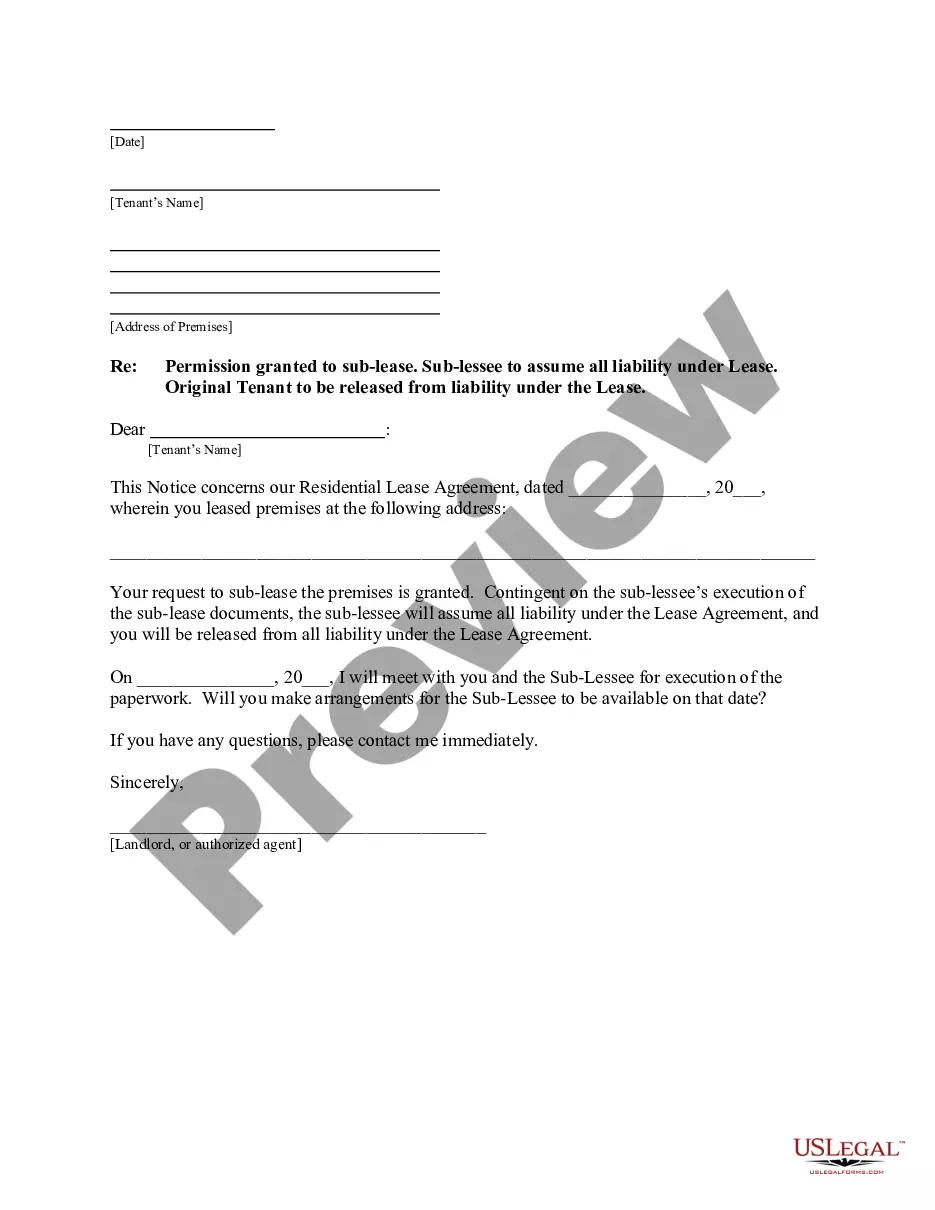
Wisconsin Correction Statement and Agreement
Overview of this form
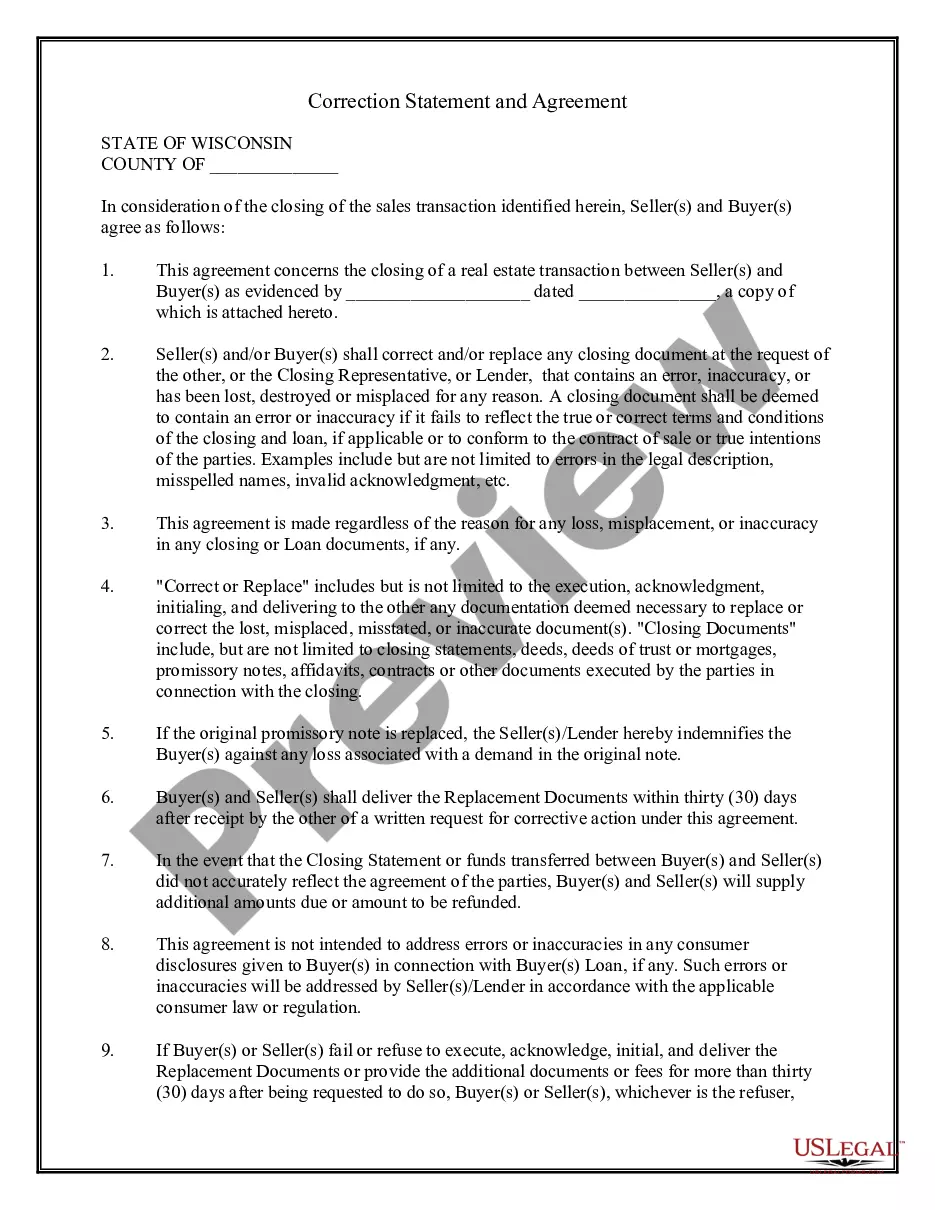
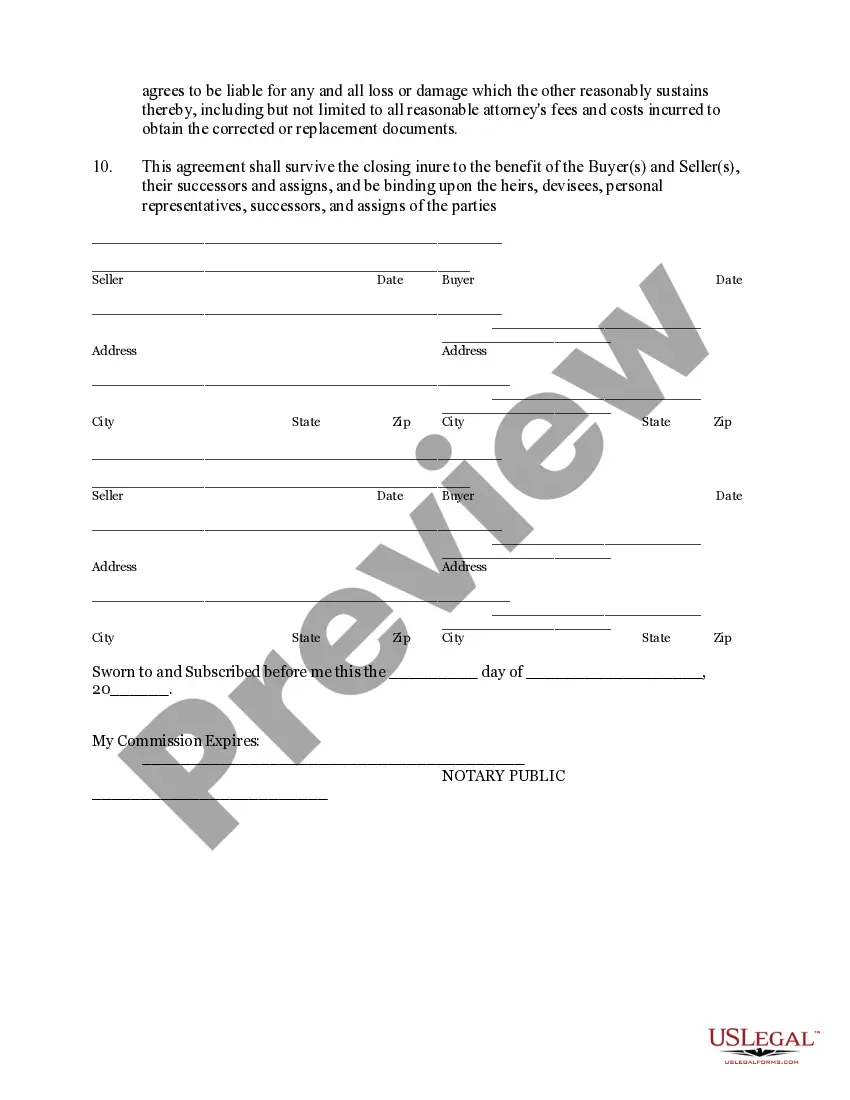
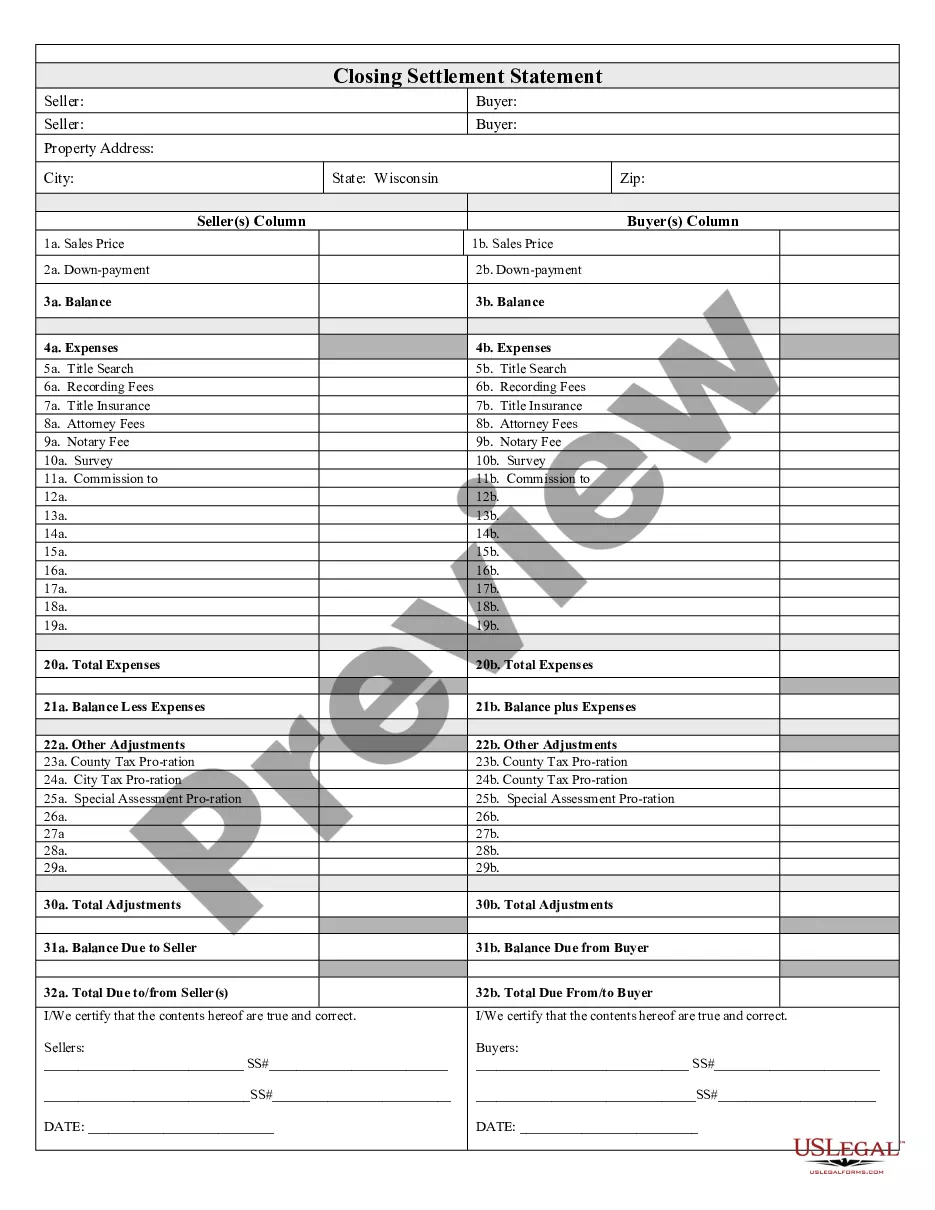
The Correction Statement and Agreement is a legal document used in real estate transactions. It is signed by both the buyer and seller at the closing of a loan or property purchase. This form serves to address errors in closing documents, ensuring that any mistakes can be corrected post-closing. Unlike standard closing documents, this agreement specifically outlines the responsibilities of both parties to rectify inaccuracies or replace lost materials.
Form components explained
- Identification of the buyer and seller involved in the transaction.
- Agreement on how to correct or replace erroneous closing documents.
- Timeline for delivering replacement documents after a request.
- Indemnification clause to protect parties from losses due to original document issues.
- Signature lines for all parties involved and a notary section for validation.

When this form is needed
This form is essential when closing real estate transactions, particularly if there are discrepancies in the closing documents. It should be used when documents are found to contain errors, such as incorrect legal descriptions or misspelled names, or if any documents have been lost or misplaced. Additionally, it is helpful if additional funds need to be communicated post-closing due to inaccurate closing statements.
Who needs this form
- Buyers and sellers engaged in a real estate transaction.
- Closing representatives or lenders involved in the transaction.
- Any party that may need to correct, replace, or clarify closing documents.
How to complete this form
- Identify all parties by entering their full names and addresses in the designated fields.
- Specify the date of the transaction and attach any related documents as needed.
- Clearly outline any errors or reasons for replacement in the acknowledgment section.
- Ensure all parties sign and date the document in the appropriate signature lines.
- Consider notarizing the form to add an extra layer of legal validation.
Does this document require notarization?
Yes, this form must be notarized to be legally valid. US Legal Forms provides integrated online notarization services that are available 24/7 via secure video calls, ensuring you can easily complete this requirement without hassle or travel.
Get your form ready online
Our built-in tools help you complete, sign, share, and store your documents in one place.
Make edits, fill in missing information, and update formatting in US Legal Forms—just like you would in MS Word.
Download a copy, print it, send it by email, or mail it via USPS—whatever works best for your next step.
Sign and collect signatures with our SignNow integration. Send to multiple recipients, set reminders, and more. Go Premium to unlock E-Sign.
If this form requires notarization, complete it online through a secure video call—no need to meet a notary in person or wait for an appointment.
We protect your documents and personal data by following strict security and privacy standards.

Make edits, fill in missing information, and update formatting in US Legal Forms—just like you would in MS Word.

Download a copy, print it, send it by email, or mail it via USPS—whatever works best for your next step.

Sign and collect signatures with our SignNow integration. Send to multiple recipients, set reminders, and more. Go Premium to unlock E-Sign.

If this form requires notarization, complete it online through a secure video call—no need to meet a notary in person or wait for an appointment.

We protect your documents and personal data by following strict security and privacy standards.
Avoid these common issues
- Failing to attach relevant supporting documents when submitting the form.
- Leaving out signatures or dates from one or more parties.
- Not notifying other parties of errors within the required timeframe.
Benefits of using this form online
- Easy access to a legally vetted and professionally drafted document.
- Convenience of downloading and completing the form from anywhere at any time.
- Editable format allowing users to tailor the document to their specific needs.
Summary of main points
- The Correction Statement and Agreement is essential for addressing errors in real estate closing documents.
- It protects both buyers and sellers by outlining clear steps for correcting or replacing documents.
- Ensure timely completion and notarization of the form for it to be enforceable.