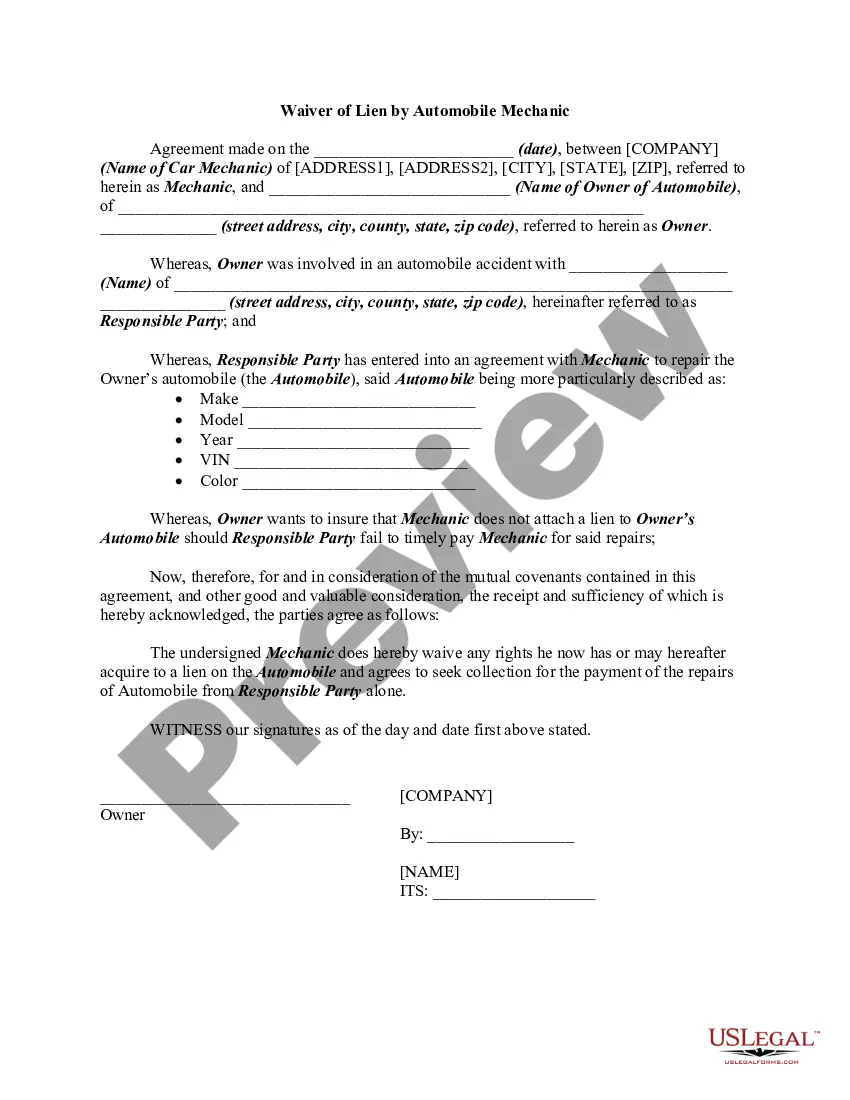
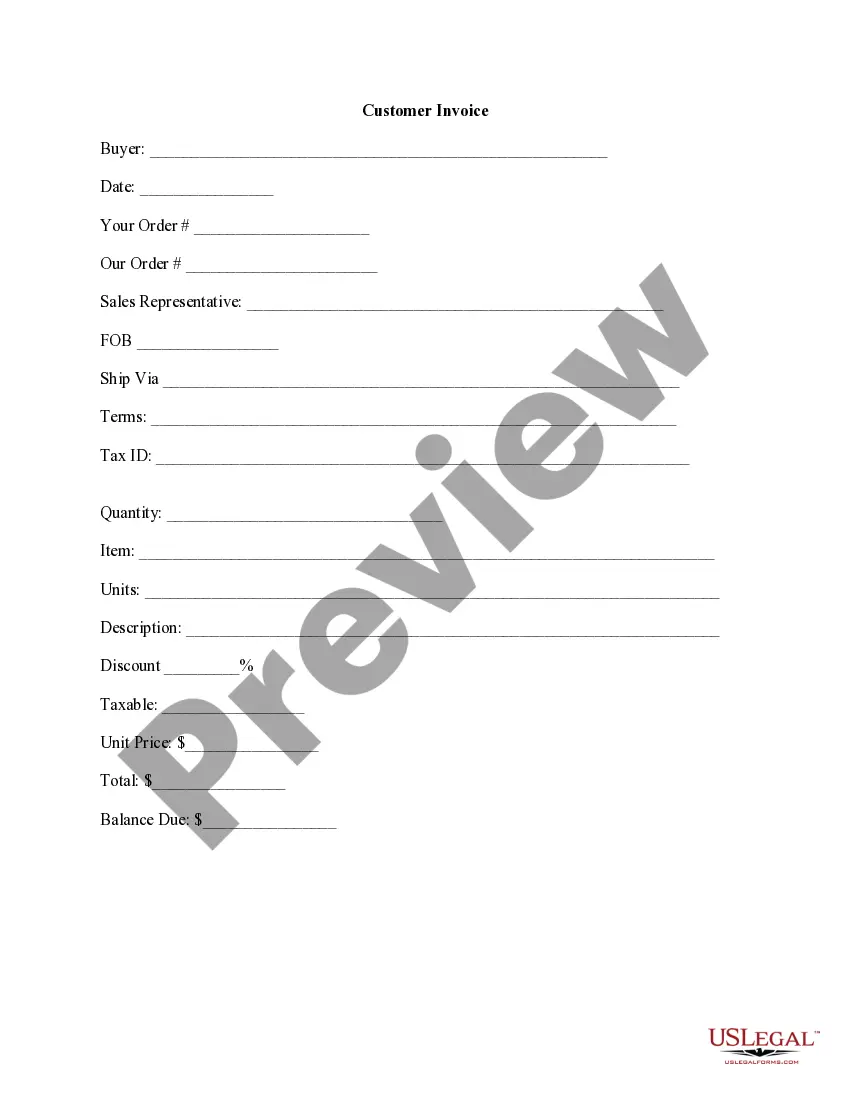
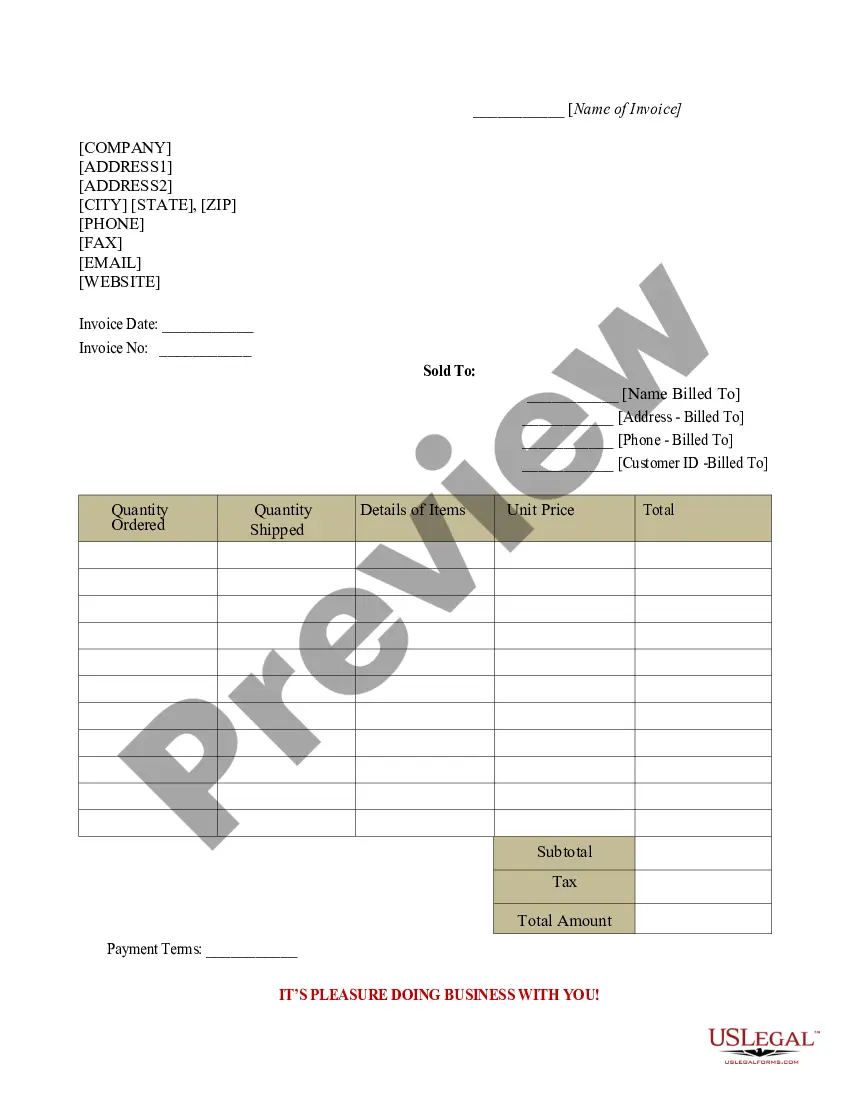
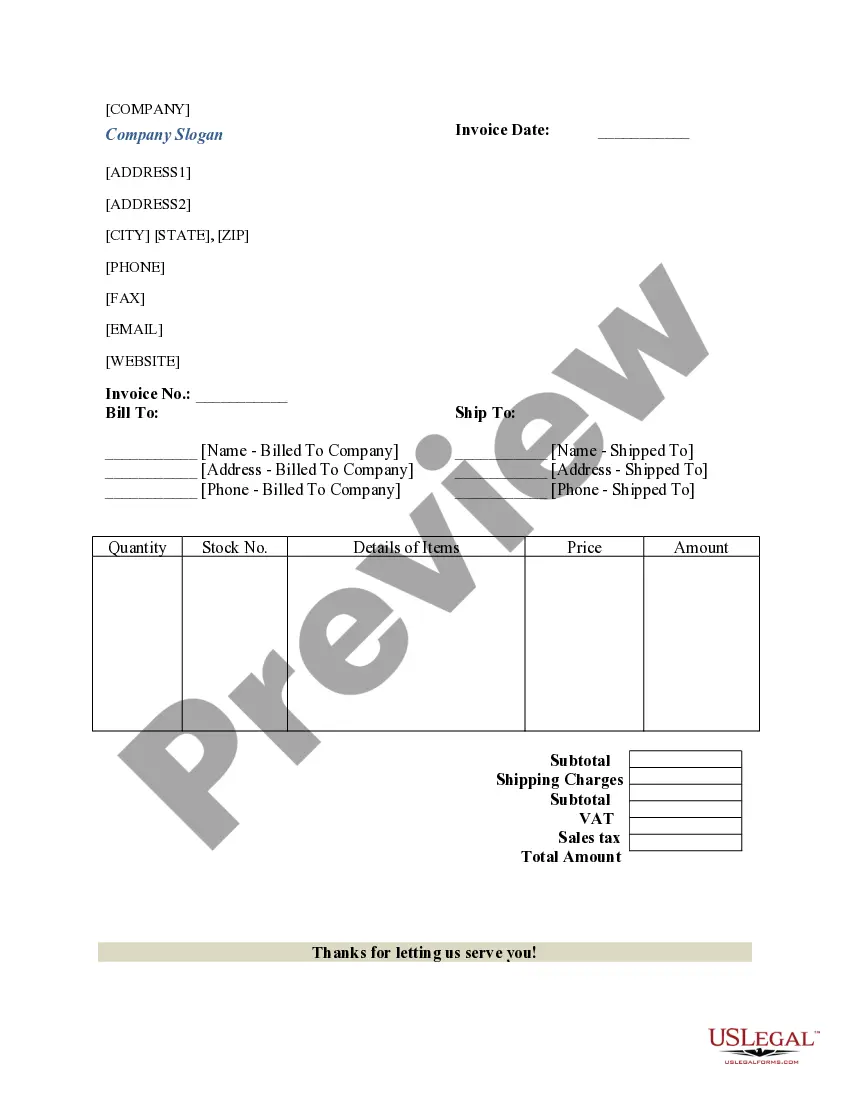
Washington Customer Invoice
Description



Get your form ready online
Our built-in tools help you complete, sign, share, and store your documents in one place.
Make edits, fill in missing information, and update formatting in US Legal Forms—just like you would in MS Word.
Download a copy, print it, send it by email, or mail it via USPS—whatever works best for your next step.
Sign and collect signatures with our SignNow integration. Send to multiple recipients, set reminders, and more. Go Premium to unlock E-Sign.
If this form requires notarization, complete it online through a secure video call—no need to meet a notary in person or wait for an appointment.
We protect your documents and personal data by following strict security and privacy standards.

Make edits, fill in missing information, and update formatting in US Legal Forms—just like you would in MS Word.

Download a copy, print it, send it by email, or mail it via USPS—whatever works best for your next step.

Sign and collect signatures with our SignNow integration. Send to multiple recipients, set reminders, and more. Go Premium to unlock E-Sign.

If this form requires notarization, complete it online through a secure video call—no need to meet a notary in person or wait for an appointment.

We protect your documents and personal data by following strict security and privacy standards.
Looking for another form?


How to fill out Customer Invoice?
If you're looking to acquire, download, or print official document templates, utilize US Legal Forms, the largest selection of authentic forms available online.
Take advantage of the site's user-friendly search feature to find the documents you need. Various templates for both business and personal purposes are categorized by states and keywords.
Use US Legal Forms to obtain the Washington Customer Invoice in just a few clicks.
All legal document templates you purchase are yours indefinitely. You have access to every form you obtained in your account. Click on the My documents section and select a form to print or download again.
Complete and download, and print the Washington Customer Invoice with US Legal Forms. There are numerous professional and state-specific forms you can use for your business or personal needs.
- If you are already a US Legal Forms user, sign in to your account and click the Download button to get the Washington Customer Invoice.
- You can also access forms you've previously obtained in the My documents section of your account.
- If you are using US Legal Forms for the first time, follow these steps.
- Step 1. Ensure you have selected the form for the correct state/country.
- Step 2. Utilize the Preview feature to review the form's content. Don't forget to read the description.
- Step 3. If you are dissatisfied with the current form, employ the Search box at the top of the screen to find other versions of the legal form template.
- Step 4. Once you have located the form you need, click on the Buy now button. Choose your preferred pricing plan and enter your details to create an account.
- Step 5. Proceed with the transaction. You can use your credit card or PayPal account to complete the purchase.
- Step 6. Select the format of your legal form and download it to your device.
- Step 7. Fill out, modify, and print or sign the Washington Customer Invoice.
Form popularity
FAQ
Giving a customer an invoice involves delivering a well-organized Washington Customer Invoice through a preferred method, such as email or postal service. Make sure to provide them with the necessary details, including how and when they can make payment. A friendly reminder can promote timely payment.
To create an invoice file, start by choosing a suitable format, like a Word document or spreadsheet. Design your Washington Customer Invoice template with key sections such as service details, payment amount, and terms. Once completed, save it in both digital and printed formats for your records.
The best way to invoice someone is to be clear and professional in your approach. Use a straightforward Washington Customer Invoice that outlines services and payments clearly. Send it promptly and consider a follow-up reminder if payment is not received by the due date.
When invoicing clients, start with a professional Washington Customer Invoice template that includes all relevant details. Be clear about your payment terms and due dates. Send the invoice via secure channels, and follow up if you don’t receive confirmation of receipt to ensure prompt payment.
The best way to file receipts and invoices is through a combination of physical and digital storage. Create folders for your Washington Customer Invoices and receipts, and regularly scan them into a cloud-based platform. This ensures quick access and protects against loss, helping you stay organized.
Filing an invoice means saving it in a way that allows for easy retrieval. Label your Washington Customer Invoice clearly, and store it in a dedicated folder on your computer or in a cloud storage service. Regular organization and proper filing help you track payments and manage your finances effectively.
To submit an invoice, ensure your Washington Customer Invoice is complete and accurate. You can submit it electronically through email or a dedicated invoicing system. Always confirm receipt with your customer to ensure they have received the invoice for timely processing.
As a beginner, start by using a simple template for your Washington Customer Invoice that outlines necessary elements such as contact information, itemized services, and due dates. Take your time to understand the process and make sure to double-check all information before sending. There are user-friendly platforms that can help simplify this task.
To invoice your customers, begin by generating a clear Washington Customer Invoice that includes the services provided, dates, and payment details. Send this invoice via email or through a reliable invoicing platform. Ensure that both you and the customer keep a copy for records, which helps maintain transparency.
Filing invoices involves organizing and storing them in a systematic way. You can create digital copies of your Washington Customer Invoice and store them in cloud storage for easy access. Regularly back up these documents to ensure they are secure and retrievable. Using software solutions can simplify this process.