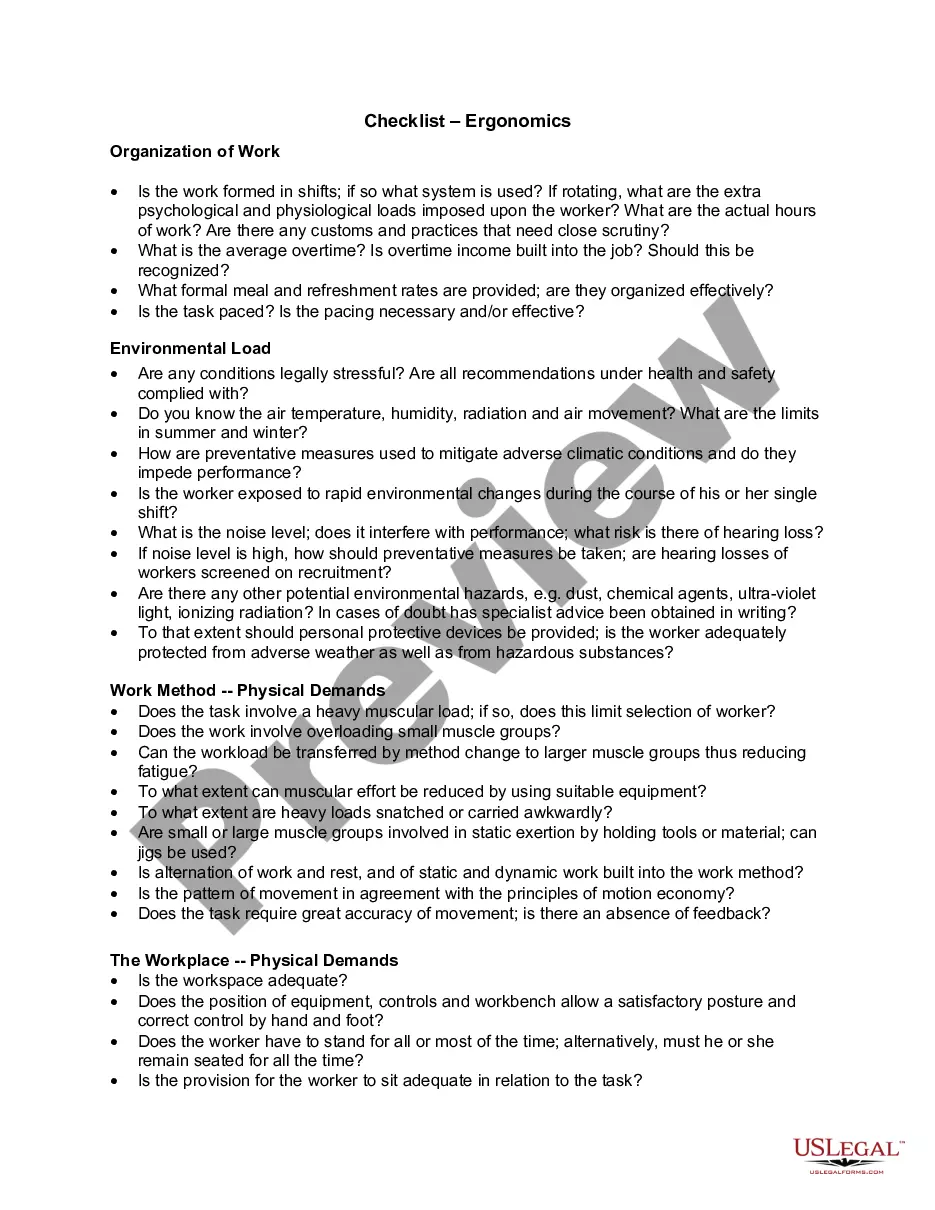
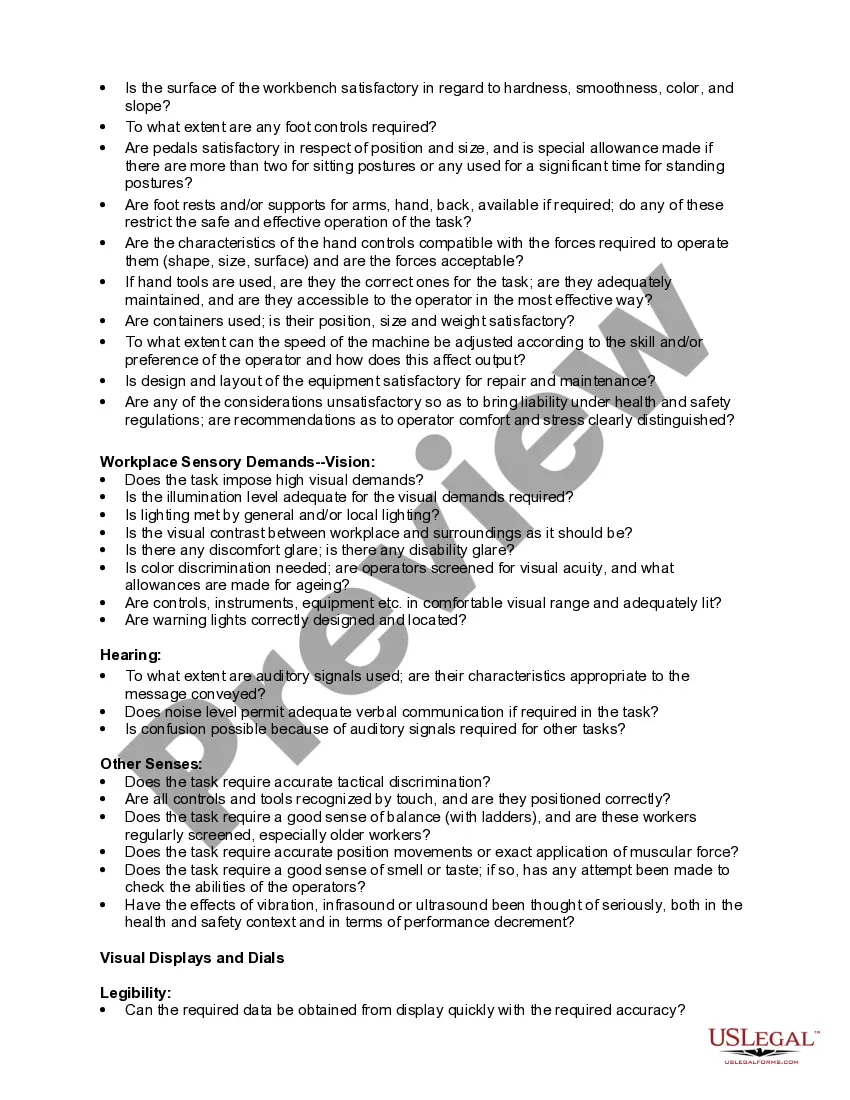
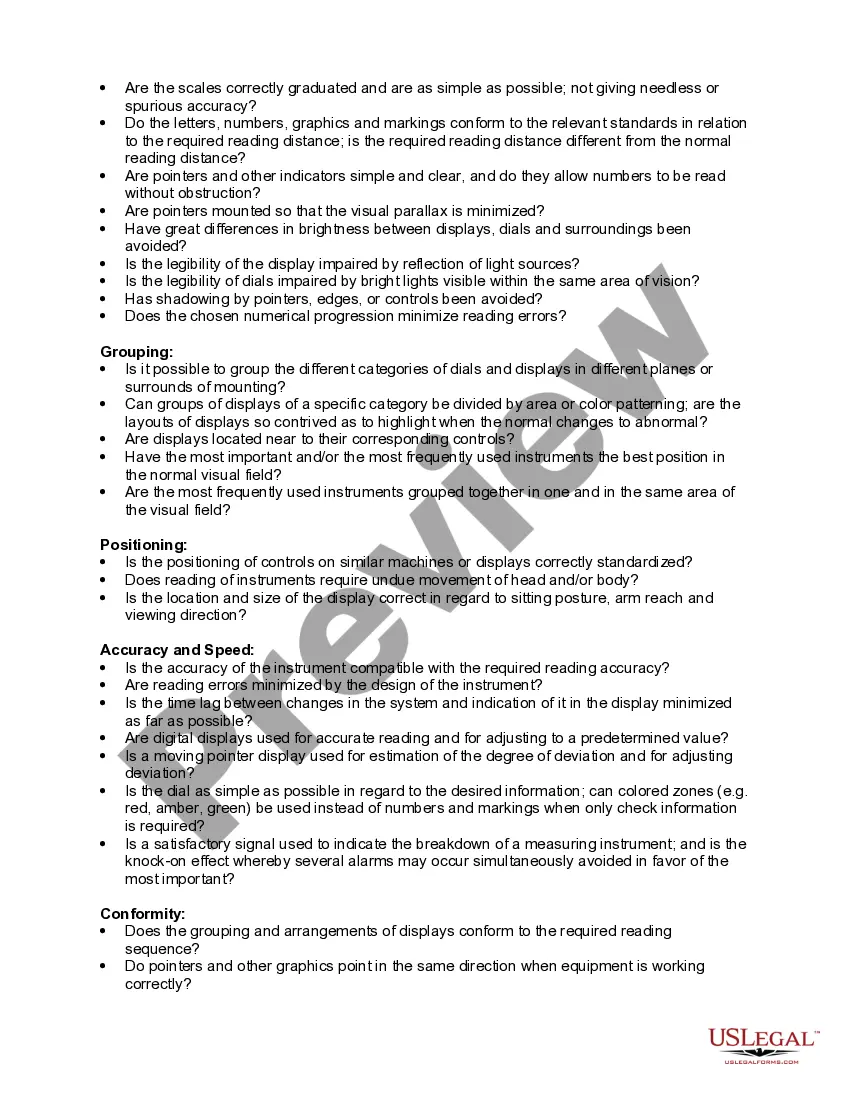
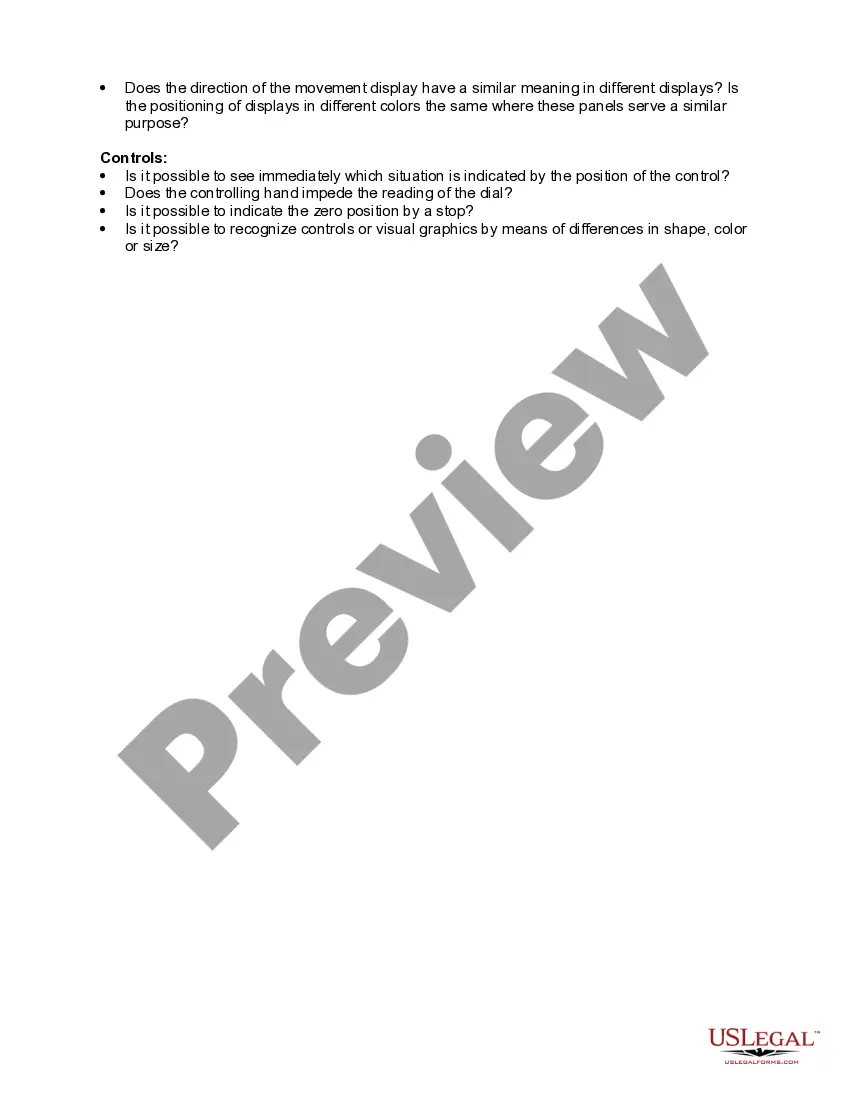
Ergonomics is the science of fitting workplace conditions and job demands to the capabilities of the working population. A major component of ergonomics is the development of industry-specific and task-specific guidelines to reduce and prevent workplace musculoskeletal disorders (MSDs). These voluntary guidelines are tools to assist employers in recognizing and controlling ergonomics-related risk factors. Employers in other industries for which guidelines have not been developed may find useful information in these guidelines for implementing their own ergonomic programs.
Vermont Checklist - Ergonomics
State:
Multi-State
Category:
Control #:
US-03058BG
Format:
Word;
Rich Text
34 downloads
Description
Free preview
Get your form ready online
Our built-in tools help you complete, sign, share, and store your documents in one place.
Built-in online Word editor
Make edits, fill in missing information, and update formatting in US Legal Forms—just like you would in MS Word.
Export easily
Download a copy, print it, send it by email, or mail it via USPS—whatever works best for your next step.
E-sign your document
Sign and collect signatures with our SignNow integration. Send to multiple recipients, set reminders, and more. Go Premium to unlock E-Sign.
Notarize online 24/7
If this form requires notarization, complete it online through a secure video call—no need to meet a notary in person or wait for an appointment.
Store your document securely
We protect your documents and personal data by following strict security and privacy standards.

Make edits, fill in missing information, and update formatting in US Legal Forms—just like you would in MS Word.

Download a copy, print it, send it by email, or mail it via USPS—whatever works best for your next step.

Sign and collect signatures with our SignNow integration. Send to multiple recipients, set reminders, and more. Go Premium to unlock E-Sign.

If this form requires notarization, complete it online through a secure video call—no need to meet a notary in person or wait for an appointment.

We protect your documents and personal data by following strict security and privacy standards.
Looking for another form?
How to fill out Checklist - Ergonomics?
US Legal Forms - one of the most important collections of legal documents in the United States - offers a diverse assortment of legal template files available for download or printing.
While navigating the website, you can discover thousands of forms for business and individual use, organized by categories, suggestions, or keywords. You can find the most current versions of forms like the Vermont Checklist - Ergonomics in just moments.
If you already have a monthly subscription, Log In and download the Vermont Checklist - Ergonomics from the US Legal Forms library. The Acquire button will appear on each document you view.
Then, select your preferred pricing plan and provide your information to register for an account.
Complete the purchase. Use your credit card or PayPal account to finalize the transaction. Choose the format and download the document onto your device. Edit. Fill out, modify, print, and sign the downloaded Vermont Checklist - Ergonomics.
- You can access all previously downloaded forms from the My documents tab of your account.
- Follow these simple steps to start using US Legal Forms for the first time:
- Ensure you have selected the correct form for your city/state. Click the Preview button to view the content of the form.
- Review the description of the document to make sure you have chosen the correct form.
- If the form does not meet your requirements, use the Search field at the top of the screen to find one that does.
- Once you are satisfied with the document, confirm your choice by clicking the Buy now button.
Form popularity
FAQ
Requesting an ergonomic assessment is straightforward. Simply contact your human resources department or safety officer and express your interest in ergonomics using the Vermont Checklist - Ergonomics. They will guide you on the next steps and coordinate with the necessary experts. This approach ensures that your request is prioritized and handled efficiently.
To perform an ergonomic risk assessment, begin by analyzing workstation setup and employee tasks. Use the Vermont Checklist - Ergonomics to pinpoint areas that may cause discomfort or injuries. Assess factors like seating arrangements, desk height, and repetitive motions. By systematically identifying these risks, you can implement effective changes to create a healthier work environment.
An ergonomic assessment can be conducted by a variety of professionals, including certified ergonomic specialists, occupational therapists, or safety officers. These individuals are trained to evaluate workplace environments against the Vermont Checklist - Ergonomics. This assessment aims to identify risk factors and recommend improvements. If you are looking to enhance your workplace safety, consider reaching out to experts who can guide you through this process.
An ergonomic assessment typically includes an evaluation of your workspace layout, equipment, and posture. Trained professionals will identify potential hazards and suggest modifications to enhance your comfort and efficiency. The assessment may also provide recommendations for tools that fit ergonomic principles. Utilizing the Vermont Checklist - Ergonomics can guide you through this process effectively.
To conduct an ergonomic assessment in an office setting, start by gathering information about the workspace and the tasks performed. Next, observe the employees' posture, workstation setup, and any equipment used. After collecting this data, provide suggestions for adjustments and improvements. Utilizing the Vermont Checklist - Ergonomics during this process ensures you cover all crucial aspects and promote a healthier working environment.
The ergonomic rating scale is a tool used to evaluate the ergonomics of a workstation or task, providing a score that reflects the potential risks associated with various work practices. This scale considers factors such as posture, force, frequency of tasks, and time spent on specific activities. By integrating the Vermont Checklist - Ergonomics into your evaluations, you can more effectively identify and mitigate ergonomic risks.
The 5 steps of a risk assessment order begin with identifying hazards, followed by deciding who might be harmed and how, evaluating the risks and implementing controls, recording findings, and reviewing assessments regularly. By using the Vermont Checklist - Ergonomics, you can systematically address ergonomic risks and enhance workplace safety for all employees.
Conducting an ergonomic assessment involves five essential steps: identifying the tasks performed, analyzing the work environment, evaluating the physical demands placed on workers, recommending solutions to improve ergonomics, and implementing those changes. The Vermont Checklist - Ergonomics can guide you through this process, ensuring a comprehensive evaluation that fosters safety and comfort in the workplace.
The 5 points of ergonomics concentrate on understanding the interaction between people and their environment to enhance performance. These points include the physical layout of workspaces, the tools used, the nature of tasks, the working conditions, and the individual capabilities of workers. Utilizing the Vermont Checklist - Ergonomics allows businesses to address these areas effectively for a healthier work culture.
The 5 principles of ergonomic design focus on improving comfort, efficiency, and safety in the workplace. These principles include designing workstations that fit the user's physical needs, minimizing repetitive motions, providing adjustable furniture, ensuring proper posture, and maintaining a neutral body position. By applying the Vermont Checklist - Ergonomics, you can create an optimal workspace that supports employee well-being and productivity.