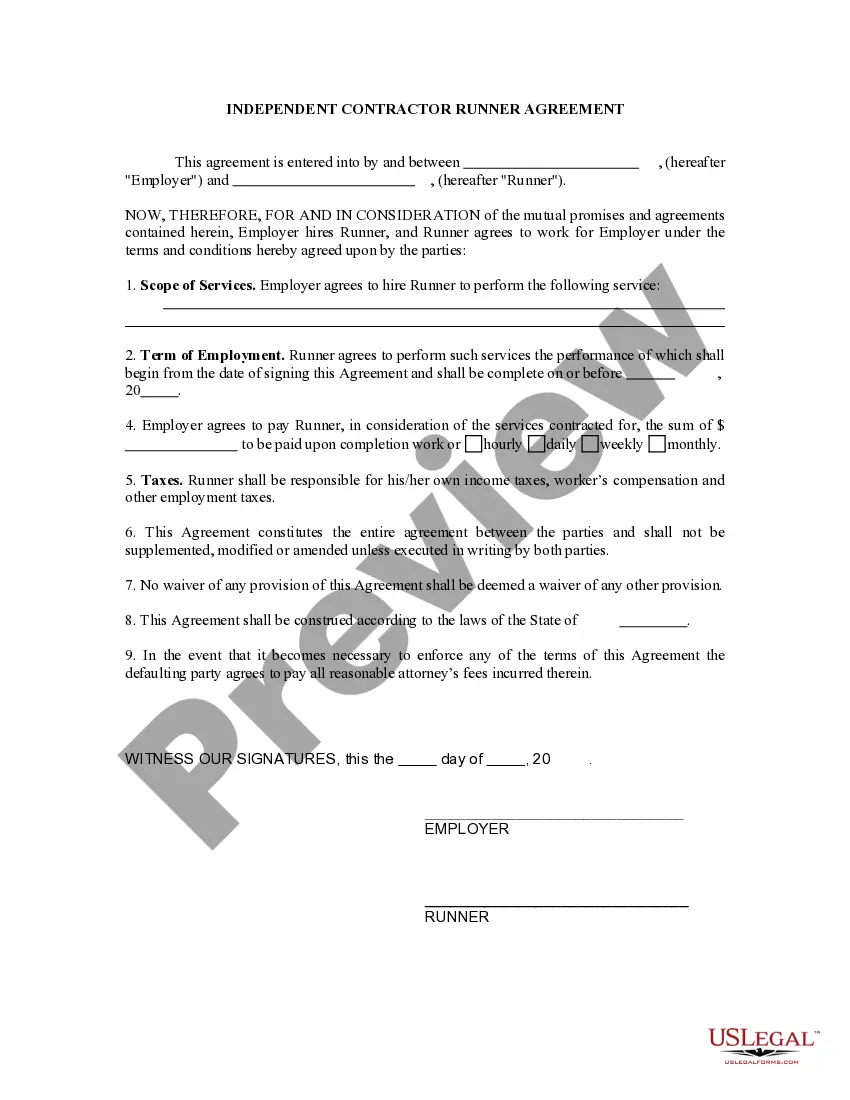
Vermont Business Credit Application
What is this form?
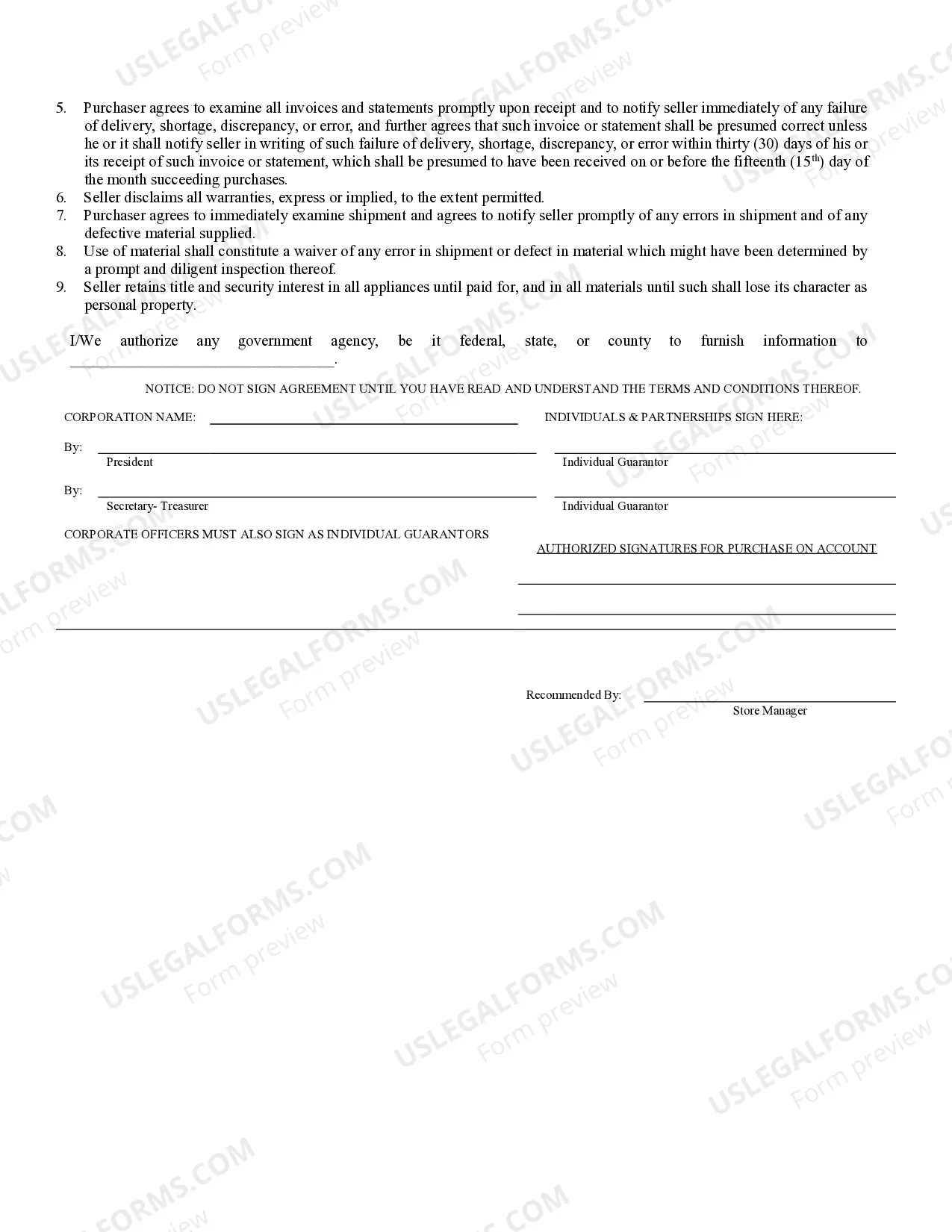
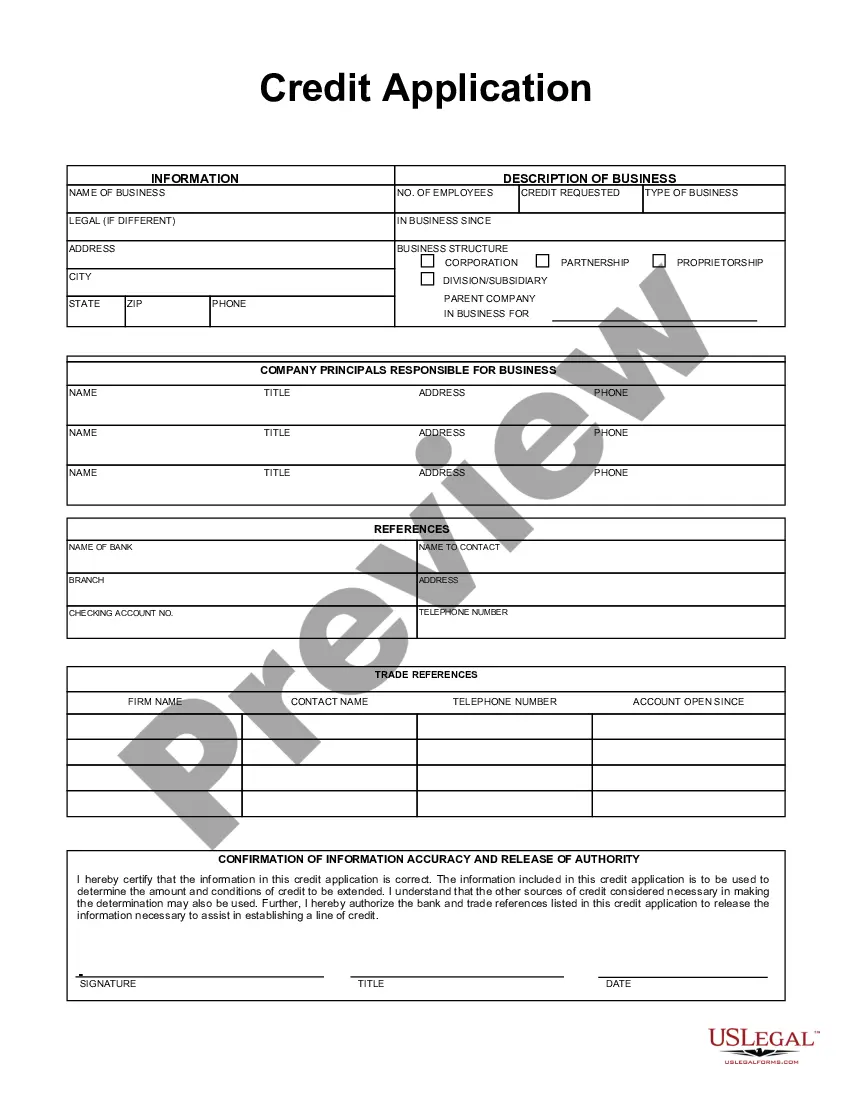
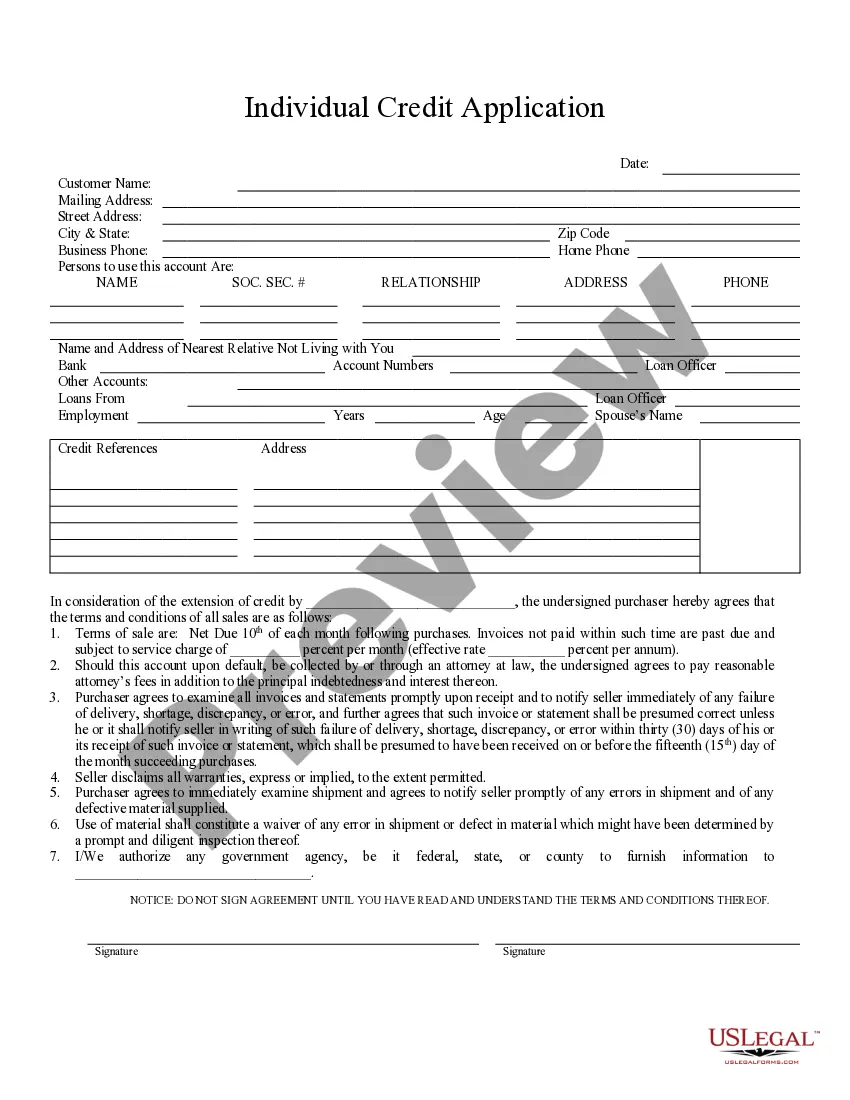
The Business Credit Application is a legal document that allows an individual or entity to apply for credit from a business. This form outlines the terms of repayment, including interest rates and penalties for late payment. It differentiates itself from other credit forms by including provisions for the retention of title for goods sold on credit and liabilities should the purchaser default on the agreement.
Main sections of this form
- Identification of the seller and purchaser, including names and type of entity.
- Terms of sale, including payment due date and service charges for late payments.
- Default provisions outlining the consequences of non-payment, including attorney fees.
- Disclaimer of warranties by the seller.
- Retention of title clause, ensuring the seller retains ownership of goods sold on credit until payment is made.
- Guarantor agreement, holding individuals personally liable for corporate or partnership debts.


When to use this form
This form is needed when a business decides to extend credit to a buyer for purchases made on credit terms. It is typically used in situations where businesses supply goods or services and wish to establish clear repayment terms and legal agreements to protect against non-payment.
Who this form is for
- Small business owners looking to offer credit to their customers.
- Partnerships that need to formalize credit arrangements with suppliers.
- Corporations extending credit to clients or other businesses.
- Individuals acting as guarantors for corporate debts.
How to complete this form
- Identify the seller and purchaser by clearly entering their names and business structure.
- Specify the terms of sale, including the due date for payments and any applicable service charges for overdue invoices.
- Complete the section detailing the consequences of default, including attorney fees and the guarantor names if applicable.
- Review and sign the agreement, ensuring that all parties understand their obligations.
- Maintain a copy of the signed document for your records and ensure the seller does the same.
Does this document require notarization?
This form does not typically require notarization unless specified by local law. Always check your stateâs regulations to ensure compliance with any notarization requirements for credit agreements.
Get your form ready online
Our built-in tools help you complete, sign, share, and store your documents in one place.
Make edits, fill in missing information, and update formatting in US Legal Forms—just like you would in MS Word.
Download a copy, print it, send it by email, or mail it via USPS—whatever works best for your next step.
Sign and collect signatures with our SignNow integration. Send to multiple recipients, set reminders, and more. Go Premium to unlock E-Sign.
If this form requires notarization, complete it online through a secure video call—no need to meet a notary in person or wait for an appointment.
We protect your documents and personal data by following strict security and privacy standards.

Make edits, fill in missing information, and update formatting in US Legal Forms—just like you would in MS Word.

Download a copy, print it, send it by email, or mail it via USPS—whatever works best for your next step.

Sign and collect signatures with our SignNow integration. Send to multiple recipients, set reminders, and more. Go Premium to unlock E-Sign.

If this form requires notarization, complete it online through a secure video call—no need to meet a notary in person or wait for an appointment.

We protect your documents and personal data by following strict security and privacy standards.
Avoid these common issues
- Failing to clearly specify payment terms, leading to misunderstandings later.
- Not including all necessary signatures from guarantors or authorized representatives.
- Neglecting to review the completed form for accuracy before signing.
- Overlooking legal requirements in your specific state that may affect the agreement.
Benefits of using this form online
- Convenience of downloading and completing the form at any time.
- Editability allows users to customize terms specifically to their business needs.
- Access to legally vetted templates drafted by licensed attorneys, ensuring reliability.
- Simple step-by-step guidance for completing the form accurately.
Legal use & context
- This Business Credit Application serves as a binding agreement between the purchaser and seller, laying out clear responsibilities and liabilities.
- Ensure to keep records of all transactions and communications relating to this credit arrangement for legal protection.
- In case of disputes, having a well-drafted credit application can be instrumental in legal proceedings.
Key takeaways
- The Business Credit Application is essential for formalizing credit agreements.
- Understand and specify all terms and conditions clearly to prevent misunderstandings.
- Always includes all partiesâ signatures for legal validity.
- Review state-specific requirements before using the application to ensure compliance.
Looking for another form?
Form popularity
FAQ
To register your business for all applicable taxes, such as withholding or sales tax, you must register it through Vermont's Online Business Service Center. Be sure to register separately for all taxes required for your business type.
You may file your Vermont income tax return either on a paper form or electronically through commercial vendor software. You also may choose to hire a tax professional to prepare the return for you, either on paper or e-file.
Step 1: Choose a Business Idea. Step 2: Write a Business Plan. Step 3: Select a Business Entity. Step 4: Register a Business Name. Step 5: Get an EIN. Step 6: Open a Business Bank Account. Step 7: Apply for Business Licenses & Permits. Step 8: Find Financing.
Choose a Name for Your LLC. Appoint a Registered Agent. File Articles of Organization. Prepare an Operating Agreement. Comply With Other Tax and Regulatory Requirements. File Vermont Annual Reports. Foreign LLCs Doing Business in Vermont.
STEP 1: Name Your Vermont LLC. STEP 2: Choose a Registered Agent in Vermont. STEP 3: File the Vermont LLC Articles of Organization. STEP 4: Create a Vermont LLC Operating Agreement. STEP 5: Get a Vermont LLC EIN.
A Vermont LLC is created by filing Articles of Organization with the Vermont Secretary of State. The filing fee is $125.
Step 1: Obtain a Federal Employer Identification Number. Step 2: Register your business with the Vermont Secretary of State. Step 3: Register for a business tax account. Step 4: Determine which taxes you need to pay.