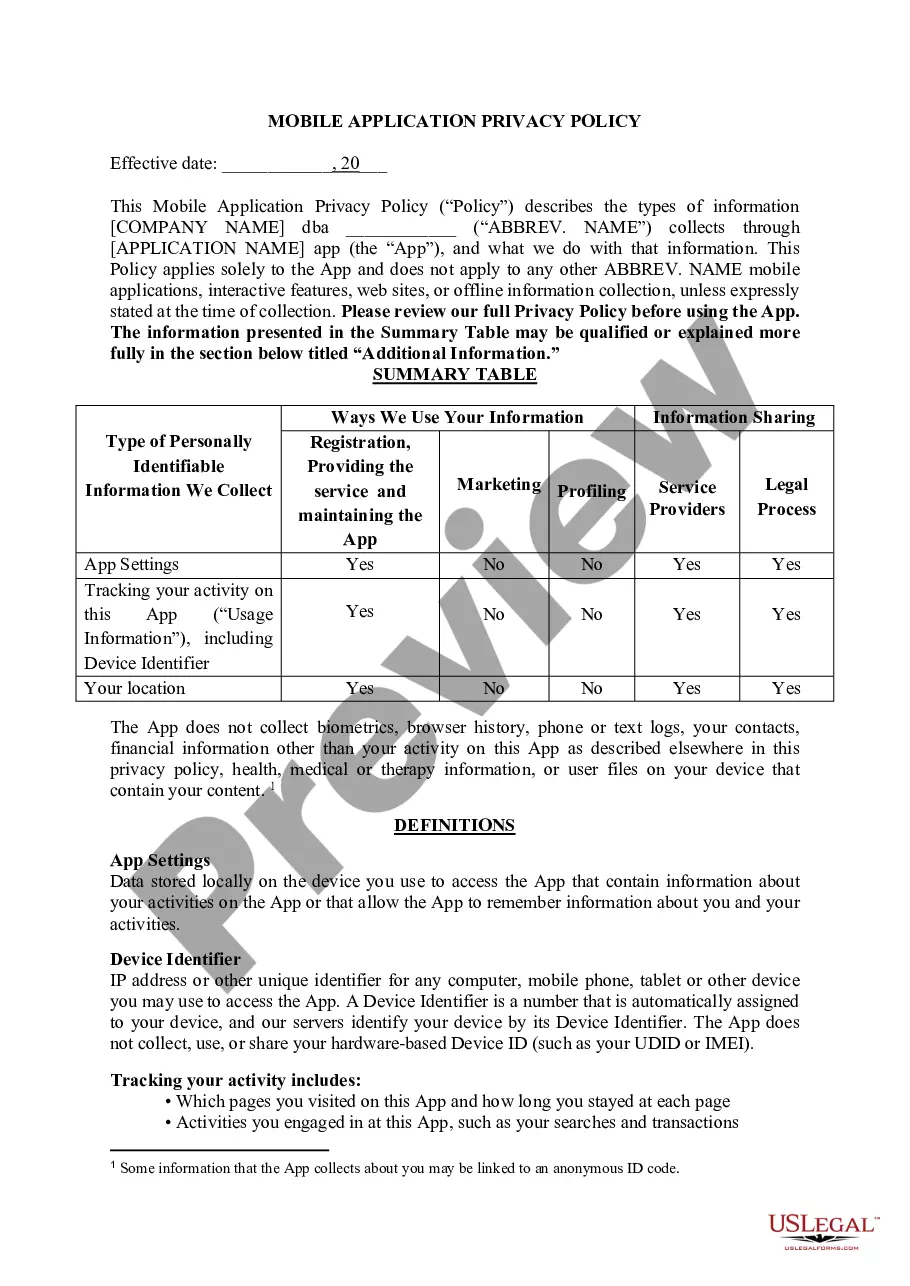
Virgin Islands Mobile App Privacy Policy
Description
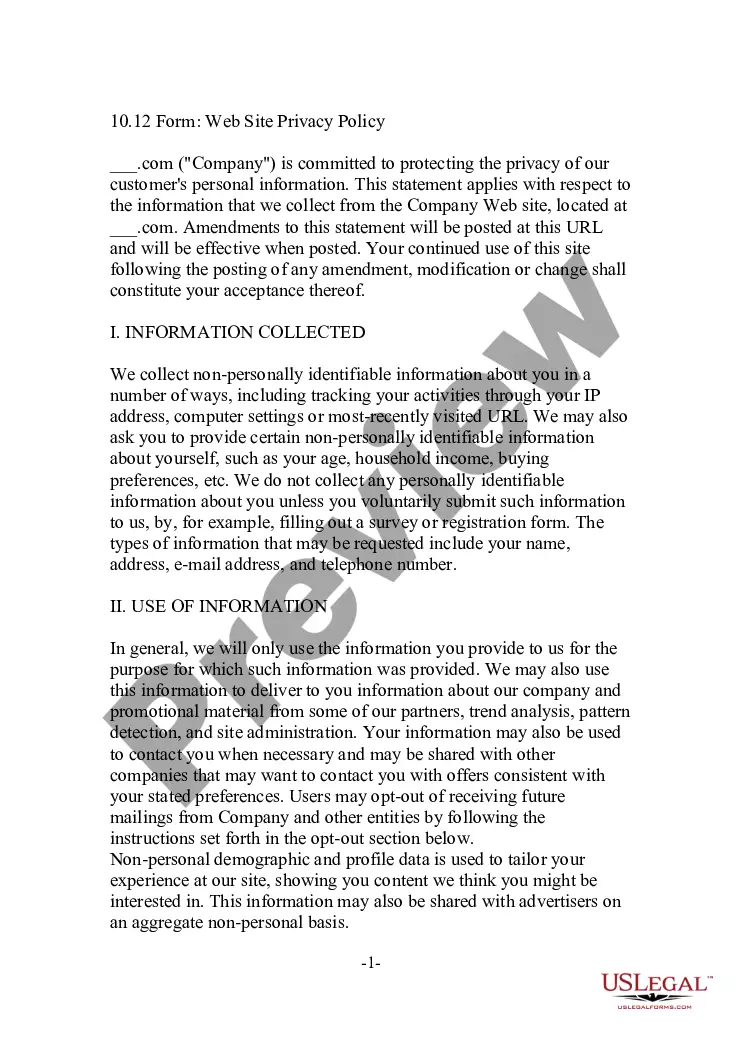
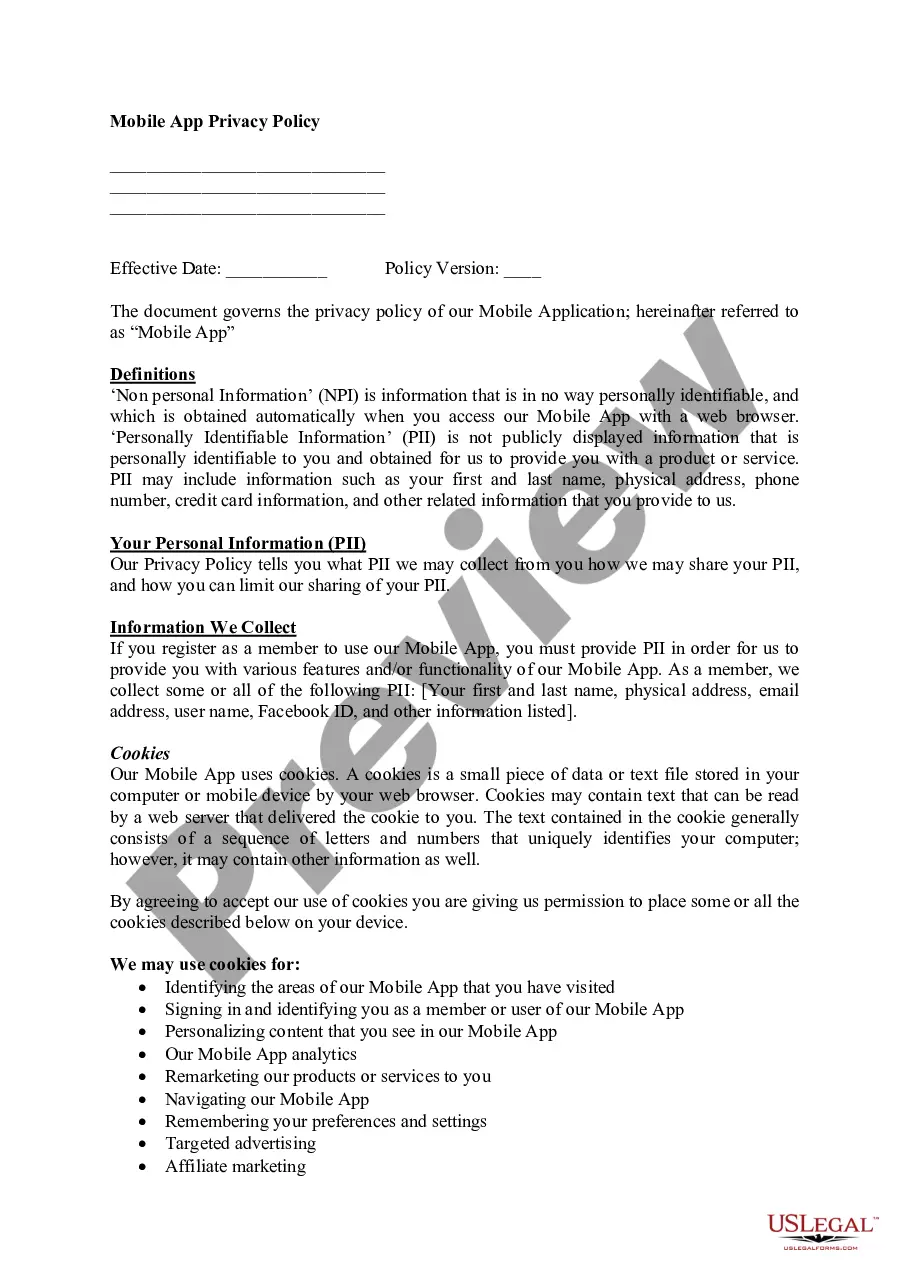
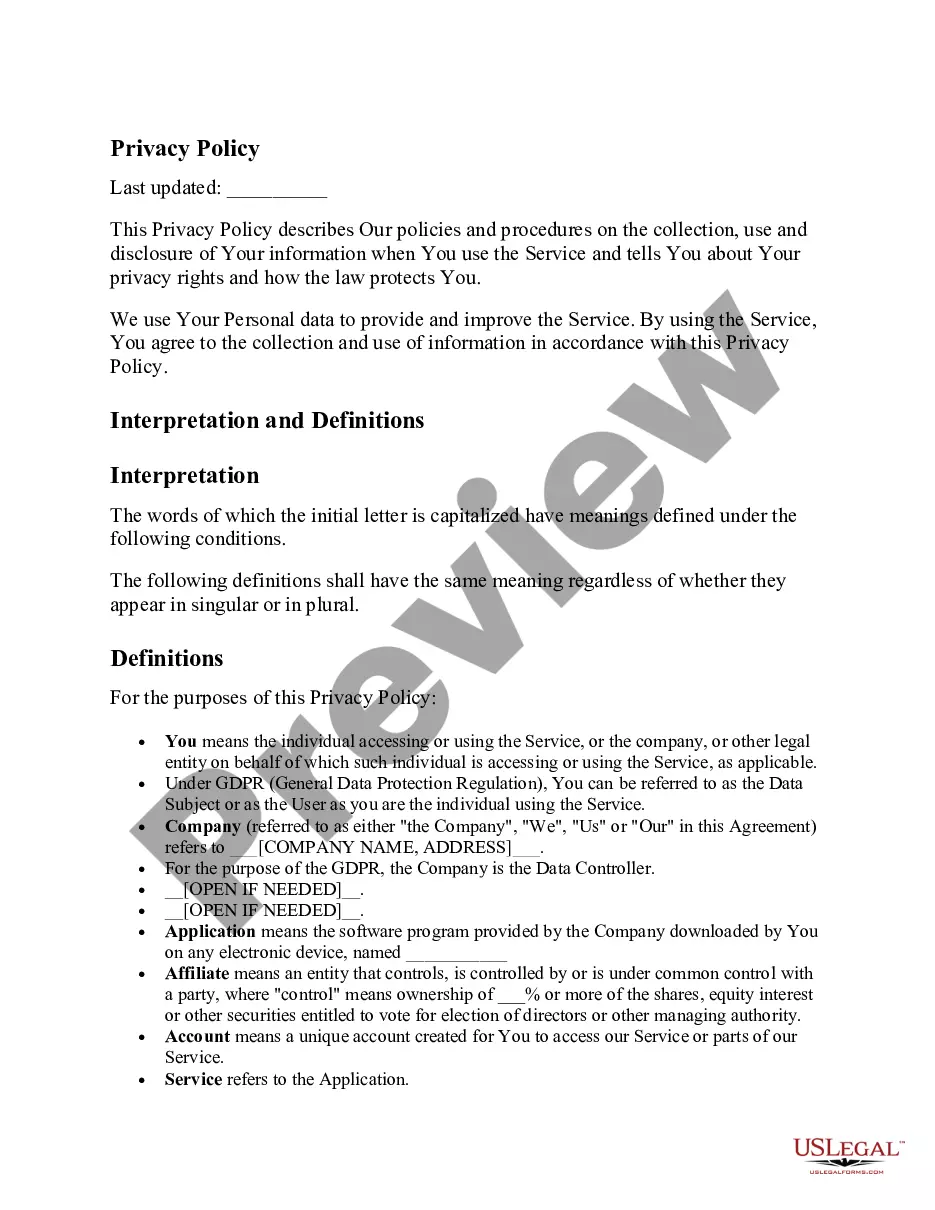
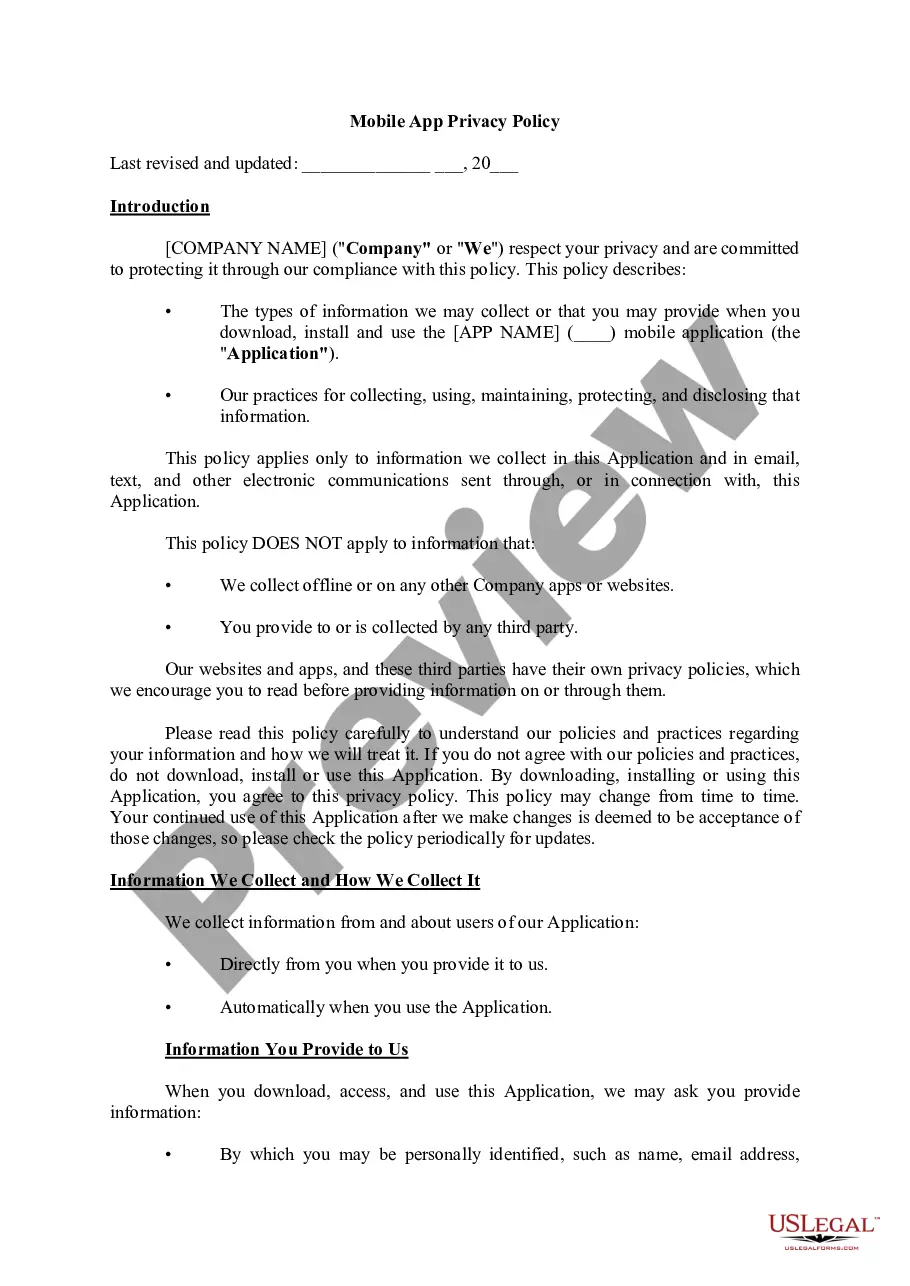
Get your form ready online
Our built-in tools help you complete, sign, share, and store your documents in one place.
Make edits, fill in missing information, and update formatting in US Legal Forms—just like you would in MS Word.
Download a copy, print it, send it by email, or mail it via USPS—whatever works best for your next step.
Sign and collect signatures with our SignNow integration. Send to multiple recipients, set reminders, and more. Go Premium to unlock E-Sign.
If this form requires notarization, complete it online through a secure video call—no need to meet a notary in person or wait for an appointment.
We protect your documents and personal data by following strict security and privacy standards.

Make edits, fill in missing information, and update formatting in US Legal Forms—just like you would in MS Word.

Download a copy, print it, send it by email, or mail it via USPS—whatever works best for your next step.

Sign and collect signatures with our SignNow integration. Send to multiple recipients, set reminders, and more. Go Premium to unlock E-Sign.

If this form requires notarization, complete it online through a secure video call—no need to meet a notary in person or wait for an appointment.

We protect your documents and personal data by following strict security and privacy standards.
Looking for another form?
How to fill out Mobile App Privacy Policy?
Are you currently within a place in which you need paperwork for possibly organization or personal purposes nearly every time? There are tons of authorized papers layouts available on the net, but getting ones you can trust isn`t effortless. US Legal Forms offers a huge number of type layouts, much like the Virgin Islands Mobile App Privacy Policy, that are created to satisfy state and federal needs.
In case you are presently acquainted with US Legal Forms web site and have an account, basically log in. Afterward, you may acquire the Virgin Islands Mobile App Privacy Policy web template.
Should you not have an profile and would like to start using US Legal Forms, follow these steps:
- Discover the type you want and ensure it is for the proper city/area.
- Utilize the Preview key to examine the shape.
- Browse the description to actually have chosen the proper type.
- When the type isn`t what you`re looking for, utilize the Research field to find the type that meets your needs and needs.
- Once you obtain the proper type, click Purchase now.
- Select the pricing strategy you would like, fill in the specified information and facts to make your money, and buy the order making use of your PayPal or bank card.
- Choose a handy document formatting and acquire your duplicate.
Discover every one of the papers layouts you have purchased in the My Forms food selection. You can aquire a further duplicate of Virgin Islands Mobile App Privacy Policy any time, if possible. Just select the needed type to acquire or print the papers web template.
Use US Legal Forms, probably the most considerable collection of authorized forms, in order to save efforts and avoid blunders. The service offers appropriately made authorized papers layouts which you can use for an array of purposes. Produce an account on US Legal Forms and initiate creating your way of life easier.
Form popularity
FAQ
How to Add a Privacy Policy URL in Apple App Store Connect Log in to your Apple App Store Connect account. Select your app: Under the General section, select App Privacy: Next to the Privacy Policy title, click Edit: In the modal that opens you'll see a field to enter a Privacy Policy URL.
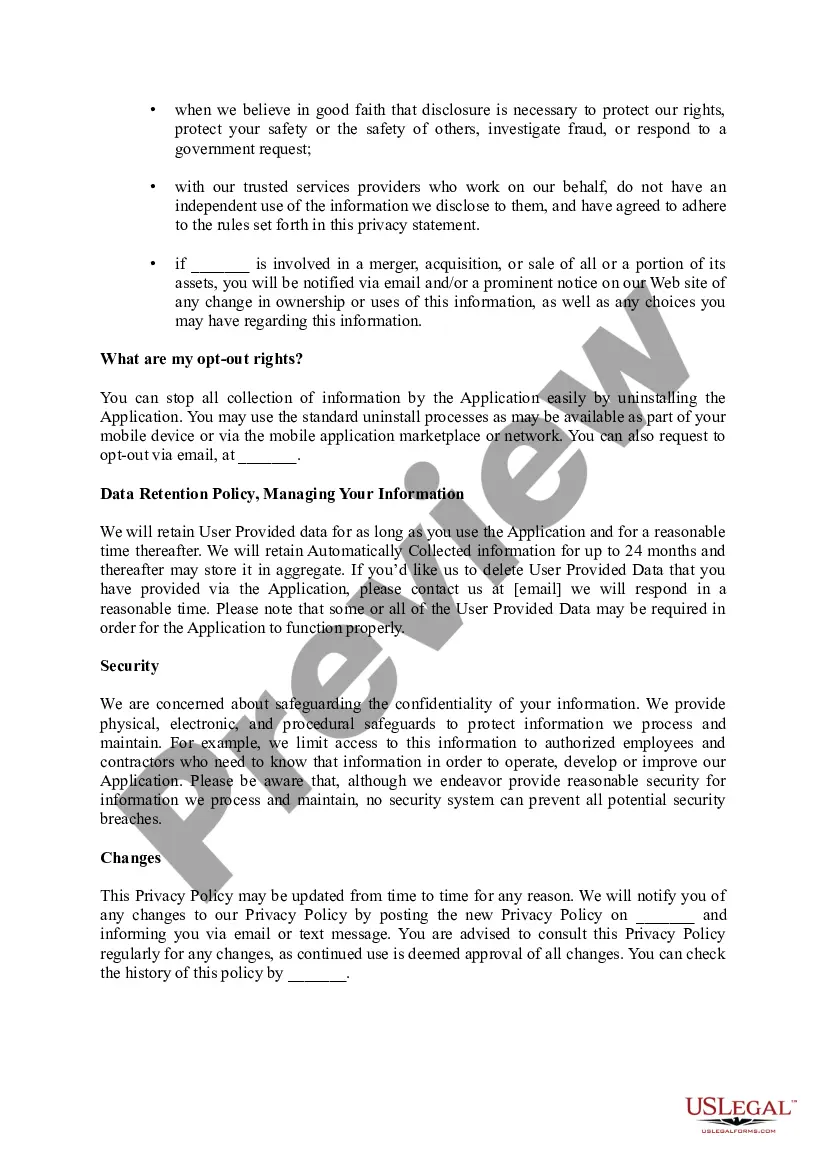
A mobile app privacy policy informs people about your data collection practices and discloses how your app gathers, stores, and uses personal information. Privacy policies for mobile apps should be accessible at all times and explicitly detail: What personal information (PI) is collected.
Ing to CalOPPA, a privacy policy for a mobile application must: Provide information about modifications and how they will be made. Give information about any third-parties collecting user data. Be presented as a link from the mobile app's homepage, which must contain the word ?privacy?
A privacy policy URL is a link to the webpage where your privacy policy is posted. Once you've created a privacy policy, you need to host it online so users can review your privacy policy before interacting with your site or using your app.
You can also choose to host the policy on your website by downloading the policy on your computer. The public link to your Privacy Policy will not expire. Your webmaster or web/app developer can use the public link to add the link to your Privacy Policy regardless if you operate just a website, or an app, or both.
These are the most basic elements that a privacy policy should include: Who is the site/app owner? What data is being collected? ... What is the Legal basis for the collection? (e.g. consent, necessary for your service, legal obligation etc.) ... For which specific purposes are the data collected?
How to Add a Privacy Policy URL in Apple App Store Connect Log in to your Apple App Store Connect account. Select your app: Under the General section, select App Privacy: Next to the Privacy Policy title, click Edit: In the modal that opens you'll see a field to enter a Privacy Policy URL.
There are 3 main locations that your app's Privacy Policy URL should be displayed: In your app store listings. Within the app, in a menu. On your app or company website.