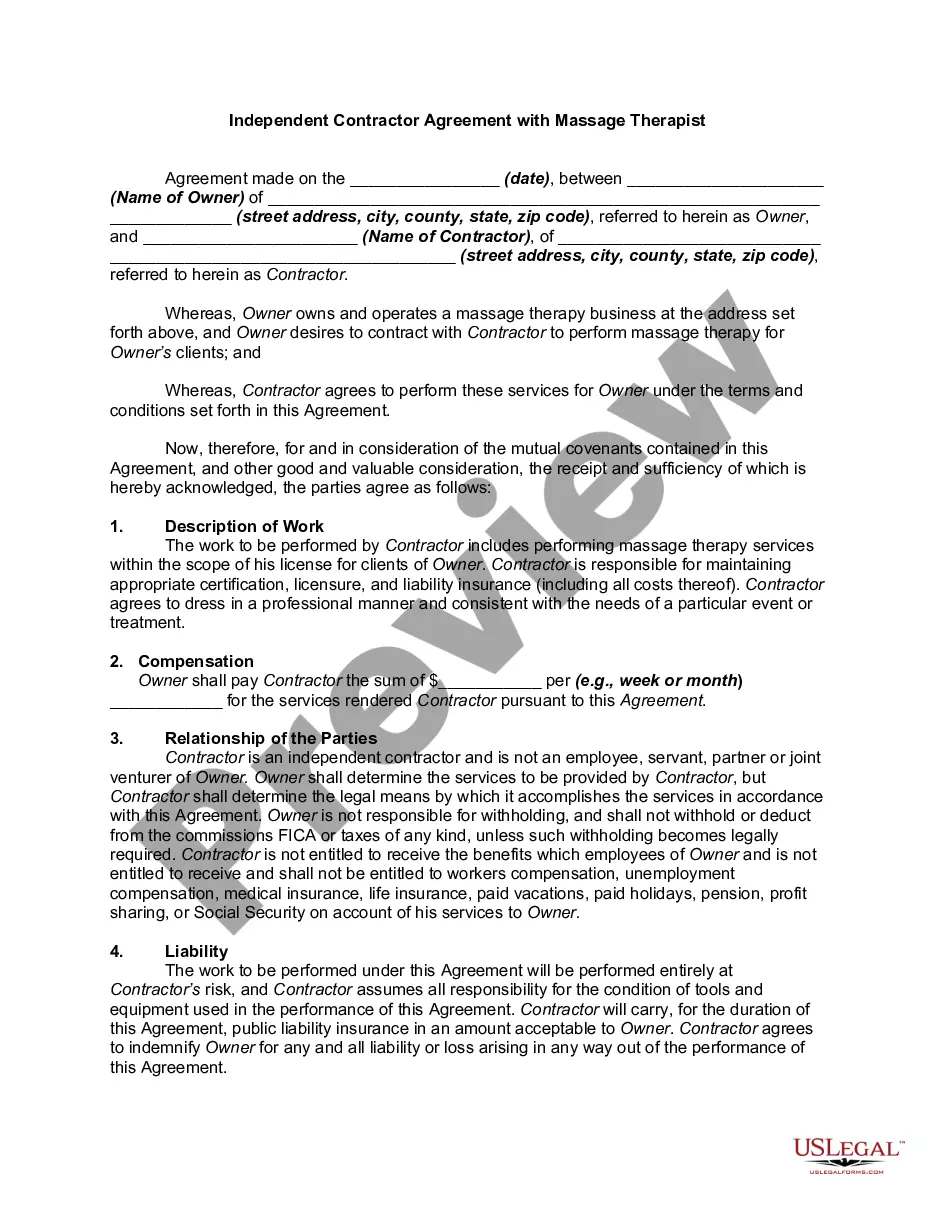
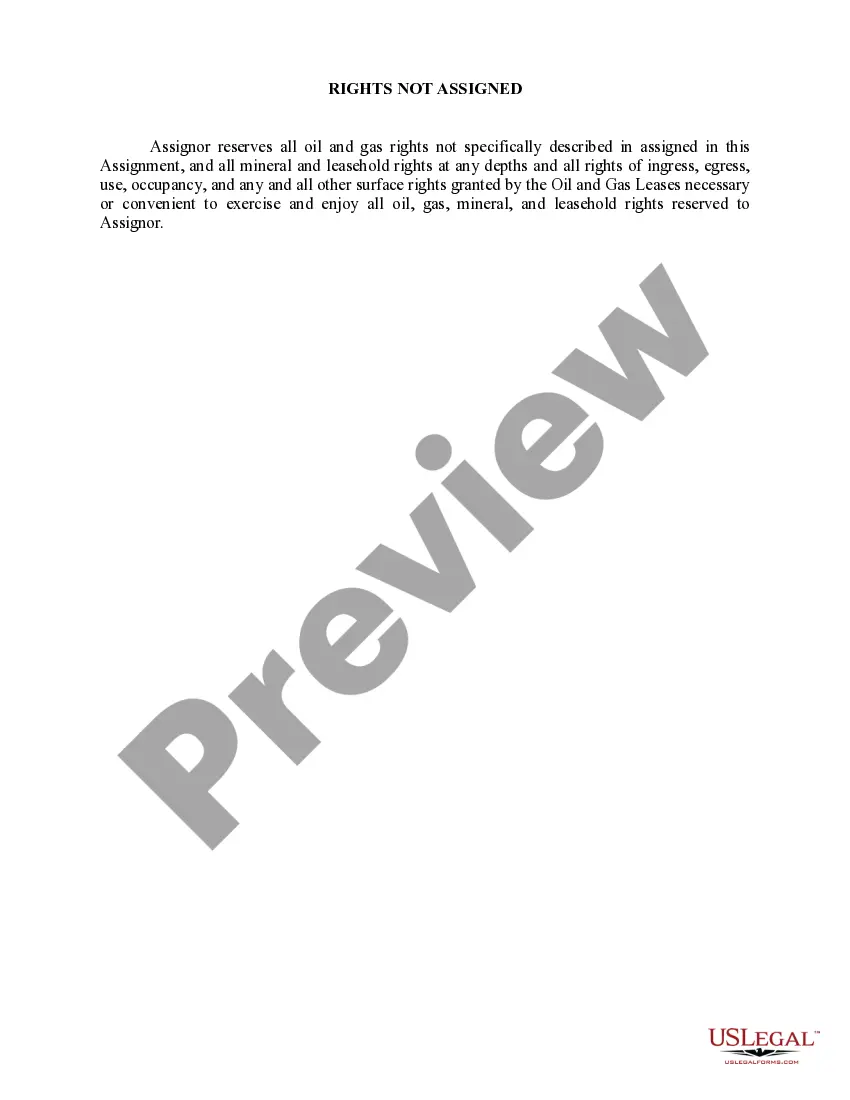
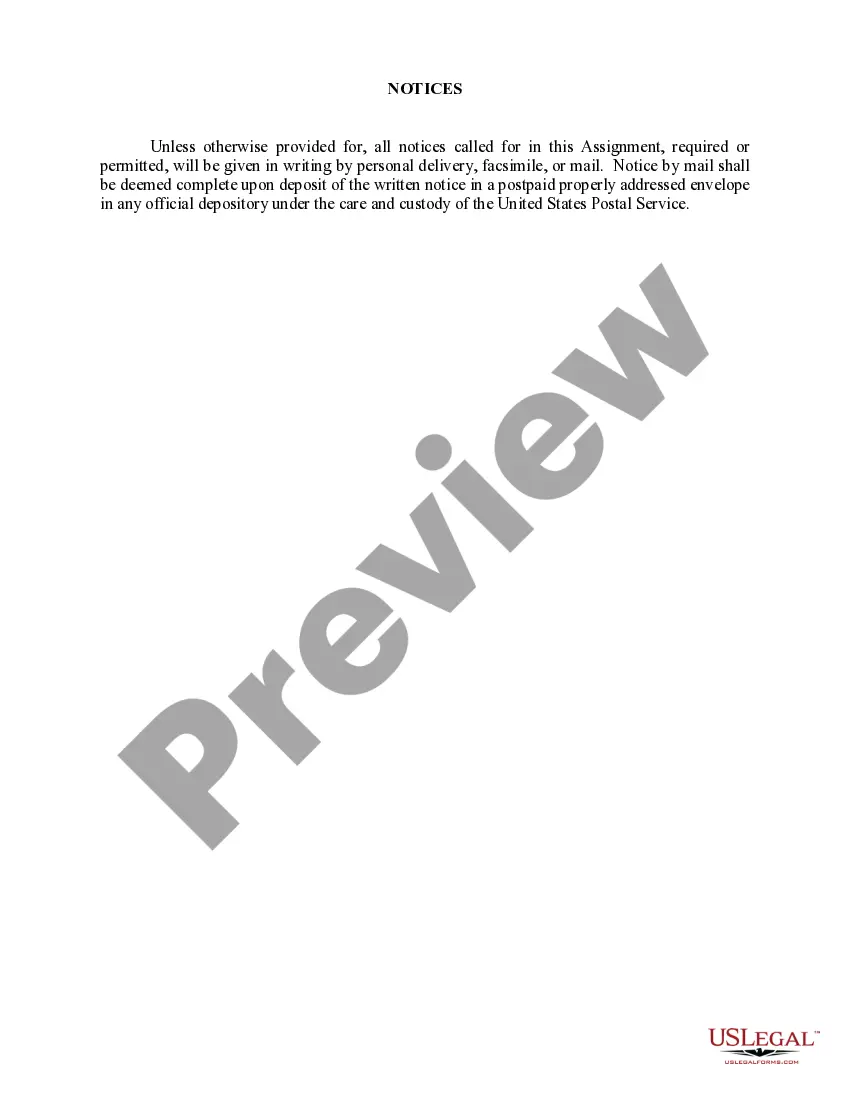
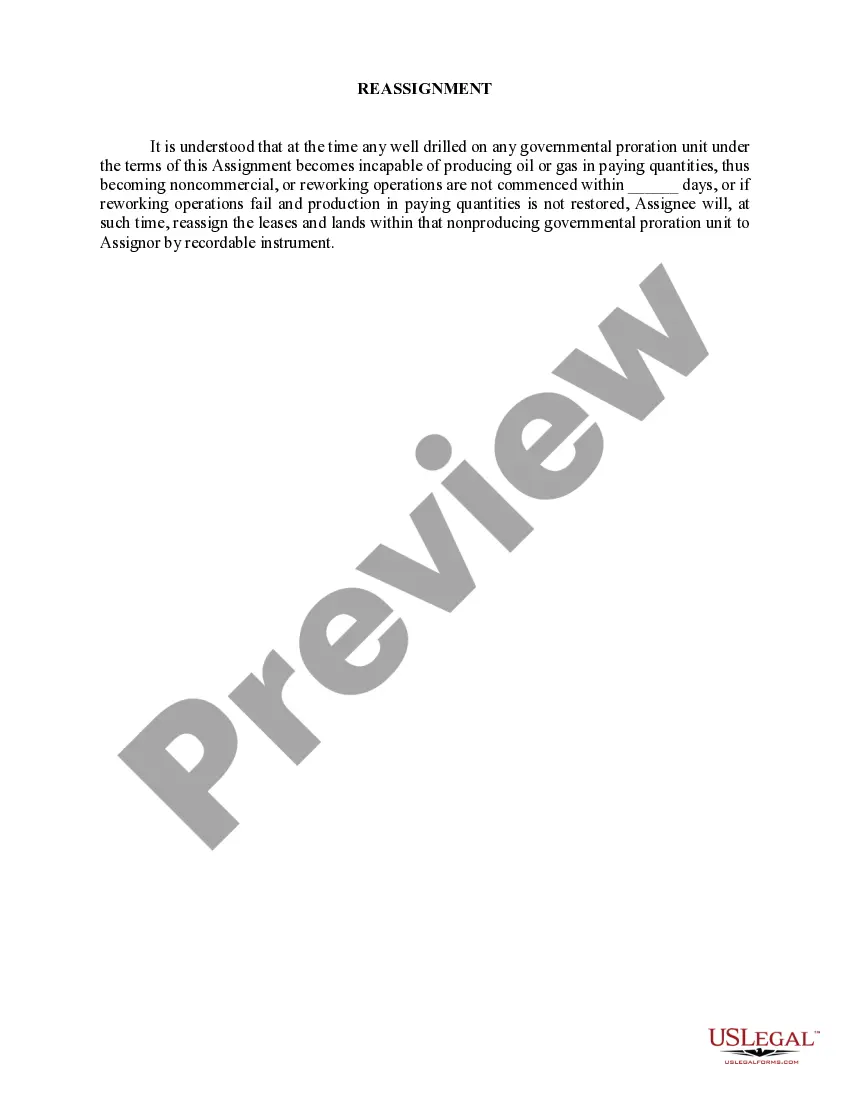
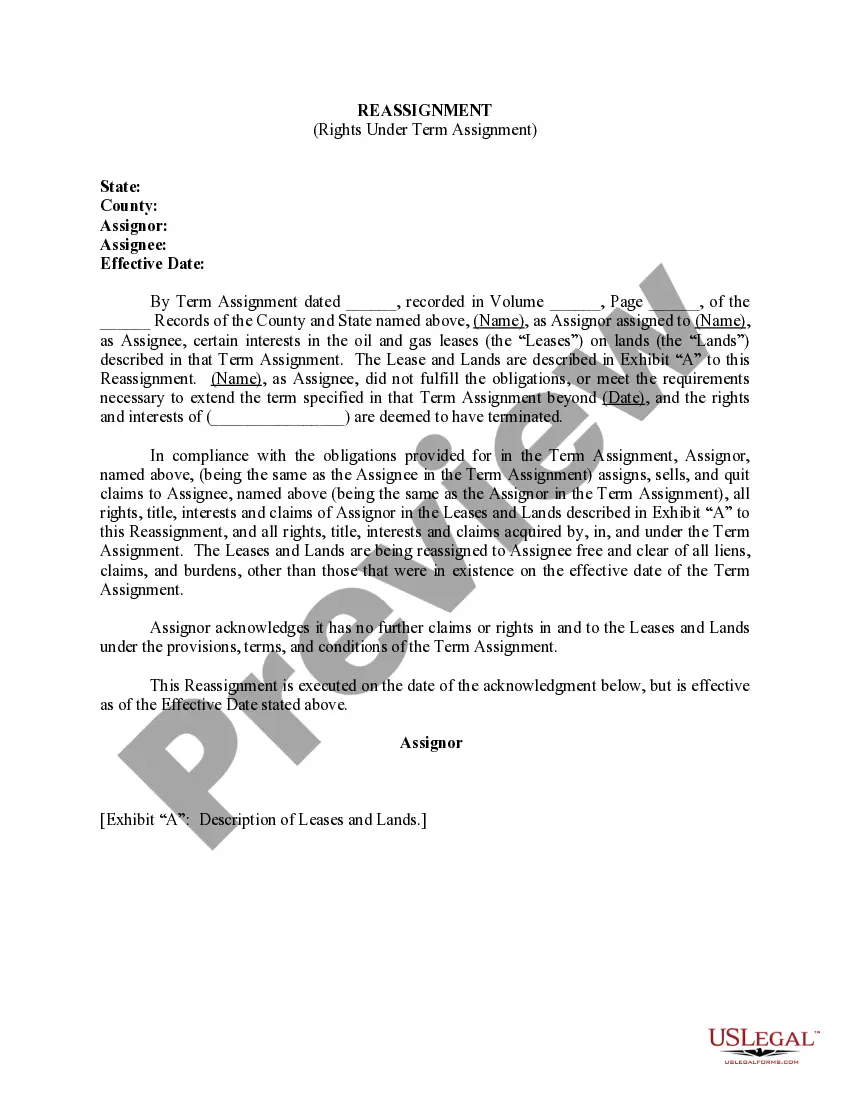
In The Rights Not Assigned form, the assignor reserves all oil and gas rights not specifically described in an assignment, and all mineral and leasehold rights at any depths and all rights of ingress, egress, use, occupancy, and any and all other surface rights granted by the Oil and Gas Leases necessary or convenient to exercise and enjoy all oil, gas, mineral, and leasehold rights reserved to assignor.
Virginia Rights Not Assigned
Category:
State:
Multi-State
Control #:
US-OG-487
Format:
Word;
Rich Text
Instant download
Description
Get your form ready online
Our built-in tools help you complete, sign, share, and store your documents in one place.
Built-in online Word editor
Make edits, fill in missing information, and update formatting in US Legal Forms—just like you would in MS Word.
Export easily
Download a copy, print it, send it by email, or mail it via USPS—whatever works best for your next step.
E-sign your document
Sign and collect signatures with our SignNow integration. Send to multiple recipients, set reminders, and more. Go Premium to unlock E-Sign.
Notarize online 24/7
If this form requires notarization, complete it online through a secure video call—no need to meet a notary in person or wait for an appointment.
Store your document securely
We protect your documents and personal data by following strict security and privacy standards.

Make edits, fill in missing information, and update formatting in US Legal Forms—just like you would in MS Word.

Download a copy, print it, send it by email, or mail it via USPS—whatever works best for your next step.

Sign and collect signatures with our SignNow integration. Send to multiple recipients, set reminders, and more. Go Premium to unlock E-Sign.

If this form requires notarization, complete it online through a secure video call—no need to meet a notary in person or wait for an appointment.

We protect your documents and personal data by following strict security and privacy standards.
Looking for another form?



How to fill out Rights Not Assigned?
If you want to comprehensive, download, or produce lawful papers templates, use US Legal Forms, the greatest assortment of lawful types, that can be found on the Internet. Make use of the site`s easy and handy research to get the paperwork you require. A variety of templates for organization and personal purposes are categorized by categories and suggests, or key phrases. Use US Legal Forms to get the Virginia Rights Not Assigned within a number of click throughs.
Should you be currently a US Legal Forms consumer, log in in your accounts and click the Down load key to get the Virginia Rights Not Assigned. You can even access types you formerly saved within the My Forms tab of your accounts.
If you use US Legal Forms the first time, follow the instructions below:
- Step 1. Ensure you have selected the form for that appropriate city/nation.
- Step 2. Use the Review method to look over the form`s articles. Don`t neglect to learn the description.
- Step 3. Should you be unsatisfied together with the develop, utilize the Research industry on top of the display screen to get other versions from the lawful develop web template.
- Step 4. Upon having found the form you require, click the Get now key. Select the costs program you choose and include your qualifications to register to have an accounts.
- Step 5. Method the purchase. You may use your Мisa or Ьastercard or PayPal accounts to accomplish the purchase.
- Step 6. Pick the formatting from the lawful develop and download it on the gadget.
- Step 7. Complete, modify and produce or indicator the Virginia Rights Not Assigned.
Each lawful papers web template you get is the one you have permanently. You possess acces to each develop you saved with your acccount. Click the My Forms area and pick a develop to produce or download once more.
Remain competitive and download, and produce the Virginia Rights Not Assigned with US Legal Forms. There are thousands of expert and condition-particular types you may use for your organization or personal demands.
Form popularity
FAQ
Non-Assignable Contracts means any Contract, Lease or License, which (i) is not assignable without the consent of a third party, (ii) if such consent has not been obtained, and (iii) assignment or attempted assignment would otherwise constitute a breach of that Contract, Lease or License or otherwise be ineffective ...
Generally, the law allows the assignment of a contractual right unless the substitution of rights would materially change the duty of the obligor, materially increase the burden or risk imposed on the obligor by the contract, materially impair the chance of obtaining return performance, or materially reduce the value ...
Assignment of Property Rights means that certain first priority Assignment of Property Rights made by Borrower in favor of Lender evidencing the collateral assignment to Lender of all property rights related to the Mortgaged Property.
What is a No Assignment Clause? That no assignment clause says that neither party can transfer or assign this agreement without the written consent of the other party.
Look for language that states, "This agreement may not be assigned." If you find such language, you may not be able to assign the agreement unless the other party consents. Step 2: Execute an assignment.
The assignor may assign any right unless (1) doing so would materially change the obligation of the obligor, materially burden him, increase his risk, or otherwise diminish the value to him of the original contract; (2) statute or public policy forbids the assignment; or (3) the contract itself precludes assignment.
Neither party to this Agreement may assign all or any part of the party's rights and obligations under the terms of this Agreement without the prior written consent of the other party.
However, certain contracts cannot be assigned, for example, contracts with personal rights, such as an agreement between an author and a publisher or a sportsperson and their agent. You must obtain consent from all parties to the original contract and the third party agreeing if you want to novate a contract.