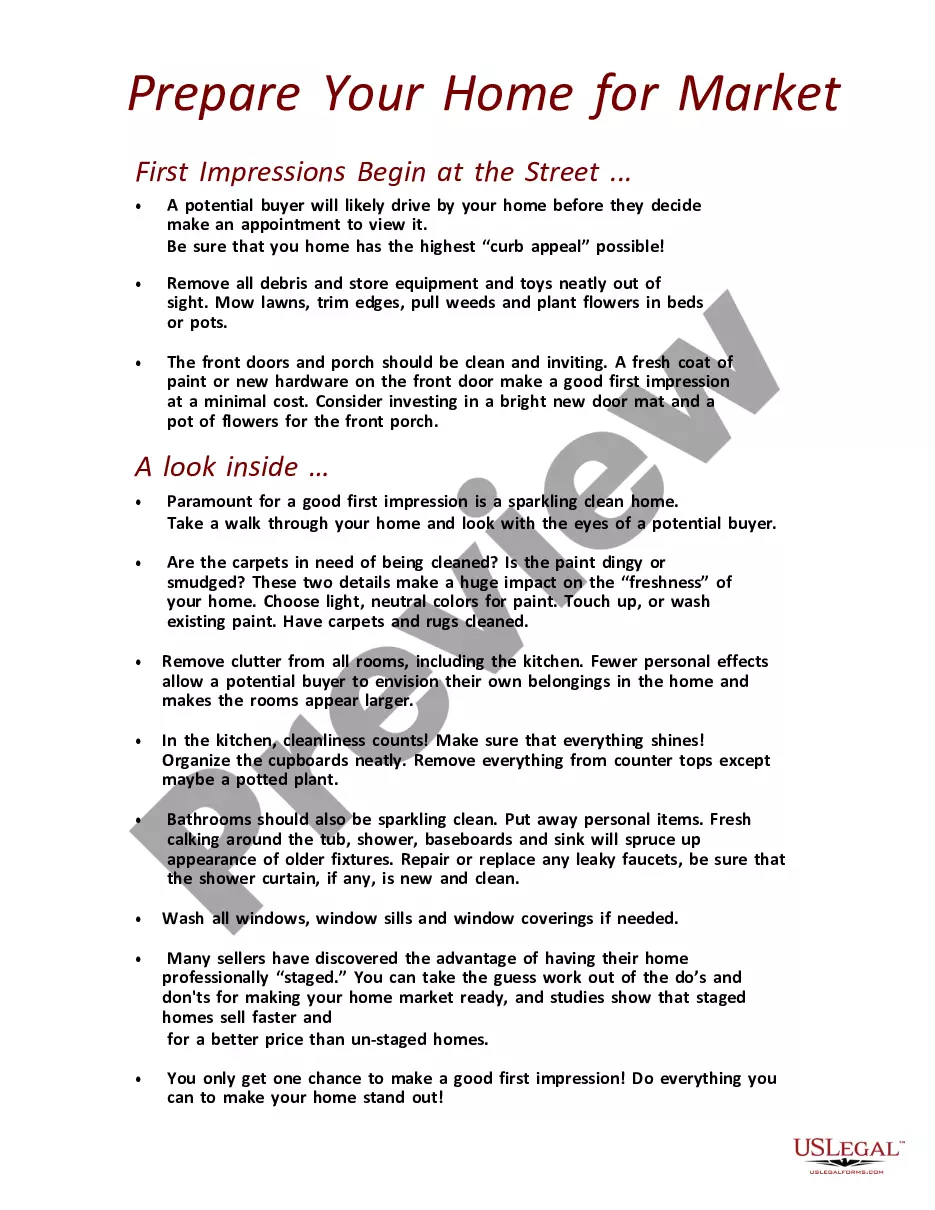
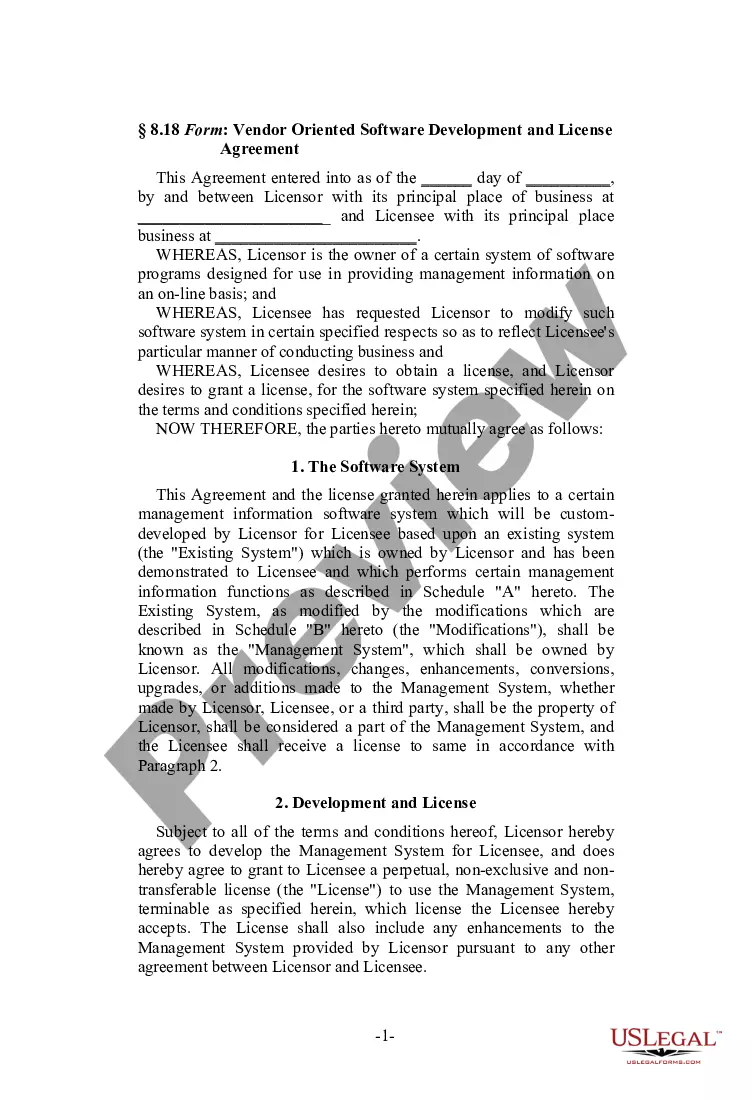
Virginia Vendor-Oriented Shrink-Wrap Software License Agreement
Description
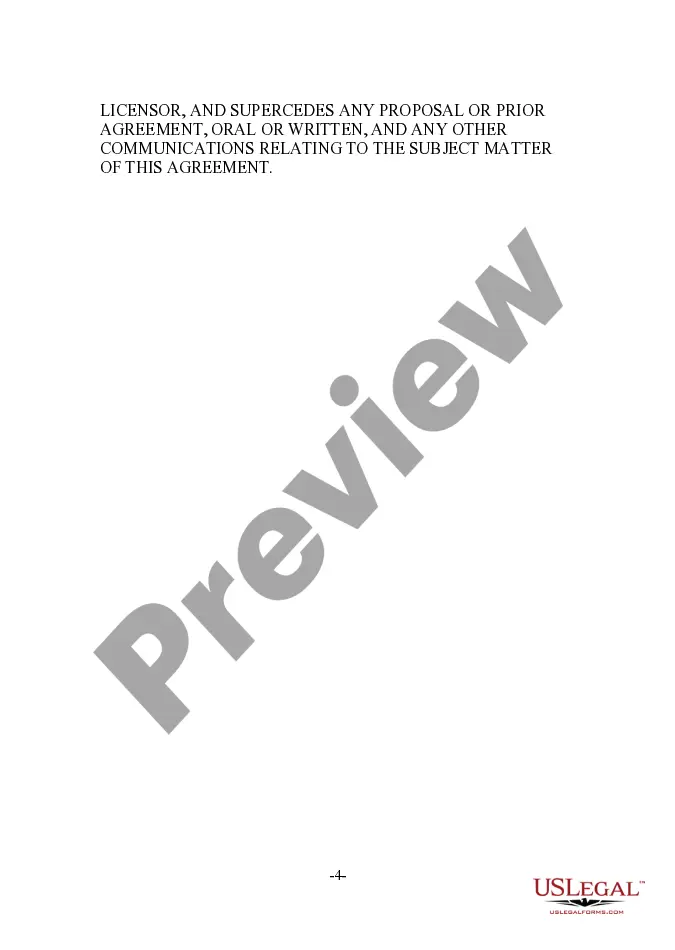
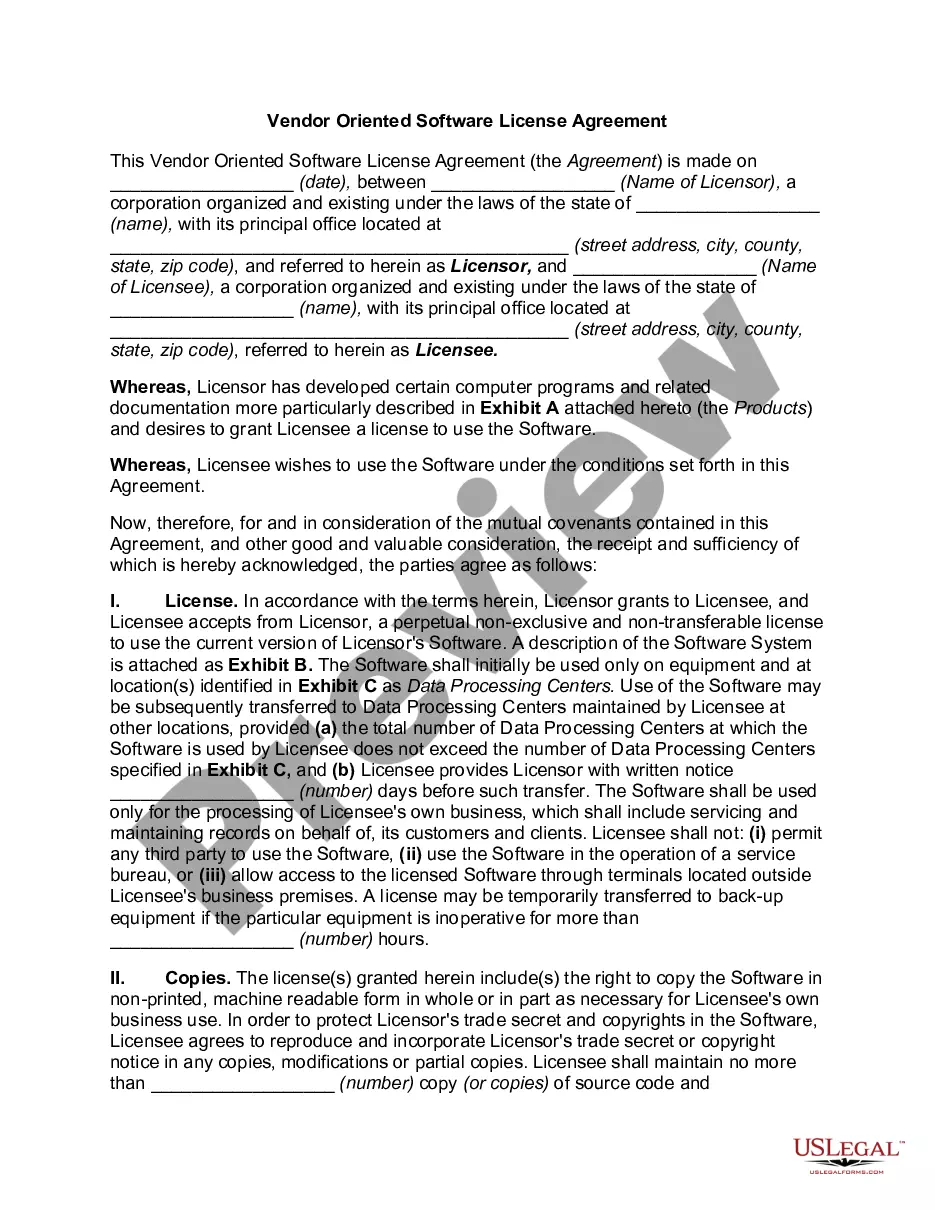
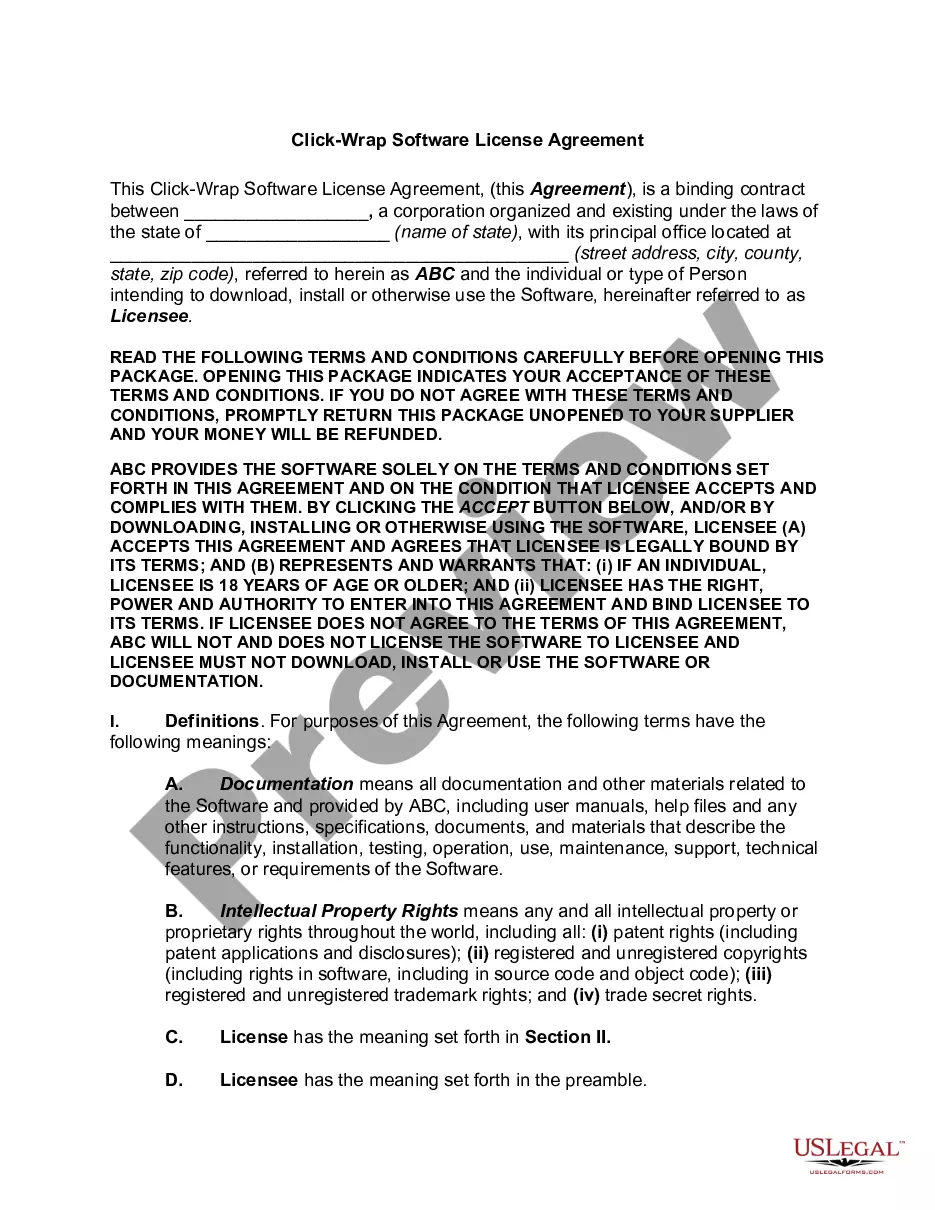
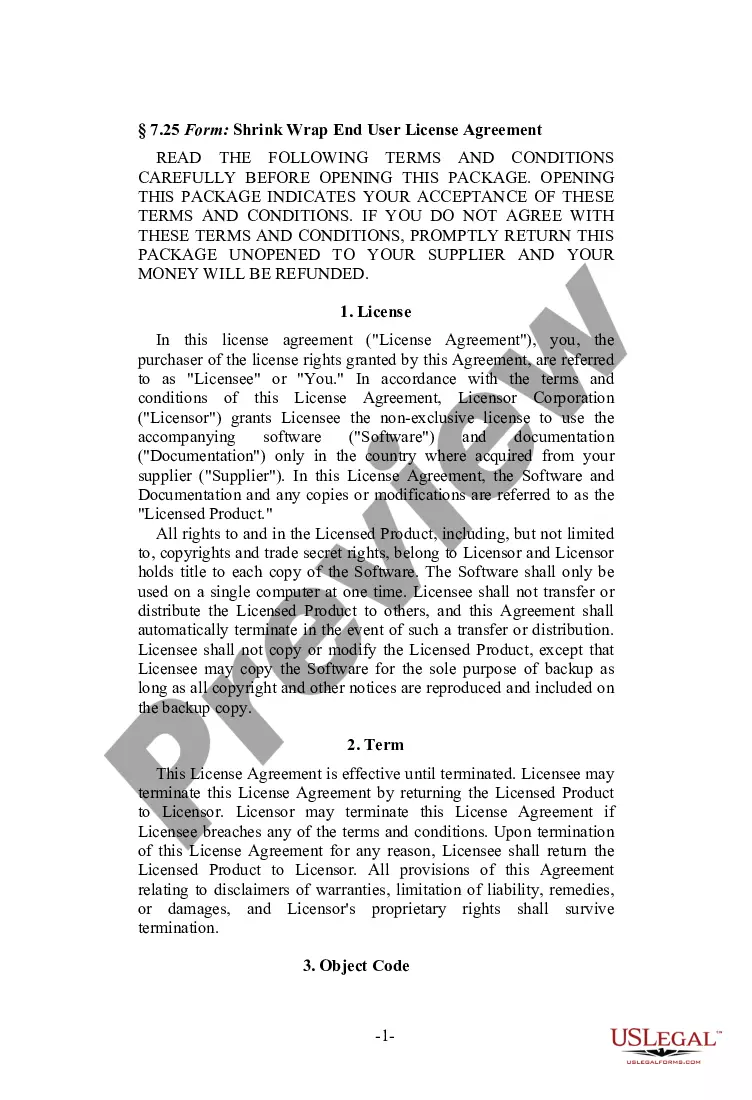
Get your form ready online
Our built-in tools help you complete, sign, share, and store your documents in one place.
Make edits, fill in missing information, and update formatting in US Legal Forms—just like you would in MS Word.
Download a copy, print it, send it by email, or mail it via USPS—whatever works best for your next step.
Sign and collect signatures with our SignNow integration. Send to multiple recipients, set reminders, and more. Go Premium to unlock E-Sign.
If this form requires notarization, complete it online through a secure video call—no need to meet a notary in person or wait for an appointment.
We protect your documents and personal data by following strict security and privacy standards.

Make edits, fill in missing information, and update formatting in US Legal Forms—just like you would in MS Word.

Download a copy, print it, send it by email, or mail it via USPS—whatever works best for your next step.

Sign and collect signatures with our SignNow integration. Send to multiple recipients, set reminders, and more. Go Premium to unlock E-Sign.

If this form requires notarization, complete it online through a secure video call—no need to meet a notary in person or wait for an appointment.

We protect your documents and personal data by following strict security and privacy standards.
Looking for another form?






How to fill out Vendor-Oriented Shrink-Wrap Software License Agreement?
US Legal Forms - one of several largest libraries of legitimate varieties in America - gives an array of legitimate document templates it is possible to download or produce. While using internet site, you can find thousands of varieties for company and person purposes, categorized by types, claims, or key phrases.You will find the most recent types of varieties such as the Virginia Vendor-Oriented Shrink-Wrap Software License Agreement in seconds.
If you have a membership, log in and download Virginia Vendor-Oriented Shrink-Wrap Software License Agreement in the US Legal Forms collection. The Down load key can look on every single type you see. You get access to all in the past acquired varieties from the My Forms tab of your respective bank account.
If you wish to use US Legal Forms for the first time, here are simple guidelines to help you get started out:
- Be sure to have chosen the correct type for the town/region. Select the Preview key to review the form`s content material. Browse the type description to actually have selected the correct type.
- In case the type does not satisfy your requirements, take advantage of the Lookup field at the top of the screen to find the one that does.
- If you are satisfied with the form, affirm your option by simply clicking the Buy now key. Then, select the rates prepare you like and offer your qualifications to register to have an bank account.
- Approach the purchase. Utilize your credit card or PayPal bank account to accomplish the purchase.
- Find the structure and download the form in your gadget.
- Make changes. Fill up, modify and produce and indicator the acquired Virginia Vendor-Oriented Shrink-Wrap Software License Agreement.
Each template you included with your account lacks an expiry day which is your own permanently. So, if you would like download or produce one more copy, just proceed to the My Forms section and click on the type you require.
Gain access to the Virginia Vendor-Oriented Shrink-Wrap Software License Agreement with US Legal Forms, probably the most comprehensive collection of legitimate document templates. Use thousands of professional and express-certain templates that meet your company or person demands and requirements.
Form popularity
FAQ
Unlike the shrink wrap agreements where the terms of the agreement are hidden inside the box, in case of click wrap agreements, all the terms and conditions are accessible prior to acceptance, either in the same window or through a hyperlink.
In a shrink-wrap agreement, the contract terms are not read until the buyer un-wraps the software; but in click-wrap agreement the consumer knows the contractual terms before he/she commits herself to buy goods or services.
A clickwrap agreement, also known as a click through, shrink-wrap, or sign-in-wrap, is an online agreement in which the user signifies his or her acceptance by clicking a button or checking a box that states ?I agree.? The purpose of a clickwrap agreement is to digitally capture acceptance of a contract.
Unlike the shrink wrap agreements where the terms of the agreement are hidden inside the box, in case of click wrap agreements, all the terms and conditions are accessible prior to acceptance, either in the same window or through a hyperlink.
A clickwrap (also known as click-accept, click-to-sign, or clickthrough) agreement is an online agreement that users agree to by clicking a button or checking a box that says ?I agree.? The act of signing via an electronic signature is replaced with the act of clicking.
Clickwrap requires users to provide affirmative assent to an agreement by clicking a button or checking a box. Browsewrap doesn't require signers to do anything. In short, browsewrap doesn't require affirmative assent and instead relies on assumed or implied consent.