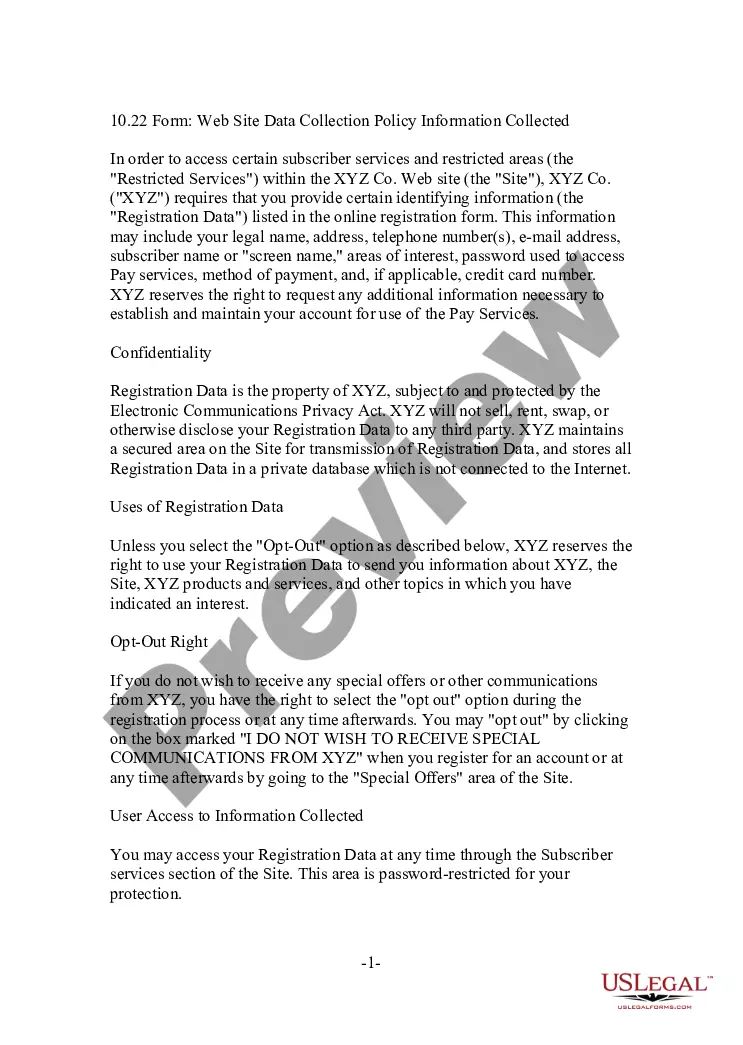
Virginia Web Site Privacy Policy
Description
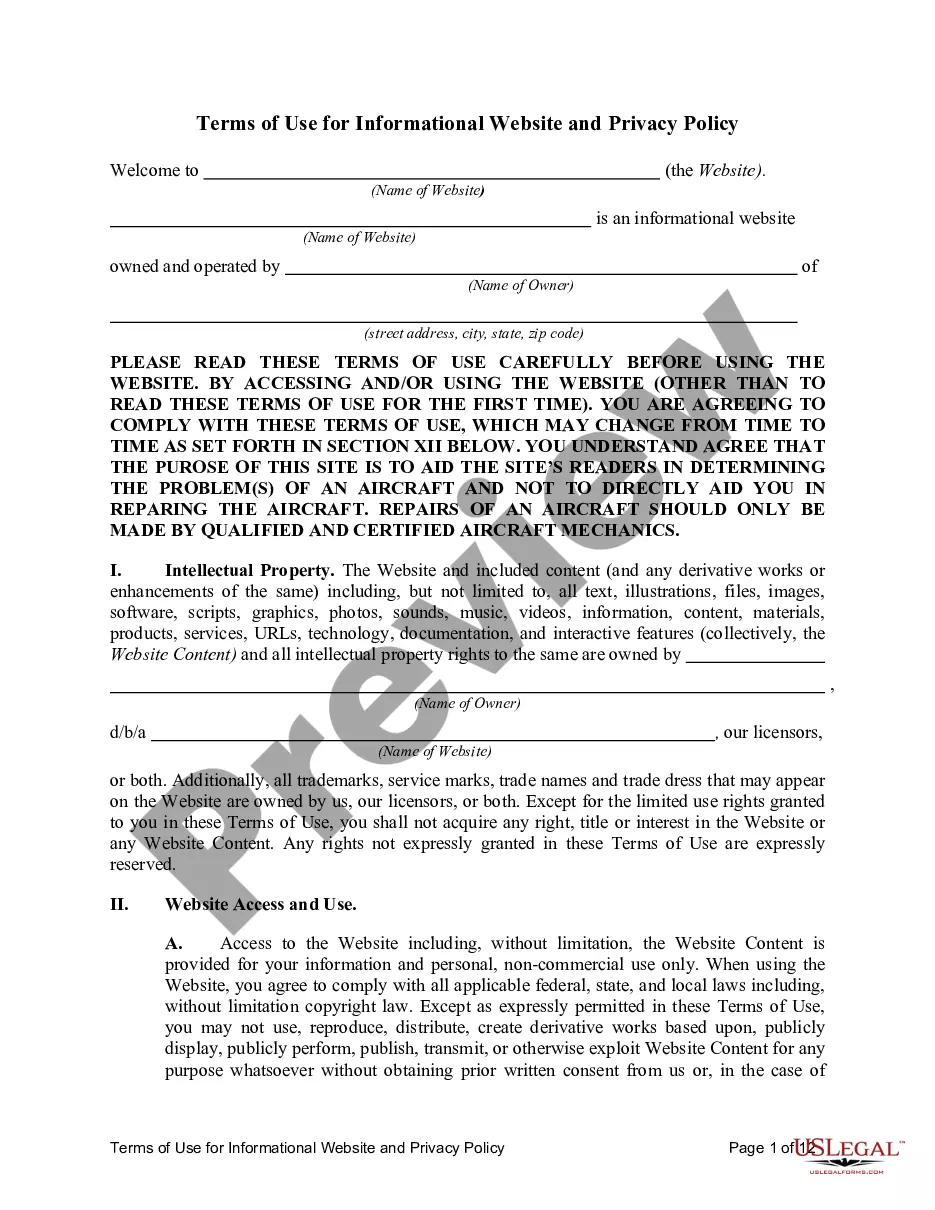
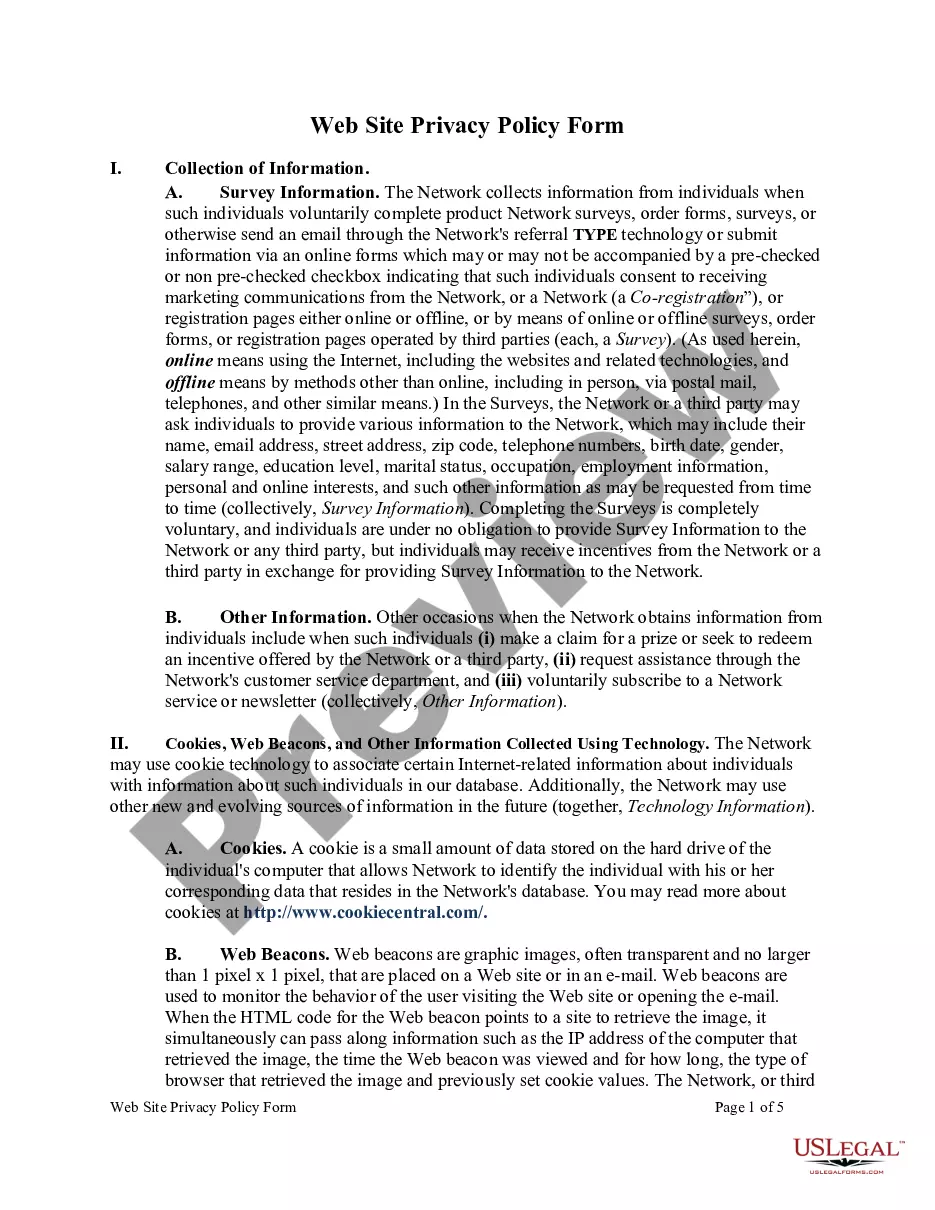
Get your form ready online
Our built-in tools help you complete, sign, share, and store your documents in one place.
Make edits, fill in missing information, and update formatting in US Legal Forms—just like you would in MS Word.
Download a copy, print it, send it by email, or mail it via USPS—whatever works best for your next step.
Sign and collect signatures with our SignNow integration. Send to multiple recipients, set reminders, and more. Go Premium to unlock E-Sign.
If this form requires notarization, complete it online through a secure video call—no need to meet a notary in person or wait for an appointment.
We protect your documents and personal data by following strict security and privacy standards.

Make edits, fill in missing information, and update formatting in US Legal Forms—just like you would in MS Word.

Download a copy, print it, send it by email, or mail it via USPS—whatever works best for your next step.

Sign and collect signatures with our SignNow integration. Send to multiple recipients, set reminders, and more. Go Premium to unlock E-Sign.

If this form requires notarization, complete it online through a secure video call—no need to meet a notary in person or wait for an appointment.

We protect your documents and personal data by following strict security and privacy standards.
Looking for another form?





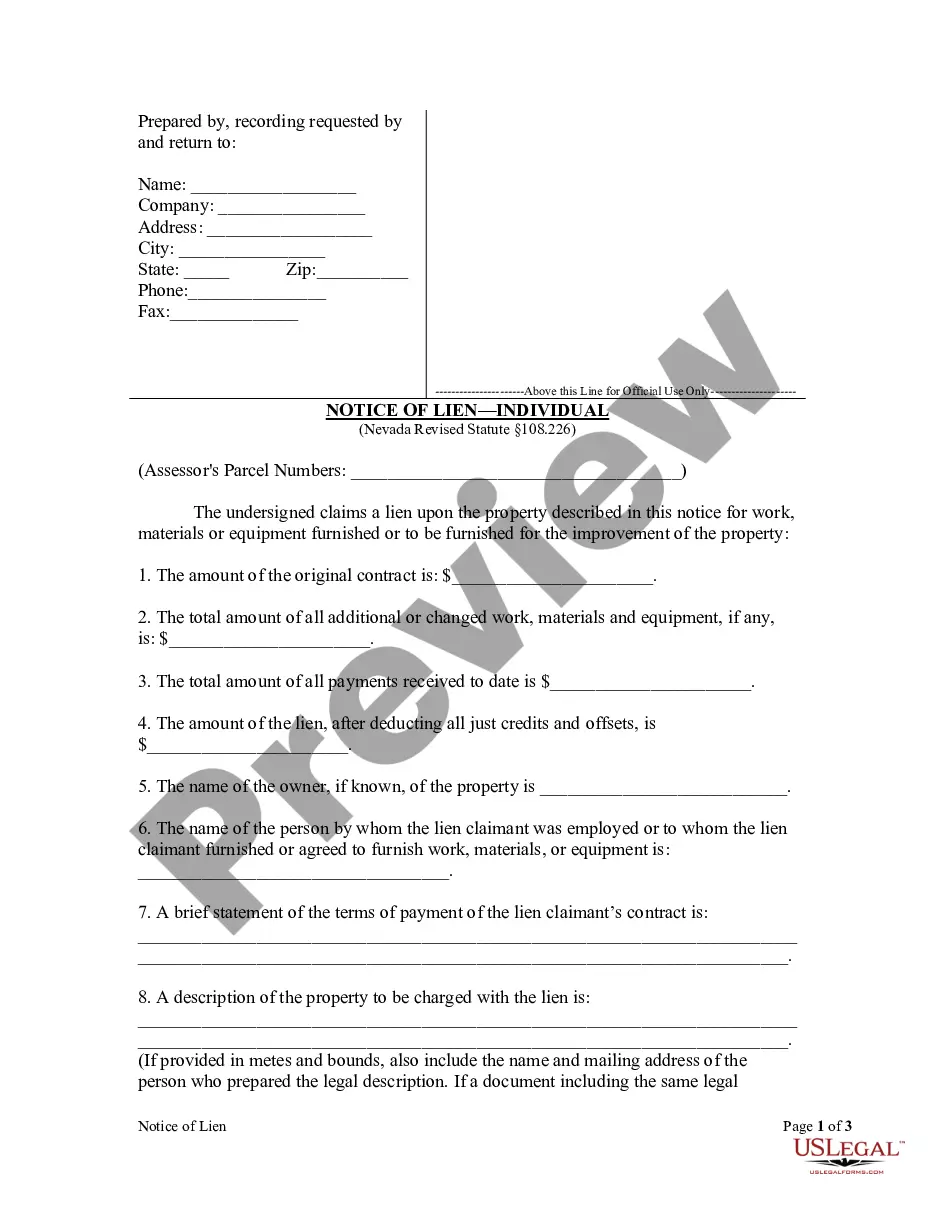
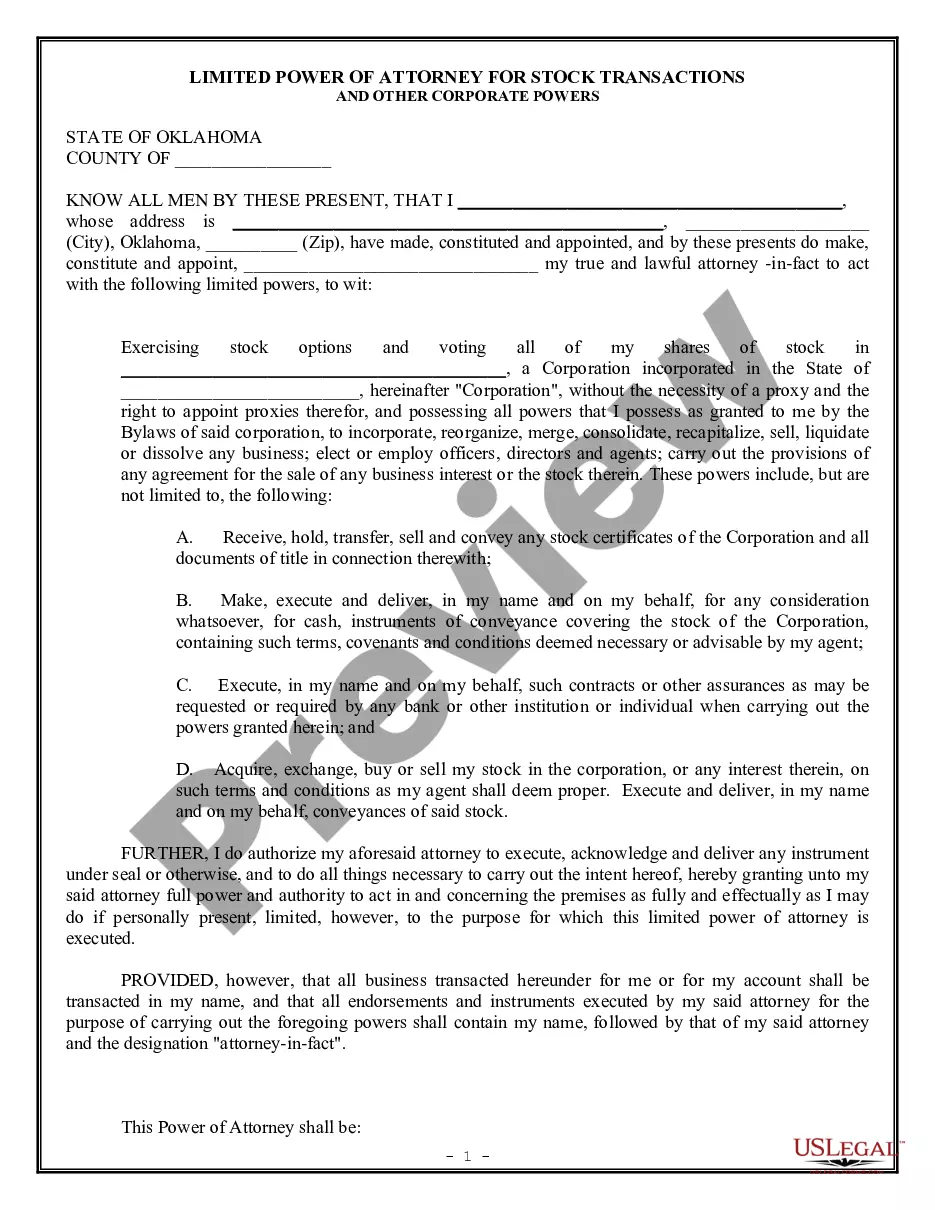
How to fill out Web Site Privacy Policy?
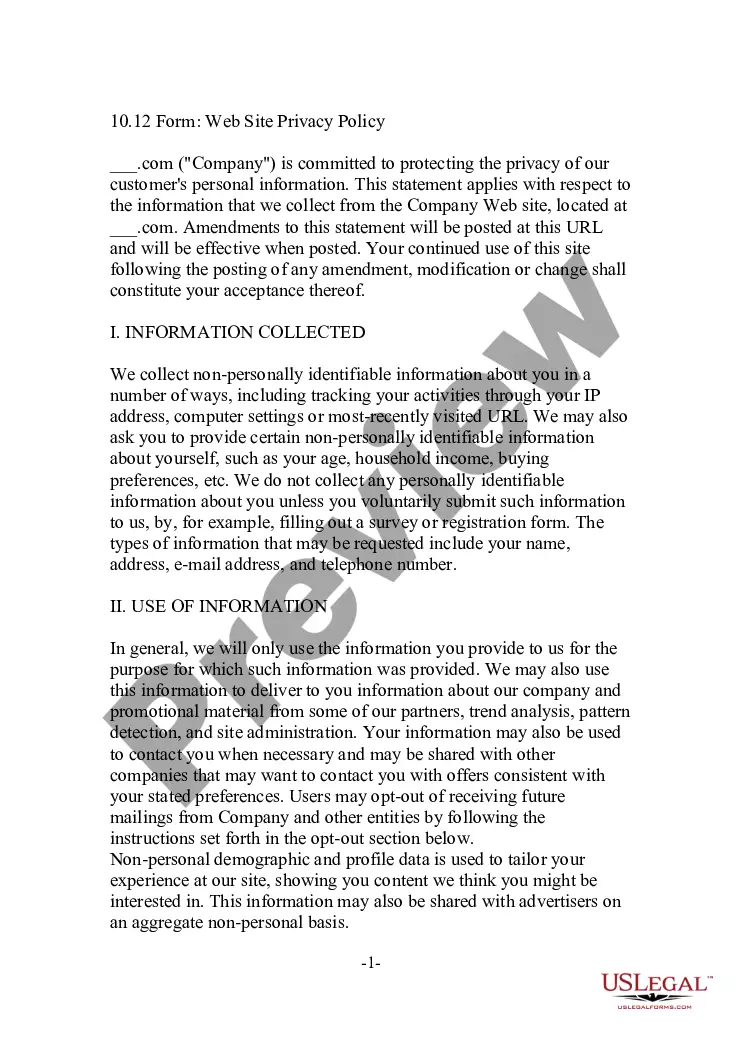
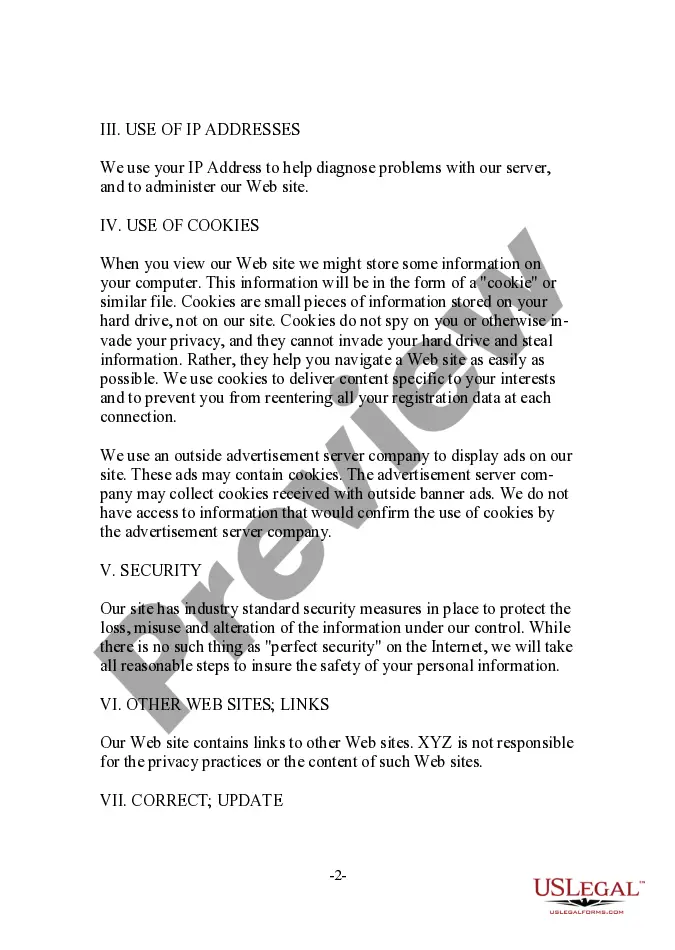
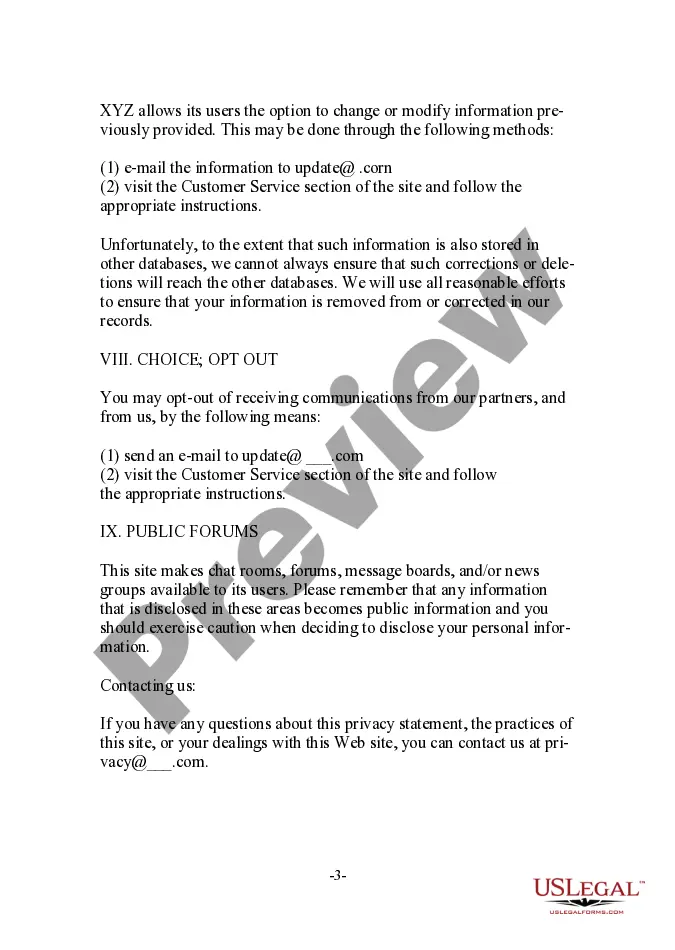
You may invest hrs online trying to find the lawful record template that meets the federal and state specifications you want. US Legal Forms offers thousands of lawful varieties which can be examined by specialists. You can actually download or produce the Virginia Web Site Privacy Policy from my services.
If you already have a US Legal Forms profile, you can log in and click the Download key. Next, you can complete, edit, produce, or signal the Virginia Web Site Privacy Policy. Every single lawful record template you acquire is your own property permanently. To obtain one more copy of any purchased type, visit the My Forms tab and click the corresponding key.
If you are using the US Legal Forms web site for the first time, keep to the straightforward instructions below:
- Very first, make certain you have selected the correct record template to the region/town of your choice. See the type explanation to make sure you have chosen the proper type. If offered, use the Review key to appear throughout the record template also.
- If you wish to locate one more edition in the type, use the Search industry to find the template that meets your requirements and specifications.
- After you have found the template you want, click on Purchase now to carry on.
- Choose the costs plan you want, type in your references, and register for a free account on US Legal Forms.
- Comprehensive the financial transaction. You may use your charge card or PayPal profile to pay for the lawful type.
- Choose the formatting in the record and download it in your gadget.
- Make alterations in your record if possible. You may complete, edit and signal and produce Virginia Web Site Privacy Policy.
Download and produce thousands of record themes using the US Legal Forms website, which provides the most important collection of lawful varieties. Use specialist and express-distinct themes to handle your organization or specific requirements.
Form popularity
FAQ
Do All Websites Need a Privacy Policy? Yes, every website that collects personal information (including email addresses) needs a privacy policy.
What is the Virginia Consumer Data Protection Act (VCDPA)? The VCDPA gives consumers the right to access their personal data and request that it be deleted by businesses. It also requires companies to conduct data protection assessments related to processing personal data for targeted advertising and sales purposes.
Your privacy statement must accurately reflect your site's data collection and use. Your privacy statement should be clear, direct, and easy to understand. Keep technical jargon and legal terminology to a minimum. If you decide to modify how you use personal information, you must inform your users.
The use of a DPIA is a legal requirement when what you plan to do with personal data is likely to result in a high risk to individuals' rights and freedoms, particularly when new technologies are involved.
Companies that collect, use, or disclose personal information from Canadian citizens are required to maintain a Privacy Policy on their websites and apps in order to comply with Canadian privacy laws.
Yes, you need a privacy policy on your website. If you collect personal information from users, many laws require you to include a privacy policy on your site that explains your data-handling practices.
How to write a privacy policy? Include your business name and contact information. Mention what type of information you collect. Explain how and why you collect data. Describe how users can opt-out. Mention if user data is shared with third-parties. Specify how long you will retain user data.