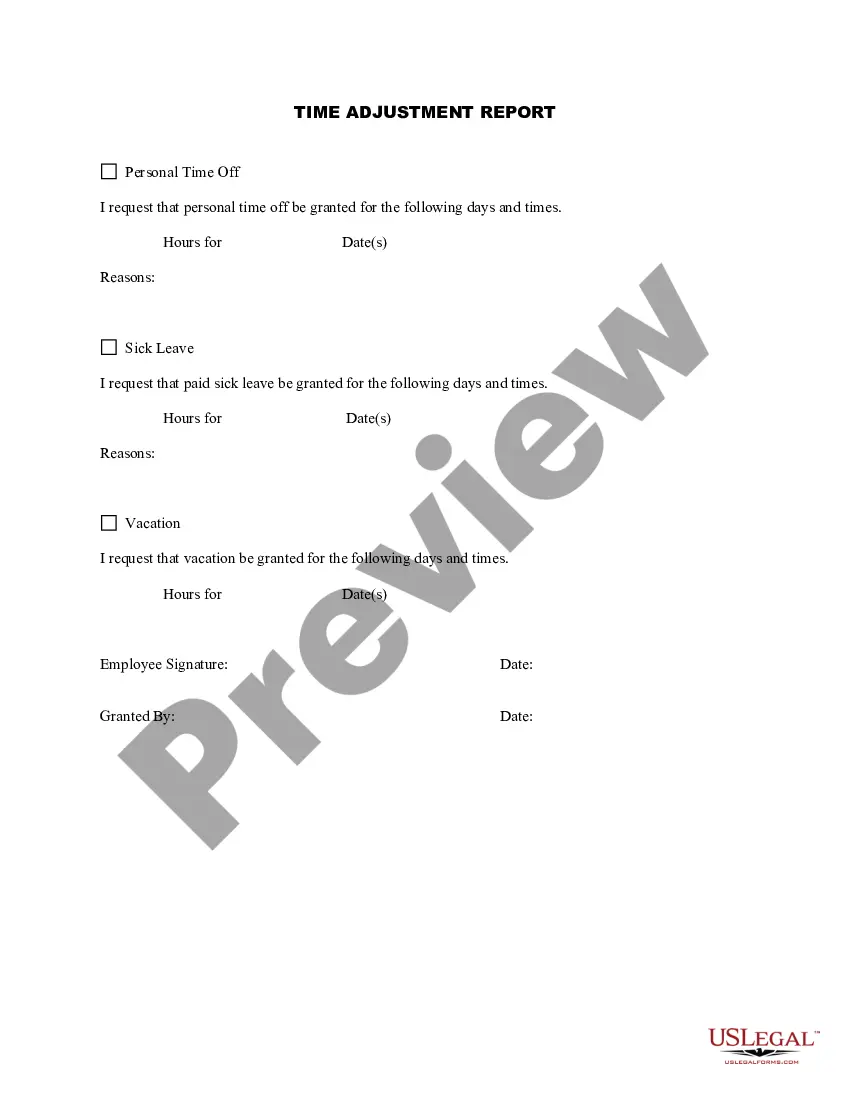
Virginia Time Adjustment Report
Description
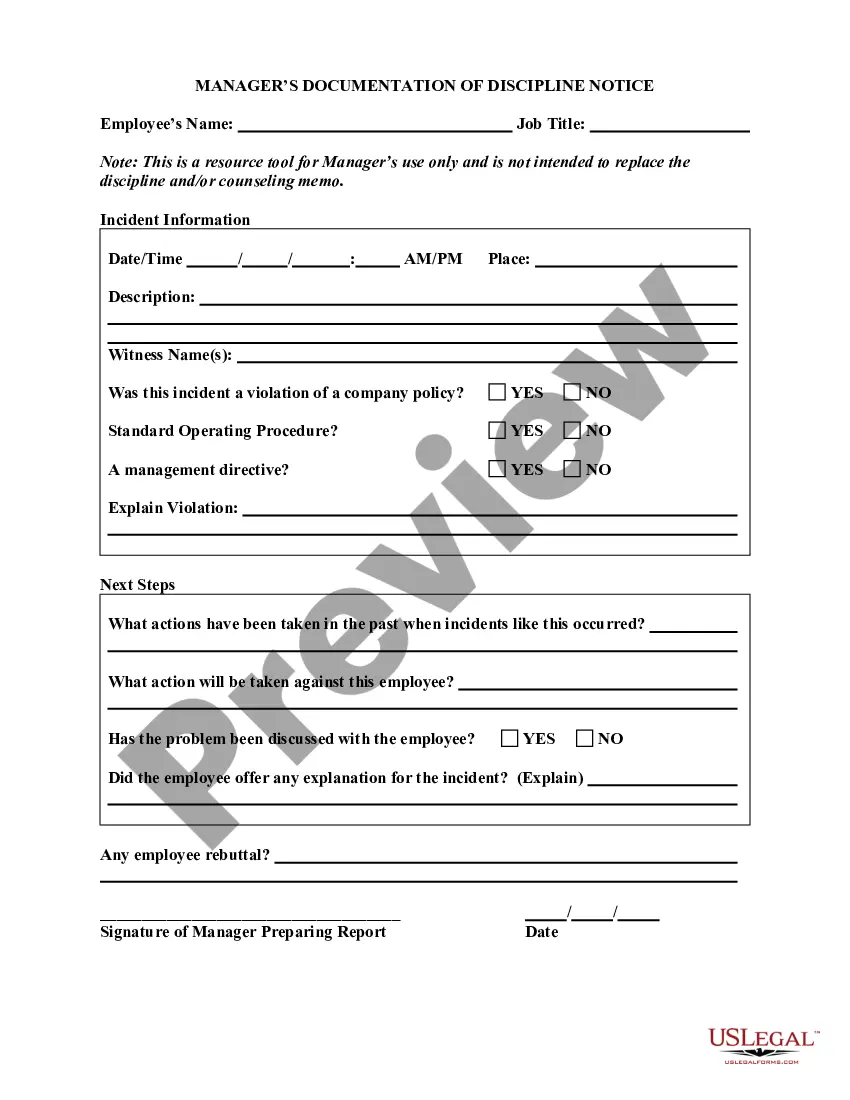
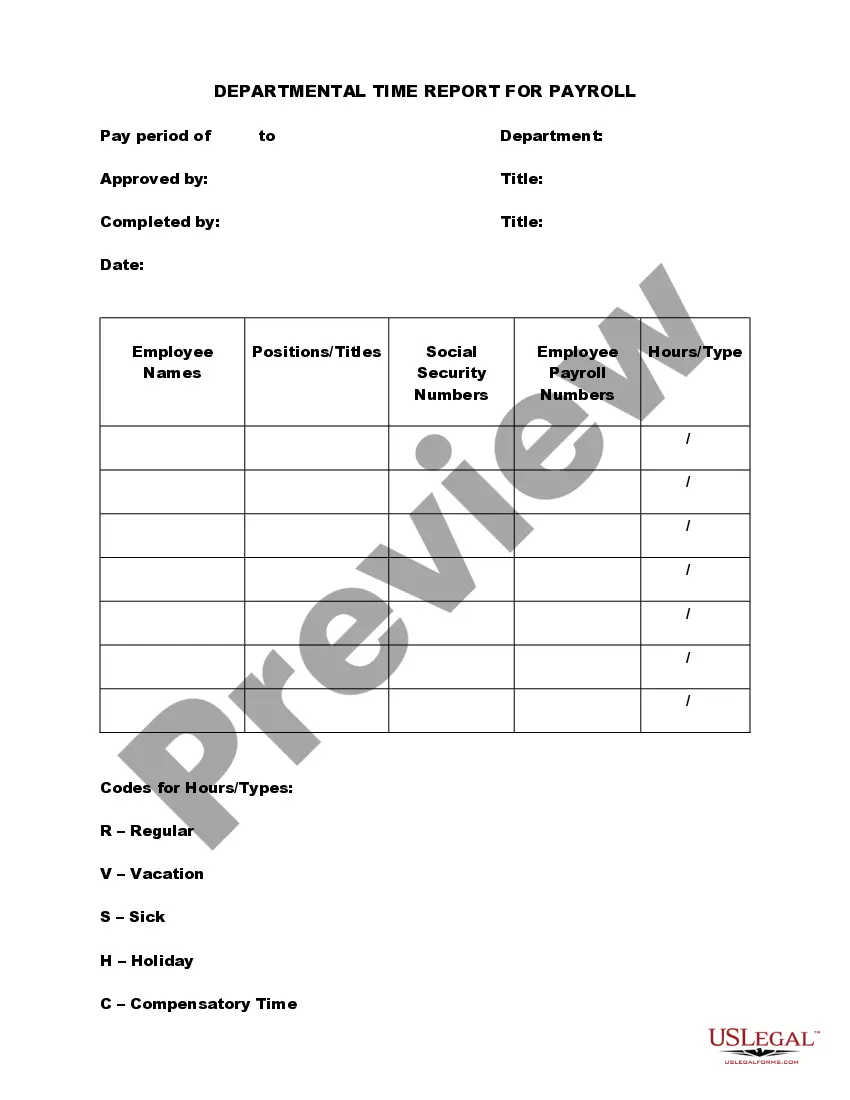
Get your form ready online
Our built-in tools help you complete, sign, share, and store your documents in one place.
Make edits, fill in missing information, and update formatting in US Legal Forms—just like you would in MS Word.
Download a copy, print it, send it by email, or mail it via USPS—whatever works best for your next step.
Sign and collect signatures with our SignNow integration. Send to multiple recipients, set reminders, and more. Go Premium to unlock E-Sign.
If this form requires notarization, complete it online through a secure video call—no need to meet a notary in person or wait for an appointment.
We protect your documents and personal data by following strict security and privacy standards.

Make edits, fill in missing information, and update formatting in US Legal Forms—just like you would in MS Word.

Download a copy, print it, send it by email, or mail it via USPS—whatever works best for your next step.

Sign and collect signatures with our SignNow integration. Send to multiple recipients, set reminders, and more. Go Premium to unlock E-Sign.

If this form requires notarization, complete it online through a secure video call—no need to meet a notary in person or wait for an appointment.

We protect your documents and personal data by following strict security and privacy standards.
Looking for another form?


How to fill out Time Adjustment Report?
If you require extensive, acquire, or printing legal document templates, utilize US Legal Forms, the widest collection of legal forms available online.
Take advantage of the site's straightforward and user-friendly search function to locate the documents you require.
Many templates for business and personal purposes are organized by categories and states or keywords.
Step 5. Complete the transaction. You may use your Visa or MasterCard or PayPal account to finalize the transaction.
Step 6. Choose the format of the legal form and download it to your device. Step 7. Complete, edit, and print or sign the Virginia Time Adjustment Report.
- Utilize US Legal Forms to find the Virginia Time Adjustment Report in just a few clicks.
- If you are already a US Legal Forms member, Log In to your account and click the Download button to obtain the Virginia Time Adjustment Report.
- You can also access templates you previously downloaded in the My documents section of your account.
- If using US Legal Forms for the first time, follow the steps below.
- Step 1. Ensure you have selected the form for the correct region/state.
- Step 2. Use the Preview option to review the content of the form. Don’t forget to read the description.
- Step 3. If you are not satisfied with the form, use the Search box at the top of the screen to find other versions of the legal form template.
- Step 4. Once you have found the form you need, select the Get Now button. Choose the pricing plan you prefer and provide your credentials to create an account.
Form popularity
FAQ
A single person who lives alone and has only one job should place a 1 in part A and B on the worksheet giving them a total of 2 allowances. A married couple with no children, and both having jobs should claim one allowance each. You can use the Two Earners/Multiple Jobs worksheet on page 2 to help you calculate this.
By placing a 0 on line 5, you are indicating that you want the most amount of tax taken out of your pay each pay period. If you wish to claim 1 for yourself instead, then less tax is taken out of your pay each pay period. 2.
The starting point for computing Virginia taxable income is federal adjusted gross income.
The tax is based on the Federal Adjusted Gross Income. In most cases, your federal adjusted gross income (line 21 on form 1040A; and line 37 on form 1040) plus any Virginia additions and minus any Virginia subtractions computed on Schedule ADJ, is called Virginia Adjusted Gross Income.
When completing the Commonwealth of Virginia Form VA-4: Line 1 On Line 1(c), please write in the number 0 or 1 (NRAs can only select a maximum of 1 as their total number of allowances Line 2 skip. Line 3 skip (NRAs cannot check this box) Line 4 (not on older form) skip.
How to calculate adjusted gross income (AGI)Start with your gross income. Income is on lines 7-22 of Form 1040.Add these together to arrive at your total earned income.Subtract your adjustments from your total income (also called "above-the-line deductions")You have your AGI.
When completing the Commonwealth of Virginia Form VA-4: Line 1 On Line 1(c), please write in the number 0 or 1 (NRAs can only select a maximum of 1 as their total number of allowances Line 2 skip. Line 3 skip (NRAs cannot check this box) Line 4 (not on older form) skip.
In most cases, your federal adjusted gross income (line 21 on form 1040A; and line 37 on form 1040) plus any Virginia additions and minus any Virginia subtractions computed on Schedule ADJ, is called Virginia Adjusted Gross Income.
You may not claim more personal exemptions on form VA-4 than you are allowed to claim on your income tax return unless you have received written permission to do so from the Department of Taxation. Line1. You may claim an exemption for yourself.
How it works: Virginia tax rates increase with income: 2% up to $3,000; 3% from $3,000 to $5,000; 5% from $5,000 to $17,000; and 5.75% for income over $17,000. Both incomes reported on jointly filed returns benefit from the lower tax rates if the STA is used.