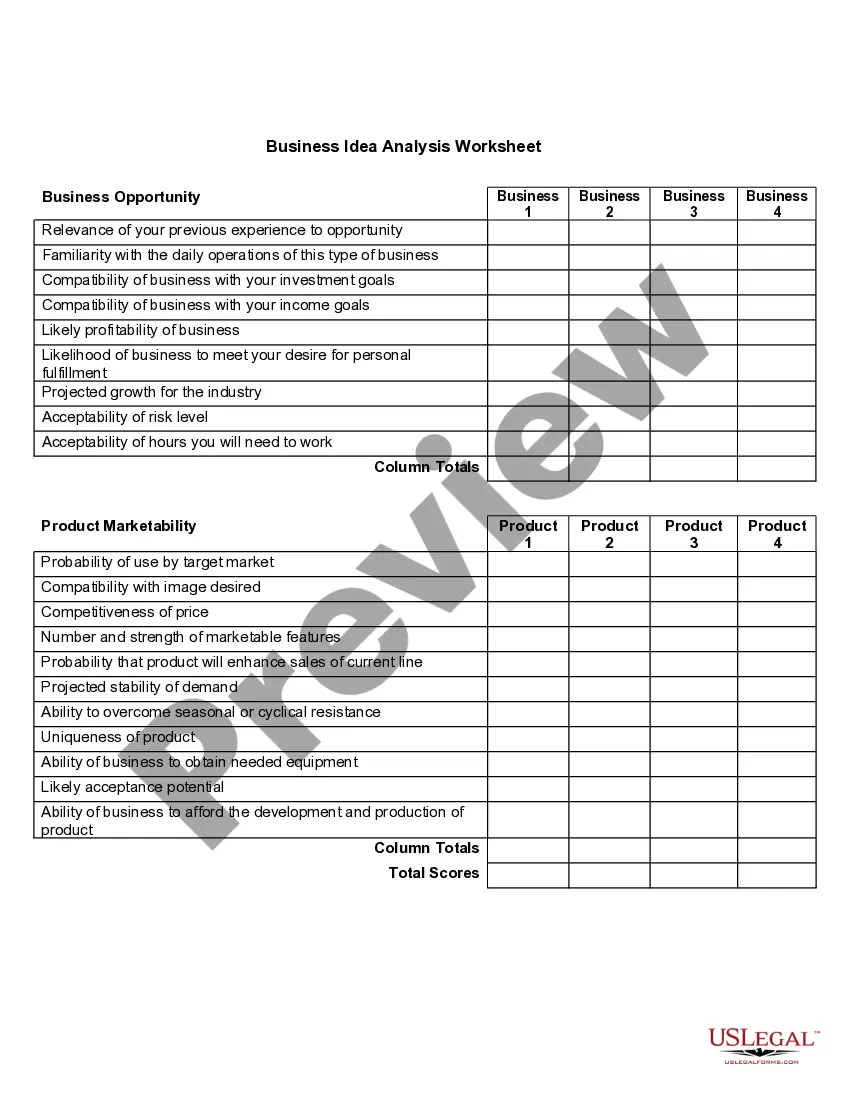
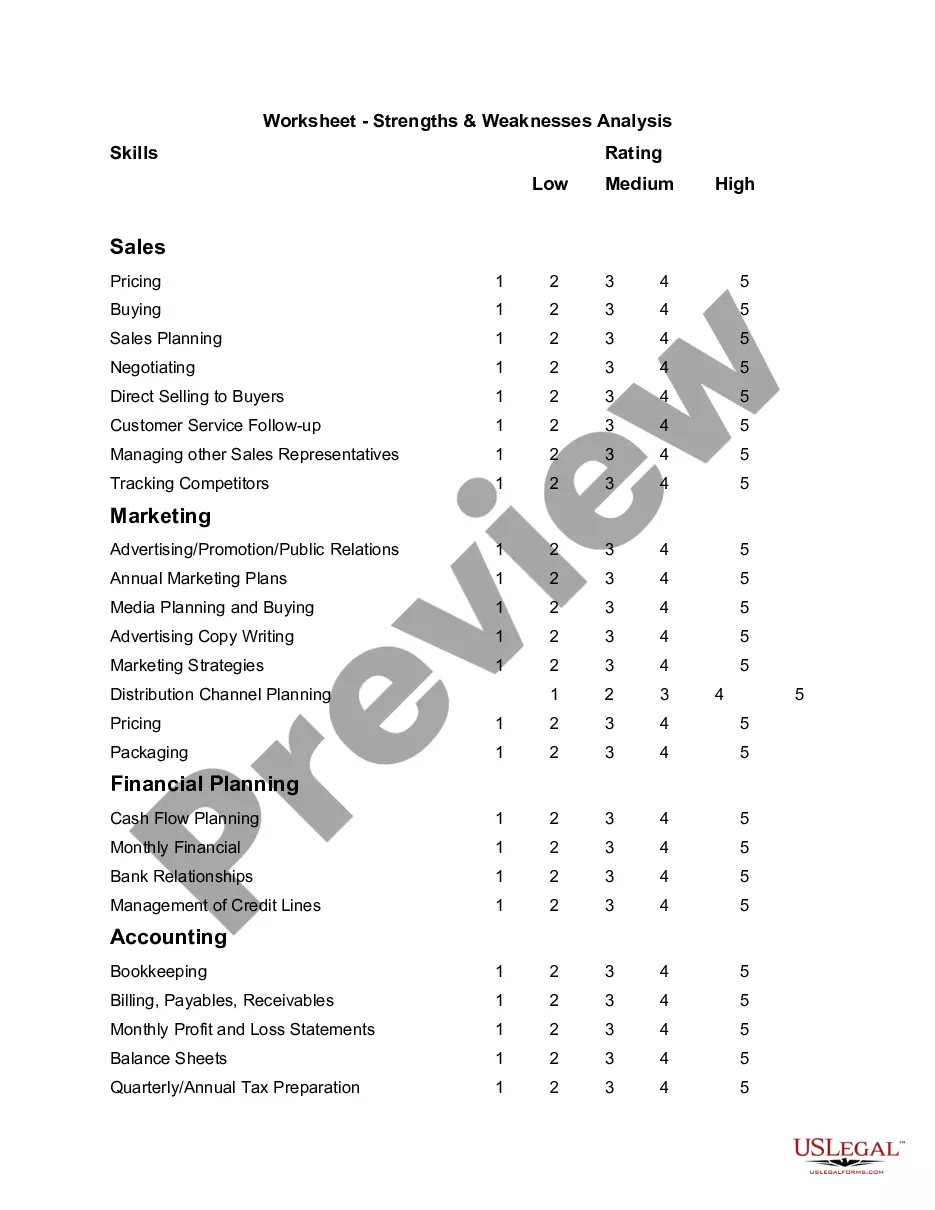
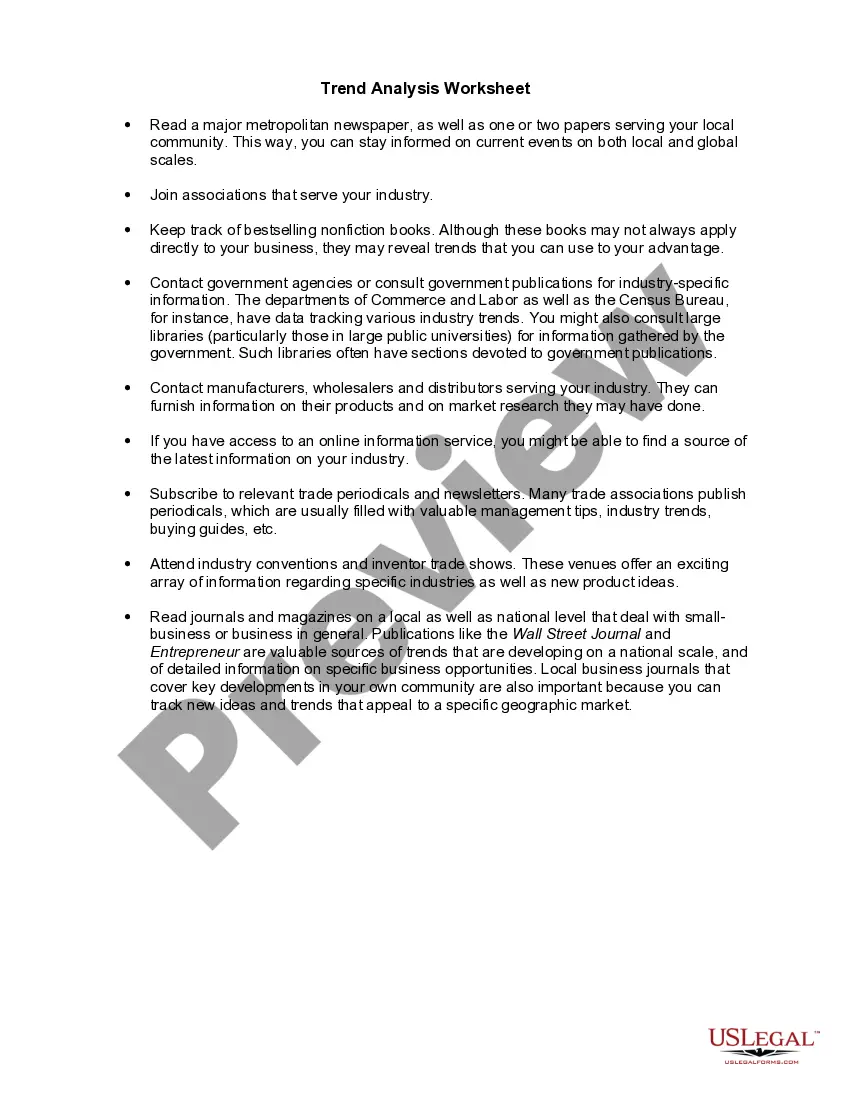
Virginia Worksheet - Industry and Competitive Forces Analysis

State:
Multi-State
Control #:
US-04039BG
Format:
Word; 
Rich Text
Instant download

Description

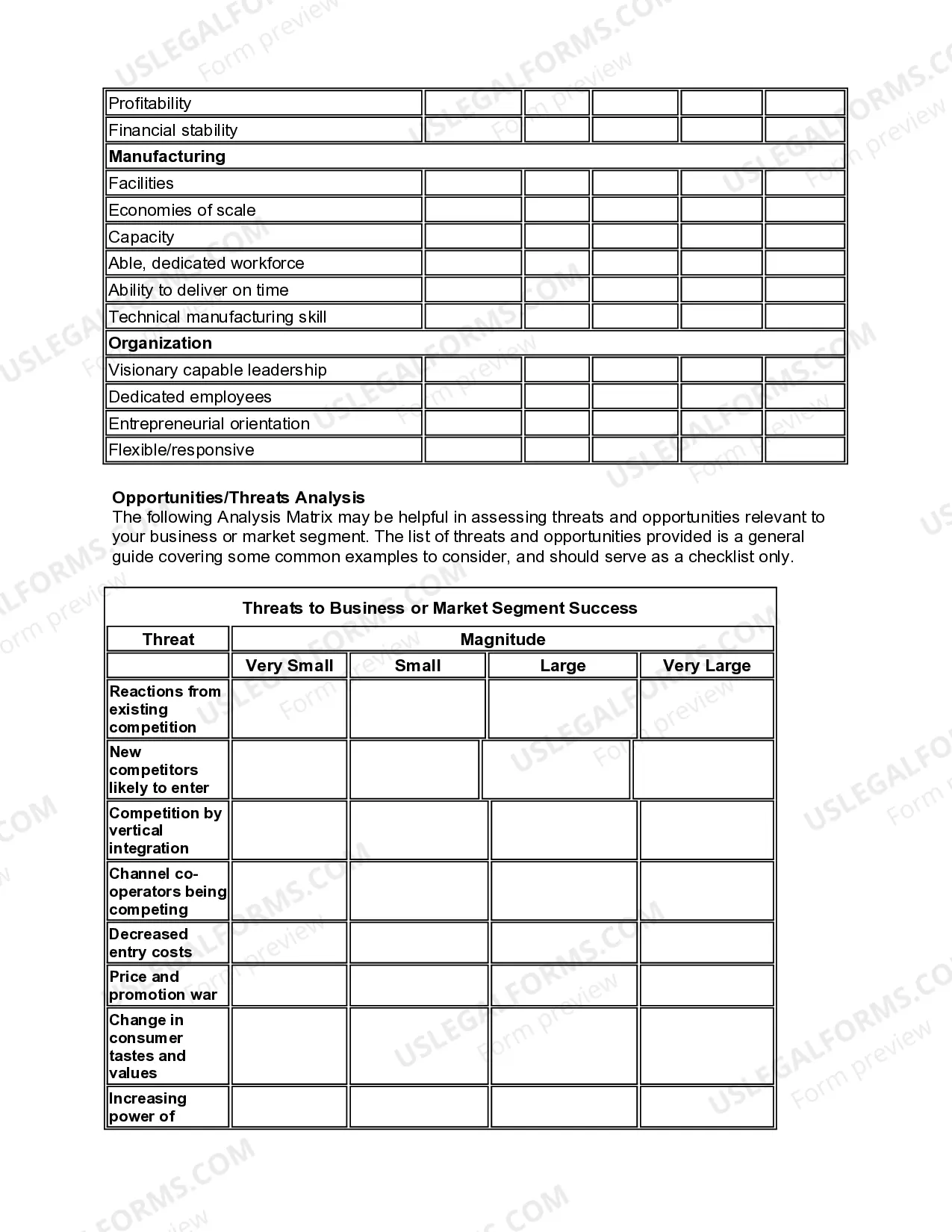
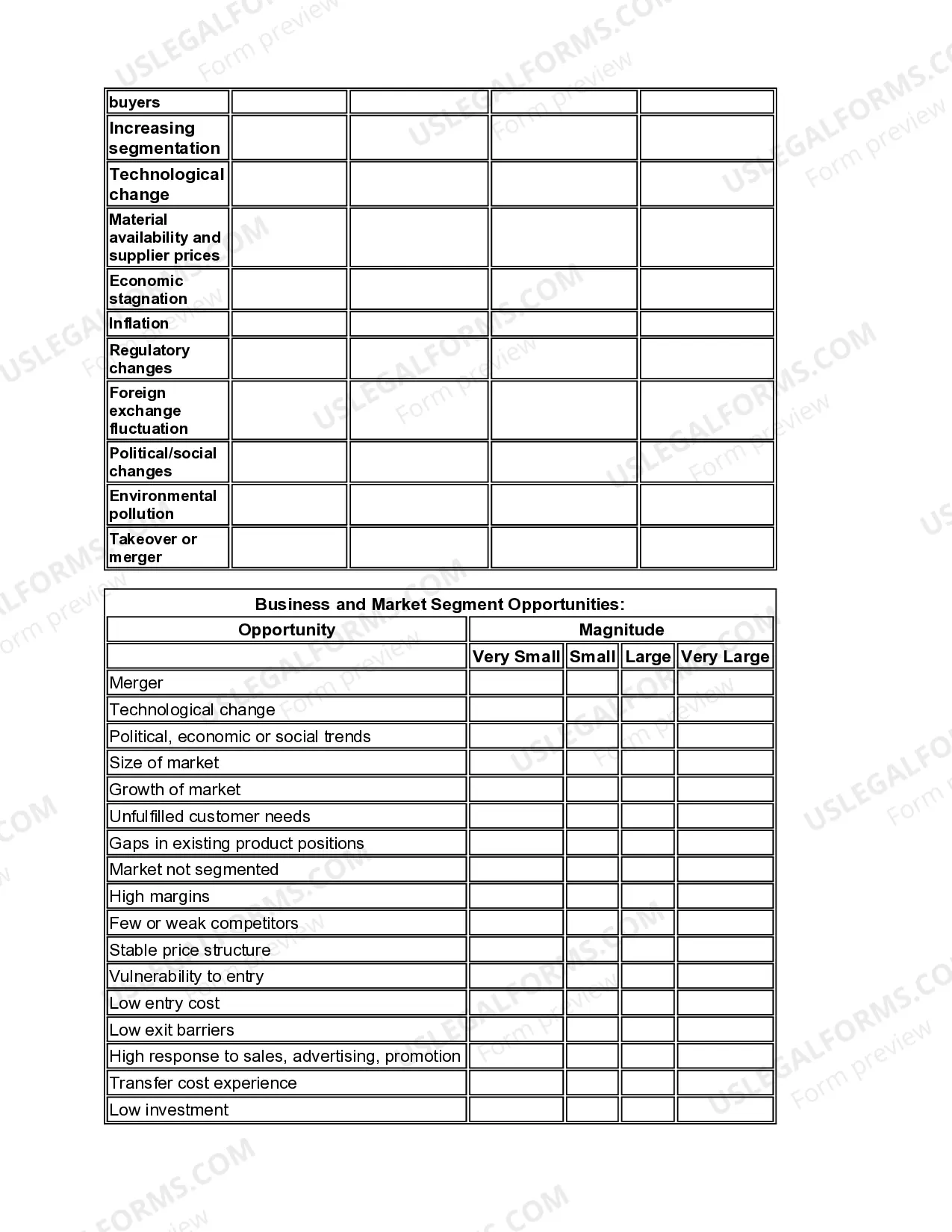
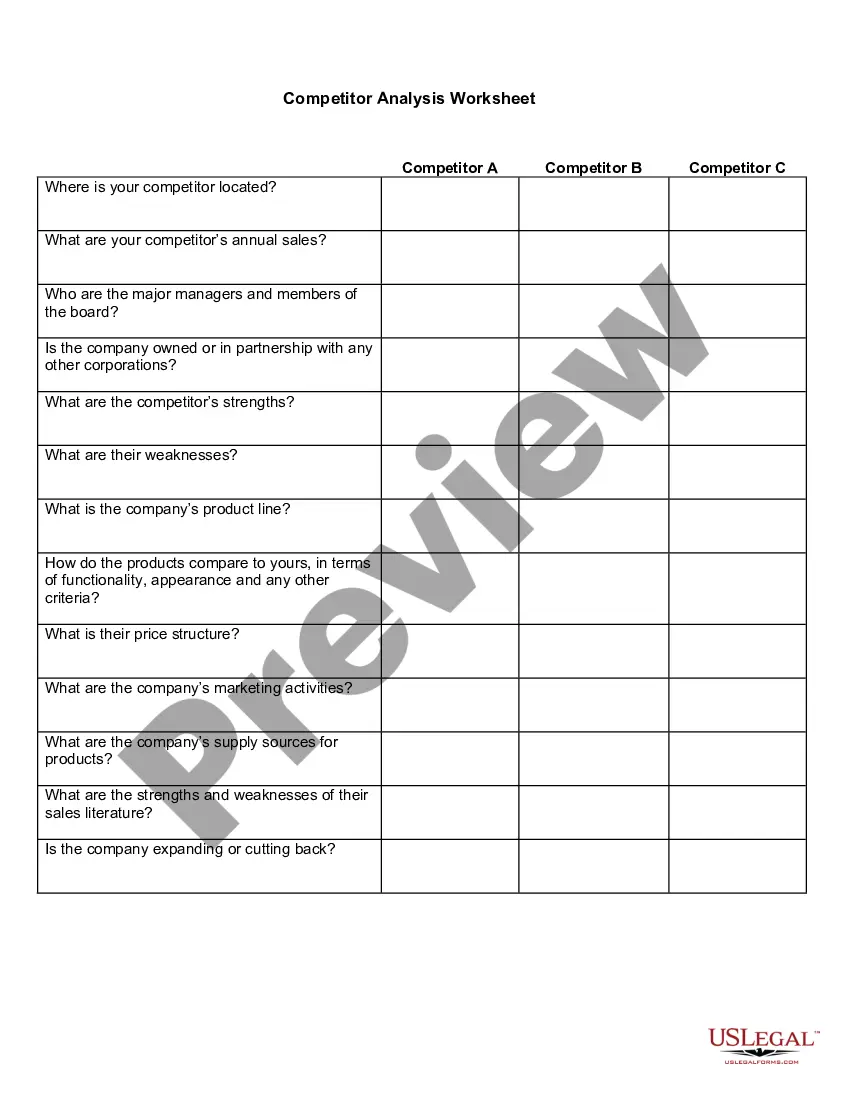
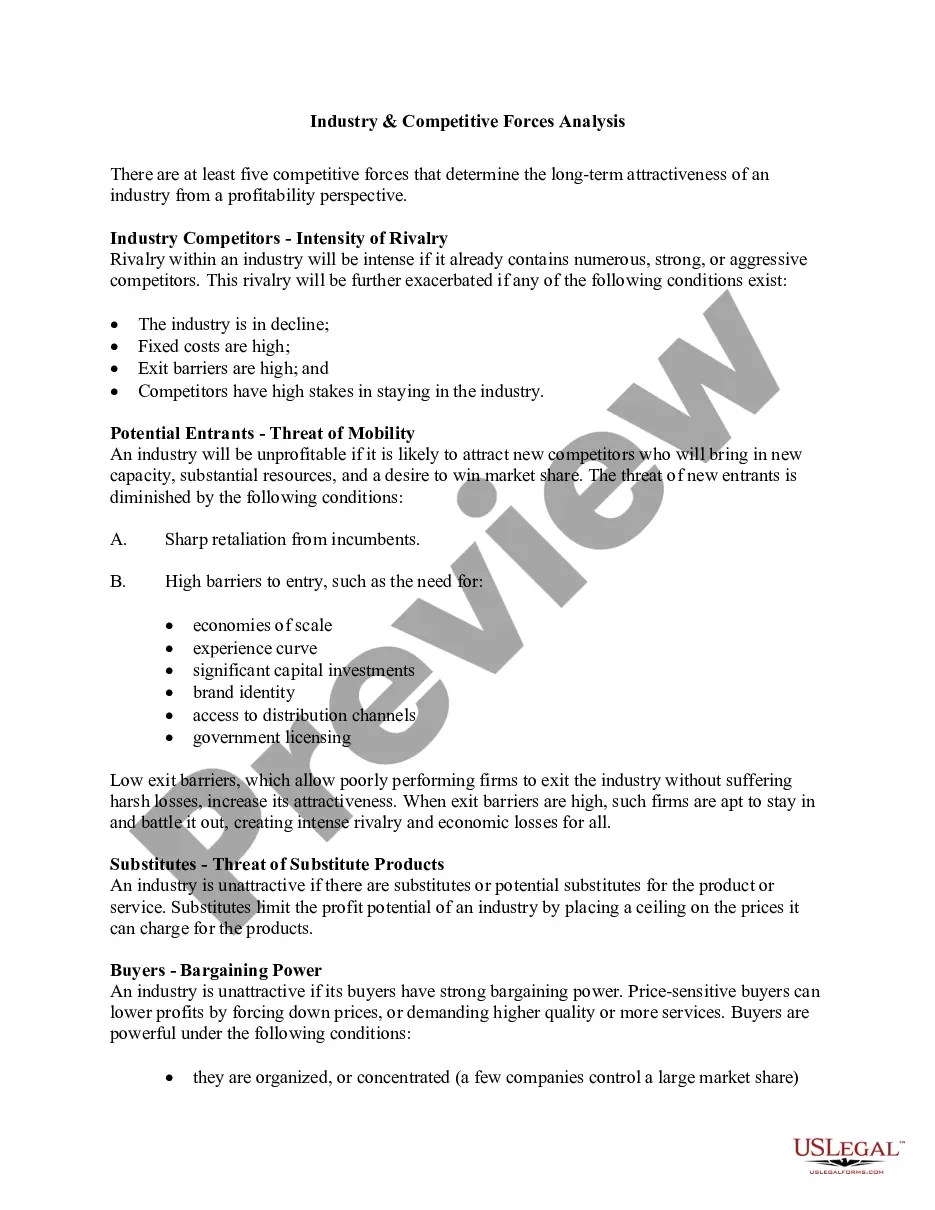
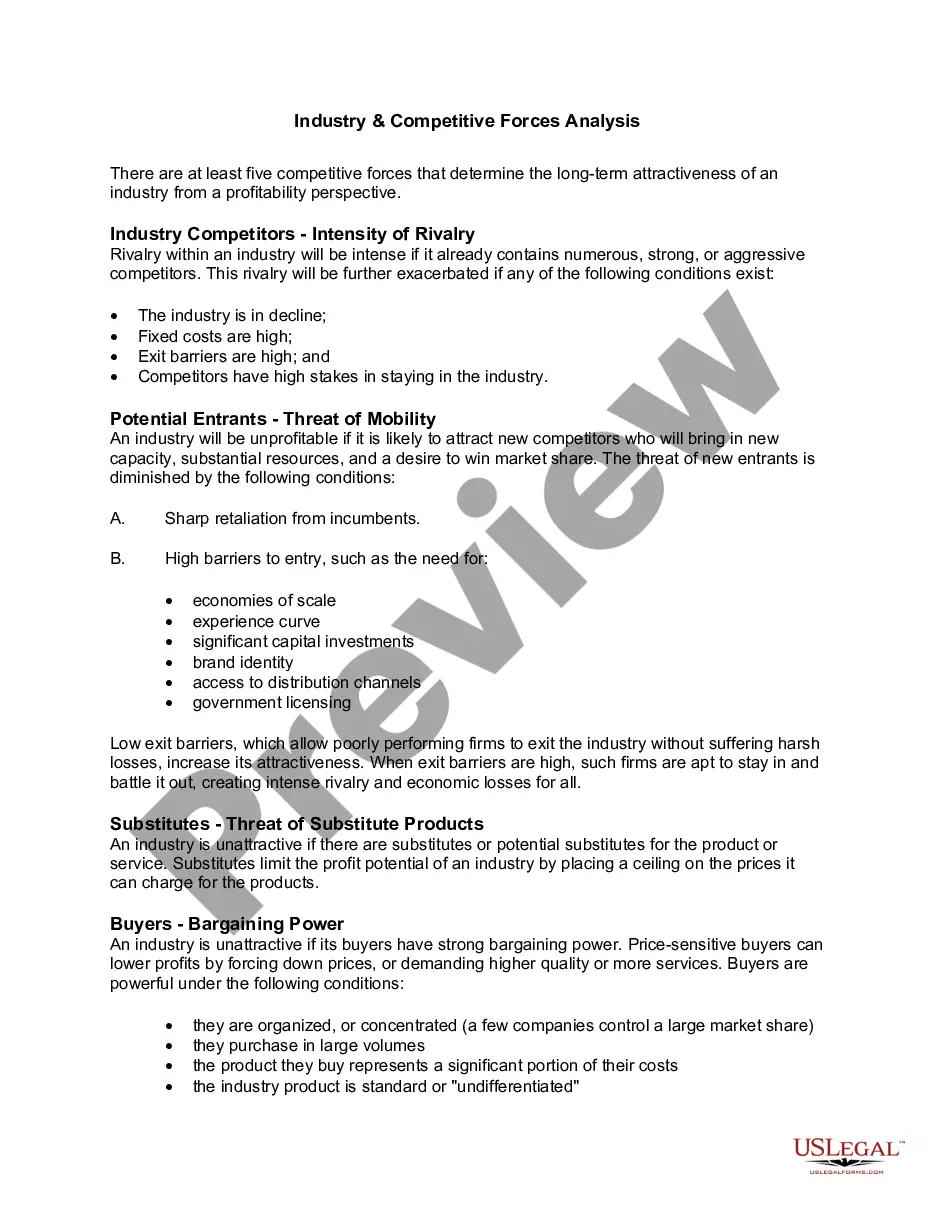
How intense is competition in your industry, or the industry you want to enter? You should know the answer before you make your marketing plans. There are at least five competitive forces that determine the long-term attractiveness of an industry from a profitability perspective. The five forces are as follows:


" Industry Competitors - Intensity of Rivalry;

" Potential Entrants - Threat of Mobility;

" Substitutes - Threat of Substitute Products; and

" Suppliers - Bargaining Power.

Free preview
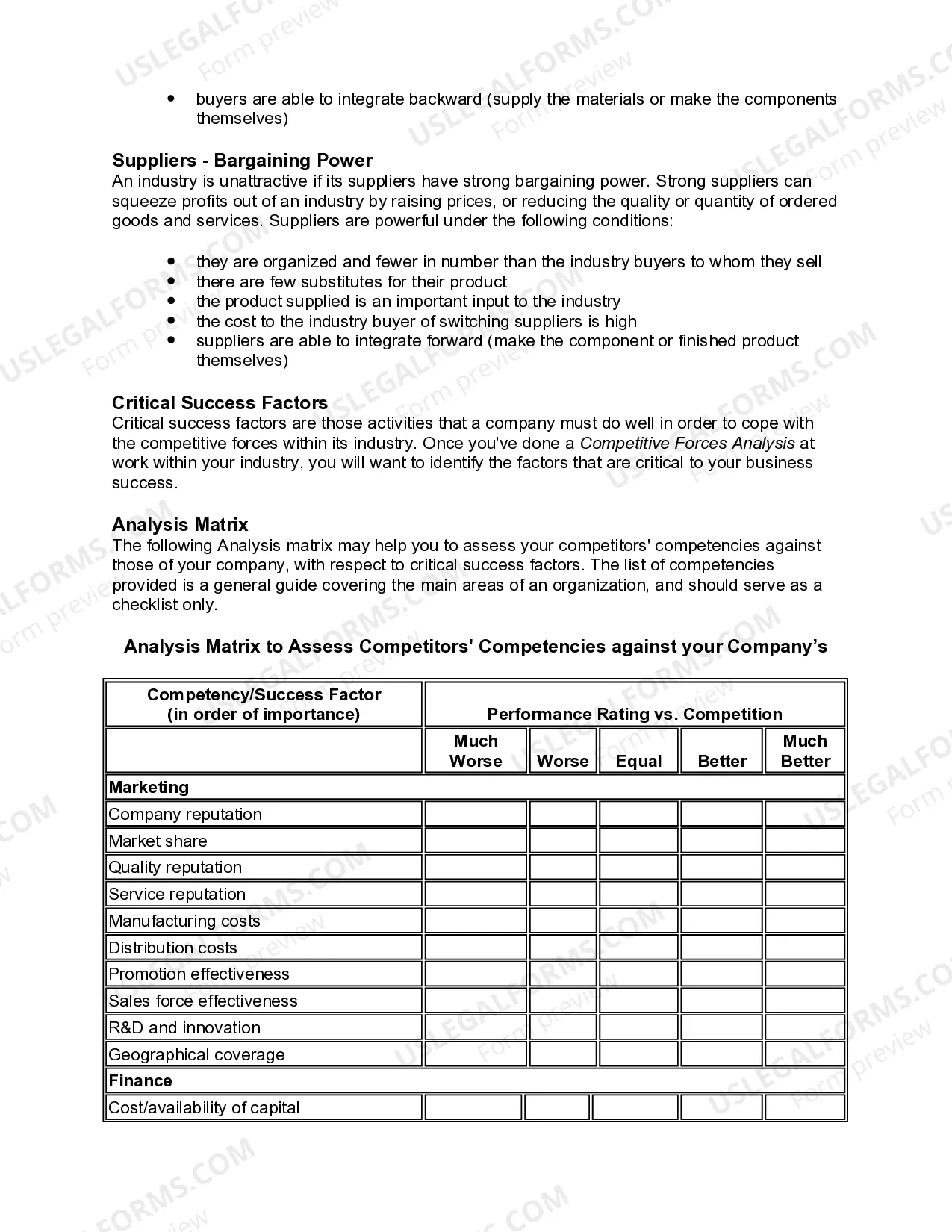
  • Preview Worksheet - Industry and Competitive Forces Analysis
  • Preview Worksheet - Industry and Competitive Forces Analysis
  • Preview Worksheet - Industry and Competitive Forces Analysis
  • Preview Worksheet - Industry and Competitive Forces Analysis
  • Preview Worksheet - Industry and Competitive Forces Analysis

How to fill out Worksheet - Industry And Competitive Forces Analysis?

US Legal Forms - one of the largest repositories of legal documents in the United States - offers a vast selection of legal document templates that you can download or print.

By using the website, you can access countless forms for commercial and personal purposes, categorized by categories, states, or keywords. You can find the latest versions of forms such as the Virginia Worksheet - Industry and Competitive Forces Analysis within moments.

If you have an account, Log In and download the Virginia Worksheet - Industry and Competitive Forces Analysis from the US Legal Forms repository. The Download button will be displayed for each form you view. You can access all previously downloaded forms from the My documents section of your account.

Complete the transaction. Use your credit card or PayPal account to finalize the payment.

Choose the file format and download the form to your device. Make adjustments. Fill out, edit, print, and sign the downloaded Virginia Worksheet - Industry and Competitive Forces Analysis. Each template you add to your account has no expiration date and is yours indefinitely. Therefore, if you wish to download or print another copy, simply go to the My documents section and click on the form you need. Access the Virginia Worksheet - Industry and Competitive Forces Analysis with US Legal Forms, the most extensive library of legal document templates. Utilize a multitude of professional and state-specific templates that cater to your business or personal needs.

  1. Ensure you have selected the correct form for your location/state.
  2. Click on the Preview button to review the content of the form.
  3. Read the form description to confirm you have chosen the right form.
  4. If the form does not meet your requirements, use the Search field at the top of the screen to find the one that does.
  5. Once you are satisfied with the form, confirm your choice by clicking the Get now button.
  6. Then, choose the pricing plan you prefer and provide your information to register for an account.
Form popularity

FAQ

In the construction industry, the five forces reveal a competitive landscape marked by significant rivalry, moderate supplier power, and higher customer power. The threat of new entrants can be influenced by regulatory requirements, while substitutes may include alternative building methods. Utilizing the Virginia Worksheet - Industry and Competitive Forces Analysis can help clarify these factors.

To fill out Porter's 5 forces, start by assessing each force individually. Identify the current pressures from suppliers, buyers, competitors, new entrants, and substitutes. Using the insights gathered, apply them to the Virginia Worksheet - Industry and Competitive Forces Analysis to create a clear picture of your industry position.

Michael Porter's Five Forces model is an important tool for understanding the main competitive forces at work in an industry. This can help you to assess the attractiveness of an industry, and pinpoint areas where you can adjust your strategy to improve profitability.

Key Takeaways. Porter's Five Forces is a framework for analyzing a company's competitive environment. The number and power of a company's competitive rivals, potential new market entrants, suppliers, customers, and substitute products influence a company's profitability.

Porter's Five Forces is a great model to help you evaluate the different external factors that will impact your competitive position over the coming years....Step 1 Preparation is Key.Step 2 Threat of New Entry.Step 3 Threat of Substitution.Step 4 Supplier Power.Step 5 Buyer Power.More items...

Key Takeaways. Porter's Five Forces is a framework for analyzing a company's competitive environment. The number and power of a company's competitive rivals, potential new market entrants, suppliers, customers, and substitute products influence a company's profitability.

The Five Forces analysis is a tool that analyzes a business' industry based on five factors: threat of new entrants, threat of substitutes, bargaining power of customers, bargaining power of suppliers, and competitive rivalry.

The five forces are:Supplier power. An assessment of how easy it is for suppliers to drive up prices.Buyer power. An assessment of how easy it is for buyers to drive prices down.Competitive rivalry. The main driver is the number and capability of competitors in the market.Threat of substitution.Threat of new entry.

Porter's Five Forces is a framework for analyzing a company's competitive environment. The number and power of a company's competitive rivals, potential new market entrants, suppliers, customers, and substitute products influence a company's profitability.

An industry analysis consists of three major elements: the underlying forces at work in the industry; the overall attractiveness of the industry; and the critical factors that determine a company's success within the industry.

Trusted and secure by over 3 million people of the world’s leading companies

Virginia Worksheet - Industry and Competitive Forces Analysis