Living Trust
- Alabama
- Alaska
- Arizona
- Arkansas
- California
- Colorado
- Connecticut
- Delaware
- District of Columbia
- Florida
- Georgia
- Hawaii
- Idaho
- Illinois
- Indiana
- Iowa
- Kansas
- Kentucky
- Louisiana
- Maine
- Maryland
- Massachusetts
- Michigan
- Minnesota
- Mississippi
- Missouri
- Montana
- Nebraska
- Nevada
- New Hampshire
- New Jersey
- New Mexico
- New York
- North Carolina
- North Dakota
- Ohio
- Oklahoma
- Oregon
- Pennsylvania
- Rhode Island
- South Carolina
- South Dakota
- Tennessee
- Texas
- Utah
- Vermont
- Virginia
- Washington
- West Virginia
- Wisconsin
- Wyoming
-
No results found.

What is this form?
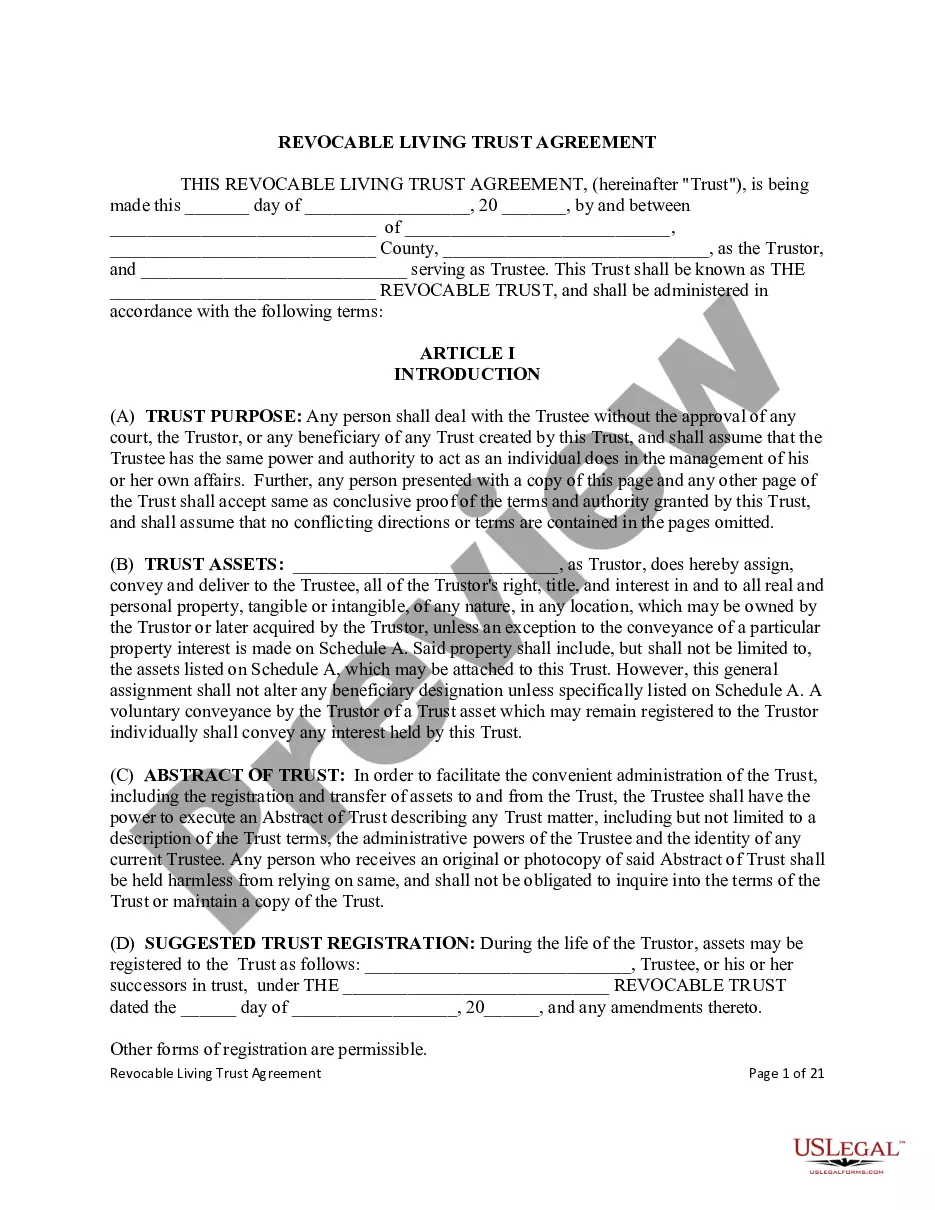
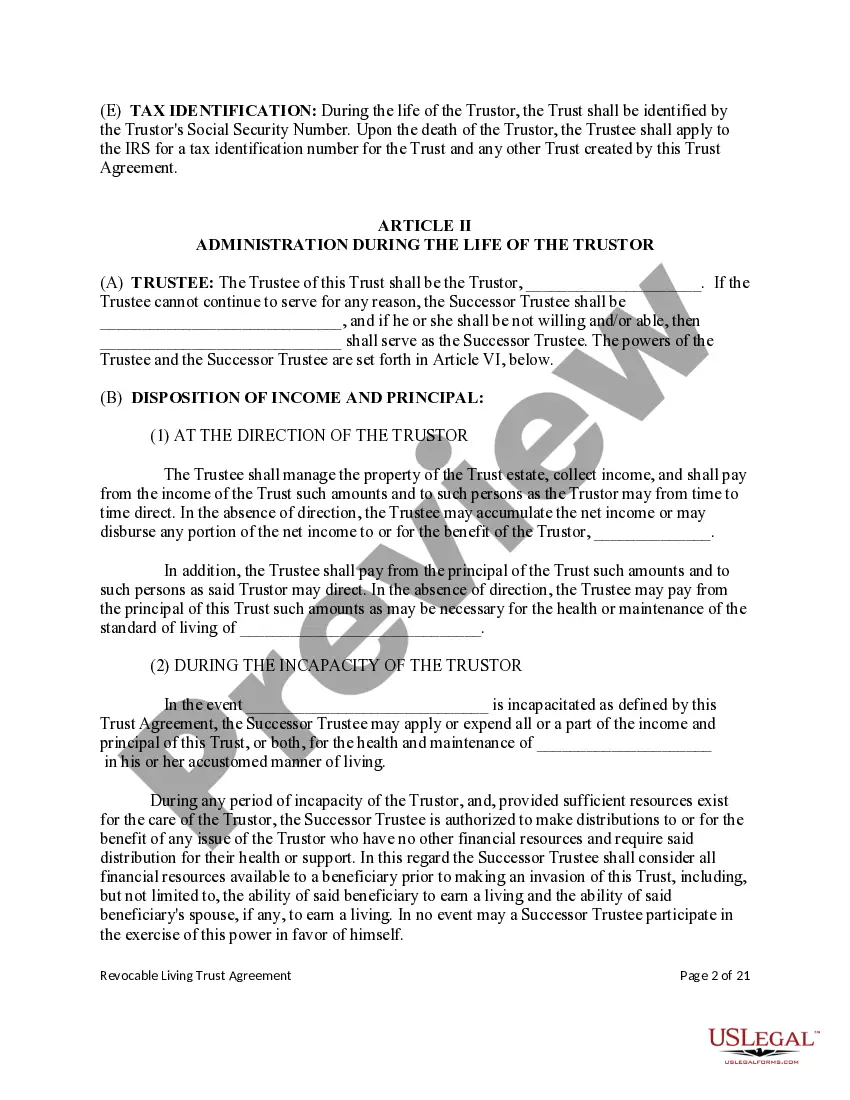
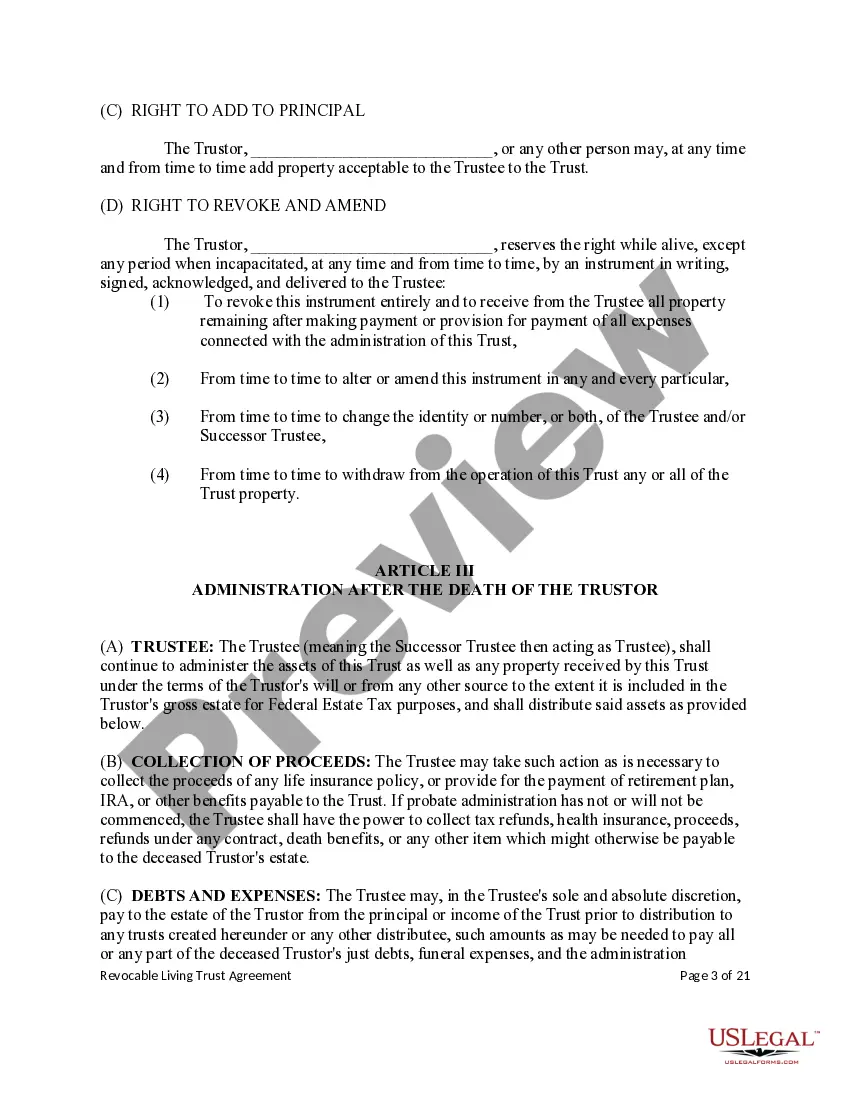
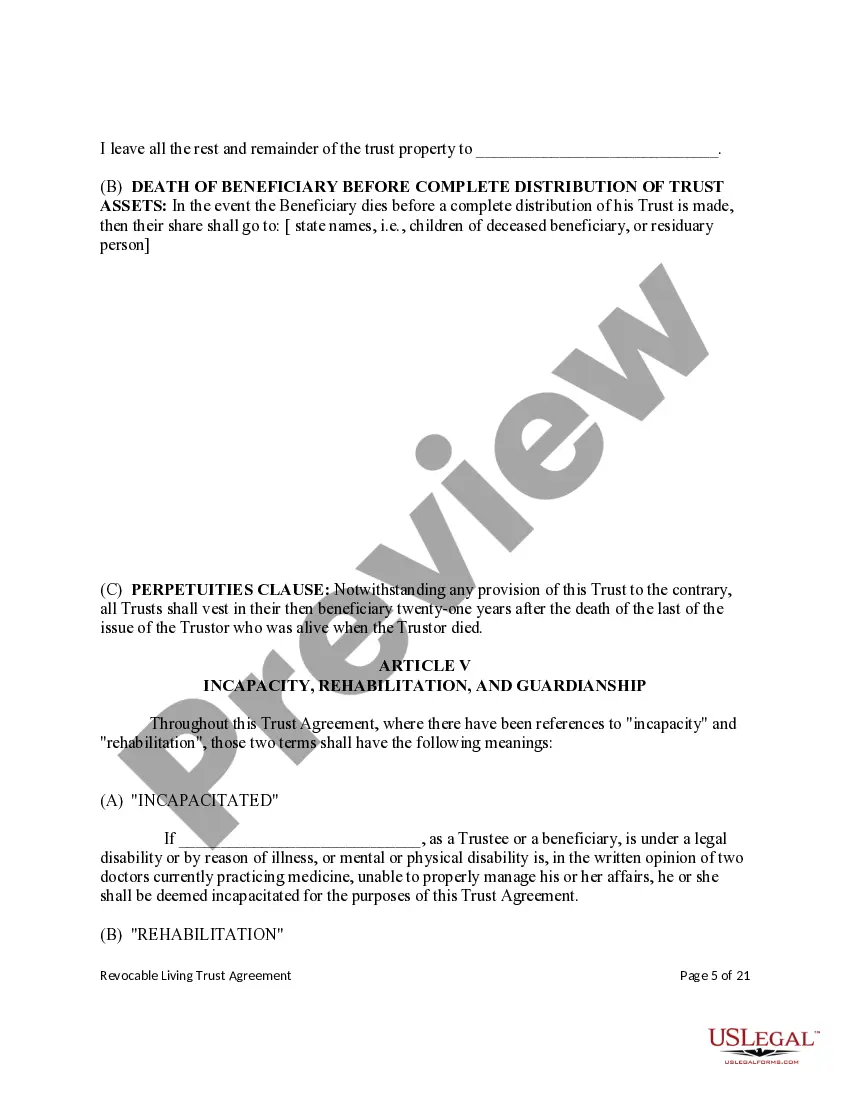
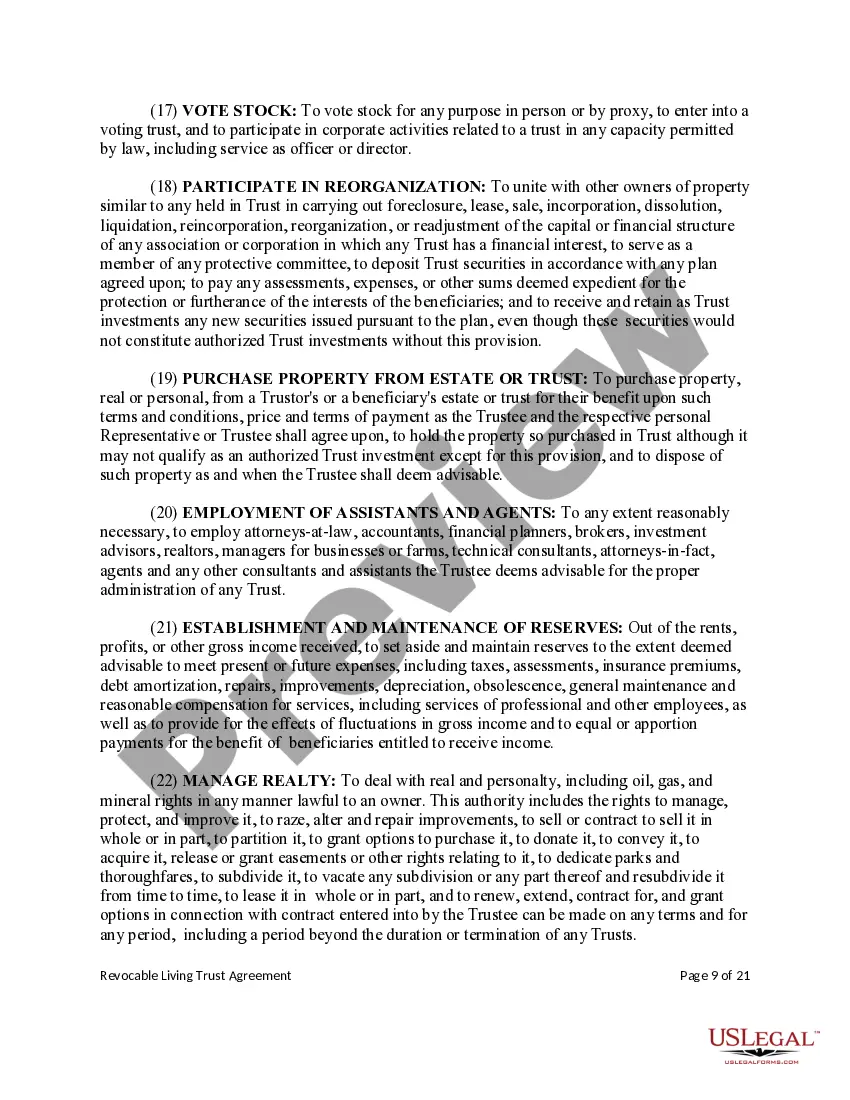
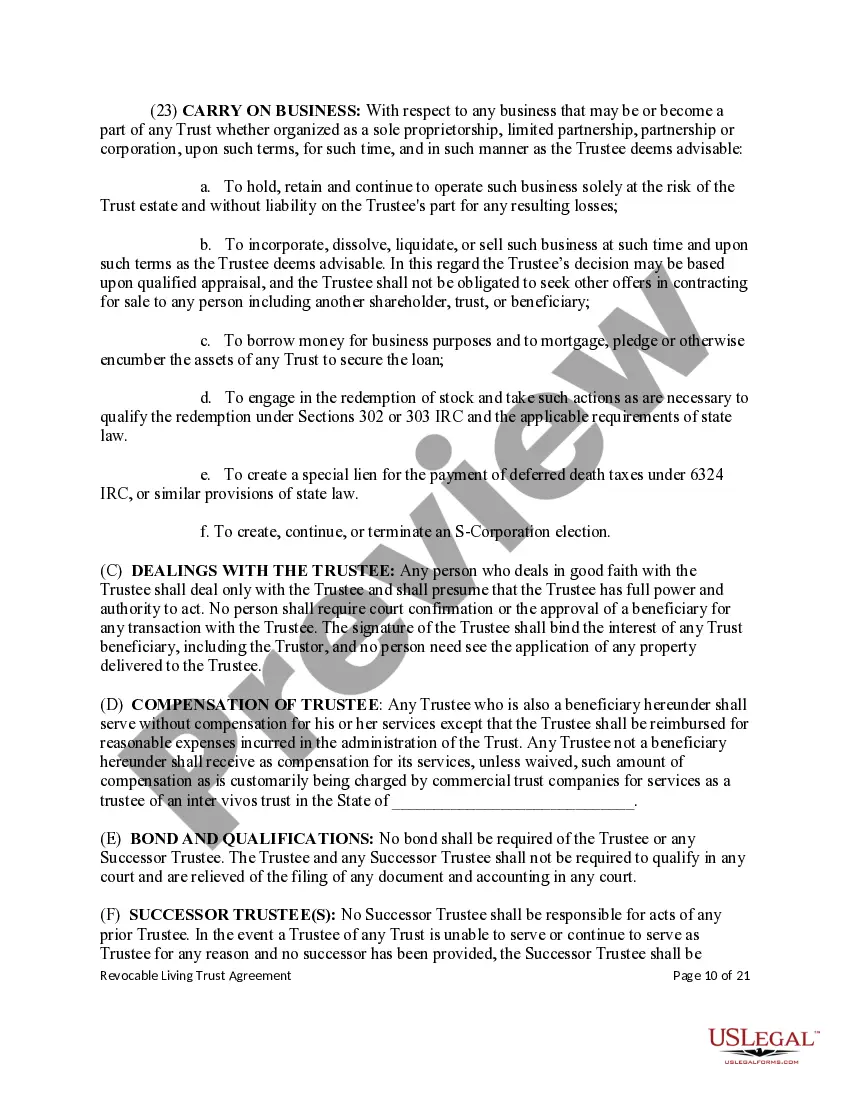
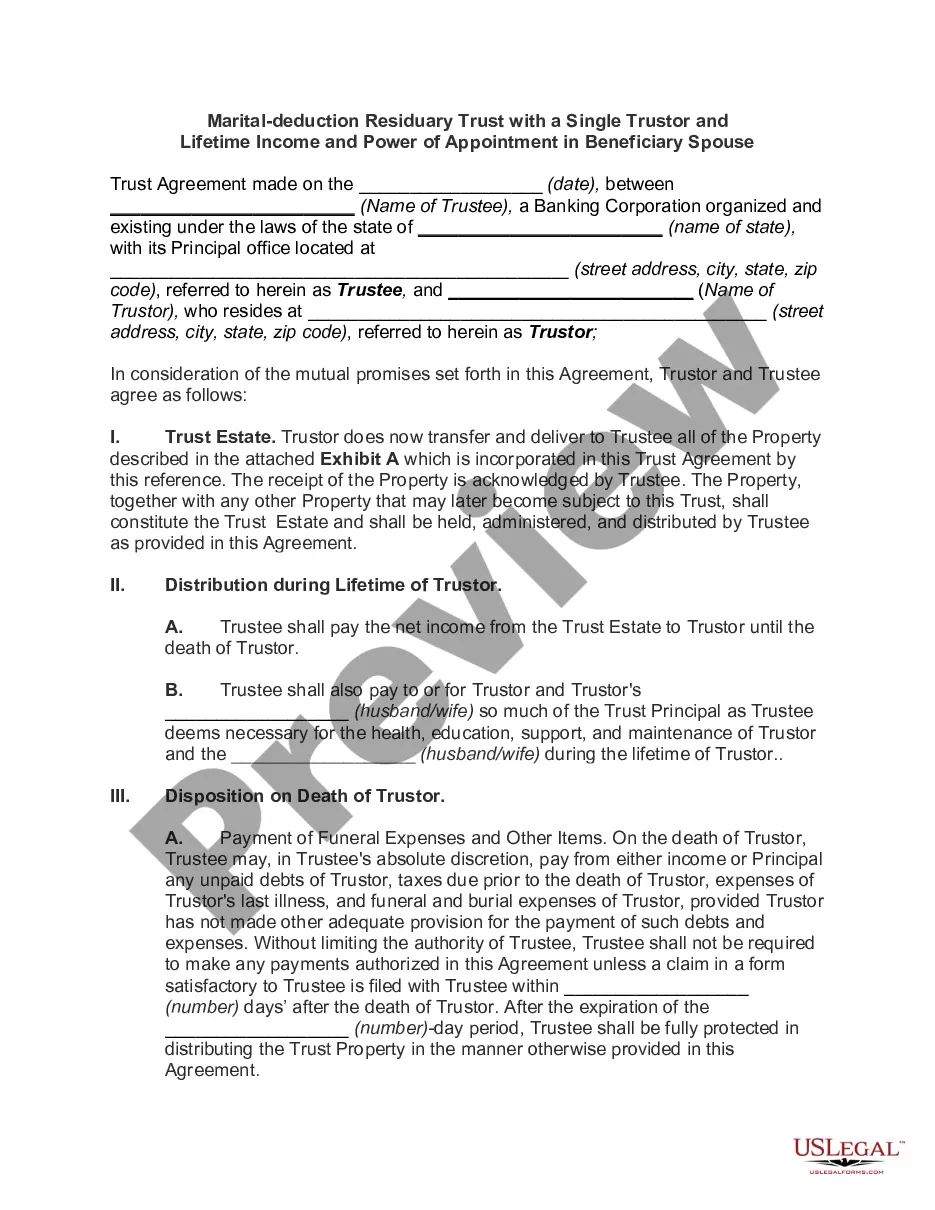
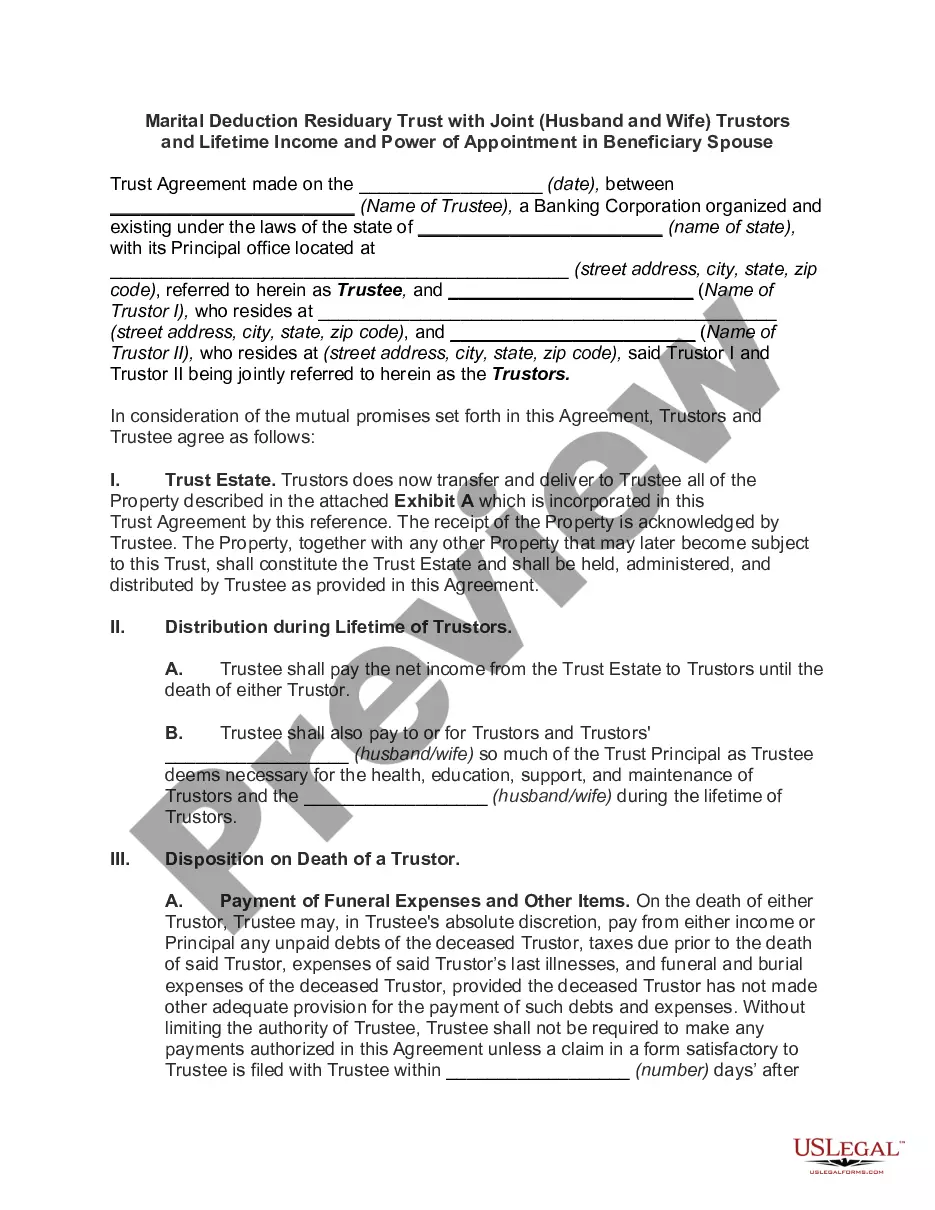
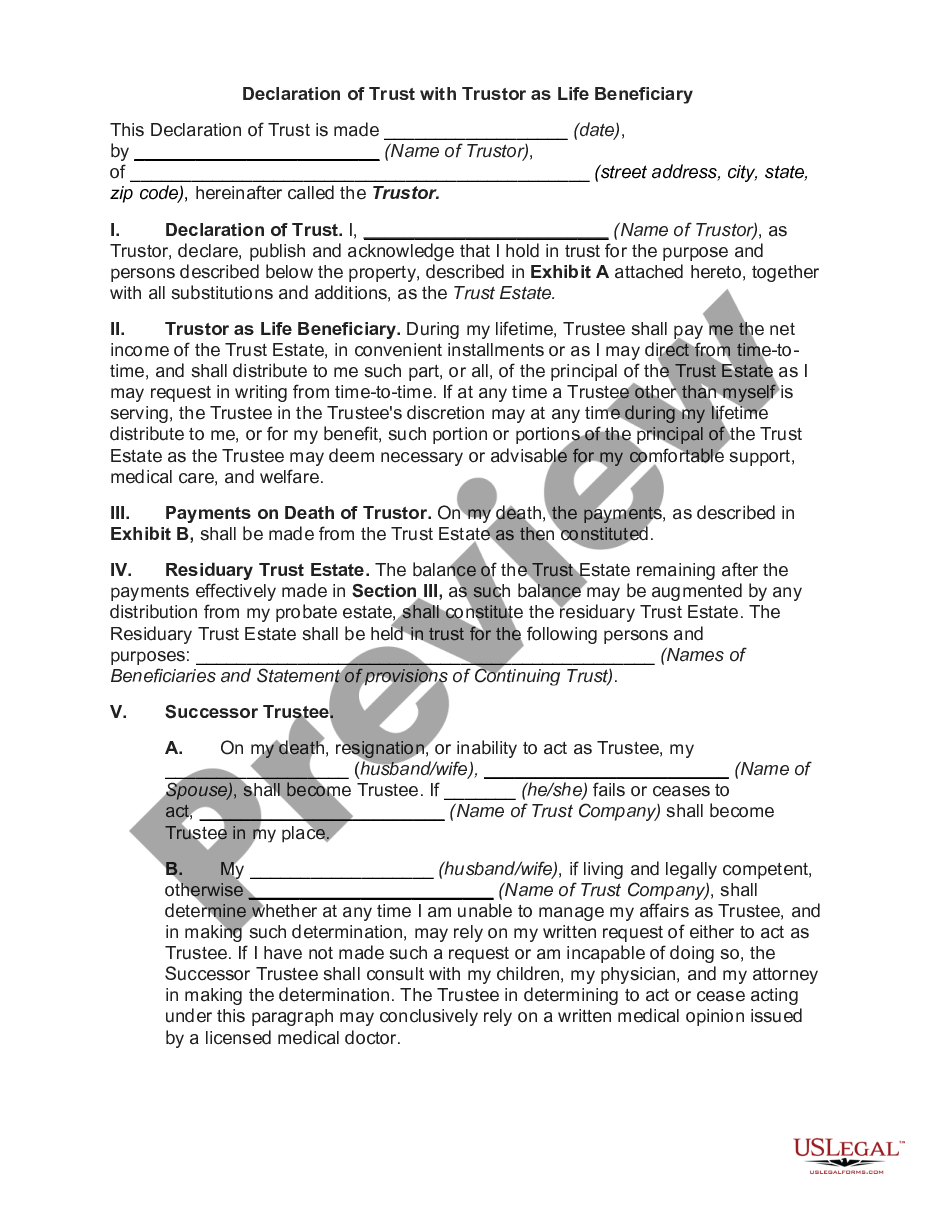
A living trust is a legal arrangement where you (the Trustor) place your assets into a trust during your lifetime, naming a Trustee to manage them and beneficiaries to receive them afterward. It lets your estate bypass probate court. Two versions exist: a revocable trust you can change or cancel at any time, and an irrevocable trust that becomes permanent once signed, often chosen for stronger asset protection and tax treatment.
The preview above shows the Revocable version. You can choose Irrevocable when you create your document.
Key parts of this document
- Identification of the Trustor, Trustee, and successor Trustee
- List of assets placed into the trust
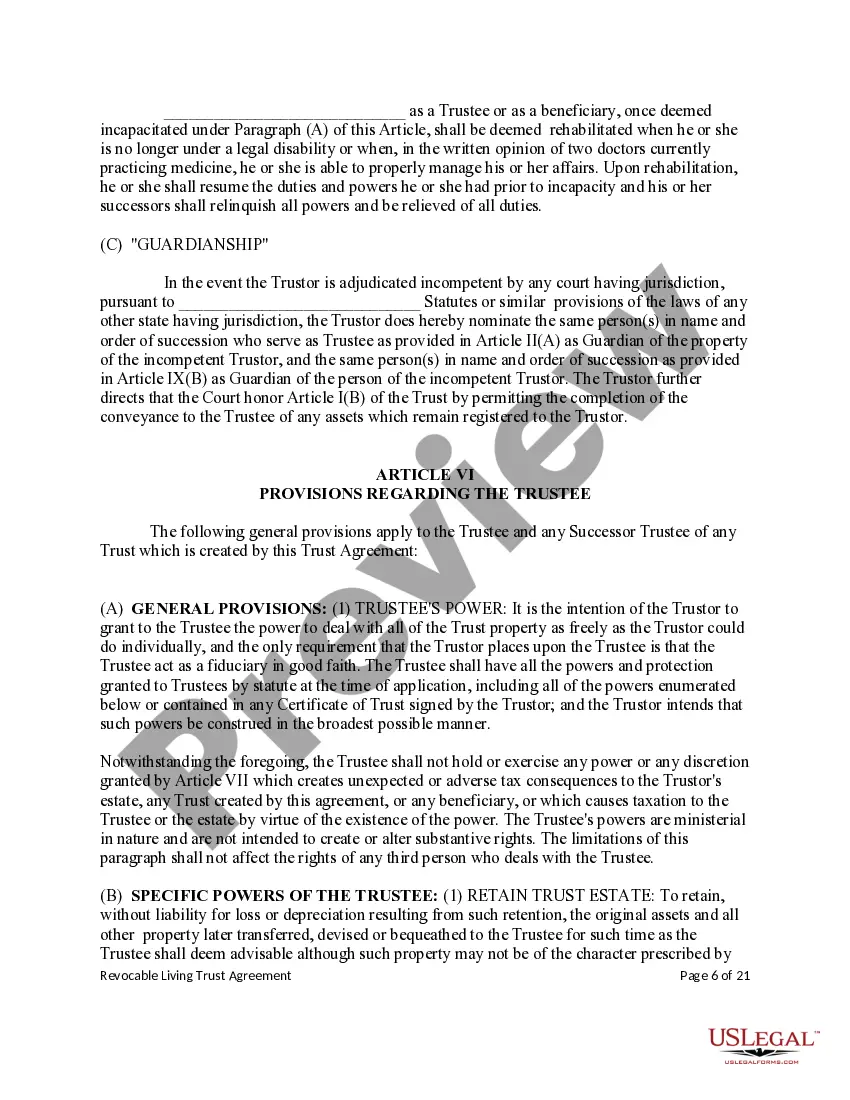
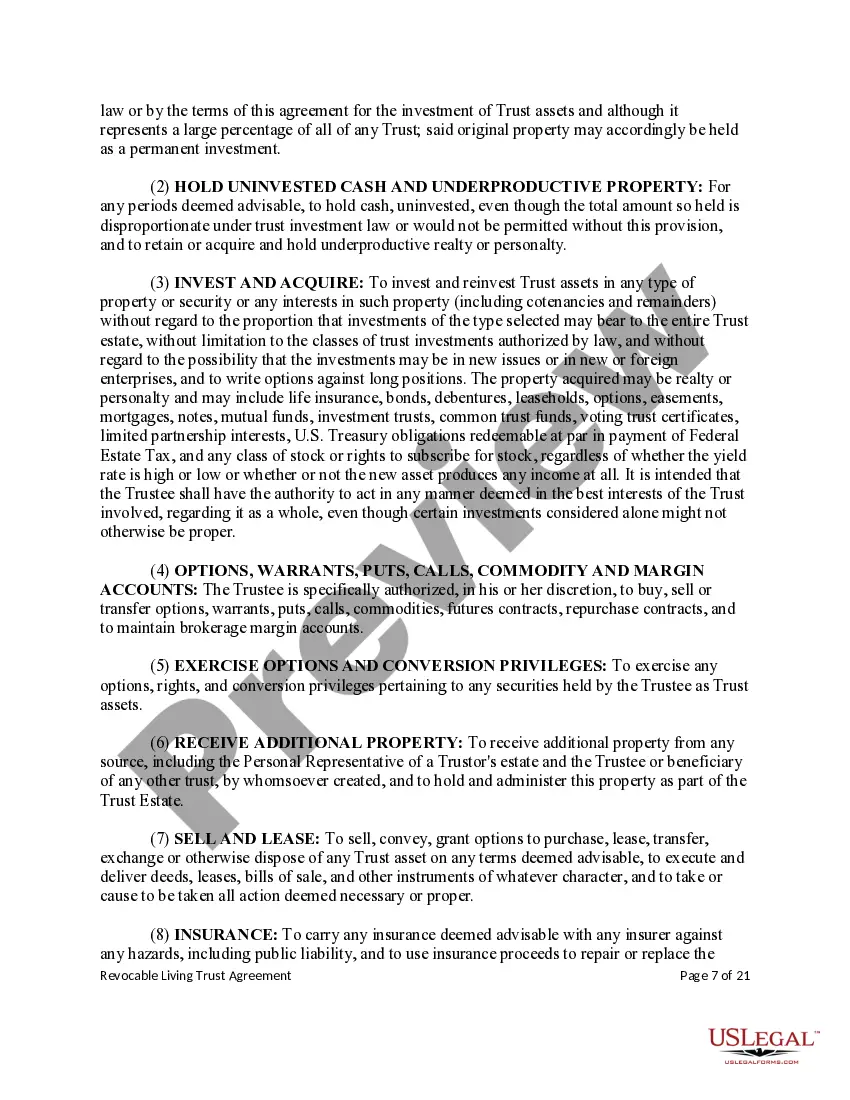
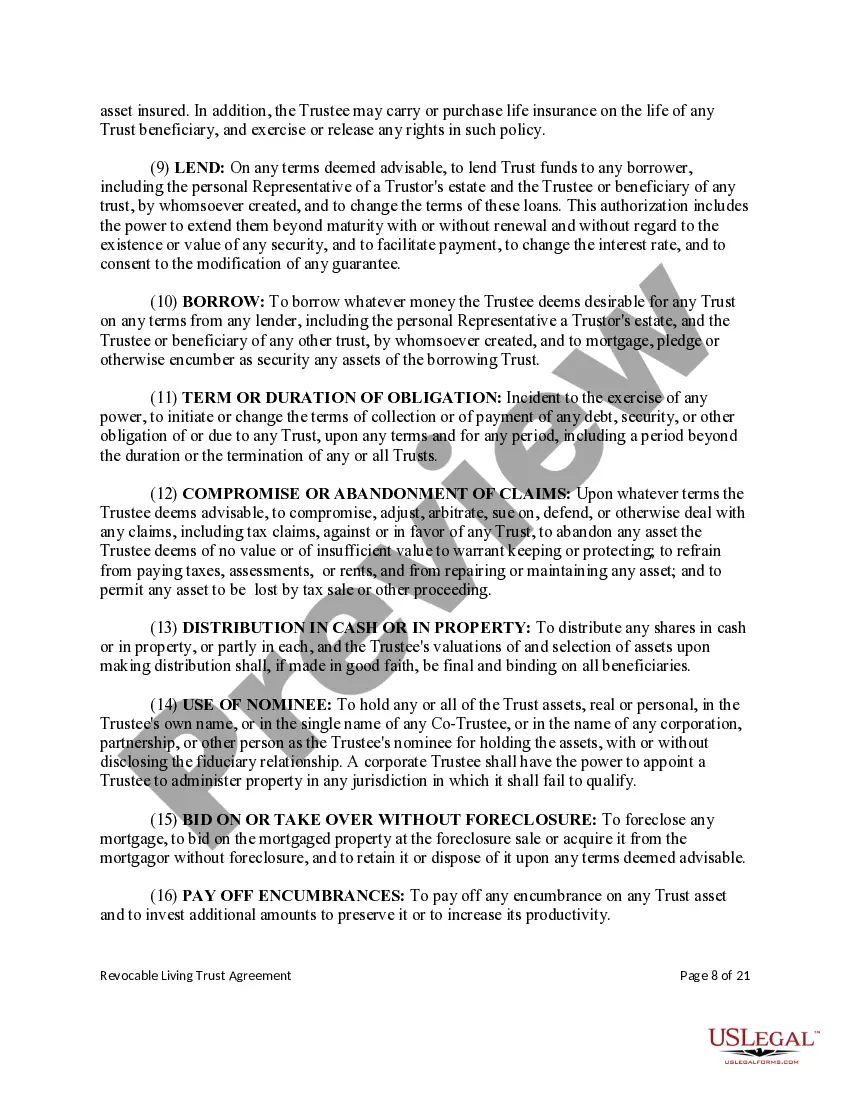
- Powers granted to the Trustee over trust property
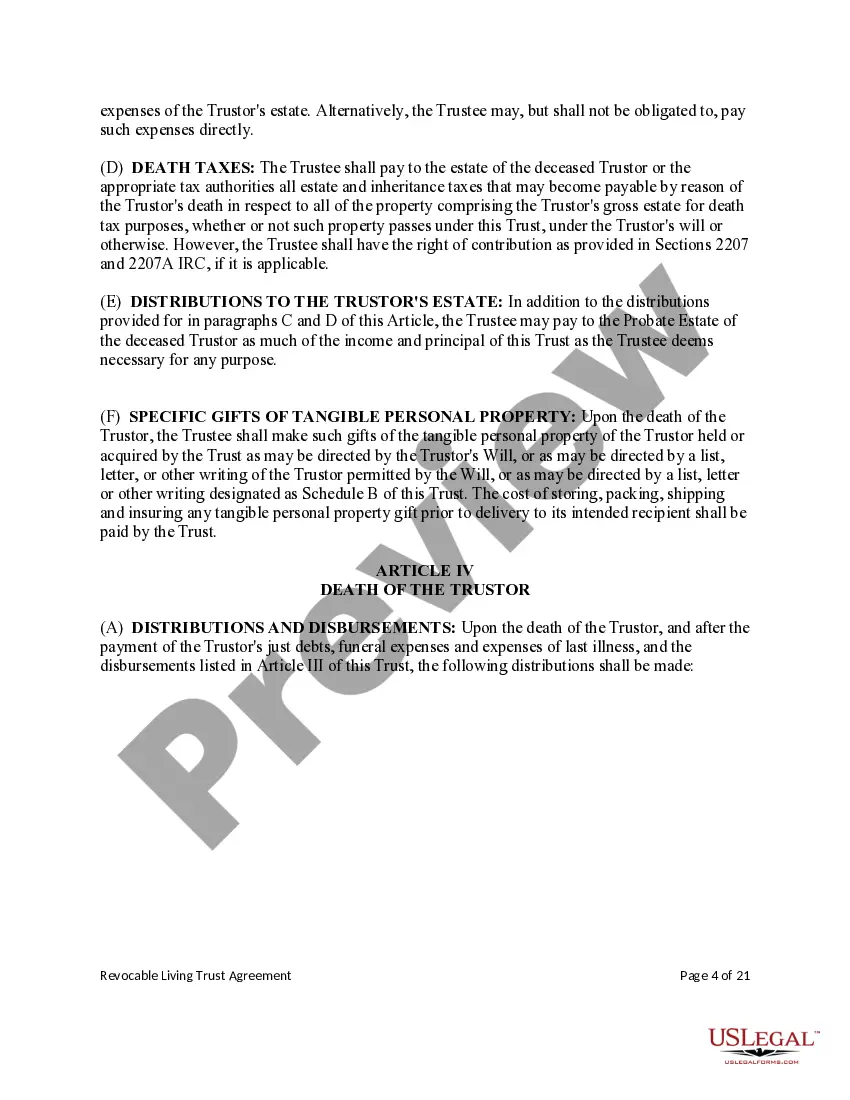
- Instructions for managing and distributing assets to beneficiaries
- Provisions for the Trustor's incapacity
- Signature and notarization requirements

When to use this form
Use a living trust when you want to keep control of your assets during your lifetime, avoid probate for your heirs, and plan for incapacity.
- Revocable — choose this version if you expect to update the trust as circumstances change.
- Irrevocable — choose this version when you want a permanent arrangement that can protect assets from creditors or reduce estate taxes.
Who should use this form
- Individuals who want their estate to avoid probate
- People who want to keep managing their own assets while alive (revocable)
- Those seeking stronger asset protection or estate-tax planning (irrevocable)
- Anyone naming a trustee to step in if they become incapacitated
How to complete this form
- Identify the Trustor and the Trustee (often the same person for a revocable trust), plus a successor trustee
- List the assets being placed into the trust
- Set out how the Trustee should manage and eventually distribute the trust property
- Decide whether the trust will be revocable or irrevocable, and sign only the version that matches your choice
- Sign and date the document, with witnesses or notarization where required
Does this form need to be notarized?
This document does not always require notarization to take effect, though many trustors still have it notarized or witnessed to remove any doubt about its validity - check what your situation needs. Our online notarization service, powered by Notarize, lets you complete this remotely through a secure video session.
Get your form ready online
Our built-in tools help you complete, sign, share, and store your documents in one place.
Make edits, fill in missing information, and update formatting in US Legal Forms—just like you would in MS Word.
Download a copy, print it, send it by email, or mail it via USPS—whatever works best for your next step.
Sign and collect signatures with our SignNow integration. Send to multiple recipients, set reminders, and more. Go Premium to unlock E-Sign.
If this form requires notarization, complete it online through a secure video call—no need to meet a notary in person or wait for an appointment.
We protect your documents and personal data by following strict security and privacy standards.

Make edits, fill in missing information, and update formatting in US Legal Forms—just like you would in MS Word.

Download a copy, print it, send it by email, or mail it via USPS—whatever works best for your next step.

Sign and collect signatures with our SignNow integration. Send to multiple recipients, set reminders, and more. Go Premium to unlock E-Sign.

If this form requires notarization, complete it online through a secure video call—no need to meet a notary in person or wait for an appointment.

We protect your documents and personal data by following strict security and privacy standards.
Common mistakes to avoid
- Signing the wrong version - revocable when irrevocable protection was intended, or vice versa
- Not naming a successor trustee for incapacity or death
- Failing to transfer (fund) assets into the trust after signing it
- Forgetting that an irrevocable trust, once signed, generally cannot be changed
Benefits of completing this form online
- Convenient, at-home drafting of a revocable or irrevocable trust
- Attorney-drafted language for either version
- Editable text you can adjust to your family and assets
- Secure storage so the trust stays available for later reference
Legal use & context
- A living trust takes effect once signed and funded, not at death
- The revocable version stays fully within the Trustor's control and can be amended or revoked at any time
- The irrevocable version generally cannot be changed once executed, which is what gives it its asset-protection and tax effects
- Properly funding the trust by transferring assets into it is what keeps those assets out of probate
Key takeaways
- A living trust manages your assets during life and distributes them after death without probate
- Revocable = flexible, stays changeable; Irrevocable = permanent, stronger protection
- Pick the version that matches whether you need to keep changing the trust or need its protections locked in
- Name a trustee and successor trustee, then fund the trust with your assets
Looking for another form?
FAQ
It doesn't always have to be, but many people have it notarized or properly witnessed to avoid any later challenge to its validity.