Discounts, Credits & Tubulars
Overview of this form
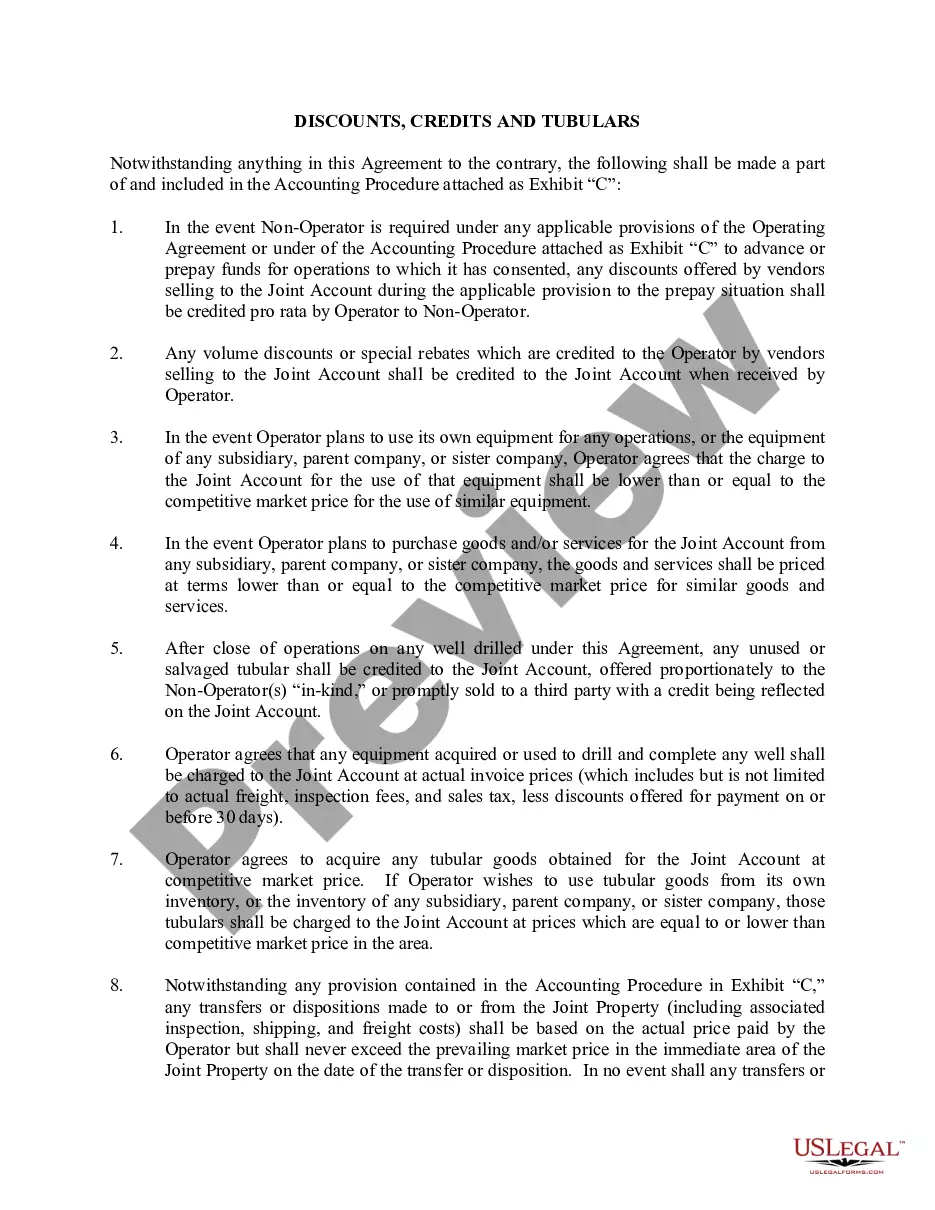
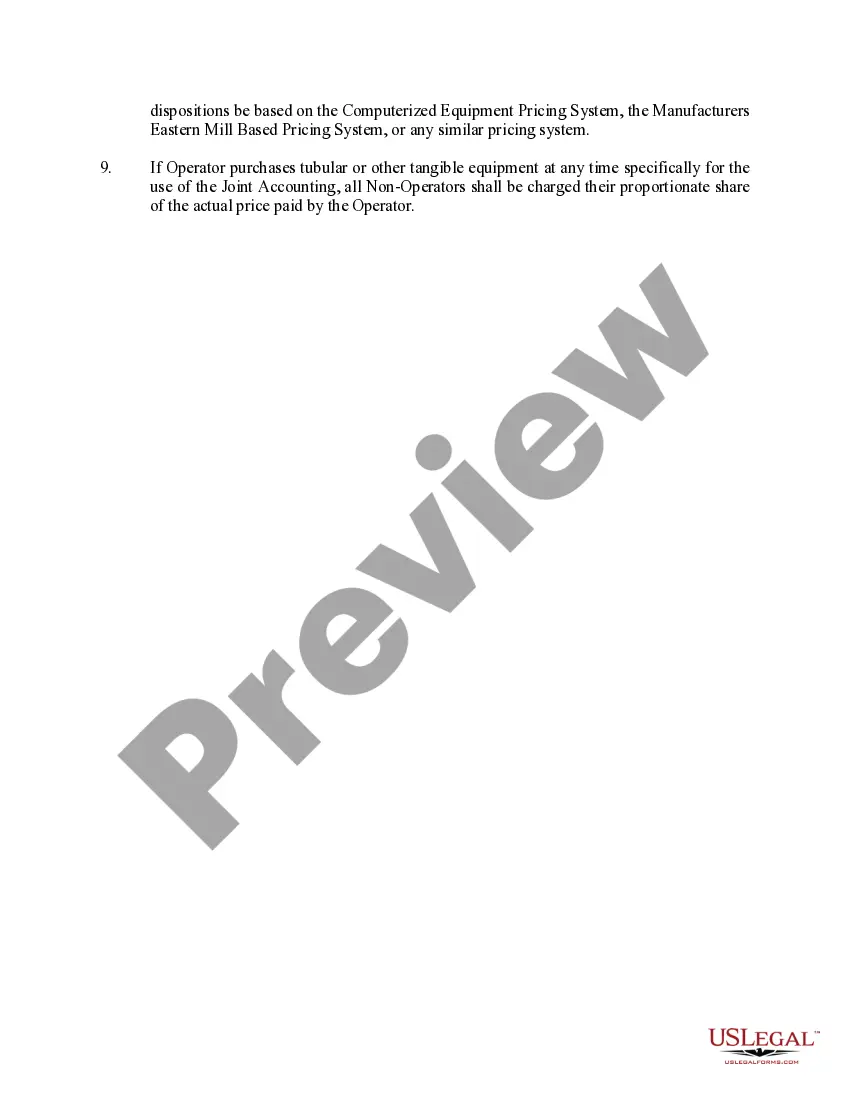
The Discounts, Credits & Tubulars form is a legal document used to define how discounts, credits, and the pricing of tubulars are handled within a Joint Account in accordance with the specified accounting procedures. This form is particularly important for ensuring that Non-Operators receive fair credit for any discounts obtained by the Operator, and it outlines the pricing protocols for equipment and services used in joint operations. It differs from similar forms by specifically addressing financial adjustments related to joint ventures in the oil and gas industry.
What’s included in this form
- Credit allocation for discounts received on prepaid operations.
- Use of competitive market pricing for equipment and services.
- Provisions for credits from unused or salvaged tubular goods.
- Requirements for proper pricing when using subsidiary or related company equipment.
- Guidelines for accounting adjustments related to Joint Property transfers.
- Proportional sharing of costs for tubular goods purchased for joint use.
When to use this document
This form should be used in situations where multiple operators are working together in an oil and gas venture and need to manage financial transactions related to discounts and the sharing of costs. Specifically, it is useful when the Operator is making purchases or advancing funds for operations, and when discounts or rebates are provided by vendors. Additionally, the form should be completed after the conclusion of operations involving tubular goods to ensure proper allocation of unused materials.
Who should use this form
This form is intended for:
- Operators who manage joint accounts in oil and gas projects.
- Non-Operators seeking to protect their financial interests in joint operations.
- Companies involved in agreements that require clear delineation of financial responsibilities.
- Legal professionals assisting clients in drafting or reviewing joint operating agreements.
How to complete this form
- Identify the parties involved in the Joint Account, including Operators and Non-Operators.
- Specify any discounts or credits that have been received from vendors.
- Detail the pricing for any equipment or tubular goods being used in operations.
- Describe the handling of unused or salvaged materials after operations conclude.
- Ensure proper signatures from all parties to validate the agreements outlined in the form.
Does this form need to be notarized?
This form usually doesn’t need to be notarized. However, local laws or specific transactions may require it. Our online notarization service, powered by Notarize, lets you complete it remotely through a secure video session, available 24/7.
Get your form ready online
Our built-in tools help you complete, sign, share, and store your documents in one place.
Make edits, fill in missing information, and update formatting in US Legal Forms—just like you would in MS Word.
Download a copy, print it, send it by email, or mail it via USPS—whatever works best for your next step.
Sign and collect signatures with our SignNow integration. Send to multiple recipients, set reminders, and more. Go Premium to unlock E-Sign.
If this form requires notarization, complete it online through a secure video call—no need to meet a notary in person or wait for an appointment.
We protect your documents and personal data by following strict security and privacy standards.

Make edits, fill in missing information, and update formatting in US Legal Forms—just like you would in MS Word.

Download a copy, print it, send it by email, or mail it via USPS—whatever works best for your next step.

Sign and collect signatures with our SignNow integration. Send to multiple recipients, set reminders, and more. Go Premium to unlock E-Sign.

If this form requires notarization, complete it online through a secure video call—no need to meet a notary in person or wait for an appointment.

We protect your documents and personal data by following strict security and privacy standards.
Common mistakes to avoid
- Failing to accurately document all discounts received from vendors.
- Not specifying competitive market prices for equipment and services.
- Overlooking the allocation of unused tubulars or credits after operations.
- Neglecting to have all parties sign the form, leading to unenforceability.
Advantages of online completion
- Immediate access to expertly drafted legal templates.
- Convenience of downloading and completing forms at your own pace.
- Editability to customize specific terms to your needs.
- Reliable legal resources provided by experienced attorneys.
Legal use & context
- This form is enforceable in joint operation agreements across multiple jurisdictions.
- It provides a structured approach to managing financial responsibilities between parties.
- Using this form helps prevent disputes over costs and equipment usage.
Summary of main points
- The form addresses crucial financial arrangements specific to oil and gas operations.
- Understanding discount and credit provisions can mitigate misunderstandings.
- Proper completion ensures equitable sharing of costs and resources.
Looking for another form?



Form popularity
FAQ
Step 1: Click Claim Asset Go to your Business Manager homepage. Click Claim Assets located on the upper right hand corner of the page. Step 2: Enter Ad Account Number. Enter the ad account ID then click Claim Ad Account. Step 3: You're Done! Click OK to finish the process.
You can apply coupons to subscriptions in a Checkout Session by setting discounts. This coupon overrides any coupon on the customer. If you're creating a subscription with an existing customer, any coupon associated with the customer is applied to the subscription's invoices.
Visit Items > Discounts in your online Square Dashboard. Click Create a Discount to add a new discount. Enter the discount details. Toggle on Auto Apply to Items and Categories. Click Select Items to apply discounts to certain items or categories automatically.
Coupons.com. Features: The Coupons.com app provides access to hundreds of paperless coupons while you shop (enable your location for nearby offers) or at home before you go to the store. The Coupons App. ShopSavvy. Target (with Cartwheel) CouponCabin.
A discount or voucher code is simply a combination of numbers and letters, which usually partially describe the offer or discount in some way.Particular brands will enjoy a set discount for a period of time, and so the voucher can be used to obtain this money off.
Create promo codes in a flash. Whether you want to contribute to huge holiday sales or increase specific products sales, Snipcart has what you need. Promote product-specific e-commerce coupons. Accelerate sales with limited-time offers. Offer shipping-specific discounts.
You can create coupons easily via the coupon management page of the Stripe dashboard. Coupon creation is also accessible via the API if you need to create coupons on the fly. A coupon has either a percent_off or an amount_off and currency .
Log into the site with your username and password. Go to the Online Store/Checkout. Select items to purchase, and add them to your shopping cart. Enter the promo code in the "PROMOTION CODE" field. Click Apply.
Redeem a coupon/points/a voucher, etc. to use a coupon (= piece of paper used to buy goods at a lower price), points from a credit card, etc. to buy something: be redeemed against sth Coupons, either in or on the pack, may be redeemed against future purchases of the product. More 203a