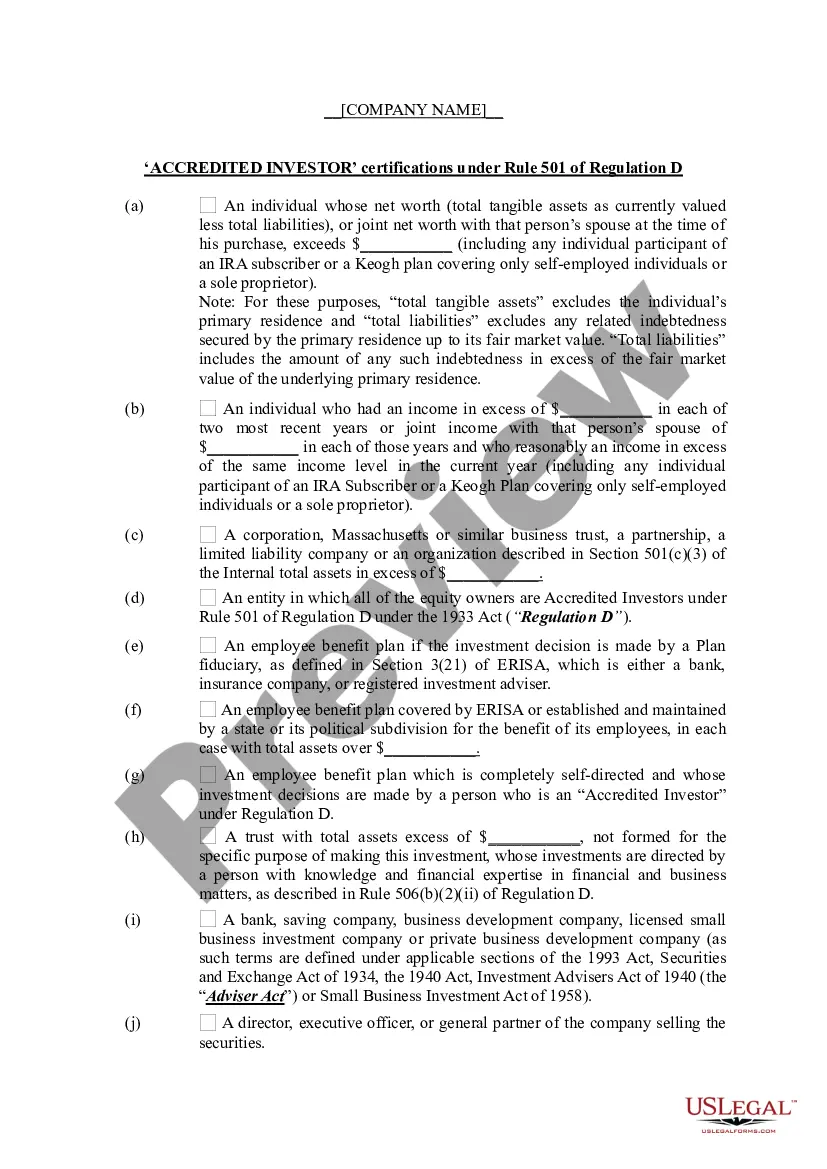
Information Checklist - Accredited Investor Certifications Under Rule 501 of Regulation D
What is this form?
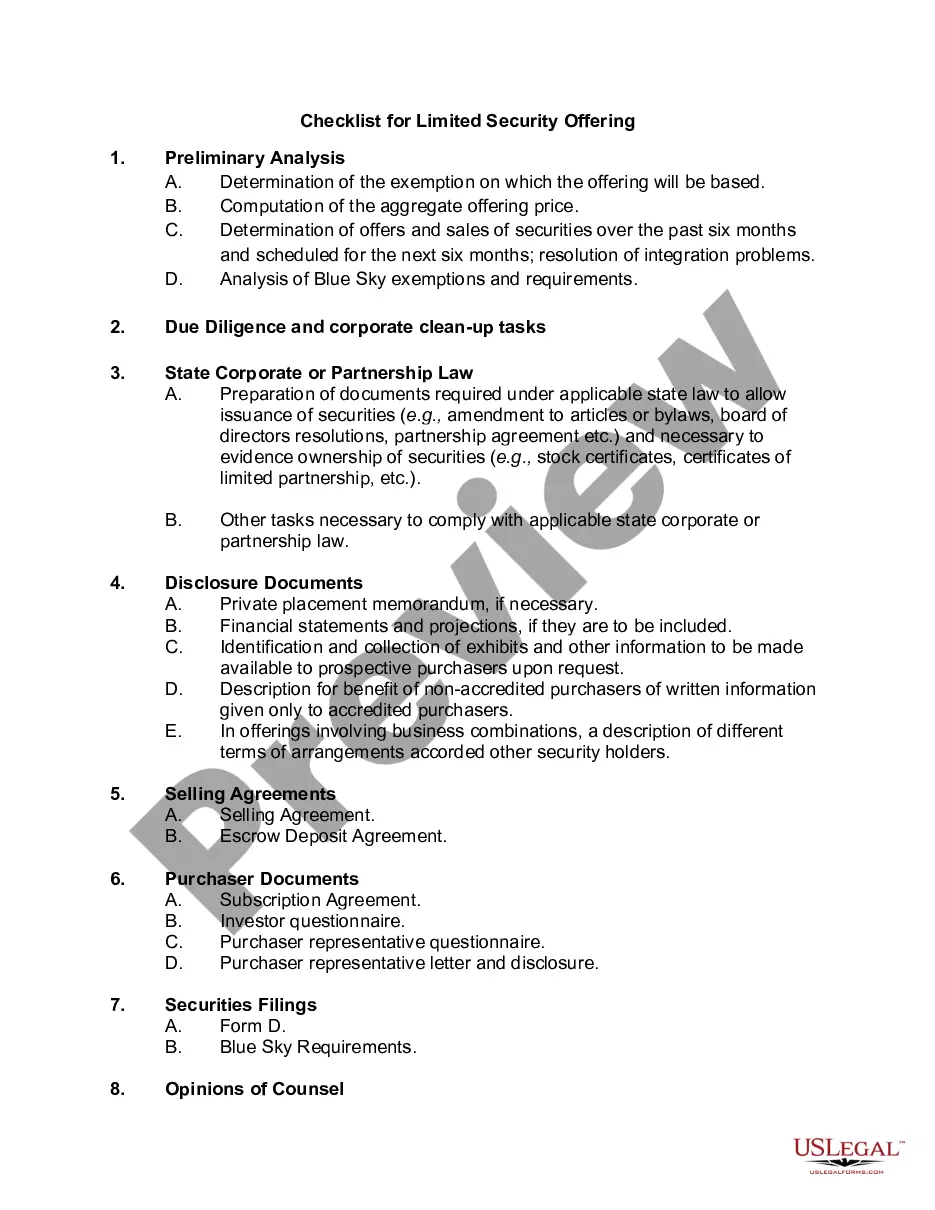
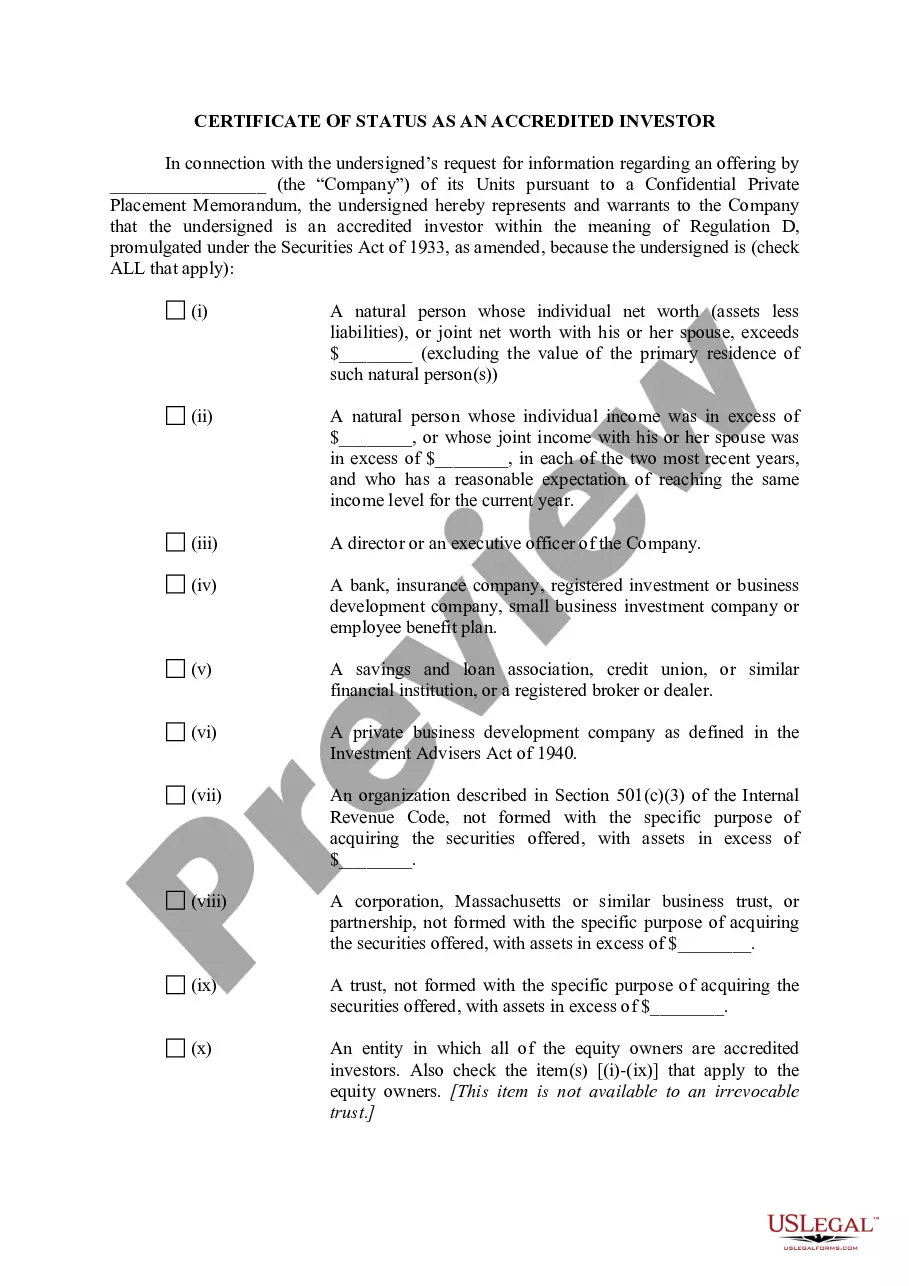
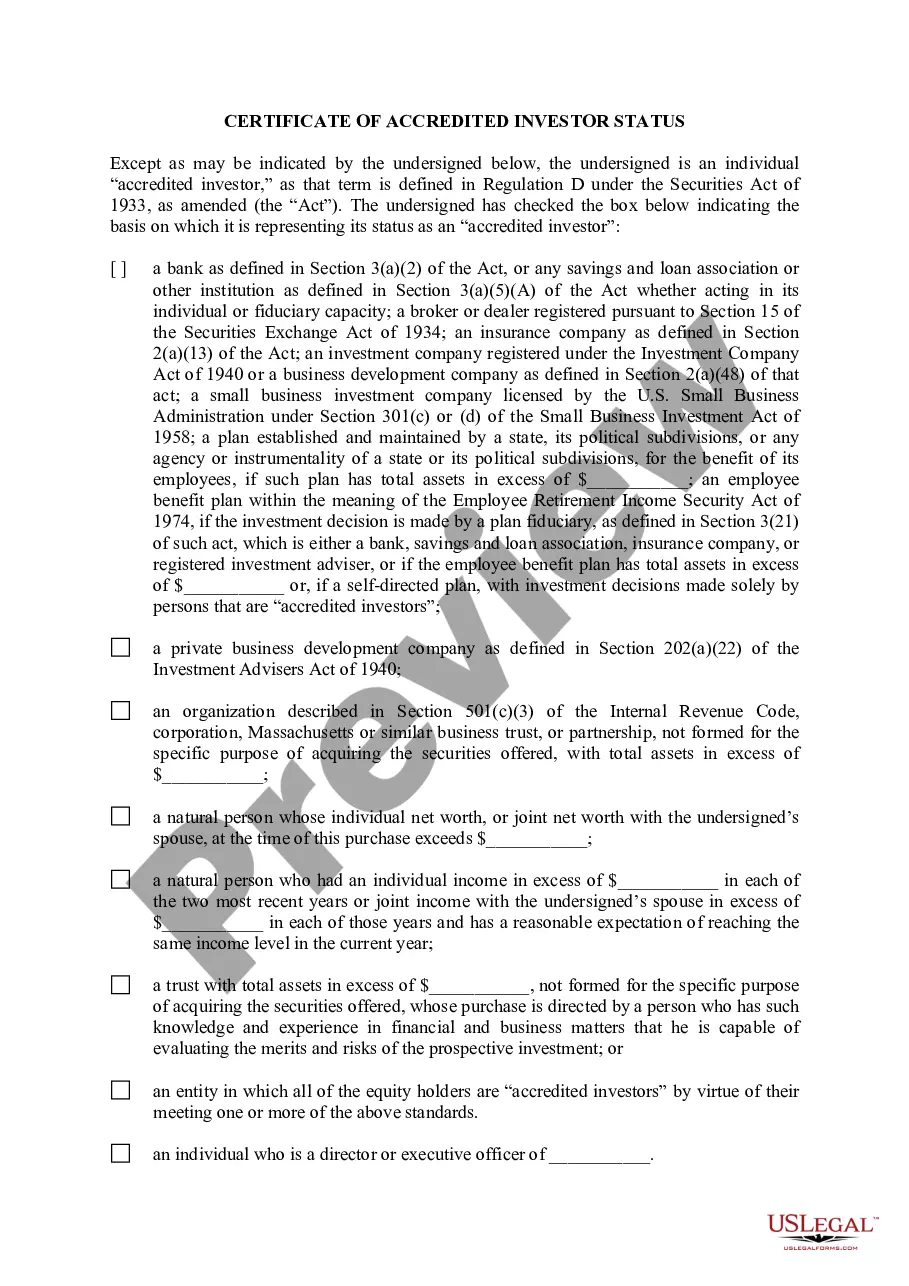
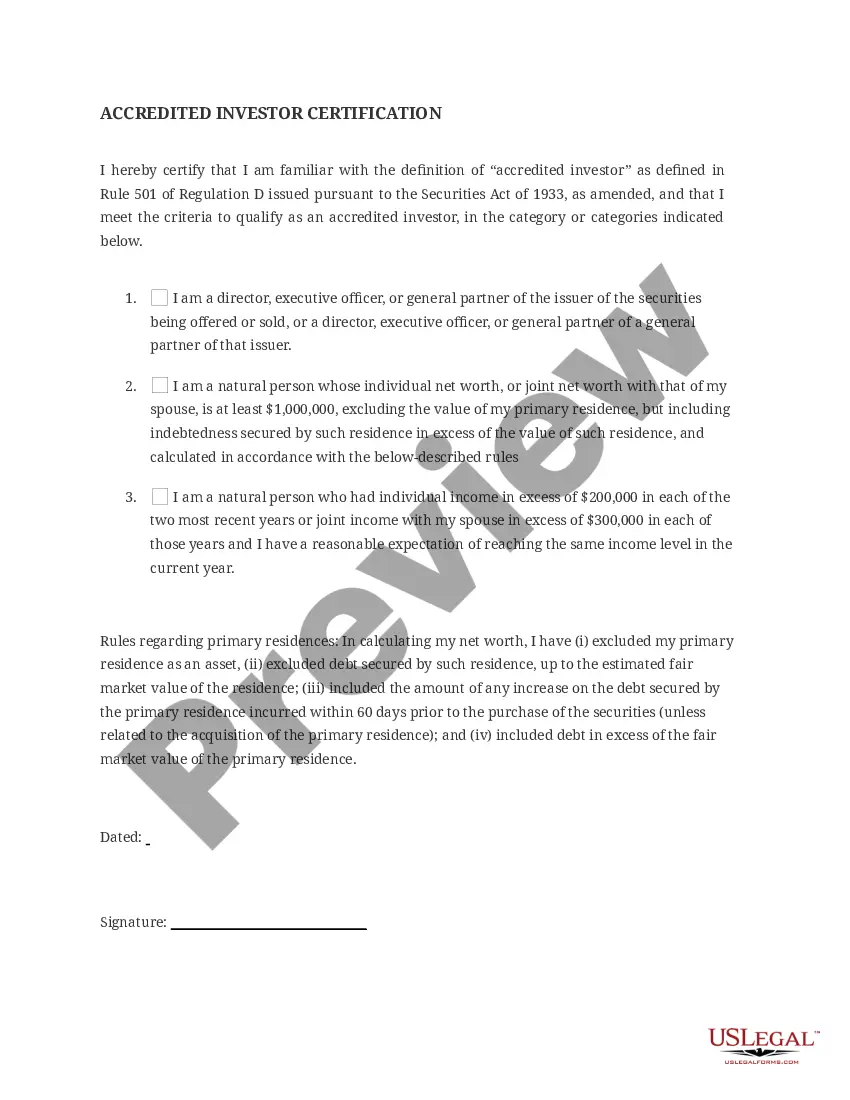
The Information Checklist - Accredited Investor Certifications Under Rule 501 of Regulation D is a document designed to help companies determine whether an investor qualifies as an accredited investor according to SEC regulations. This form aids organizations in navigating the complexities of investment compliance by outlining the necessary criteria that define an accredited investor. Unlike other financial forms, this checklist focuses specifically on confirming eligibility for unregistered securities offerings to accredited investors under specific legal guidelines.
Key parts of this document
- Requirements for individual investors based on net worth and income thresholds.
- Criteria for various types of entities such as corporations, partnerships, and employee benefit plans.
- Details on joint income and the role of Financial Advisors in making investment decisions.
- Waiver of claims and provision for written confirmation of accredited status.
- Guidance on trust arrangements and the specific qualifications for fiduciaries.

When to use this document
This form should be used when a company seeks to offer securities to potential investors and needs to verify their accredited status. It is especially relevant during capital raising activities where compliance with SEC regulations is required. Use this form when assessing investor qualifications to ensure smooth transactions in private placements or other investment opportunities that allow unregistered securities sales to accredited investors.
Who should use this form
- Companies seeking to raise capital through private securities offerings.
- Investment firms involved in vetting potential accredited investors.
- Financial advisors working with clients who are considering investment opportunities in unregistered securities.
- Entity representatives responsible for compliance and investor qualification.
How to prepare this document
- Identify the individual or entity seeking to be classified as an accredited investor.
- Gather the necessary financial documentation to confirm net worth, income, or other relevant criteria.
- Fill in the required financial thresholds as specified in the form for individuals and entities.
- Include any additional investor statements and waivers as required.
- Ensure that the form is reviewed and signed by the verifying individual or entity to confirm the accredited status.
Does this document require notarization?
This form does not typically require notarization unless specified by local law. It is recommended to check state-specific guidelines regarding the necessity for notarization in the context of accredited investor verification.
Get your form ready online
Our built-in tools help you complete, sign, share, and store your documents in one place.
Make edits, fill in missing information, and update formatting in US Legal Forms—just like you would in MS Word.
Download a copy, print it, send it by email, or mail it via USPS—whatever works best for your next step.
Sign and collect signatures with our SignNow integration. Send to multiple recipients, set reminders, and more. Go Premium to unlock E-Sign.
If this form requires notarization, complete it online through a secure video call—no need to meet a notary in person or wait for an appointment.
We protect your documents and personal data by following strict security and privacy standards.

Make edits, fill in missing information, and update formatting in US Legal Forms—just like you would in MS Word.

Download a copy, print it, send it by email, or mail it via USPS—whatever works best for your next step.

Sign and collect signatures with our SignNow integration. Send to multiple recipients, set reminders, and more. Go Premium to unlock E-Sign.

If this form requires notarization, complete it online through a secure video call—no need to meet a notary in person or wait for an appointment.

We protect your documents and personal data by following strict security and privacy standards.
Avoid these common issues
- Failing to provide accurate financial documentation to support the investor's claims.
- Overlooking specific categories for entities or trusts that may qualify as accredited investors.
- Inadequately completing fields related to income and net worth, leading to incorrect assessments.
- Not having the required signatures from verifying individuals or entities.
Benefits of using this form online
- Convenient access to a legally vetted checklist drafted by licensed attorneys.
- Editable fields allowing users to customize according to their specific needs.
- Instant downloads for quick use in compliance processes.
- Guidance is provided within the form to reduce errors and misinterpretations.