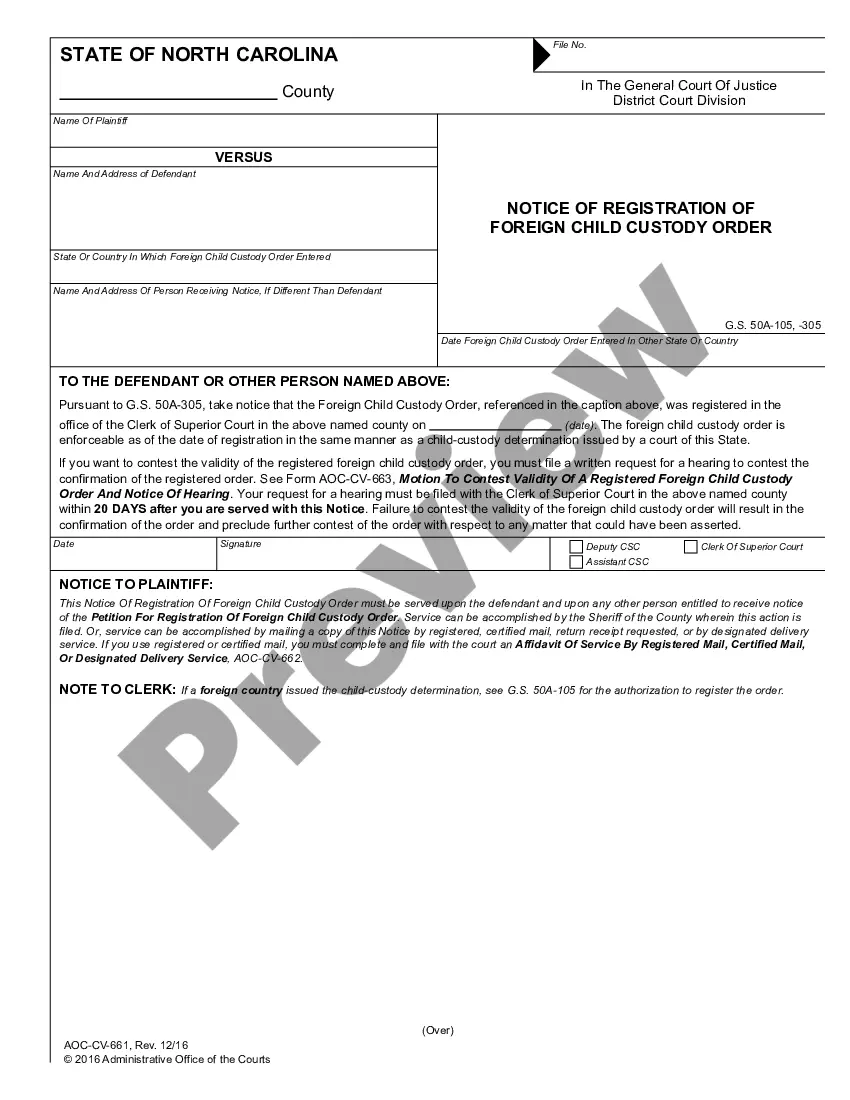
Notice to Parents Guardian
What is this form?
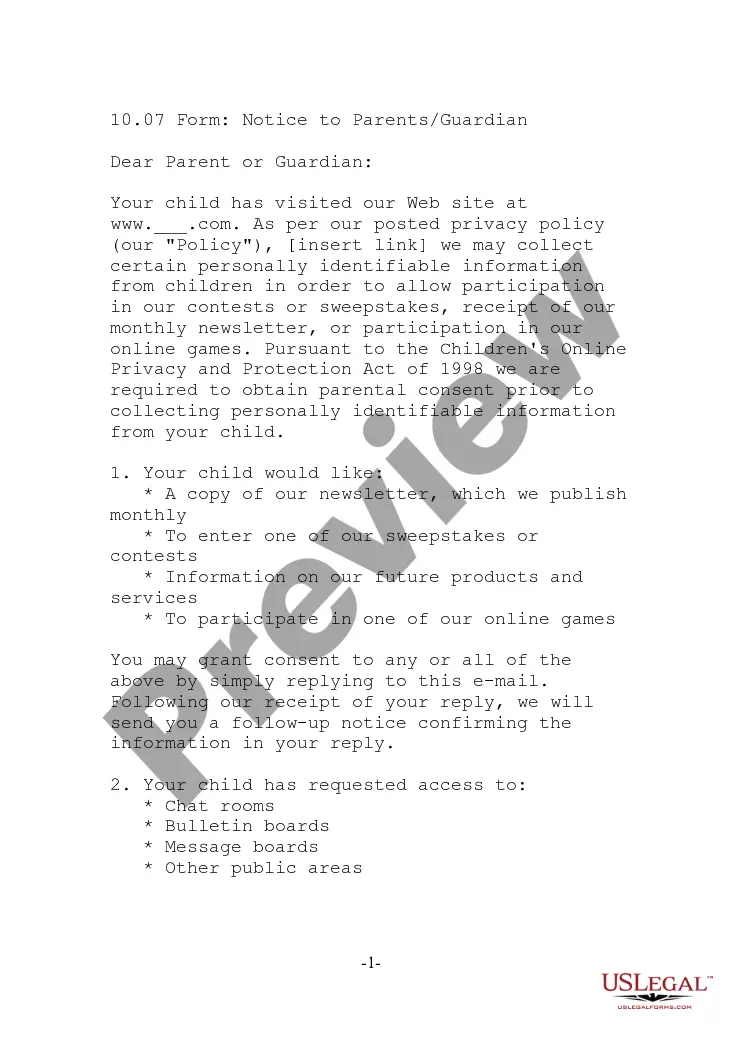
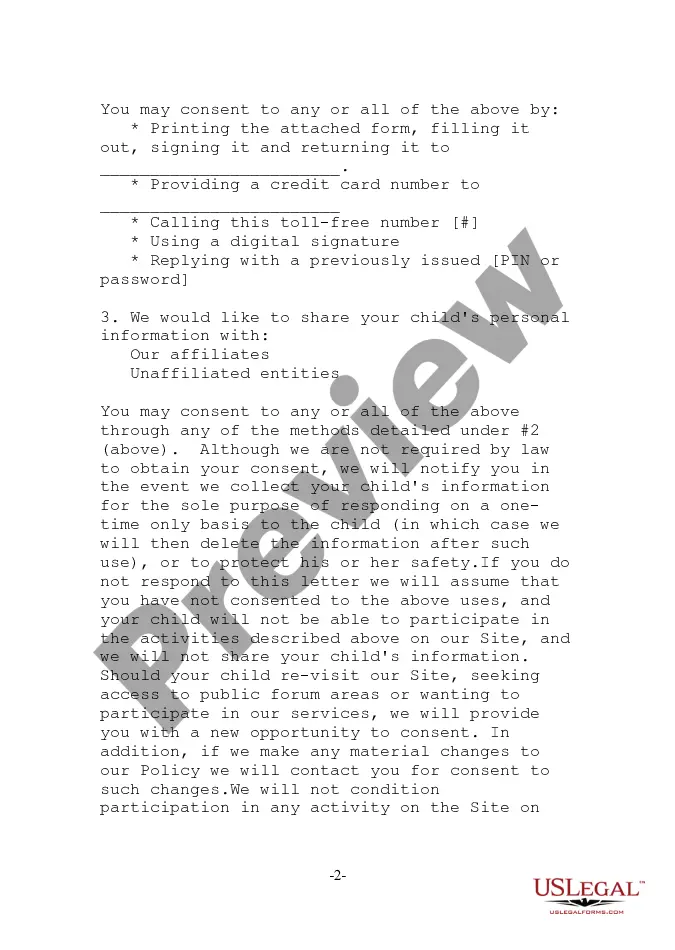
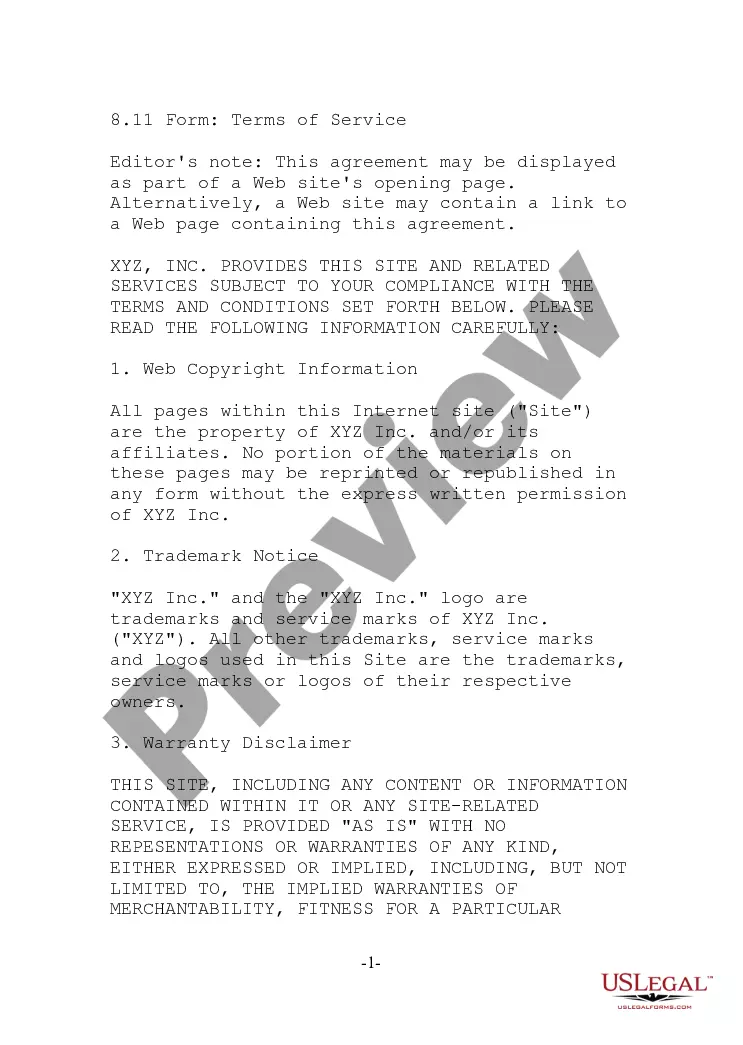
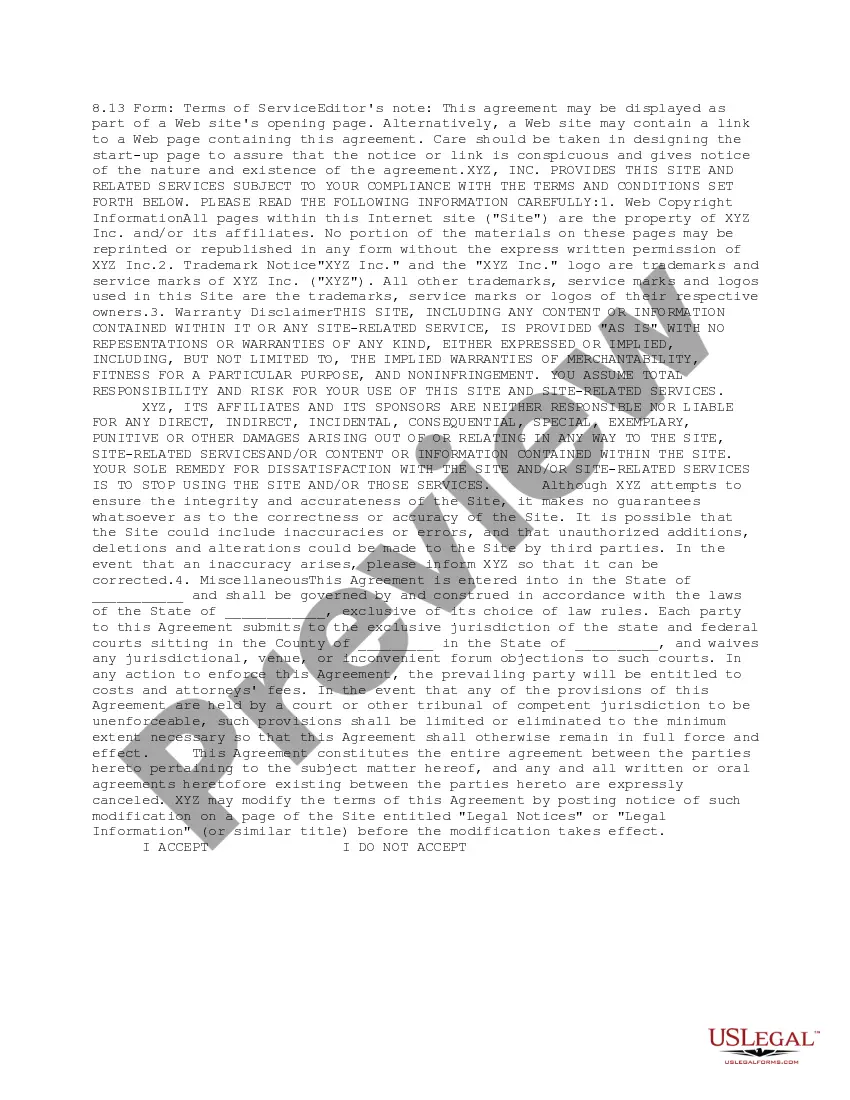
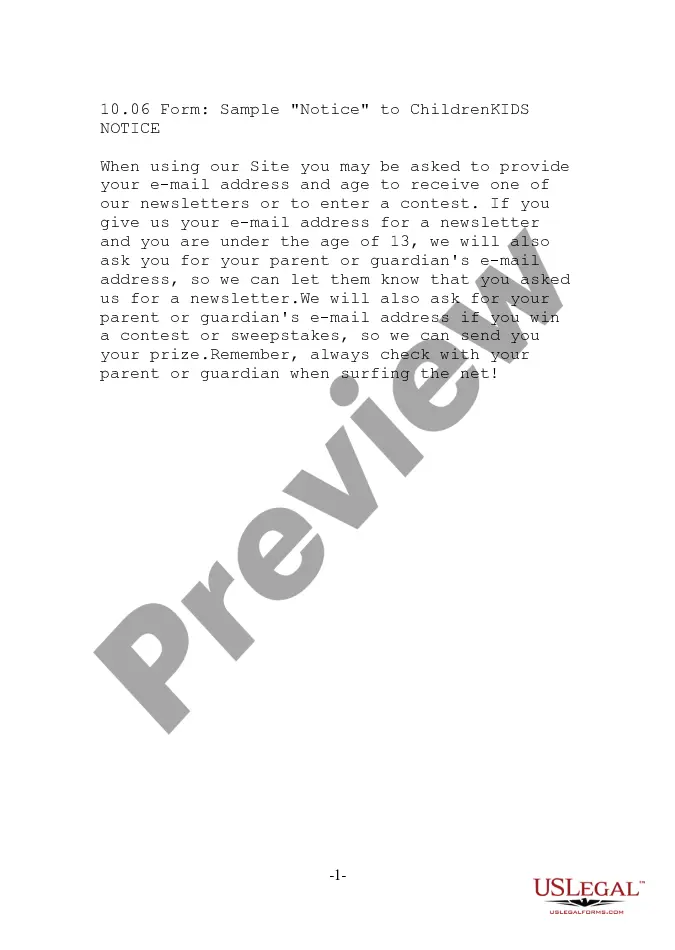
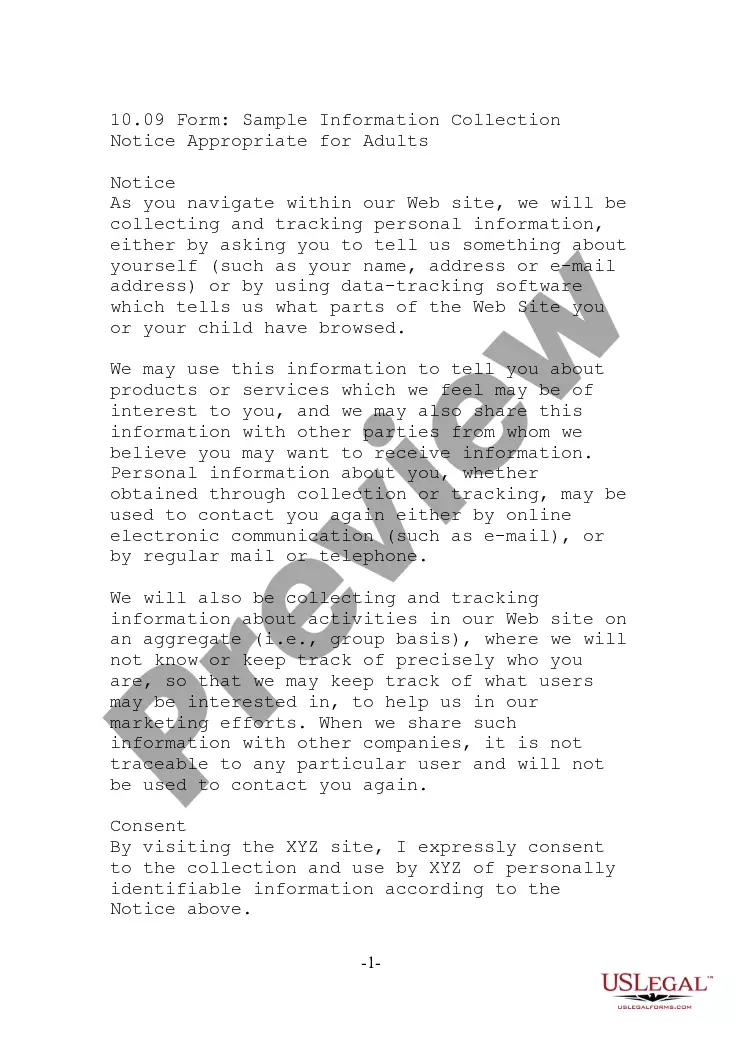
The Notice to Parents Guardian is a legal document designed to inform parents or guardians about the collection of personal information from children by a website. This form is essential for compliance with the Children's Online Privacy Protection Act (COPPA), ensuring that parental consent is obtained before collecting any personally identifiable information from minors. It differs from other legal forms by specifically addressing the online context and the need for parental involvement when children engage with digital services.
Main sections of this form
- Parental Consent: A section where parents can give permission for their child to access online services.
- Child's Requests: Fields detailing what services the child wishes to access, such as newsletters or games.
- Method of Consent: Options for how parents can provide consent, including electronic methods and traditional mail.
- Data Sharing Options: A choice for parents to allow their child's information to be shared with affiliates or third parties.
- Confirmation of Consent: A notice that confirms parental consent once received.
Situations where this form applies
You should use the Notice to Parents Guardian when your website collects personal information from children under the age of thirteen. This form is crucial for businesses or individuals operating online services who wish to comply with COPPA regulations. It helps in safeguarding children's privacy by ensuring that parents are informed and can control their children's online activities.
Who needs this form
This form is intended for:
- Website operators collecting data from children.
- Businesses providing online services aimed at children.
- Individual contractors or developers involved in children's online content.
- Parents or guardians needing to understand their rights regarding their child's online information.
How to complete this form
- Provide your child's name and your relationship to the child in the designated fields.
- Select which services your child would like to access by marking the appropriate boxes.
- Choose your preferred method of consent and follow the instructions provided for that method.
- Fill in your contact information including your address and email address.
- Sign the form if you are mailing or faxing it, or follow electronic signing options if applicable.
Notarization requirements for this form
This form usually doesn’t need to be notarized. However, local laws or specific transactions may require it. Our online notarization service, powered by Notarize, lets you complete it remotely through a secure video session, available 24/7.
Get your form ready online
Our built-in tools help you complete, sign, share, and store your documents in one place.
Make edits, fill in missing information, and update formatting in US Legal Forms—just like you would in MS Word.
Download a copy, print it, send it by email, or mail it via USPS—whatever works best for your next step.
Sign and collect signatures with our SignNow integration. Send to multiple recipients, set reminders, and more. Go Premium to unlock E-Sign.
If this form requires notarization, complete it online through a secure video call—no need to meet a notary in person or wait for an appointment.
We protect your documents and personal data by following strict security and privacy standards.

Make edits, fill in missing information, and update formatting in US Legal Forms—just like you would in MS Word.

Download a copy, print it, send it by email, or mail it via USPS—whatever works best for your next step.

Sign and collect signatures with our SignNow integration. Send to multiple recipients, set reminders, and more. Go Premium to unlock E-Sign.

If this form requires notarization, complete it online through a secure video call—no need to meet a notary in person or wait for an appointment.

We protect your documents and personal data by following strict security and privacy standards.
Avoid these common issues
- Failing to provide complete and accurate contact information.
- Not fully understanding the options for consent being given.
- Overlooking the specific services for which consent is required.
- Neglecting to sign the form if it is being sent by mail or fax.
Benefits of completing this form online
- Convenient access allows for easy downloading and printing.
- Editability means you can personalize the form to fit specific situations.
- Reliable source ensures the form is drafted by licensed attorneys.
Key takeaways
- The Notice to Parents Guardian is essential for compliance with children's online privacy regulations.
- Parents must give consent before their children can access certain online services.
- Failing to complete the form correctly may prevent children from participating in online activities.
Looking for another form?
Form popularity
FAQ
A parent is related to the child either through biology or adoption. A guardian does not have to be directly related to the child or adopt him, but has to make all legal and pertinent decisions pertaining to a child's education and life.
In most cases the guardian and conservator is the same person.Often parents will petition the probate or surrogate court to be the guardians of their child and usually the petition is granted. Sometimes the court will appoint one parent as guardian, other times both parents will be appointed as co-guardians.
Your name or your family name and address go in the top left corner of the envelope. The recipient's family name and address goes in the center of the envelope. You should always include last names on an envelope address. You do not use an apostrophe with last names in addresses.
Two lines beneath the guardian's address, you should insert the subject heading of the letter. For example, type RE: Temporary Guardianship of Minor Child, Elizabeth Bennett. Draft the body of the letter. The first paragraph of the body of the letter should name your children and state that you have custody of them.
A parent is related to the child either through biology or adoption. A guardian does not have to be directly related to the child or adopt him, but has to make all legal and pertinent decisions pertaining to a child's education and life.
GUARDIAN: In the event I shall die as the sole parent of minor children, then I appoint ____________________________________ as Guardian of said minor children. If this named Guardian is unable or unwilling to serve, then I appoint ____________________________________ as alternate Guardian.
What does a guardian do? Generally, guardians fulfill the role of a parent for a child who is not their own. However, in situations where a child has significant medical needs or the child has financial assets, the child's parent may obtain a guardianship over the child or the child's estate.
Make it clear throughout the letter that parental involvement is vital to enriching their child's education and personal growth. Include school contact number and email address. Include preferred times to call.
You can write whatever you want, but if you want it to get somewhere, you need the address and the right amount of postage. Everything else is completely optional. and if that address exists and you have proper postage, it'll be delivered. Who were the first dad and mom?