Resume Cover Letter for Database Administrator
What this document covers
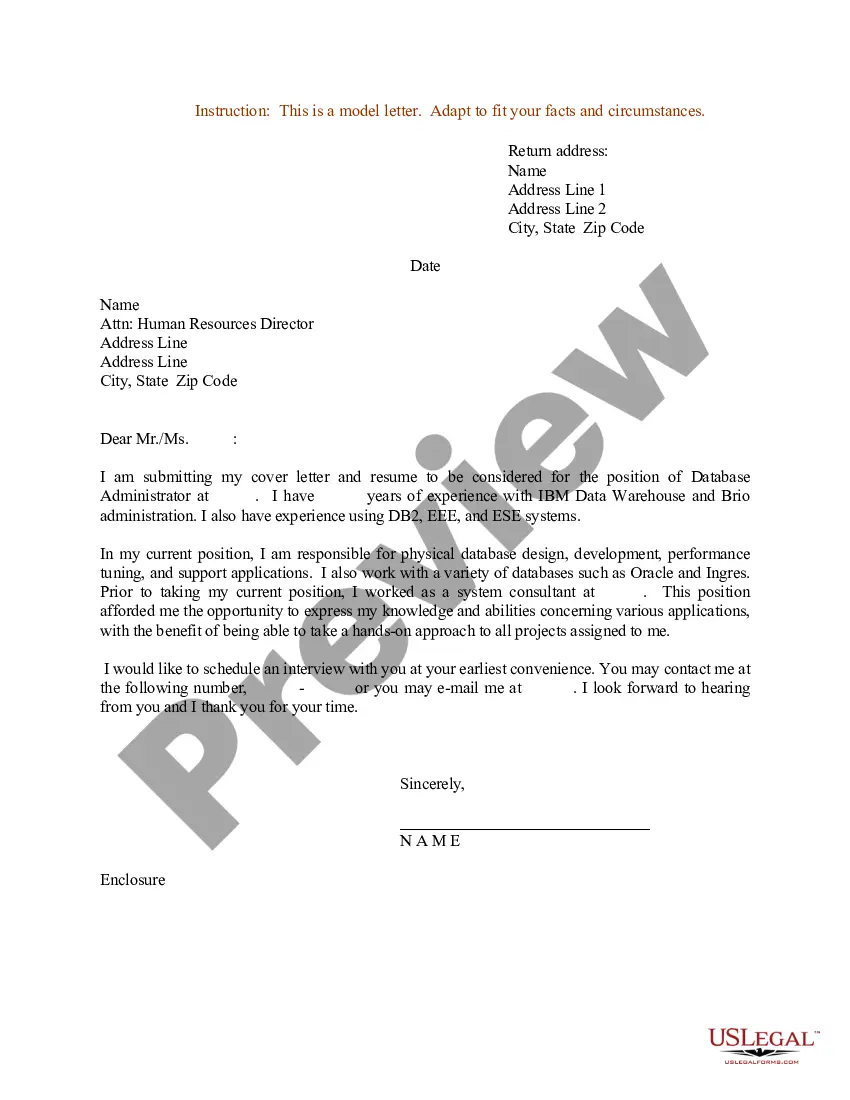
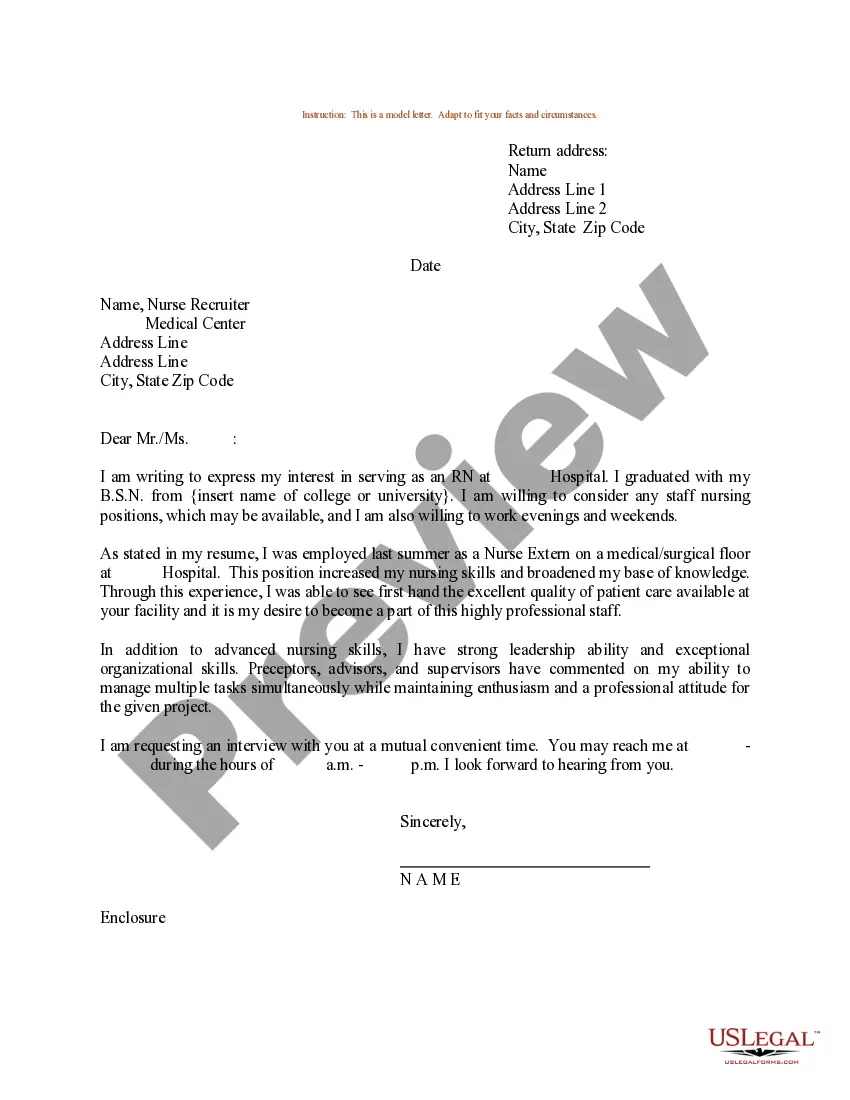
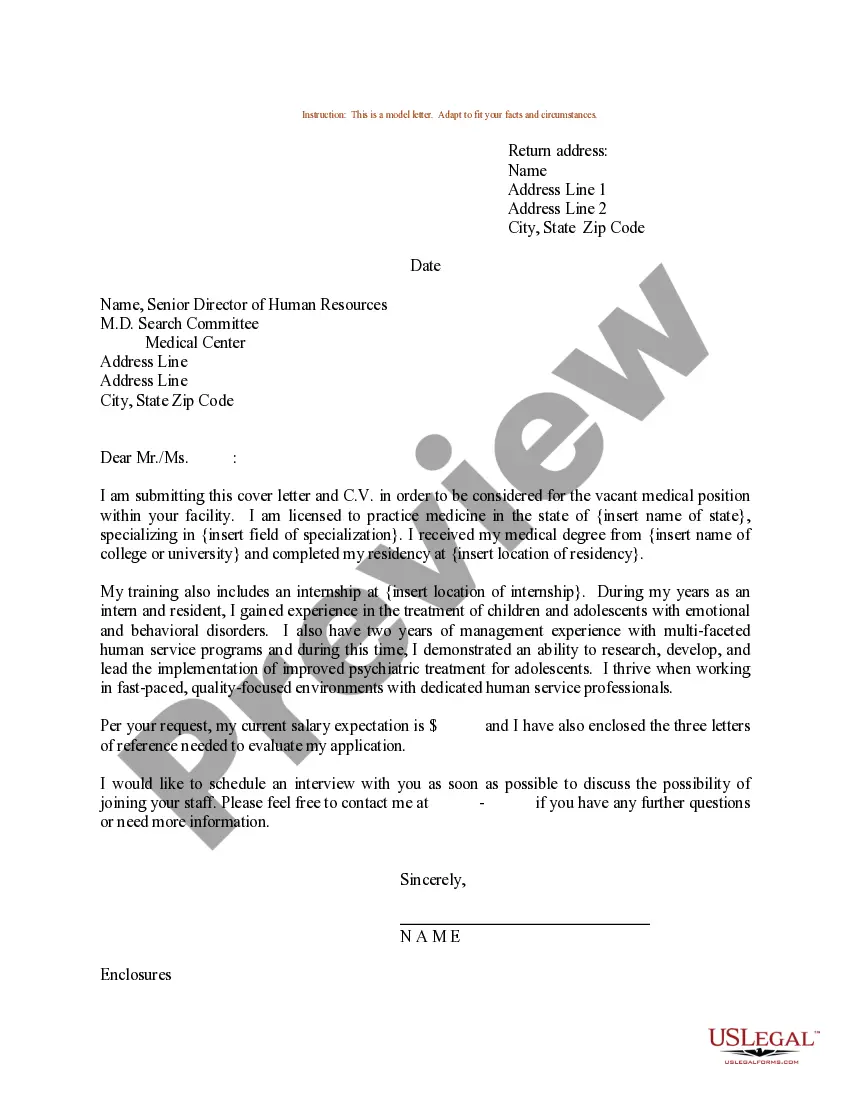
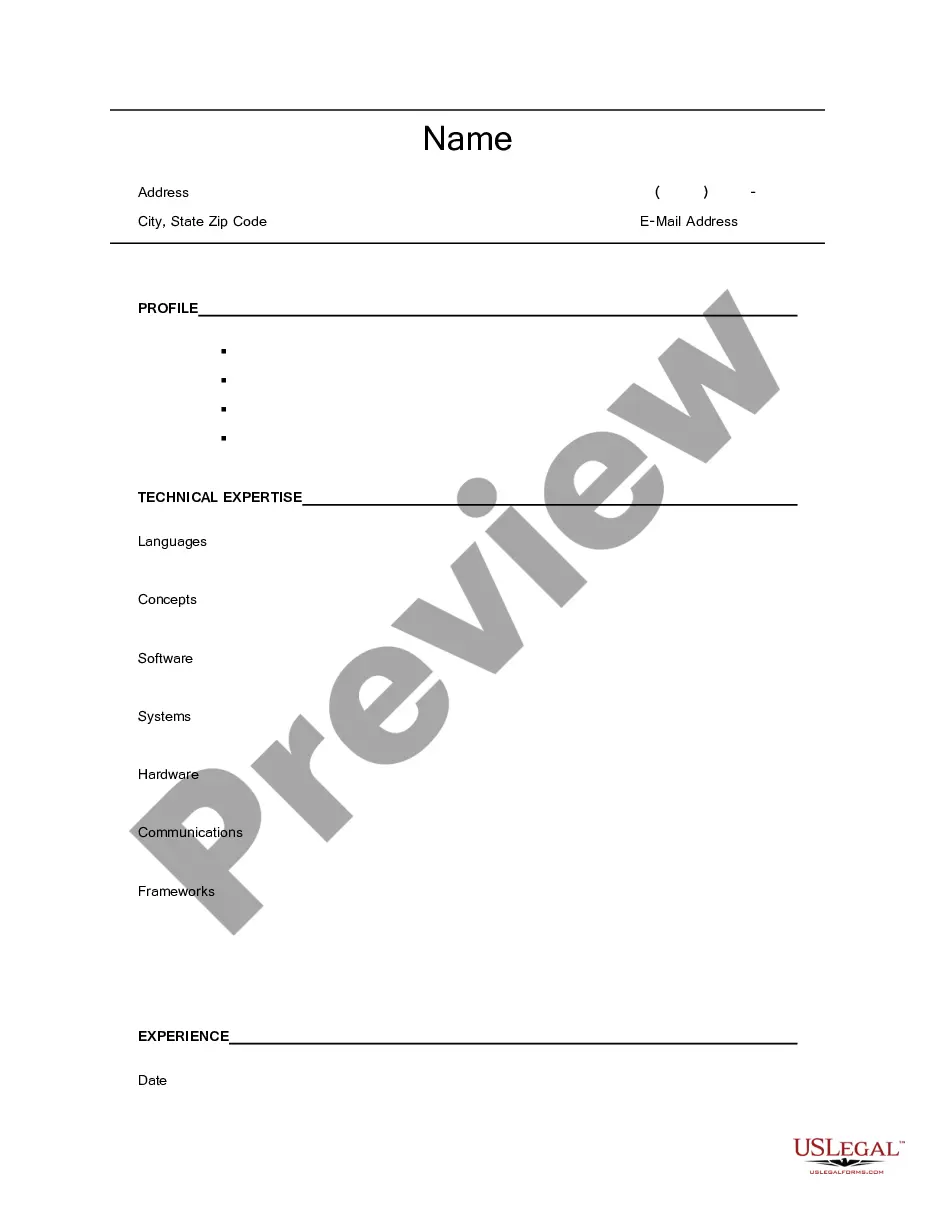
The Resume Cover Letter for Database Administrator is a template designed to accompany a job applicant's resume when applying for a position as a database administrator. This form provides a structured format that helps the applicant convey their qualifications and interest in the role effectively. Unlike standard letters, this template is specifically tailored to the unique skills and responsibilities associated with database administration roles.
Key parts of this document
- Return Address: Includes the sender's name and address.
- Date: The date when the cover letter is written.
- Employer's Address: Details of the company and hiring manager.
- Salutation: A professional greeting to the employer.
- Body: A section detailing skills, experience, and enthusiasm for the role.
- Closing: A professional closing statement and signature line.
When to use this document
This cover letter is appropriate to use when applying for jobs as a database administrator. It should accompany your resume to provide hiring managers with additional context regarding your qualifications. Use this form when you want to highlight specific experiences or skills that are relevant to the database administration position you are pursuing.
Who should use this form
- Job seekers applying for database administrator positions.
- Individuals with relevant educational background in computer science or information technology.
- Professionals looking to emphasize their experience with database management systems.
- Applicants who want to present a polished and professional image to potential employers.
Completing this form step by step
- Identify your return address and fill in your details at the top of the letter.
- Provide the date when you are submitting the cover letter.
- Enter the employer's address, including the name of the hiring director, if known.
- Compose the body of the letter, clearly stating your qualifications and interest in the role.
- Finish with a professional closing and include your name.
Does this form need to be notarized?
In most cases, this form does not require notarization. However, some jurisdictions or signing circumstances might. US Legal Forms offers online notarization powered by Notarize, accessible 24/7 for a quick, remote process.
Get your form ready online
Our built-in tools help you complete, sign, share, and store your documents in one place.
Make edits, fill in missing information, and update formatting in US Legal Forms—just like you would in MS Word.
Download a copy, print it, send it by email, or mail it via USPS—whatever works best for your next step.
Sign and collect signatures with our SignNow integration. Send to multiple recipients, set reminders, and more. Go Premium to unlock E-Sign.
If this form requires notarization, complete it online through a secure video call—no need to meet a notary in person or wait for an appointment.
We protect your documents and personal data by following strict security and privacy standards.

Make edits, fill in missing information, and update formatting in US Legal Forms—just like you would in MS Word.

Download a copy, print it, send it by email, or mail it via USPS—whatever works best for your next step.

Sign and collect signatures with our SignNow integration. Send to multiple recipients, set reminders, and more. Go Premium to unlock E-Sign.

If this form requires notarization, complete it online through a secure video call—no need to meet a notary in person or wait for an appointment.

We protect your documents and personal data by following strict security and privacy standards.
Typical mistakes to avoid
- Failing to customize the letter for the specific job.
- Using an informal tone instead of a professional one.
- Neglecting to proofread for spelling and grammatical errors.
- Forgetting to include a closing statement and your signature.
Advantages of online completion
- Easy access to a professionally drafted template tailored for database administrator applications.
- Ability to edit the form to fit your personal style and qualifications.
- Instant download for convenience, allowing immediate use.
Looking for another form?


Form popularity
FAQ
Remember why you are writing the letter. Don't regurgitate your resume. Know your audience. Begin with the problem. Tell a story. It's not about you. Make it easy to read. What will you bring to the table?
Install and maintain the performance of database servers. Develop processes for optimizing database security. Set and maintain database standards. Manage database access. Performance tuning of database systems. Install, upgrade, and manage database applications.
Step 1: Put your contact details (and the employer's) in the header. Step 2: Address the hiring manager by their name. Step 3: Hook the hiring manager with a strong introduction. Step 4: Prove that you're the perfect candidate for the job.
Subject line, with your name and the job (if you're sending your cover letter via email) Contact Information (top of the letter for a printed version, below signature for email cover letter) Professional greeting. Paragraph 1: A brief introduction and why you are writing.
Dear Mr./Ms./Mrs. Hiring Manager's Name, Please accept my enclosed application for the position of at Company Name. Having read through your job description, I am thrilled to be applying for this position as my 6 years of experience and skillset match the requirements you're looking for.
A cover letter is comprised of several sections: your contact information, a salutation, the body of the cover letter, an appropriate closing, and a signature. Review the structure of a cover letter, what to include in each part, and examples.
Introduce yourself. mention the job (or kind of job) you're applying for (or looking for) show that your skills and experience match the skills and experience needed to do the job. encourage the reader to read your resume.
Your responsibility as a database administrator (DBA) will be the performance, integrity and security of a database. You'll be involved in the planning and development of the database, as well as in troubleshooting any issues on behalf of the users. You'll ensure that: data remains consistent across the database.
Patience. Meticulous attention to detail. A logical approach to work. The ability to prioritise tasks. Problem-solving skills. Good organisational skills. Communication and interpersonal skills.