Job Offer Letter for Soldier
What this document covers
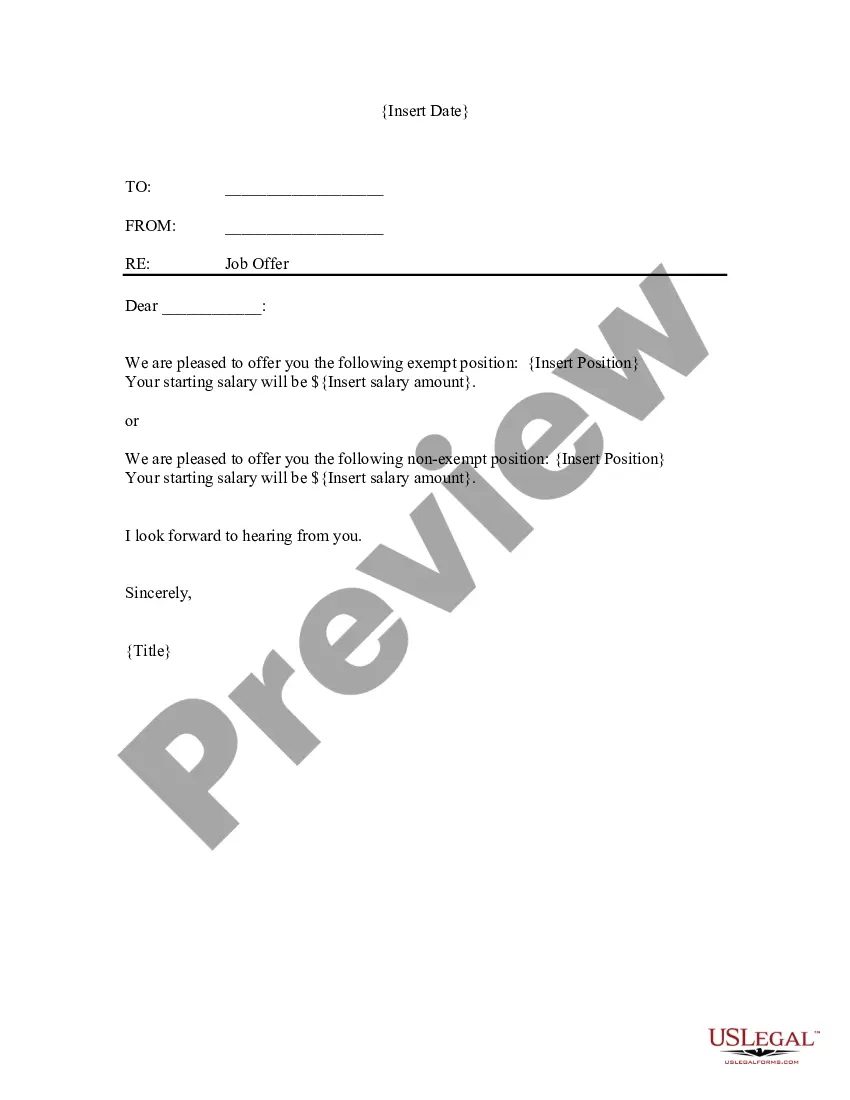
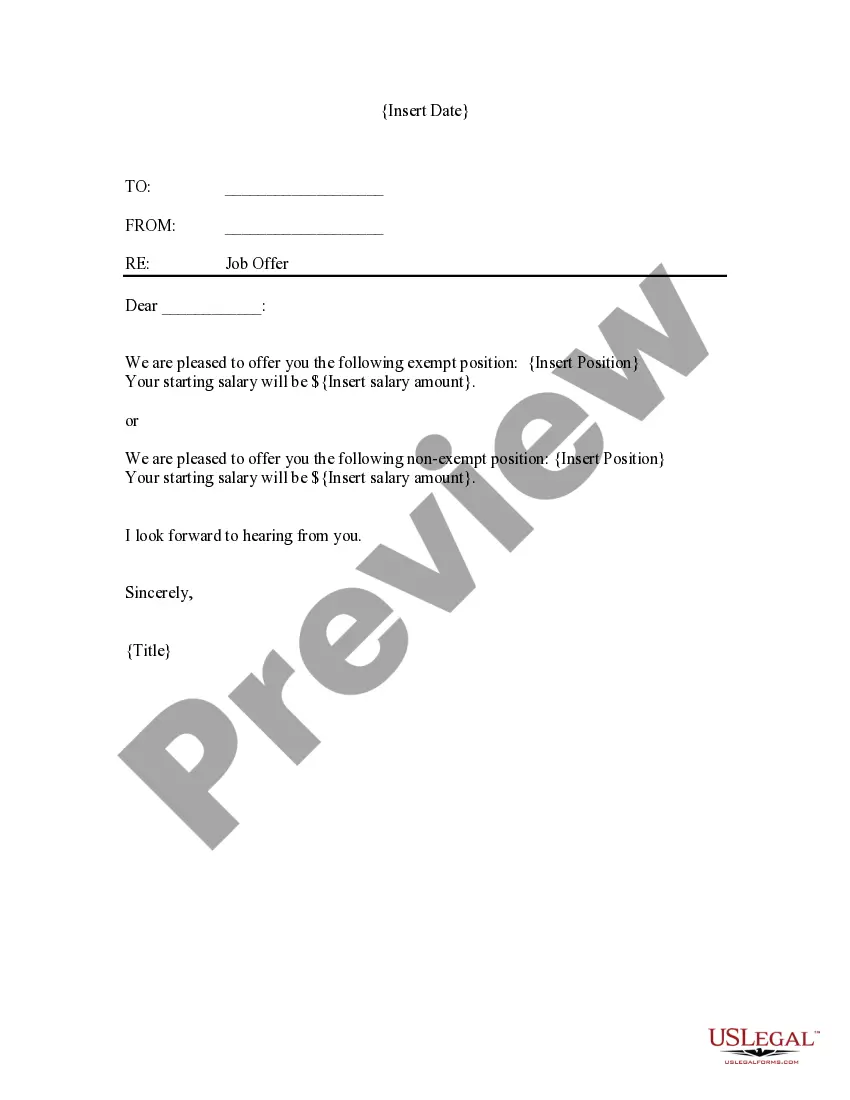
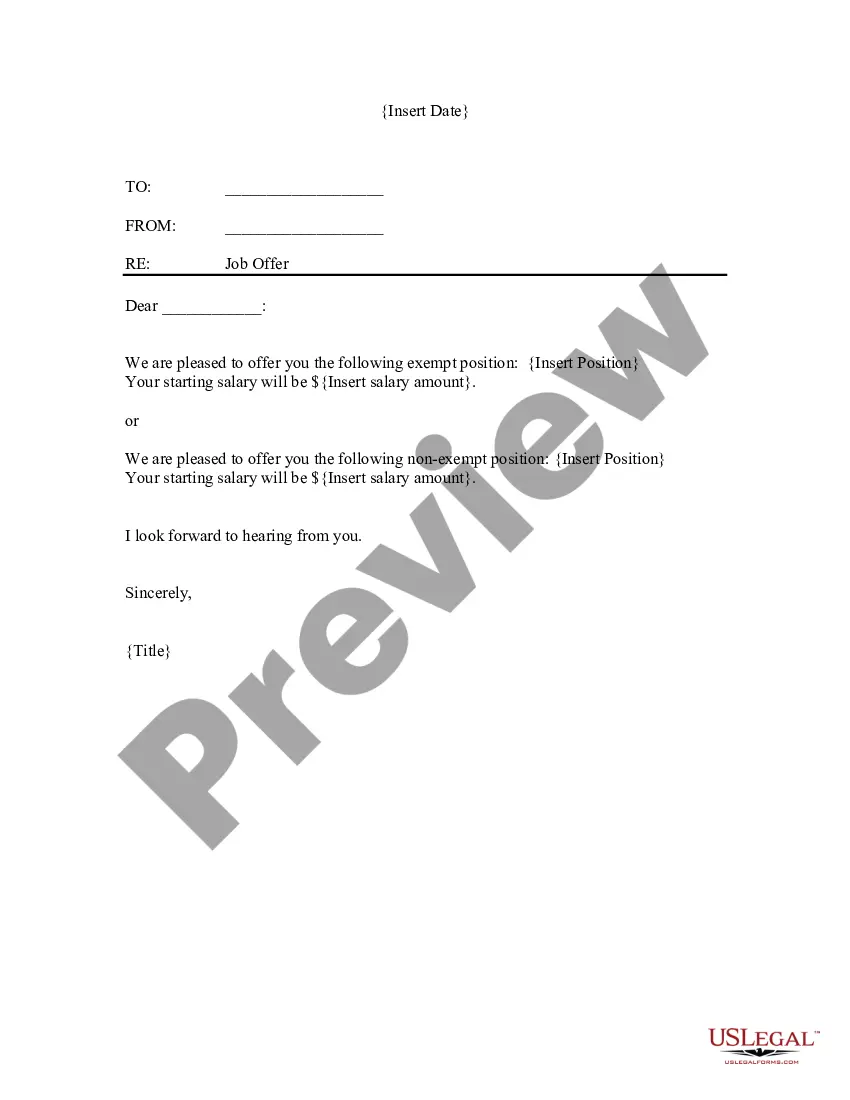
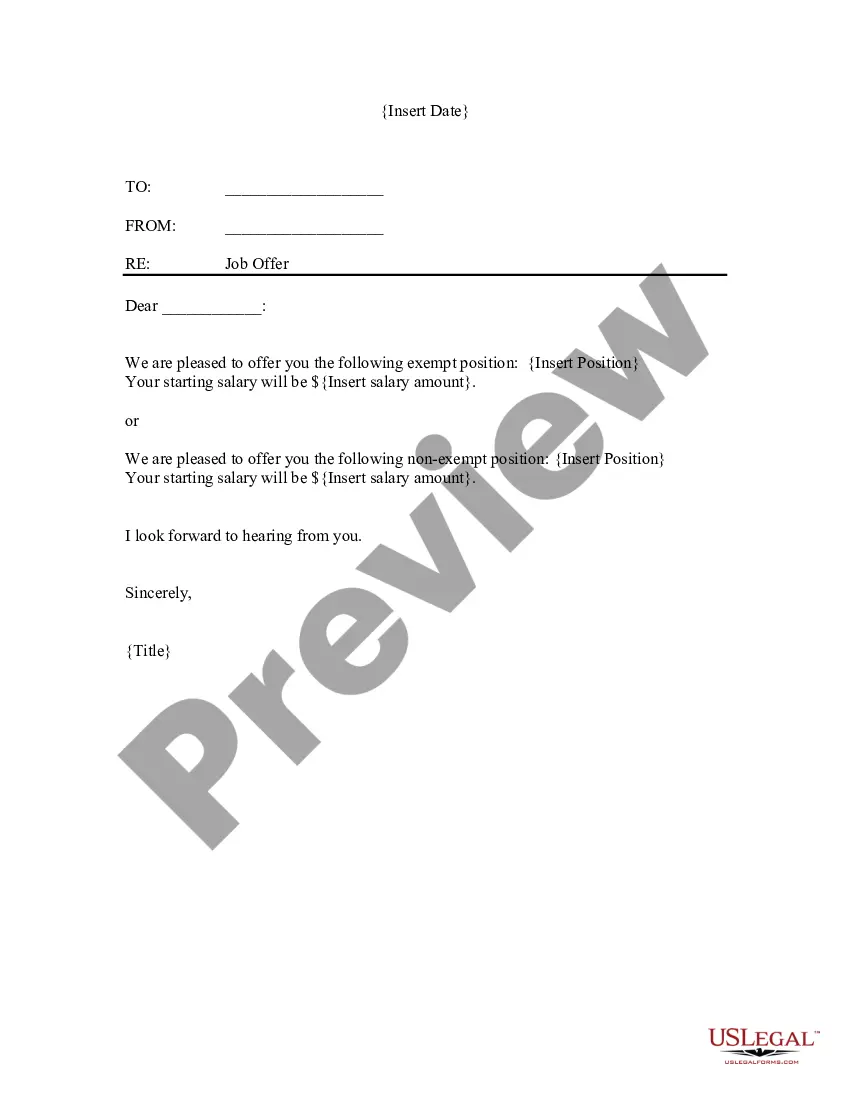
The Job Offer Letter for Soldier is a formal document that extends a job offer to an individual, specifically tailored for military personnel. This letter provides important details regarding the position, including salary and employment status (exempt or non-exempt). It differs from general job offer letters in that it is designed to accommodate the unique circumstances and statuses of military service members transitioning into civilian roles.
What’s included in this form
- Sender and recipient information fields
- Subject line indicating the purpose of the letter
- Details about the offered position, including job title
- Starting salary information
- Signature line for the sender
When to use this document
This form is useful when a company wants to formally offer a job to a veteran or active soldier returning to civilian employment. It should be used in situations where clear documentation of the job offer is necessary, particularly when ensuring compliance with employment laws related to military service and benefits.
Who should use this form
- Employers hiring military personnel
- Recruiters specializing in veteran placement
- Human resources professionals involved in the hiring process
Instructions for completing this form
- Identify the parties involved by filling in the sender's and recipient's names.
- Insert the job title in the designated field.
- Specify the starting salary in the appropriate section.
- Include any additional information as required.
- Sign the document to finalize the job offer.
Notarization guidance
This form does not typically require notarization unless specified by local law.
Get your form ready online
Our built-in tools help you complete, sign, share, and store your documents in one place.
Make edits, fill in missing information, and update formatting in US Legal Forms—just like you would in MS Word.
Download a copy, print it, send it by email, or mail it via USPS—whatever works best for your next step.
Sign and collect signatures with our SignNow integration. Send to multiple recipients, set reminders, and more. Go Premium to unlock E-Sign.
If this form requires notarization, complete it online through a secure video call—no need to meet a notary in person or wait for an appointment.
We protect your documents and personal data by following strict security and privacy standards.

Make edits, fill in missing information, and update formatting in US Legal Forms—just like you would in MS Word.

Download a copy, print it, send it by email, or mail it via USPS—whatever works best for your next step.

Sign and collect signatures with our SignNow integration. Send to multiple recipients, set reminders, and more. Go Premium to unlock E-Sign.

If this form requires notarization, complete it online through a secure video call—no need to meet a notary in person or wait for an appointment.

We protect your documents and personal data by following strict security and privacy standards.
Mistakes to watch out for
- Failing to specify whether the position is exempt or non-exempt.
- Omitting essential details such as the job title or salary.
- Not using a formal tone, which may undermine the seriousness of the offer.
Why use this form online
- Convenient access to a professionally drafted legal form.
- Editability allows for customization specific to the job offer.
- Reliable support from licensed attorneys ensures compliance with applicable laws.
Looking for another form?
Form popularity
FAQ
Not more than two pages long. Use business or official letter writing format (have your address and employer's address at the head) Content should be divided into three (Introduction, Body and conclusion)
Contact a Recruiter. Get in touch with a recruiter for each branch you're interested in. Report to MEPS. If you decide to enlist, you'll spend a day at a military entrance processing station (MEPS). Await Orders for Basic Training. You'll receive orders for basic training within a few weeks.
Keep things light. Share things about yourself like hobbies or interests. Write about your life but keep it positive. Thank them for their service. If you have connections in the military, mention that. Be positive. Stay away from political or polarizing topics.
Include three to four sentences and explain to the military the purpose of the letter. Here’s a sample sentence: “This letter of intent is to inform the military (include specific branch) that I am interested in joining upon graduation on…” Write the body. Use clear, understandable language.
Your contact information (name, home address, email address, and phone number). Date. Employer's information (recruiter name, company/agency name, address). Introduction paragraph. Describe why you are writing and what position you want to take. Body. Concluding paragraph.
Write the receiver’s address. Include the branch of military you’re interested in joining. Write the street address, city, state and ZIP code. Place the name of the recruiter after writing "In care of." Make sure you address the recruiter by his proper title.
Use a generic salutation, such as Dear Hiring Manager, Dear Recruiting Manager or Dear Human Resources Professional. (Avoid To Whom It May Concern; it is antiquated.) Another option is to write Greetings, which is somewhat informal but polite.
Your contact information (name, home address, email address, and phone number). Date. Employer's information (recruiter name, company/agency name, address). Introduction paragraph. Describe why you are writing and what position you want to take. Body. Concluding paragraph.