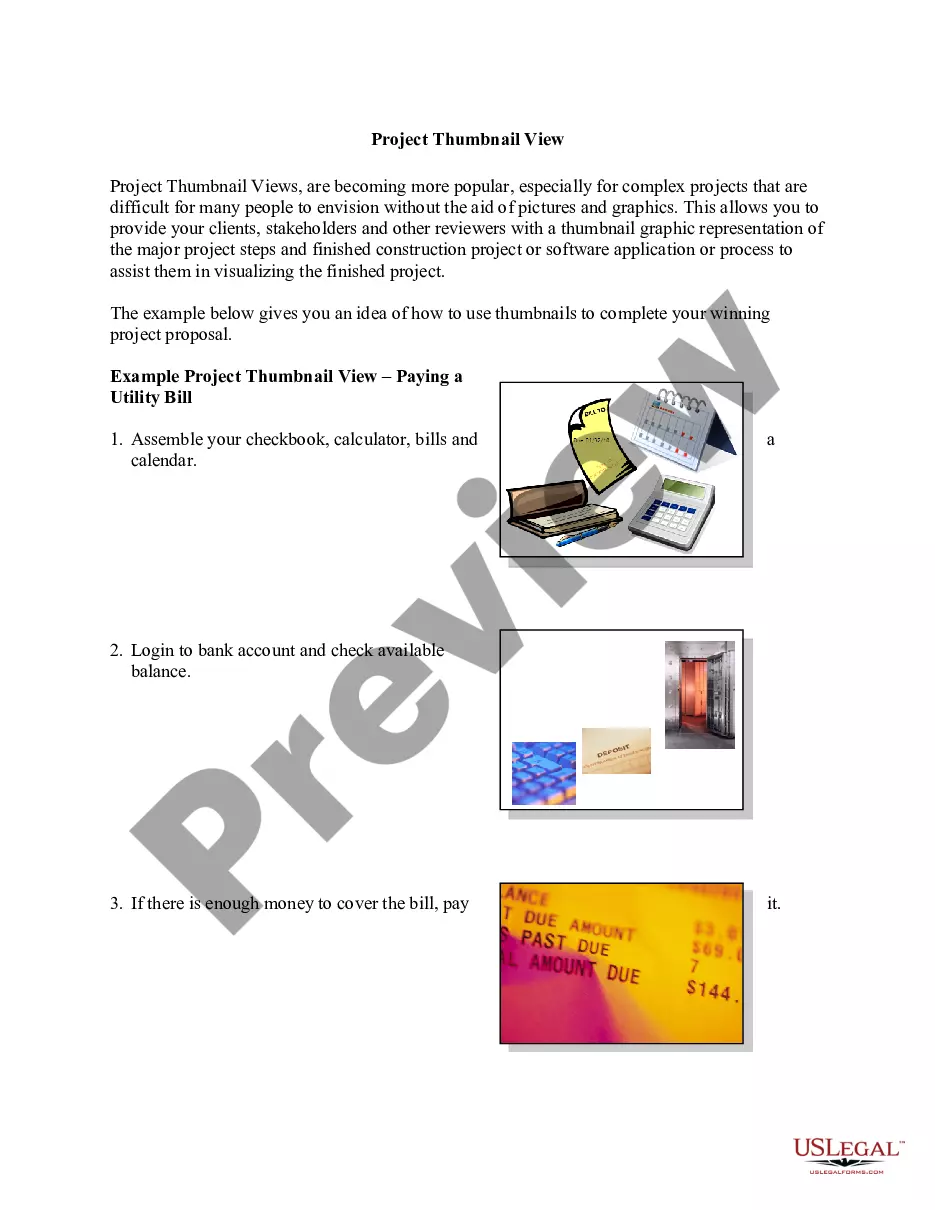
Project Thumbnail View
Overview of this form
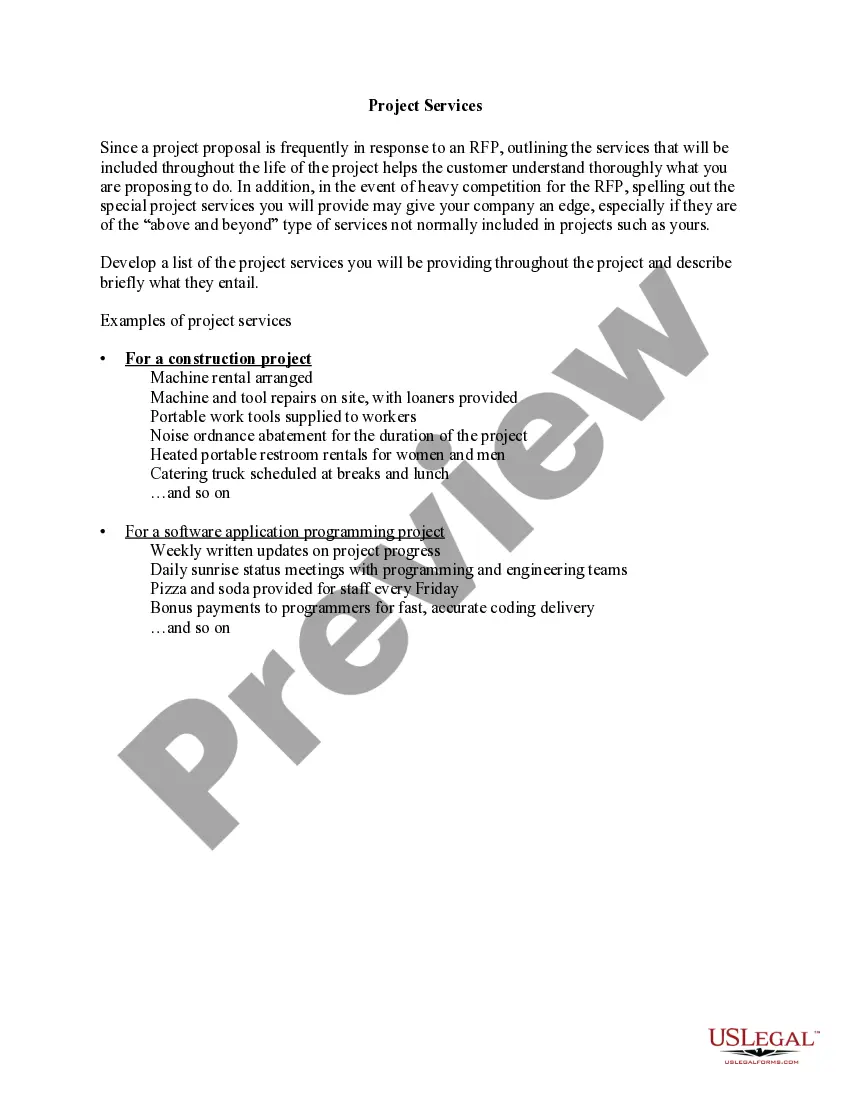
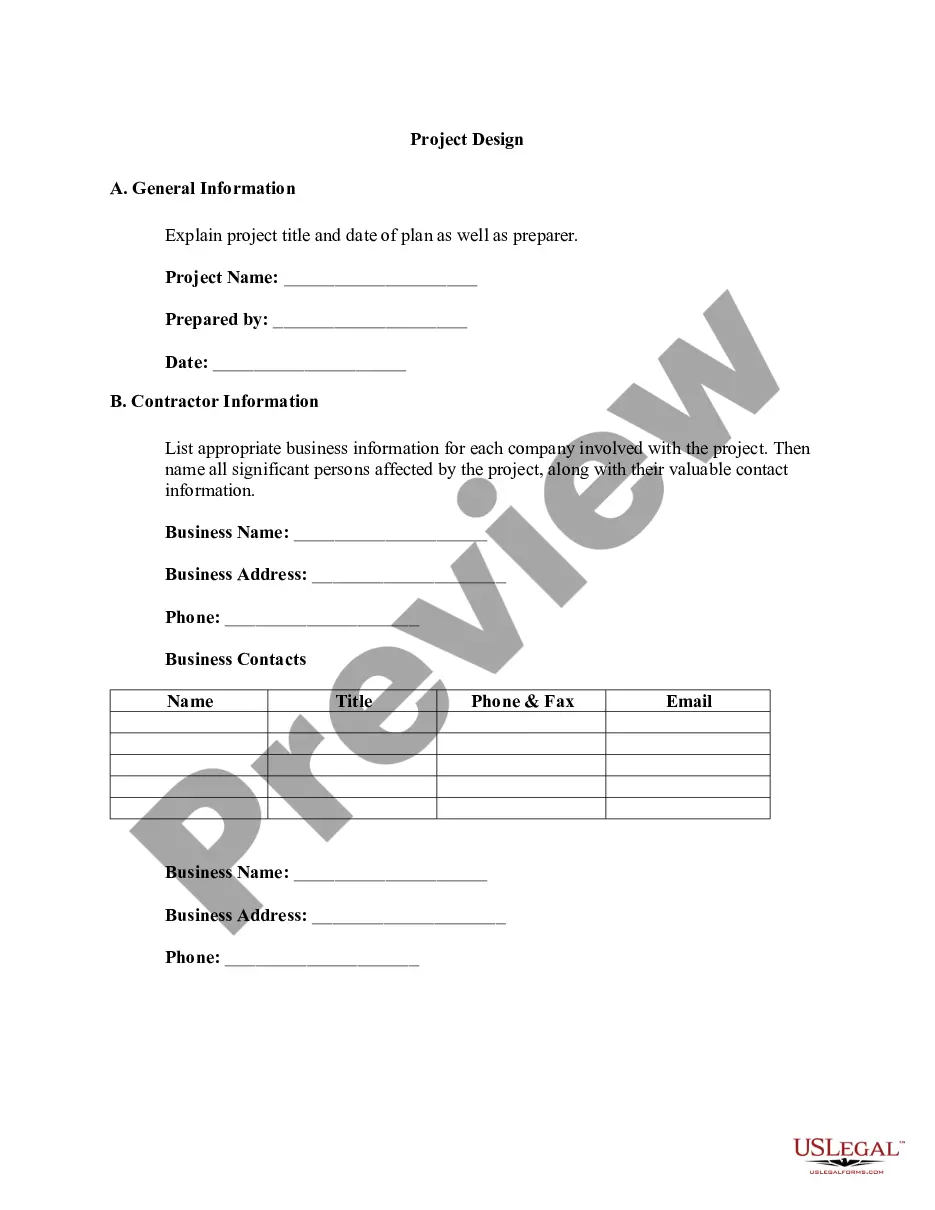
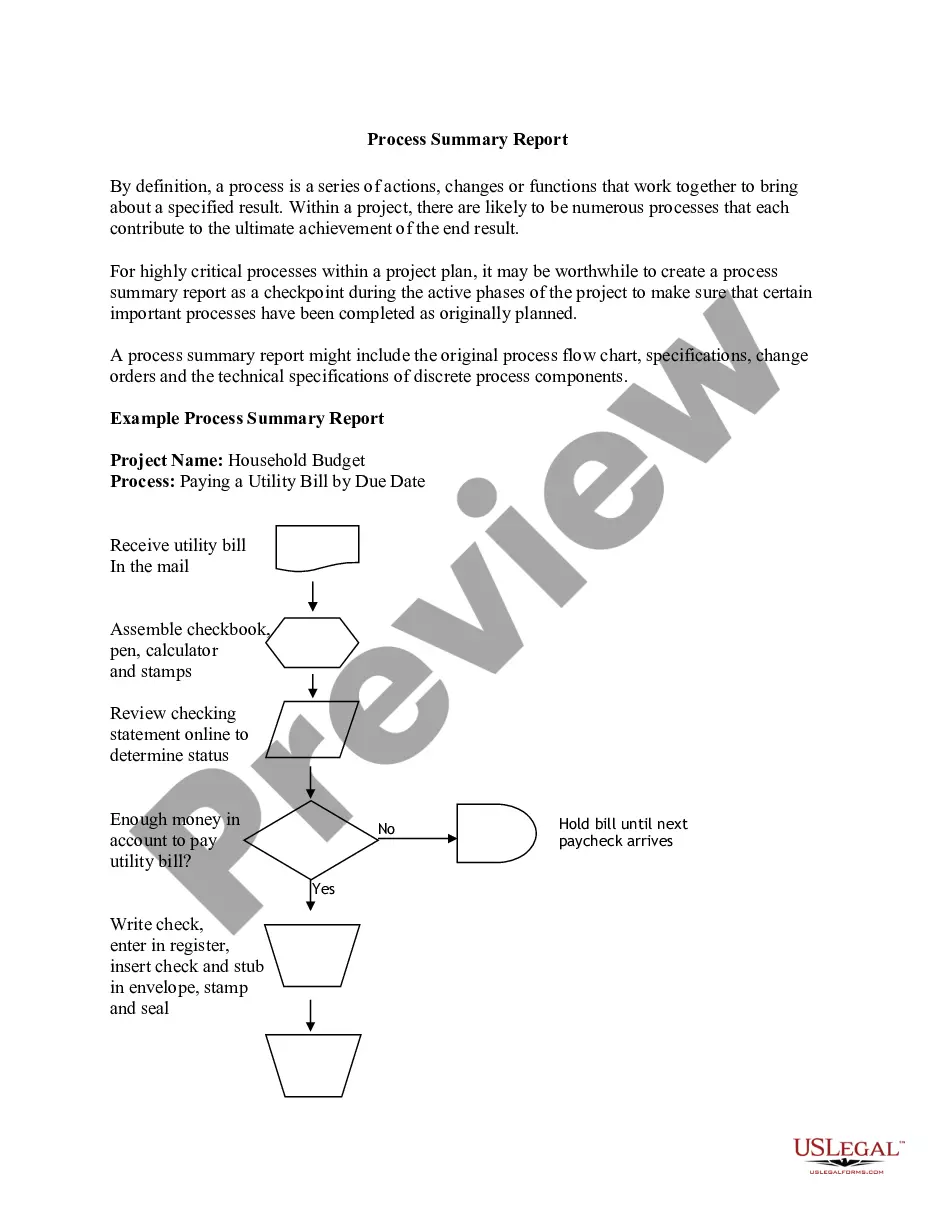
The Project Thumbnail View is a visual representation tool used in project management. This form enables project managers and stakeholders to quickly grasp the key phases and outcomes of complex projects using thumbnail images. Unlike traditional project proposals that rely solely on text, this approach effectively combines visuals with concise descriptions, enhancing understanding and engagement from clients and reviewers.
Form components explained
- Visual thumbnails of major project milestones.
- Descriptions outlining key project phases or tasks.
- Guidance on how to use visuals effectively in project proposals.
Common use cases
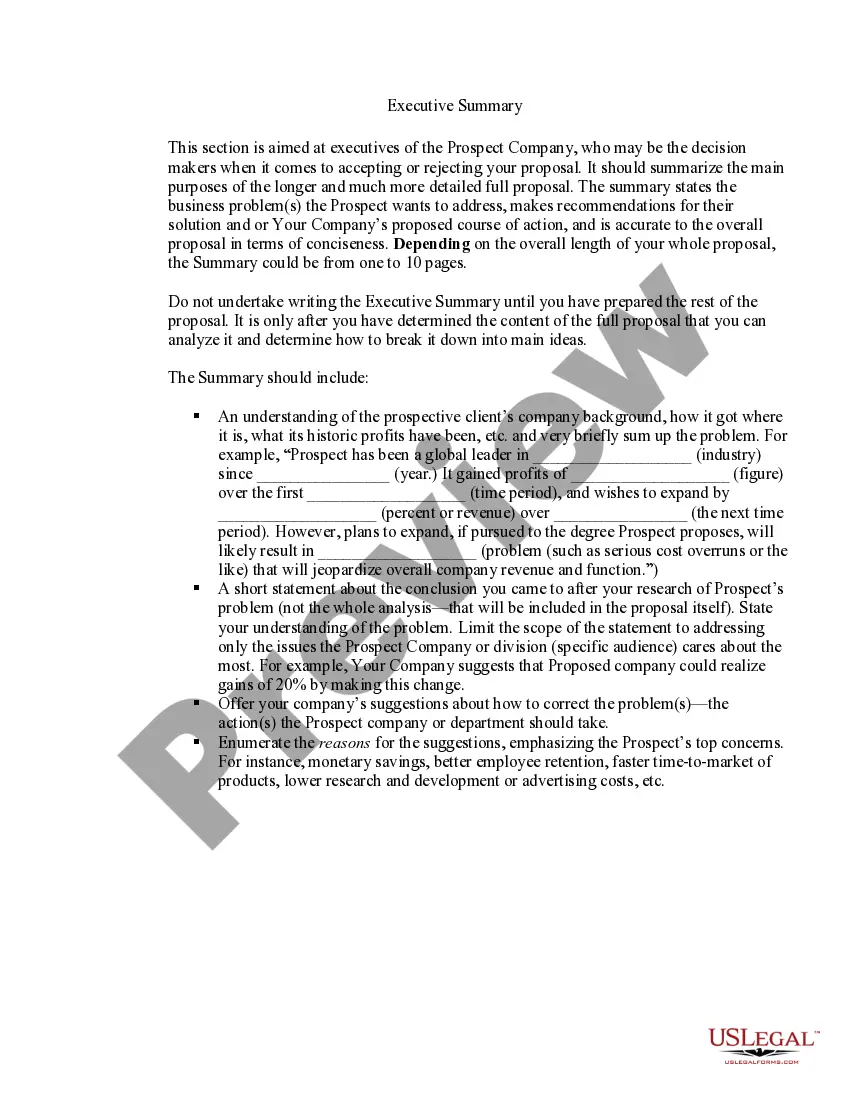
This form is particularly useful in scenarios such as preparing project proposals for construction, software development, or any complex project where stakeholders may struggle to visualize the outcomes. Use this form whenever you need to present a project that benefits from visual aids to ensure clarity and foster better communication among all parties involved.
Who should use this form
- Project managers looking to enhance proposal presentations.
- Stakeholders involved in project decision-making processes.
- Teams working on complex projects requiring clear visual communication.
How to complete this form
- Identify the key phases of your project that need visualization.
- Create thumbnail images representing each project phase.
- Add concise descriptions to accompany each thumbnail image.
- Organize the thumbnails into a logical sequence that outlines the project timeline.
- Review the completed thumbnail view for clarity and coherence.
Notarization requirements for this form
In most cases, this form does not require notarization. However, some jurisdictions or signing circumstances might. US Legal Forms offers online notarization powered by Notarize, accessible 24/7 for a quick, remote process.
Get your form ready online
Our built-in tools help you complete, sign, share, and store your documents in one place.
Make edits, fill in missing information, and update formatting in US Legal Forms—just like you would in MS Word.
Download a copy, print it, send it by email, or mail it via USPS—whatever works best for your next step.
Sign and collect signatures with our SignNow integration. Send to multiple recipients, set reminders, and more. Go Premium to unlock E-Sign.
If this form requires notarization, complete it online through a secure video call—no need to meet a notary in person or wait for an appointment.
We protect your documents and personal data by following strict security and privacy standards.

Make edits, fill in missing information, and update formatting in US Legal Forms—just like you would in MS Word.

Download a copy, print it, send it by email, or mail it via USPS—whatever works best for your next step.

Sign and collect signatures with our SignNow integration. Send to multiple recipients, set reminders, and more. Go Premium to unlock E-Sign.

If this form requires notarization, complete it online through a secure video call—no need to meet a notary in person or wait for an appointment.

We protect your documents and personal data by following strict security and privacy standards.
Common mistakes to avoid
- Using overly complex images that confuse rather than clarify.
- Overloading the thumbnails with too much detail.
- Neglecting to align images with textual descriptions properly.
Advantages of online completion
- Convenience of downloading and customizing templates based on project needs.
- Ability to easily edit and update visual content as the project evolves.
- Access to professionally drafted forms that ensure legal compliance.
Legal use & context
- The Project Thumbnail View serves as a visual aid for proposals but may not be legally binding on its own.
- It helps in negotiations by clearly outlining project expectations.
Quick recap
- The Project Thumbnail View enhances project communication through visuals.
- It is beneficial for complex projects requiring detailed presentations.
- Proper use of this form can increase stakeholder understanding and engagement.