Bus Lease
What is this form?
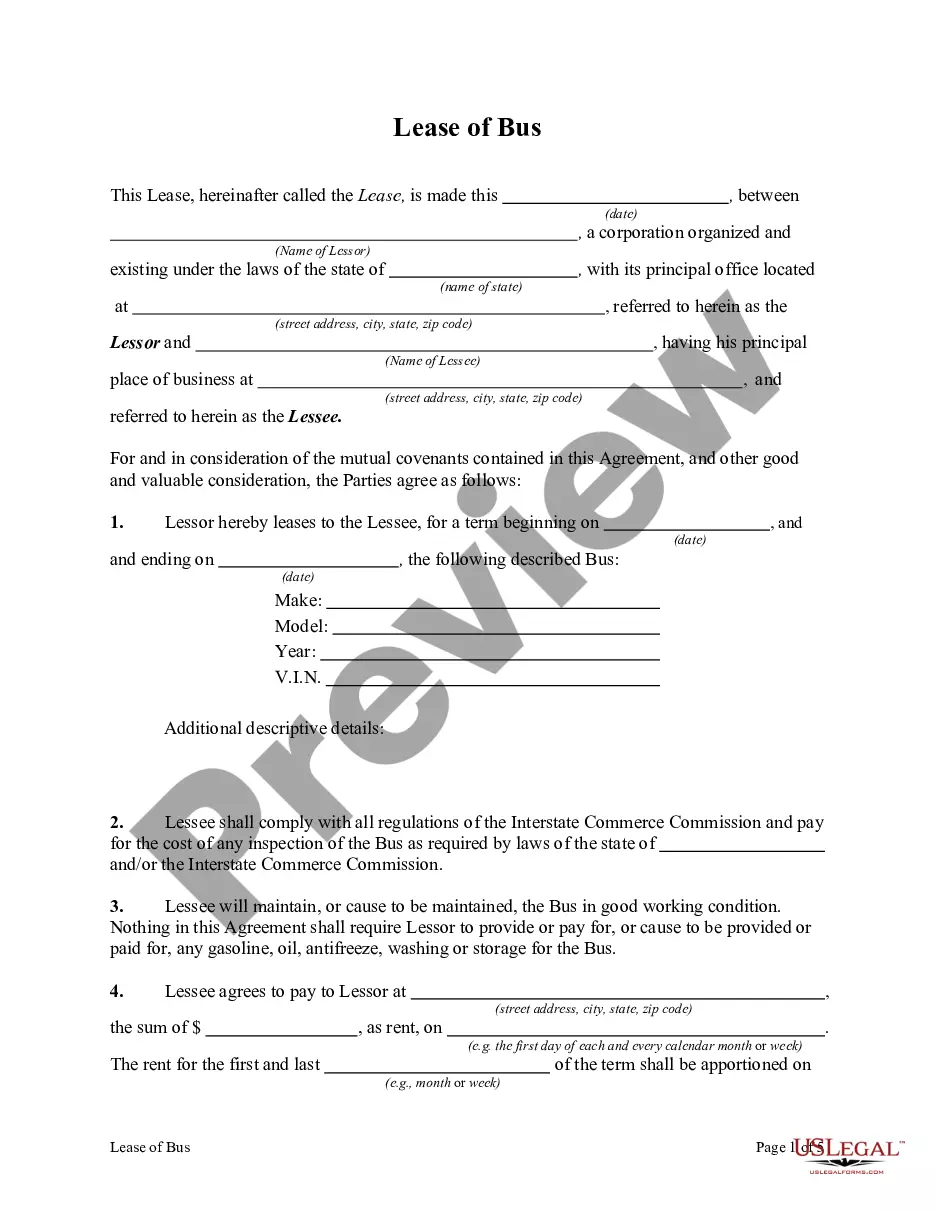
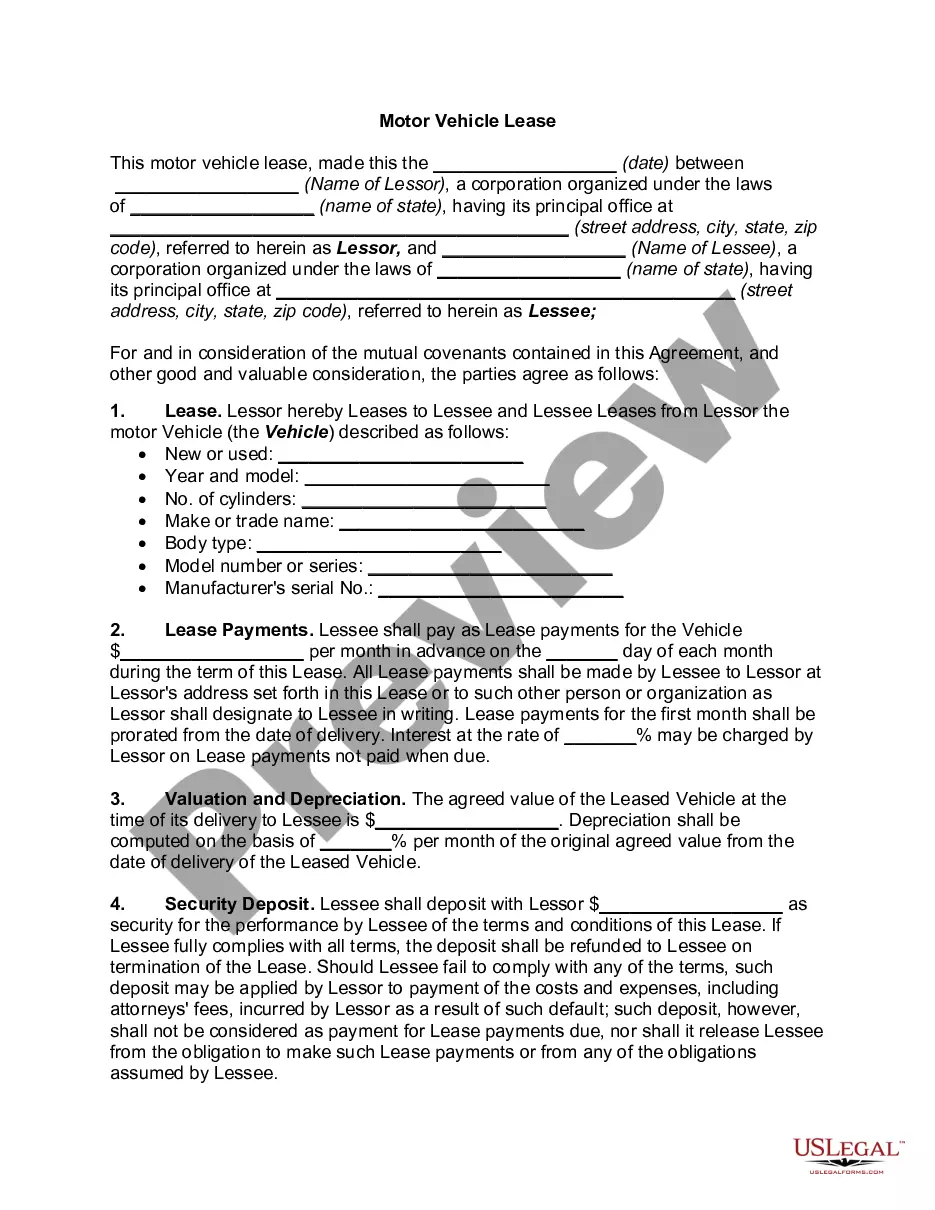
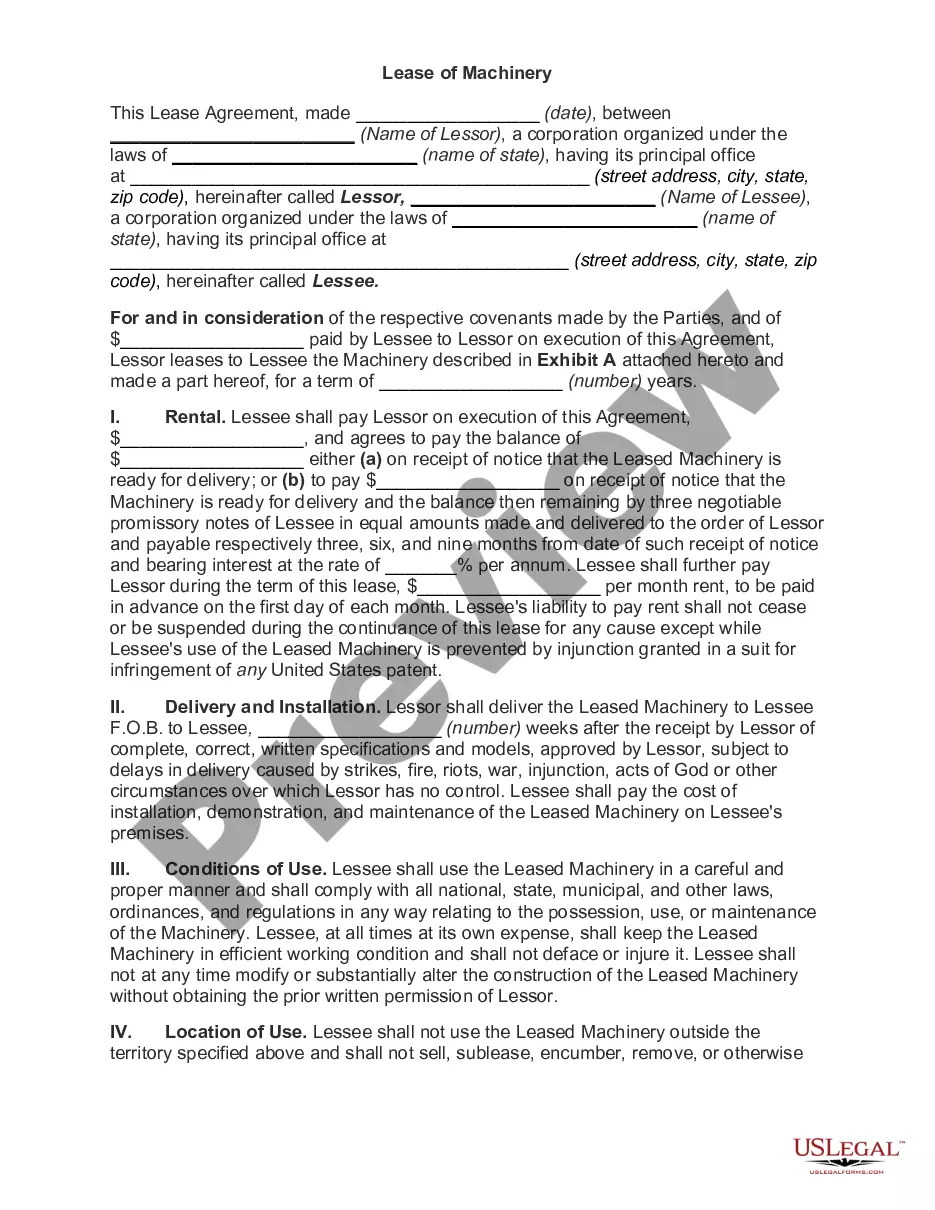
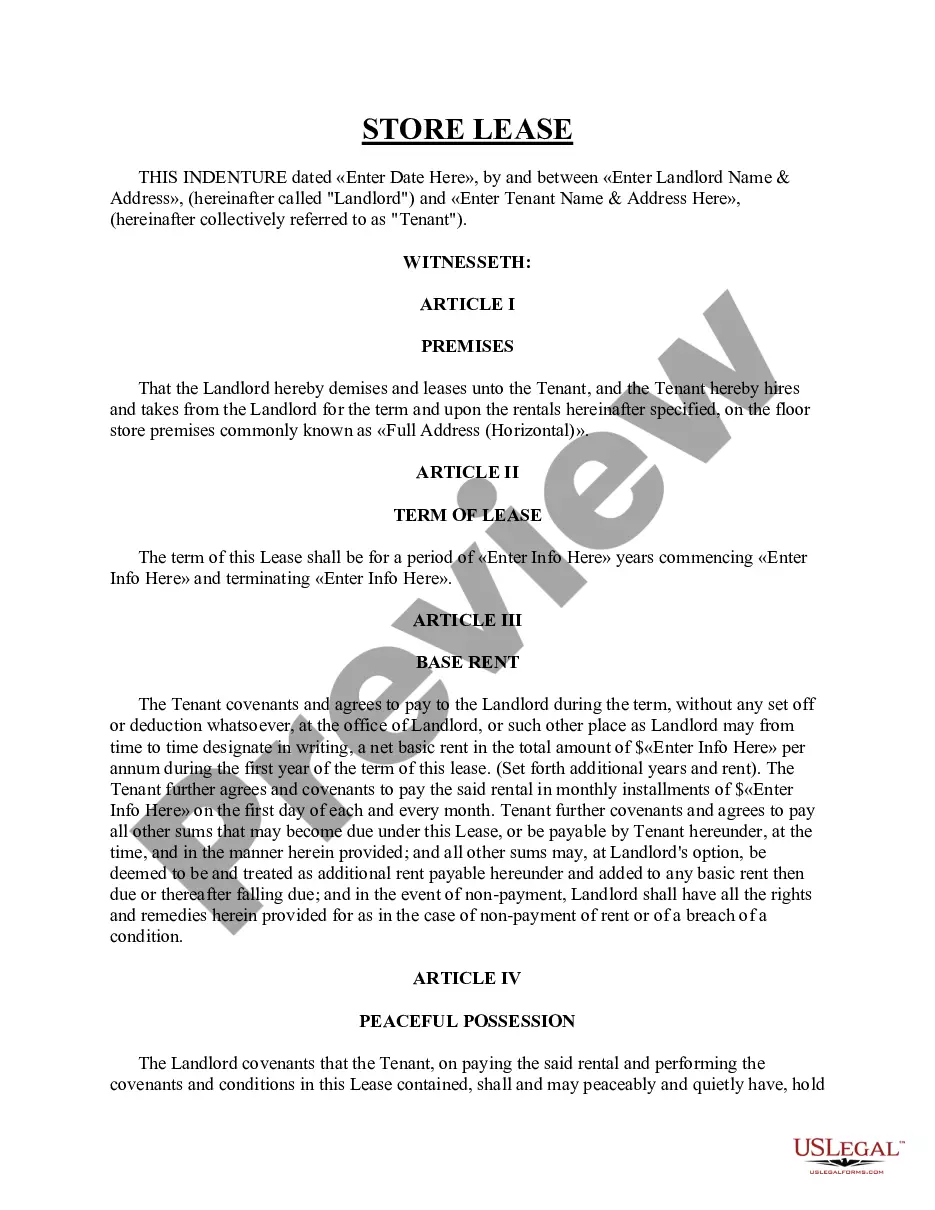
The Bus Lease form is a legal agreement for leasing a bus. Similar to real estate leases, this form outlines the terms under which one party (the lessee) rents a bus from another party (the lessor). It serves to establish responsibilities, conditions for use, and the rights of both parties involved in the leasing transaction, making it essential for both private and commercial use. The Bus Lease is not to be confused with other vehicle leases, as it specifically pertains to buses, which may have different usage and regulation considerations.
What’s included in this form
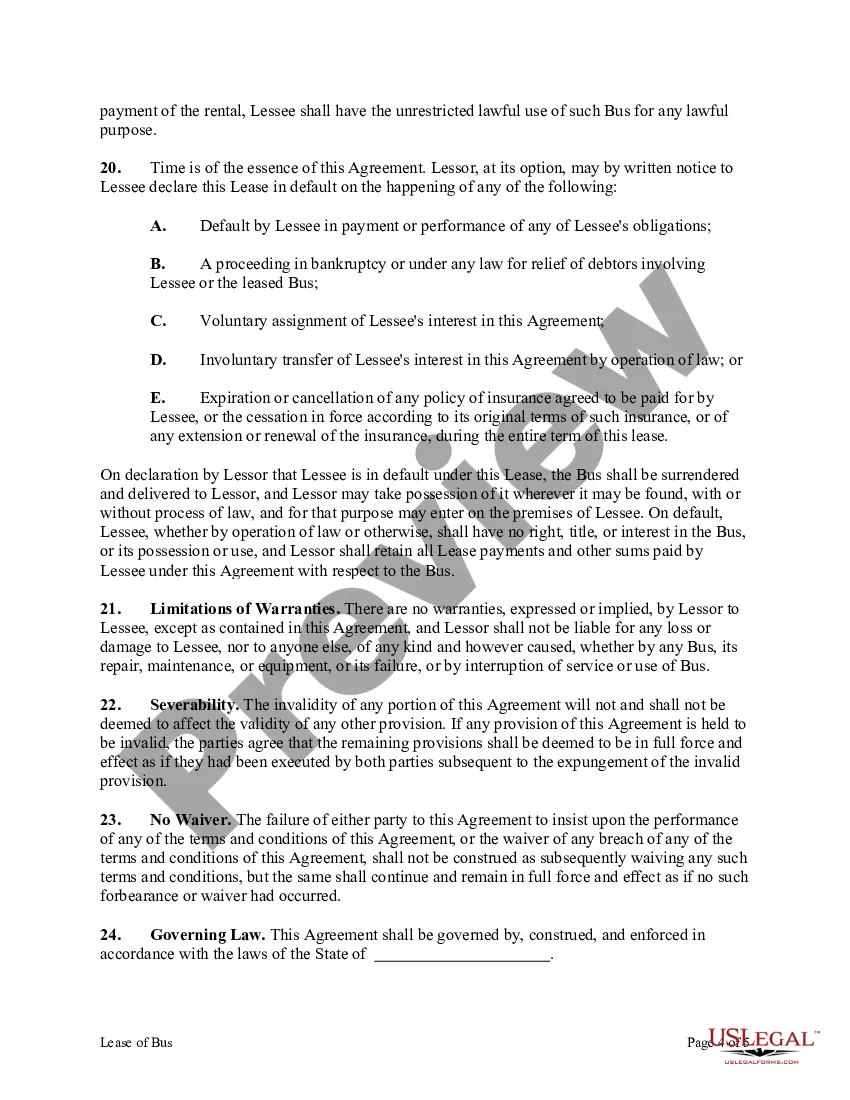
- Terms of use for the leased bus, ensuring lawful operation and maintenance.
- Responsibilities of the lessee, including payment of fines related to use.
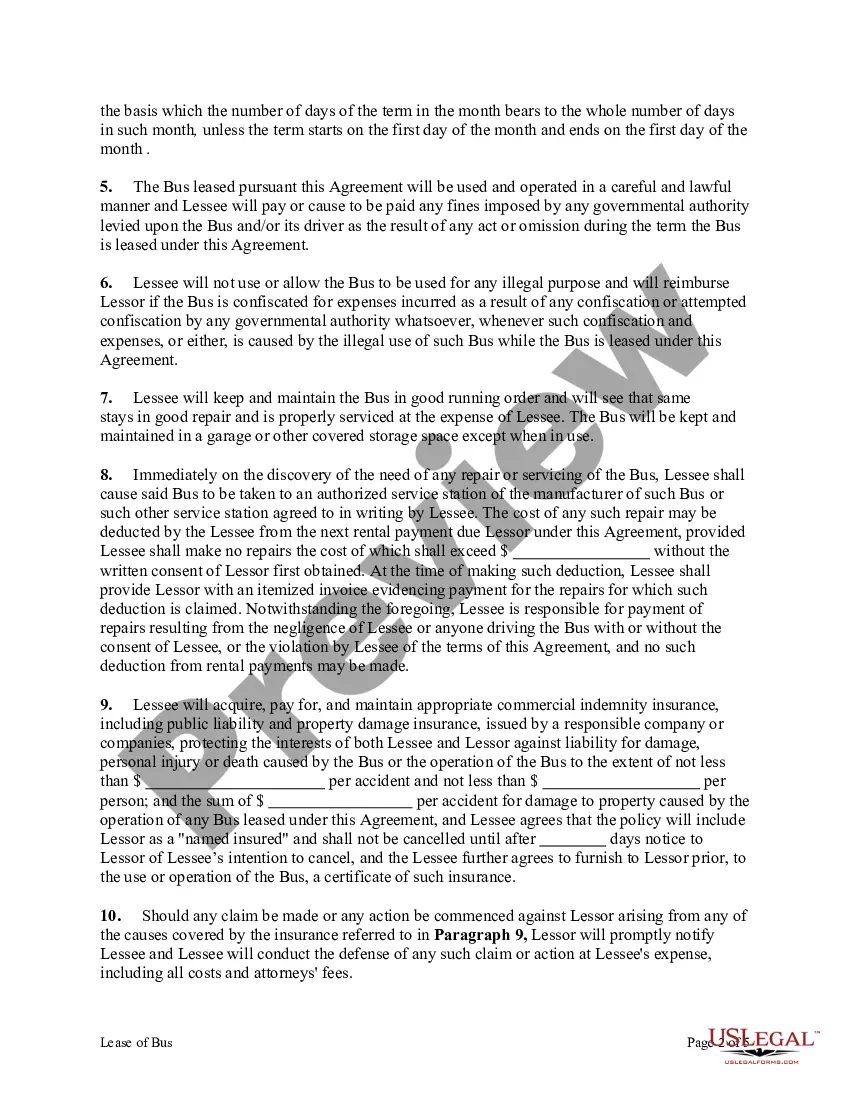
- Conditions for returning the bus to the lessor at the end of the lease.
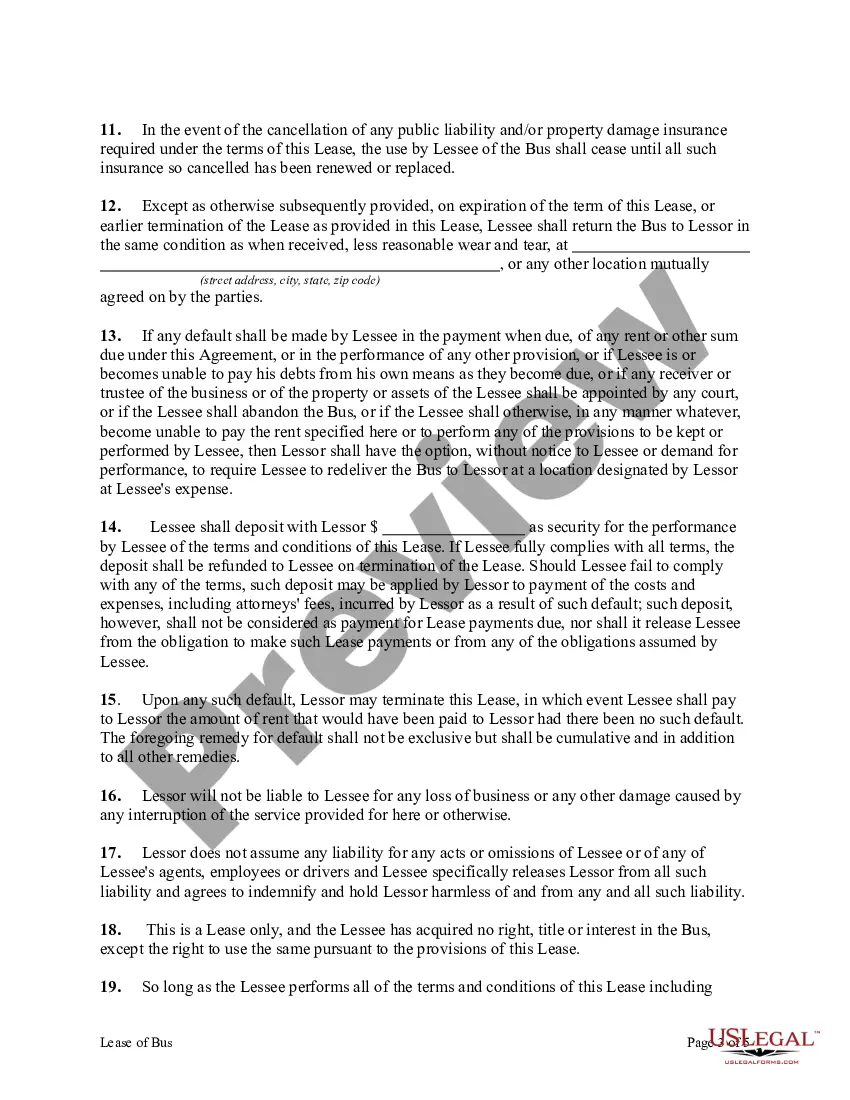
- Provisions for insurance coverage and consequences of cancellation.
- Indemnification clauses protecting the lessor from any legal liability arising from the lessee's actions.
Common use cases
This form is necessary when an individual or business needs to rent a bus, whether for transportation services, public events, or other circumstances where a bus is required. Ideal situations for using this form include charter services, school outings, corporate events, and any situation where temporary access to a bus is needed without outright purchase. The form helps in ensuring that all parties are clear about their rights, responsibilities, and liabilities during the lease period.
Who should use this form
The following individuals or entities should consider using the Bus Lease form:
- Businesses that need to lease a bus for commercial purposes.
- Organizations planning events that require transportation for groups.
- Individuals looking to rent a bus for personal use, such as family gatherings or trips.
- Schools or service groups needing to transport students or participants.
How to prepare this document
To properly complete the Bus Lease form, follow these steps:
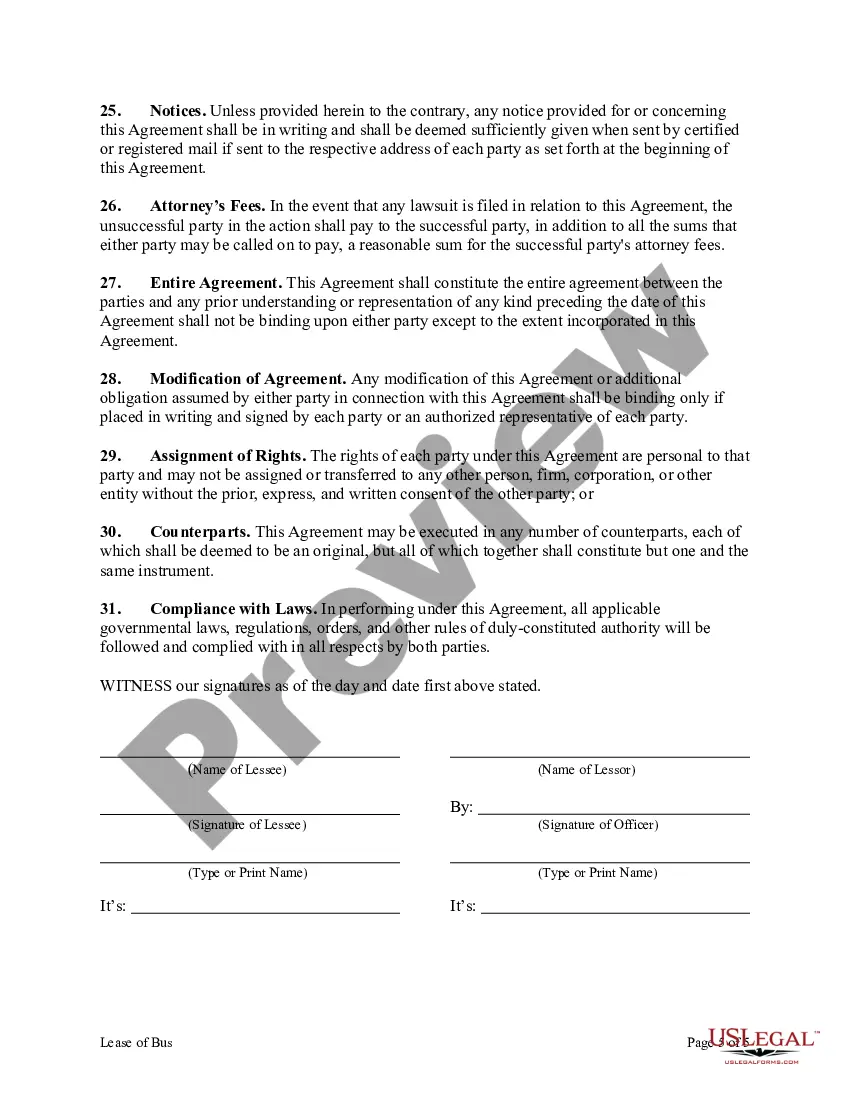
- Identify and enter the full legal names and addresses of both the lessee and lessor.
- Clearly specify the terms of the lease, including the duration and any payment schedules.
- Detail the conditions of use, including maintenance and insurance requirements.
- Include clauses regarding liability and indemnification to protect both parties.
- Ensure all parties sign and date the agreement to confirm their acceptance of the terms.
Is notarization required?
This form does not typically require notarization to be legally valid. However, some jurisdictions or document types may still require it. US Legal Forms provides secure online notarization powered by Notarize, available 24/7 for added convenience.
Get your form ready online
Our built-in tools help you complete, sign, share, and store your documents in one place.
Make edits, fill in missing information, and update formatting in US Legal Forms—just like you would in MS Word.
Download a copy, print it, send it by email, or mail it via USPS—whatever works best for your next step.
Sign and collect signatures with our SignNow integration. Send to multiple recipients, set reminders, and more. Go Premium to unlock E-Sign.
If this form requires notarization, complete it online through a secure video call—no need to meet a notary in person or wait for an appointment.
We protect your documents and personal data by following strict security and privacy standards.

Make edits, fill in missing information, and update formatting in US Legal Forms—just like you would in MS Word.

Download a copy, print it, send it by email, or mail it via USPS—whatever works best for your next step.

Sign and collect signatures with our SignNow integration. Send to multiple recipients, set reminders, and more. Go Premium to unlock E-Sign.

If this form requires notarization, complete it online through a secure video call—no need to meet a notary in person or wait for an appointment.

We protect your documents and personal data by following strict security and privacy standards.
Common mistakes
- Failing to specify the exact duration of the lease or any renewal terms.
- Not clarifying maintenance responsibilities, leading to disputes during or after the lease.
- Neglecting to include terms for insurance coverage, which can lead to liability issues.
- Not obtaining signatures from both parties, rendering the lease unenforceable.
- Using vague language, which can create misunderstandings regarding obligations and rights.
Benefits of completing this form online
- Convenience: Access and complete the form anytime, from anywhere.
- Editability: Quickly make changes as needed without starting over.
- Reliability: Templates are drafted by licensed attorneys to ensure compliance and clarity.
- Time-saving: Downloadable formats allow for immediate use.
Legal use & context
- This form creates a legally binding relationship between the lessor and lessee.
- Failure to comply with the lease terms may result in penalties or legal action.
- Both parties must understand their obligations to avoid future disputes.
What to keep in mind
- The Bus Lease form is essential for establishing clear terms for leasing a bus.
- It protects the rights and responsibilities of both the lessee and lessor.
- Ensure all key components are filled out accurately to avoid potential disputes.
- The form can be adapted for use in various states, maintaining compliance with local laws.