Sales Letter, Printer, Christmas Cards
Overview of this form
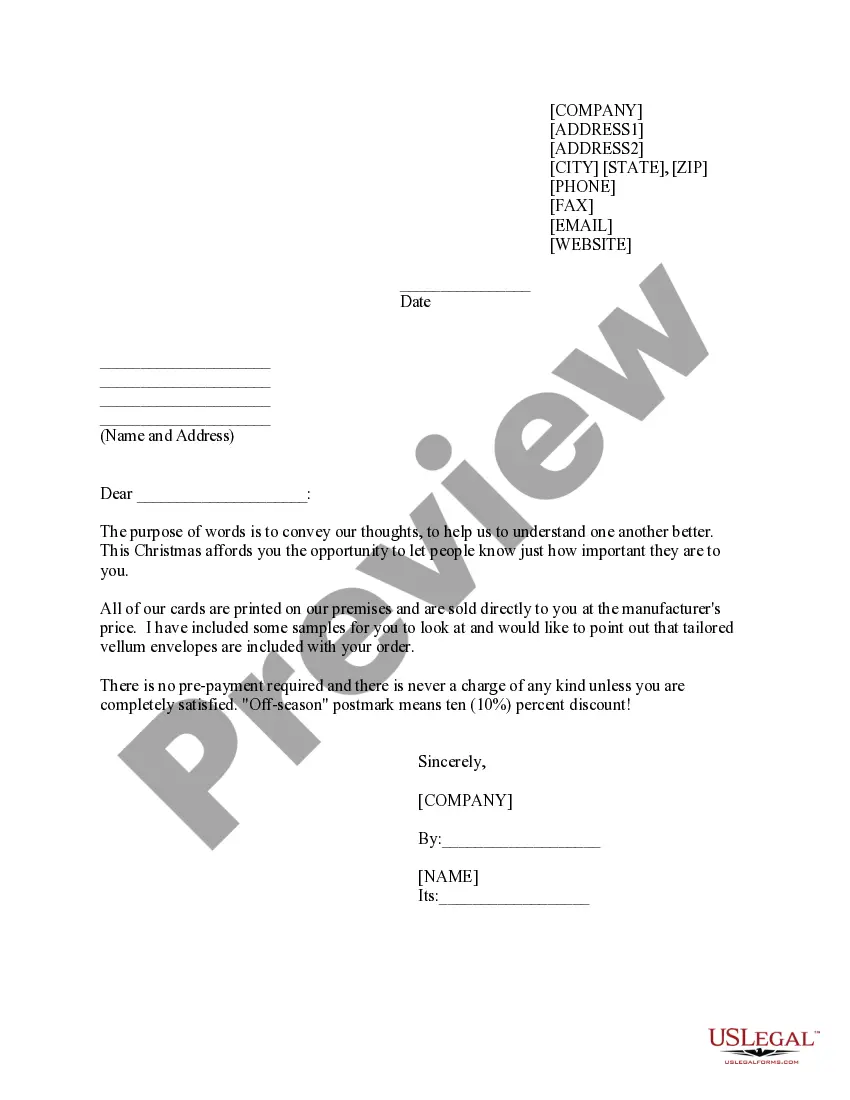
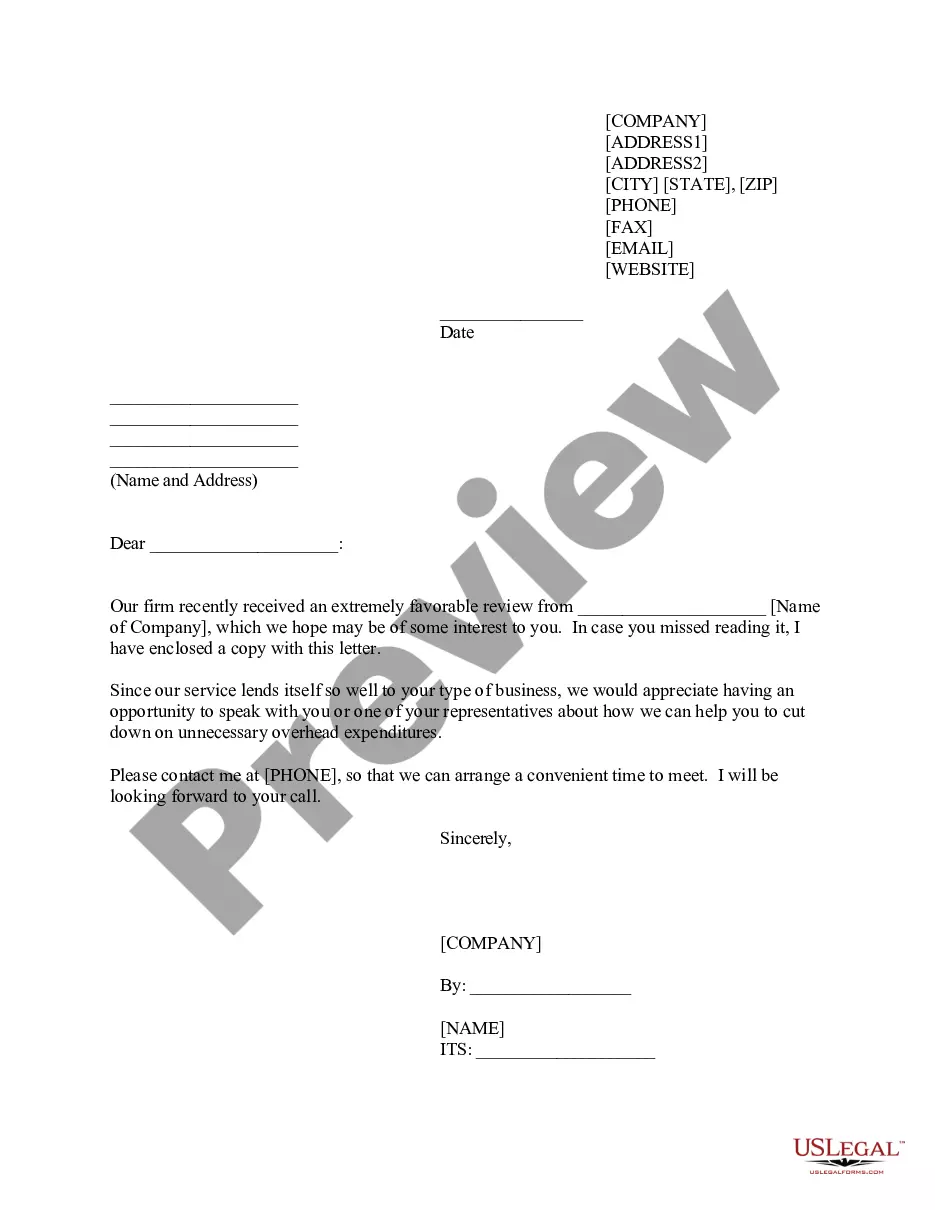
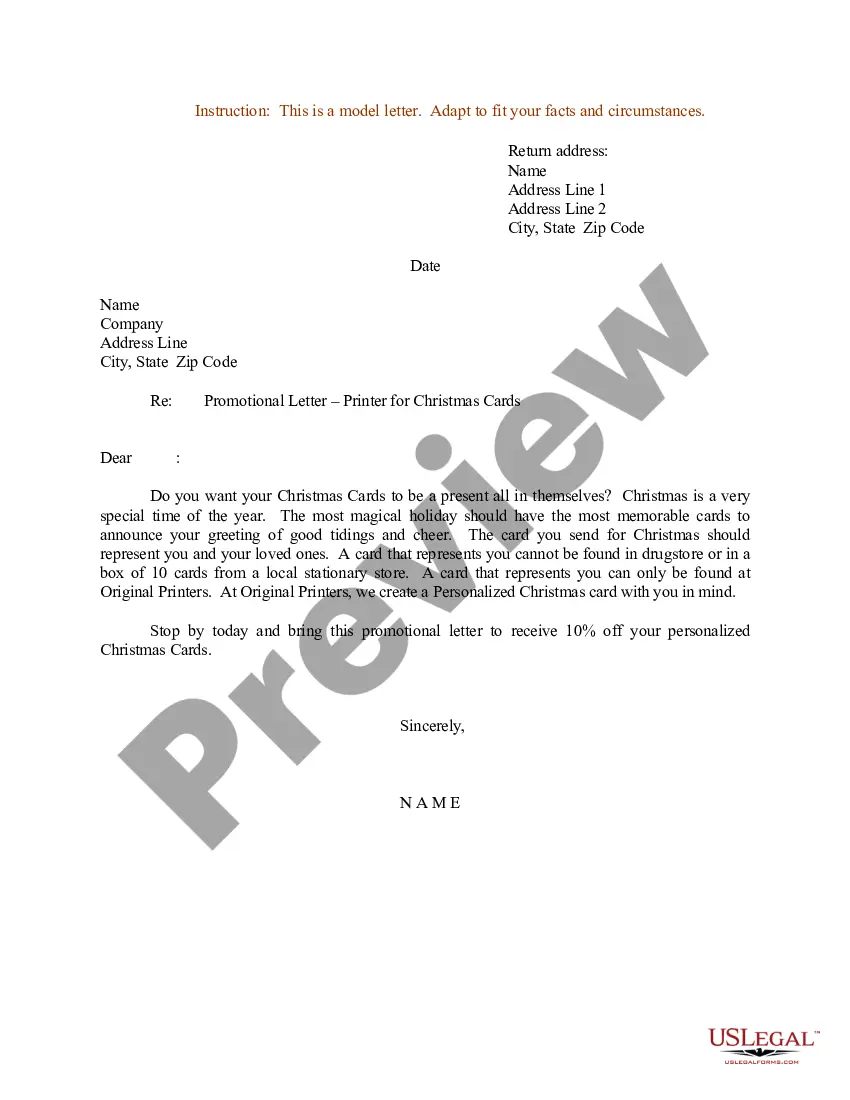
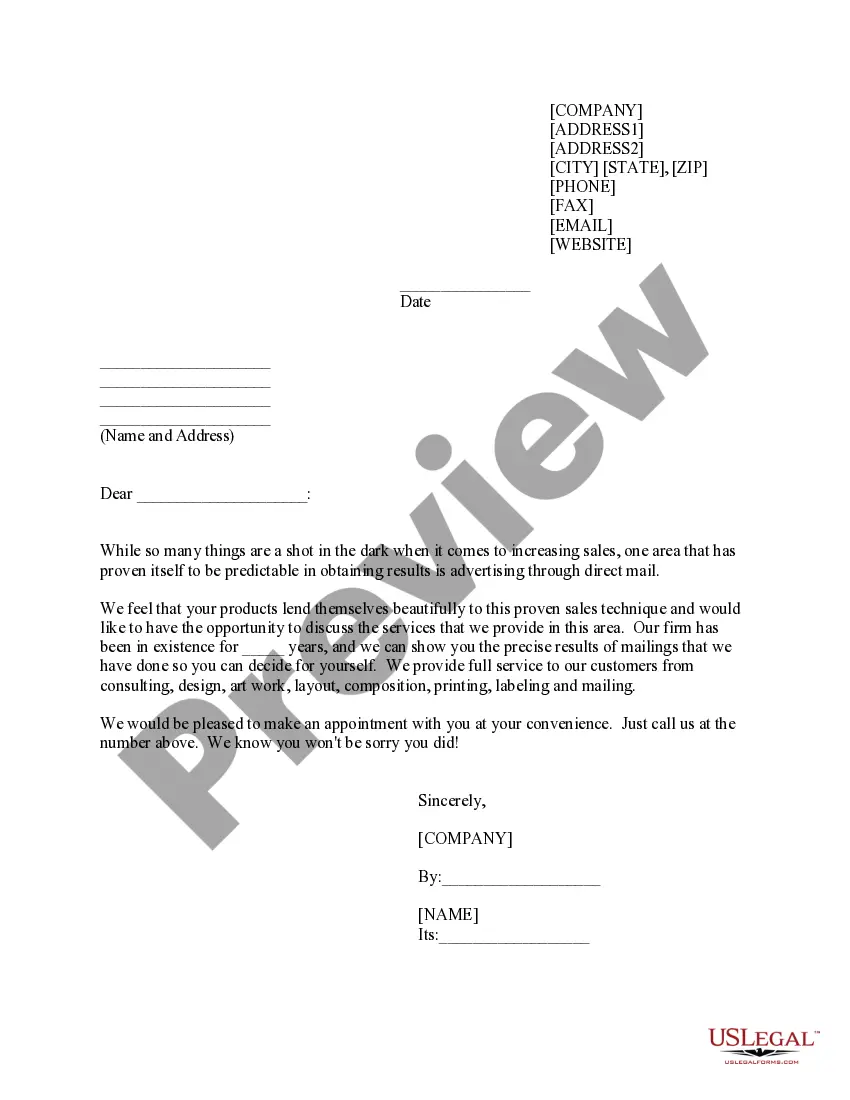
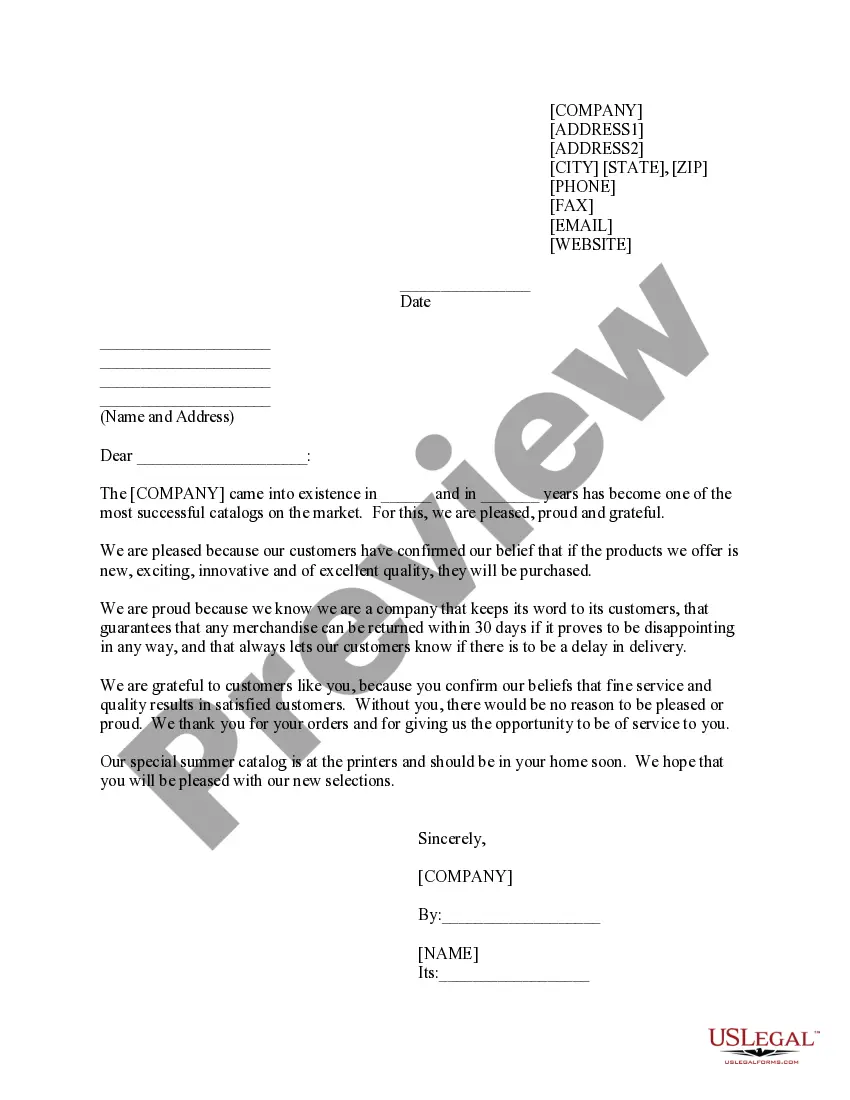
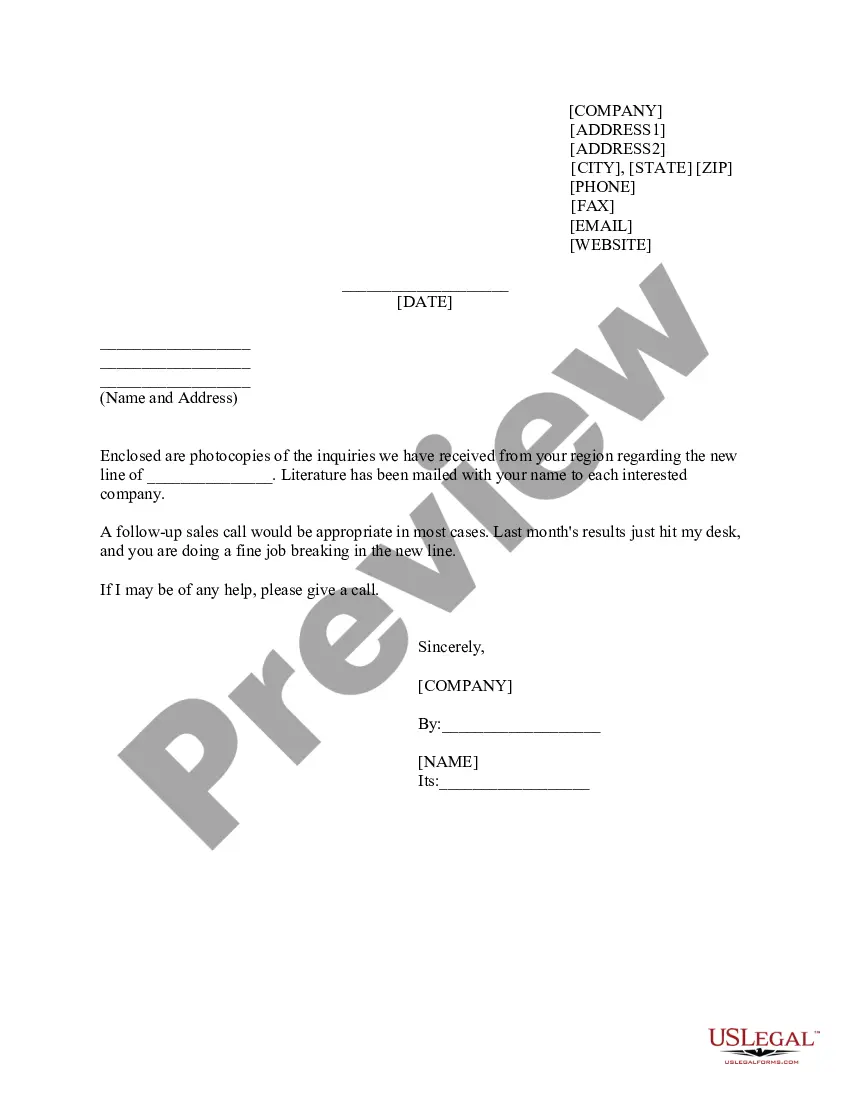
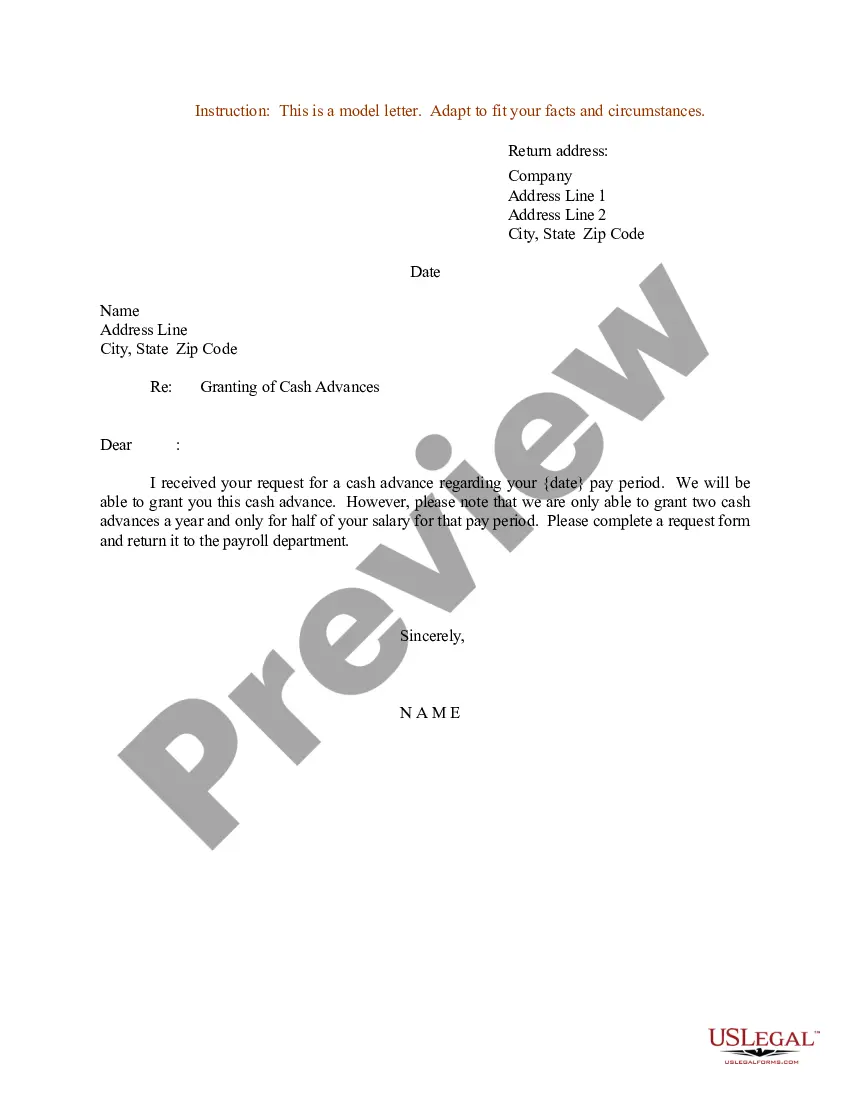
This form is a sales letter template specifically designed for promoting the sale of Christmas cards printed by your business. A sales letter is a crucial marketing tool that helps communicate with potential customers, outlining the benefits of your product while fostering a personal connection. This template stands out from other marketing forms by providing a ready-to-use structure tailored for holiday card sales, allowing for easy customization and personalization for your audience.
Key components of this form
- Header section including your address and contact information.
- Date line to specify the date of the letter.
- Recipient's name and address for personal touch.
- Opening salutation to initiate the letter.
- Body content detailing the Christmas card offer and its benefits.
- Sign-off section with space for signature and company details.
When to use this form
Use this sales letter when you are launching a marketing campaign for your Christmas card sales. It is particularly useful when reaching out to existing customers, potential clients, or community members who may appreciate your personalized card offerings. This form can help leverage holiday sentiments to encourage purchases.
Who can use this document
This sales letter is ideal for:
- Business owners or managers in the printing industry.
- Marketers looking to promote holiday products.
- Individuals or organizations hosting community events that involve card sales.
- Anyone wishing to foster relationships through personalized holiday greetings.
Steps to complete this form
- Fill in your business address and contact details in the header.
- Enter the date when you are sending the sales letter.
- Provide the recipient's name and address to personalize the letter.
- Compose a warm and engaging opening that connects with the recipient.
- Clearly describe the Christmas card offerings and benefits in the body of your letter.
- Sign off with your name and title, and include your company name underneath.
Does this document require notarization?
In most cases, this form does not require notarization. However, some jurisdictions or signing circumstances might. US Legal Forms offers online notarization powered by Notarize, accessible 24/7 for a quick, remote process.
Get your form ready online
Our built-in tools help you complete, sign, share, and store your documents in one place.
Make edits, fill in missing information, and update formatting in US Legal Forms—just like you would in MS Word.
Download a copy, print it, send it by email, or mail it via USPS—whatever works best for your next step.
Sign and collect signatures with our SignNow integration. Send to multiple recipients, set reminders, and more. Go Premium to unlock E-Sign.
If this form requires notarization, complete it online through a secure video call—no need to meet a notary in person or wait for an appointment.
We protect your documents and personal data by following strict security and privacy standards.

Make edits, fill in missing information, and update formatting in US Legal Forms—just like you would in MS Word.

Download a copy, print it, send it by email, or mail it via USPS—whatever works best for your next step.

Sign and collect signatures with our SignNow integration. Send to multiple recipients, set reminders, and more. Go Premium to unlock E-Sign.

If this form requires notarization, complete it online through a secure video call—no need to meet a notary in person or wait for an appointment.

We protect your documents and personal data by following strict security and privacy standards.
Mistakes to watch out for
- Failing to personalize the letter with the recipient's name.
- Not including a clear call to action inviting the recipient to make a purchase.
- Using overly complex language instead of a friendly tone.
- Omitting contact information which could hinder follow-up.
Advantages of online completion
- Convenience of filling out and customizing the form from anywhere.
- Ability to easily edit and update content per specific marketing needs.
- Access to templates drafted by licensed attorneys for reliability.
- Quickly downloadable, allowing for immediate use in your marketing efforts.
Looking for another form?



Form popularity
FAQ
Despite the rise in social media and e-cards, printed greeting cards remain very popular and are sold in almost every kind of retail outlet that you can think of. This means that once you can establish a market for your greeting cards, you can have a steadily rising income for life.
Nice paper: Those good-looking prints should come on paper that feels great?even at the lowest price tier. Typically, this means thick (around 110- to 120-pound) card stock. There should be a variety of photo finishes to choose from, such as matte, glossy, and satin.
You pay as little as 33 cents for a small, single-sided postcard and up to $4.44 per card for a gold-foil folding card on pearlescent cardstock. If you really want top quality, look to Minted or Mpix. They cost more, but you get the best print accuracy of the services we tested.
Uncoated paper is often considered the best paper for greeting cards because it is the easiest to write on. It's the same paper type that is used for writing pads, notepads and books. It has a modern matt finish and does not reflect the light unlike silk paper.
Turn a happy memory from this year into a personalized card. Upload a photo to make it yours or choose a professional design template that makes you smile. Our custom cards are easy to make for personal or business use.
Personalized Christmas & Holiday Card Sets Walmart Photo.
How to Print Your Own Greeting Cards at Home - YouTube YouTube Start of suggested clip End of suggested clip This is the best way to fold any scored. Paper put two fingers on either side of the score line andMoreThis is the best way to fold any scored. Paper put two fingers on either side of the score line and on the outside of the card. Place one finger on the score line on the opposite.
The UPS Store can help you make your own holiday greetings, thank you cards, announcements and more. Custom greeting cards made easy. Printing options include: Double Sided.