Invoice Template for Police Officer
Overview of this form
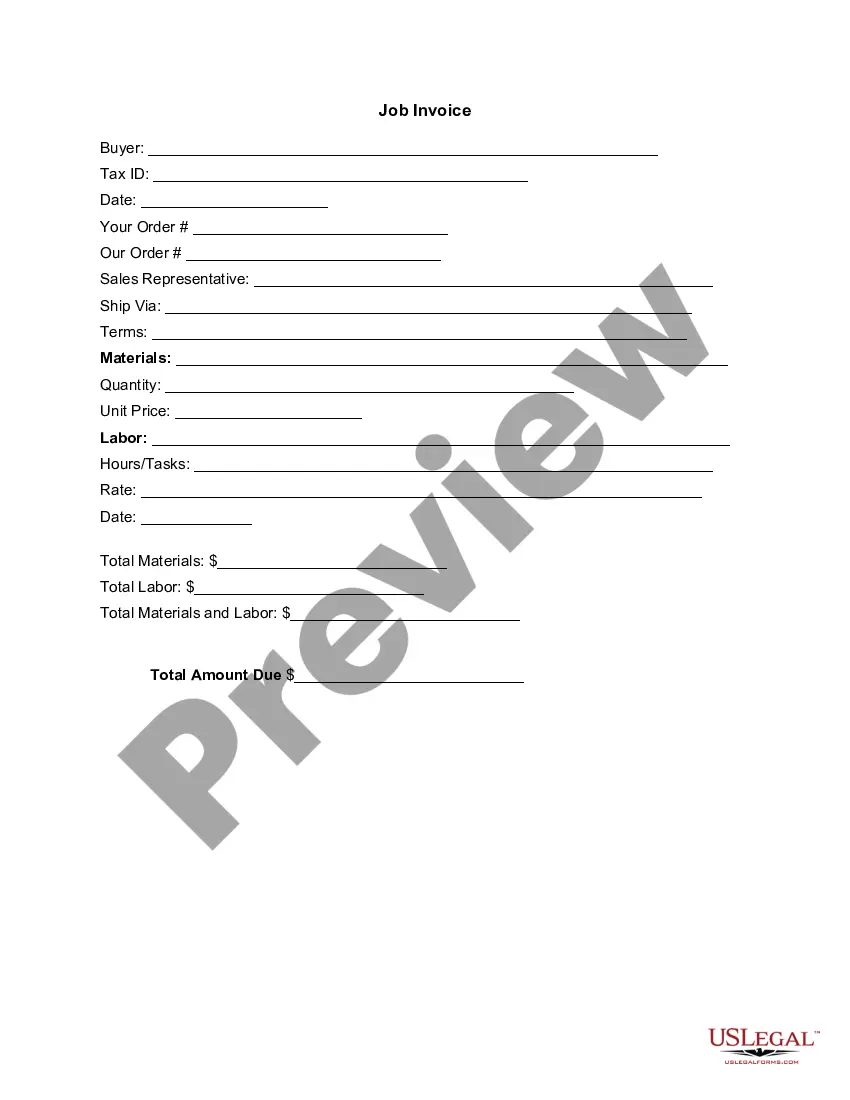
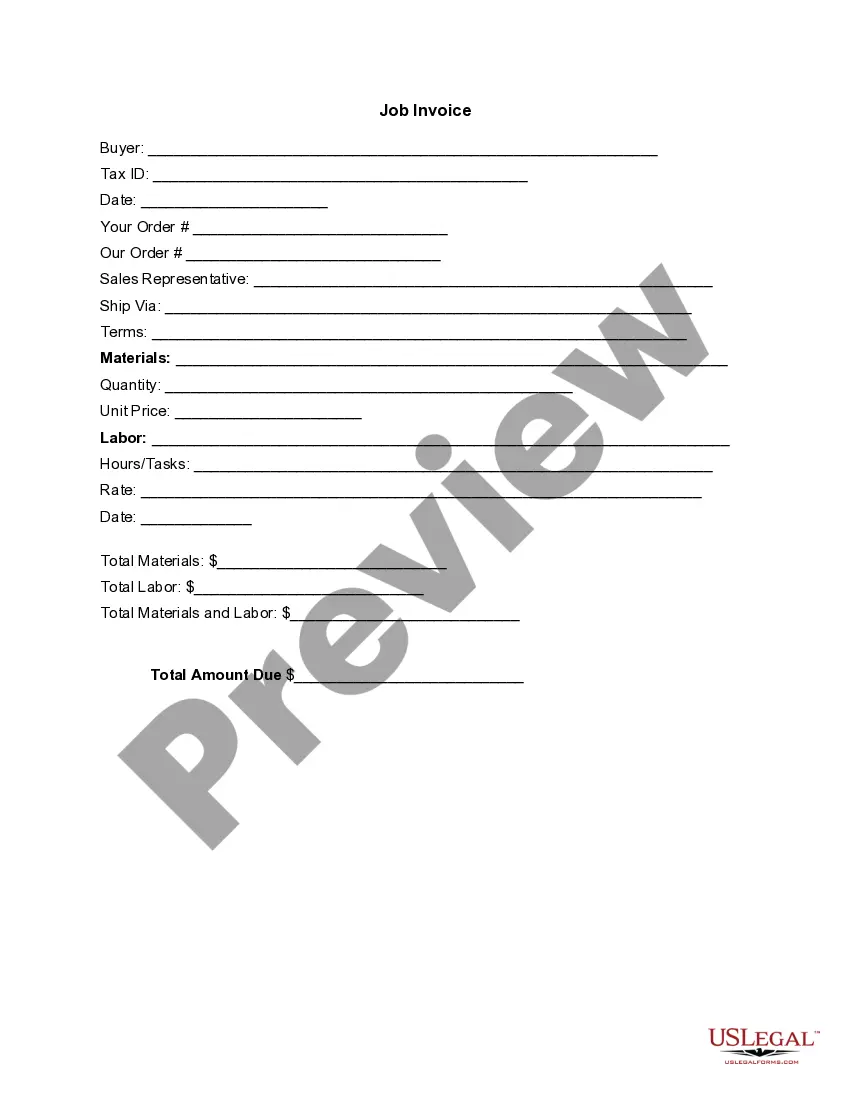
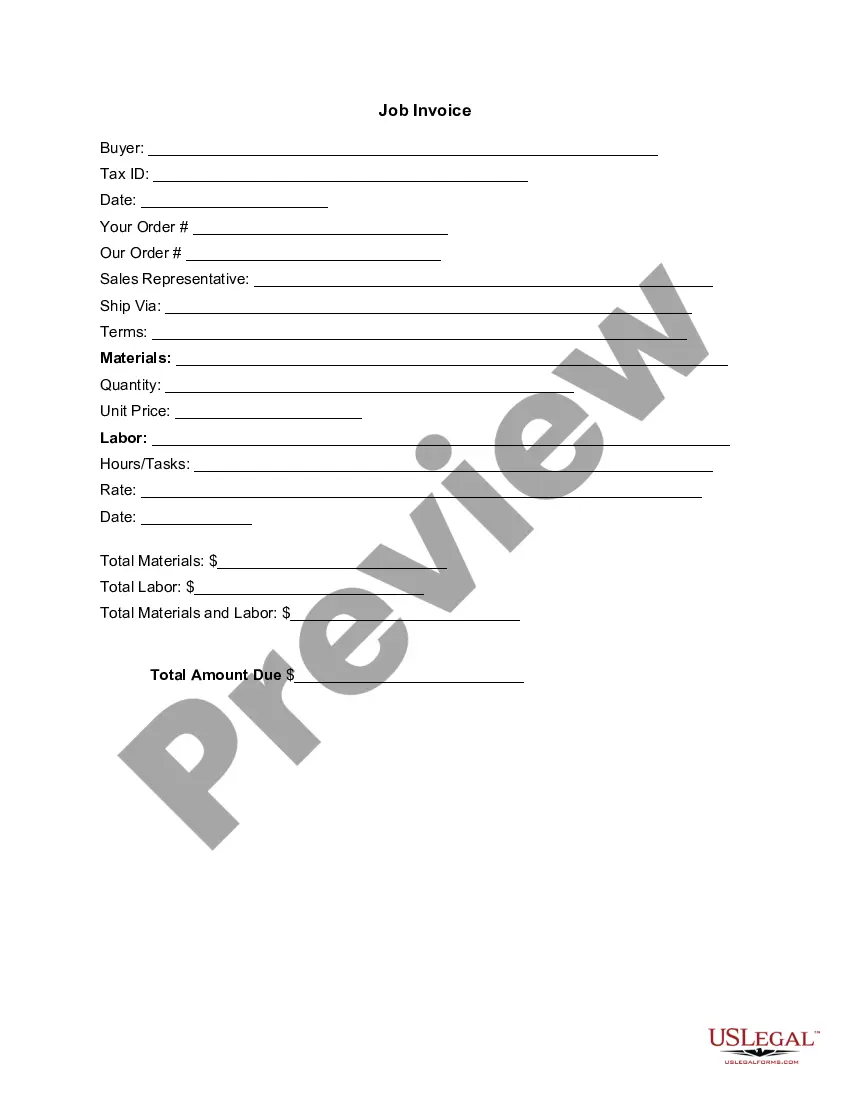
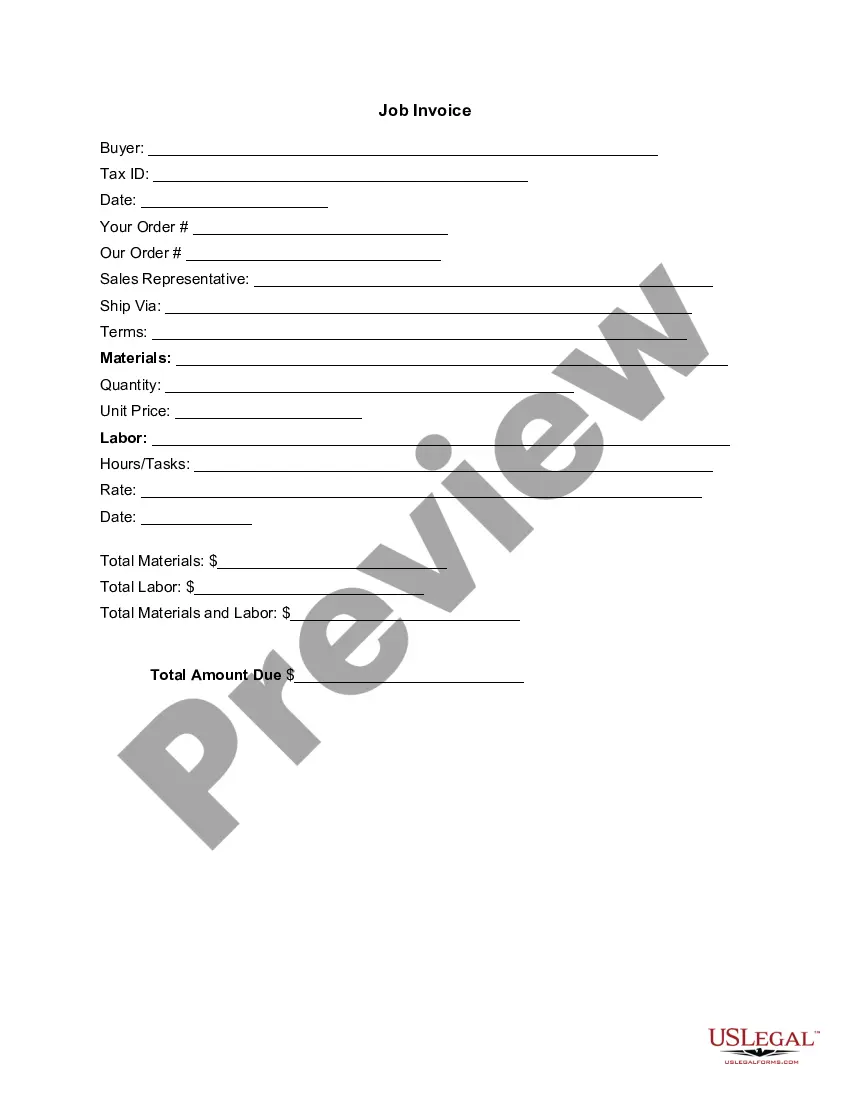
The Invoice Template for Police Officer is a legal document used to itemize services rendered by a police officer. This template provides a clear and concise breakdown of all relevant costs associated with the work completed, distinguishing it from standard invoice forms that may lack specific fields for law enforcement services. This form helps ensure that billing is accurate and professional, facilitating proper financial transactions and record-keeping.
What’s included in this form
- Buyer information: Space for entering the buyer's name and Tax ID.
- Date fields: Sections to record the date of service and invoice creation.
- Order details: Areas for both the buyer's order number and the officer's order number.
- Sales representative: Field for including the sales representative's contact information.
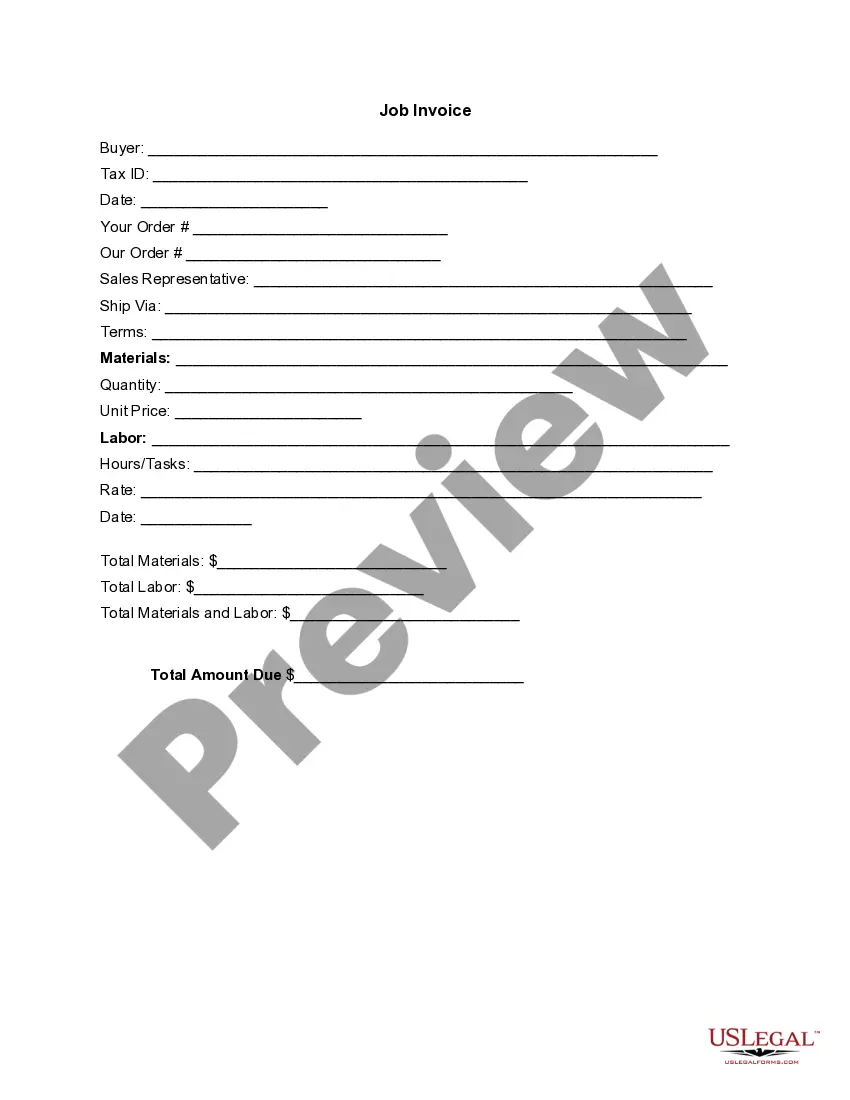
- Materials and labor: Sections to detail the materials used, corresponding quantities, unit prices, and labor-related entries, including hours and rates.
- Total amounts: Calculations for total materials, total labor, and overall amount due are included for clarity.

Common use cases
This invoice template should be used when a police officer has rendered services that require payment. Common scenarios include traffic control for events, security services, or other law enforcement duties performed outside of regular patrol duties. It enables the officer to provide a professional itemized account of their work and associated costs to the payer.
Who can use this document
- Individual police officers providing services on a freelance basis.
- Police departments invoicing for services such as security or crowd management.
- Event organizers hiring police officers for safety and security purposes.
- Businesses requesting police presence for specific events or needs.
Completing this form step by step
- Identify the parties: Fill in the name and Tax ID of the buyer.
- Enter dates: Include the date of service and the date the invoice is created.
- Detail the order: Input the necessary order numbers in the provided fields.
- List materials and labor: Specify the materials used, quantities, unit prices, labor tasks, hours worked, and applicable rates.
- Calculate totals: Sum up the total costs for materials and labor, then enter the total amount due.
Does this form need to be notarized?
This form does not typically require notarization unless specified by local law. It is advisable to check jurisdiction-specific requirements regarding invoice validation.
Get your form ready online
Our built-in tools help you complete, sign, share, and store your documents in one place.
Make edits, fill in missing information, and update formatting in US Legal Forms—just like you would in MS Word.
Download a copy, print it, send it by email, or mail it via USPS—whatever works best for your next step.
Sign and collect signatures with our SignNow integration. Send to multiple recipients, set reminders, and more. Go Premium to unlock E-Sign.
If this form requires notarization, complete it online through a secure video call—no need to meet a notary in person or wait for an appointment.
We protect your documents and personal data by following strict security and privacy standards.

Make edits, fill in missing information, and update formatting in US Legal Forms—just like you would in MS Word.

Download a copy, print it, send it by email, or mail it via USPS—whatever works best for your next step.

Sign and collect signatures with our SignNow integration. Send to multiple recipients, set reminders, and more. Go Premium to unlock E-Sign.

If this form requires notarization, complete it online through a secure video call—no need to meet a notary in person or wait for an appointment.

We protect your documents and personal data by following strict security and privacy standards.
Common mistakes
- Forgetting to fill in the Tax ID of the buyer, which can lead to payment delays.
- Not providing clear descriptions for services rendered, which could cause disputes.
- Errors in calculation of totals, leading to incorrect amount due.
Benefits of completing this form online
- Convenient access: Download and customize the template at any time.
- Editability: Forms can be adjusted easily to reflect specific services and costs.
- Reliability: Ensured compliance with legal standards for invoicing in law enforcement.
Looking for another form?

Form popularity
FAQ
Make your invoice look professional. The first step is to put your invoice together. Clearly mark your invoice. Add company name and information. Write a description of the goods or services you're charging for. Don't forget the dates. Add up the money owed. Mention payment terms.
The business's name and contact details with a logo, if applicable. The client's name and contact details. An invoice number. A payment due date.
Your Australian business number (ABN) the date you issued the invoice. a brief list of the items sold, including quantity and price. the goods and services tax (GST) amount payable (if any).
The name of your company. The name of your customer. The date the services were provided. Invoice number. A description of services rendered. Quantity of hours spent on services rendered. The price you're charging for the services or your hourly rate.
A unique identification number. your company name, address and contact information. the company name and address of the customer you're invoicing. a clear description of what you're charging for. the date the goods or service were provided (supply date) the date of the invoice.
The name and contact details of your business. The client's contact information. A unique invoice number. An itemized summary of the services provided. Specific payment terms. The invoice due date. The total amount owing on the invoice.
Basic blank invoice example Your business's name and contact information. Your customer's billing information. A description of the goods or services rendered. A due date (so you get paid on time)
Include Contact Information. Add the Invoice Date. Establish a Simple Invoice Numbering System. List Your Services. Add Your Payment Terms. Include the Amount Due and the Payment Due Date.
A unique identification number. your company name, address and contact information. the company name and address of the customer you're invoicing. a clear description of what you're charging for. the date the goods or service were provided (supply date) the date of the invoice.