Invoice of Handyman
What this document covers
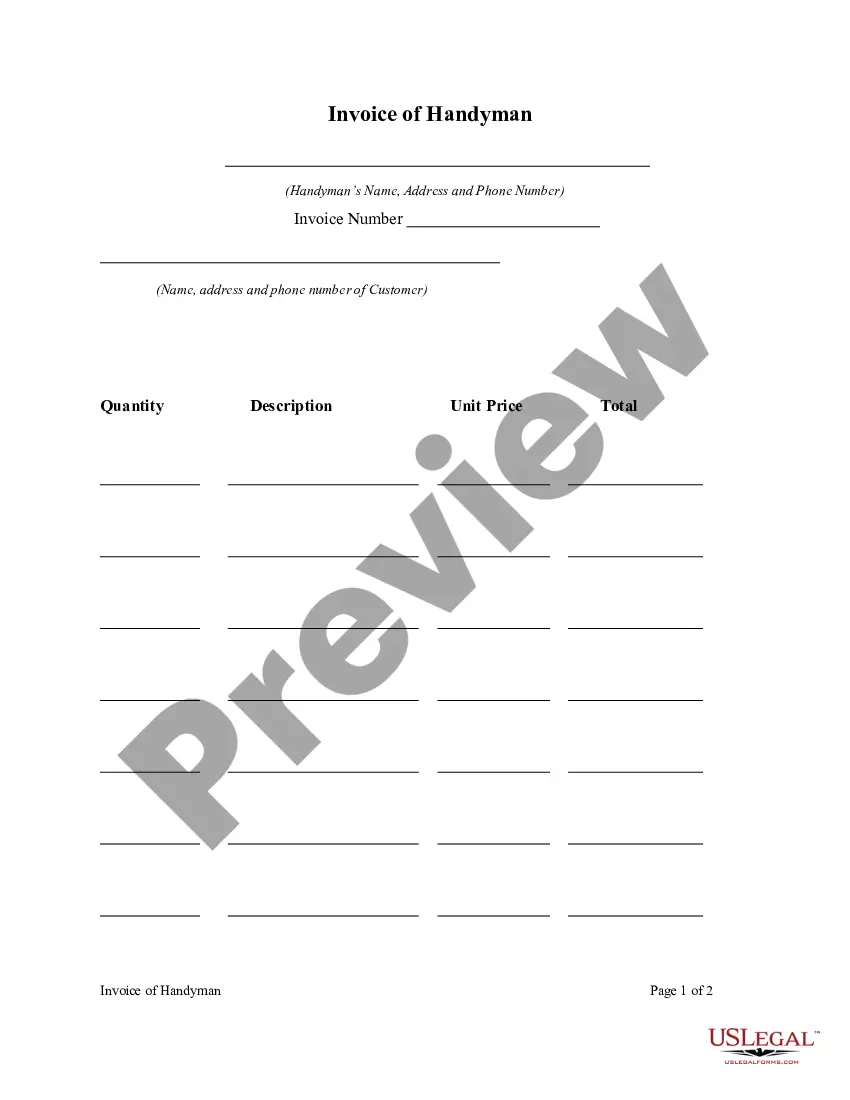
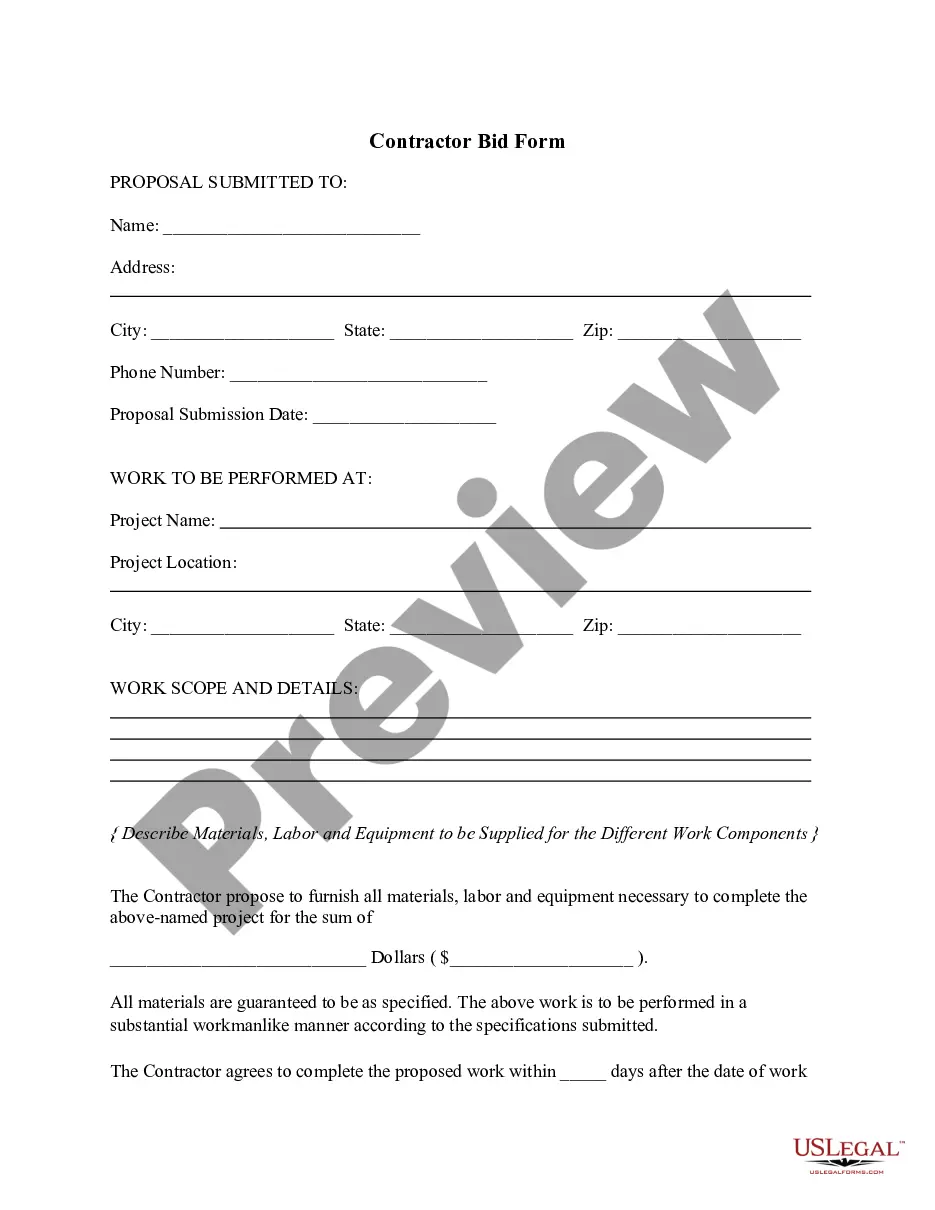
The Invoice of Handyman is a legally binding document used by handymen or contractors to request payment for services rendered. It outlines the work completed, including descriptions, costs, and payment terms. This invoice differs from general invoices by specifically catering to handyman services, ensuring that all necessary details are included to avoid payment disputes.
Key components of this form
- Identification of the handyman or contractor, including their business name and contact information.
- Detailed description of the services performed, including dates and locations of the work undertaken.
- Itemized list of costs associated with each service, including materials and labor charges.
- Payment terms, including due dates and acceptable payment methods.


When to use this form
This form is essential whenever a handyman completes a task and needs to bill the client for services provided. Examples include home repairs, installations, or maintenance work. It is also useful for tracking payments and keeping financial records organized.
Who can use this document
- Handymen and contractors providing services to residential or commercial clients.
- Clients receiving handyman services who need an official record of the invoice for payment tracking.
- Business owners in the home improvement industry who require formal documentation for accounting purposes.
Instructions for completing this form
- Identify the handyman or contractor by entering their name and contact information at the top of the invoice.
- Describe the services performed, including detailed descriptions and dates when the work was completed.
- List all costs in an itemized format, including each service and its corresponding charge.
- Specify the total amount due and outline the payment terms, including accepted payment methods and due dates.
- Sign and date the invoice to validate it before sending it to the client.
Is notarization required?
This form does not typically require notarization unless specified by local law. It serves as a formal request for payment but does not necessitate a witness or notary signature to be considered valid.
Get your form ready online
Our built-in tools help you complete, sign, share, and store your documents in one place.
Make edits, fill in missing information, and update formatting in US Legal Forms—just like you would in MS Word.
Download a copy, print it, send it by email, or mail it via USPS—whatever works best for your next step.
Sign and collect signatures with our SignNow integration. Send to multiple recipients, set reminders, and more. Go Premium to unlock E-Sign.
If this form requires notarization, complete it online through a secure video call—no need to meet a notary in person or wait for an appointment.
We protect your documents and personal data by following strict security and privacy standards.

Make edits, fill in missing information, and update formatting in US Legal Forms—just like you would in MS Word.

Download a copy, print it, send it by email, or mail it via USPS—whatever works best for your next step.

Sign and collect signatures with our SignNow integration. Send to multiple recipients, set reminders, and more. Go Premium to unlock E-Sign.

If this form requires notarization, complete it online through a secure video call—no need to meet a notary in person or wait for an appointment.

We protect your documents and personal data by following strict security and privacy standards.
Common mistakes to avoid
- Failing to itemize services, which can lead to misunderstandings about what the client is paying for.
- Not including payment terms, which may delay payment or lead to disputes.
- Omitting important contact information, making it difficult for clients to reach the handyman with questions.
Benefits of using this form online
- Convenience of downloading and personalizing the invoice to fit individual business needs.
- Easy editing options allow for updates to services or pricing as necessary.
- Reliable format ensures all necessary information is included for legal and financial purposes.
What to keep in mind
- The Invoice of Handyman is essential for clear billing practices in handyman services.
- Providing detailed descriptions and itemized charges can prevent payment disputes.
- The form is applicable in various states, with no specific state regulations to follow.
Looking for another form?


Form popularity
FAQ
Your invoice should generally include the following: Service details: Be as clear as possible when describing the product or service you're providing. Service Date: Including a service date is optional, but if you decide to note it, this would be the date you performed the contractor service. Description: Be specific.
Your company/trading name, VAT number (if applicable), address and contact info. Your customer's company/trading name, address and contact info. A unique invoice number. The date of the invoice. A description of what you are charging for.
1. ' Invoice' A unique invoice number. Your company name and address. The company name and address of the customer. A description of the goods/services. The date of supply. The date of the invoice. The amount of the individual goods or services to be paid.
Make your invoice look professional. The first step is to put your invoice together. Clearly mark your invoice. Add company name and information. Write a description of the goods or services you're charging for. Don't forget the dates. Add up the money owed. Mention payment terms.
The name and contact details of your business. The client's contact information. A unique invoice number. An itemized summary of the services provided. Specific payment terms. The invoice due date. The total amount owing on the invoice.
Identify the Document as an Invoice. Include Your Business Information. Add the Client's Contact Details. Assign a Unique Invoice Number. Add the Invoice Date. Provide Details of Your Services. Include Your Payment Terms. List the Total Amount Due.
Label as an invoice. Your name and contact information. Invoice number. Date of the invoice. Billing period. Client name and address. A breakdown of services rendered. Hourly rates.
Personalize and make your invoice professional. To begin, choose a color that best represents your brand and upload your brand's logo. Fill-out the appropriate contact information on your invoice. Select a due date on your invoice. Fill in the projects/ tasks you are invoicing the client for. Add payment information.