Texas Invoice Template for Waiting Staff
Description
Get your form ready online
Our built-in tools help you complete, sign, share, and store your documents in one place.
Make edits, fill in missing information, and update formatting in US Legal Forms—just like you would in MS Word.
Download a copy, print it, send it by email, or mail it via USPS—whatever works best for your next step.
Sign and collect signatures with our SignNow integration. Send to multiple recipients, set reminders, and more. Go Premium to unlock E-Sign.
If this form requires notarization, complete it online through a secure video call—no need to meet a notary in person or wait for an appointment.
We protect your documents and personal data by following strict security and privacy standards.
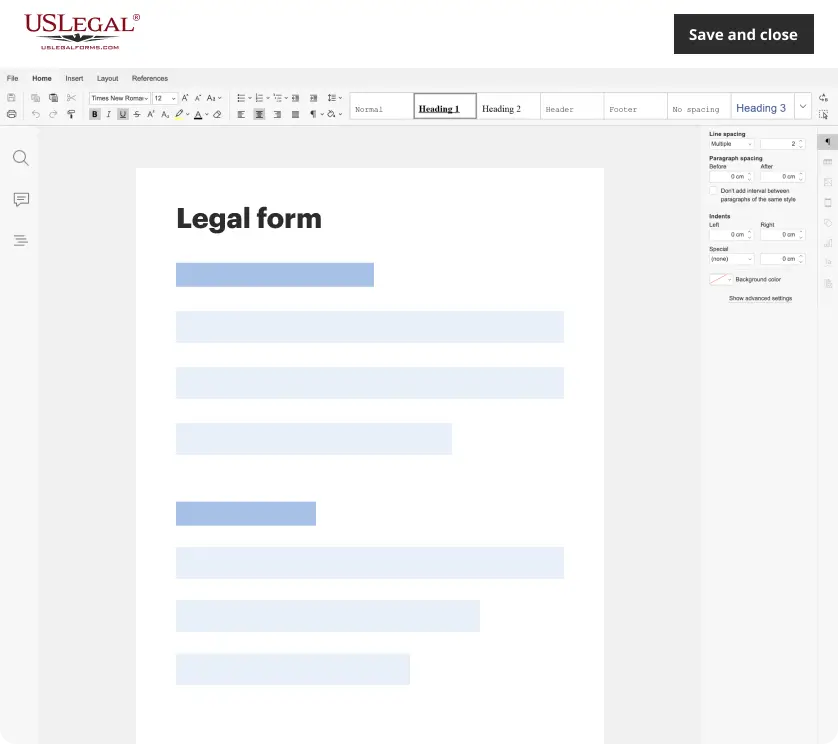
Make edits, fill in missing information, and update formatting in US Legal Forms—just like you would in MS Word.
Download a copy, print it, send it by email, or mail it via USPS—whatever works best for your next step.
Sign and collect signatures with our SignNow integration. Send to multiple recipients, set reminders, and more. Go Premium to unlock E-Sign.

If this form requires notarization, complete it online through a secure video call—no need to meet a notary in person or wait for an appointment.
We protect your documents and personal data by following strict security and privacy standards.
Looking for another form?
How to fill out Invoice Template For Waiting Staff?
Are you in the situation where you require documentation for potential business or personal purposes almost every day.
There are numerous legal document templates available online, but locating reliable forms is not simple.
US Legal Forms offers a multitude of template forms, such as the Texas Invoice Template for Waitstaff, crafted to meet federal and state requirements.
Utilize US Legal Forms, the most comprehensive collection of legal forms, to save time and prevent mistakes.
The service provides properly designed legal document templates that you can use for various purposes. Create your account on US Legal Forms and start making your life a little easier.
- If you are already familiar with the US Legal Forms website and have an account, simply sign in.
- After that, you can download the Texas Invoice Template for Waitstaff.
- If you do not have an account and wish to use US Legal Forms, follow these steps.
- Obtain the form you require and ensure it is for the correct city/state.
- Utilize the Preview button to view the form.
- Check the summary to confirm that you have selected the right form.
- If the form is not what you are looking for, use the Lookup area to find the form that fits your needs.
- If you identify the correct form, click Acquire now.
- Choose the pricing plan you prefer, complete the required information to set up your account, and purchase the order using your PayPal or credit card.
- Select a convenient document format and download your copy.
- Access all of the document templates you have purchased in the My documents section. You can obtain an additional version of the Texas Invoice Template for Waitstaff at any time if needed. Just click on the appropriate form to download or print the document template.
Form popularity
FAQ
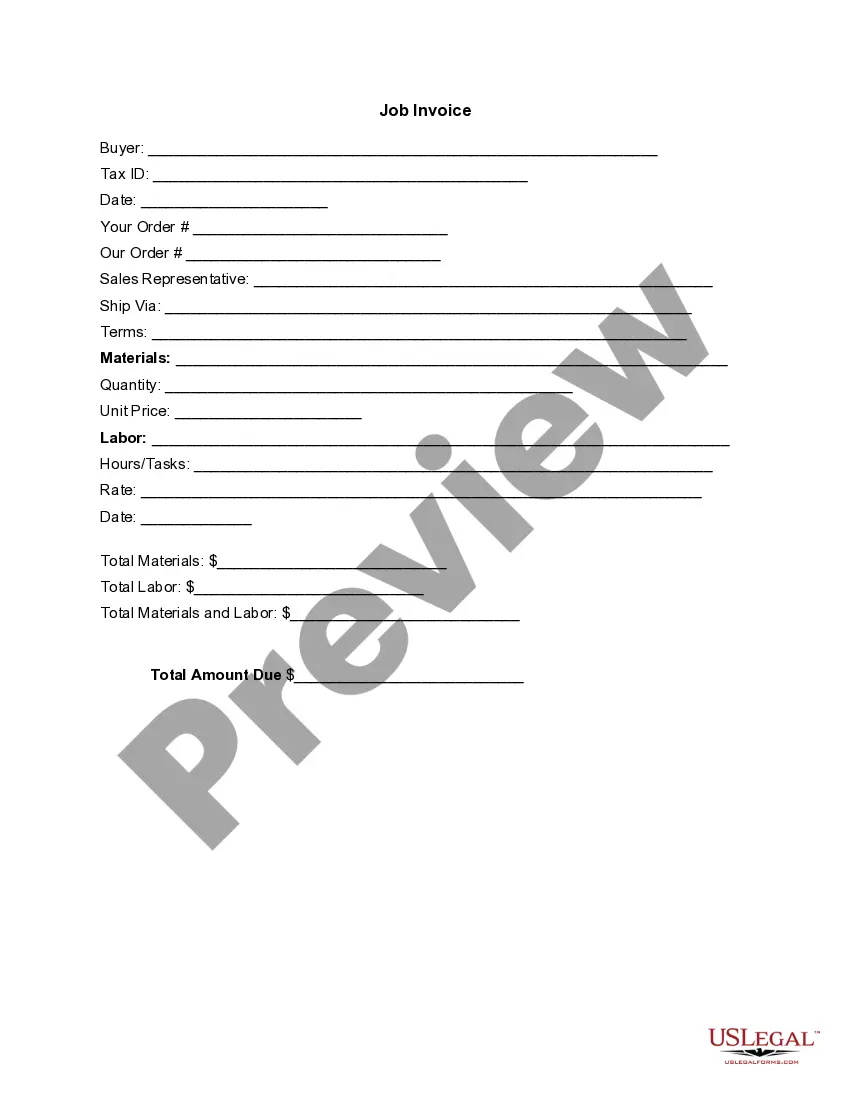
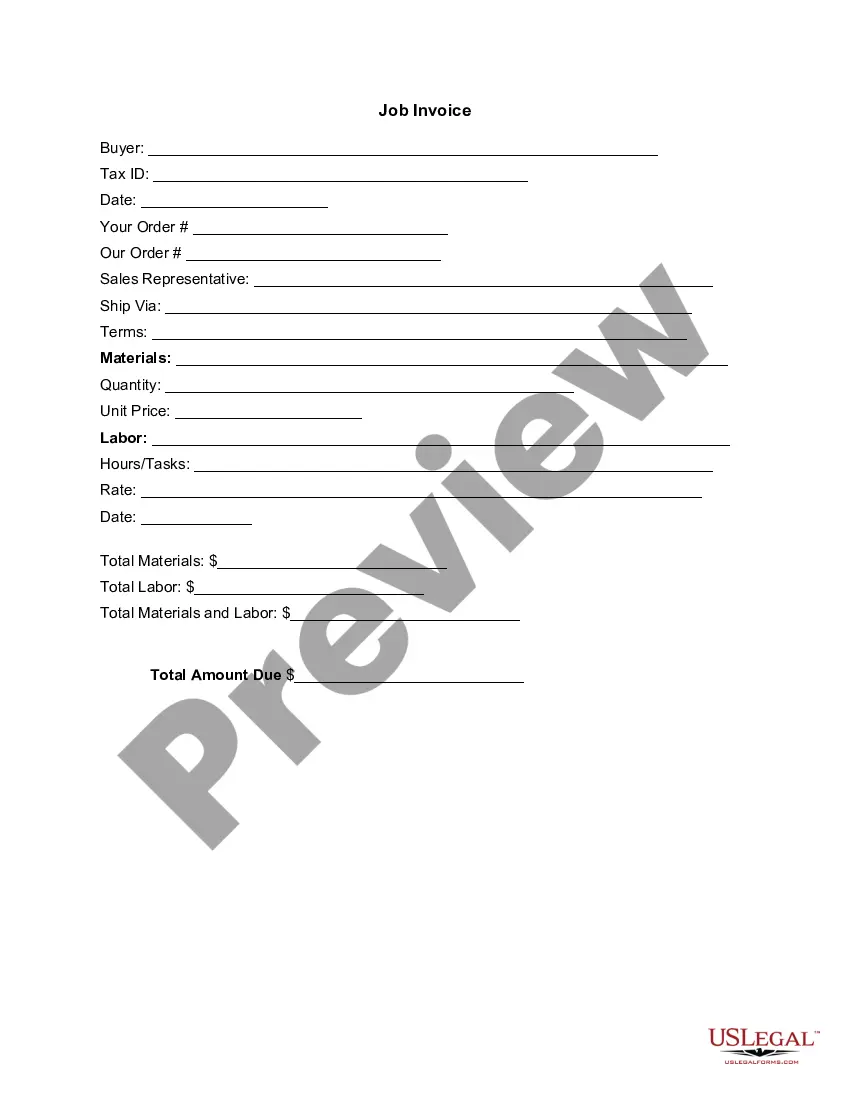
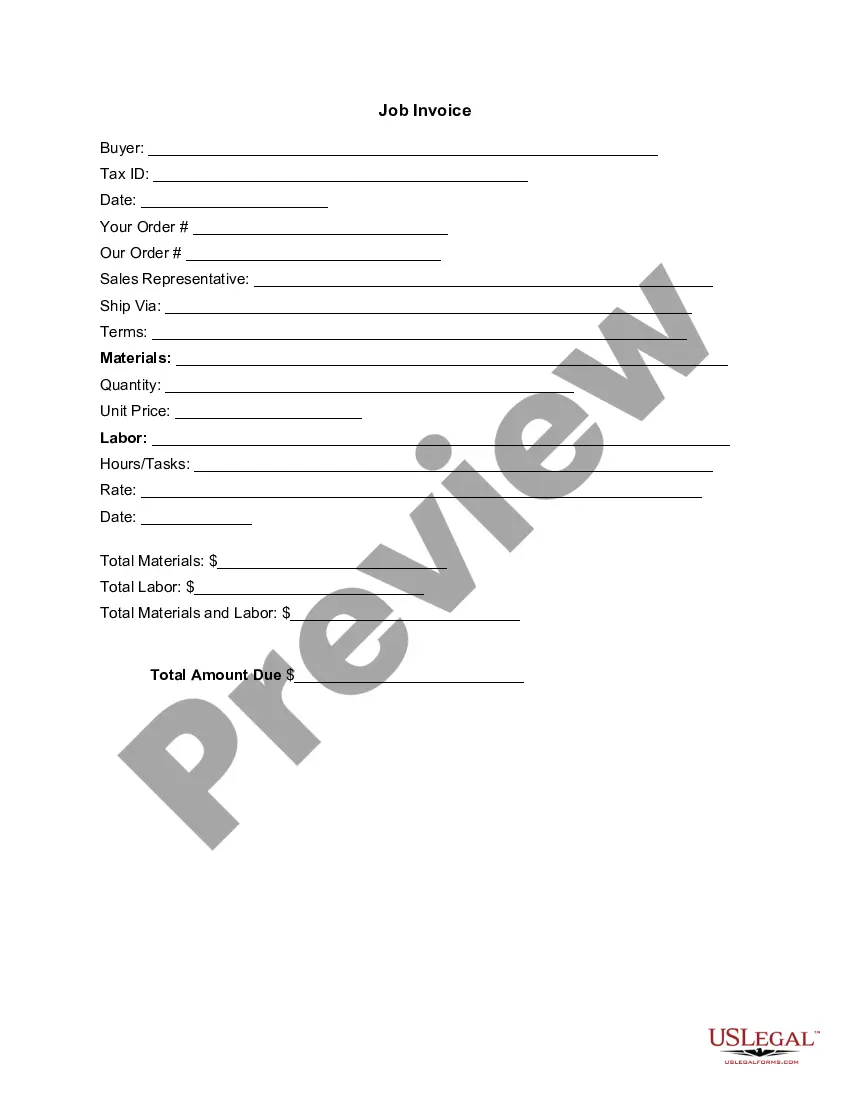
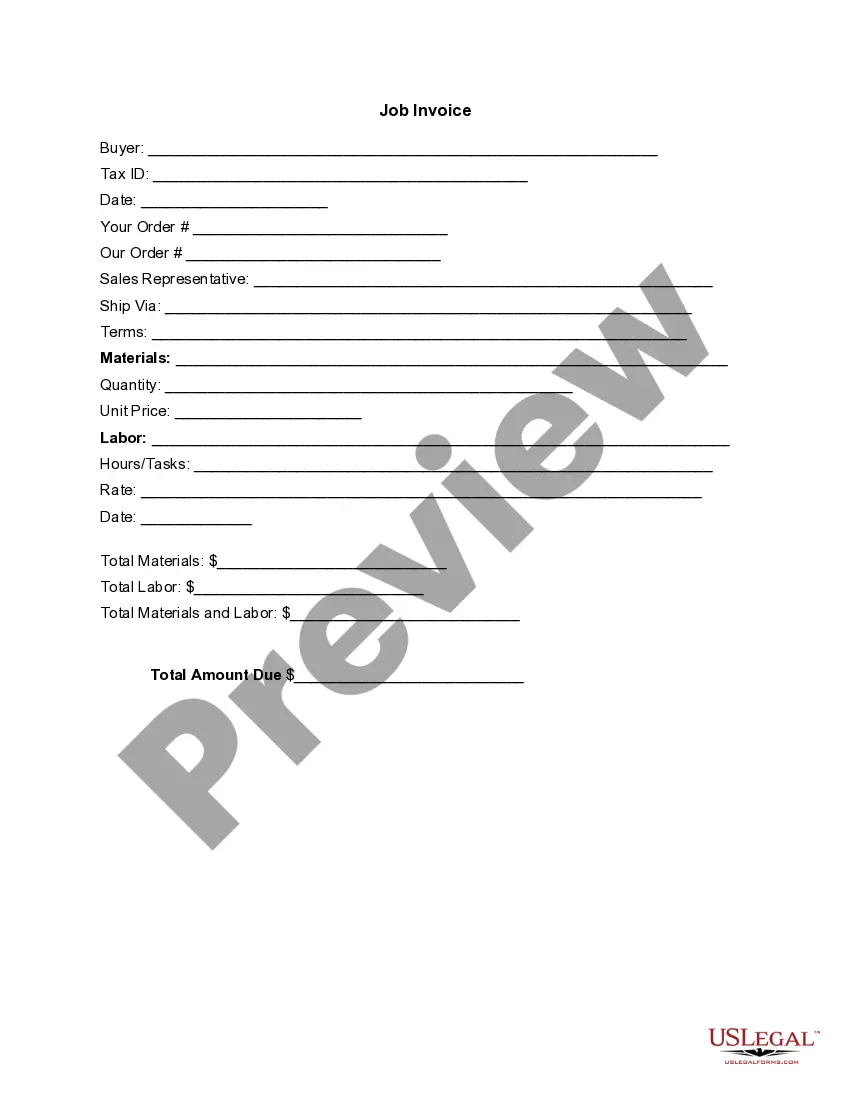
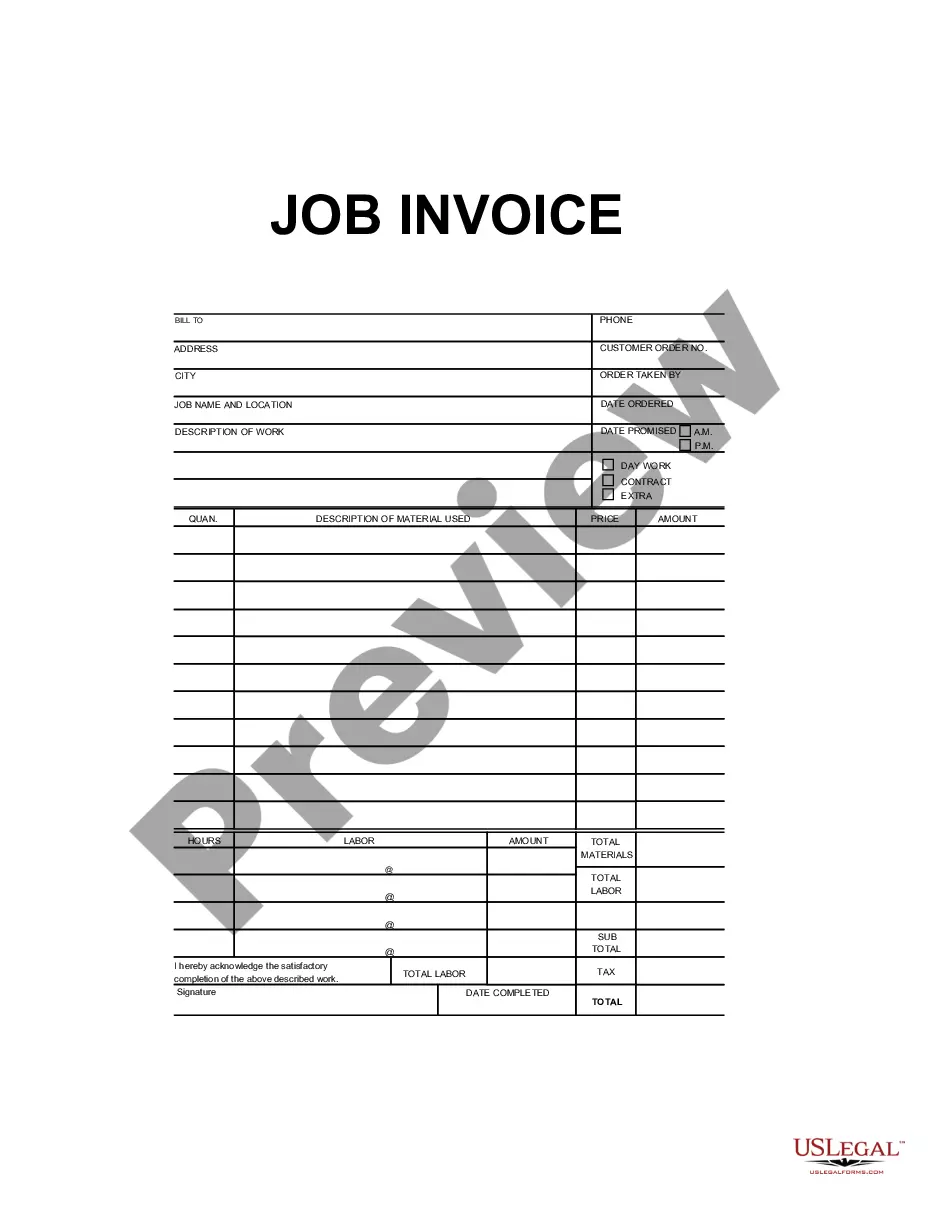
To fill out a contractor's invoice, start by including your business information at the top, like your name and address. Next, list the services provided, along with the dates and the corresponding rates. Use the Texas Invoice Template for Waiting Staff to ensure that your invoice is clear and professional. Lastly, add any payment terms and a total amount due.
A Texas Invoice Template for Waiting Staff must include specific legal elements. Essential items are your business name, contact information, the client's details, and a unique invoice number. Additionally, including the date of service, a clear description of services rendered, and the total amount due ensures compliance. Always remember to follow local regulations, as these can vary from state to state.
Yes, you can find a Texas Invoice Template for Waiting Staff in Word format. This template provides a structured layout that simplifies the invoicing process. You can easily customize it to fit your specific needs, ensuring all relevant details are captured. Using a Word template allows for quick edits and formatting adjustments, making your invoicing efficient.
Creating an e-invoice for a service is easy with our Texas Invoice Template for Waiting Staff. You can customize the template digitally, entering all required information such as service descriptions and totals. Once you have gathered this information, you can convert it into a PDF and send it electronically to your clients. This method is efficient and aligns with modern invoicing practices.
Submitting invoices requires a few simple steps. Start with the Texas Invoice Template for Waiting Staff to ensure you cover all necessary details such as itemized services and total costs. After completing the invoice, send it to your client either via email or a billing platform. A well-structured invoice increases the chances of timely payment.
To send an invoice for your services, you first need to create it using the Texas Invoice Template for Waiting Staff. Once you have filled out the invoice, save it in a preferred format like PDF. You can then email it to your client separately or integrate it with invoicing software for direct sending. This approach streamlines the invoicing process and enhances your efficiency.
Creating an invoice for services provided is simple and can be done using the Texas Invoice Template for Waiting Staff. Start by listing the services you provided, including the date and duration. Add your payment terms and total amount due, ensuring clarity for your client. Once you've compiled this information, your invoice is ready to be sent.
Filling out an invoice template is straightforward. Begin with your contact information and the client’s details, then specify the services rendered along with their respective costs. The Texas Invoice Template for Waiting Staff guides you in entering all necessary fields, making the process efficient and organized. Be sure to check for accuracy before sending it off.
To submit an invoice for a service, start by using our Texas Invoice Template for Waiting Staff. Complete the required details, including your service description, hourly rate, and total amount due. After filling it out, send the invoice via email or through a payment platform that your client uses. This ensures a clear and professional submission process.
To get an invoice template in Word, you can either search online for downloadable templates or use platforms like uslegalforms, which offers customizable options. Many templates are ready to use and need minimal editing. A Texas Invoice Template for Waiting Staff from uslegalforms can save you time and ensure you have a professional-looking invoice.