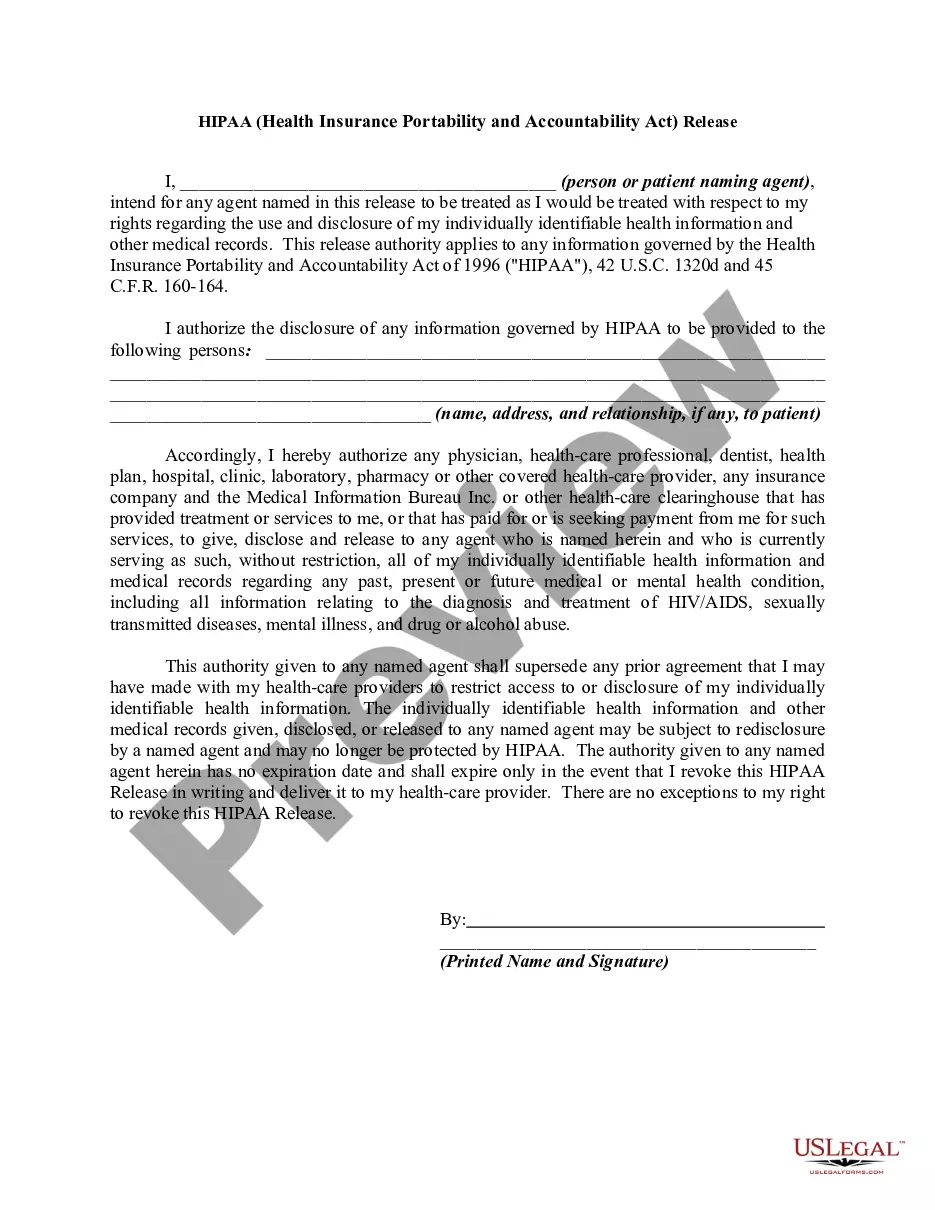
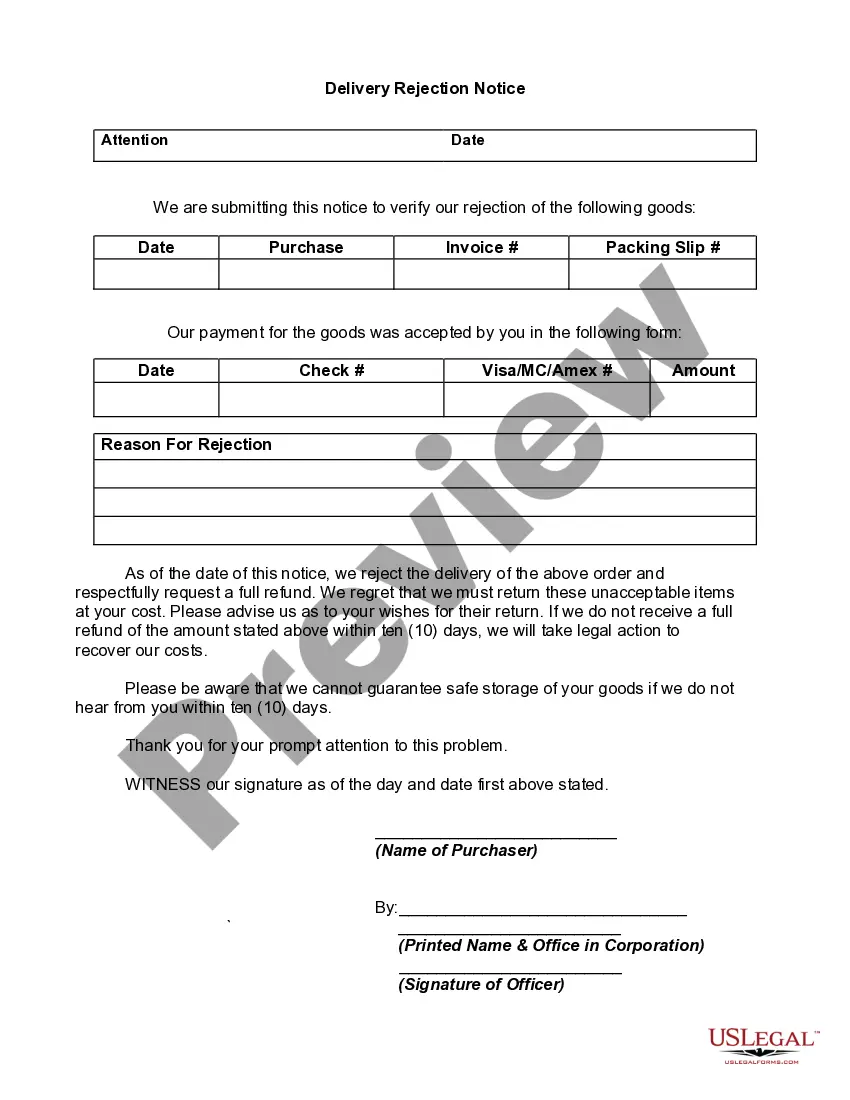
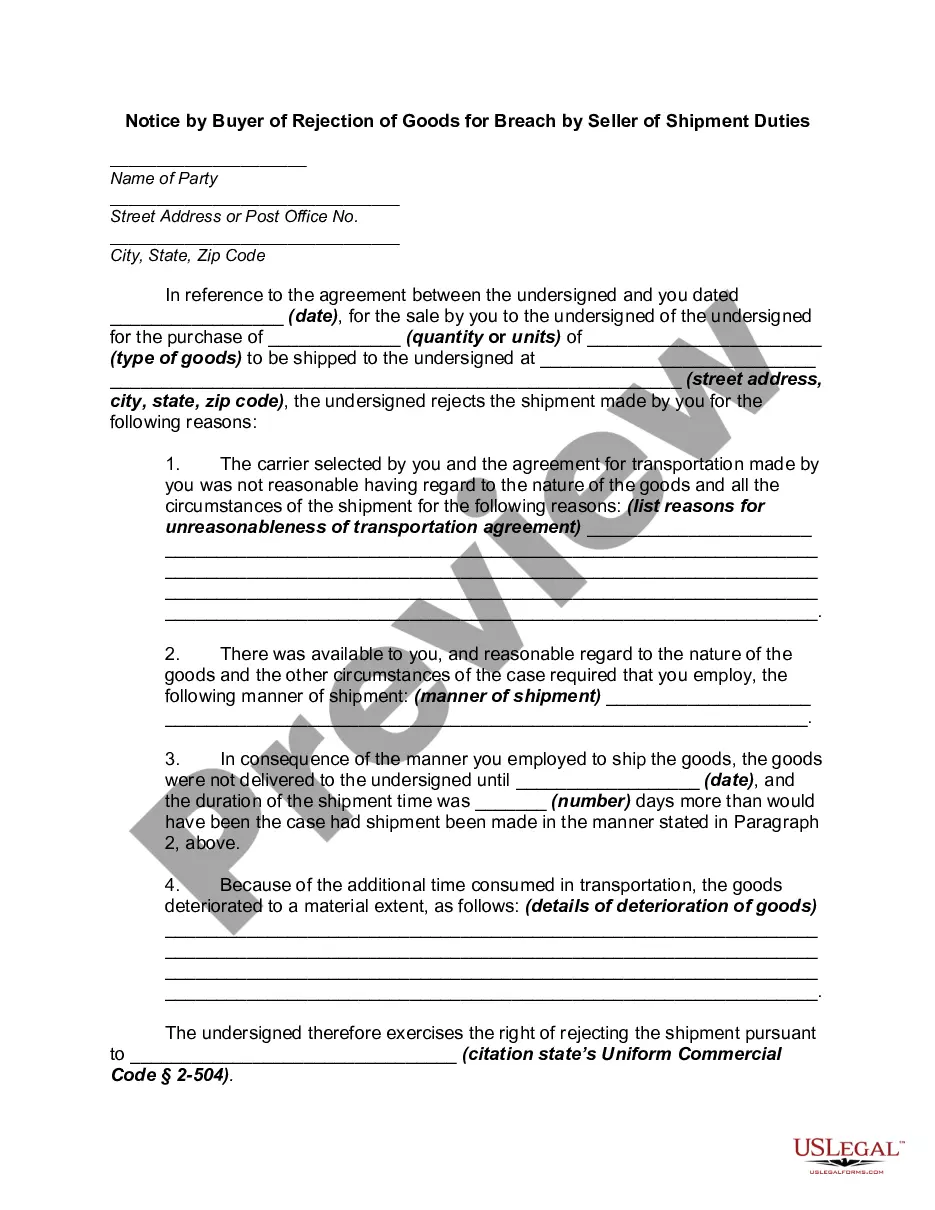
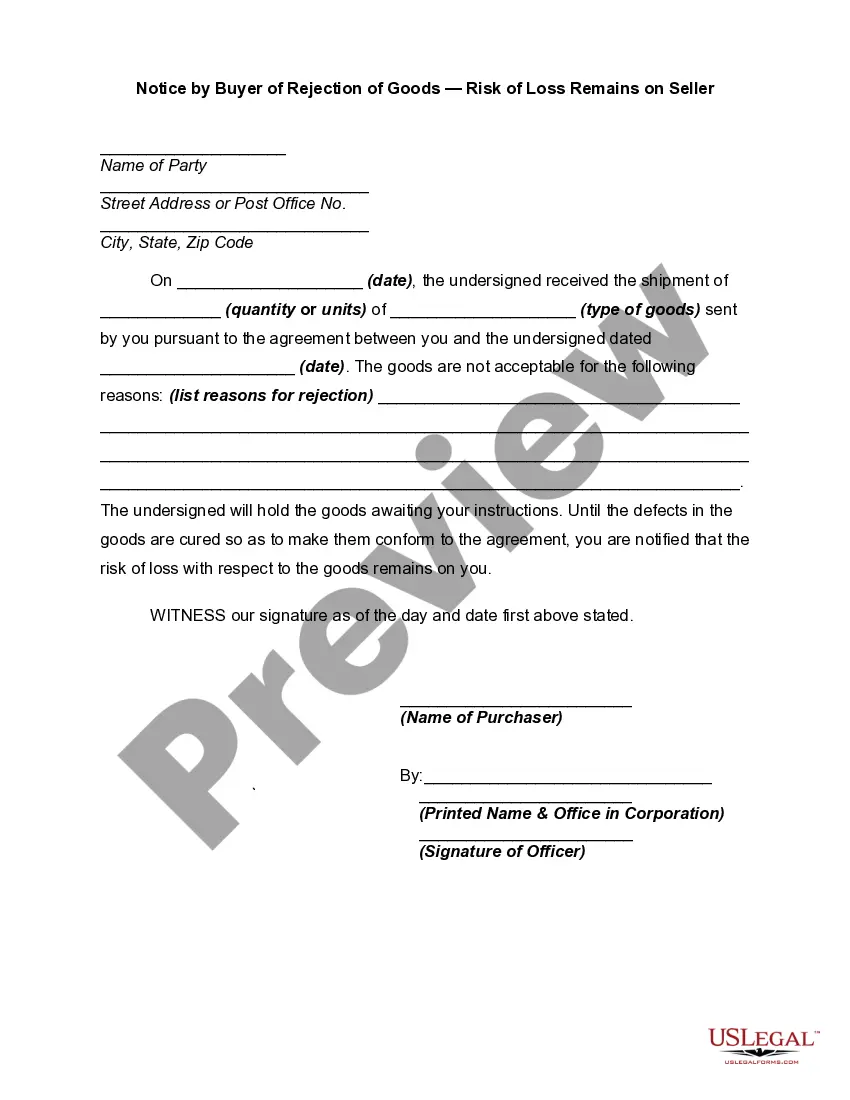
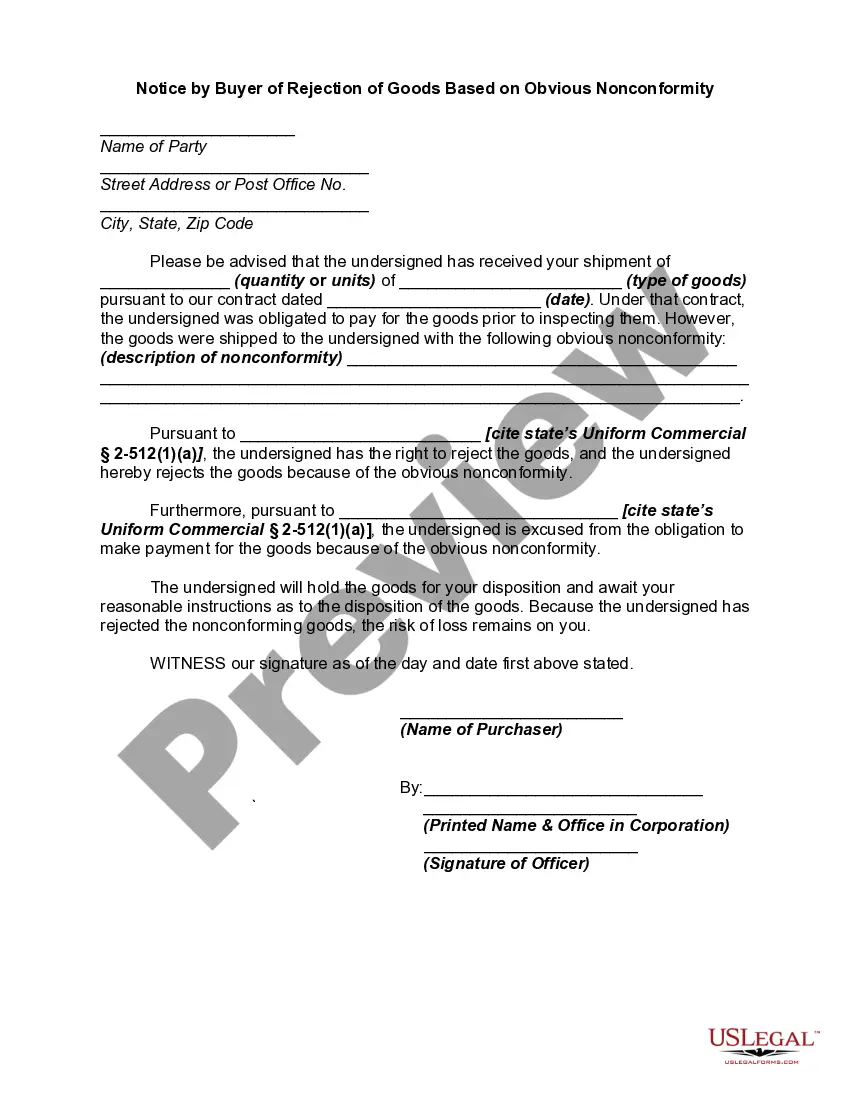
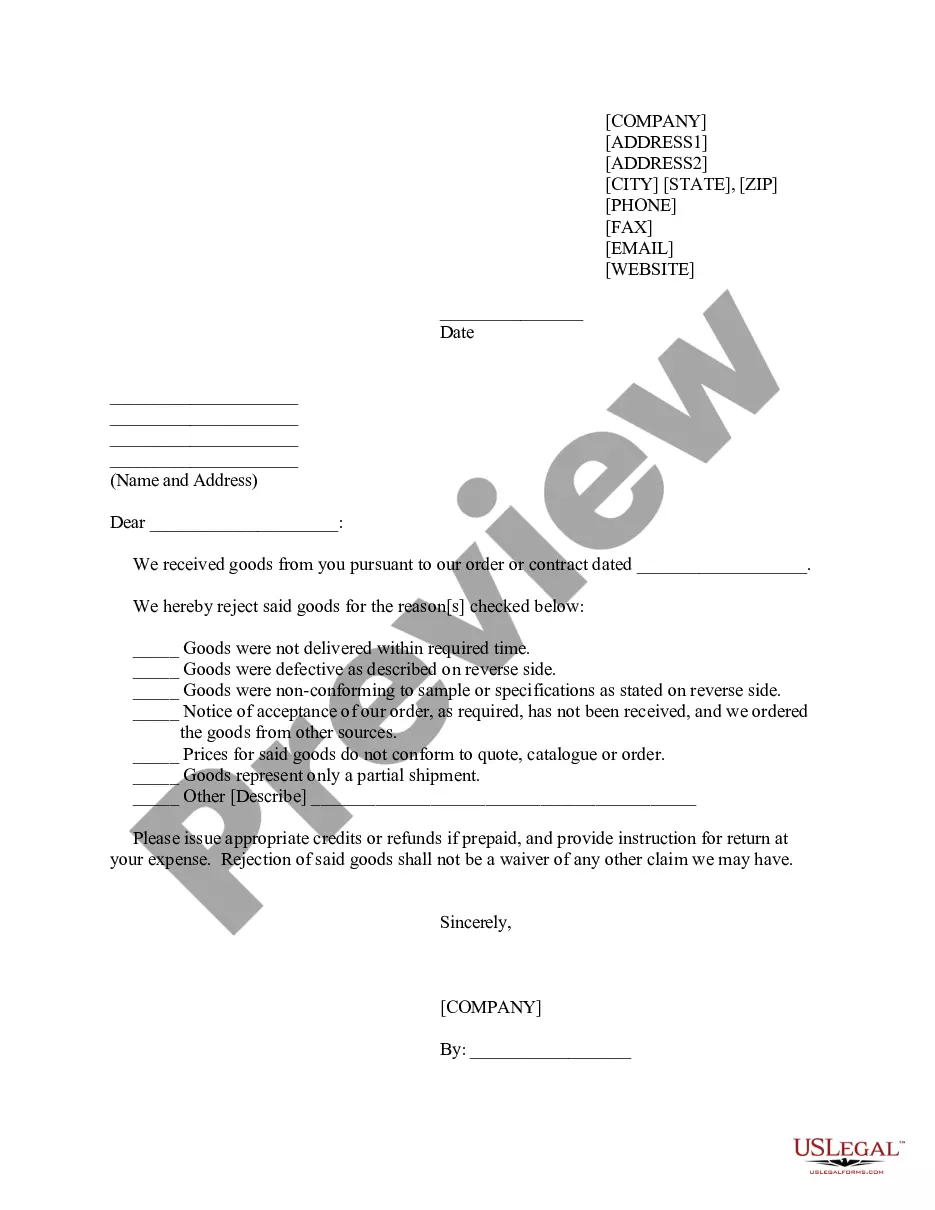
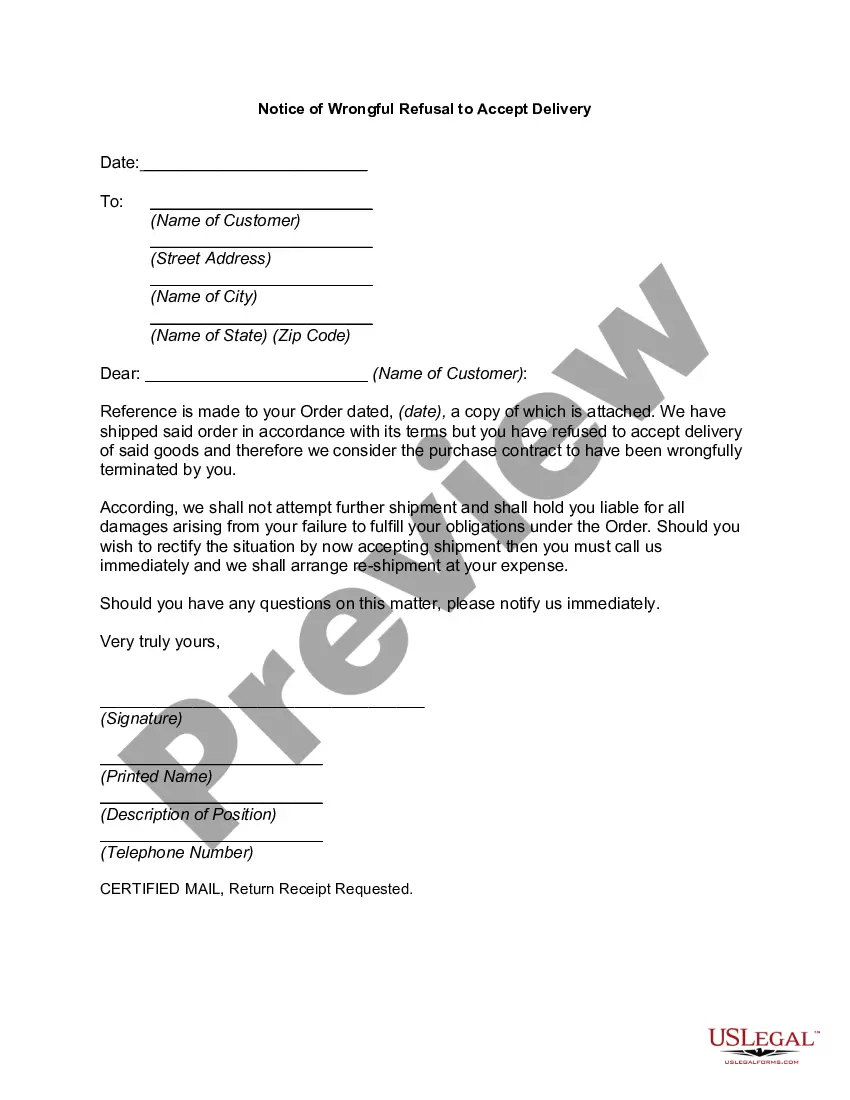
In this form the buyer giving notice of his/her rejecting delivery of the goods. This is covered by Section 2-602 of the Uniform Commercial Code, which state:
Rejection of goods must be within a reasonable time after their delivery or tender. It is ineffective unless the buyer seasonably notifies the seller. Subject to the provisions of the two following sections on rejected goods (Sections 2-603 and 2-604). After rejection any exercise of ownership by the buyer with respect to any commercial unit is wrongful as against the seller.
Texas Delivery Rejection Notice
Instant download
Description
Get your form ready online
Our built-in tools help you complete, sign, share, and store your documents in one place.
Built-in online Word editor
Make edits, fill in missing information, and update formatting in US Legal Forms—just like you would in MS Word.
Export easily
Download a copy, print it, send it by email, or mail it via USPS—whatever works best for your next step.
E-sign your document
Sign and collect signatures with our SignNow integration. Send to multiple recipients, set reminders, and more. Go Premium to unlock E-Sign.
Notarize online 24/7
If this form requires notarization, complete it online through a secure video call—no need to meet a notary in person or wait for an appointment.
Store your document securely
We protect your documents and personal data by following strict security and privacy standards.

Make edits, fill in missing information, and update formatting in US Legal Forms—just like you would in MS Word.

Download a copy, print it, send it by email, or mail it via USPS—whatever works best for your next step.

Sign and collect signatures with our SignNow integration. Send to multiple recipients, set reminders, and more. Go Premium to unlock E-Sign.

If this form requires notarization, complete it online through a secure video call—no need to meet a notary in person or wait for an appointment.

We protect your documents and personal data by following strict security and privacy standards.
Looking for another form?






How to fill out Delivery Rejection Notice?
You are able to commit several hours online attempting to find the authorized file template that meets the federal and state needs you want. US Legal Forms supplies 1000s of authorized types which are analyzed by specialists. It is possible to download or printing the Texas Delivery Rejection Notice from my services.
If you currently have a US Legal Forms accounts, you can log in and then click the Down load option. Next, you can complete, modify, printing, or sign the Texas Delivery Rejection Notice. Every authorized file template you purchase is your own forever. To acquire an additional copy of the bought kind, check out the My Forms tab and then click the related option.
Should you use the US Legal Forms web site the first time, follow the easy recommendations listed below:
- Initial, ensure that you have selected the proper file template to the region/area of your liking. Browse the kind explanation to ensure you have chosen the right kind. If accessible, utilize the Preview option to appear from the file template as well.
- If you want to discover an additional version of the kind, utilize the Look for area to find the template that meets your requirements and needs.
- Upon having discovered the template you would like, click Buy now to carry on.
- Select the costs strategy you would like, enter your credentials, and sign up for an account on US Legal Forms.
- Total the transaction. You may use your credit card or PayPal accounts to purchase the authorized kind.
- Select the formatting of the file and download it for your product.
- Make changes for your file if required. You are able to complete, modify and sign and printing Texas Delivery Rejection Notice.
Down load and printing 1000s of file layouts using the US Legal Forms web site, which provides the biggest assortment of authorized types. Use specialist and status-specific layouts to handle your business or specific demands.
Form popularity
FAQ
Your Webfile number is your "access code" to Webfile issued by the Comptroller's office. It is printed in the upper left corner of the tax report we mail to each taxpayer and on most notices. It is two letters followed by six numbers (Example: RT666666).
Texas Taxpayer Number: This 11-digit number is issued to an individual/entity by the Comptroller of Public Accounts. If the individual/entity was previously issued a Texas taxpayer number, enter it here.
An 11-digit TIN has three components: the one-digit prefix number, nine-digit base number and one-digit self-check number. The nine-digit base number is usually a federal employer identification number (EIN), Social Security Number (SSN) or Individual Taxpayer Identification Number (ITIN).
The Texas Taxpayer Number is the 11-digit number assigned by the Comptroller of Public Accounts. The Texas taxpayer number is not the same as the Federal Employer Identification Number or the Texas Secretary of State (SOS) File Number.
The filing number is the unique 10-digit number assigned by the secretary of state to each business organization, name registration, or name reservation filed with the secretary of state. If you are unsure of the filing number, you may wish to perform a Find Entity search by entity name.