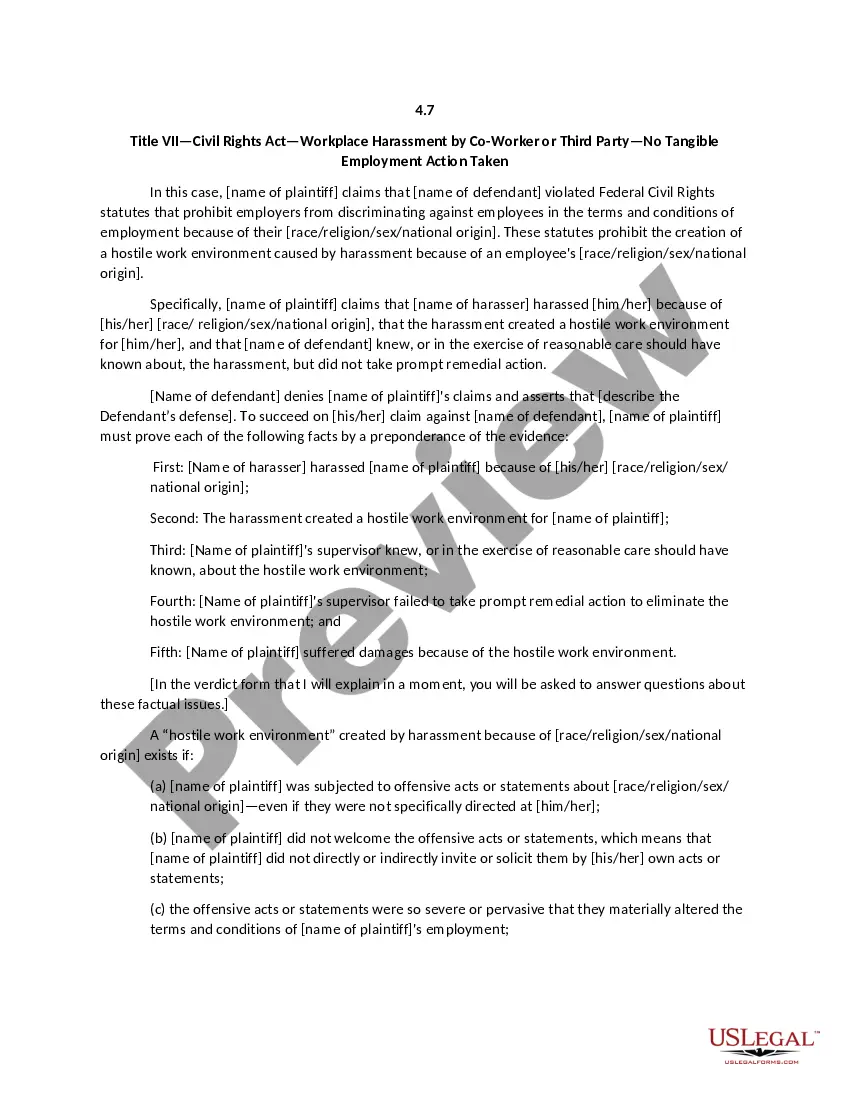
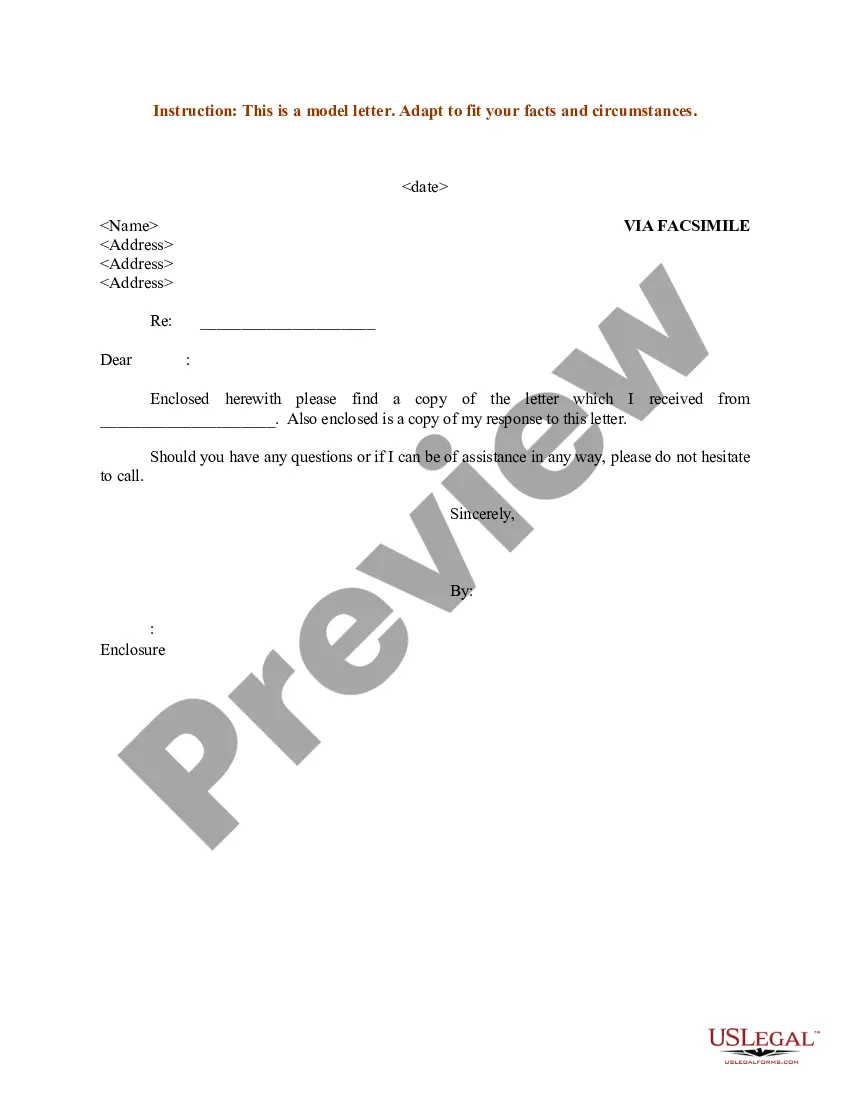
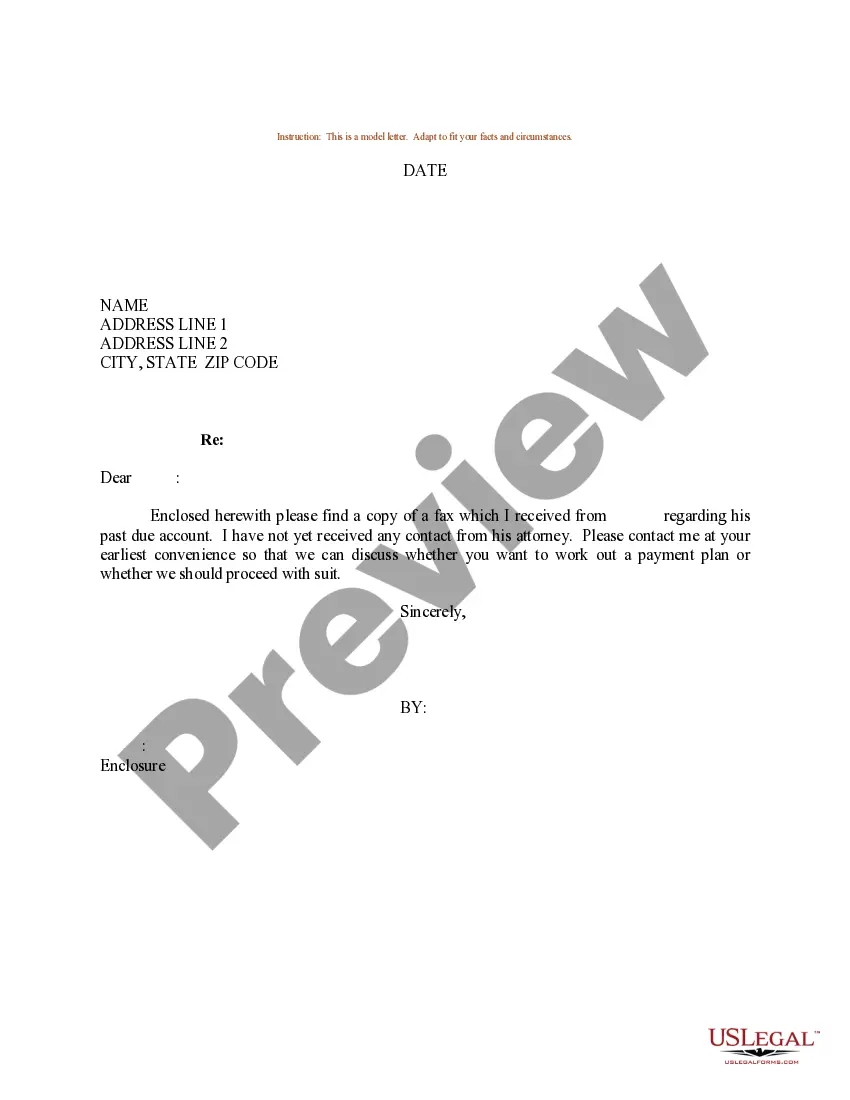
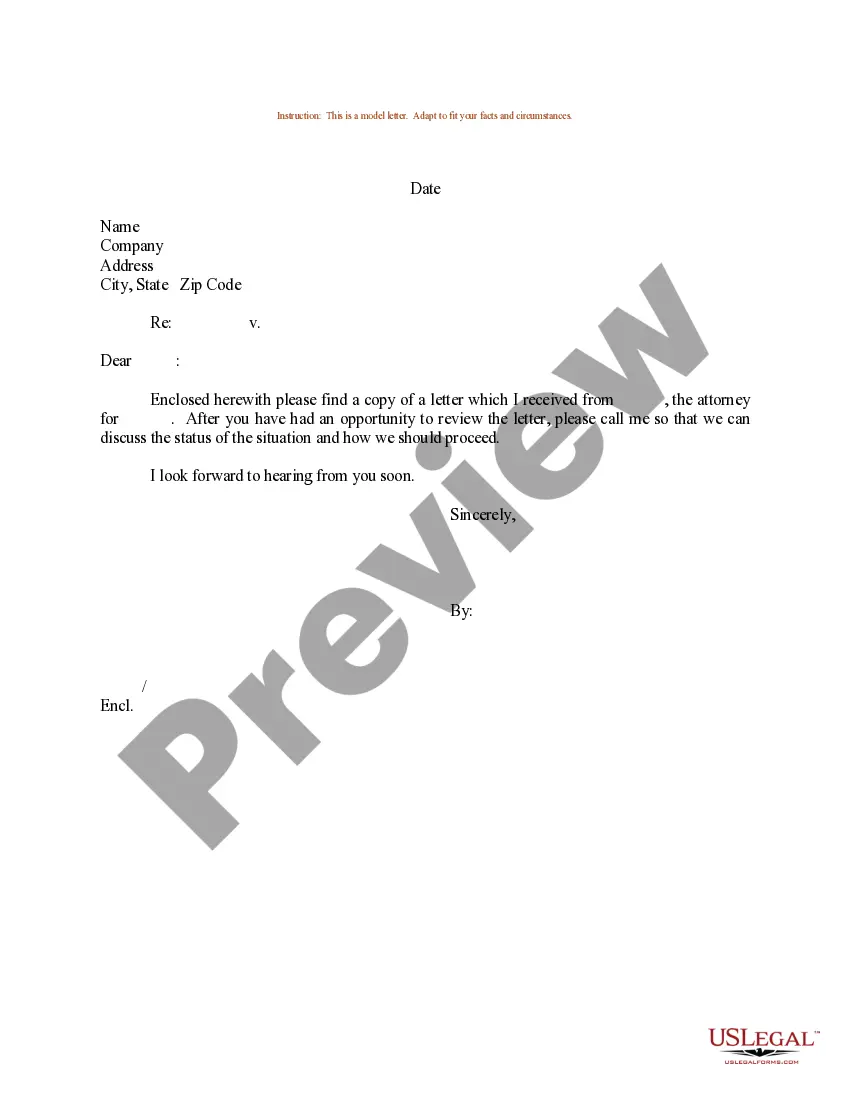
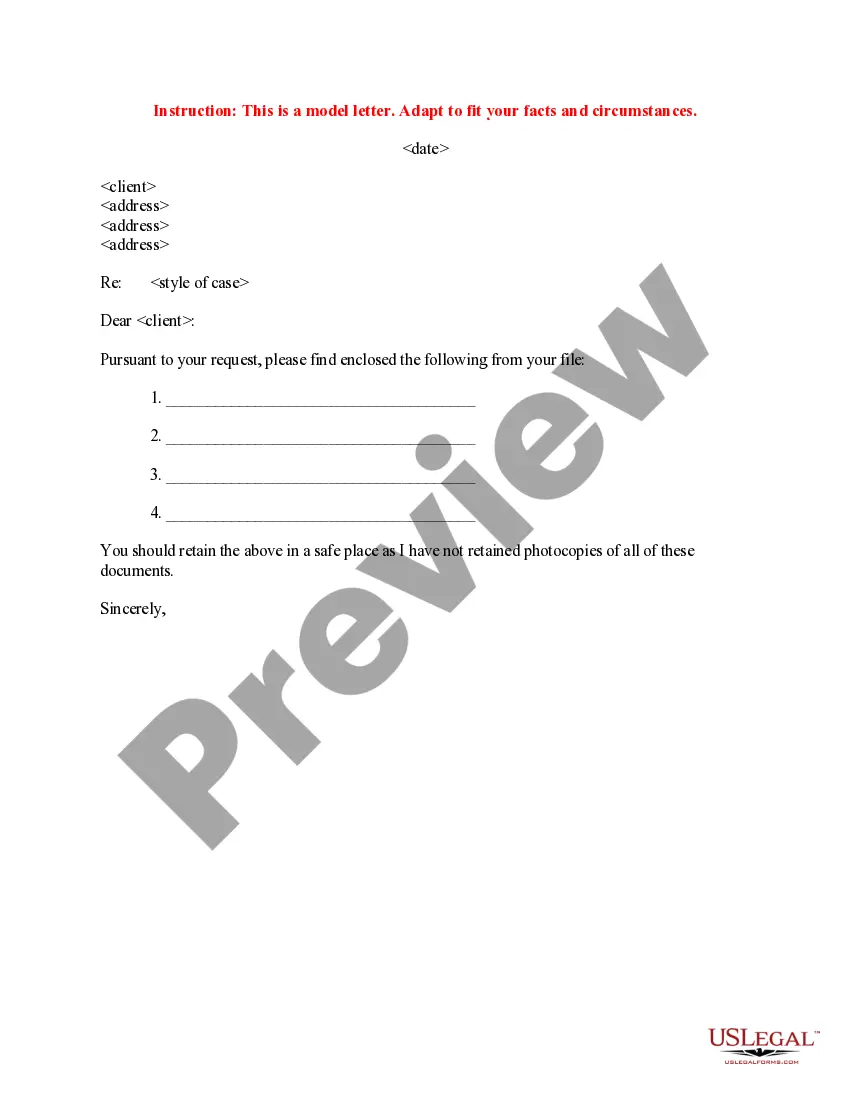
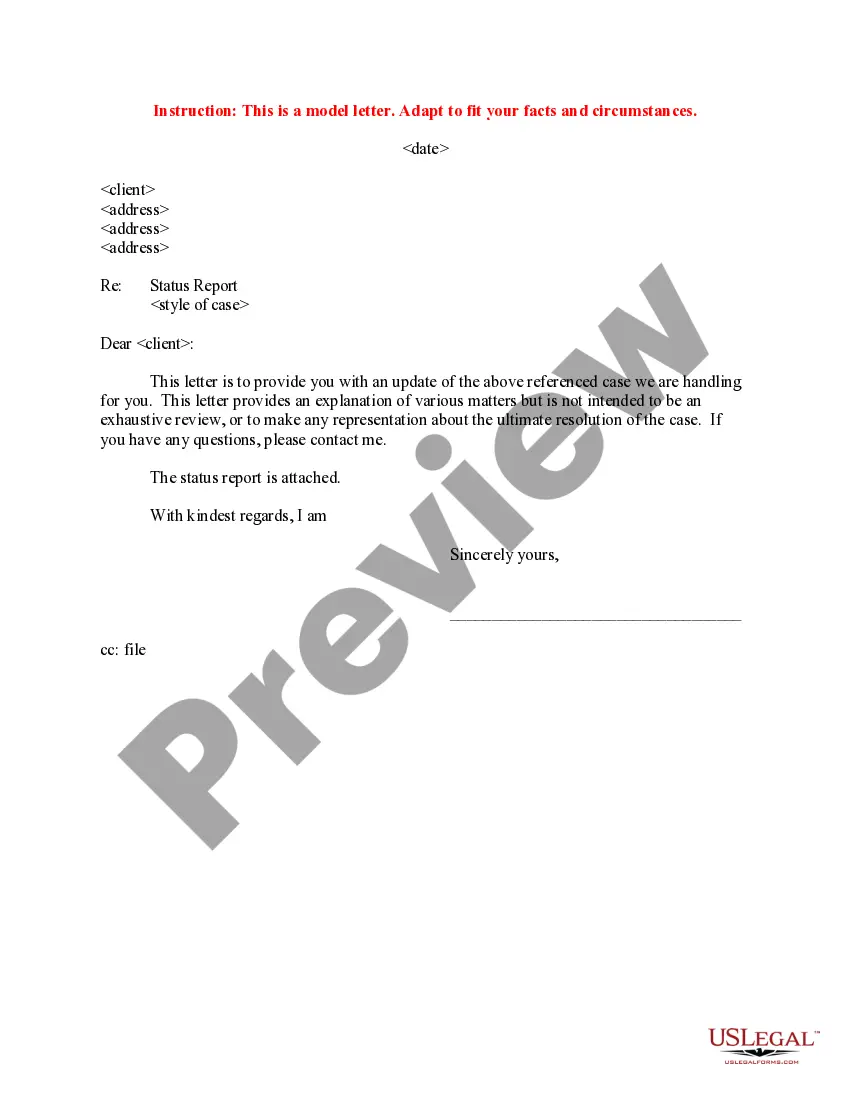
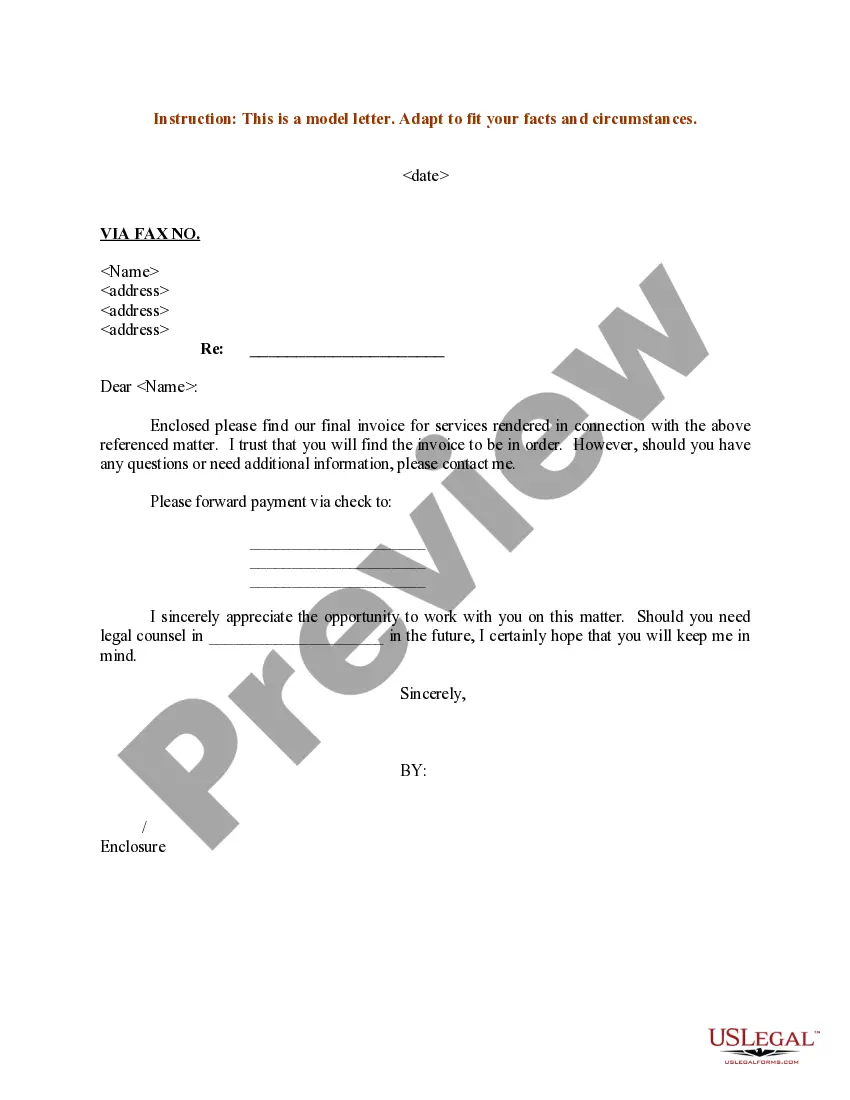
Texas Sample Letter Sent to Client via Fax
Description
Get your form ready online
Our built-in tools help you complete, sign, share, and store your documents in one place.
Make edits, fill in missing information, and update formatting in US Legal Forms—just like you would in MS Word.
Download a copy, print it, send it by email, or mail it via USPS—whatever works best for your next step.
Sign and collect signatures with our SignNow integration. Send to multiple recipients, set reminders, and more. Go Premium to unlock E-Sign.
If this form requires notarization, complete it online through a secure video call—no need to meet a notary in person or wait for an appointment.
We protect your documents and personal data by following strict security and privacy standards.

Make edits, fill in missing information, and update formatting in US Legal Forms—just like you would in MS Word.

Download a copy, print it, send it by email, or mail it via USPS—whatever works best for your next step.

Sign and collect signatures with our SignNow integration. Send to multiple recipients, set reminders, and more. Go Premium to unlock E-Sign.

If this form requires notarization, complete it online through a secure video call—no need to meet a notary in person or wait for an appointment.

We protect your documents and personal data by following strict security and privacy standards.
Looking for another form?


How to fill out Sample Letter Sent To Client Via Fax?
If you need to gather, obtain, or print authentic document templates, utilize US Legal Forms, the largest collection of legitimate forms available online.
Employ the site’s user-friendly and efficient search to find the documents you require.
A range of templates for both business and personal purposes are organized by categories and states, or keywords.
Step 4. Once you have located the form you need, click the Buy now button. Choose your preferred payment option and provide your information to register for the account.
Step 5. Complete the transaction. You can use your credit card or PayPal account to finalize the purchase.
- Use US Legal Forms to access the Texas Sample Letter Sent to Client via Fax in just a few clicks.
- If you are already a US Legal Forms user, Log In to your account and click the Acquire button to get the Texas Sample Letter Sent to Client via Fax.
- You can also retrieve forms you previously saved in the My documents section of your account.
- If you are using US Legal Forms for the first time, follow the steps outlined below.
- Step 1. Ensure you have selected the form for the correct city/state.
- Step 2. Use the Review option to examine the content of the form. Remember to read the details.
- Step 3. If you are unsatisfied with the form, use the Lookup field at the top of the screen to find other versions of the legal form template.
Form popularity
FAQ
How to write a proposal letter offering services Consider whether the letter is solicited. ... Research the potential client. ... Choose a subject line if using email. ... Introduce yourself and your company. ... Describe the project or problem. ... Answer any questions posed. ... Consider providing a quote. ... Include a call to action.
The seven parts of a business letter are: sender's address, date, recipient address, salutation, body, closing salutation and signature. If you have documents attached with the letter, include a list of enclosures after the signature.
Personalize the message. When sending a letter to get someone's business back, you should focus on them. Use "you" instead of "I" language to show you're more concerned with their needs and goals than your own. Plus, your letter should address your client's specific reasons for leaving.
Let's get started. Remind customers what they loved about your brand. ... Get back on track with a seasonal campaign. ... Provide an exciting incentive. ... Give exclusive sneak peeks or priority access. ... Collect feedback from your customers. ... Re-personalize your emails. ... Give your customers one last chance.
How to reconnect with old clients over email Offer to solve a problem. One of the most effective ways to reconnect with an old client is to offer a solution to their problem. ... Demonstrate your new skills. ... Connect on a personal level. ... Suggest a specific time to meet. ... Provide resources. ... Ask open-ended questions.
Follow these steps for how to write a letter to clients and customers: Determine the audience. ... Write the date and address. ... Include a salutation. ... State the purpose of your letter. ... Refer to previous communication if necessary. ... Offer help or make a request. ... Conclude the letter.
There are several ways to write a win-back email, but one effective approach is to be genuine in your email. Tell them how you feel about them leaving your brand without getting overly personal, show them what's in store if they come back, and let them know you'd love to hear back from them.
5 Necessary Sections for a New Client Welcome Letter Create a Header. Just like in any email you would send (since we now need to compare handwritten letters to emails), you need to address whoever you are talking to. ... Introduce Yourself. ... Write the Body. ... Share Contact Info. ... Reaffirm and Close Out.