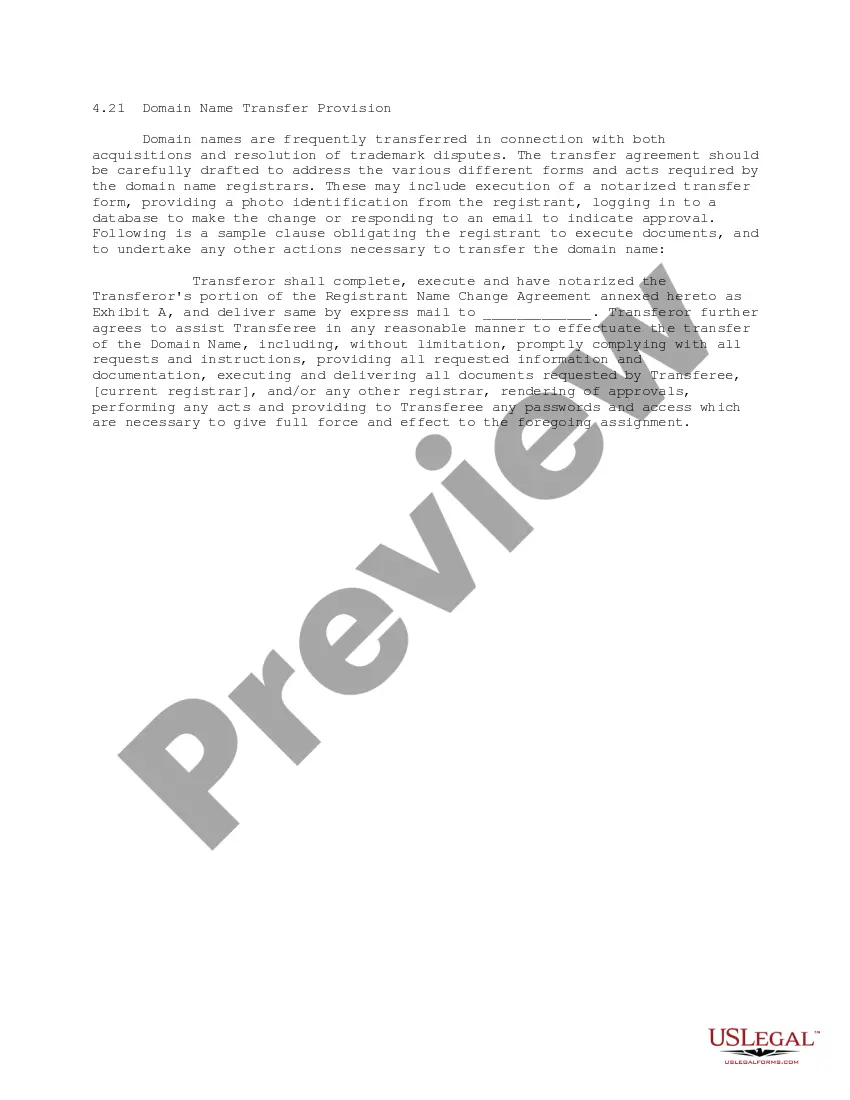
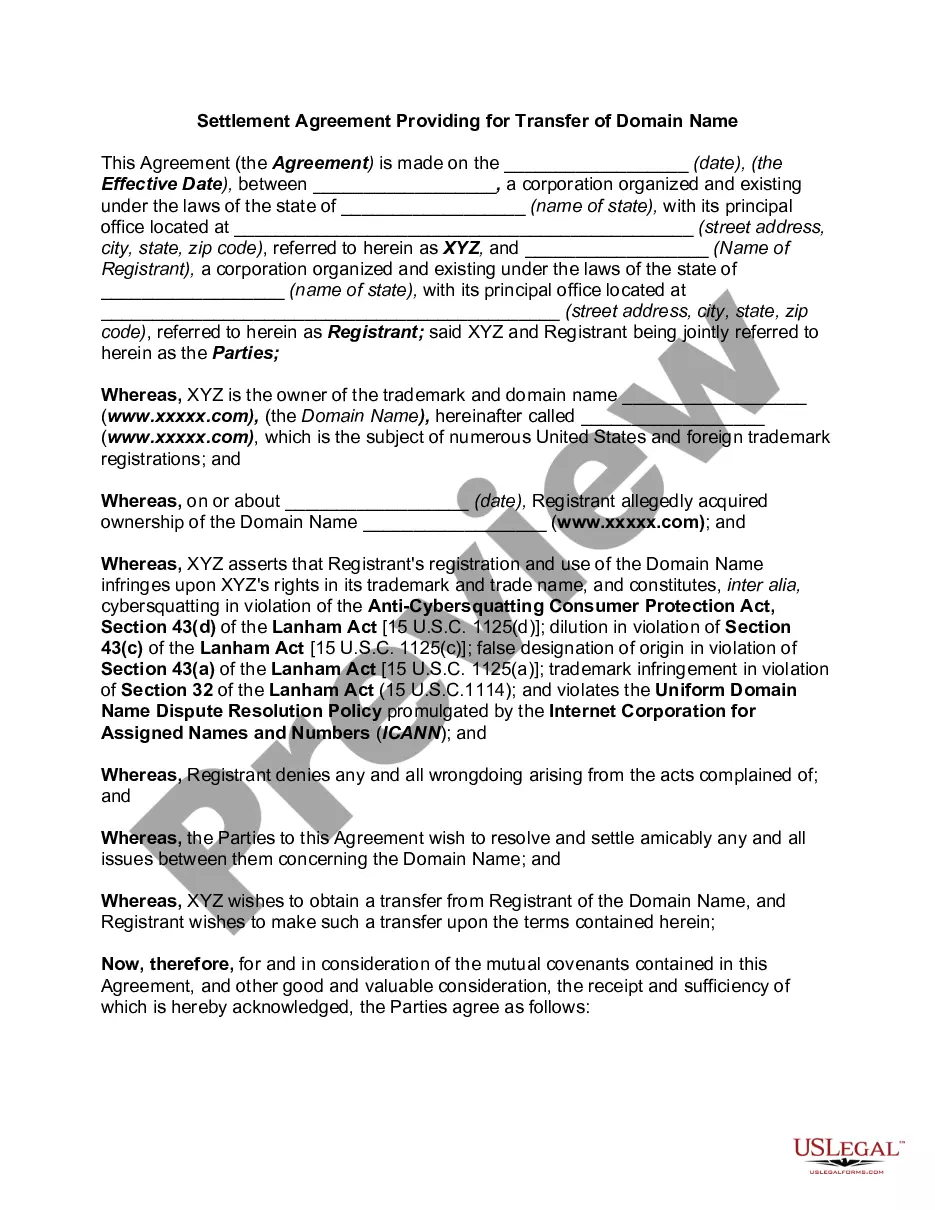
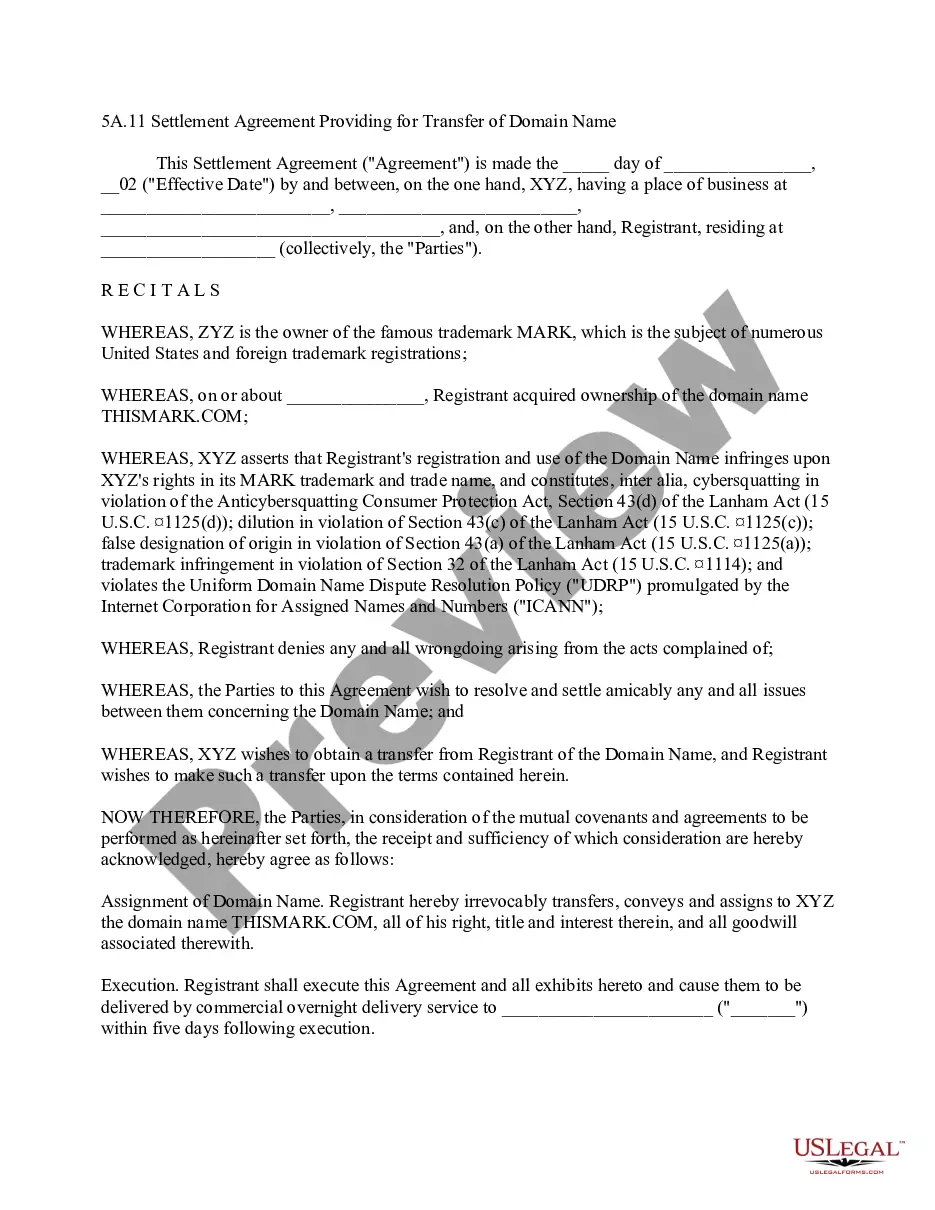
This form is a Domain Name Transfer Provision for a transfer agreement, either as part of an acquisition, settlement of a trademark dispute, or similar matter, that obligates the registrant of the domain name to execute documents and to undertake any other actions necessary to transfer the domain name.
Tennessee Domain Name Transfer Provision
State:
Multi-State
Control #:
US-IP0421
Format:
Word;
PDF;
Rich Text
Instant download
Description



How to fill out Domain Name Transfer Provision?
US Legal Forms - one of the most extensive collections of legal documents in the United States - provides a broad selection of legal template designs that you can download or print.
By using the website, you can find thousands of templates for business and personal use, categorized by types, states, or keywords. You will find the latest versions of documents such as the Tennessee Domain Name Transfer Provision in just a few minutes.
If you possess a membership, Log In and download the Tennessee Domain Name Transfer Provision from the US Legal Forms library. The Download button will appear on each document you view. You have access to all previously saved templates in the My documents section of your account.
Complete the transaction. Use your Visa or Mastercard or PayPal account to finalize the payment.
Choose the format and download the document onto your device. Make modifications. Fill out, edit, and print and sign the downloaded Tennessee Domain Name Transfer Provision.
Every template you added to your account has no expiration date and belongs to you indefinitely. Therefore, if you wish to download or print an additional copy, simply go to the My documents section and click on the document you need. Access the Tennessee Domain Name Transfer Provision with US Legal Forms, the most comprehensive collection of legal document designs. Utilize thousands of professional and state-specific templates that meet your business or personal requirements.
- Ensure that you have selected the correct form for the city/region.
- Click the Preview button to review the document's details.
- Check the document summary to confirm that you have selected the correct form.
- If the document does not meet your needs, utilize the Search box at the top of the screen to find the one that does.
- Once you are satisfied with the document, finalize your selection by clicking the Acquire now button.
- Then, choose the payment plan you prefer and provide your information to create an account.
Form popularity
FAQ
Obtaining an auth code for your domain name transfer is straightforward. Access your current registrar's account settings and look for the option to retrieve the authorization code. If you cannot find it, contact your registrar’s support team for assistance. By following these steps, you can ensure that your transfer complies with the Tennessee Domain Name Transfer Provision and proceed smoothly to your new registrar.
To request a domain name transfer, start by logging into your current registrar's account. Follow their specific process to unlock your domain and obtain the authorization code, which is essential for the transfer. Next, initiate the transfer through your new registrar, providing the necessary information and authorization code. Using US Legal Forms can simplify this process and ensure compliance with the Tennessee Domain Name Transfer Provision.
To determine if your domain is eligible for transfer under the Tennessee Domain Name Transfer Provision, check the registration status with your current registrar. Domains that are less than 60 days old or have been recently transferred may not qualify. If your domain meets these criteria, you can proceed with the transfer process. For further assistance, consider using US Legal Forms for a streamlined experience.
To transfer ownership of your domain name, start by unlocking the domain and obtaining the authorization code from your registrar. Then, fill out the ownership transfer form provided by your registrar, ensuring you include the new owner's details. Once submitted, the new owner will need to confirm the transfer via email. This process aligns with the Tennessee Domain Name Transfer Provision, ensuring a smooth transition of ownership.
To transfer a domain to a company, begin by preparing the necessary documentation that verifies the company's legal status. Then, unlock the domain and acquire the authorization code from your current registrar. Initiate the transfer with the new registrar, providing the domain name and authorization code. Following the Tennessee Domain Name Transfer Provision, ensure that all changes reflect the company as the new registrant.
Yes, generally, you must wait 60 days after registering or transferring a domain name before initiating another transfer. This rule helps protect domain owners from unauthorized transfers and is part of the Tennessee Domain Name Transfer Provision. However, if you need to transfer your domain sooner, consider contacting your registrar for specific policies or exceptions that may apply.
To transfer a domain name from one registrar to another, first, unlock the domain at your current registrar. Next, obtain the authorization code, also known as an EPP code, which you will need during the transfer process. Then, initiate the transfer through the new registrar by providing the domain name and authorization code. Finally, confirm the transfer via email, and the process will adhere to the Tennessee Domain Name Transfer Provision.