Tennessee Invoice Template for Pharmacist
Description
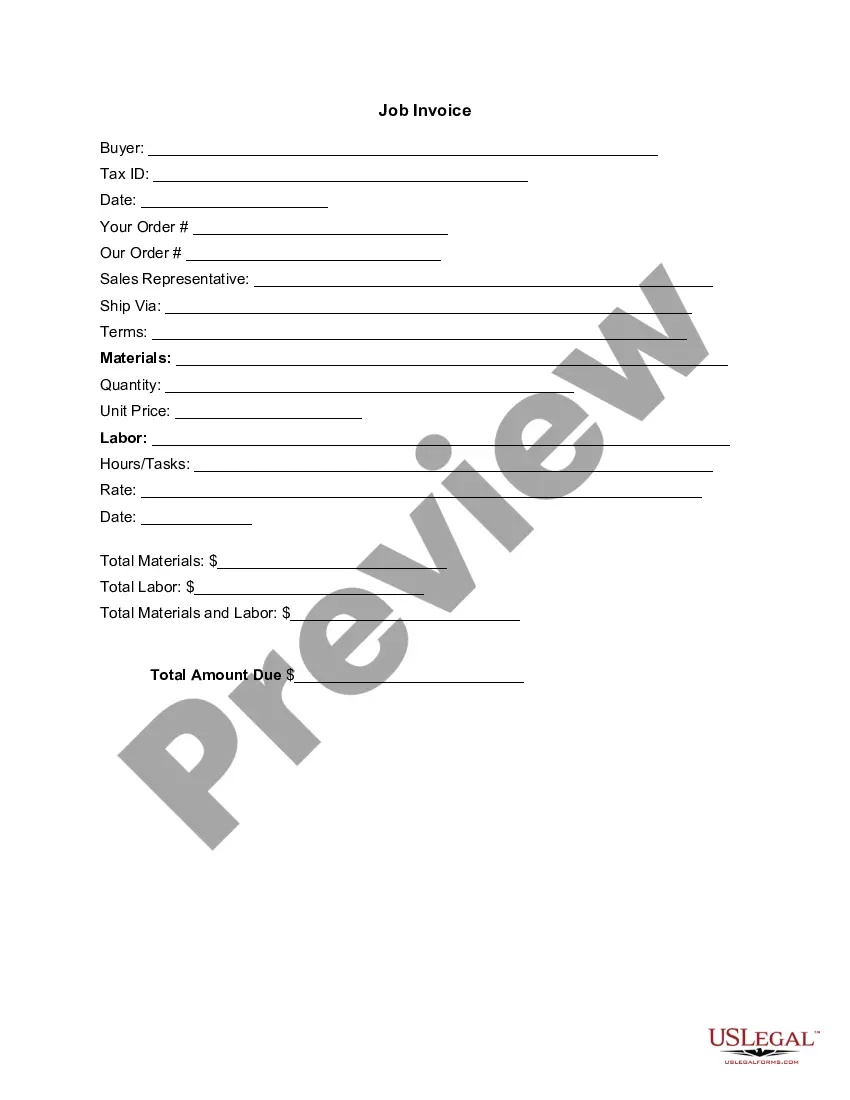
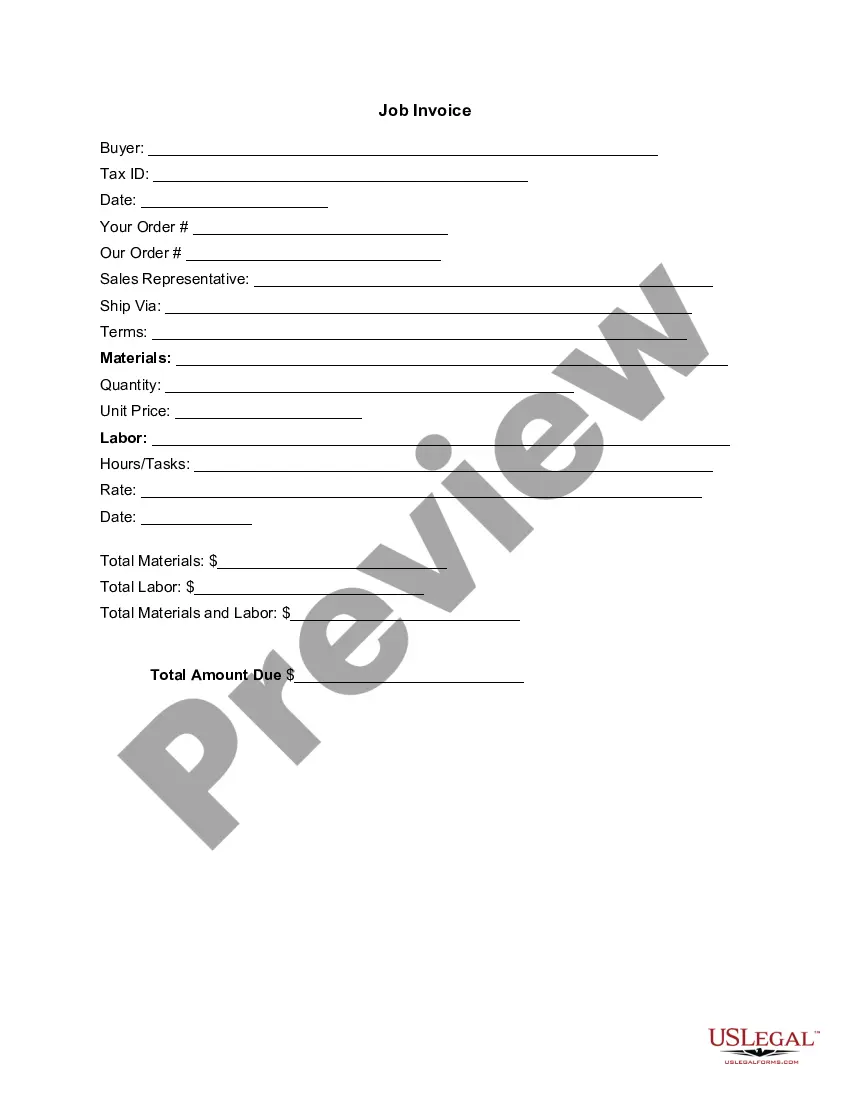
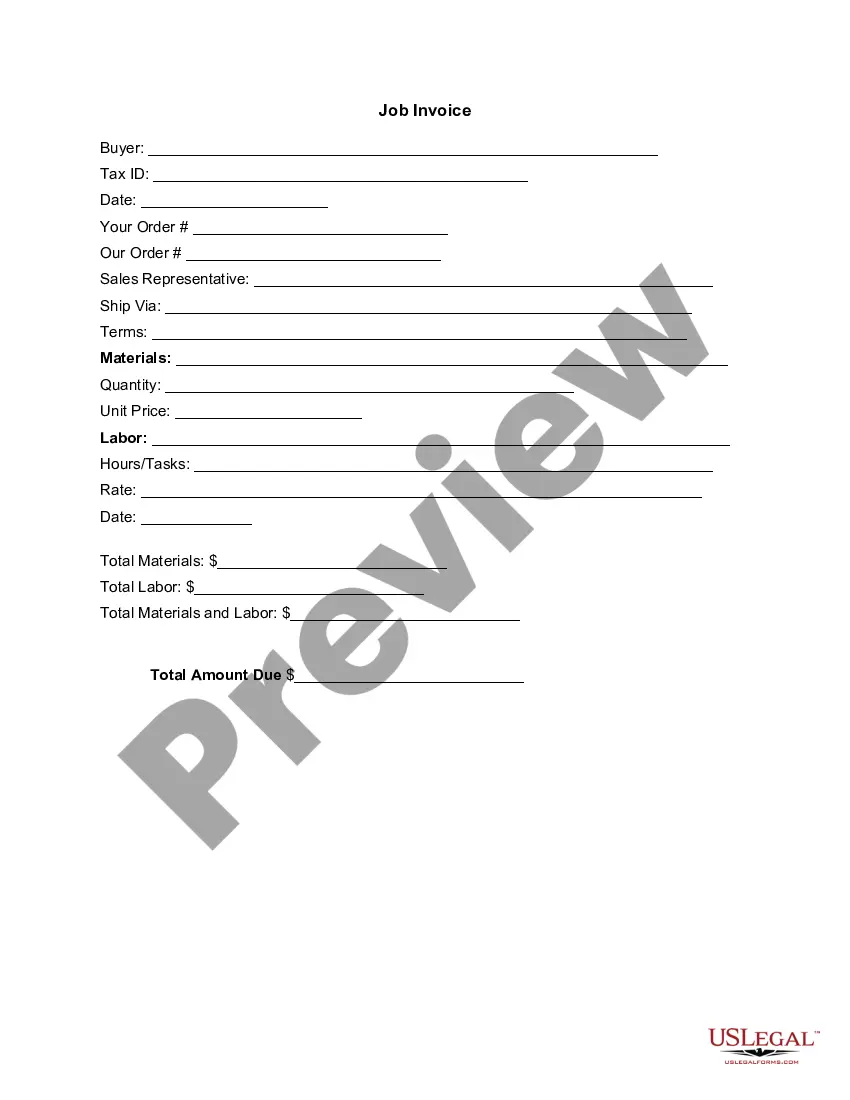


How to fill out Invoice Template For Pharmacist?
US Legal Forms - one of the largest collections of legal documents in the USA - offers a broad selection of legal form templates that you can download or create.
By utilizing the website, you will gain access to numerous forms for business and personal purposes, organized by categories, states, or keywords. You can find the latest versions of forms like the Tennessee Invoice Template for Pharmacist in mere seconds.
If you already have a subscription, Log In and retrieve the Tennessee Invoice Template for Pharmacist from your US Legal Forms library. The Download button will appear on every form you view. You can access all previously downloaded forms in the My documents tab of your account.
Process the payment. Use your credit card or PayPal account to complete the transaction.
Select the format and download the form to your device. Edit. Fill out, modify, print, and sign the downloaded Tennessee Invoice Template for Pharmacist. Every template you add to your account has no expiration date and belongs to you forever. Therefore, to download or print another copy, simply go to the My documents section and click on the form you need. Access the Tennessee Invoice Template for Pharmacist with US Legal Forms, the most extensive collection of legal document templates. Utilize a large number of professional and state-specific templates that meet your business or personal requirements.
- If you want to use US Legal Forms for the first time, here are simple steps to get started.
- Ensure you have selected the correct form for your city/county.
- Click on the Review button to check the form’s content.
- Read the form description to confirm you have chosen the correct form.
- If the form does not meet your requirements, use the Search area at the top of the screen to find one that does.
- If you are satisfied with the form, validate your choice by clicking the Purchase now button.
- Next, choose the pricing plan you want and provide your details to register for an account.
Form popularity
FAQ
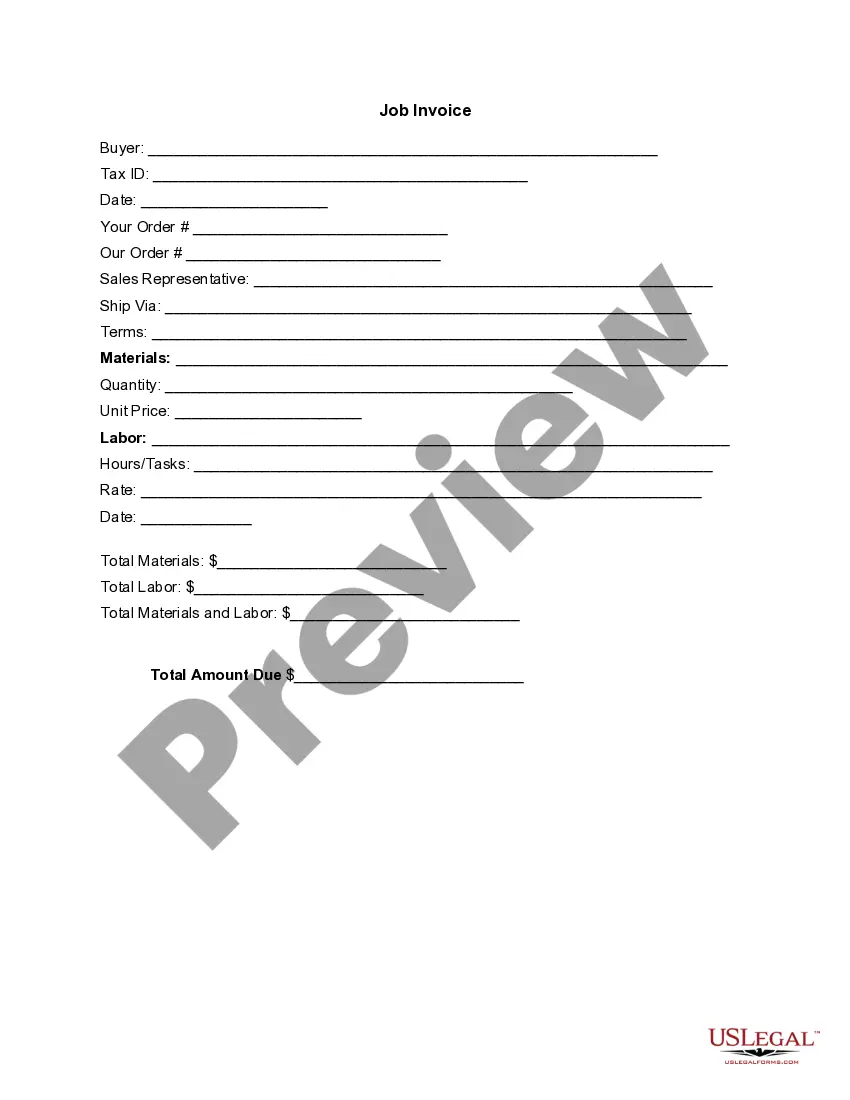
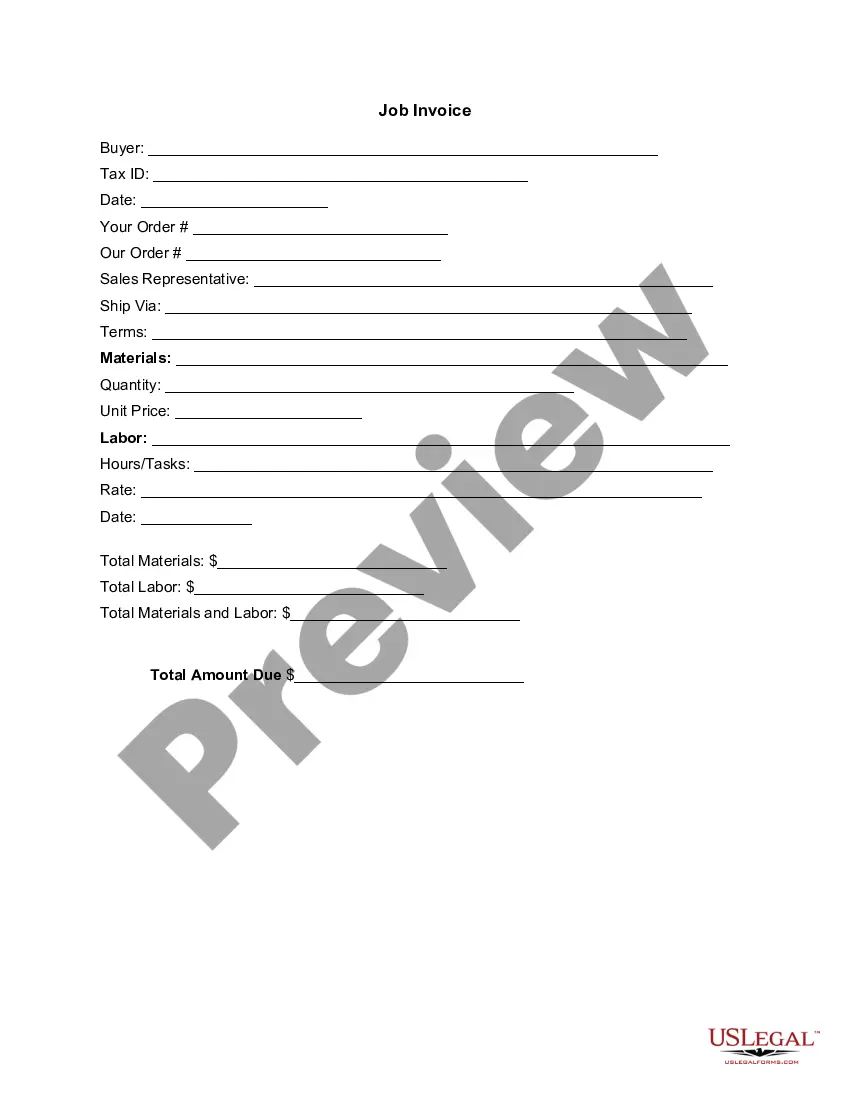
Invoicing as a locum GP involves creating a clear and detailed invoice that outlines the services provided. Utilize a Tennessee Invoice Template for Pharmacist to ensure your invoice includes essential elements like your contact information, the date of service, and a breakdown of services rendered. By using a template, you maintain professionalism and accuracy, making it easier for clients to understand your billing. Ensure to track your hours worked and the services you offered during your temporary placements.
The best format for an invoice combines clarity and completeness, ensuring all necessary information is included. It should list the provider's and client's details, a unique invoice number, and clear itemization of charges. Using a Tennessee Invoice Template for Pharmacist can greatly enhance the format of your invoices, helping you maintain professionalism and accuracy in your billing process.
To complete an invoice template, begin by filling in your business and client information, then assign an invoice number and date. Next, list the services or products provided along with respective prices. A well-designed Tennessee Invoice Template for Pharmacist simplifies this task, guiding you on what to include and ensuring your invoices are both clear and professional.
To write an invoice correctly, start by identifying your business and the recipient. Include a unique invoice number and date, followed by a detailed list of the products or services provided. Using a Tennessee Invoice Template for Pharmacist helps you maintain a professional format, ensuring clarity and compliance with legal requirements for billing.
Filling out an invoice format involves entering essential details such as your business name, the client’s information, the invoice number, and the date of issue. Next, you describe the products or services rendered, including their prices and any applicable taxes. Utilizing a Tennessee Invoice Template for Pharmacist can streamline this process, ensuring you include all necessary information in a clear and organized manner.
Making a professional invoice involves using a clear layout and ensuring all necessary elements are included. Employing a Tennessee Invoice Template for Pharmacist will guide you through the process, helping you accurately list services, itemize costs, and curate a professional appearance. This approach not only enhances clarity but also fosters trust with your clients.
To create a professional invoice, start by gathering all relevant information, such as your contact details, the client's information, and the services rendered. Use a Tennessee Invoice Template for Pharmacist to ensure that your invoice format is clear and organized. This template not only saves time but also helps you present your services more effectively.
Both Word and Excel can be used to create invoices, but each has its advantages. A Tennessee Invoice Template for Pharmacist in Excel allows for better calculations and automatic updates, making it easier to manage multiple invoices. On the other hand, Word provides a straightforward design experience, which can be beneficial for those focused on aesthetics.