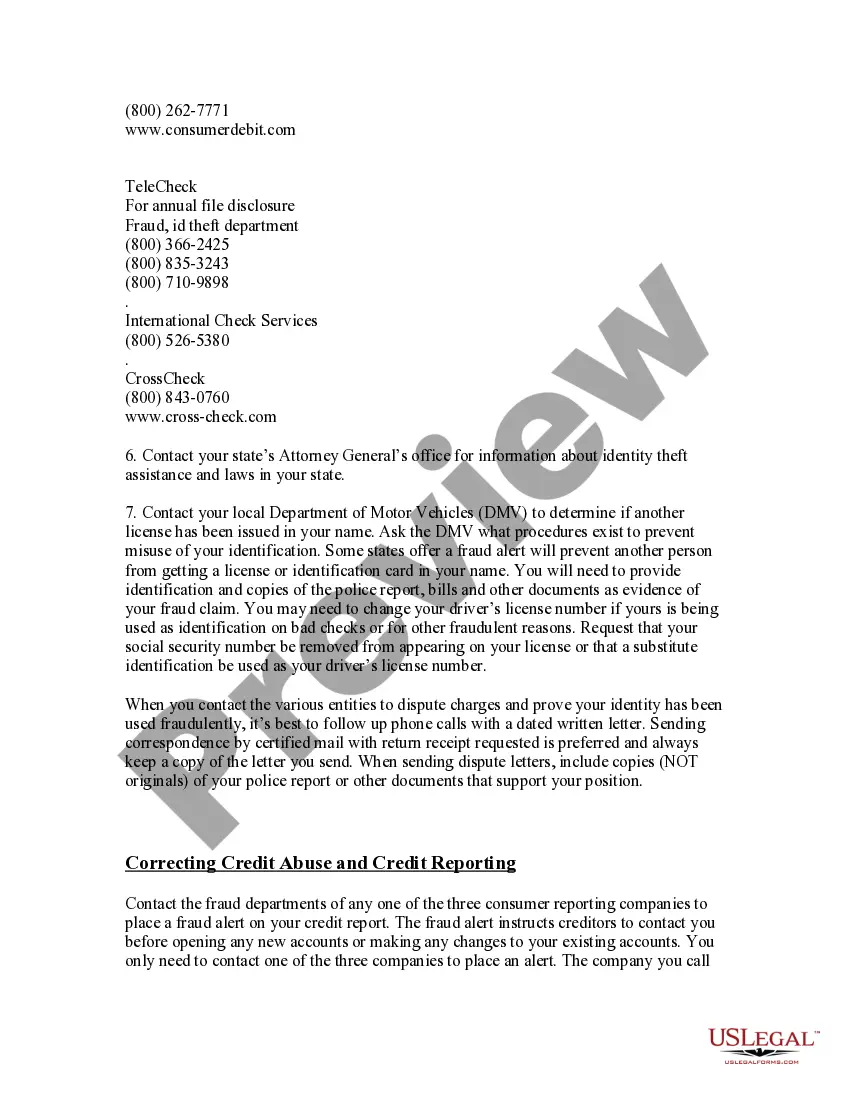
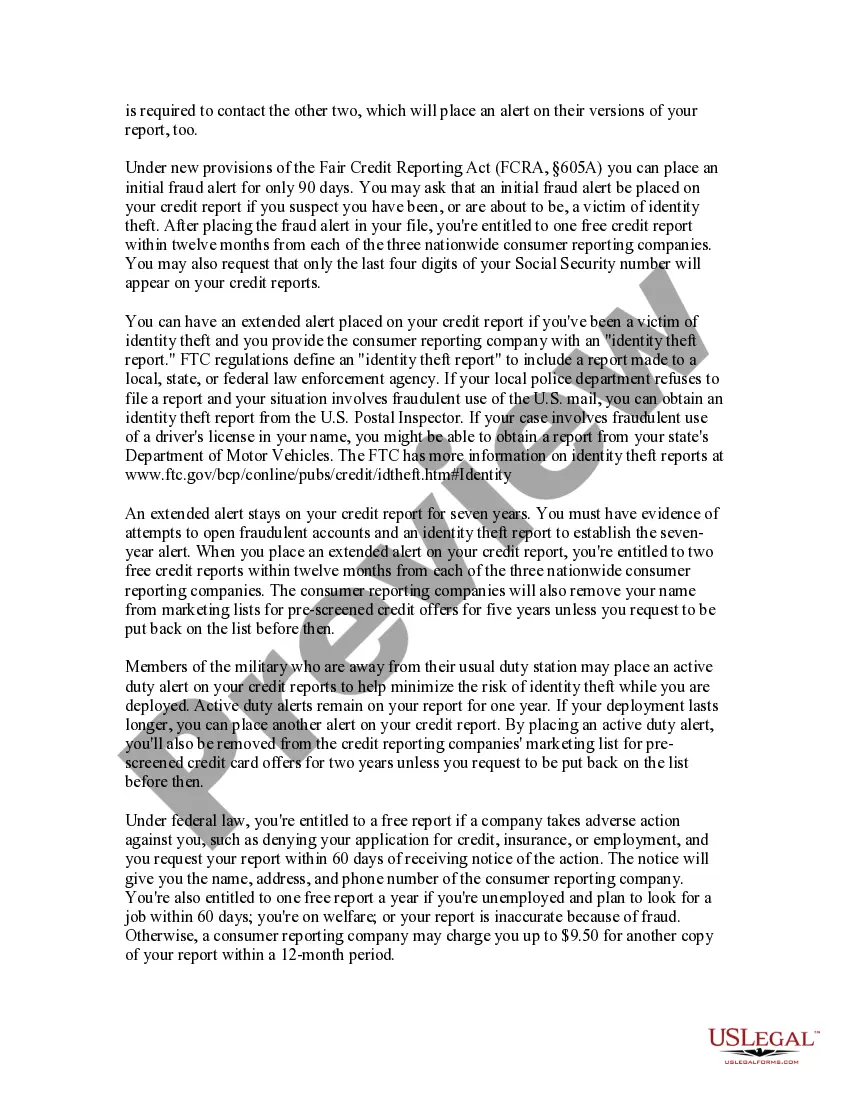
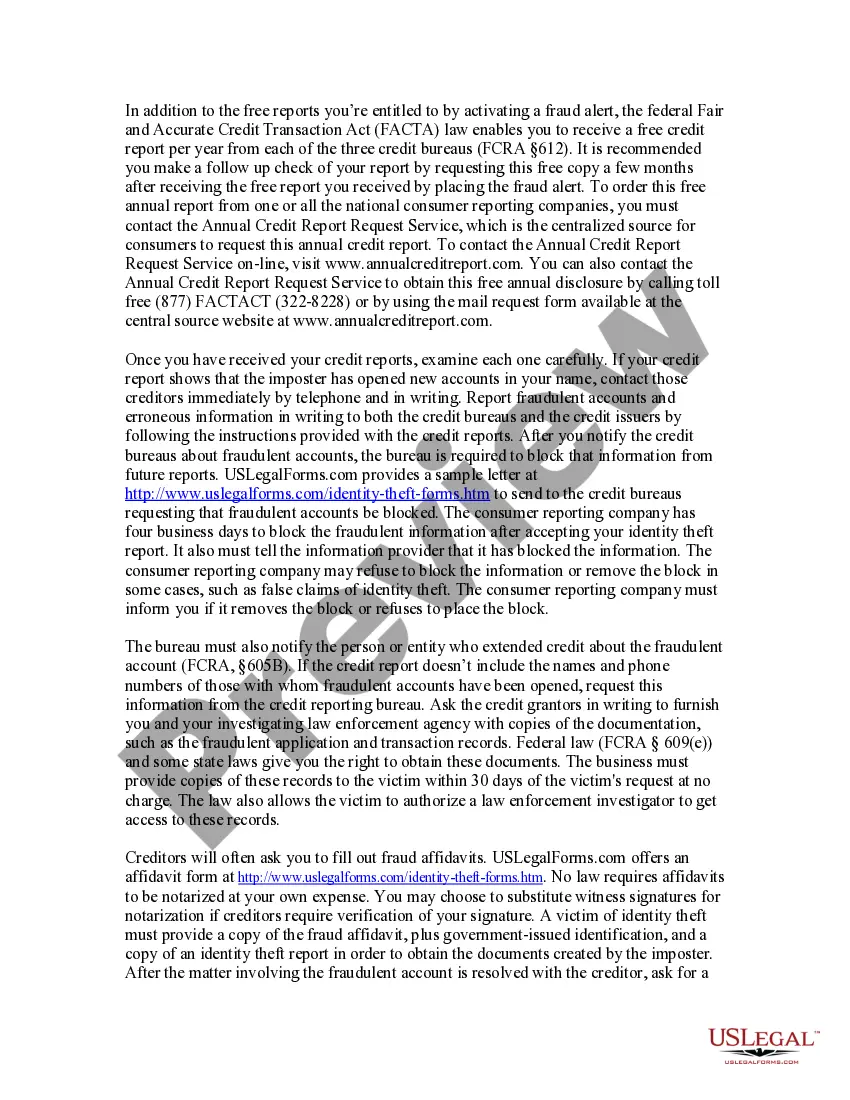
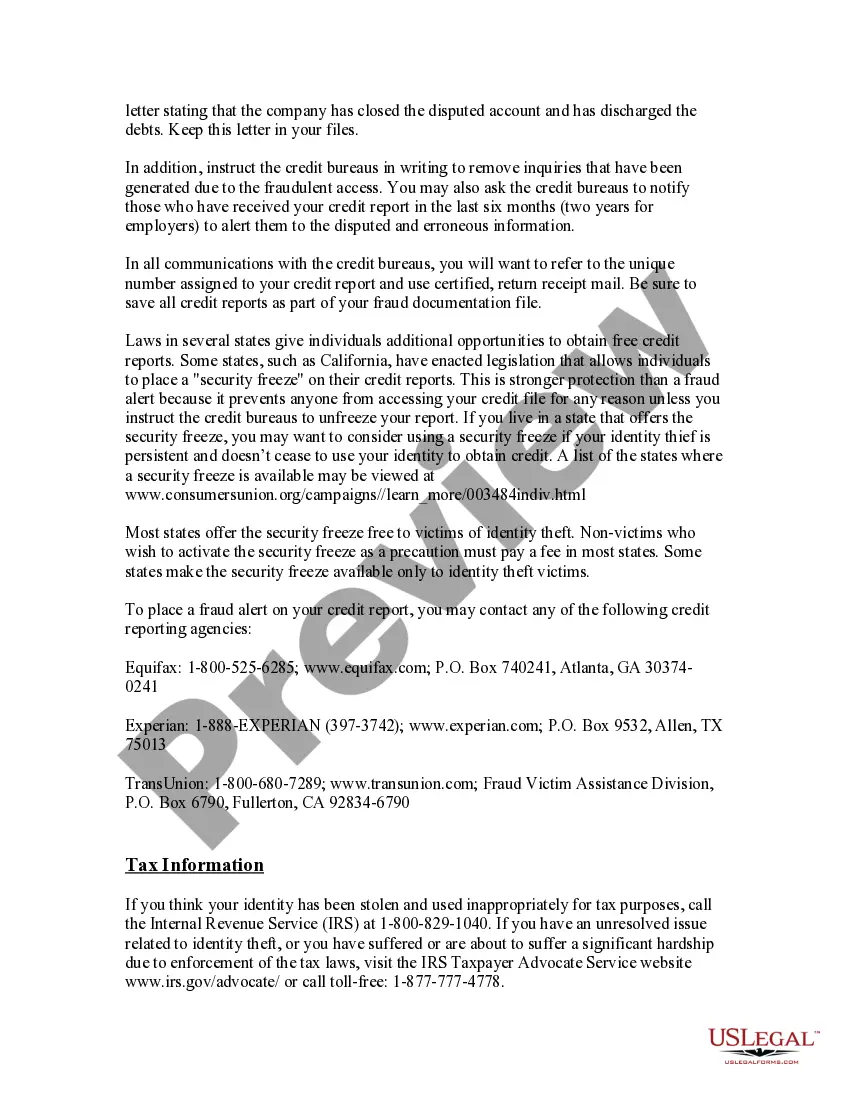
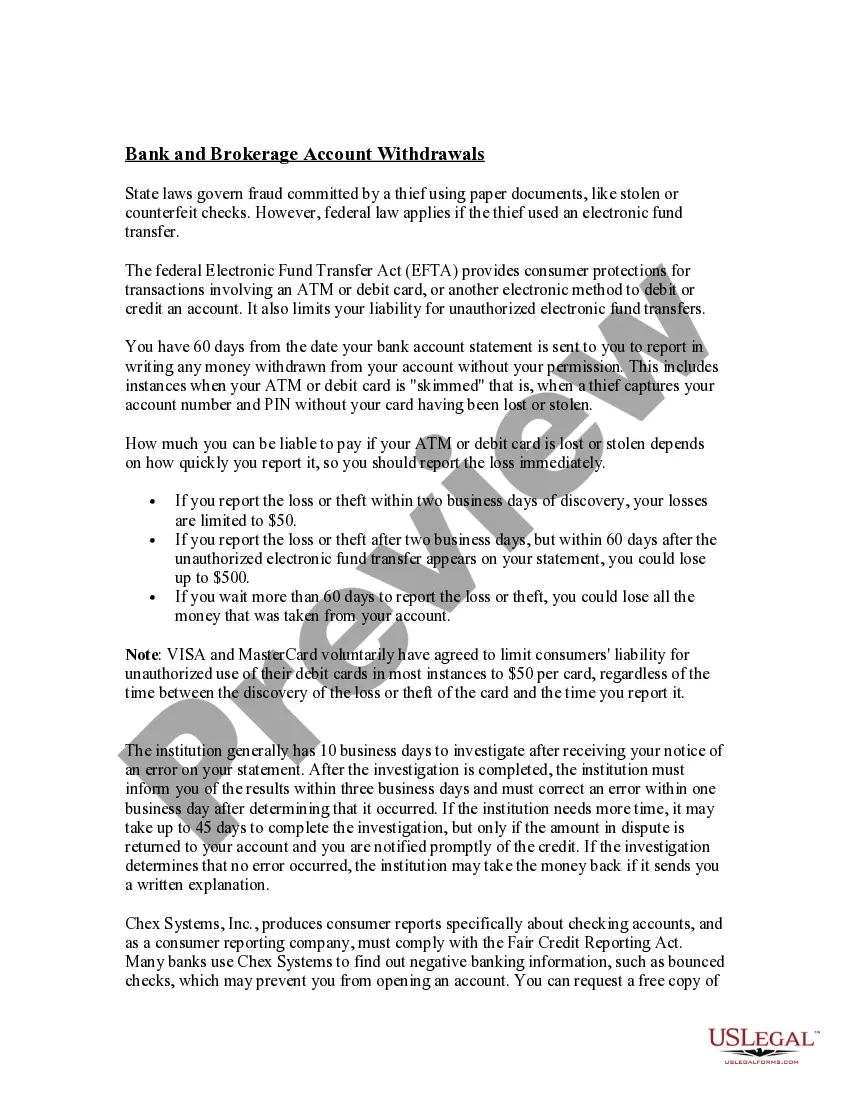
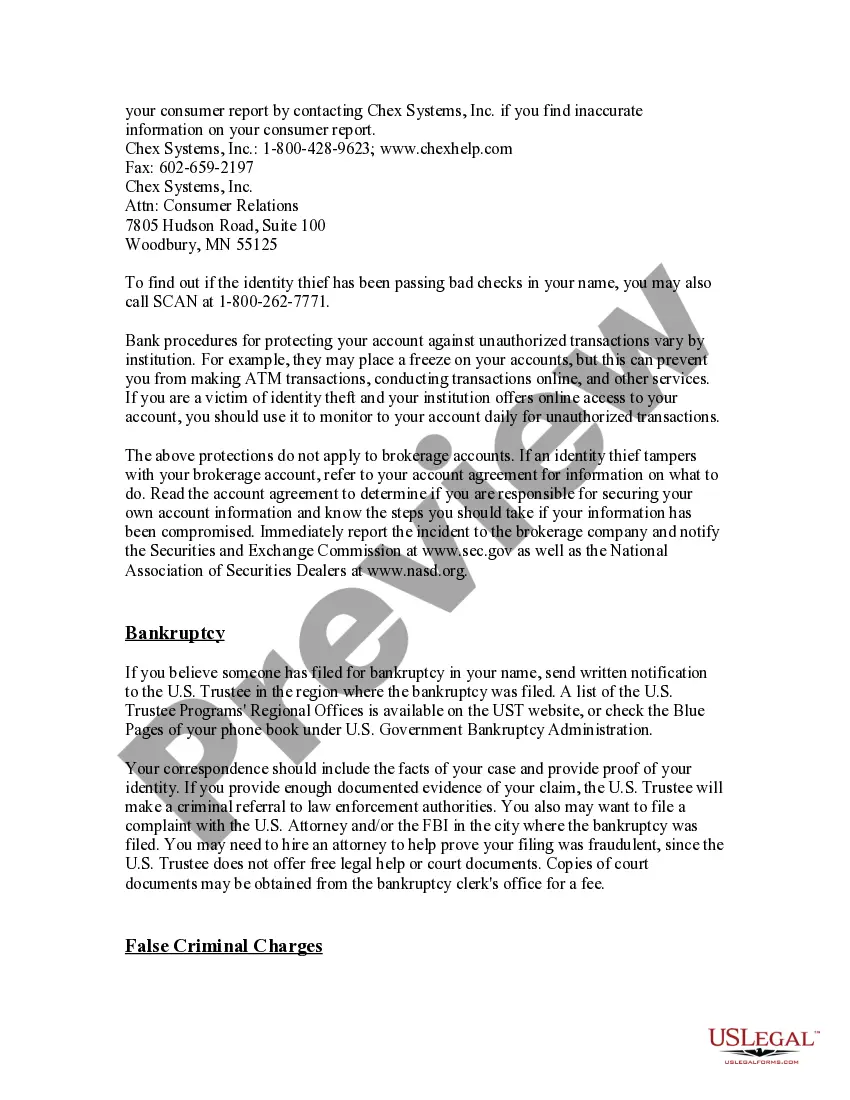
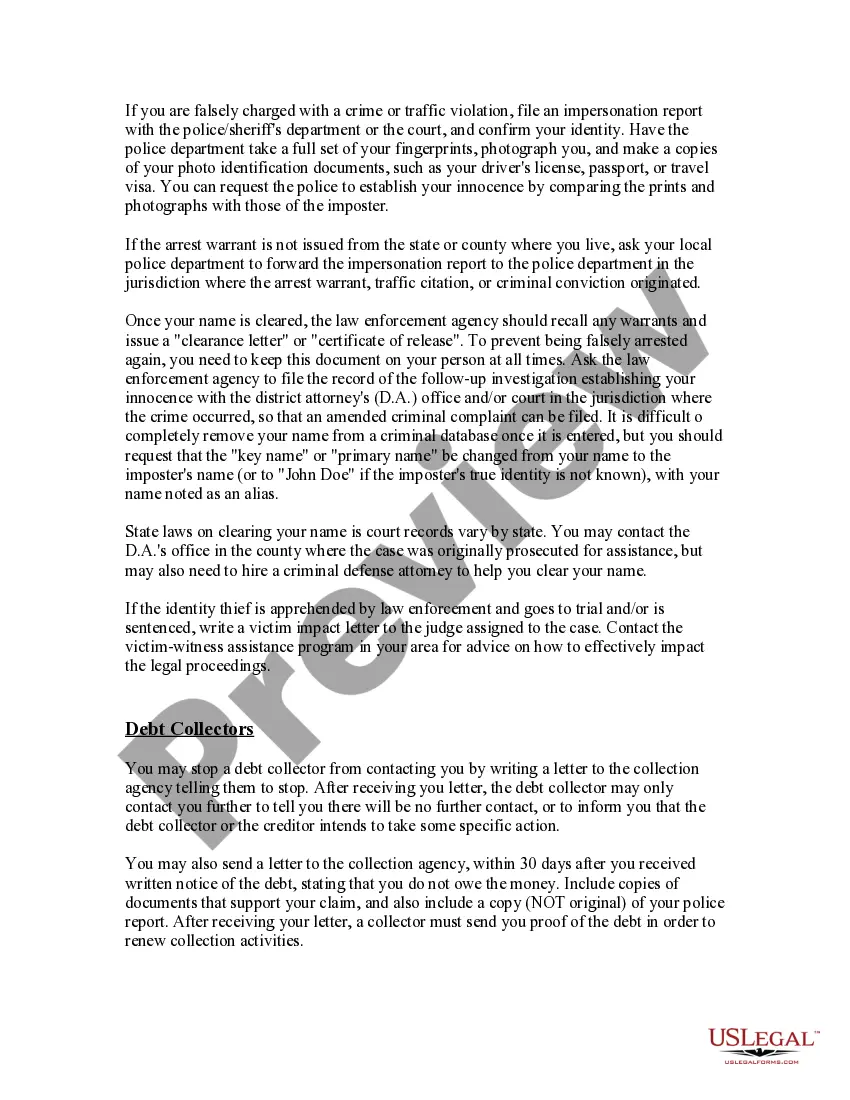
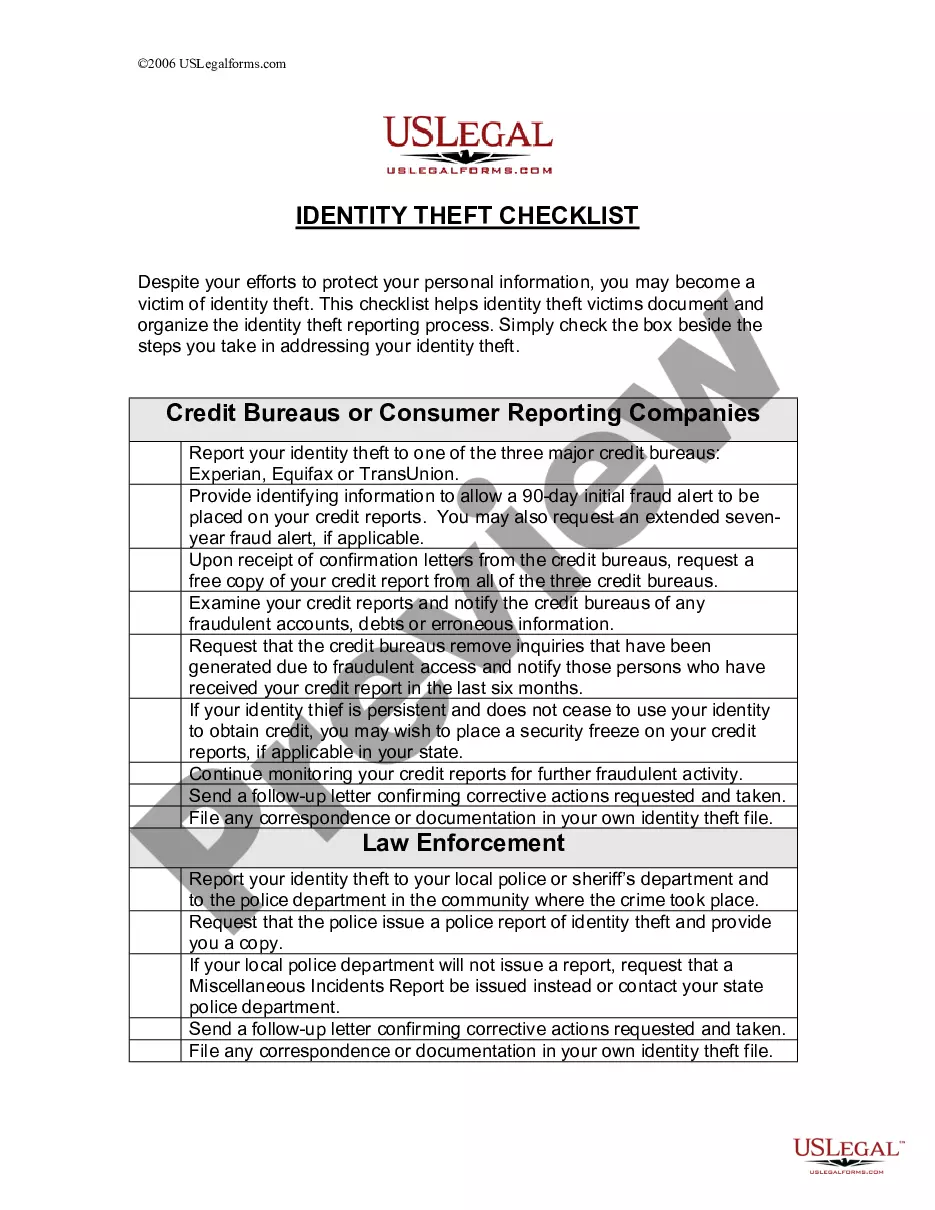
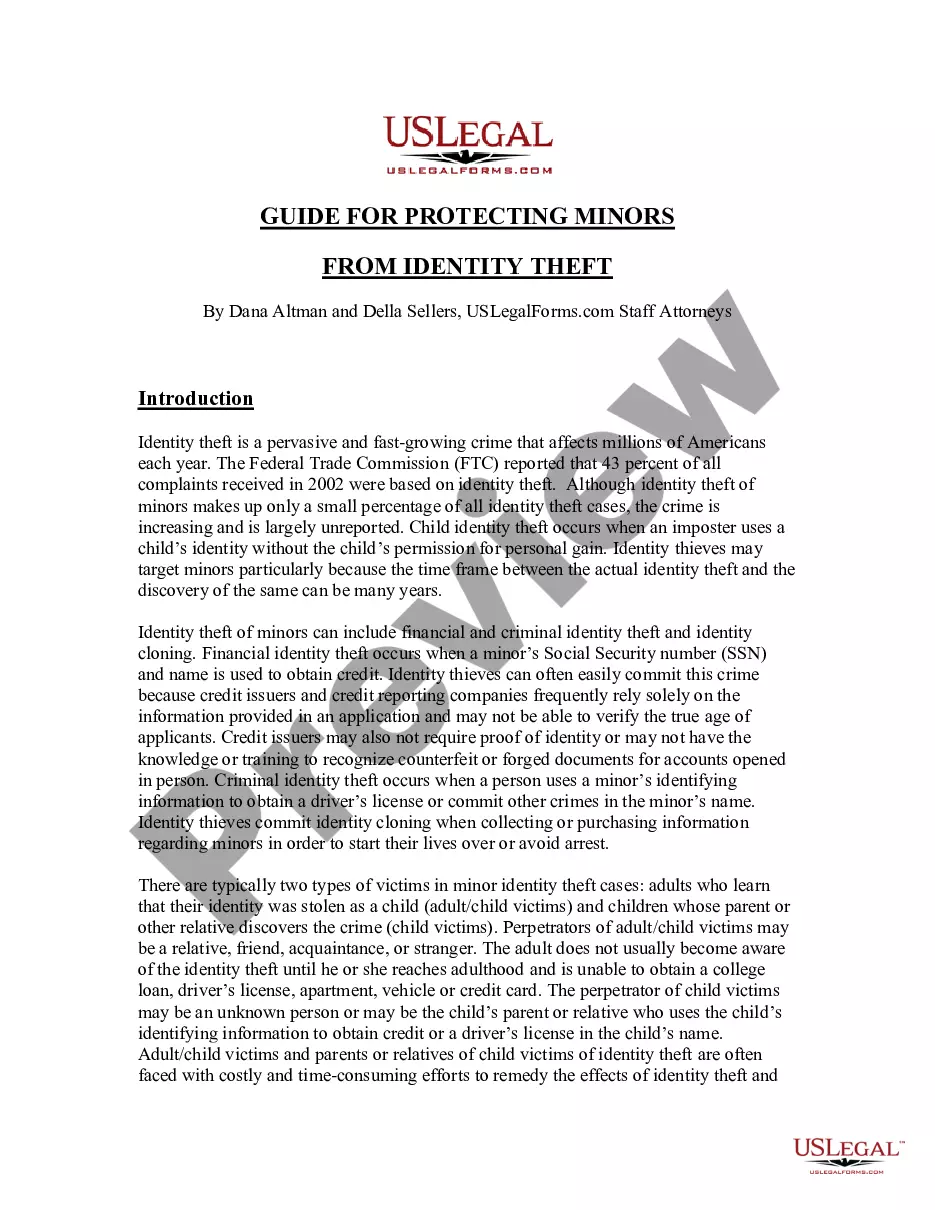
Identity theft is a pervasive and fast-growing crime that affects millions of Americans each year. With this Identity Theft Protection Guide, you will learn how to effectively deal with creditors and government agencies after your identification is lost or stolen. This guide is designed to help clear your name, and reduce your time and expense in dealing with identity thieves. The information in this guide is essential to assist in remedying and protecting your credit, financial assets, and job opportunities, as well as preventing misuse of benefits, false arrests, and other fraudulent uses of your identification. Helpful tips on preventing identity theft, useful links, and more, are also included.
Tennessee Identity Theft Protection Guide
Instant download
Description
Free preview

Get your form ready online
Our built-in tools help you complete, sign, share, and store your documents in one place.
Built-in online Word editor
Make edits, fill in missing information, and update formatting in US Legal Forms—just like you would in MS Word.
Export easily
Download a copy, print it, send it by email, or mail it via USPS—whatever works best for your next step.
E-sign your document
Sign and collect signatures with our SignNow integration. Send to multiple recipients, set reminders, and more. Go Premium to unlock E-Sign.
Notarize online 24/7
If this form requires notarization, complete it online through a secure video call—no need to meet a notary in person or wait for an appointment.
Store your document securely
We protect your documents and personal data by following strict security and privacy standards.

Make edits, fill in missing information, and update formatting in US Legal Forms—just like you would in MS Word.

Download a copy, print it, send it by email, or mail it via USPS—whatever works best for your next step.

Sign and collect signatures with our SignNow integration. Send to multiple recipients, set reminders, and more. Go Premium to unlock E-Sign.

If this form requires notarization, complete it online through a secure video call—no need to meet a notary in person or wait for an appointment.

We protect your documents and personal data by following strict security and privacy standards.
Looking for another form?


How to fill out Identity Theft Protection Guide?
Are you presently in a position where you frequently require documentation for either corporate or personal reasons? There are numerous legal document templates accessible online, but finding trustworthy versions can be challenging. US Legal Forms offers a wide array of form templates, such as the Tennessee Identity Theft Protection Guide, crafted to comply with state and federal regulations.
If you are already acquainted with the US Legal Forms website and have an account, simply Log In. Subsequently, you can download the Tennessee Identity Theft Protection Guide template.
If you do not possess an account and wish to start using US Legal Forms, follow these steps: Obtain the form you need and confirm it corresponds to the correct area/state. Use the Preview button to review the document. Examine the description to ensure you have selected the correct form. If the form does not meet your requirements, utilize the Search field to find the form that suits your needs and specifications. Once you locate the appropriate form, click Purchase now. Choose the payment plan you desire, complete the necessary information to create your account, and pay for the order using your PayPal or credit card. Select a convenient paper format and download your copy. Retrieve all of the document templates you have purchased in the My documents section. You can obtain an additional copy of the Tennessee Identity Theft Protection Guide at any time, if needed. Simply click the desired form to download or print the document template.
By leveraging US Legal Forms, you can streamline your documentation process and minimize mistakes.
Take control of your legal documentation today and make your tasks more manageable.
- Utilize US Legal Forms, the largest collection of legal forms, to save time and prevent errors.
- The service provides professionally crafted legal document templates that can be used for various purposes.
- Create an account on US Legal Forms to start simplifying your life.
- Access a multitude of forms for your legal needs.
- Ensure compliance with state and federal regulations easily.
- Download and print documents conveniently.
- Find the right form through a user-friendly search feature.
Form popularity
FAQ
Shred receipts, credit offers, loan and credit applications, insurance forms, bank statements, and similar documents when you no longer need them. A ?cross cut? shredder is best for this. Use different and strong passwords for each of your accounts ? and then safeguard them.
Notify the IRS and the Social Security Administration. Contacting the IRS online at .irs.gov/uac/Identity-Protection or by phone at 800-908-4490 can help you avoid employment fraud and prevent someone else from accessing your tax refund.
Check Your Credit Report. If someone has used your SSN to apply for a credit card or a loan or open other accounts in your name, your credit report is the first place the activity can appear. Look for accounts you don't recognize or credit applications you never submitted.
(2) Identity theft is a continuing offense because the offense involves an unlawful taking and use of personal identifying information that remains in the lawful possession of a victim wherever the victim currently resides or is found.
You can check whether someone has stolen your Social Security number by reviewing the earnings posted in your Social Security statement, which you can review online via My Social Security. Or, request free credit reports from each of the three credit bureaus annually to check your statements for suspicious activity.
Steps for Victims of Identity Theft or Fraud Place a fraud alert on your credit report. Close out accounts that have been tampered with or opened fraudulently. Report the identity theft to the Federal Trade Commission. File a report with your local police department.
Contact the Internal Revenue Service (IRS) at 1-800-908-4490 or visit them online, if you believe someone is using your SSN to work, get your tax refund, or other abuses involving taxes. Order free credit reports annually from the three major credit bureaus (Equifax, Experian, and TransUnion).
Warning signs of identity theft Bills for items you did not buy. Debt collection calls for accounts you did not open. Information on your credit report for accounts you did not open. Denials of loan applications. Mail stops coming to, or is missing from, your mailbox.