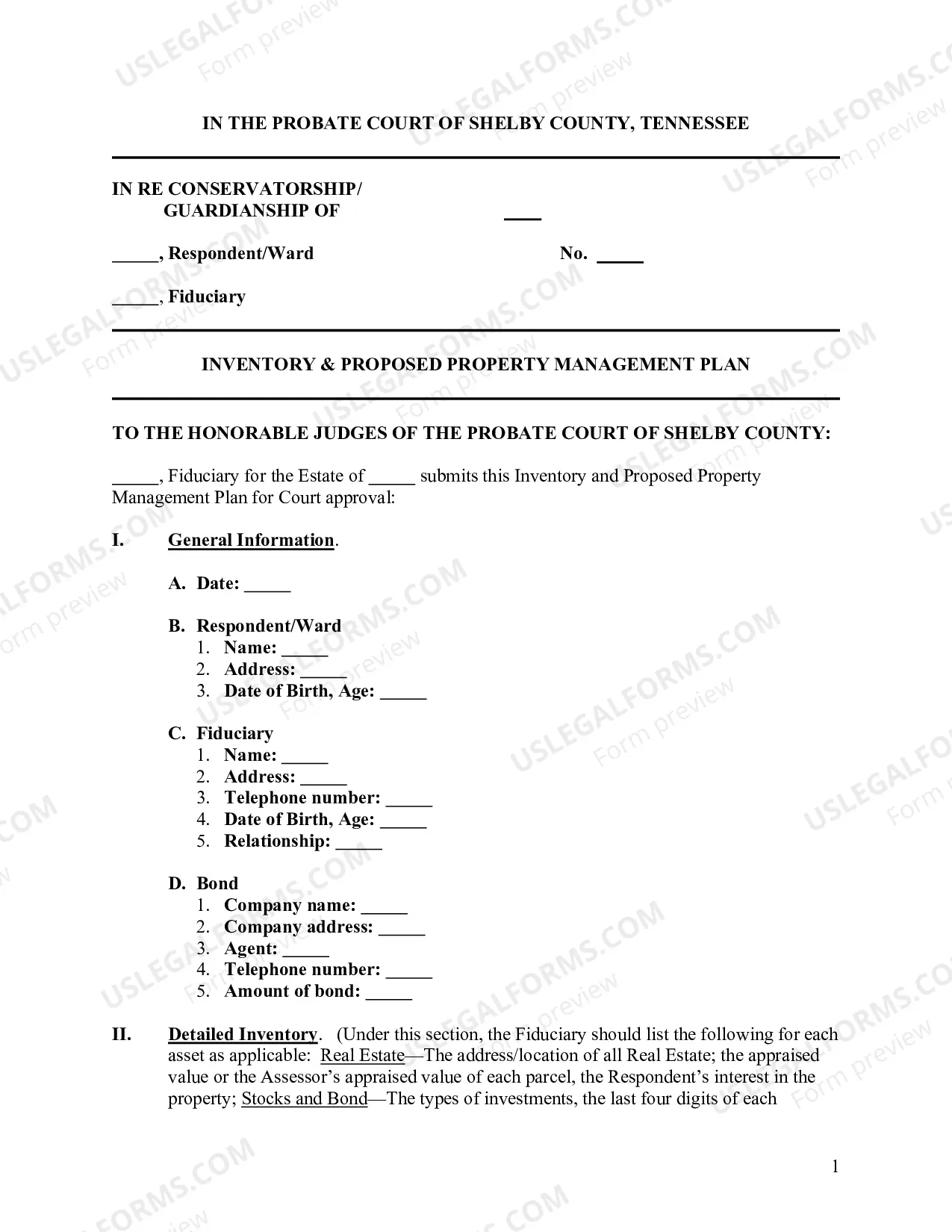
Tennessee Property Management Plan (Fill-in Form)
Description
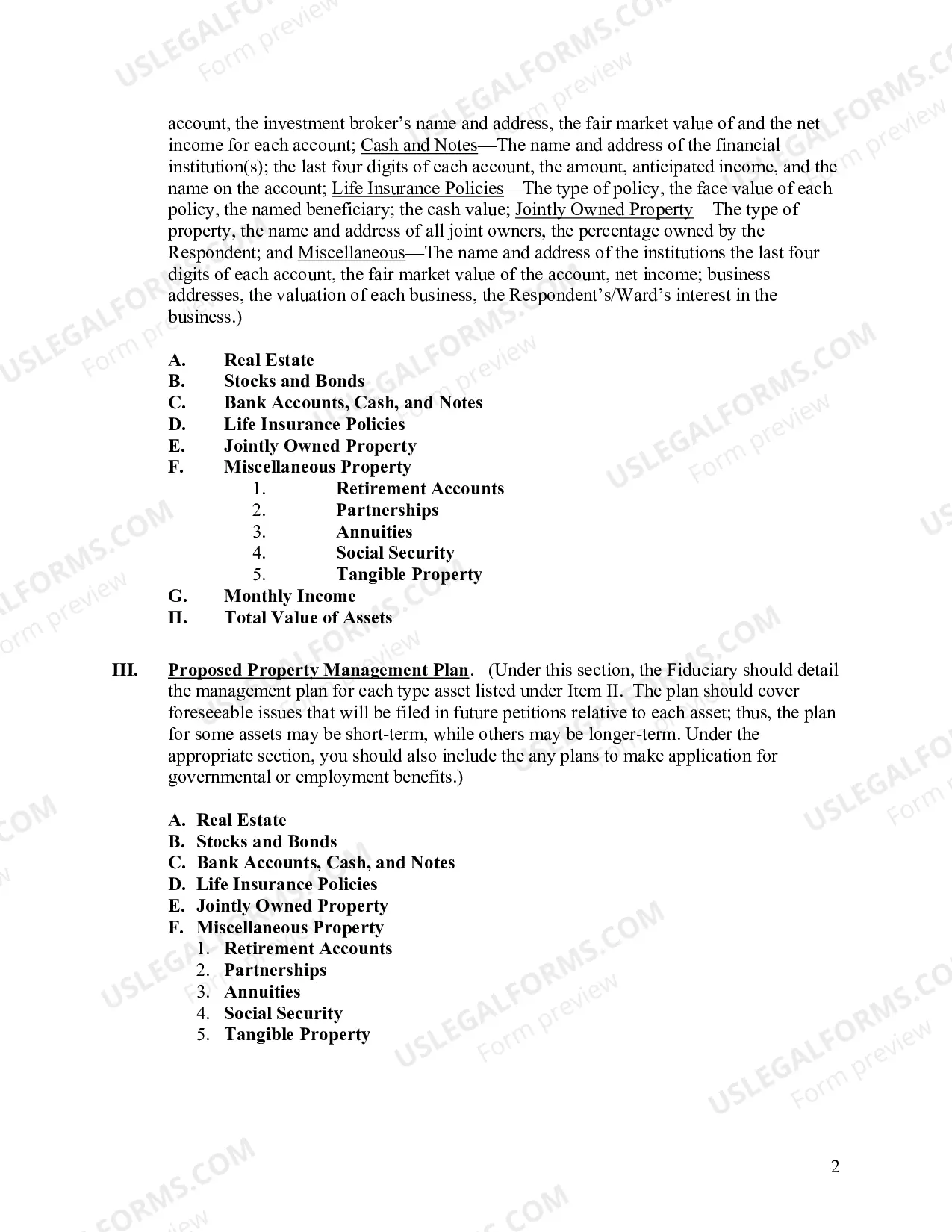
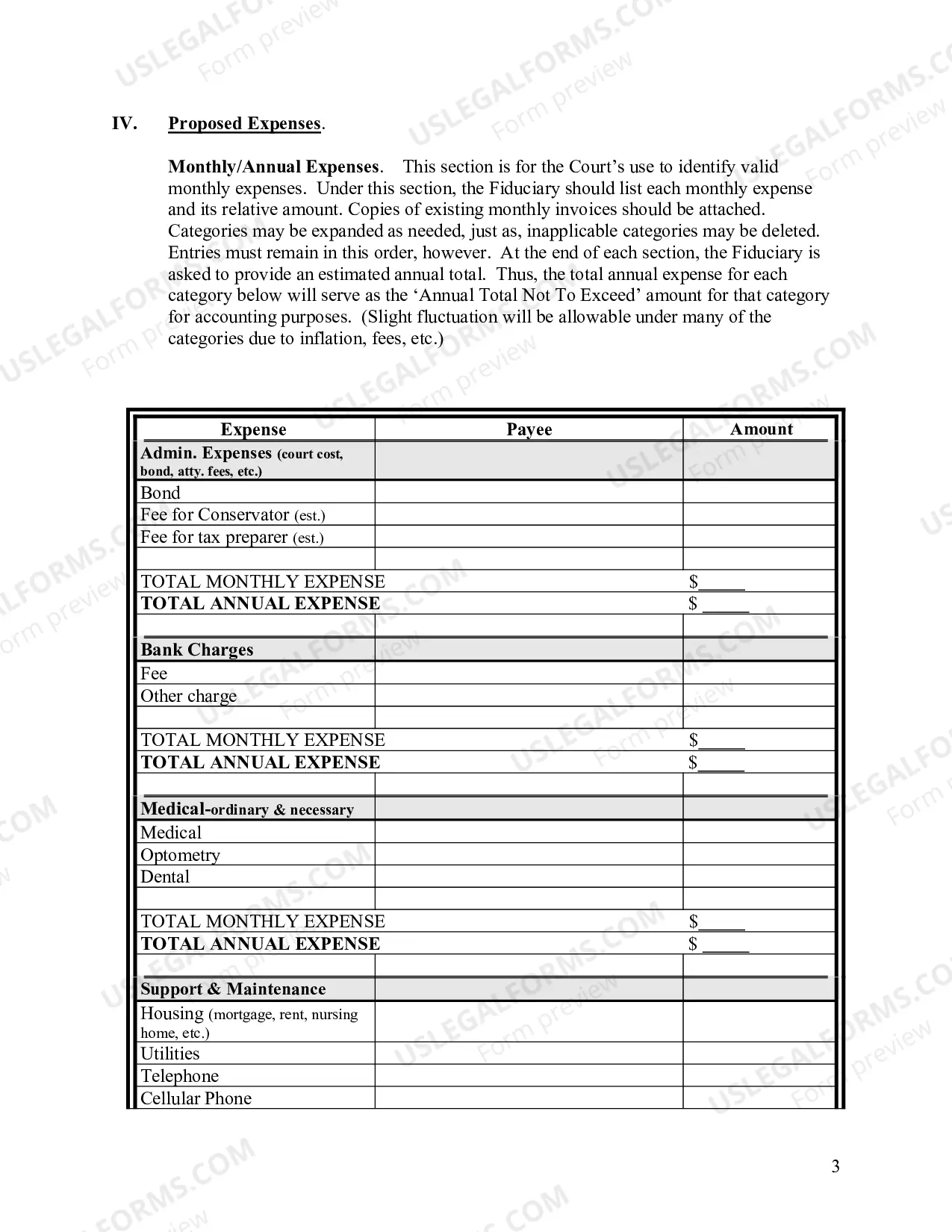
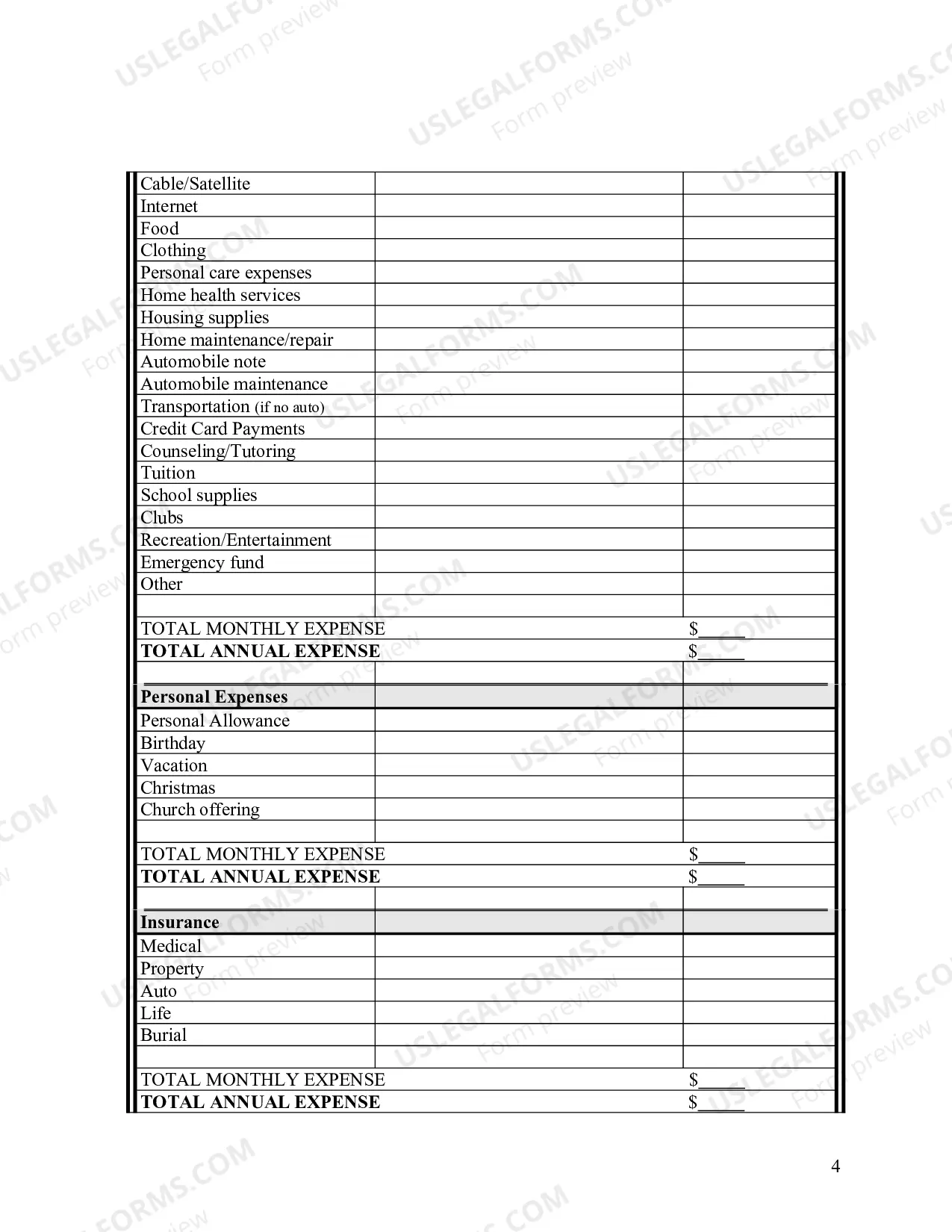
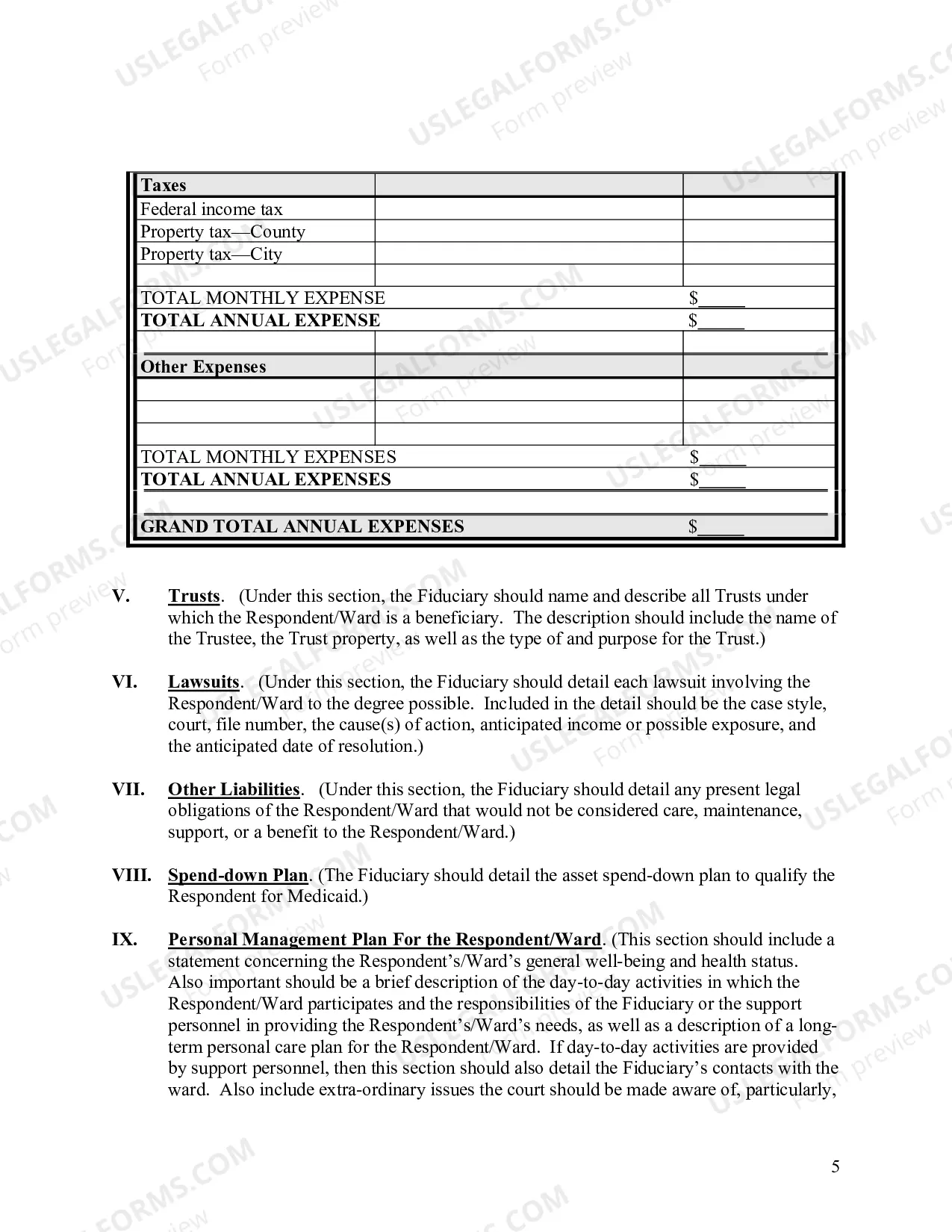
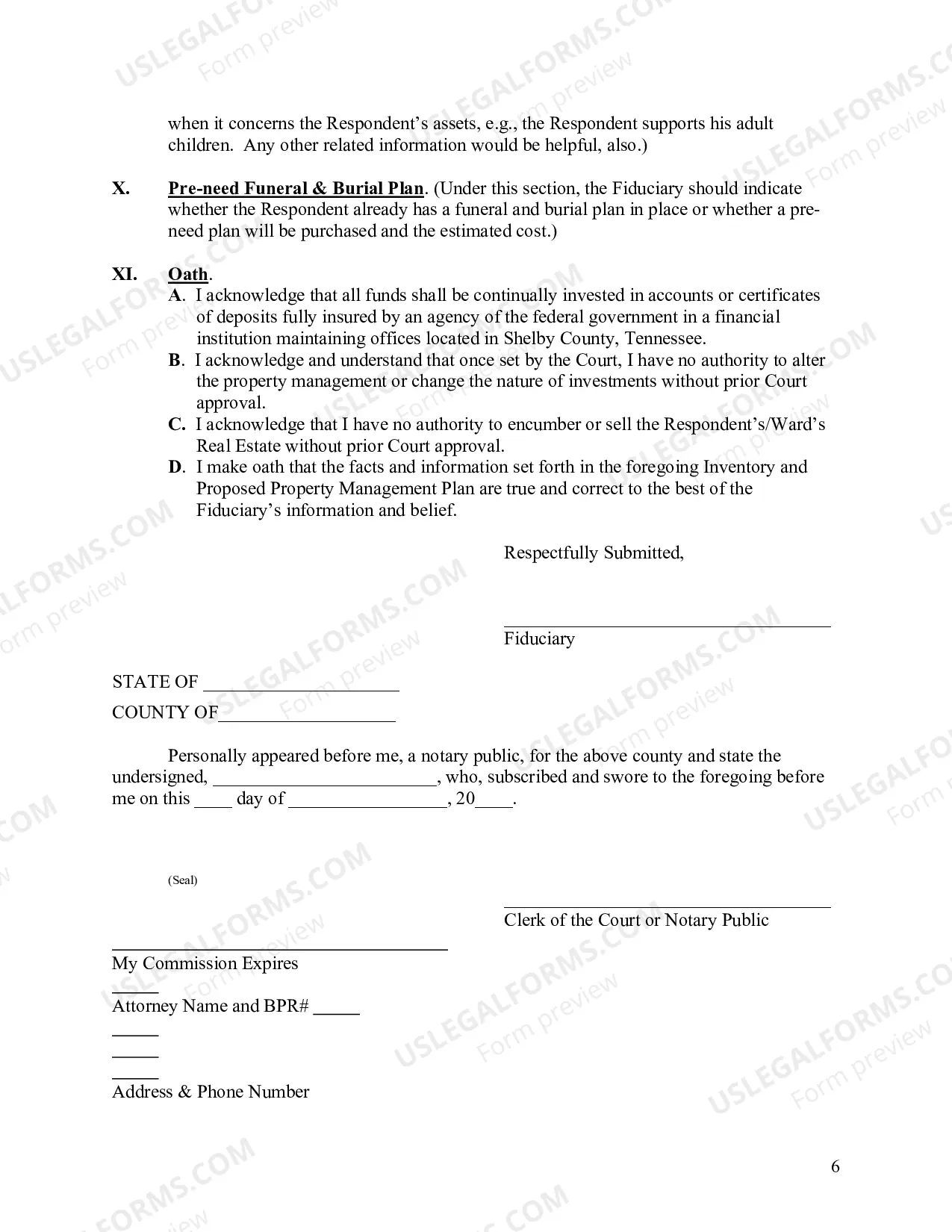
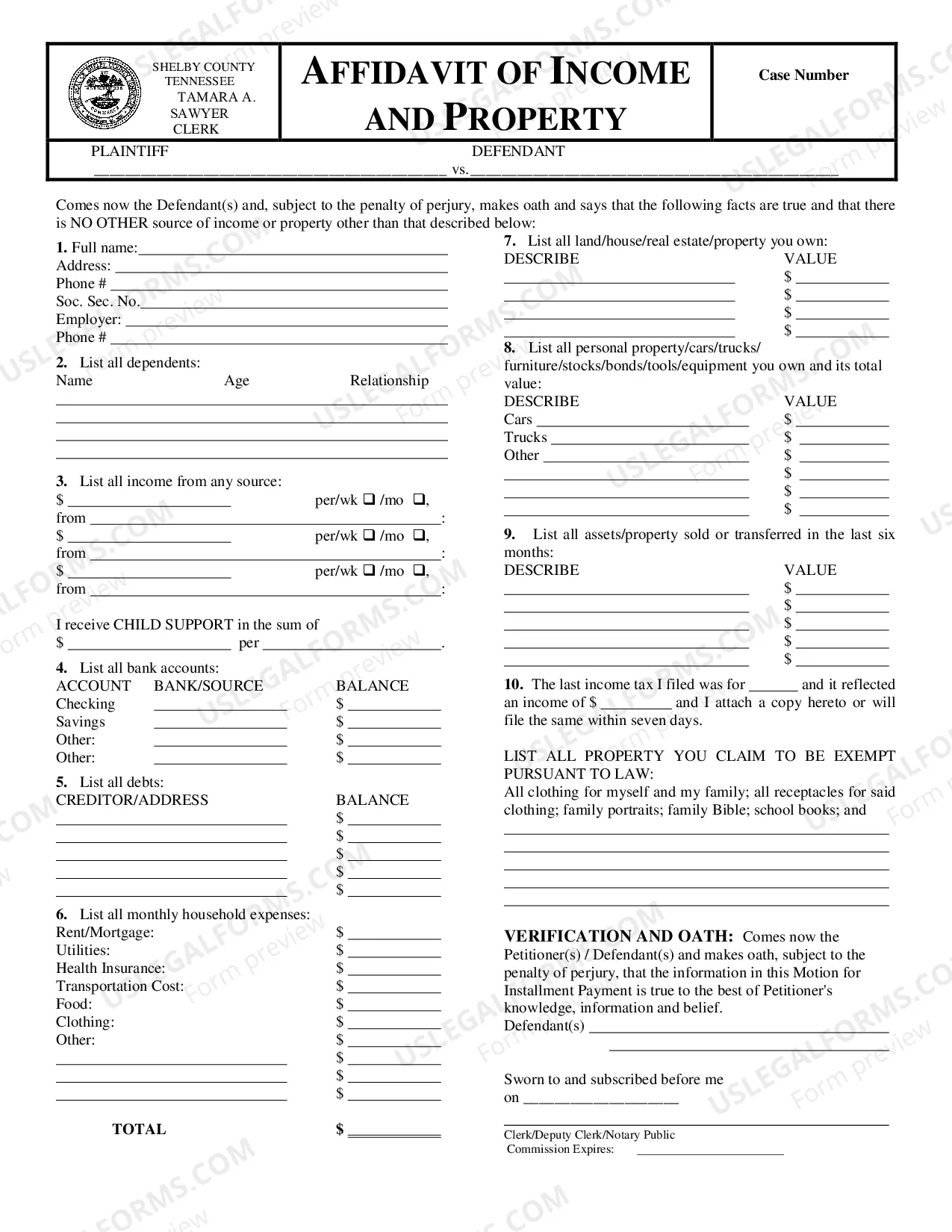
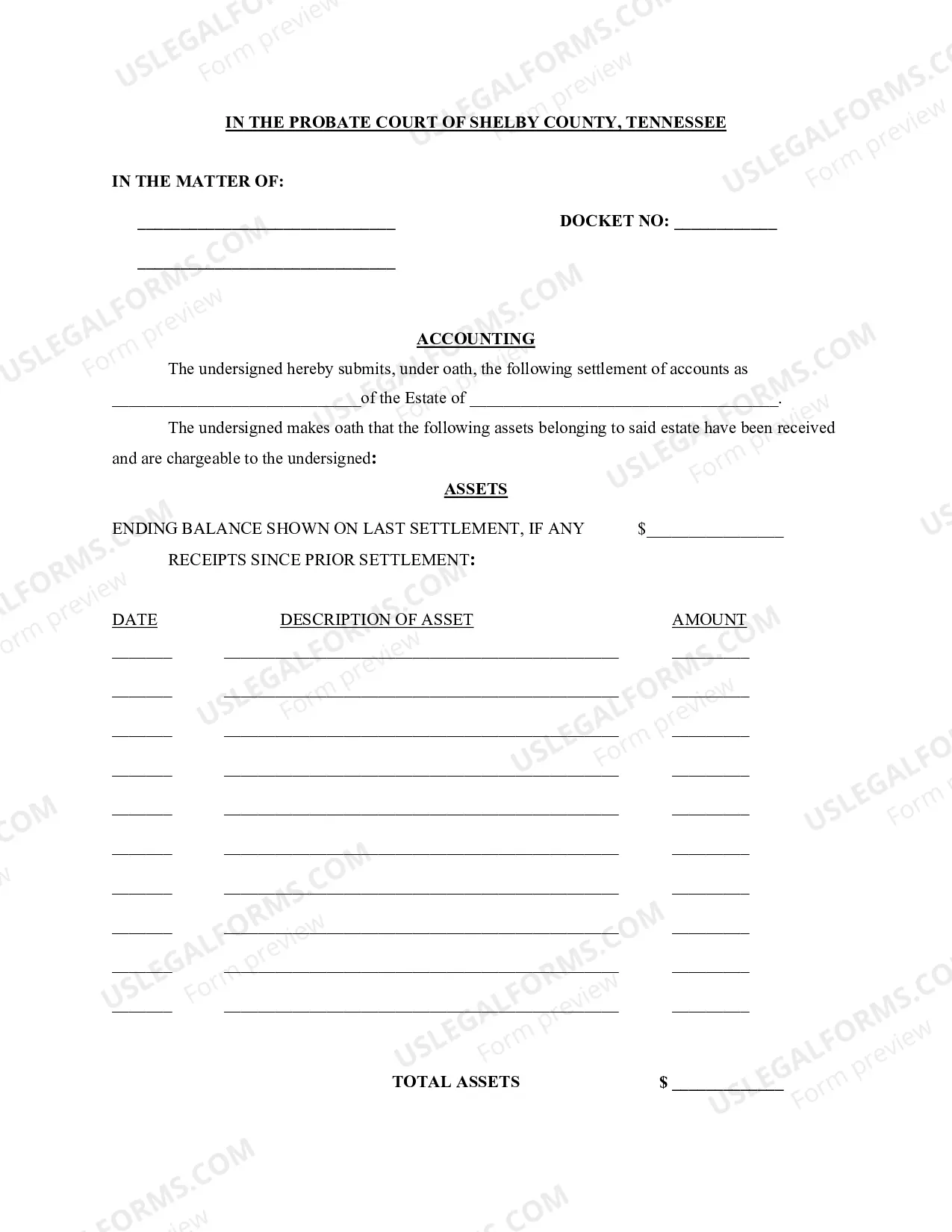
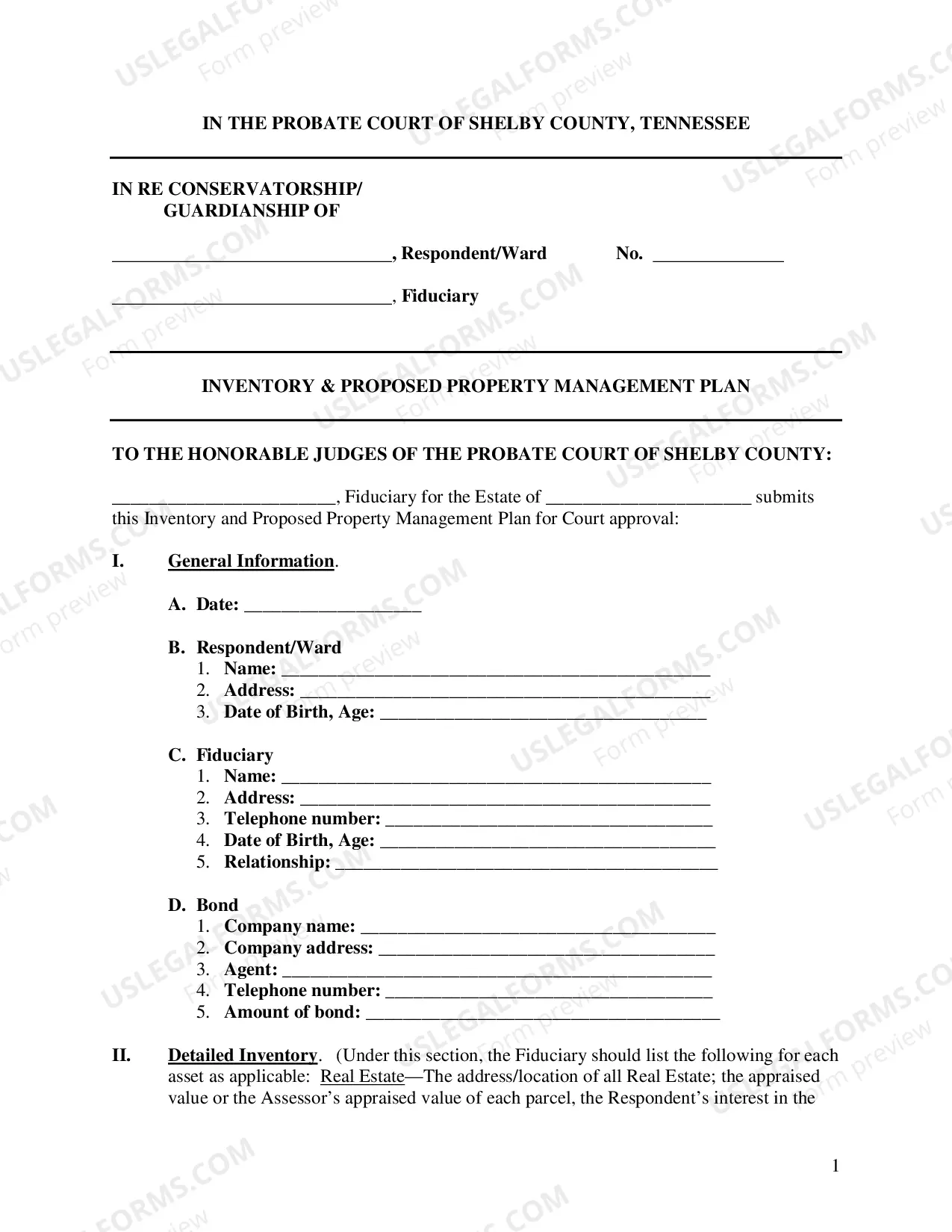
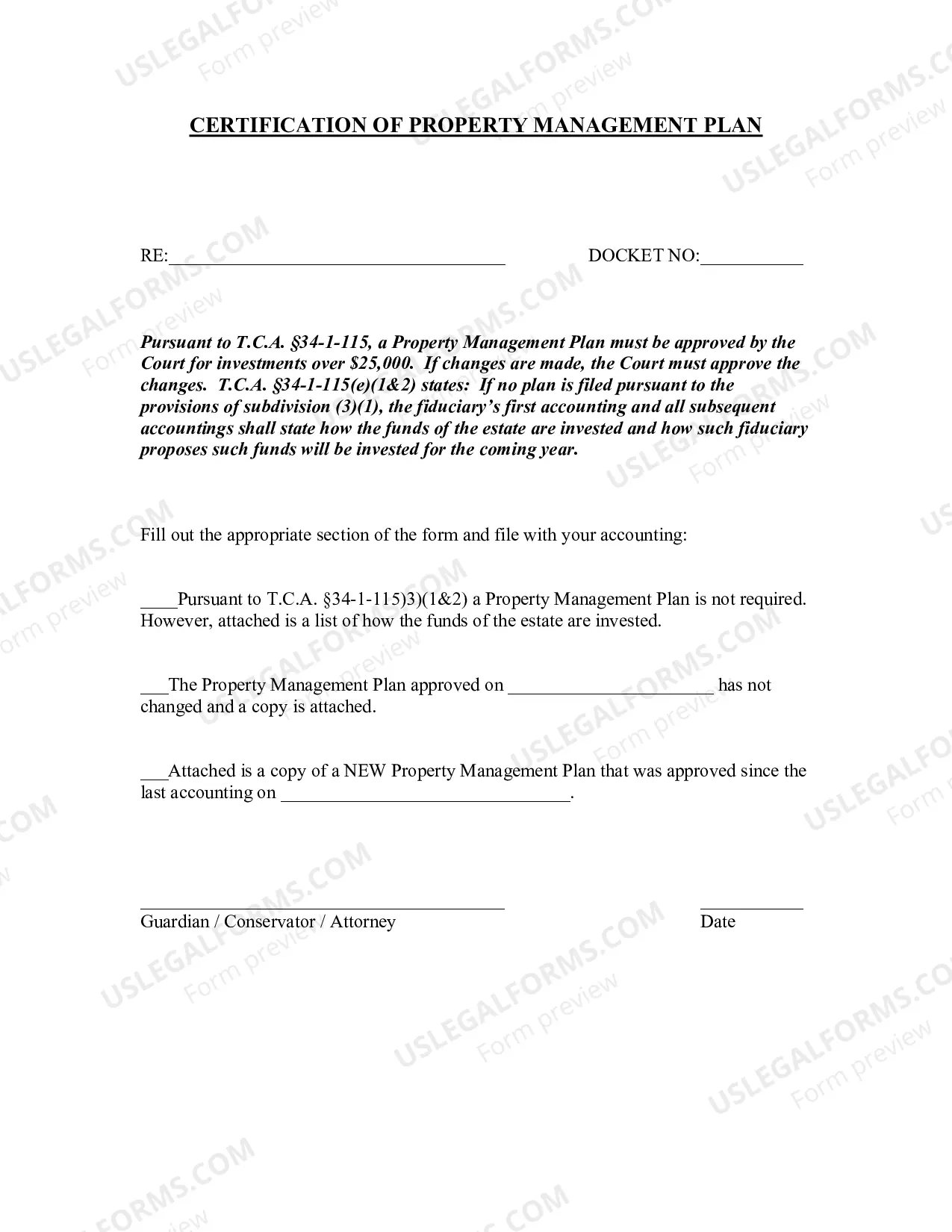
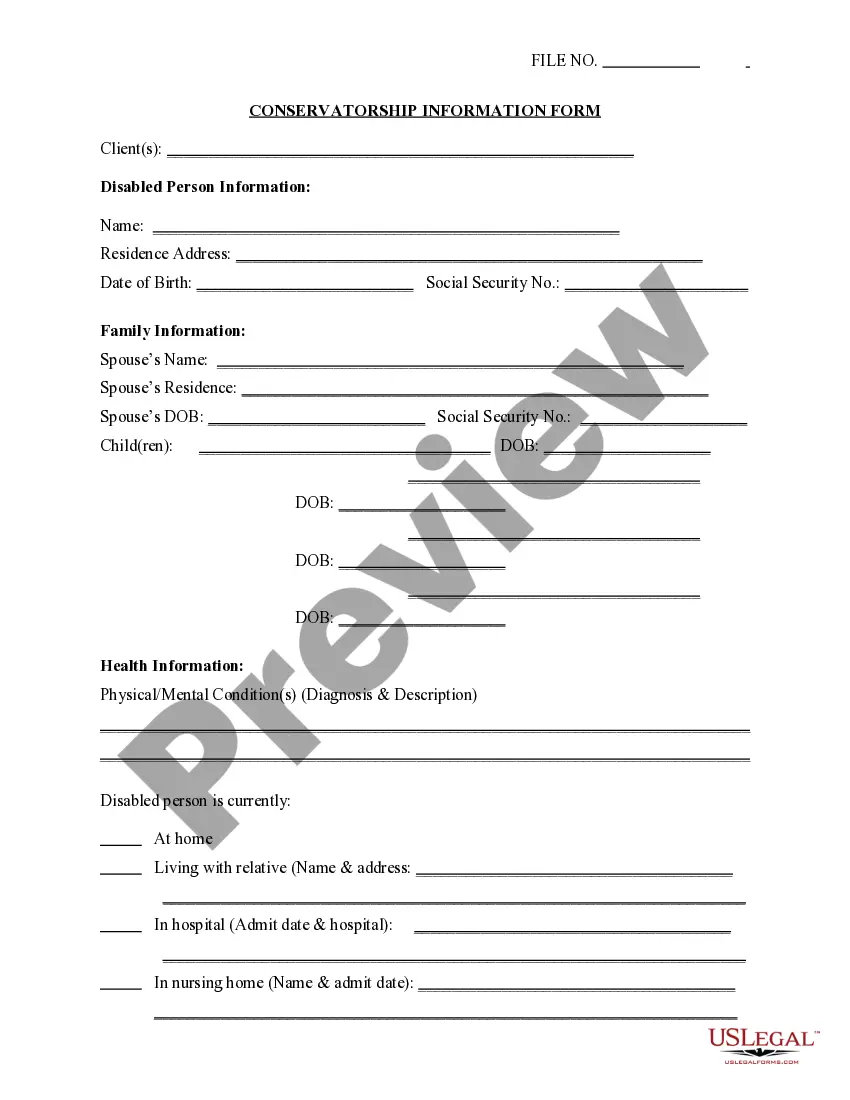
Get your form ready online
Our built-in tools help you complete, sign, share, and store your documents in one place.
Make edits, fill in missing information, and update formatting in US Legal Forms—just like you would in MS Word.
Download a copy, print it, send it by email, or mail it via USPS—whatever works best for your next step.
Sign and collect signatures with our SignNow integration. Send to multiple recipients, set reminders, and more. Go Premium to unlock E-Sign.
If this form requires notarization, complete it online through a secure video call—no need to meet a notary in person or wait for an appointment.
We protect your documents and personal data by following strict security and privacy standards.

Make edits, fill in missing information, and update formatting in US Legal Forms—just like you would in MS Word.

Download a copy, print it, send it by email, or mail it via USPS—whatever works best for your next step.

Sign and collect signatures with our SignNow integration. Send to multiple recipients, set reminders, and more. Go Premium to unlock E-Sign.

If this form requires notarization, complete it online through a secure video call—no need to meet a notary in person or wait for an appointment.

We protect your documents and personal data by following strict security and privacy standards.
Looking for another form?
How to fill out Tennessee Property Management Plan (Fill-in Form)?
If you’re searching for a way to properly prepare the Tennessee Property Management Plan (Fill-in Form) without hiring a lawyer, then you’re just in the right spot. US Legal Forms has proven itself as the most extensive and reliable library of formal templates for every personal and business situation. Every piece of documentation you find on our online service is created in accordance with nationwide and state laws, so you can be certain that your documents are in order.
Follow these straightforward instructions on how to acquire the ready-to-use Tennessee Property Management Plan (Fill-in Form):
- Make sure the document you see on the page complies with your legal situation and state laws by checking its text description or looking through the Preview mode.
- Type in the form name in the Search tab on the top of the page and choose your state from the list to locate an alternative template in case of any inconsistencies.
- Repeat with the content check and click Buy now when you are confident with the paperwork compliance with all the demands.
- Log in to your account and click Download. Register for the service and choose the subscription plan if you still don’t have one.
- Use your credit card or the PayPal option to purchase your US Legal Forms subscription. The blank will be available to download right after.
- Decide in what format you want to get your Tennessee Property Management Plan (Fill-in Form) and download it by clicking the appropriate button.
- Upload your template to an online editor to fill out and sign it quickly or print it out to prepare your paper copy manually.
Another great advantage of US Legal Forms is that you never lose the paperwork you acquired - you can pick any of your downloaded blanks in the My Forms tab of your profile any time you need it.
Form popularity
FAQ
If the deceased person left a will, probate is begun when the person named as executor in the will deposits the original, signed will in the county clerk's probate office in the county in which the decedent lived. A petition for probate must be filed with the probate court as well.
What is the Tennessee Affidavit of Heirship? The affidavit of heirship, sometimes called an affidavit of inheritance, is a statutory form under T.C.A. 30-2-712. An affidavit of heirship, when recorded, gives notice of a change in title following the death of a real property owner.
These are just a few of the many fees listed by this court. The fees range from $5 to $300 depending on the type of document being filed. You can expect most probate processes to require at least a few filings. Every county has different filing fees so it is important to check with each probate court.
Following the deceased's passing, the executor has 60 days to turn in an inventory of the deceased's assets that need to go through probate. They also must notify the deceased's beneficiaries, whether the deceased named them in their will or they were decided ing to Tennesse's intestacy laws.
Succession Process File a petition with the court to open probate. The court appoints an Executor of Estate of Personal Representative. The Executor of the Estate notifies the heirs and publishes notice of probate for creditors. The Executor takes inventory of all assets of the estate and appraises their value.
Even though Tennessee doesn't require an attorney for probate, it can be helpful to seek legal counsel from an estate attorney. The exception to this rule is in Davidson County, which is Nashville. All filings must be done by a licensed attorney for probate.