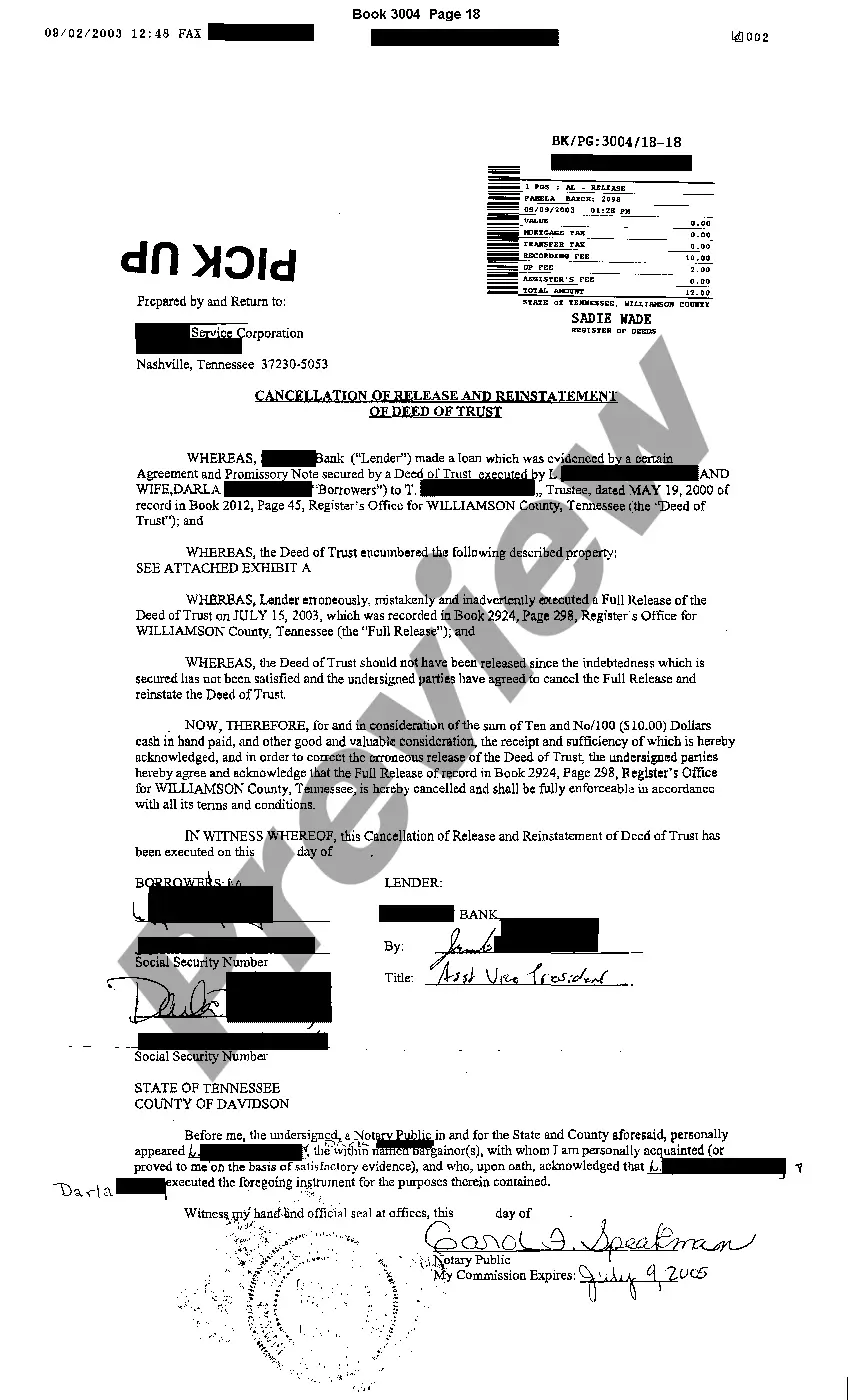
Tennessee Cancellation of Release
Description
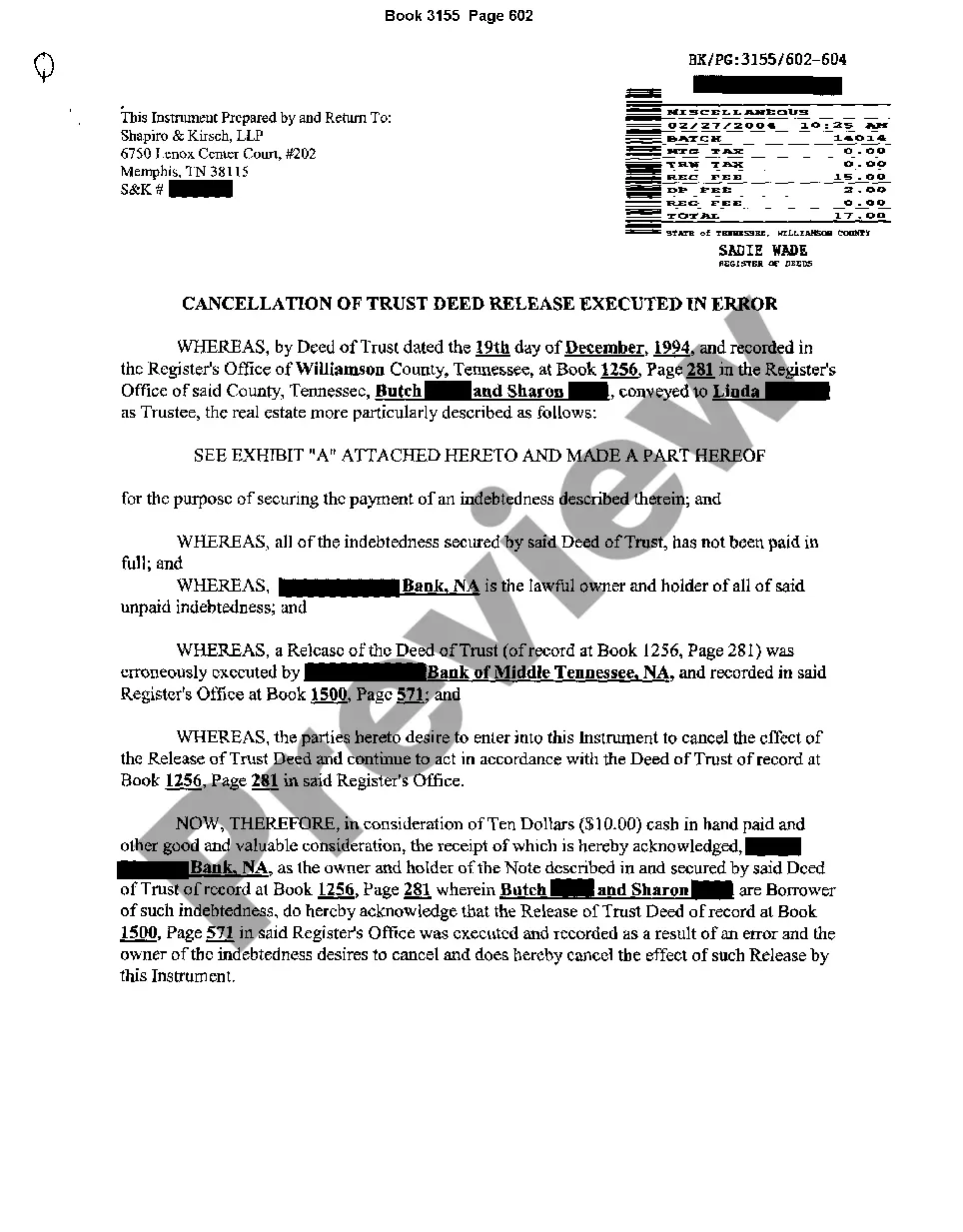
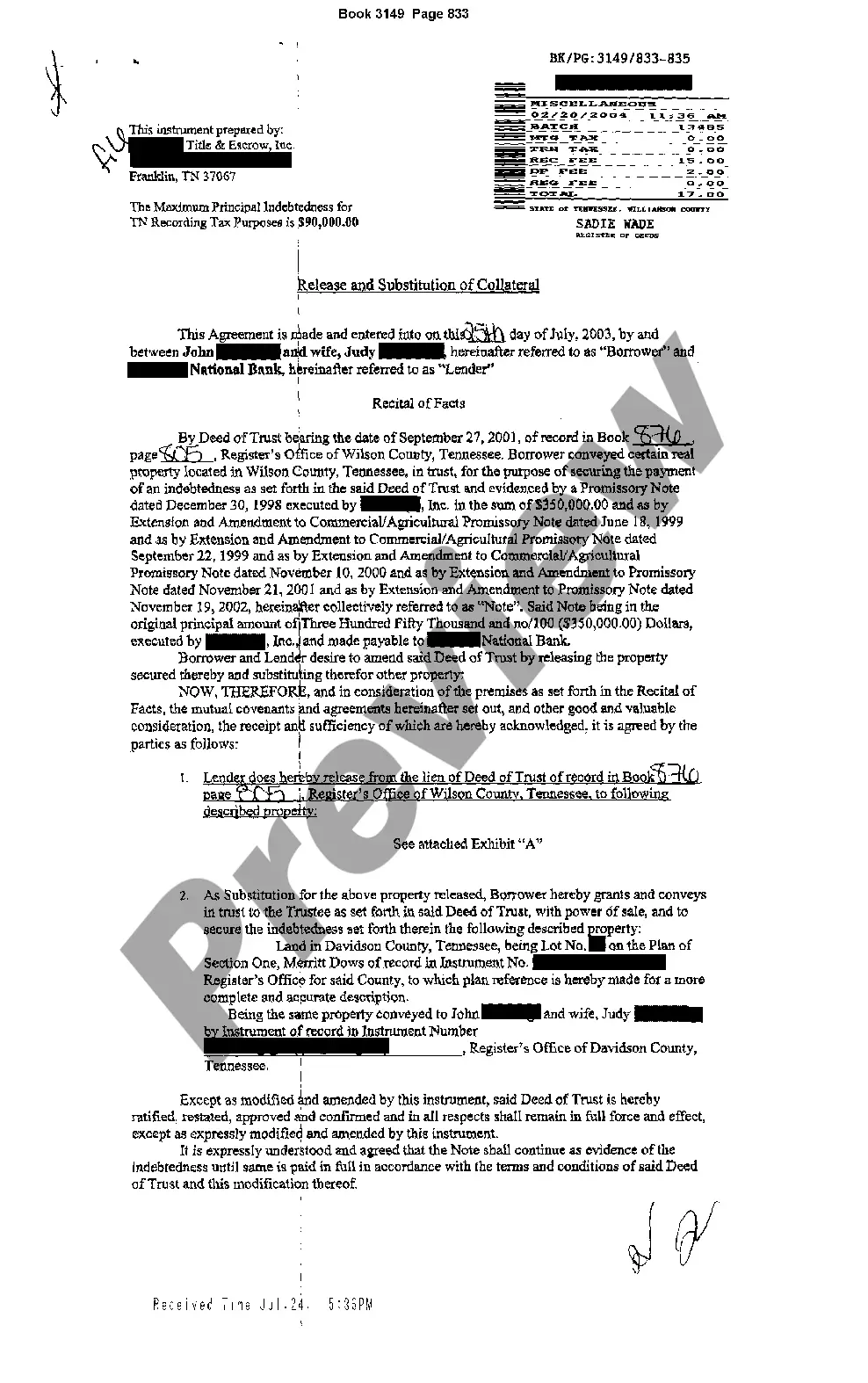
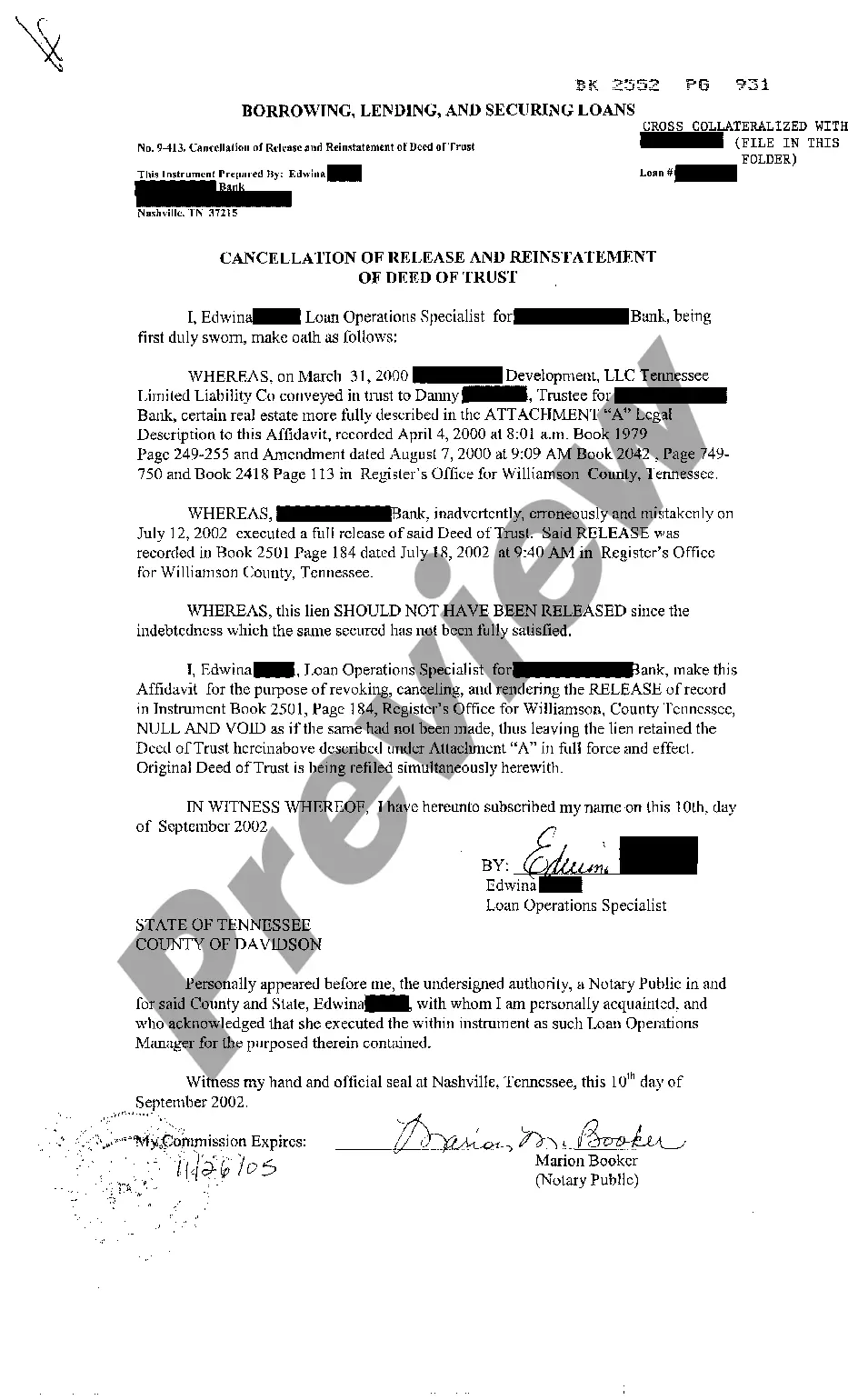
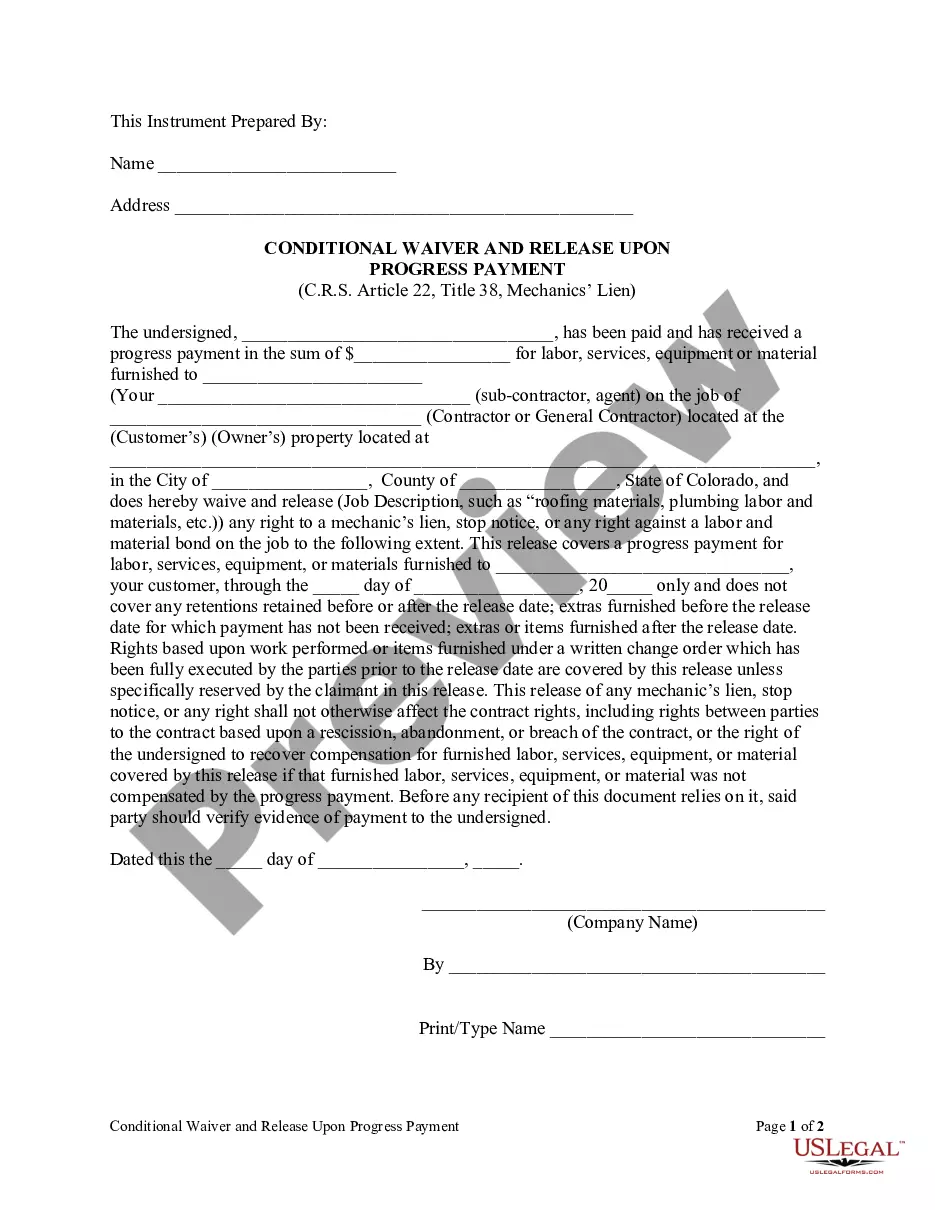
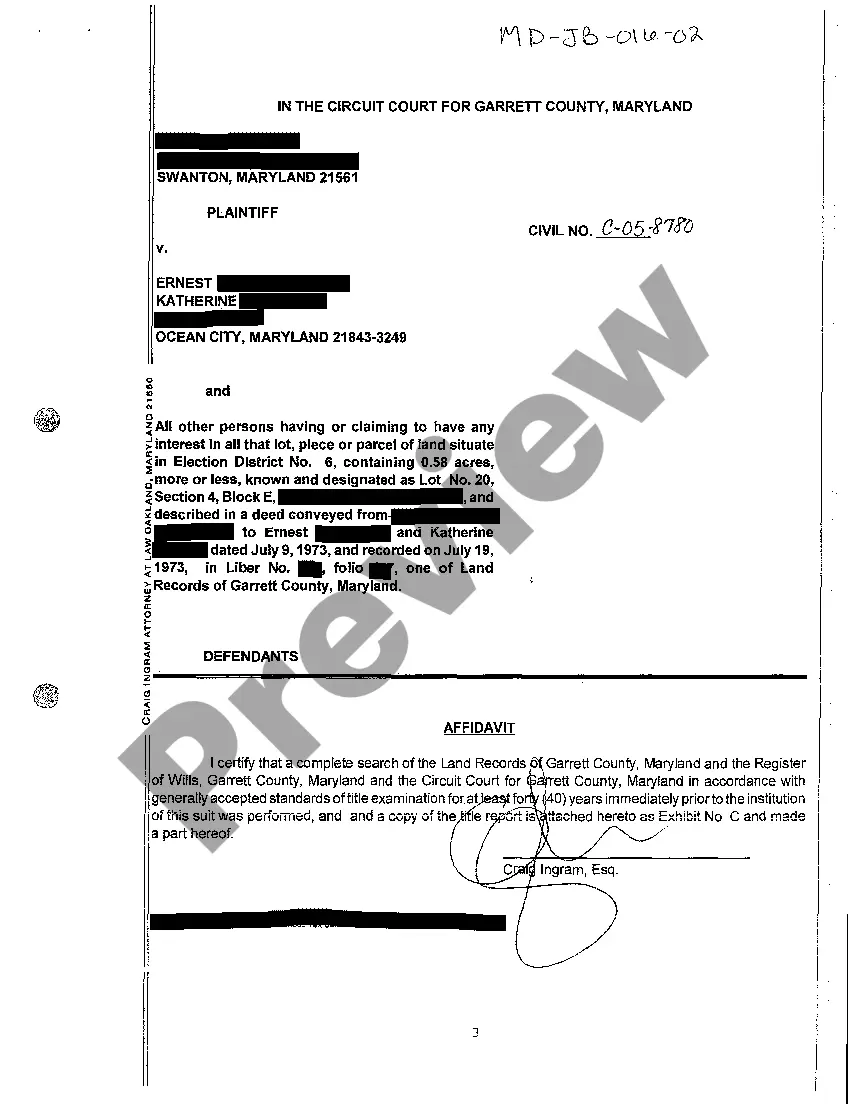
How to fill out Tennessee Cancellation Of Release?
Get access to high quality Tennessee Cancellation of Release forms online with US Legal Forms. Prevent days of lost time looking the internet and dropped money on documents that aren’t up-to-date. US Legal Forms offers you a solution to just that. Find above 85,000 state-specific authorized and tax samples you can download and submit in clicks in the Forms library.
To get the example, log in to your account and click Download. The file will be saved in two places: on the device and in the My Forms folder.
For people who don’t have a subscription yet, check out our how-guide listed below to make getting started simpler:
- Find out if the Tennessee Cancellation of Release you’re looking at is appropriate for your state.
- See the sample using the Preview option and read its description.
- Visit the subscription page by clicking on Buy Now button.
- Choose the subscription plan to go on to sign up.
- Pay out by card or PayPal to complete creating an account.
- Choose a preferred file format to save the document (.pdf or .docx).
Now you can open the Tennessee Cancellation of Release sample and fill it out online or print it and get it done yourself. Take into account mailing the document to your legal counsel to make certain everything is completed appropriately. If you make a error, print and complete sample again (once you’ve created an account every document you download is reusable). Make your US Legal Forms account now and get more templates.
Form popularity
FAQ
How do I transfer the vehicle to the new owner? You will need to complete the assignment of title by registered owner section on the back of your Tennessee title. There is a place for the signature of seller, printed name of seller, date of sale and the sales price.
To receive reinstatement requirements, please go online to https://dl.safety.tn.gov/ or contact the Reinstatement Call Center toll-free at 866-903-7357.
You cannot apply for a title only; the vehicle must be registered at the time when you make application for title. You must be the owner of the vehicle or furnish a notarized Power of Attorney form from the owner. You will be required to furnish a copy of your driver license or acceptable proof of identification.
Get a properly assigned title and Odometer Disclosure Statement from the previous owner. Bring the paperwork to your local county clerk's office. Provide proof of ID and residency. A copy of your current registration if you are transferring current license plates to the new car.
Letter of request to de-title. Certificate of Title (or Certificate of Origin or Manufacturer Statement of Origin in the case of a new home that has not been titled).
On the front of the title, near the middle, the seller must write in the current odometer reading on the vehicle. Near the bottom, the seller must fill in the following information on the appropriate lines: Date the vehicle was sold, and their printed name and signed name (which should be written on the same line).
Back of the title top half - sign name(s) on the line where it reads "Signature and Address of Seller(s)." Back of the title right below where you signed name(s) - print name(s) on the line where it reads "Seller(s) Name (Hand Printed)."
Although the buyer doesn't need to sign a Tennessee bill of sale, both the buyer and the seller should keep copies of the completed document for their records.
Back of the title top half - sign name(s) on the line where it reads "Signature and Address of Seller(s)." Back of the title right below where you signed name(s) - print name(s) on the line where it reads "Seller(s) Name (Hand Printed)."